2017 NISSAN ARMADA check engine
[x] Cancel search: check enginePage 407 of 614
5-66Starting and driving
SYSTEM MALFUNCTION
If the BCI system malfunctions, it will turn off
automatically, a chime will sound and “BCI
MALFUNCTION” warning will appear in the
vehicle information display
*1.
Action to take
Stop the vehicle in a safe location and place the
shift lever in the P (Park) position. Turn the
engine off and restart the engine. If the warning
message continues to appear, have the system
checked. It is recommended you visit a NISSAN
dealer for this service.
JVS0908X
SYSTEM MAINTENANCE
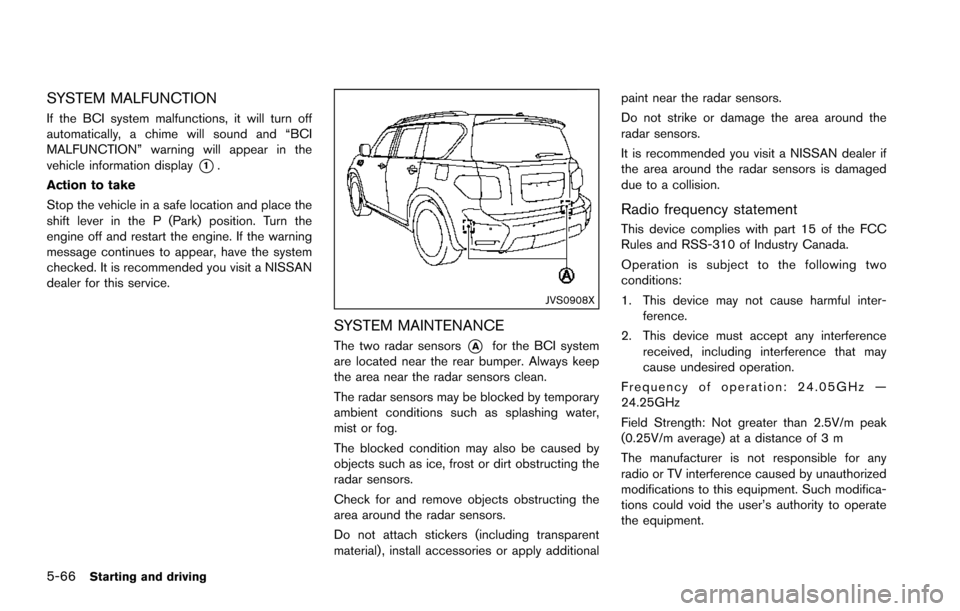
The two radar sensors*Afor the BCI system
are located near the rear bumper. Always keep
the area near the radar sensors clean.
The radar sensors may be blocked by temporary
ambient conditions such as splashing water,
mist or fog.
The blocked condition may also be caused by
objects such as ice, frost or dirt obstructing the
radar sensors.
Check for and remove objects obstructing the
area around the radar sensors.
Do not attach stickers (including transparent
material) , install accessories or apply additional paint near the radar sensors.
Do not strike or damage the area around the
radar sensors.
It is recommended you visit a NISSAN dealer if
the area around the radar sensors is damaged
due to a collision.
Radio frequency statement
This device complies with part 15 of the FCC
Rules and RSS-310 of Industry Canada.
Operation is subject to the following two
conditions:
1. This device may not cause harmful inter-
ference.
2. This device must accept any interference received, including interference that may
cause undesired operation.
Frequency of operation: 24.05GHz —
24.25GHz
Field Strength: Not greater than 2.5V/m peak
(0.25V/m average) at a distance of 3 m
The manufacturer is not responsible for any
radio or TV interference caused by unauthorized
modifications to this equipment. Such modifica-
tions could void the user’s authority to operate
the equipment.
Page 408 of 614
PRECAUTIONS ON CRUISE CON-
TROL
.If the cruise control system malfunctions, it
will cancel automatically. The CRUISE in-
dicator light on the meter panel will then
blink to warn the driver.
. If the engine coolant temperature becomes
excessively high, the cruise control system
will be canceled automatically.
. If the CRUISE indicator light blinks, turn the
cruise control main switch off and have the
system checked. It is recommended you visit
a NISSAN dealer for this service.
. The CRUISE indicator light may sometimes
blink when the cruise control main switch is
turned ON while pushing the ACCELER-
ATE/RESUME, COAST/SET or CANCEL
switch. To properly set the cruise control
system, perform the steps below in the order
indicated.
WARNING
Do not use the cruise control when
driving under the following conditions:
.when it is not possible to keep the
vehicle at a set speed .
in heavy traffic or in traffic that
varies in speed
. on winding or hilly roads
. on slippery roads (rain, snow, ice,
etc.)
. in very windy areas
Doing so could cause a loss of vehicle
control and result in an accident.
JVS0090X
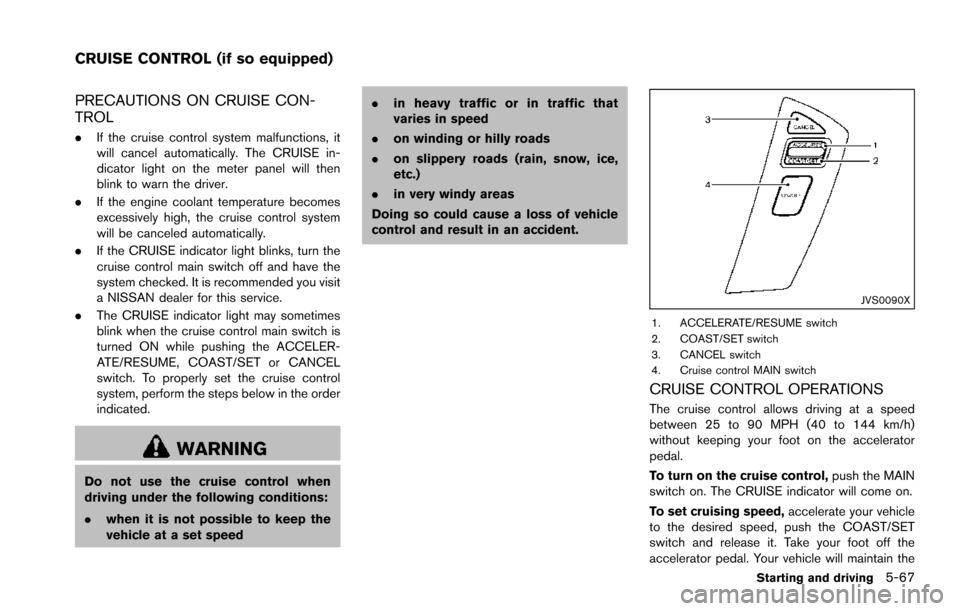
1. ACCELERATE/RESUME switch
2. COAST/SET switch
3. CANCEL switch
4. Cruise control MAIN switch
CRUISE CONTROL OPERATIONS
The cruise control allows driving at a speed
between 25 to 90 MPH (40 to 144 km/h)
without keeping your foot on the accelerator
pedal.
To turn on the cruise control, push the MAIN
switch on. The CRUISE indicator will come on.
To set cruising speed, accelerate your vehicle
to the desired speed, push the COAST/SET
switch and release it. Take your foot off the
accelerator pedal. Your vehicle will maintain the
Starting and driving5-67
CRUISE CONTROL (if so equipped)
Page 416 of 614
SSD0979
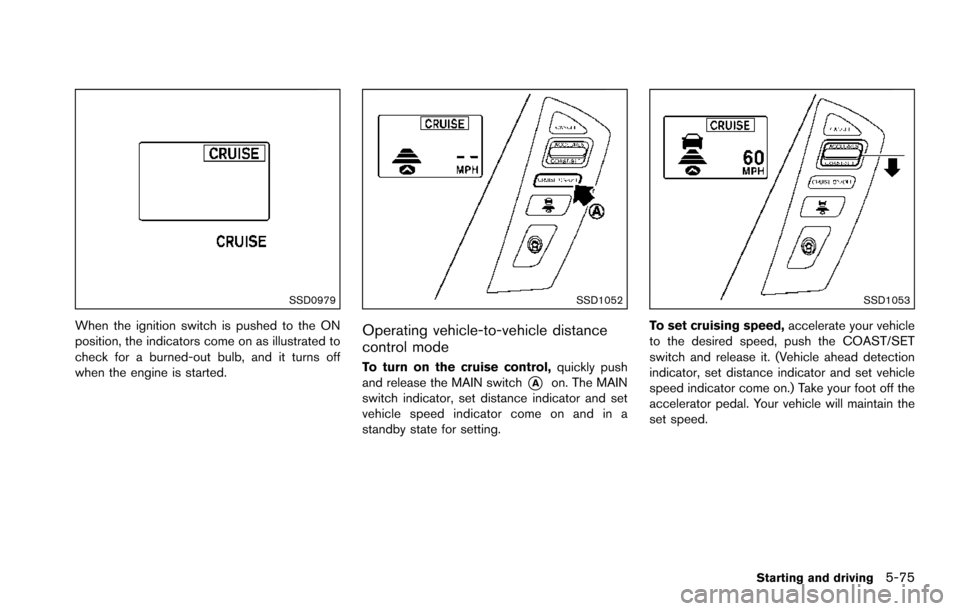
When the ignition switch is pushed to the ON
position, the indicators come on as illustrated to
check for a burned-out bulb, and it turns off
when the engine is started.
SSD1052
Operating vehicle-to-vehicle distance
control mode
To turn on the cruise control,quickly push
and release the MAIN switch
*Aon. The MAIN
switch indicator, set distance indicator and set
vehicle speed indicator come on and in a
standby state for setting.
SSD1053
To set cruising speed, accelerate your vehicle
to the desired speed, push the COAST/SET
switch and release it. (Vehicle ahead detection
indicator, set distance indicator and set vehicle
speed indicator come on.) Take your foot off the
accelerator pedal. Your vehicle will maintain the
set speed.
Starting and driving5-75
Page 426 of 614
System temporarily unavailable
Condition A:
Under the following conditions, the ICC system
is automatically canceled. The chime will sound
and the system will not be able to be set.
.When the VDC is turned off
. When the ABS or VDC operates
. When a tire slips
. When the SNOW mode switch is pushed
on
. When the 4WD shift switch is in the 4H or
4L position (for 4WD models)
. When the radar signal is temporarily inter-
rupted
Action to take:
When the conditions listed above are no longer
present, turn the system off using the MAIN
switch
*2. Turn the ICC system back on to use
the system.
JVS0481X
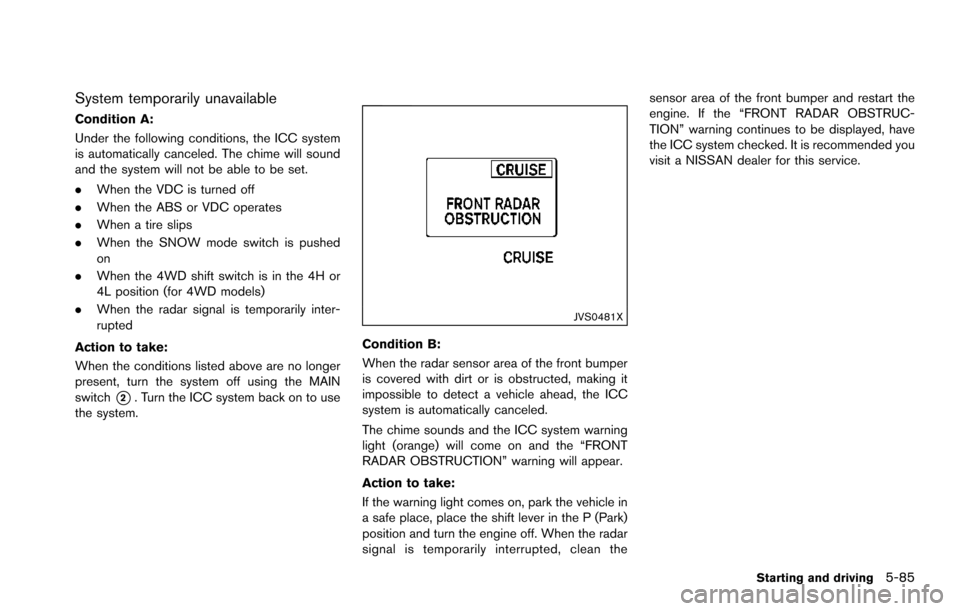
Condition B:
When the radar sensor area of the front bumper
is covered with dirt or is obstructed, making it
impossible to detect a vehicle ahead, the ICC
system is automatically canceled.
The chime sounds and the ICC system warning
light (orange) will come on and the “FRONT
RADAR OBSTRUCTION” warning will appear.
Action to take:
If the warning light comes on, park the vehicle in
a safe place, place the shift lever in the P (Park)
position and turn the engine off. When the radar
signal is temporarily interrupted, clean the sensor area of the front bumper and restart the
engine. If the “FRONT RADAR OBSTRUC-
TION” warning continues to be displayed, have
the ICC system checked. It is recommended you
visit a NISSAN dealer for this service.
Starting and driving5-85
Page 427 of 614
5-86Starting and driving
SSD0979
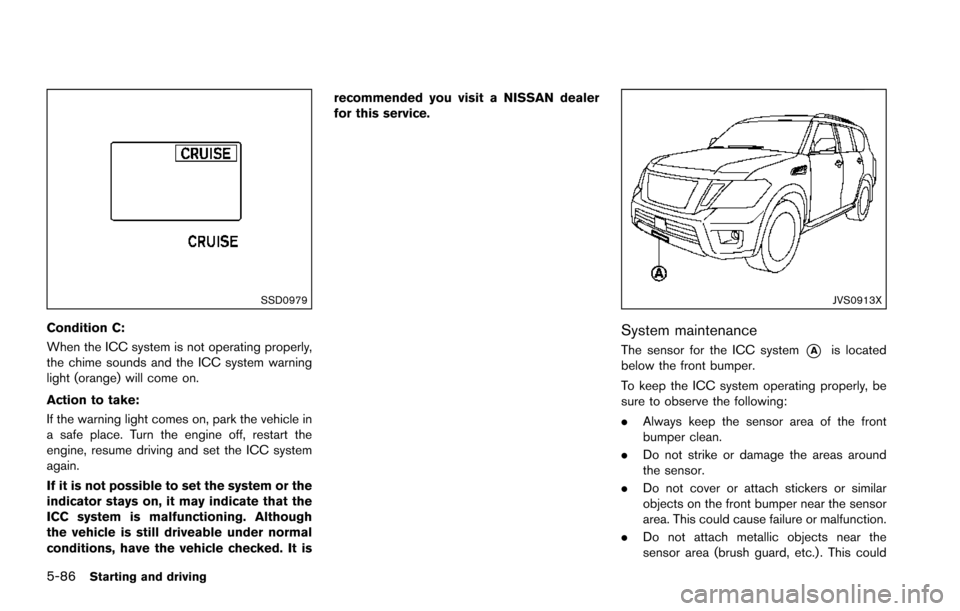
Condition C:
When the ICC system is not operating properly,
the chime sounds and the ICC system warning
light (orange) will come on.
Action to take:
If the warning light comes on, park the vehicle in
a safe place. Turn the engine off, restart the
engine, resume driving and set the ICC system
again.
If it is not possible to set the system or the
indicator stays on, it may indicate that the
ICC system is malfunctioning. Although
the vehicle is still driveable under normal
conditions, have the vehicle checked. It isrecommended you visit a NISSAN dealer
for this service.
JVS0913X
System maintenance
The sensor for the ICC system*Ais located
below the front bumper.
To keep the ICC system operating properly, be
sure to observe the following:
. Always keep the sensor area of the front
bumper clean.
. Do not strike or damage the areas around
the sensor.
. Do not cover or attach stickers or similar
objects on the front bumper near the sensor
area. This could cause failure or malfunction.
. Do not attach metallic objects near the
sensor area (brush guard, etc.) . This could
Page 431 of 614
5-90Starting and driving
To cancel the preset speed,use any of the
following methods:
1. Push the CANCEL switch. The SET indica- tor will turn off.
2. Tap the brake pedal. The SET indicator will turn off.
3. Turn the MAIN switch off. Both the MAIN switch indicator and SET indicator will turn
off.
To reset at a faster cruising speed, use one
of the following three methods:
1. Depress the accelerator pedal. When the vehicle attains the desired speed, push and
release the COAST/SET switch.
2. Push and hold the ACCELERATE/RESUME set switch. When the vehicle attains the
speed you desire, release the switch.
3. Push, then quickly release the ACCELER- ATE/RESUME switch. Each time you do
this, the set speed will increase by about 1
MPH (1.6 km/h) .
To reset at a slower cruising speed, use one
of the following three methods:
1. Lightly tap the brake pedal. When the vehicle attains the desired speed, push the
COAST/SET switch and release it. 2. Push and hold the COAST/SET switch.
Release the switch when the vehicle slows
down to the desired speed.
3. Push, then quickly release the COAST/SET switch. Each time you do this, the set speed
will decrease by about 1 MPH (1.6 km/h) .
To resume the preset speed, push and
release the ACCELERATE/RESUME switch.
The vehicle will resume the last set cruising
speed when the vehicle speed is over 25 MPH
(40 km/h) .
System temporarily unavailable
Under the following condition, a chime will
sound and the system control is automatically
canceled.
. When the vehicle slows down more than 8
MPH (13 km/h) below the set speed
. When the shift lever is shifted to the N
(Neutral) position
. When the parking brake is applied
. When the VDC (including the traction
control system) operates.
. When a wheel slipsJVS0661X
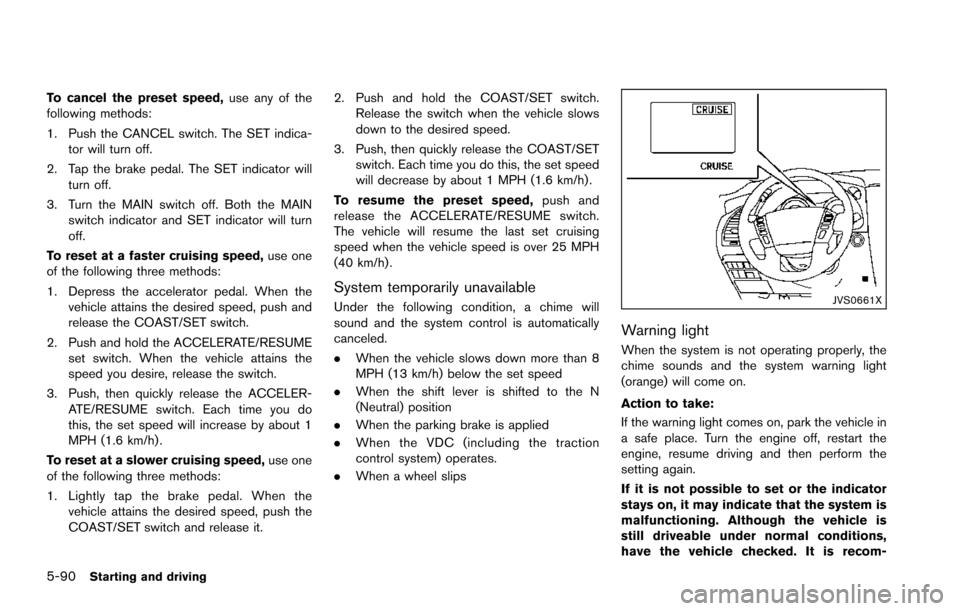
Warning light
When the system is not operating properly, the
chime sounds and the system warning light
(orange) will come on.
Action to take:
If the warning light comes on, park the vehicle in
a safe place. Turn the engine off, restart the
engine, resume driving and then perform the
setting again.
If it is not possible to set or the indicator
stays on, it may indicate that the system is
malfunctioning. Although the vehicle is
still driveable under normal conditions,
have the vehicle checked. It is recom-
Page 444 of 614
.When the VDC or ABS (including the
traction control system) operates
. When the SNOW mode switch is ON (To
use the DCA system, turn off the SNOW
mode switch, then turn on the dynamic
driver assistance switch
*2.)
For details about the SNOW mode switch,
see “SNOW mode switch” (P.2-47).
. When the 4WD shift switch is in the 4H or
4L position (for 4WD models)
. When the radar signal is temporarily inter-
rupted
Action to take:
When the conditions listed above are no longer
present, turn the system off with the dynamic
driver assistance switch
*2. Turn the DCA
system back on to use the system.
JVS0482X
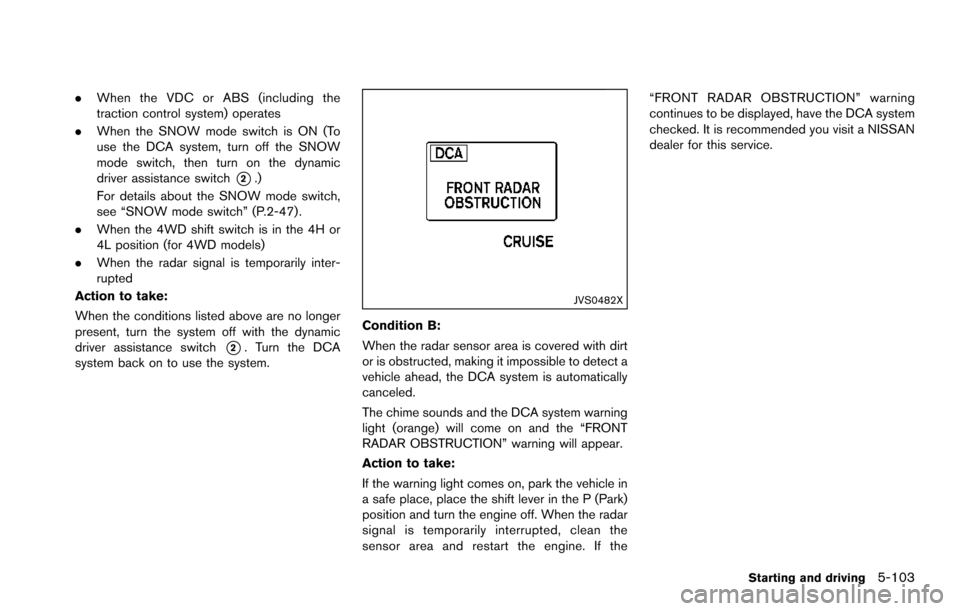
Condition B:
When the radar sensor area is covered with dirt
or is obstructed, making it impossible to detect a
vehicle ahead, the DCA system is automatically
canceled.
The chime sounds and the DCA system warning
light (orange) will come on and the “FRONT
RADAR OBSTRUCTION” warning will appear.
Action to take:
If the warning light comes on, park the vehicle in
a safe place, place the shift lever in the P (Park)
position and turn the engine off. When the radar
signal is temporarily interrupted, clean the
sensor area and restart the engine. If the “FRONT RADAR OBSTRUCTION” warning
continues to be displayed, have the DCA system
checked. It is recommended you visit a NISSAN
dealer for this service.
Starting and driving5-103
Page 445 of 614
5-104Starting and driving
SSD0999
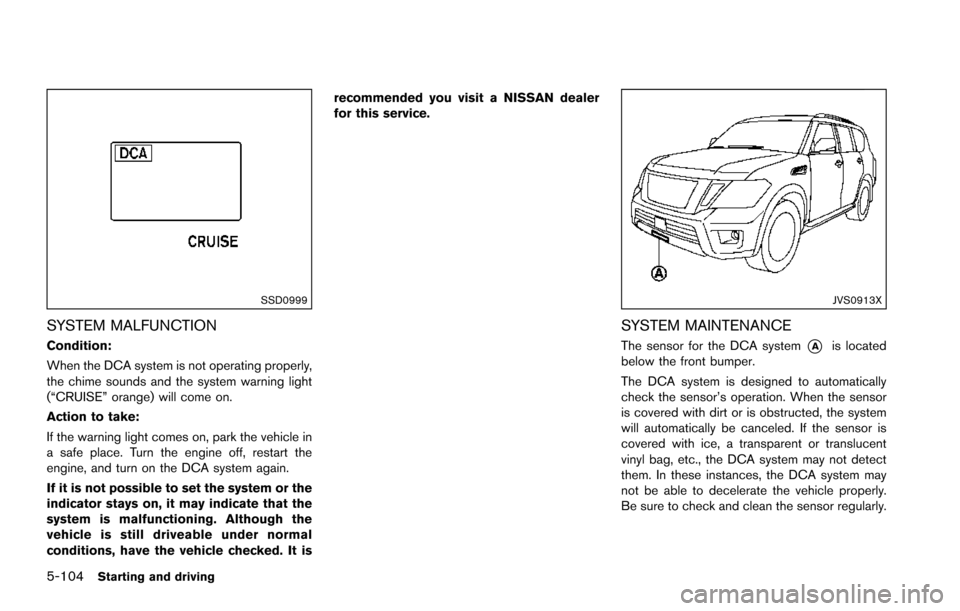
SYSTEM MALFUNCTION
Condition:
When the DCA system is not operating properly,
the chime sounds and the system warning light
(“CRUISE” orange) will come on.
Action to take:
If the warning light comes on, park the vehicle in
a safe place. Turn the engine off, restart the
engine, and turn on the DCA system again.
If it is not possible to set the system or the
indicator stays on, it may indicate that the
system is malfunctioning. Although the
vehicle is still driveable under normal
conditions, have the vehicle checked. It isrecommended you visit a NISSAN dealer
for this service.
JVS0913X
SYSTEM MAINTENANCE
The sensor for the DCA system*Ais located
below the front bumper.
The DCA system is designed to automatically
check the sensor’s operation. When the sensor
is covered with dirt or is obstructed, the system
will automatically be canceled. If the sensor is
covered with ice, a transparent or translucent
vinyl bag, etc., the DCA system may not detect
them. In these instances, the DCA system may
not be able to decelerate the vehicle properly.
Be sure to check and clean the sensor regularly.