2017 MERCEDES-BENZ GLS technical data
[x] Cancel search: technical dataPage 5 of 390
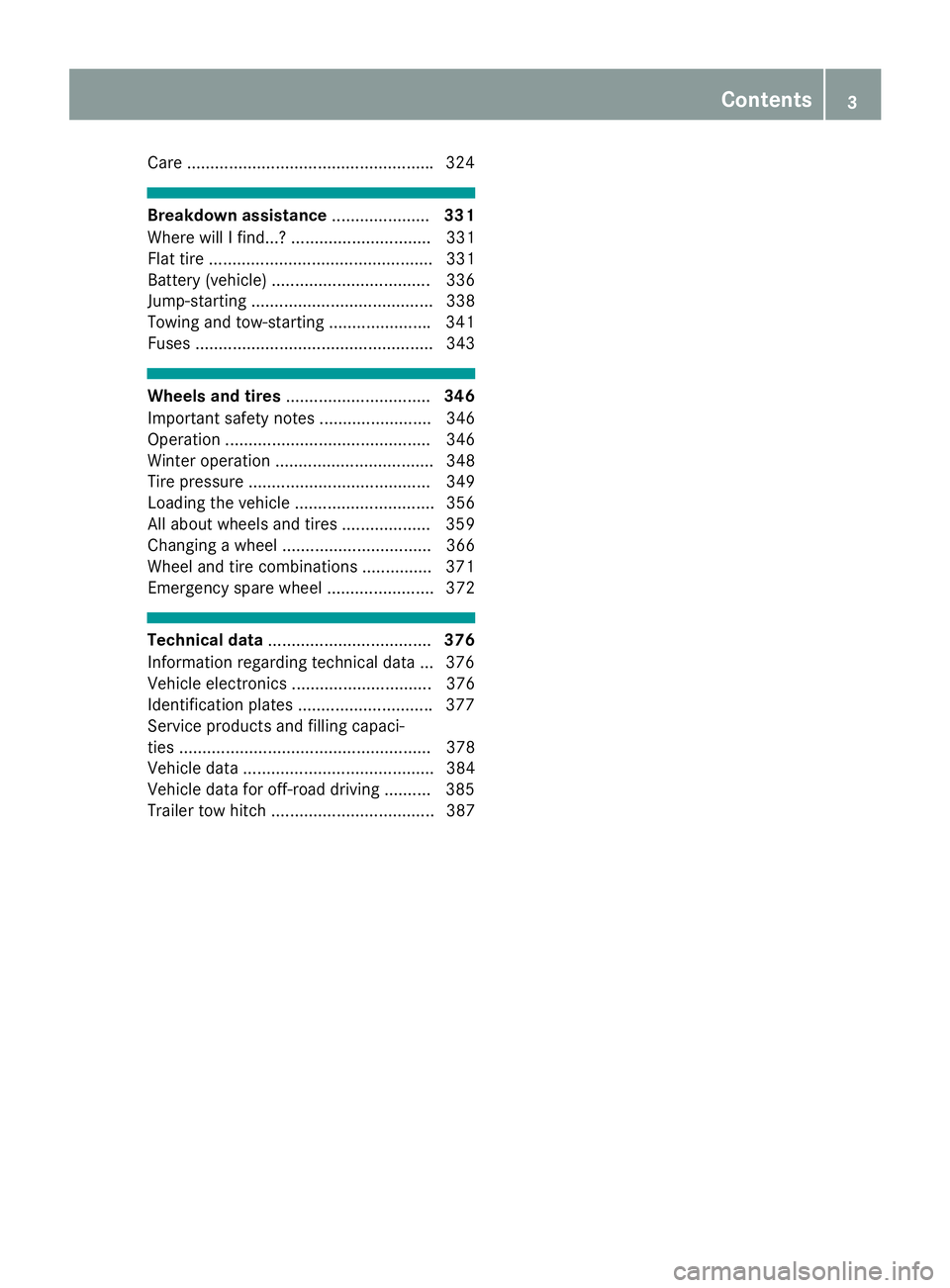
Care .................................................... .3 24
Breakdown assistance ..................... 331
Where will I find...? .............................. 331
Flat tire ................................................ 331
Battery (vehicle) .................................. 336
Jump-starting ....................................... 338
Towing and tow-starting ..................... .3 41
Fuses ................................................... 343
Wheels and tires ............................... 346
Important safety notes ........................ 346
Operation ............................................ 346
Winter operation .................................. 348
Tire pressure ....................................... 349
Loading the vehicle .............................. 356
All about wheels and tires ................... 359
Changing a wheel ................................ 366
Wheel and tire combinations .............. .3 71
Emergency spare wheel ....................... 372
Technical data ................................... 376
Information regarding technical data ... 376
Vehicle electronics .............................. 376
Identification plates ............................ .3 77
Service products and filling capaci-
ties ...................................................... 378
Vehicle data ......................................... 384
Vehicle data for off-road driving .......... 385
Trailer tow hitch ................................... 387 Contents 3
Page 10 of 390
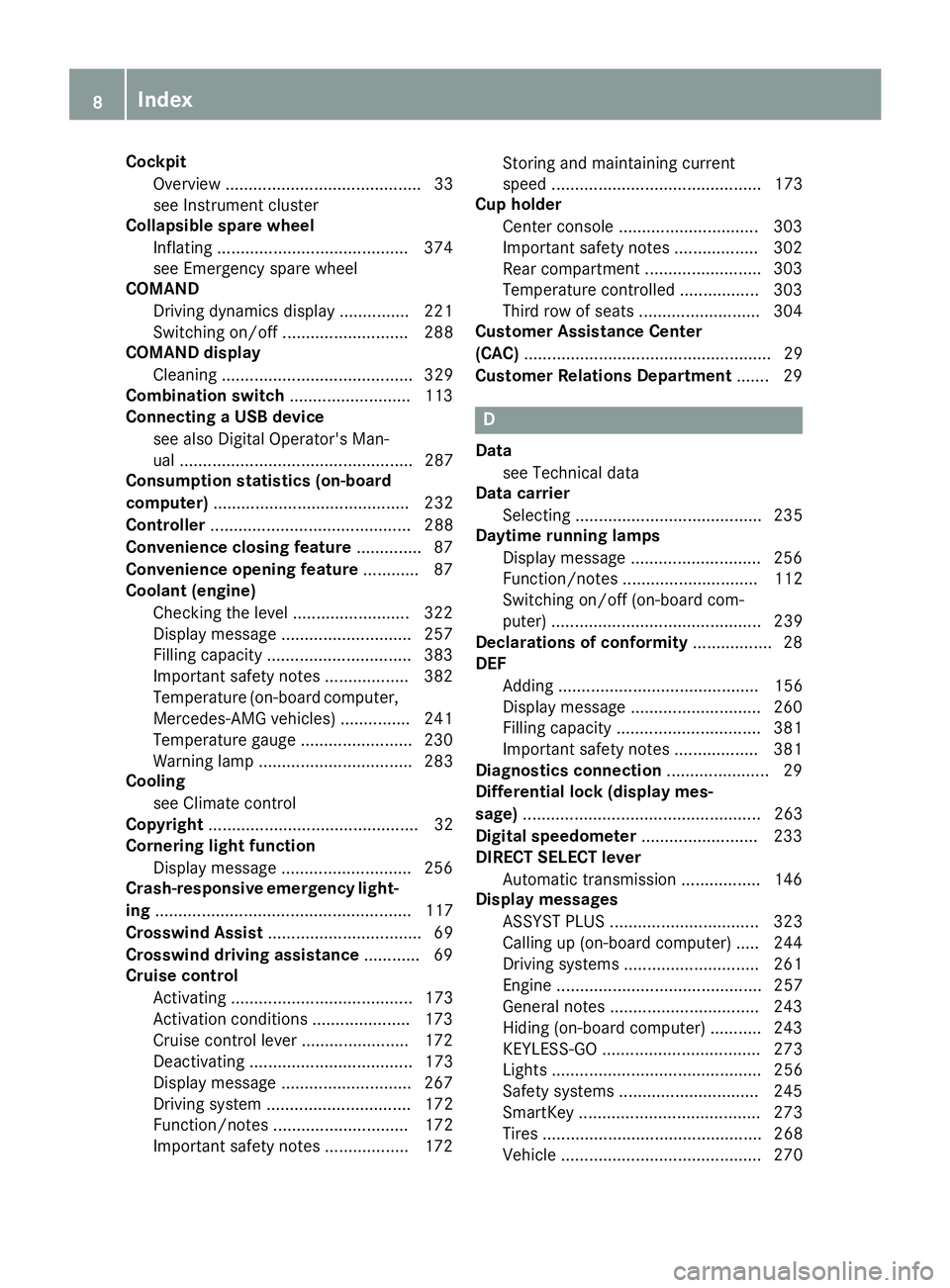
Cockpit
Overview .......................................... 33
see Instrument cluster
Collapsible spare wheel
Inflating ........................................ .3 74
see Emergency spare wheel
COMAND
Driving dynamics display ............... 221
Switching on/off ........................... 288
COMAND display
Cleaning ......................................... 329
Combination switch .......................... 113
Connecting a USB device
see also Digital Operator's Man-
ual .................................................. 287
Consumption statistics (on-board
computer) .......................................... 232
Controller ........................................... 288
Convenience closing feature .............. 87
Convenience opening feature ............ 87
Coolant (engine)
Checking the level ......................... 322
Display message ............................ 257
Filling capacity ............................... 383
Important safety notes .................. 382
Temperature (on-board computer,
Mercedes-AMG vehicles) ............... 241
Temperature gauge ........................ 230
Warning lamp ................................. 283
Cooling
see Climate control
Copyright ............................................. 32
Cornering light function
Display message ............................ 256
Crash-responsive emergency light-
ing ....................................................... 117
Crosswind Assist ................................. 69
Crosswind driving assistance ............ 69
Cruise control
Activating ....................................... 173
Activation conditions ..................... 173
Cruise control lever ....................... 172
Deactivating ................................... 173
Display message ............................ 267
Driving system ............................... 172
Function/notes ............................. 172
Important safety notes .................. 172 Storing and maintaining current
speed ............................................. 173
Cup holder
Center console .............................. 303
Important safety notes .................. 302
Rear compartm ent ......................... 303
T e
mperature controlled ................. 303
Third row of seats .......................... 304
Customer Assistance Center
(CAC) ..................................................... 29
Customer Relations Department ....... 29
D Data
see Technical data
Data carrier
Selecting ........................................ 235
Daytime running lamps
Display message ............................ 256
Function/notes ............................. 112
Switching on/off (on-board com-
puter) ............................................. 239
Declarations of conformity ................. 28
DEF
Adding ........................................... 156
Display message ............................ 260
Filling capacity ............................... 381
Important safety notes .................. 381
Diagnostics connection ...................... 29
Differential lock (display mes-
sage) ................................................... 263
Digital speedometer ......................... 233
DIRECT SELECT lever
Automatic transmission ................. 146
Display messages
ASSYST PLUS ................................ 323
Calling up (on-board computer) ..... 244
Driving systems ............................. 261
Engine ............................................ 257
General notes ................................ 243
Hiding (on-board computer) ........... 243
KEYLESS-GO .................................. 273
Lights ............................................. 256
Safety systems .............................. 245
SmartKey ....................................... 273
Tires ............................................... 268
Vehicle ........................................... 2708
Index
Page 22 of 390
Sockets
Center console .............................. 306
General notes ................................ 306
Luggage compartment .................. .3 07
Rear compartment ......................... 306
Sound
Switching on/off ........................... 288
Special seat belt retractor .................. 57
Specialist workshop ............................ 29
Speed, controlling
see Cruise control
Speedometer
Digital ............................................ 233
In the Instrument cluster ................. 34
Segments ...................................... 229
Selecting the display unit .............. .2 38
Standing lamps
Display message ............................ 256
Switching on/off ........................... 113
Start/Stop button
Starting the engine ........................ 140
Start/stop function
see ECO start/stop function
Starting (engine) ................................ 139
STEER CONTROL .................................. 72
Steering
Display message ............................ 272
Steering Pilot
Activating/deactivating ................. 237
Display message ............................ 267
Steering wheel
Adjusting (electrically) ................... 106
Adjusting (manually) ...................... 105
Button overview ............................... 35
Buttons (on-board computer) ......... 230
Cleaning ......................................... 329
Important safety notes .................. 105
Steering wheel heating .................. 106
Storing settings (memory func-
tion) ............................................... 110
Steering wheel heating
Problem (malfunction) ................... 106
Switching on/off ........................... 106
Steering wheel paddle shifters ........ 150
Stopwatch (RACETIMER) ................... 241
Stowage areas ................................... 294 Stowage compartments
Armrest (under) ............................. 295
Center console .............................. 296
Center console (rear) ..................... 296
Cup holders ................................... 302
Eyeglasses compartment ............... 296
Glove box ....................................... 295
Important safety information ......... 294
Stowage net ................................... 296
Stowage ne t ....................................... 296
Summe r tires
In winter ........................................ 348
Sun visor ............................................ 304
Suspension setting
AMG adaptive sport suspension
system ........................................... 189
Suspension settings
SETUP (on-board computer) .......... 241
SUV
(Sport Utility Vehicle) ....................... 28
Switching air-recirculation mode
on/off ................................................. 133
Switching on media mode
Via the device list .......................... 292
T
Tachometer ........................................ 229
Tailgate
Display message ............................ 271
Emergency unlocking ....................... 85
Important safety notes .................... 81
Limiting the opening angle ............... 85
Opening dimensions ...................... 384
Opening/closing (automatically
from inside) ...................................... 84
Opening/closing (automatically
from outside) ................................... 83
Opening/closing (from outside) ....... 82
Power closing .................................. 81
Tank
see Fuel tank
Tank content
Fuel gauge ....................................... 34
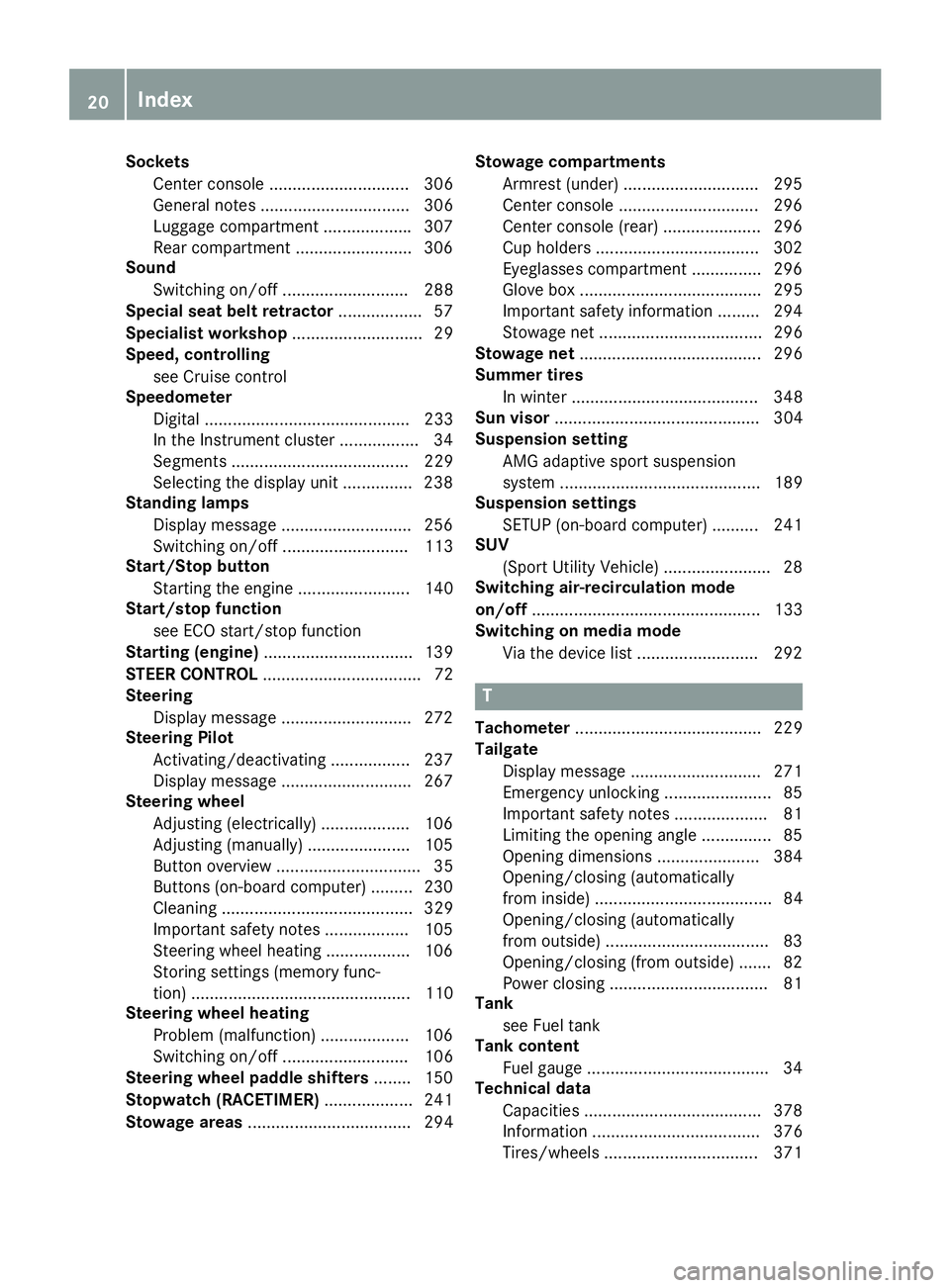
Technical data
Capacities ...................................... 378
Information .................................... 376
Tires/wheels ................................. 37120
Index
Page 31 of 390
These devices may not cause harmful interfer-
ence, and 2) These devices must accept any
interference received, including interference
that may cause undesired operation. Changes
or modifications not expressly approved by the
party responsible for compliance could void the
user’s authority to operate the equipment."
Canada: "The wireless devices of this vehicle
comply with Industry Canada license-exempt
RSS standard(s). Operation is subject to the fol-
lowing two conditions: (1) These devices may
not cause interference, and (2) These devices
must accept any interference, including inter-
ference that may cause undesired operation of
the device."
Diagnostics connection The diagnostics connection is only intended for
the connection of diagnostic equipment at a
qualified specialist workshop.
G WARNING
If you connect equipment to a diagnostics
connection in the vehicle, it may affect the
operation of vehicle systems. As a result, the
operating safety of the vehicle could be affec-
ted. There is a risk of an accident.
Only connect equipment to a diagnostics con-
nection in the vehicle, which is approved for
your vehicle by Mercedes-Benz.
G WARNING
Objects in the driver's footwell can restrict the
pedal travel or obstruct a depressed pedal.
The operating and road safety of the vehicle is
jeopardized. There is a risk of an accident.
Make sure that all objects in the vehicle are
stowed correctly, and that they cannot enter
the driver's footwell. Install the floormats
securely and as specified in order to ensure
sufficient clearance for the pedals. Do not use
loose floormats and do not place floormats on
top of one another.
! If the engine is switched off and equipment
on the diagnostics connection is used, the
starter battery may discharge.
Connecting equipment to the diagnostics con-
nection can lead to emissions monitoring infor- mation being reset, for example. This may lead
to the vehicle failing to meet the requirements of
the next emissions test during the main inspec-
tion.
Qualified specialist workshop An authorized Mercedes-Benz Center is a quali-
fied specialist workshop. It has the necessary
specialist knowledge, tools and qualifications to
correctly carry out the work required on your
vehicle. This is especially the case for work rel-
evant to safety.
Observe the notes in the Maintenance Booklet.
Always have the following work carried out at an
authorized Mercedes-Benz Center: R
work relevant to safety R
service and maintenance work R
repair work R
alterations, installation work and modifica-
tions R
work on electronic components
Correct use If you remove any warning stickers, you or oth-
ers could fail to recognize certain dangers.
Leave warning stickers in position.
Observe the following information when driving
your vehicle: R
the safety notes in this manual R
the vehicle technical data R
traffic rules and regulations R
laws and safety standards pertaining to motor
vehicles
Problems with your vehicle If you should experience a problem with your
vehicle, particularly one that you believe may
affect its safe operation, we urge you to contact
an authorized Mercedes-Benz Center immedi-
ately to have the problem diagnosed and recti-
fied. If the problem is not resolved to your sat-
isfaction, please discuss the problem again with
the Mercedes-Benz Center or, if necessary, con-
tact us at one of the following addresses.
In the USA
Customer Assistance Center Introduction 29
Z
Page 32 of 390
Mercedes-Benz USA, LLC
3 Mercedes Drive
Montvale, NJ 07645-0350
In Canada
Customer Relations Department
Mercedes-Benz Canada, Inc.
98 Vanderhoof Avenue
Toronto, Ontario M4G 4C9
Reporting safety defects USA only:
The following text is reproduced as required of
all manufacturers under Title 49, Code of U.S.
Federal Regulations, Part 575 pursuant to the
National Traffic and Motor Vehicle Safety Act of
1966.
If you believe that your vehicle has a defect
which could cause a crash or could cause injury
or death, you should immediately inform the
National Highway Traffic Safety Administration
(NHTSA) in addition to notifying Mercedes-Benz
USA, LLC.
If NHTSA receives similar complaints, it may
open an investigation, and if it finds that a safety
defect exists in a group of vehicles, it may order
a recall and remedy campaign. However, NHTSA
cannot become involved in individual problems
between you, your dealer, or Mercedes-Benz
USA, LLC.
To contact NHTSA, you may call the Vehicle
Safety Hotline toll-free at 1-888-327-4236
(TTY: 1-800-424-9153); go to http://
www.safercar.gov ; or write to: Administrator,
NHTSA, 400 Seventh Street, SW., Washington,
DC 20590.
You can also obtain other information about
motor vehicle safety from
http://www.safercar.gov
Limited Warranty
! Follow the instructions in this manual about
the proper operation of your vehicle as well as
about possible vehicle damage. Damage to
your vehicle that arises from culpable contra-
ventions against these instructions is not cov-
ered either by the Mercedes-Benz Limited
Warranty or by the New or Used-Vehicle War-
ranty. QR codes for the rescue card The QR codes are secured in the fuel filler flap
and on the opposite side on the B-pillar. In the
event of an accident, rescue services can use
the QR code to quickly find the appropriate res-
cue card for your vehicle. The current rescue
card contains the most important information
about your vehicle in a compact form, e.g. the
routing of the electric cables.
You can find more information under http://
portal.aftersales.i.daimler.com/public/
content/asportal/en/communication/
informationen_fuer/QRCode.html.
Data stored in the vehicle
Data storage A wide range of electronic components in your
vehicle contain data memories.
These data memories temporarily or perma-
nently store technical information about: R
the vehicle's operating state R
incidents R
malfunctions
In general, this technical information docu-
ments the state of a component, a module, a
system or the surroundings.
These include, for example: R
operating conditions of system components,
e.g. fluid levels R
the vehicle's status messages and those of its
individual components, e.g. number of wheel
revolutions/speed, deceleration in move-
ment, lateral acceleration, accelerator pedal
position R
malfunctions and defects in important system
components, e.g. lights, brakes R
vehicle reactions and operating conditions in
special driving situations, e.g. air bag deploy-
ment, intervention of stability control sys-
tems R
ambient conditions, e.g. outside temperature30
Introduction
Page 33 of 390
This data is of an exclusively technical nature
and can be used to: R
assist in recognizing and rectifying malfunc-
tions and defects R
analyze vehicle functions, e.g. after an acci-
dent R
optimize vehicle functions
The data cannot be used to trace the vehicle's
movements.
When your vehicle is serviced, technical infor-
mation can be read from the event data memory
and malfunction data memory.
Services include, for example: R
repair services R
service processes R
warranties R
quality assurance
The vehicle is read out by employees of the ser-
vice network (including the manufacturer) using
special diagnostic testers. More detailed infor-
mation is obtained from it, if required.
After a malfunction has been rectified, the infor-
mation is deleted from the malfunction memory
or is continually overwritten.
When operating the vehicle, situations are con-
ceivable in which this technical data, in connec-
tion with other information (if necessary, under
consultation with an authorized expert), could
be traced to a person.
Examples include: R
accident reports R
damage to the vehicle R
witness statements
Further additional functions that have been con-
tractually agreed upon with the customer allow
certain vehicle data to be conveyed by the vehi-
cle as well. The additional functions include, for
example, vehicle location in case of an emer-
gency.
COMAND/mbrace (Canada: TELEAID)
If the vehicle is equipped with COMAND or
mbrace, additional data about the vehicle's
operation, the use of the vehicle in certain sit-
uations, and the location of the vehicle may be
compiled through COMAND or the mbrace sys-
tem.
For additional information please refer to the
COMAND User Manual or the Digital Operator's Manual and/or the mbrace Terms and Condi-
tions.
COMAND/mbrace If the vehicle is equipped with COMAND or
mbrace, additional data about the vehicle's
operation, the use of the vehicle in certain sit-
uations, and the location of the vehicle may be
compiled through COMAND or the mbrace sys-
tem.
For additional information please refer to the
COMAND User Manual or the Digital Operator's
Manual and/or the mbrace Terms and Condi-
tions.
Event data recorders This vehicle is equipped with an event data
recorder (EDR). This vehicle is equipped with an
event data recorder (EDR). The main purpose of
an EDR is to record, in certain crash or near
crash-like situations, such as an air bag deploy-
ment or hitting a road obstacle, data that will
assist in understanding how a vehicle's systems
performed. The EDR is designed to record data
related to vehicle dynamics and safety systems
for a short period of time, typically 30 seconds
or less.
The EDR in this vehicle is designed to record
such data as: R
How various systems in your vehicle were
operating R
Whether or not the driver and passenger
safety belts were buckled/fastened R
How far (if at all) the driver was depressing the
accelerator and/or brake pedal and R
How fast the vehicle was traveling.
These data can help provide a better under-
standing of the circumstances in which crashes
and injuries occur. NOTE: EDR data are recorded
by your vehicle only if a non-trivial crash situa-
tion occurs; no data are recorded by the EDR
under normal driving conditions and no personal
data (e.g. name, gender, age and crash location)
are recorded. However, other parties, such as
law enforcement could combine the EDR data
with the type of personally identifying data rou-
tinely acquired during a crash investigation.
Access to the vehicle and/or the EDR is needed
to read data that is recorded by an EDR, and Introduction 31
Z
Page 56 of 390
repaired. This will help to make sure the air bags
continue to perform their protective function for
the vehicle occupants in the event of a crash.
G WARNING
Emergency Tensioning Devices that have
deployed pyrotechnically are no longer opera-
tional and are unable to perform their inten-
ded protective function. This poses an
increased risk of injury or even fatal injury.
Have pyrotechnically triggered Emergency
Tensioning Devices replaced immediately at a
qualified specialist workshop.
An electric motor is used by PRE-SAFE ®
to trig-
ger the tightening of the seat belt in hazardous
situations. This procedure is reversible.
If Emergency Tensioning Devices are triggered
or air bags are deployed, you will hear a bang,
and a small amount of powder may also be
released. The u restraint system warning
lamp lights up.
Only in rare cases will the bang affect your hear-
ing. The powder that is released generally does
not constitute a health hazard, but it may cause
short-term breathing difficulties in people with
asthma or other respiratory problems. Provided
it is safe to do so, you should leave the vehicle
immediately or open the window in order to pre-
vent breathing difficulties.
Air bags and pyrotechnic Emergency Tensioning
Devices (ETDs) contain perchlorate material,
which may require special handling and regard
for the environment. National guidelines must
be observed during disposal. In California, see
www.dtsc.ca.gov/HazardousWaste/
Perchlorate/index.cfm .
Method of operation During the first stage of a collision, the restraint
system control unit evaluates important physi-
cal data relating to vehicle deceleration or accel-
eration, such as: R
duration R
direction R
intensity
Based on the evaluation of this data, the
restraint system control unit triggers the Emer-
gency Tensioning Devices during a frontal or
rear collision. An Emergency Tensioning Device can only be
triggered, if: R
the ignition is switched on R
the components of the restraint system are
operational. You can find further information
under: "Restraint system warning lamp"
( Y
page 42) R
the belt tongue is engaged in the buckle on
the respective front-passenger seat
The Emergency Tensioning Devices in the rear
compartment are triggered independently of the
lock status of the seat belts.
If the restraint system control unit detects a
more severe accident, further components of
the restraint system are activated independ-
ently of each other in certain frontal collision
situations: R
Front air bags and driver's knee bag R
Window curtain air bag, if the system deter-
mines that deployment can offer additional
protection to that provided by the seat belt
The front-passenger front air bag is activated or
deactivated depending on the person on the
front-passenger seat. The front-passenger front
air bag can only deploy in an accident if the
PASSENGER AIR BAG OFF indicator lamp is off.
Observe the information on the PASSENGER AIR
BAG indicator lamps ( Y
page 42).
Your vehicle has two-stage front air bags. During
the first deployment stage, the front air bag is
filled with propellant gas to reduce the risk of
injuries. The front air bag is fully deployed with
the maximum amount of propellant gas if a sec-
ond deployment threshold is reached within a
few milliseconds.
The activation threshold of the Emergency Ten-
sioning Devices and the air bag are determined
by evalua ting the rate of vehicle deceleration or
a cceleration which occurs at various points in
the vehicle. This process is pre-emptive in
nature. Deployment should take place in good
time at the start of the collision.
The rate of vehicle deceleration or acceleration
and the direction of the force are essentially
determined by: R
the distribution of forces during the collision R
the collision angle R
the deformation characteristics of the vehicle R
the characteristics of the object with which
the vehicle has collided
Factors which can only be seen and measured
after a collision has occurred do not play a deci-54
Occupant safety
Safety
Page 203 of 390
360° camera
General notes The 360° camera is a system consisting of four
cameras.
The system processes images from the follow-
ing cameras: R
Rear view camera R
Front camera R
Two cameras in the exterior rear view mirrors
The cameras capture the immediate surround-
ings of the vehicle. The system supports you,
e.g. when parking or if vision is restricted at an
exit.
You can show pictures from the 360° camera in
full-screen mode or in seven different split-
screen views on the multimedia system display.
A split-screen view also includes a top view of
the vehicle. This view is calculated from the data
supplied by the installed cameras (virtual cam-
era).
The six split-screen views are: R
Top view and picture from the rear view cam-
era (130° viewing angle) R
Top view and image from the front camera
(130° viewing angle without displaying the
maximum steering wheel angle) R
Top view and enlarged rear view R
Top view and enlarged front view R
Top view and rear-view images from the exte-
rior mirror cameras (rear wheel view) R
Top view and forward-view images from the
exterior mirror cameras (front wheel view)
When the function is active and you shift the
transmission from D or R to N , the dynamic
guidelines are hidden.
When you change between transmission posi-
tions D and R , you see the previously selected
front or rear view.
Distances measured by Parking Assist
PARKTRONIC will also be optically displayed: R
in split screen view as red or yellow brackets
around the vehicle icon in the top view, or R
at the bottom right as red or yellow brackets
around the vehicle symbol in full-screen mode
The line thickness and color of the brackets
show how far the vehicle is away from an object: R
yellow brackets with thin lines: Parking Assist
PARKTRONIC is active R
yellow brackets with normal lines: an object is
present in close range of the vehicle R
red line: an object is present in the immediate
close range of t he vehicle
i The camera in the rear area is protected
from raindrops and dust by means of a flap.
When the camera is activated, this flap opens.
The flap closes again when: R
you have finished the maneuvering process R
you switch off the engine R
you open the cargo compartment
Observe the notes on cleaning ( Y
page 328).
For technical reasons, the flap may remain
open briefly after the camera has been deac-
tivated.
Important safety notes The 360°camera is only an aid and may show a
distorted view of obstacles, show them incor-
rectly or not at all. The 360°camera is not a
substitute for attentive driving.
You are always responsible for safe maneuver-
ing and parking. When maneuvering or parking,
make sure that there are no persons, animals or
objects in the area in which you are maneuver-
ing.
You are always responsible for safety, and must
always pay attention to your surroundings when
parking and maneuvering. This applies to the
areas behind, in front of and beside the vehicle.
You could otherwise endanger yourself and oth-
ers.
The 360° camera will not function or will func-
tion in a limited manner: R
if the doors are open R
if the exterior mirrors are folded in R
if the tailgate is open R
in heavy rain, snow or fog R
at night or in very dark places R
if the cameras are exposed to very bright light R
if the area is lit by fluorescent bulbs or LED
lighting (the display may flicker) R
if there is a sudden change in temperature,
e.g. when driving into a heated garage in win-
terDriving systems 201
Driving and parking Z