Other status indicatorsofthe naviga-
tion system
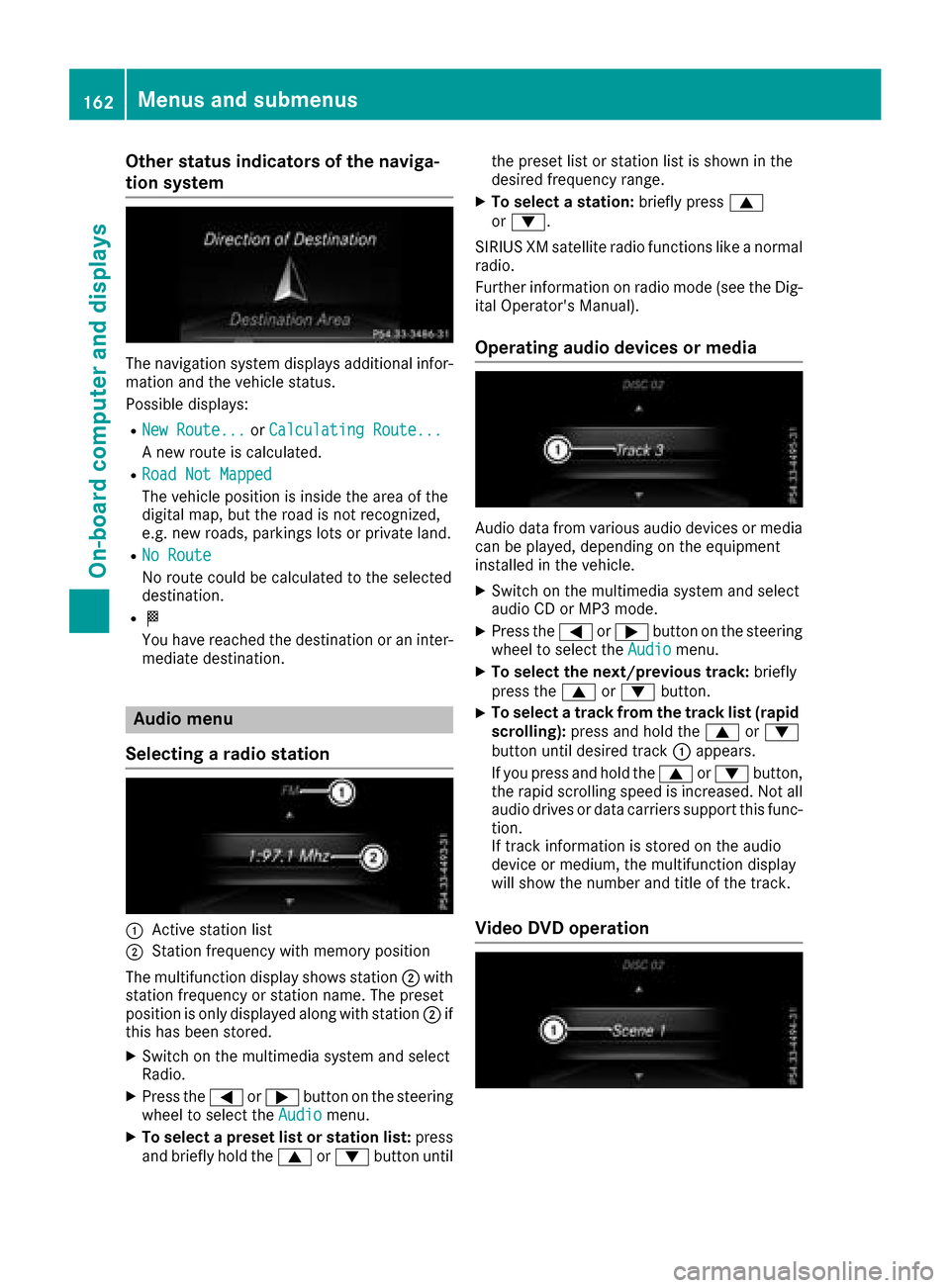
The navigation system displays additional infor- mation and the vehicle status.
Possible displays:
RNew Route...or Calculating Route...
An ew route is calculated.
RRoad Not Mapped
The vehicle position is inside the area of the
digital map, but the road is not recognized,
e.g. new roads, parking slots or private land.
RNo Route
No route could be calculated to the selected
destination.
RO
You have reached the destination or an inter-
mediate destination.
Audio menu
Selecting aradio station
:Active station list
;Station frequenc ywith memory position
The multifunction display shows station ;with
station frequenc yorstation name. The preset
position is only displayed along with station ;if
this has been stored.
XSwitc hont he multimedia system and select
Radio.
XPress the =or; button on the steering
wheel to select the Audiomenu.
XTo selectapreset list or station list: press
and briefly hold the 9or: button until the preset list or station list is shown in the
desired frequenc
yrange.
XTo select astation: briefly press 9
or :.
SIRIUS XM satellite radio function slike anormal
radio.
Further information on radio mode (see the Dig-
ital Operator's Manual).
Operating audio devices or media
Audio data from various audio devices or media
can be played, depending on the equipment
installed in the vehicle.
XSwitc hont he multimedia system and select
audio CD or MP3 mode.
XPress the =or; button on the steering
wheel to select the Audiomenu.
XTo select the next/previous track: briefly
press the 9or: button.
XTo select atrack from the track list (rapid
scrolling): press and hold the 9or:
button until desired track :appears.
If you press and hold the 9or: button,
the rapid scrollin gspeed is increased. Not all
audio drives or data carriers support this func-
tion.
If trac kinformation is stored on the audio
device or medium, the multifunction display
will show the number and title of the track.
Video DVD operation
162Menus and submenus
On-boardc omputer and displays
General notes
The multimedia system section in this Opera-
tor's Manualdescribes the basi cprinciples for
operation. More information can be found in the Digital Operator's Manual.
Important safety notes
GWARNING
If you operate information systems and com-
municatio nequipment integrated in the vehi-
cle whiled riving, you willbed istracted from
traffic conditions. You could also lose control
of the vehicle.T here isarisk of an accident.
Only operate the equipment when the traffic
situation permits. If you are not sure that this
is possible, park the vehicle paying attention
to traffic conditions and operate the equip-
ment when the vehicle is stationary.
You must observe the legalr equirements for the
country in which you are currently driving when
operating the multimedia system.
The multimedia system calculates the route to
the destination withoutt aking the following into
account, for example:
Rtraffic lights
Rstop and yield signs
Rparking or stopping restrictions
Rroad narrowing
Rother road and traffic rule sand regulations
The multimedia system may give incorrect nav-
igation recommendations if the actual street/
traffic situation does not correspond with the
digital map's data.
For example:
Rad iverted route
Rthe road layout or the direction of aone-way
street has been changed
For this reason, you must alwayso bserve road
and traffic rule sand regulations during your
journey. Roa dand traffic rule sand regulations
alwaysh ave priority over multimedia system
driving recommendations.
Navigation announcements are intended to
direct you whil edriving withoutd iverting your
attention from the road and driving. Please alwaysu
se this feature instead of con-
sulting the map display for directions. Looking
at the icons or map display can distract you from
traffic conditions and driving, and increase the
risk of an accident.
This equipment complies with FCC radiation
exposure limits set forth for uncontrolled equip-
ment and meets the FCC radiof requency (RF)
Exposure Guidelines in Supplement CtoOET65.
This equipment has very low levelsofRFe nergy
that is deemedtoc omply withoutmaximum
permissive exposure evaluation (MPE). How-
ever, it is recommended to insta
ll it at
adistance
of at least 8inches (approx. 20 cm) betweent he
radiation source and aperson's body (not
including limbss uch as hands, wrists, feet and
legs).
GWARNING
Modifications to electronic components, their software as wellasw iring can impair their
function and/or the function of other net-
worked components. In particular, systems
relevant to safety could also be affected. As a
result, these may no longer function as inten-
ded and/or jeopardize the operating safety of
the vehicle.T here is an increasedr isk of an
accident and injury.
Never tamper with the wiring as wellase lec-
tronic components or their software .You
shoul dhave all work to electricala nd elec-
tronic equipment carried out at aqualified
specialist workshop.
Function restrictions
For safety reasons, some functions are restric-
ted or unavailable whilet he vehicle is in motion.
You willn otice this, for example, because either
you willn ot be abletos elect certain menu items
or am essag ewillappear to this effect.
198Function restrictions
Multimedia system