2017 MERCEDES-BENZ CLA-Class eco
[x] Cancel search: ecoPage 7 of 318

Hiding a service message .............. 258
Information about Service .............258
Resetting the service interval dis-
play ................................................ 258
Service message ............................ 258
Special service requirements ......... 258
ATA (Anti-Theft Alarm system)
Activating/deactivating ................... 67
Function ...........................................6 7
Switching off the alarm .................... 67
ATTENTION ASSIST
Activating/deactivating ................. 183
Display message ............................ 205
Function/notes ............................. 169
Audio 20
Switching on/off ........................... 228
Audio menu (on-board computer) .... 180
Audio system
see separate operating instructions
Authorized Mercedes-Benz Center
see Qualified specialist workshop
Authorized workshop
see Qualified specialist workshop
AUTO lights
Display message ............................ 201
see Lights
Automatic car wash (care) ............... 259
Automatic engine start (ECO start/
stop function) .................................... 125
Automatic engine switch-off (ECO
start/stop function) .......................... 125
Automatic headlamp mode ................ 99
Automatic transmission
Accelerator pedal position ............. 132
Changing gear ............................... 132
DIRECT SELECT lever ..................... 129
Drive program ................................ 133
Drive program display .................... 129
Driving tips .................................... 132
DYNAMIC SELECT button (all vehi-
cles except Mercedes-AMG vehi-
cles) ............................................... 127
DYNAMIC SELECT controller
(Mercedes-AMG vehicles) .............. 128
Emergency running mode .............. 137
Engaging drive position .................. 131
Engaging neutral ............................ 130 Engaging park position
(Mercedes-AMG vehicles) .............. 131
Engaging park position automati-
cally ...............................................
130
Eng
aging reverse gear ................... 130
Engaging the park position ............ 129
Holding the vehicle stationary on
uphill gradients .............................. 133
Kickdown ....................................... 133
Manual shifting .............................. 135
Oil temperature (on-board com-
puter, Mercedes-AMG vehicles) ..... 185
Overview ........................................ 129
Problem (malfunction) ................... 137
Pulling away ................................... 124
Selector lever ................................ 131
Starting the engine ........................ 123
Steering wheel paddle shifters ...... 135
Transmission position display ........ 131
Transmission position display
(DIRECT SELECT lever) ................... 129
Transmission positions .................. 132
Automatic transmission emer-
gency mode ....................................... 137
B
Back button ....................................... 228
Backup lamp
Display message ............................ 200
BAS (Brake Assist System) ................. 60
Battery (SmartKey)
Checking .......................................... 72
Important safety notes .................... 72
Replacing ......................................... 72
Battery (vehicle)
Charging ........................................ 273
Display message ............................ 203
Important safety notes .................. 271
Jump starting ................................. 273
Belt
see Seat belts
Blind Spot Assist
Activating/deactivating (on-
board computer) ............................ 183
Display message ............................ 206
Notes/function .............................. 171
Index5
Page 10 of 318

Storing and maintaining current
speed ............................................. 149
Cup holder
Center console .............................. 239
Important safety notes .................. 238
Rear compartment ......................... 239
Customer Assistance Center
(CAC) ..................................................... 27
Customer Relations Department ....... 27
D
Dashboard
see Instrument cluster
Data
see Technical data
Daytime running lamps
Display message ............................ 201
Function/notes ................................ 99
Switching on/off (on-board com-
puter) ............................................. 184
Declarations of conformity ................. 26
Diagnostics connection ...................... 27
Digital Operator's Manual
Help ................................................. 22
Introduction ..................................... 22
Digital speedometer ......................... 178
DIRECT SELECT lever
Automatic transmission ................. 129
Display messages
ASSYST PLUS ................................ 258
Calling up (on-board computer) ..... 188
Driving systems ............................. 205
Engine ............................................ 202
General notes ................................ 188
Hiding (on-board computer) ........... 188
Lights ............................................. 199
Safety systems .............................. 189
SmartKey ....................................... 214
Tires ............................................... 209
Vehicle ........................................... 211
Distance Pilot DISTRONIC
Activating ....................................... 152
Calling up a speed ......................... 152
Cruise control lever ....................... 151
Display Message ............................ 207
Displays in the instrument cluster .. 154
Driving tips .................................... 155 Function/notes ............................. 150
Important safety notes .................. 150
Setting a speed .............................. 153
Setting the specified minimum
distance ......................................... 153
Stopping ........................................ 153
Storing a speed .............................. 152
Switching off .................................. 154
Distance recorder ............................. 177
Distance warning (warning lamp) .... 225
Distance warning function
Function/notes ................................ 61
Warning lamp ................................. 225
Doors
Automatic locking (on-board com-
puter) ............................................. 184
Automatic locking (switch) ............... 76
Central locking/unlocking
(SmartKey) ....................................... 69
Control panel ................................... 37
Display message ............................ 214
Emergency locking ........................... 76
Emergency unlocking ....................... 76
Important safety notes .................... 75
Opening (from insid
e) ...................... 75
Drinking and driving ......................... 143
Drive program
Automatic transmission ................. 133
Display ........................................... 131
Display (DIRECT SELECT lever) ...... 129
SETUP (on-board computer) .......... 186
Driver's door
see Doors
Driving abroad
Mercedes-Benz Service ................. 259
Driving on flooded roads .................. 147
Driving safety system
Active Brake Assist .......................... 61
Braking assistance appropriate to
the situation ..................................... 62
Driving safety systems
ABS (Anti-lock Braking System) ....... 60
ADAPTIVE BRAKE ............................. 66
BAS (Brake Assist System) .............. 60
Distance warning function ............... 61
EBD (electronic brake force distri-
bution) ............................................. 66
8Index
Page 11 of 318
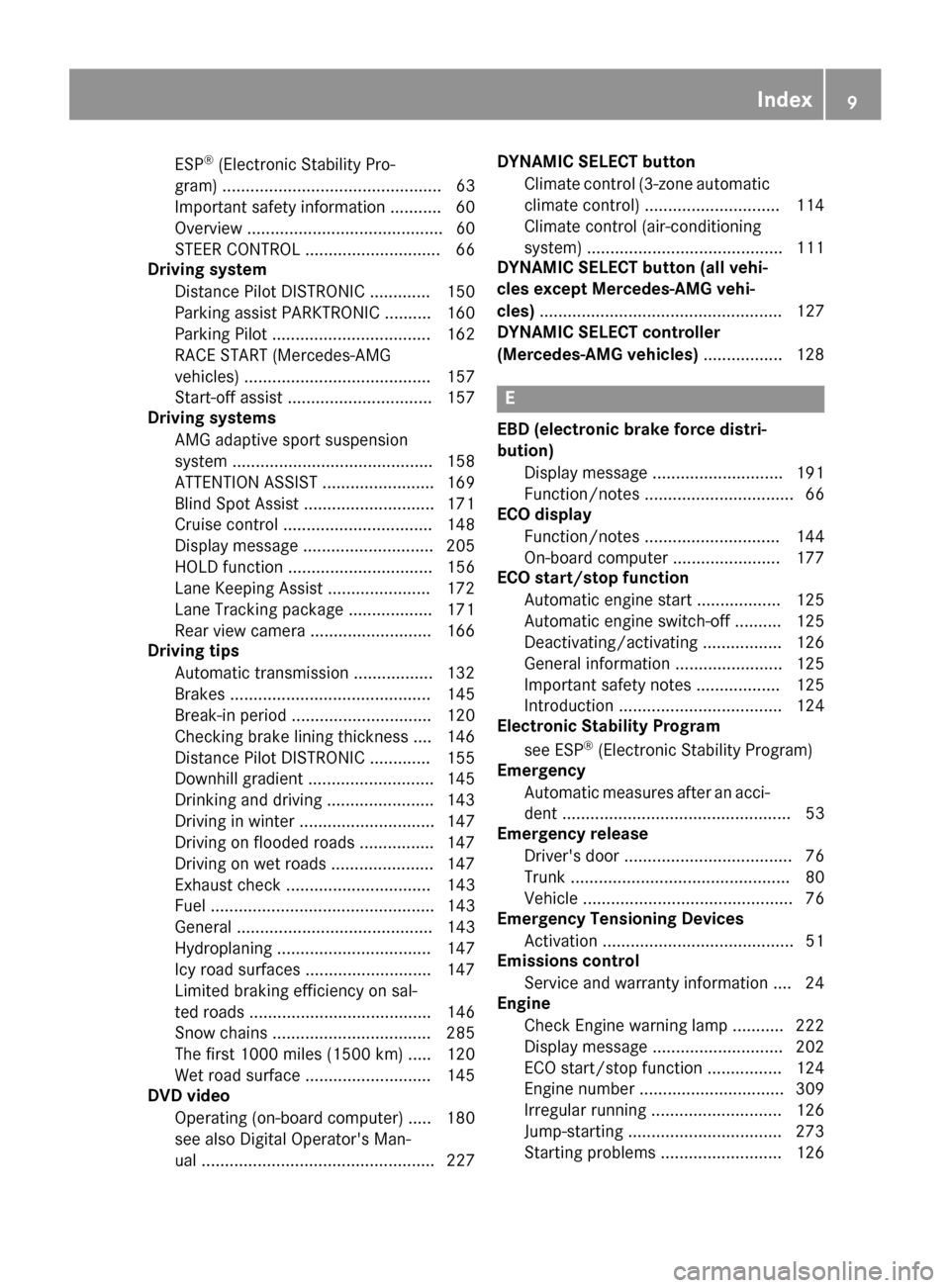
ESP®(Electronic Stability Pro-
gram) ............................................... 63
Important safety information ........... 60
Overview .......................................... 60
STEER CONTROL ............................. 66
Driving system
Distance Pilot DISTRONIC ............. 150
Parking assist PARKTRONIC .......... 160
Parking Pilot .................................. 162
RACE START (Mercedes-AMG
vehicles) ........................................ 157
Start-off assist ............................... 157
Driving systems
AMG adaptive sport suspension
system ........................................... 158
ATTENTION ASSIST ........................ 169
Blind Spot Assist ............................ 171
Cruise control ................................ 148
Display message ............................ 205
HOLD function ............................... 156
Lane Keeping Assist ...................... 172
Lane Tracking package .................. 171
Rear view camera .......................... 166
Driving tips
Automatic transmission ................. 132
Brakes ........................................... 145
Break-in period .............................. 120
Checking brake lining thickness .... 146
Distance Pilot DISTRONIC ............. 155
Downhill gradient ........................... 145
Drinking and driving ....................... 143
Driving in winter ............................. 147
Driving on flooded roads ................ 147
Driving on wet roads ...................... 147
Exhaust check ............................... 143
Fuel ................................................ 143
General .......................................... 143
Hydroplaning ................................. 147
Icy road surfaces ........................... 147
Limited braking efficiency on sal-
ted roads ....................................... 146
Snow chains .................................. 285
The first 1000 miles (1500 km) ..... 120
Wet road surface ........................... 145
DVD video
Operating (on-board computer) ..... 180
see also Digital Operator's Man-
ual .................................................. 227 DYNAMIC SELECT button
Climate control (3-zone automaticclimate control) ............................. 114
Climate control (air-conditioning
system) .......................................... 111
DYNAMIC SELECT button (al l ve
hi-
cles except Mercedes-AMG vehi-
cles) .................................................... 127
DYNAMIC SELECT controller
(Mercedes-AMG vehicles) ................. 128
E
EBD (electronic brake force distri-
bution)
Display message ............................ 191
Function/notes ................................ 66
ECO display
Function/notes ............................. 144
On-board computer ....................... 177
ECO start/stop function
Automatic engine start .................. 125
Automatic engine switch-off .......... 125
Deactivating/activating ................. 126
General information ....................... 125
Important safety notes .................. 125
Introduction ................................... 124
Electronic Stability Program
see ESP
®(Electronic Stability Program)
Emergency
Automatic measures after an acci-
dent ................................................. 53
Emergency release
Driver's door .................................... 76
Trunk ............................................... 80
Vehicle ............................................. 76
Emergency Tensioning Devices
Activation ......................................... 51
Emissions control
Service and warranty information .... 24
Engine
Check Engine warning lamp ........... 222
Display message ............................ 202
ECO start/stop function ................ 124
Engine number ............................... 309
Irregular running ............................ 126
Jump-starting ................................. 273
Starting problems .......................... 126
Index9
Page 19 of 318

Setting the airflow............................1 16
Setting the date/time format
see also Digital Operator's Man-
ual ..................................................2 27
Setting the language
see also Digital Operator's Man-
ual ..................................................2 27
Setting the time
see also Digital Operator's Man-
ual ..................................................2 27
Settings
Factory (on-board computer) ......... 185
On-board computer ....................... 183
SETUP (on-board computer) ............. 186
Side impact air bag .............................4 5
Side marker lamp (display mes-
sage) ................................................... 201
Side windows
Cleaning ......................................... 261
Convenience closing feature ............ 82
Convenience opening feature ..........8 2
Important safety information ........... 80
Opening/closing .............................. 81
Problem (malfunction) .....................8 3
Resettin g........................................ .83
Reversin gfeature ............................ .81
SIRIUS services
see also Digital Operator's Man-
ual .................................................. 227
Sliding sunroof
see Panorama roof with power
tilt/sliding panel
SmartKey
Changing the battery ....................... 72
Changing the programming .............7 1
Checking the battery ...................... .72
Convenience closing feature ............ 82
Convenience opening feature .......... 82
Dis play message ............................ 214
Door central locking/unlo ckin
g ......
.69
Important safety notes .................... 69
KEYLESS-GO start function .............. 70
Loss .................................................7 3
Mechanical key ................................ 71
Positions (ignition lock) ................. 121
Problem (malfunction) ..................... 73
Starting the engine ........................ 123 SmartKey positions (ignition lock)
.. 121
SMS
see also Digital Operator's Man-
ual .................................................. 227
Snow chains ...................................... 285
Sockets
Center console .............................. 241
General notes ................................ 241
Rear compartment .........................2 42
Trunk ............................................. 242
Sound
Switching on/off ........................... 228
Special seat belt retractor .................. 54
Specialist workshop ............................ 27
Speed, controlling
see Cruise control
Speedometer
Activating/deactivating the addi-
tional speedometer ........................ 184
Digital ............................................ 178
In the Instrument cluster ................. 32
Segments ...................................... 174
Selecting the display unit ...............1 83
SPORT handling mode
Deactivating/activating
(Mercedes-AMG vehicles) ................ 65
Warning lamp ................................. 220
Standing lamps
Display message ............................ 200
Switching on/off ........................... 100
Start-off assist
Activating ....................................... 157
Important safety notes .................. 157
Start/Stop button
Removing ....................................... 122
Starting the engine ........................ 123
Start/stop function
see ECO start/stop function
Starting (engine) ................................ 122
STEER CONTROL .................................. 66
Steering
Display message ............................ 214
Ste
ering assistant STEER CON-
TROL
see STEER CONTROL
Steering wheel
Adjusting (manually) ........................ 94
Index17
Page 20 of 318

Button overview ............................... 33
Buttons (on-board computer) ......... 175
Cleaning .........................................264
Important safety notes .................... 94
Paddle shifters ............................... 135
Steering wheel paddle shifters ........135
Stopwatch (RACETIMER) ................... 186
Stowage compartments
Armrest (front) ............................... 234
Armrest (under) .............................2 35
Center console .............................. 234
Center console (rear) ..................... 235
Cup holders ................................... 238
Eyeglasses compartment ...............2 34
Glove box ....................................... 234
Important safety information ......... 233
Map pockets .................................. 235
Stowage net ................................... 235
Under driver's seat/front-
passenger seat .............................. 235
Stowage net ....................................... 235
Stowage well beneath the trunk
floor .................................................... 237
Summer tires ..................................... 284
Sun visor ............................................ 240
Suspension
Adaptive Damping System ............. 159
Suspension setting
AMG adaptive sport suspension
system ........................................... 158
Switching air-recirculation mode
on/off ................................................. 118
Switching on media mode
Via the device list .......................... 232
T
Tachometer ........................................ 174
Tail lamps
Display message ............................ 200
see Lights
Tank
see Fuel tank
Tank content
Fuel gauge ....................................... 32
Technical data
Capacities ...................................... 309
Information .................................... 307 Tires/wheels ................................. 306
Vehicle data ................................... 314
Telephone
Accepting a call (multifunction
steering wheel) .............................. 181
Authorizing a mobile phone (con-
necting) ......................................... 231
Connecting a mobile phone (gen-
eral information) ............................ 230
Display message ............................ 214
Introduction ................................... 180
Menu (on-board computer) ............ 180
Number from the phone book ........ 181
Redialing ........................................ 181
Rejecting/ending a call ................. 181
see also Digital Operator's Man-
ual .................................................. 227
Switching between mobile
phones ........................................... 232
Temperature
Coolant .......................................... 175
Coolant (on-board computer,
Mercedes-AMG vehicles) ............... 185
Engine oil (on-board computer,
Mercedes-AMG vehicles) ............... 185
Outside temperature ...................... 174
Setting (climate control) ................ 115
Transmission oil (on-board com-
puter, Mercedes-AMG vehicles) ..... 185
Through-loading feature ................... 236
Timing (RACETIMER) ......................... 186
Tire pressure
Calling up (on-board computer) ..... 289
Checking manually ........................ 288
Display message ............................ 209
Maximum ....................................... 288
Not reached (TIREFIT) .................... 269
Notes ............................................. 287
Reached (TIREFIT) .......................... 270
Recommended ............................... 285
Tire pressure loss warning system
General notes ................................ 288
Important safety notes .................. 288
Restarting ...................................... 289
Tire pressure monitor
Checking the tire pressure elec-
tronically ........................................ 291
Function/notes ............................. 289
18Index
Page 21 of 318
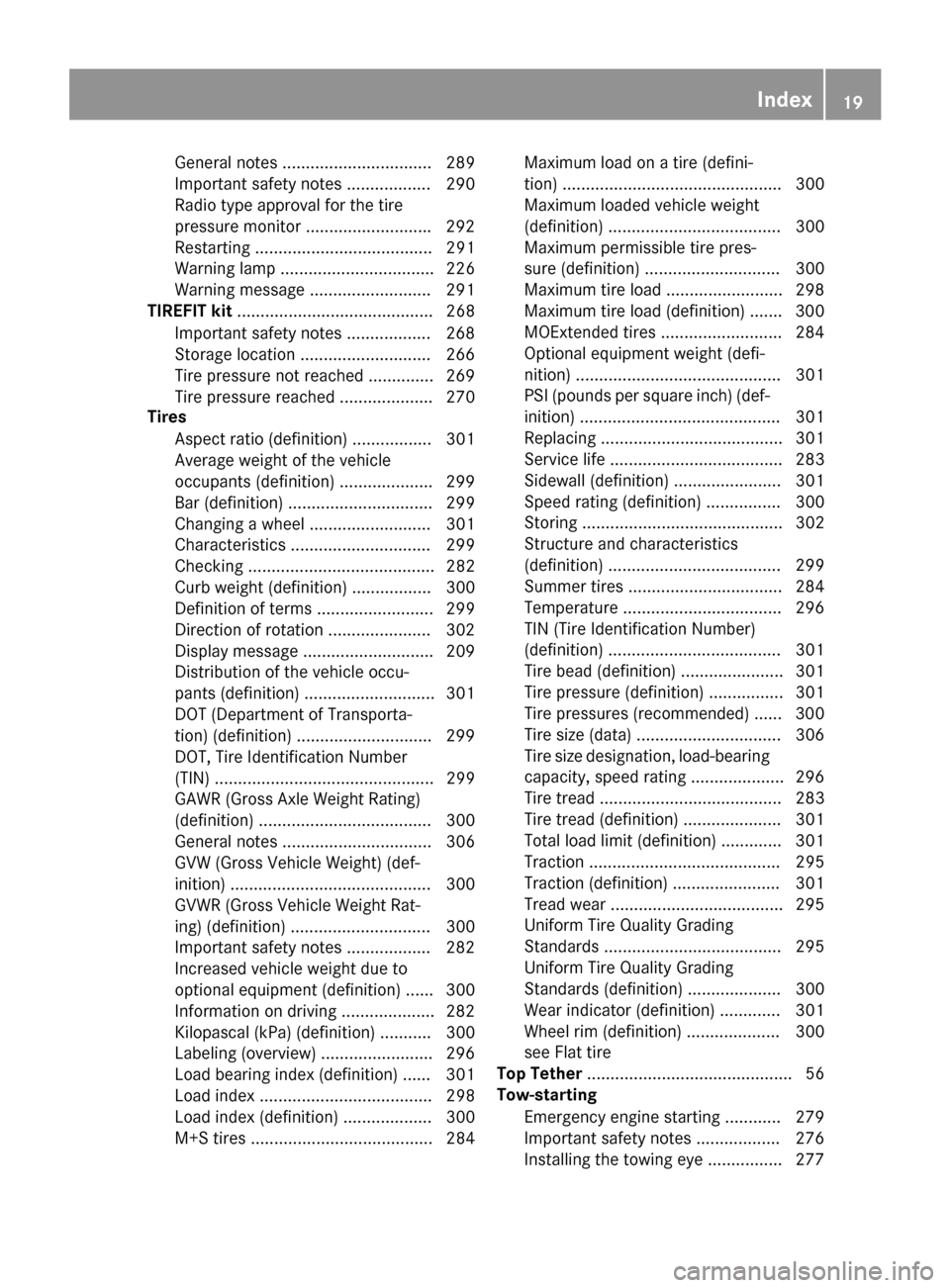
General notes ................................ 289
Important safety notes .................. 290
Radio type approval for the tire
pressure monitor ...........................292
Restarting ...................................... 291
Warning lamp ................................. 226
Warning message .......................... 291
TIREFIT kit .......................................... 268
Important safety notes .................. 268
Storage location ............................ 266
Tire pressure not reached .............. 269
Tire pressure reached .................... 270
Tires
Aspect ratio (definition) ................. 301
Average weight of the vehicle
occupants (definition) .................... 299
Bar (definition) ............................... 299
Changing a wheel .......................... 301
Characteristics .............................. 299
Checking ........................................ 282
Curb weight (definition) ................. 300
Definition of terms ......................... 299
Direction of rotation ...................... 302
Display message ............................ 209
Distribution of the vehicle occu-
pants (definition) ............................ 301
DOT (Department of Transporta-
tion) (definition) ............................. 299
DOT, Tire Identification Number
(TIN) ............................................... 299
GAWR (Gross Axle Weight Rating)
(definition) ..................................... 300
General notes ................................ 306
GVW (Gross Vehicle Weight) (def-
inition) ........................................... 300
GVWR (Gross Vehicle Weight Rat-
ing) (definition) .............................. 300
Important safety notes .................. 282
Increased vehicle weight due to
optional equipment (definition) ...... 300
Information on driving .................... 282
Kilopascal (kPa) (definiti on) ........... 300
La
beling (overview) ........................ 296
Load bearing index (definition) ...... 301
Load index ..................................... 298
Load index (definition) ................... 300
M+S tires ....................................... 284 Maximum load on a tire (defini-
tion) ............................................... 300
Maximum loaded vehicle weight
(definition) ..................................... 300
Maximum permissible tire pres-
sure (definition) ............................. 300
Maximum tire load ......................... 298
Maximum tire load (definition) ....... 300
MOExtended tires .......................... 284
Optional equipment weight (defi-
nition) ............................................ 301
PSI (pounds per square inch) (def-
inition) ........................................... 301
Replacing ....................................... 301
Service life ..................................... 283
Sidewall (definition) ....................... 301
Speed rating (definition) ................ 300
Storing ........................................... 302
Structure and characteristics
(definition) ..................................... 299
Summer tires ................................. 284
Temperature .................................. 296
TIN (Tire Identification Number)
(definition) ..................................... 301
Tire bead (definition) ...................... 301
Tire pressure (definition) ................ 301
Tire pressures (recommended) ...... 300
Tire size (data) ............................... 306
Tire size designation, load-bearing
capacity, speed rating .................... 296
Tire tread ....................................... 283
Tire tread (definition) ..................... 301
Total load limit (definition) ............. 301
Traction ......................................... 295
Traction (definition) ....................... 301
Tread wear ..................................... 295
Uniform Tire Quality Grading
Standards ...................................... 295
Uniform Tire Quality Grading
Standards (definition) .................... 300
Wear indicator (definition) ............. 301
Wheel rim (definition) .................... 300
see Fla
t ti
re
Top Tether ............................................ 56
Tow-starting
Emergency engine starting ............ 279
Important safety notes .................. 276
Installing the towing eye ................ 277
Index19
Page 24 of 318

Introduction
The printedOperator's Manual provide sinfor-
mation about th esaf eoperation of your vehicle.
The Digital Operator's Manual provide scompre-
hensiv eand specifically adapted information on
your vehicle's equipmen tand multimedia sys-
tem. You can call up th eDigital Operator's Man -
ual via th emultimedia system.
iYou will no tincur any cost swhen calling up
th eDigital Operator's Manual. The Digital
Operator's Manual works without connecting
to th eInternet .
Ther eare three ways to access th etopic sof th e
Digital Operator's Manual:
RVisua lsearch
The visual search allows you to explor eyour
vehicl e"virtually". Starting from either th e
vehicl eexterio rvie wor interio rview, you can
access man yof th edifferen ttopic scovered
by th eDigital Operator's Manual. To access
th evehicl einterio rsection ,select th e"Vehi-
cle interior" view.
RKeywor dsearch
The keyword search allows you to search for a
keyword by enterin gcharacters.
RContent s
You can select individual section sin th econ-
tents.
iThe Digital Operator's Manual is deactiva-
te dfor safet yreason swhile driving .
Operation
Calling up the Digital Operator's Man-
ual
XPress theØ buttonin th ecenter console.
The overview relating to th evehicl eappears.
XSelec tth e"Operator's Manual" men uitem by
turnin g3 or pressin g7 thecontroller.
XConfir m7 themessage about th ewarning
and safet ynotes.
The basic men ufor th eDigital Operator's
Manual appears.
Operating the Digital Operator's Man-
ual
General notes
Pleas eobserv eth einformation about th eoper -
ation of th econtroller (Ypage 228).
Content pages
The conten tpages can be accessed by mean sof
a visual search , akeyword search or usin gth e
contents .
XTo scroll forwards/backwards: turn3
th econtroller .
XTo displayin full-screen or animation: slide
8 thecontroller to th elef t:.
XTo select information texts or sav ebook -
marks: slide9 thecontroller to th e
right ;.
XTo select alink :slide 6thecontroller
downwards =.
XTo exitacontent page: select%sym-
bol ?.
XTo call up th ebasic men uof th eDigital
Operator's Manual: selectÞsymbol A.
XTo switch functions to th emultimedi a
system using th ebutton son th ecenter
console: press the$, %,ÕorØ
button.
The selected men uappears. The Digital Oper -
ator's Manual remain sopen in th eback-
ground .
22Digital Operator's Manual
Page 25 of 318

Protecting the environment
General notes
HEnvironmental note
Daimler's declared policy is one of compre-
hensive environmental protection.
The objectives are for the natural resources
that form the basis of our existence on this
planet to be used sparingly and in a manner
that takes the requirements of both nature
and humanity into account.
You too can help to protect the environment
by operating your vehicle in an environmen-
tally responsible manner.
Fuel consumption and the rate of engine,
transmission, brake and tire wear are affected by these factors:
Roperating conditions of your vehicle
Ryour personal driving style
You can influence both factors. You should
bear the following in mind:
Operating conditions:
Ravoid short trips as these increase fuel con-
sumption.
Ralways make sure that the tire pressures
are correct.
Rdo not carry any unnecessary weight.
Rremove roof racks once you no longer need
them.
Ra regularly serviced vehicle will contribute
to environmental protection. You should
therefore adhere to the service intervals.
Ralways have service work carried out at a
qualified specialist workshop.
Personal driving style:
Rdo not depress the accelerator pedal when
starting the engine.
Rdo not warm up the engine when the vehicle
is stationary.
Rdrive carefully and maintain a safe distance
from the vehicle in front.
Ravoid frequent, sudden acceleration and
braking.
Rchange gear in good time and use each gear
only up to Ôof its maximum engine speed.
Rswitch off the engine in stationary traffic.
Rkeep an eye on the vehicle's fuel consump-
tion.
Environmental concerns and recom-
mendations
Wherever the Operator's Manual requires you to
dispose of materials, first try to regenerate or re-
use them. Observe the relevant environmental
rules and regulations when disposing of materi-
als. In this way you will help to protect the envi-
ronment.
Genuine Mercedes-Benz parts
HEnvironmental note
Daimler AG also supplies reconditioned major
assemblies and parts which are of the same
quality as new parts. They are covered by the
same Limited Warranty entitlements as new
parts.
!Air bags and Emergency Tensioning Devi-
ces, as well as control units and sensors for
these restraint systems, may be installed in
the following areas of your vehicle:
Rdoors
Rdoor pillars
Rdoor sills
Rseats
Rcockpit
Rinstrument cluster
Rcenter console
Do not install accessories such as audio sys-
tems in these areas. Do not carry out repairs or welding. You could impair the operating
efficiency of the restraint systems.
Have aftermarket accessories installed at a
qualified specialist workshop.
You could jeopardize the operating safety of
your vehicle if you use parts, tires and wheels as
well as accessories relevant to safety which
have not been approved by Mercedes-Benz. This
could lead to malfunctions in safety-relevant
Genuine Mercedes-Benz parts23
Introduction
Z