Page 515 of 776

5155-11. Bluetooth®
5
Lexus Display Audio system
RX350/RX200t_EE_OM48F32E
■Compatible models
The Bluetooth® audio system supports portable audio players with the following specifi- cations
●Bluetooth® specifications: Ver. 2.0, or higher (Recommend ed: Ver. 3.0 +EDR or higher)
●Profiles:
• A2DP (Advanced Audio Distribution Profile) Ver. 1.0, or higher (Recommended: Ver. 1.2 or higher) This is a profile to transmit stereo audio or high quality sound to the audio system.
• AVRCP (Audio/Video Remote Control Profile) Ver. 1.0 or higher (Recommended: Ver. 1.4 or higher) This is a profile to allow remote control the A/V equipment.
However, please note that some functions may be limited depending on the type of por- table audio player connected.
The hands-free system supports cellular ph ones with the following specifications.
●Bluetooth® specification: Ver. 2.0 or higher (Recommended : Ver. 3.0 +EDR or higher)
●Profiles:
• HFP (Hands Free Profile) Ver. 1.0 or higher (Recommended: Ver. 1.6 or higher) This is a profile to allow hands-free phone calls using a cellular phone or head set. It has outgoing and incoming call functions.
• OPP (Object Push Profile) Ver. 1.1 or higher (Recommended: Ver. 1.2) This is a profile to transfer phonebook data. When a Bluetooth® compatible cellular phone has both PBAP and OPP, OPP cannot be used.
• PBAP (Phone Book Access Profile) Ver. 1.0 or higher (Recommended: Ver. 1.1) This is a profile to tr ansfer phonebook data.
• MAP (Message Access Profile) Ver.1.0 or higher This is a profile to using phone message.If the cellular phone does not support HFP, you cannot register it with the hands-free sys-
tem. OPP, PBAP or MAP services must be selected individually.
■Reconnecting the portable audio player
If the portable audio player is disconnect ed due to poor reception when the engine
switch is turned to ACCESSORY or IGNITION ON mode, the system automatically reconnects the portable audio player.
If you have switched off the portable audio player yourself, follow the instructions below
to reconnect:
●Select the portable audio player again
●Enter the portable audio player
■When you sell your car
Be sure to delete your personal data. ( P. 451)
Page 521 of 776

5215-12. Other function
5
Lexus Display Audio system
RX350/RX200t_EE_OM48F32E
Go to “MirrorLink”: “MENU” button “Info” “MirrorLink”
Select the desired application on the application list screen.
■MirrorLink™ screen
Follow the specific operation procedures for the smartphone application.
Control area
Press the back button on the
Lexus Display Audio controller to
turn the control area display on/
off.
Return application list screen
If you select the other application,
the new application screen will
displayed.
Displays software buttons that function as the buttons on the smartphone.
Change the other audio source (Radio, Disc, etc.).
To display the left menu screen, turn the
controller to the left while the
MirrorLink™ screen is being displayed.
Select a device
Change the screen size
Adjust the display settings.
■Selecting a MirrorLink™ device
If more than one MirrorLink™ device is available, select the desired device.
Select “Select MirrorLink™ device” on the left menu screen.
Select “MirrorLink™ 1” or “MirrorLink™ 2”.
Using MirrorLink™ function
1
2
1
2
Menu screen
3
4
1
2
3
1
2
Page 522 of 776

5225-12. Other function
RX350/RX200t_EE_OM48F32E
■Operational conditions
●When MirrorLink™ is activated, previous applications, run with a USB, are closed, and vice versa.
●Compatible devices
Smartphones, which passed the Car Connectivity Consortium certification program ver1.1 or later. Confirm with the smartphone manufacture or the distributor for theMirrorLink™ compatibility.
●Compatible applications Applications, which are certified by Car Connectivity Consortium as MirrorLink™Base-Certified or Drive-Certified applications.
■About MirrorLink™
MirrorLink is a registered trademark of Car Connectivity Consortium, Inc.
■When using MirrorLink™
●Check that the smartphone screen is unlo cked. Unlock the smartphone screen before connecting it to the Lexus Display Audio system. (Some smartphones may not be able to be connected via MirrorLink™ if the screen is locked.)
●Make sure that the smartphone has been connected via Bluetooth®. (Some smart-phones may not be able to perform hands-free calls using the MirrorLink™ function if it has not been connected to the vehicle via Bluetooth®.
●If a MirrorLink™ application cannot be started, check that the MirrorLink™ applica-tion certificate has not expired. The certificates of MirrorLink™ applications have an expiration date. (An internet connection is required to automatically update the certifi-
cate.) If a MirrorLink™ application becomes unavailable, it may be due to the certifi- cate expiring. In this case, the certificat e must be updated manually. Check with the smartphone manufacturer or application developer for how to update the certificate.
●Make sure the volume of the smartphone is set to an appropriate level. If the Mirror-Link™ application volume is excessively low even when the volume of the Lexus Dis- play Audio system is increased, check the vo lume of the smartphone and increase it as
necessary.
WARNING
■While driving
Do not connect smartphone or operate the controls.
Page 525 of 776
5255-12. Other function
5
Lexus Display Audio system
RX350/RX200t_EE_OM48F32E
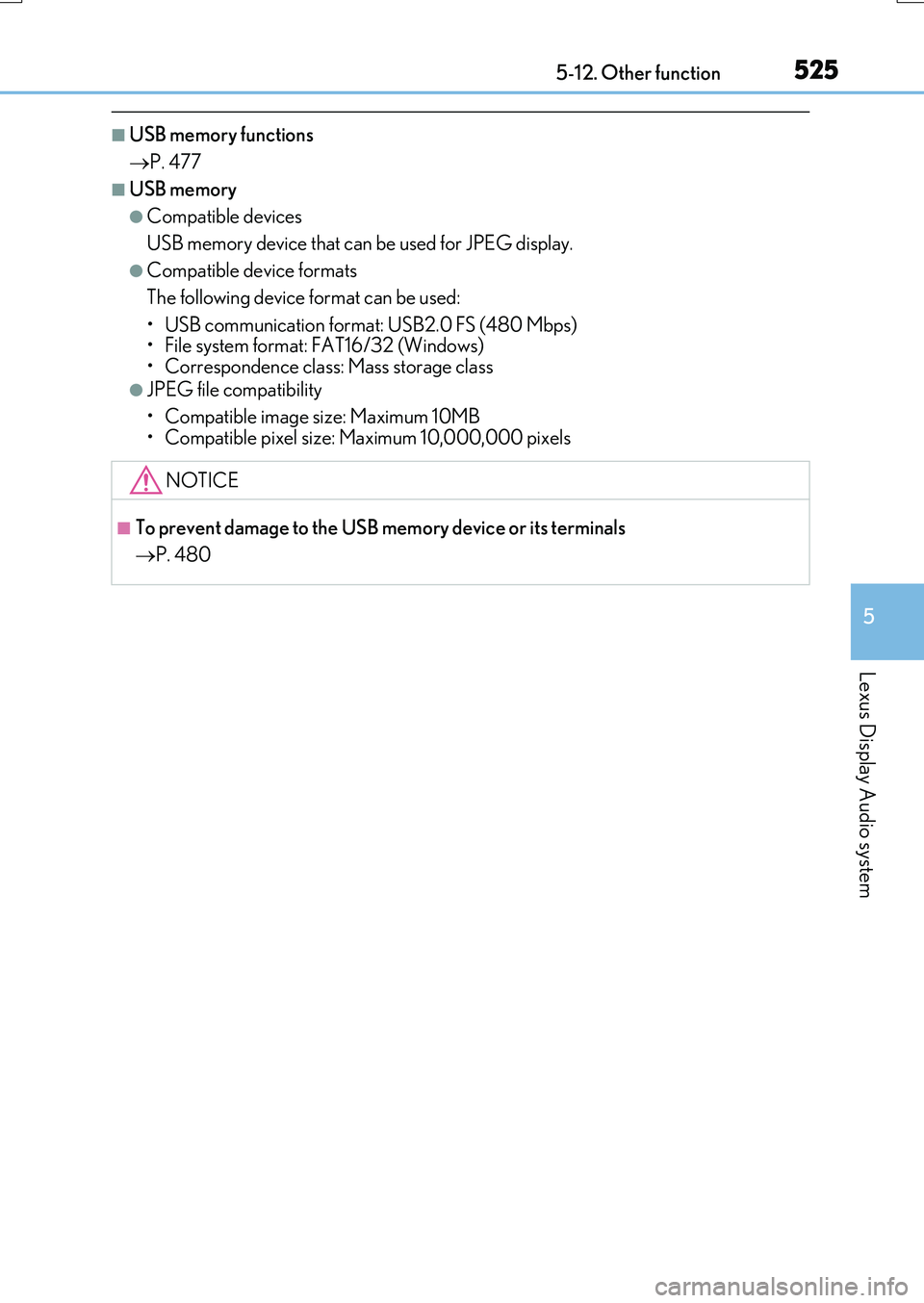
■USB memory functions
P. 477
■USB memory
●Compatible devices
USB memory device that can be used for JPEG display.
●Compatible device formats
The following device format can be used:
• USB communication format: USB2.0 FS (480 Mbps) • File system format: FAT16/32 (Windows)• Correspondence class: Mass storage class
●JPEG file compatibility
• Compatible image size: Maximum 10MB
• Compatible pixel size: Maximum 10,000,000 pixels
NOTICE
■To prevent damage to the USB memory device or its terminals
P. 480
Page 527 of 776
5275-12. Other function
5
Lexus Display Audio system
RX350/RX200t_EE_OM48F32E
■Microphone
P. 493
■Speech commands may not be recognized if:
●Spoken too quickly
●Spoken at a low or high volume
●Passengers are talking while speech commands are spoken
Page 530 of 776
530
RX350/RX200t_EE_OM48F32E
6-1. Basic operation of the Remote Touch screen
“MAP” button
Press this button to display the vehicle’s current position.
“ •” button
Press this button to change map scale and scroll through lists.
Back button
Press to display the previous screen.
“MENU” button
Press this button to display the “Menu” screen. (P. 532)
Remote Touch knob
Move in the desired direction to select a function, letter and screen button. Press the knob to enter the selected function, letter or screen button.
“ENTER” button
Press to enter the selected function, letter or screen button.
Remote Touch
: If equipped
The Remote Touch can be used to operate the Remote Touch screens.
For details, refer to the “NAVIGATION SYSTEM OWNER’S MANUAL”.
The illustration below is for left-hand drive vehicles.
1
2
3
4
5
6
Page 531 of 776

5316-1. Basic operation of the Remote Touch screen
6
Interior features
RX350/RX200t_EE_OM48F32E
Select: Move the Remote Touch
knob in the desired direction.
Enter: Push the Remote Touch knob
or an “ENTER” button.
■Screen display during low temperatures
When the ambient temperature is extremely low, screen response may be delayed even if the Remote Touch is operated.
Remote Touch operation
1
2
WARNING
■When using the Remote Touch
●Do not allow fingers, fingernails or hair to become caught in the Remote Touch as this
may cause an injury.
●Be careful when selecting the Remote Touch in extreme temperatures as it may become very hot or cold due to the temperature inside the vehicle.
NOTICE
■To prevent damage to the Remote Touch
●Do not allow the Remote Touch to come into contact with food, liquid, stickers or lit
cigarettes as doing so may cause it to change color, emit a strange odor or stop func- tioning.
●Do not subject the Remote Touch to excessiv e pressure or strong impact as the knob may bend or break off.
●Do not allow coins, contact lenses or other such items to become caught in the
Remote Touch as this may cause it to stop functioning.
●Items of clothing may rip if they be come caught on the Remote Touch knob.
●If your hand or any object is on the Remote Touch knob when the engine switch is in
ACCESSORY mode, the Remote Touch knob may not operate properly.
Page 533 of 776
5336-1. Basic operation of the Remote Touch screen
6
Interior features
RX350/RX200t_EE_OM48F32E
■Full screen display
The following functions can be displayed full screen:
•Initial screen
•“Menu” screen ( P. 532)
•Map screen*
•Audio screen*
• Fuel consumption screen ( P. 128)
• Air conditioning control screen ( P. 536)
*: Refer to the “NAVIGATION SYSTEM OWNER’S MANUAL”.
■Split-screen display
Different information can be displayed on the left and right of the screen. For
example, audio screen can be displayed and operated while the fuel con-
sumption information screen is being displayed. The large screen on the left of
the display is called the main display, and the small screen to the right is called
the side display.
12.3-inch display
: If equipped
12.3-inch display overview