Page 144 of 676

1443-2. Opening, closing and locking the doors and trunk
IS200t_EE(OM53D77E)
■Note for the entry function (if equipped)
●Even when the electronic key is within the effective range (detection areas), the system
may not operate properly in the following cases:
• The electronic key is too close to the window or outside door handle, near the
ground, or in a high place when the doors are locked or unlocked.
• The electronic key is near the ground or in a high place, or too close to the rear
bumper center when the trunk is opened.
●Do not leave the electronic key on top of th e instrument panel or near the door pockets
when exiting the vehicle. Depending on the radio wave reception conditions, it may be
detected by the antenna outside the cabin and the doors will become lockable from the
outside, possibly trapping the electronic key inside the vehicle.
●As long as the electronic key is within the effective range, the doors may be locked or
unlocked by anyone. However, only the doors detecting the electronic key can be used
to unlock the vehicle.
●The doors may unlock or lock if a large amou nt of water splashes on the door handle,
such as in the rain or in a car wash, when th e electronic key is within the effective range.
(The doors will automatically be locked after approximately 30 seconds if the doors
are not opened and closed.)
●If the wireless remote control is used to lock the doors when the electronic key is near
the vehicle, there is a possibility that the d oor may not be unlocked by the entry func-
tion. (Use the wireless remote control to unlock the doors.)
●Touching the door lock or unlock sensor while wearing gloves may prevent lock or
unlock operation.
●If the door handle becomes wet while the electronic key is within the effective range,
the door may lock and unlock repeatedly. In this case, follow the following correction
procedures to wash the vehicle:
• Place the electronic key in a location 2 m (6 ft.) or more away from the vehicle. (Take care to ensure that the key is not stolen.)
• Set the electronic key to battery-saving mode to disable the smart entry & start sys- tem. ( P. 142)
●If the electronic key is inside the vehicle and a door handle becomes wet during a car
wash, a message may be shown on the multi-information display and a buzzer will
sound outside the vehicle. To turn off the alarm, lock all the doors.
●The lock sensor may not work properly if it comes into contact with ice, snow, mud, etc.
Clean the lock sensor and attempt to operate it again, or use the lock sensor on the
lower part of the door handle.
●A sudden handle operation or a handle operation immediately after entering the effec-
tive range may prevent the doors from bein g unlocked. Touch the door unlock sensor
and check that the doors are unlocked before pulling the door handle again.
●Unlocking the vehicle may take more time if another electronic key is within the effec-
tive range.
Page 145 of 676

1453-2. Opening, closing and locking the doors and trunk
3
Operation of each component
IS200t_EE(OM53D77E)
■Note for the push-start function
●Even when the electronic key is within the effective range (detection areas), the system
may not operate properly when the electronic key is on the instrument panel, rear
package tray or floor, or in the door pockets or glove box when the engine is started or
engine switch modes are changed.
●Even if the electronic key is not inside the vehicle, it may be possible to start the engine
if the electronic key is near the window.
■When the vehicle is not driven for extended periods
●Vehicles with entry function: To prevent thef t of the vehicle, do not leave the electronic
key within 2 m (6 ft.) of the vehicle.
●The smart entry & start system can be deactivated in advance. ( P. 641)
■To operate the system properly
●Make sure to carry the electronic key when operating the system. Do not get the elec-
tronic key too close to the vehicle when operating the system from the outside of the
vehicle.
Depending on the position and holding condit ion of the electronic key, the key may not
be detected correctly and the system may not operate properly. (The alarm may go off
accidentally, or the door lock prev ention function may not operate.)
●Do not leave the electronic key inside the luggage compartment.
The key confinement prevention function ma y not operate, depending on the location
of the key (close to a spare tire [if equipped], the inside edge of the luggage compart-
ment), conditions (inside a metal bag, clos e to metallic objects) and the radio waves in
the surrounding area. ( P. 138)
■If the smart entry & start system does not operate properly
●Locking and unlocking the doors and opening the trunk: Use the mechanical key.
( P. 615)
●Starting the engine: P. 616
■Customization
Settings (e. g. smart entry & start system) can be changed.
(Customizable features: P. 641)
■If the smart entry & start system has be en deactivated in a customized setting
●Locking and unlocking the doors and opening the trunk:
Use the wireless remote control or mechanical key. ( P. 128, 136, 615)
●Starting the engine and changing engine switch modes: P. 616
●Stopping the engine: P. 204
Page 146 of 676
1463-2. Opening, closing and locking the doors and trunk
IS200t_EE(OM53D77E)
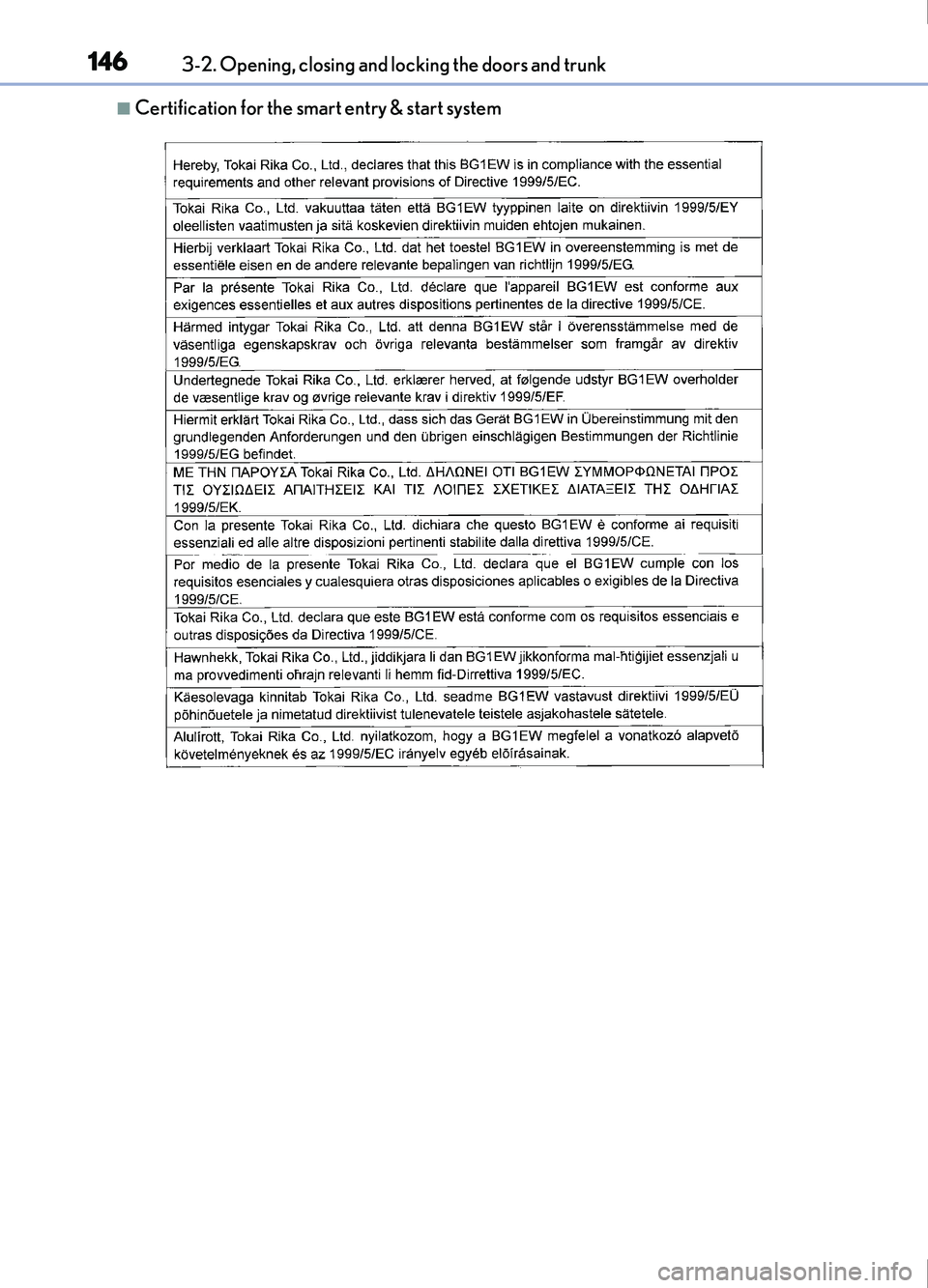
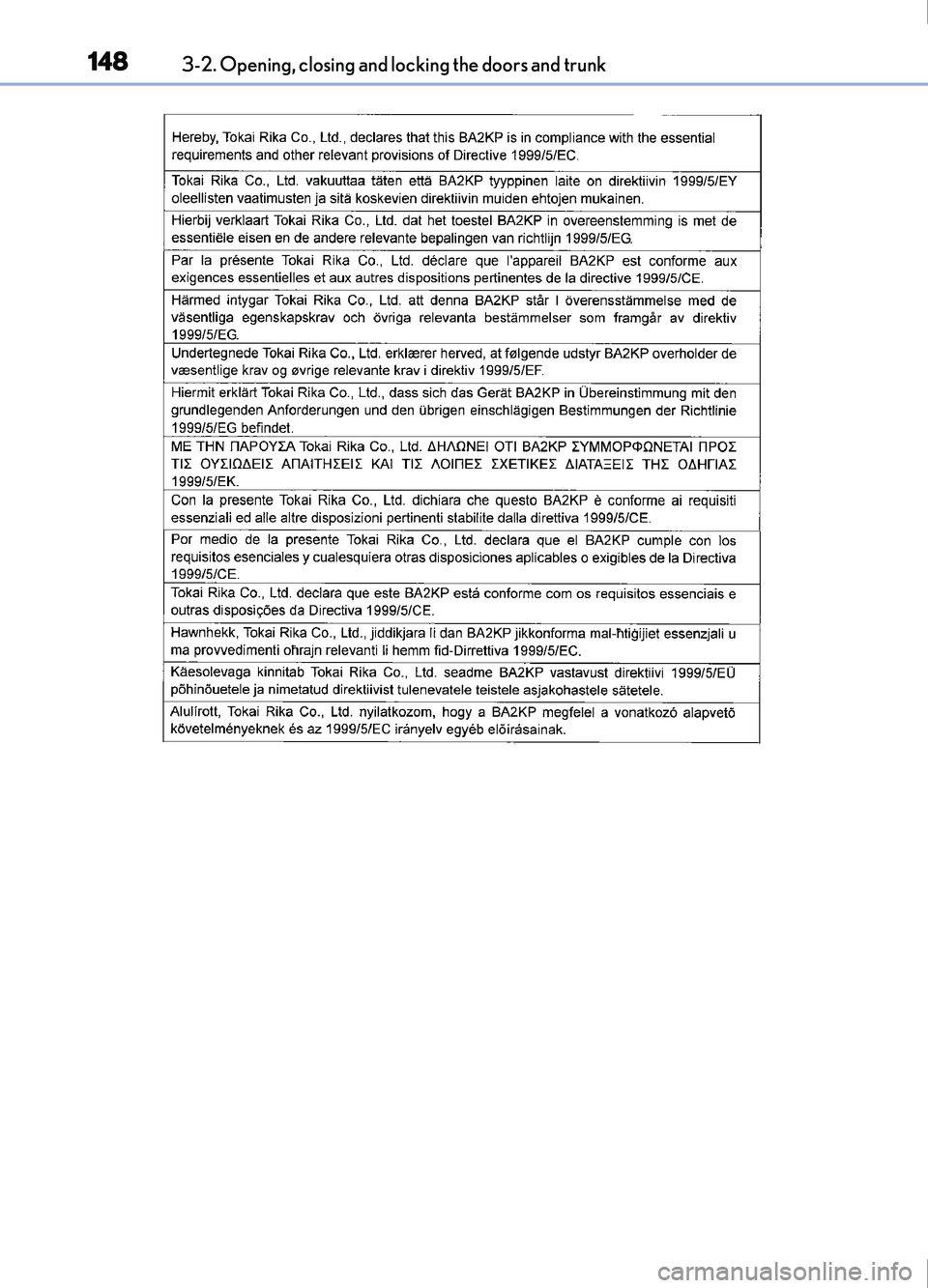
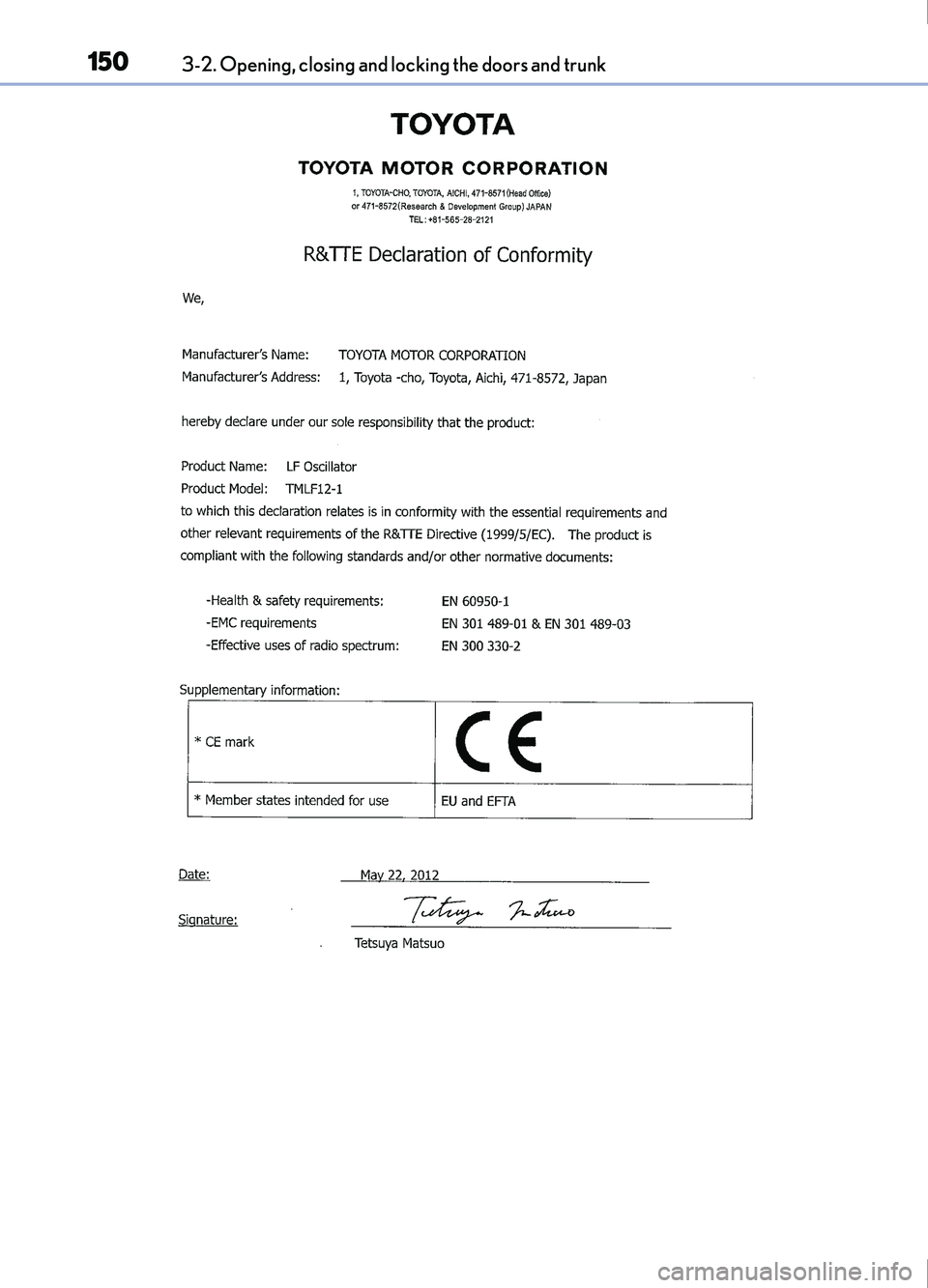
■Certification for the smart entry & start system
Page 147 of 676
1473-2. Opening, closing and locking the doors and trunk
3
Operation of each component
IS200t_EE(OM53D77E)
Page 148 of 676
1483-2. Opening, closing and locking the doors and trunk
IS200t_EE(OM53D77E)
Page 149 of 676
1493-2. Opening, closing and locking the doors and trunk
3
Operation of each component
IS200t_EE(OM53D77E)
Page 150 of 676
1503-2. Opening, closing and locking the doors and trunk
IS200t_EE(OM53D77E)
Page 151 of 676
1513-2. Opening, closing and locking the doors and trunk
3
Operation of each component
IS200t_EE(OM53D77E)