Page 166 of 589
Features of your vehicle
80
4
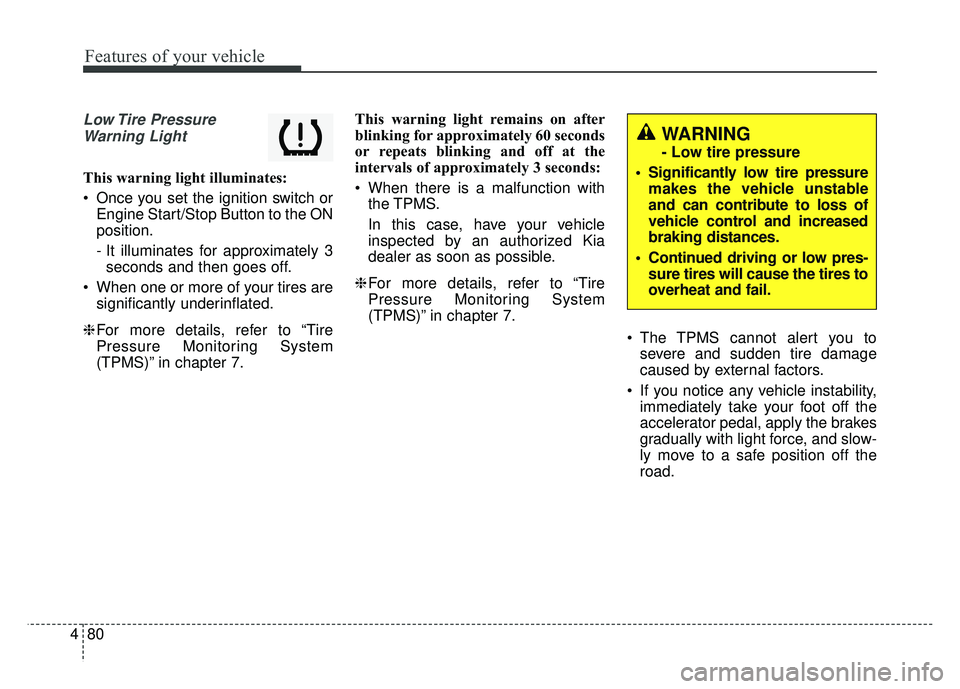
Low Tire Pressure
Warning Light
This warning light illuminates:
Once you set the ignition switch or Engine Start/Stop Button to the ON
position.
- It illuminates for approximately 3seconds and then goes off.
When one or more of your tires are significantly underinflated.
❈ For more details, refer to “Tire
Pressure Monitoring System
(TPMS)” in chapter 7. This warning light remains on after
blinking for approximately 60 seconds
or repeats blinking and off at the
intervals of approximately 3 seconds:
When there is a malfunction with
the TPMS.
In this case, have your vehicle
inspected by an authorized Kia
dealer as soon as possible.
❈ For more details, refer to “Tire
Pressure Monitoring System
(TPMS)” in chapter 7.
The TPMS cannot alert you tosevere and sudden tire damage
caused by external factors.
If you notice any vehicle instability, immediately take your foot off the
accelerator pedal, apply the brakes
gradually with light force, and slow-
ly move to a safe position off the
road.
WARNING
- Low tire pressure
Significantly low tire pressure makes the vehicle unstable
and can contribute to loss of
vehicle control and increased
braking distances.
Continued driving or low pres- sure tires will cause the tires to
overheat and fail.
Page 168 of 589
Features of your vehicle
82
4
Master Warning light
(if equipped)
This warning light informs the driv- er the following situations
- BSD fail (if equipped)
- TPMS (if equipped)
The Master Warning Light illumi-
nates when more than one of the
above warning situations occur.
If the warning situation is solved, the
master warning light will be turned off.
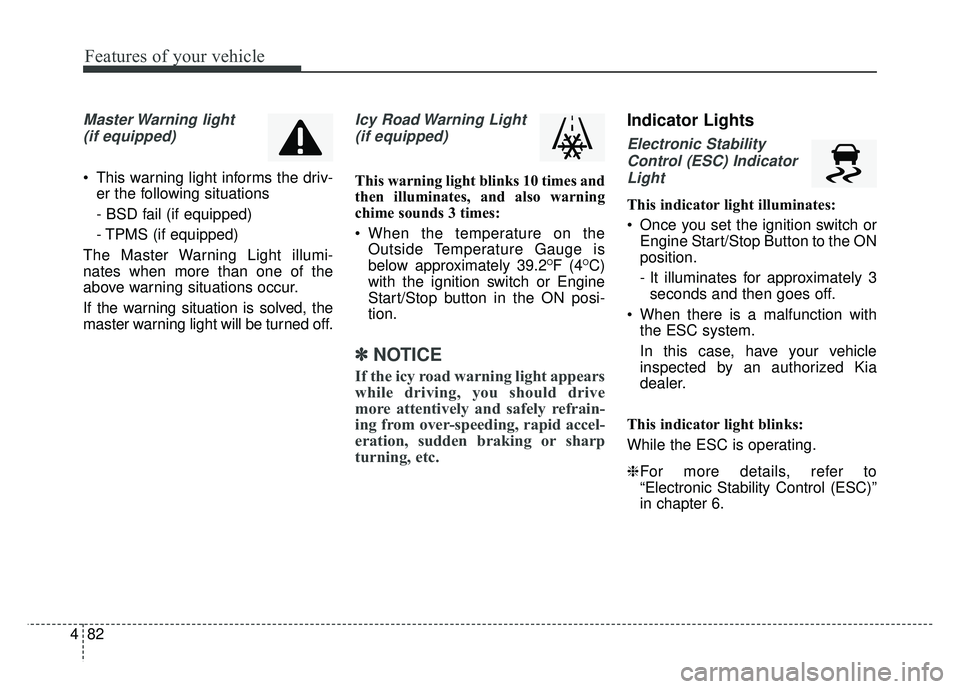
Icy Road Warning Light (if equipped)
This warning light blinks 10 times and
then illuminates, and also warning
chime sounds 3 times:
When the temperature on the Outside Temperature Gauge is
below approximately 39.2
OF (4OC)
with the ignition switch or Engine
Start/Stop button in the ON posi-
tion.
✽ ✽ NOTICE
If the icy road warning light appears
while driving, you should drive
more attentively and safely refrain-
ing from over-speeding, rapid accel-
eration, sudden braking or sharp
turning, etc.
Indicator Lights
Electronic Stability
Control (ESC) IndicatorLight
This indicator light illuminates:
Once you set the ignition switch or Engine Start/Stop Button to the ON
position.
- It illuminates for approximately 3seconds and then goes off.
When there is a malfunction with the ESC system.
In this case, have your vehicle
inspected by an authorized Kia
dealer.
This indicator light blinks:
While the ESC is operating.
❈ For more details, refer to
“Electronic Stability Control (ESC)”
in chapter 6.
Page 169 of 589
483
Features of your vehicle
Electronic StabilityControl (ESC) OFFIndicator Light
This indicator light illuminates:
Once you set the ignition switch or Engine Start/Stop Button to the ON
position.
- It illuminates for approximately 3seconds and then goes off.
When you deactivate the ESC sys- tem by pressing the ESC OFF but-
ton.
❈ For more details, refer to
“Electronic Stability Control (ESC)”
in chapter 5.
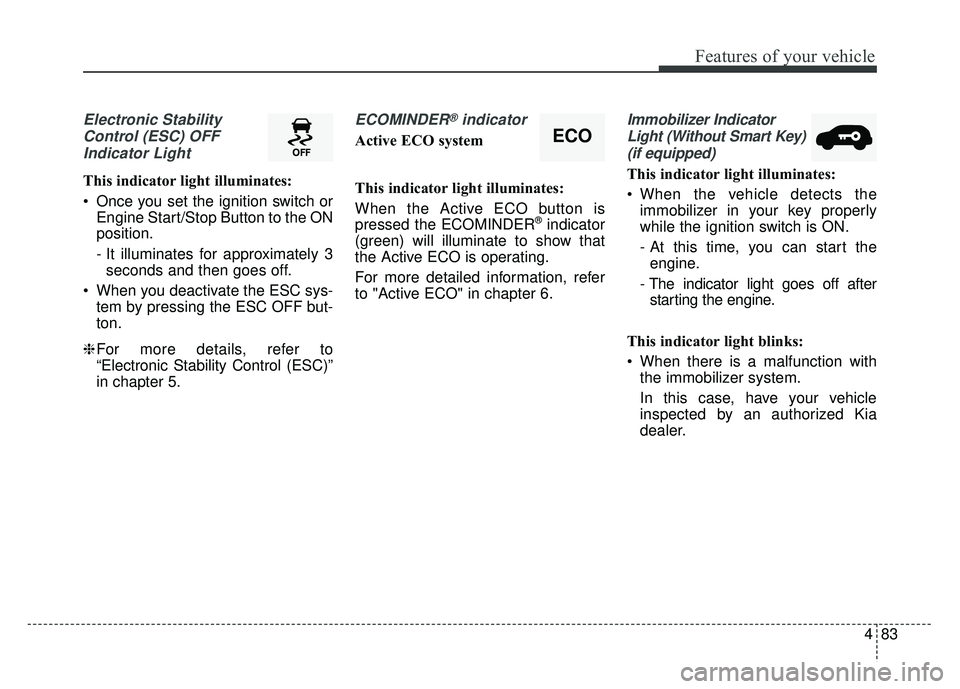
ECOMINDER®indicator
Active ECO system
This indicator light illuminates:
When the Active ECO button is
pressed the ECOMINDER
®indicator
(green) will illuminate to show that
the Active ECO is operating.
For more detailed information, refer
to "Active ECO" in chapter 6.
Immobilizer Indicator
Light (Without Smart Key)
(if equipped)
This indicator light illuminates:
When the vehicle detects the immobilizer in your key properly
while the ignition switch is ON.
- At this time, you can start theengine.
- The indicator light goes off after starting the engine.
This indicator light blinks:
When there is a malfunction with the immobilizer system.
In this case, have your vehicle
inspected by an authorized Kia
dealer.
ECO
Page 170 of 589
Features of your vehicle
84
4
Immobilizer Indicator
Light (With Smart Key) (if equipped)
This indicator light illuminates for up
to 30 seconds:
When the vehicle detects the smart key in the vehicle properly
while the Engine Start/Stop Button
is ACC or ON.
- At this time, you can start theengine.
- The indicator light goes off after starting the engine.
This indicator light blinks for a few
seconds:
When the smart key is not in the vehicle.
- At this time, you can not start theengine. This indicator light illuminates for 2
seconds and goes off:
When the vehicle can not detect
the smart key which is in the vehi-
cle while the Engine Start/Stop
Button is ON.
In this case, have your vehicle
inspected by an authorized Kia
dealer.
This indicator light blinks:
When the battery of the smart key is weak.
- At this time, you can not start theengine. However, you can start the
engine if you press the Engine
Start/Stop Button with the smart
key. (For more details, refer to
“Starting the Engine” in chapter 6).
When there is a malfunction with the immobilizer system.
In this case, have your vehicle
inspected by an authorized Kia
dealer.
Turn Signal Indicator
Light
This indicator light blinks:
When you turn the turn signal light on.
If any of the following occurs, there
may be a malfunction with the turn
signal system. In this case, have your
vehicle inspected by an authorized
Kia dealer. - The indicator light does not blinkbut illuminates.
- The indicator light blinks more rapidly.
- The indicator light does not illumi- nate at all.
Page 171 of 589

485
Features of your vehicle
High Beam IndicatorLight
This indicator light illuminates:
When the headlights are on and in the high beam position
When the turn signal lever is pulled into the Flash-to-Pass position.
Light ON Indicator Light
This indicator light illuminates:
When the tail lights or headlightsare on.
Front Fog Indicator
Light (if equipped)
This indicator light illuminates:
When the front fog lights are on.
KEY OUT Indicator Light(if equipped)
When the ENGINE START/STOP
button is in the ACC or ON position,
if any door is open, the system
checks for the smart key.
This indicator light blinks:
When the smart key is not in the
vehicle and any door is open with the
ignition switch or Engine Start/Stop
button in the ACC or ON position.
- At this time, if you close all doors, the chime will also sound for
approximately 5 seconds.
- The indicator will go off while the vehicle is moving.
Cruise Indicator Light
(if equipped)
This indicator light illuminates:
When the cruise control system is enabled.
❈ For more details, refer to “Cruise
Control System” in chapter 6.
CRUISEKEY
OUT
Page 172 of 589
Features of your vehicle
86
4
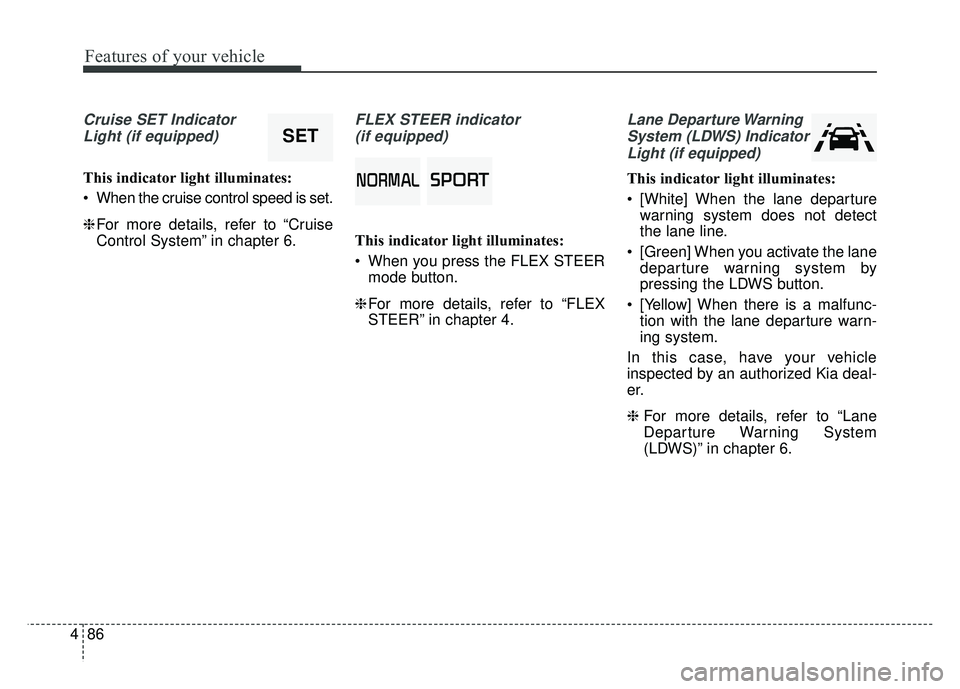
Cruise SET Indicator
Light (if equipped)
This indicator light illuminates:
When the cruise control speed is set.
❈ For more details, refer to “Cruise
Control System” in chapter 6.
FLEX STEER indicator
(if equipped)
This indicator light illuminates:
When you press the FLEX STEER mode button.
❈ For more details, refer to “FLEX
STEER” in chapter 4.
Lane Departure Warning
System (LDWS) IndicatorLight (if equipped)
This indicator light illuminates:
[White] When the lane departure warning system does not detect
the lane line.
[Green] When you activate the lane departure warning system by
pressing the LDWS button.
[Yellow] When there is a malfunc- tion with the lane departure warn-
ing system.
In this case, have your vehicle
inspected by an authorized Kia deal-
er.
❈ For more details, refer to “Lane
Departure Warning System
(LDWS)” in chapter 6.0036003300320035003700310032003500300024002F
SET
Page 175 of 589
489
Features of your vehicle
Lighting control
The light switch has a Headlight and
a Parking light position.
To operate the lights, turn the knob at
the end of the control lever to one of
the following positions:
(1) OFF position
(2) Parking light position
(3) Headlight position
(4) Auto light position (if equipped)
Parking light position ( )
When the light switch is in the park-
ing light position (1st position), the
tail, license and instrument panel
lights will turn ON.
Headlight position ( )
When the light switch is in the head-
light position (2nd position), the
head, tail, license and instrument
panel lights will turn ON.
The ignition switch must be in the ON
position to turn on the headlights.
OAM049041OAM049042OXM049110
Page 176 of 589
Features of your vehicle
90
4
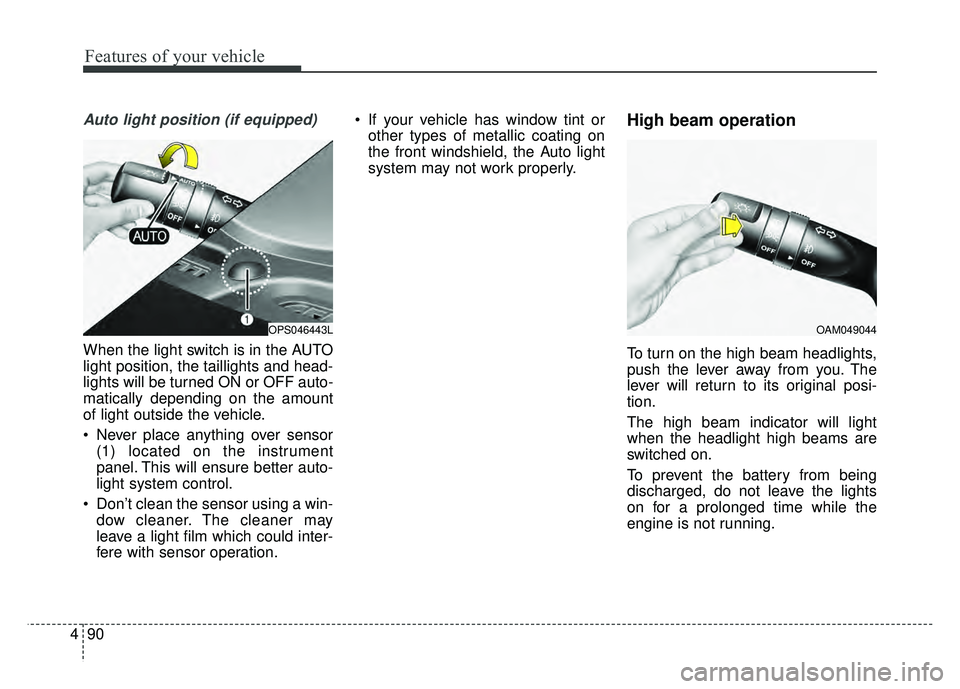
Auto light position (if equipped)
When the light switch is in the AUTO
light position, the taillights and head-
lights will be turned ON or OFF auto-
matically depending on the amount
of light outside the vehicle.
Never place anything over sensor
(1) located on the instrument
panel. This will ensure better auto-
light system control.
Don’t clean the sensor using a win- dow cleaner. The cleaner may
leave a light film which could inter-
fere with sensor operation. If your vehicle has window tint or
other types of metallic coating on
the front windshield, the Auto light
system may not work properly.
High beam operation
To turn on the high beam headlights,
push the lever away from you. The
lever will return to its original posi-
tion.
The high beam indicator will light
when the headlight high beams are
switched on.
To prevent the battery from being
discharged, do not leave the lights
on for a prolonged time while the
engine is not running.
OPS046443LOAM049044