Page 238 of 470
![KIA Soul EV 2017 2.G Owners Manual Features of your vehicle
168
4 If there are connected devices
Select the [PHONE]
button on the
audio system ➟ Select [Settings] ➟
Select [Connections] ➟Select
Bluetooth®Wireless Technology dev](/manual-img/2/2984/w960_2984-237.png "KIA Soul EV 2017 2.G Owners Manual Features of your vehicle
168
4 If there are connected devices
Select the [PHONE]
button on the
audio system ➟ Select [Settings] ➟
Select [Connections] ➟Select
Bluetooth®Wireless Technology dev")
Features of your vehicle
168
4 If there are connected devices
Select the [PHONE]
button on the
audio system ➟ Select [Settings] ➟
Select [Connections] ➟Select
Bluetooth®Wireless Technology device
to connect ➟ Select [Connect] ➟
Connect
Bluetooth®Wireless Technology.
✽ ✽ NOTICE
• Only one Bluetooth®Wireless
Technology device can be connect-
ed at a time.
• When a Bluetooth
®Wireless
Technology device is connected,
other devices cannot be paired.
Accepting/rejecting phone calls
Receiving phone calls with
Bluetooth®Wireless Technology con-
nected.
(1) Caller name: If the caller number is in your contacts, the correspon-
ding name is displayed.
(2) Incoming phone number: Incoming phone number is displayed.
(3) Accept: Accept call.
(4) Reject: Reject call.
✽ ✽ NOTICE
• When the incoming call screen is
displayed, audio mode and the set-
tings screen cannot be shown.
Only call volume control is sup-
ported.
• Some Bluetooth
®Wireless Technology
devices may not support the call
reject function.
• Some Bluetooth
®Wireless Technology
devices may not support the phone
number display function.
Page 242 of 470
Features of your vehicle
172
4
Siri
✽ ✽
NOTICE - Using Siri
• If you want to use Siri, you have to
connect your iOS device to multi-
media system through Bluetooth
®
Wireless Technology. (Please
check whether your iOS device
supports Siri and turning Siri On)
• If the iOS version is changed, the functions and response may be dif-
ferent according to the iOS device
and the latest version.
• Siri automatically stops in the fol- lowing events.
1) Outgoing and incoming phone calls.
2) Media (USB, etc.) is connected. (Siri mode is maintained when
iPod
®s are connected)
3) Rear camera is activated (option).
4) Vehicle is started or engine is turned off.
5) Screen transition buttons, such as RADIO or MEDIA, are
selected. (Continued)(Continued)
6) When a pop-up message is dis- played on the screen due to
accidental execution of Siri.
• The microphone is located above the driver’s seat. To ensure proper
Siri, state your voice while main-
taining proper driving posture.
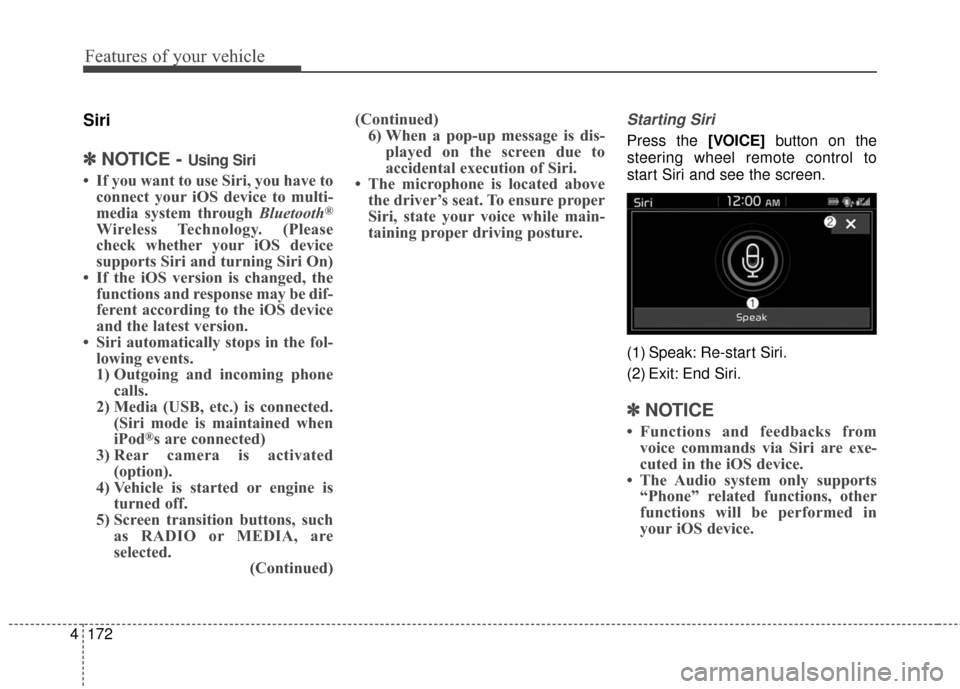
Starting Siri
Press the [VOICE] button on the
steering wheel remote control to
start Siri and see the screen.
(1) Speak: Re-start Siri.
(2) Exit: End Siri.
✽ ✽ NOTICE
• Functions and feedbacks from
voice commands via Siri are exe-
cuted in the iOS device.
• The Audio system only supports “Phone” related functions, other
functions will be performed in
your iOS device.
Page 246 of 470
Driving your vehicle
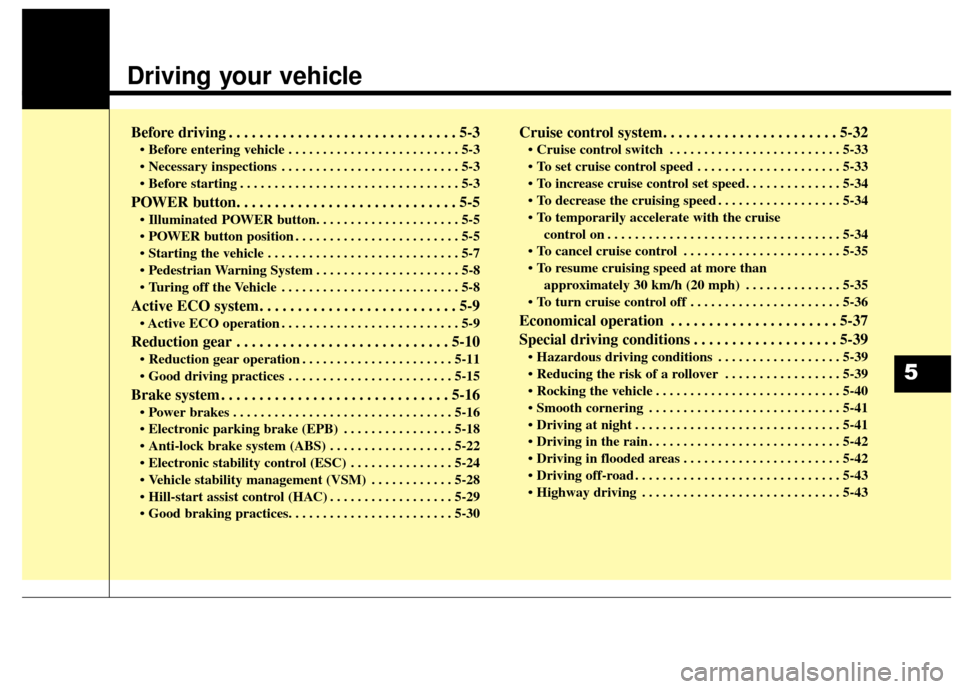
Before driving . . . . . . . . . . . . . . . . . . . . . . . . . . . . . . 5-3
• Before entering vehicle . . . . . . . . . . . . . . . . . . . . . . . . . 5-3
. . . . . . . . . . . . . . . . . . . . . . . . . . 5-3
. . . . . . . . . . . . . . . . . . . . . . . . . . . . . . . . 5-3
POWER button. . . . . . . . . . . . . . . . . . . . . . . . . . . . . 5-5
. . . . . . . . . . . . . . . . . . . . . . . . 5-5
. . . . . . . . . . . . . . . . . . . . . . . . . . . . 5-7
. . . . . . . . . . . . . . . . . . . . . 5-8
. . . . . . . . . . . . . . . . . . . . . . . . . . 5-8
Active ECO system. . . . . . . . . . . . . . . . . . . . . . . . . . 5-9
. . . . . . . . . . . . . . . . . . . . . . . . . . 5-9
Reduction gear . . . . . . . . . . . . . . . . . . . . . . . . . . . . 5-10
. . . . . . . . . . . . . . . . . . . . . . 5-11
. . . . . . . . . . . . . . . . . . . . . . . . 5-15
Brake system . . . . . . . . . . . . . . . . . . . . . . . . . . . . . . 5-16
. . . . . . . . . . . . . . . . . . . . . . . . . . . . . . . . 5-16
parking brake (EPB) . . . . . . . . . . . . . . . . 5-18
. . . . . . . . . . . . . . . . . . 5-22
. . . . . . . . . . . . . . . 5-24
. . . . . . . . . . . . 5-28
. . . . . . . . . . . . . . . . . . 5-29
Cruise control system. . . . . . . . . . . . . . . . . . . . . . . 5-32
. . . . . . . . . . . . . . . . . . . . . . . . . 5-33
. . . . . . . . . . . . . . . . . . . . . 5-33
. . . . . . . . . . . . . . . . . . 5-34
control on . . . . . . . . . . . . . . . . . . . . . . . . . . . . . . . . . . 5-34\
. . . . . . . . . . . . . . . . . . . . . . . 5-35
approximately 30 km/h (20 mph) . . . . . . . . . . . . . . 5-35
. . . . . . . . . . . . . . . . . . . . . . 5-36
Economical operation . . . . . . . . . . . . . . . . . . . . . . 5-37
Special driving conditions . . . . . . . . . . . . . . . . . . . 5-39
. . . . . . . . . . . . . . . . . . 5-39
. . . . . . . . . . . . . . . . . 5-39
. . . . . . . . . . . . . . . . . . . . . . . . . . . 5-40
. . . . . . . . . . . . . . . . . . . . . . . . . . . . 5-41
. . . . . . . . . . . . . . . . . . . . . . . . . . . . . . 5-41
. . . . . . . . . . . . . . . . . . . . . . . . . . . . 5-42
. . . . . . . . . . . . . . . . . . . . . . . 5-42
. . . . . . . . . . . . . . . . . . . . . . . . . . . . . . 5-43
. . . . . . . . . . . . . . . . . . . . . . . . . . . . . 5-43
5
Page 247 of 470
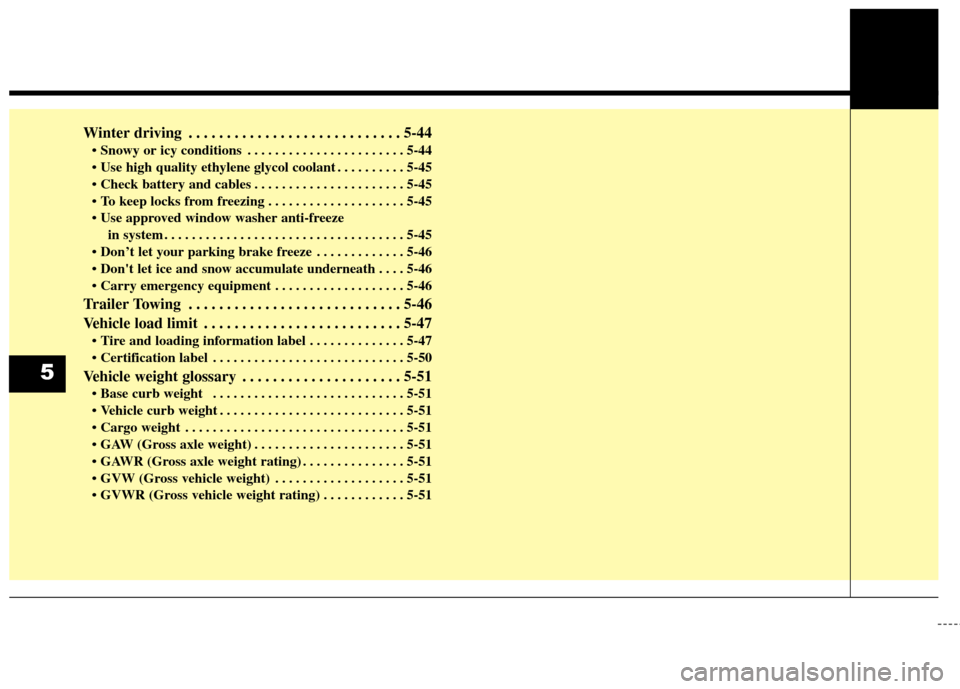
Winter driving . . . . . . . . . . . . . . . . . . . . . . . . . . . . 5-44
. . . . . . . . . . . . . . . . . . . . . . . 5-44
. . . . . . . . . . 5-45
. . . . . . . . . . . . . . . . . . . . . . 5-45
. . . . . . . . . . . . . . . . . . . . 5-45
in system . . . . . . . . . . . . . . . . . . . . . . . . . . . . . . . . . . . 5-\
45
. . . . . . . . . . . . . 5-46
. . . . 5-46
. . . . . . . . . . . . . . . . . . . 5-46
Trailer Towing . . . . . . . . . . . . . . . . . . . . . . . . . . . . 5-46
Vehicle load limit . . . . . . . . . . . . . . . . . . . . . . . . . . 5-47
. . . . . . . . . . . . . . 5-47
. . . . . . . . . . . . . . . . . . . . . . . . . . . . 5-50
Vehicle weight glossary . . . . . . . . . . . . . . . . . . . . . 5-51
. . . . . . . . . . . . . . . . . . . . . . . . . . . . 5-51
. . . . . . . . . . . . . . . . . . . . . . . . . . . 5-51
. . . . . . . . . . . . . . . . . . . . . . . . . . . . . . . . 5-51
. . . . . . . . . . . . . . . . . . . . . . 5-51
. . . . . . . . . . . . . . . 5-51
. . . . . . . . . . . . . . . . . . . 5-51
. . . . . . . . . . . . 5-51
5
Page 248 of 470
53
Driving your vehicle
Before entering vehicle
• Be sure that all windows, outsidemirror(s), and outside lights are
clean.
Check the condition of the tires.
Check under the vehicle for any sign of leaks.
Be sure there are no obstacles behind you if you intend to back up.
Necessary inspections
Fluid levels, such as coolant, brake
fluid, and washer fluid should be
checked on a regular basis, at the
exact interval depending on the fluid.
Further details are provided in chap-
ter 7, “Maintenance”.
Before starting
Close and lock all doors.
Position the seat so that all con-trols are easily reached.
Buckle your seat belt.
Adjust the inside and outside rearview mirrors.
Be sure that all lights work.
Check all gauges.
Check the operation of warning lights when the POWER button is
turned to the ON position.
Release the parking brake and make sure the brake warning light
goes out.
For safe operation, be sure you are
familiar with your vehicle and its
equipment.
BEFORE DRIVING
WARNING - Distracted driving
Focus on the road while driving.
The driver's primary responsibil-
ity is in the safe and legal opera-
tion of the vehicle. Use of any
handled devices, other equip-
ment or vehicle systems that
distract the drive should not be
used during vehicle operation.
Page 249 of 470
Driving your vehicle
45
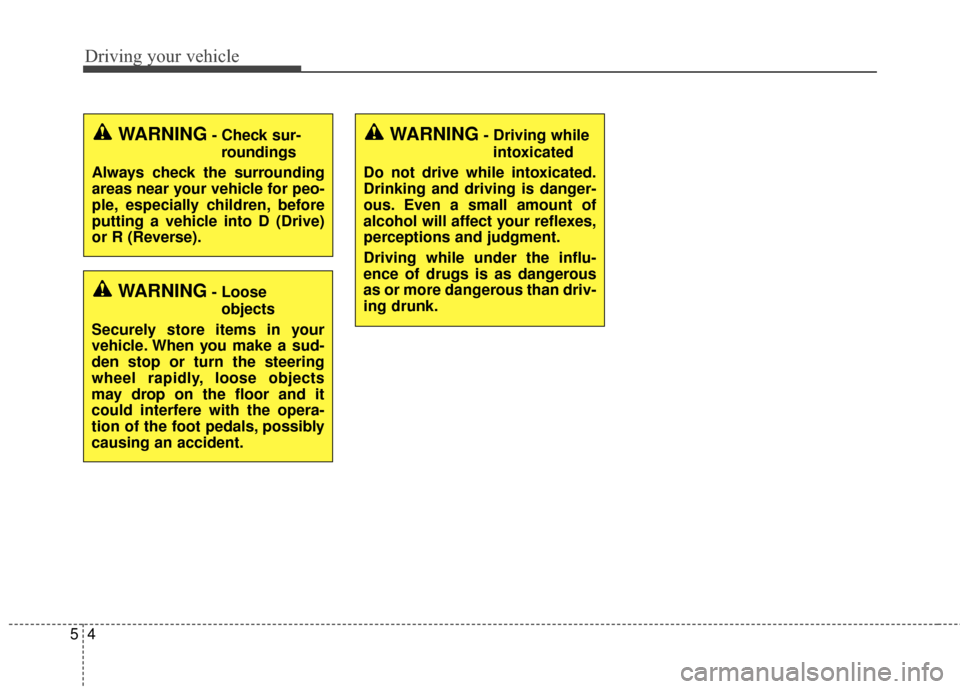
WARNING- Check sur-roundings
Always check the surrounding
areas near your vehicle for peo-
ple, especially children, before
putting a vehicle into D (Drive)
or R (Reverse).
WARNING- Loose objects
Securely store items in your
vehicle. When you make a sud-
den stop or turn the steering
wheel rapidly, loose objects
may drop on the floor and it
could interfere with the opera-
tion of the foot pedals, possibly
causing an accident.
WARNING- Driving while intoxicated
Do not drive while intoxicated.
Drinking and driving is danger-
ous. Even a small amount of
alcohol will affect your reflexes,
perceptions and judgment.
Driving while under the influ-
ence of drugs is as dangerous
as or more dangerous than driv-
ing drunk.
Page 250 of 470
55
Driving your vehicle
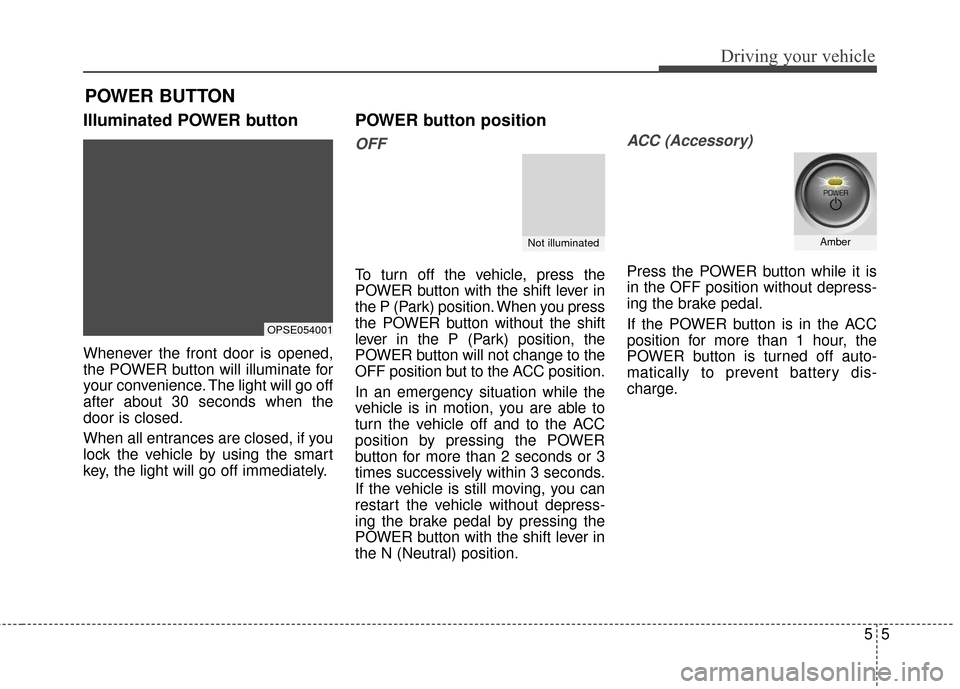
Illuminated POWER button
Whenever the front door is opened,
the POWER button will illuminate for
your convenience. The light will go off
after about 30 seconds when the
door is closed.
When all entrances are closed, if you
lock the vehicle by using the smart
key, the light will go off immediately.
POWER button position
OFF
To turn off the vehicle, press the
POWER button with the shift lever in
the P (Park) position. When you press
the POWER button without the shift
lever in the P (Park) position, the
POWER button will not change to the
OFF position but to the ACC position.
In an emergency situation while the
vehicle is in motion, you are able to
turn the vehicle off and to the ACC
position by pressing the POWER
button for more than 2 seconds or 3
times successively within 3 seconds.
If the vehicle is still moving, you can
restart the vehicle without depress-
ing the brake pedal by pressing the
POWER button with the shift lever in
the N (Neutral) position.
ACC (Accessory)
Press the POWER button while it is
in the OFF position without depress-
ing the brake pedal.
If the POWER button is in the ACC
position for more than 1 hour, the
POWER button is turned off auto-
matically to prevent battery dis-
charge.
POWER BUTTON
OPSE054001
Not illuminatedAmber
Page 251 of 470
Driving your vehicle
65
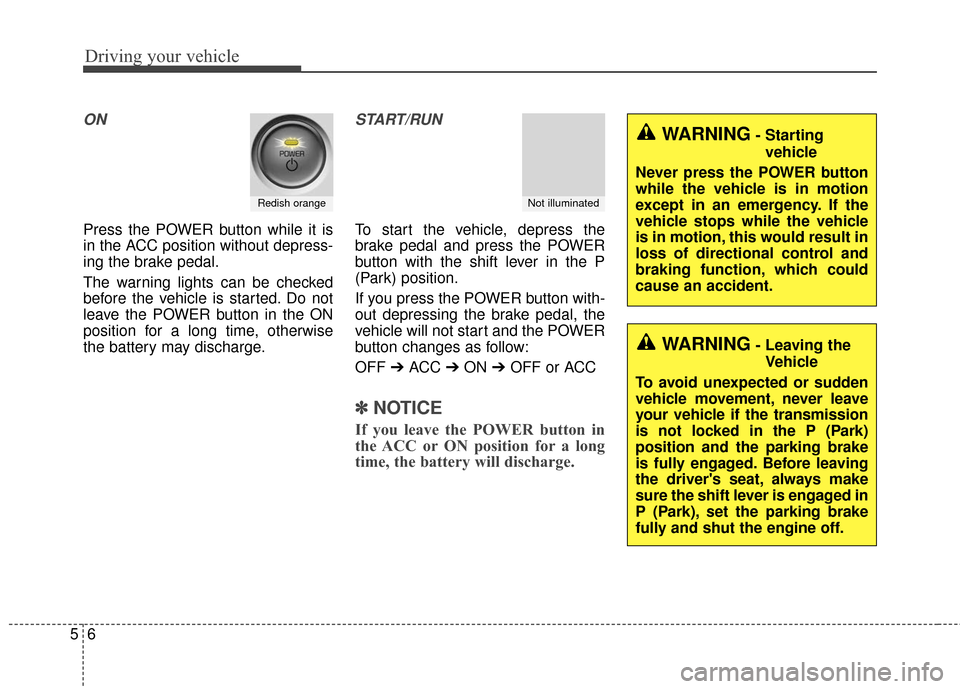
ON
Press the POWER button while it is
in the ACC position without depress-
ing the brake pedal.
The warning lights can be checked
before the vehicle is started. Do not
leave the POWER button in the ON
position for a long time, otherwise
the battery may discharge.
START/RUN
To start the vehicle, depress the
brake pedal and press the POWER
button with the shift lever in the P
(Park) position.
If you press the POWER button with-
out depressing the brake pedal, the
vehicle will not start and the POWER
button changes as follow:
OFF ➔ACC ➔ON ➔OFF or ACC
✽ ✽
NOTICE
If you leave the POWER button in
the ACC or ON position for a long
time, the battery will discharge.
Redish orangeNot illuminated
WARNING- Starting
vehicle
Never press the POWER button
while the vehicle is in motion
except in an emergency. If the
vehicle stops while the vehicle
is in motion, this would result in
loss of directional control and
braking function, which could
cause an accident.
WARNING- Leaving the Vehicle
To avoid unexpected or sudden
vehicle movement, never leave
your vehicle if the transmission
is not locked in the P (Park)
position and the parking brake
is fully engaged. Before leaving
the driver's seat, always make
sure the shift lever is engaged in
P (Park), set the parking brake
fully and shut the engine off.