Page 305 of 516
NOTE:
•Disconnect trailer wiring connector from the vehicle
before launching a boat (or any other device plugged
into vehicle’s electrical connect) into water.
• Be sure to reconnect after clear from water area.
Towing Tips
Before setting out on a trip, practice turning, stopping, and
backing the trailer in an area located away from heavy
traffic.
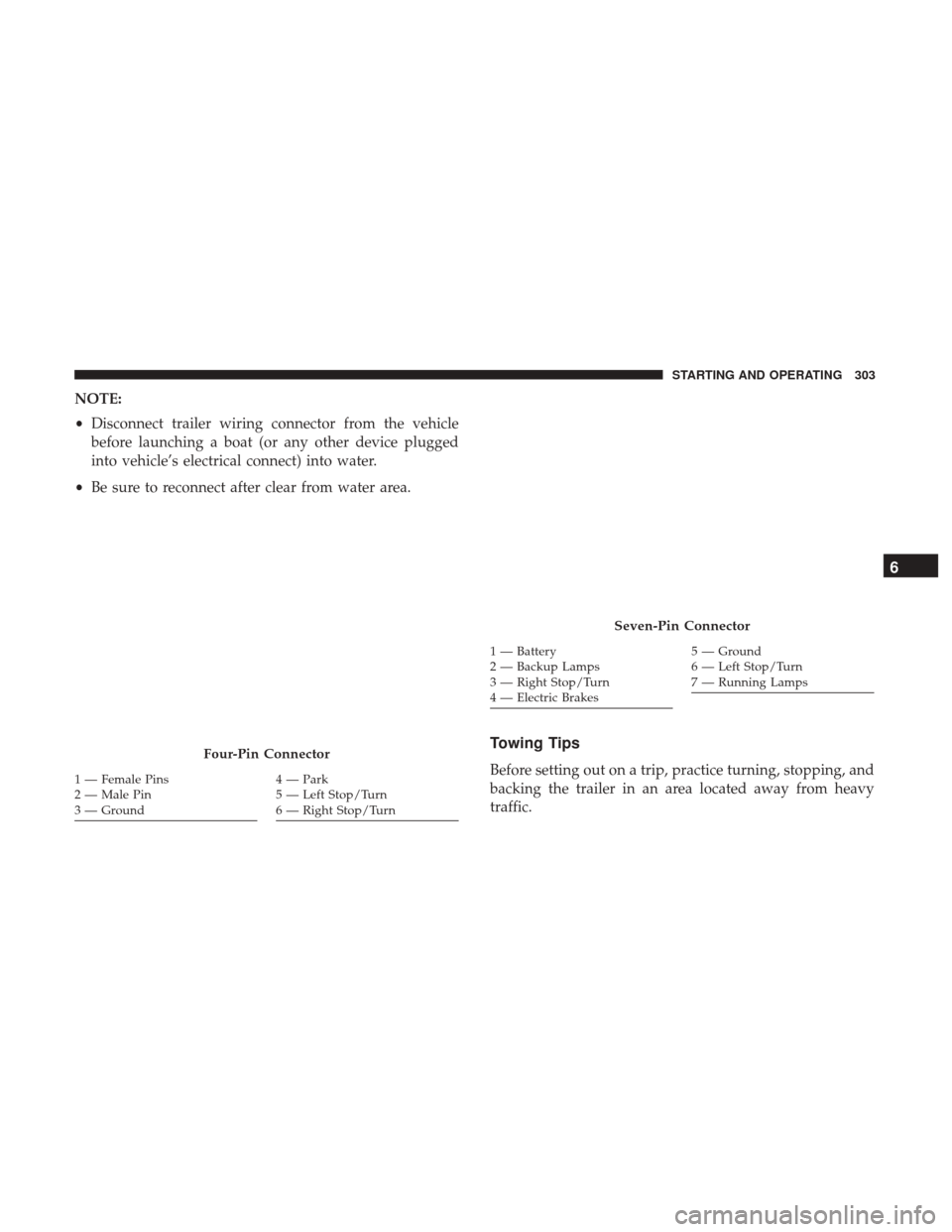
Four-Pin Connector
1 — Female Pins
2—MalePin
3 — Ground4 — Park
5 — Left Stop/Turn
6 — Right Stop/Turn
Seven-Pin Connector
1 — Battery
2 — Backup Lamps
3 — Right Stop/Turn
4 — Electric Brakes5 — Ground
6 — Left Stop/Turn
7 — Running Lamps
6
STARTING AND OPERATING 303
Page 317 of 516

4. You should be able to speak with the 9-1-1 operatorthrough the vehicle audio system to determine if addi-
tional help is needed.
WARNING!
ALWAYS obey traffic laws and pay attention to the
road. Some Uconnect Access services, including 9-1-1
and Assist, will NOT work without an operable
1X(voice/data) or 3G(data) network connection.
NOTE: •Your vehicle may be transmitting data as authorized
by the subscriber.
• Once a connection is made between the vehicle’s 9-1-1
Call system and the 9-1-1 operator, the 9-1-1 operator
may be able to open a voice connection with the
vehicle to determine if additional help is needed. Once
the 9-1-1 operator opens a voice connection with the
vehicle’s 9-1-1 Call system, the operator should be able
to speak with you or other vehicle occupants and hear
sounds occurring in the vehicle. The vehicle’s 9-1-1
Call system will attempt to remain connected with the
9-1-1 operator until the 9-1-1 operator terminates the
connection. 5. The 9-1-1 operator may attempt to contact appropriate
emergency responders and provide them with impor-
tant vehicle information and GPS coordinates.
WARNING!
•If anyone in the vehicle could be in danger (e.g., fire
or smoke is visible, dangerous road conditions or
location), do not wait for voice contact from a 9-1-1
operator. All occupants should exit the vehicle im-
mediately and move to a safe location.
•
The 9-1-1 Call system is embedded into the vehicle’s
electrical system. Do not add aftermarket electrical
equipment to the vehicle’s electrical system. This may
prevent your vehicle from sending a signal to initiate an
emergency call. To avoid interference that can cause the
9-1-1 Call system to fail, never add aftermarket equip-
ment (e.g., two-way mobile radio, CB radio, data re-
corder, etc.) to your vehicle’s electrical system or modify
the antennas on your vehicle. IF YOUR VEHICLE
LOSES BATTERY POWER FOR ANY REASON (IN-
CLUDING DURING OR AFTER AN ACCIDENT), THE
UCONNECT FEATURES, APPS AND SERVICES,
AMONG OTHERS, WILL NOT OPERATE.
(Continued)
7
IN CASE OF EMERGENCY 315
Page 318 of 516

WARNING!(Continued)
•Modifications to any part of the 9-1-1 Call system
could cause the air bag system to fail when you need
it. You could be injured if the air bag system is not
there to help protect you.
9-1-1 Call System Limitations
Vehicles sold in Canada and Mexico DO NOThave 9-1-1
Call system capabilities.
9-1-1 or other emergency line operators in Canada and
Mexico may not answer or respond to 9-1-1 system calls.
If the 9-1-1 Call system detects a malfunction, any of the
following may occur at the time the malfunction is de-
tected, and at the beginning of each ignition cycle:
• The overhead console lights located on the Assist and
9-1-1 buttons will continuously be illuminated red.
• The Device Screen will display the following message
“Vehicle Device Requires Service. Please Contact Your
Dealer.”
• An In-Vehicle Audio message will state “Vehicle Device
Requires Service. Please Contact Your Dealer.”
WARNING!
• Ignoring the Assist and 9-1-1 buttons light could
mean you will not have 9-1-1 Call services. If the
Assist and 9-1-1 buttons light is illuminated, have an
authorized dealer service the 9-1-1 Call system im-
mediately.
• The Occupant Restraint Control module turns on the
air bag Warning Light on the instrument panel if a
malfunction in any part of the system is detected. If
the air bag Warning Light is illuminated, have an
authorized dealer service the ORC system immedi-
ately.
Even if the 9-1-1 Call system is fully functional, factors
beyond FCA US LLC’s control may prevent or stop the
9-1-1 Call system operation. These include, but are not
limited to, the following factors:
• The ignition key is in OFF position.
• The vehicle’s electrical systems are not intact.
• The 9-1-1 Call system software and/or hardware are
damaged during a crash.
316 IN CASE OF EMERGENCY
Page 324 of 516
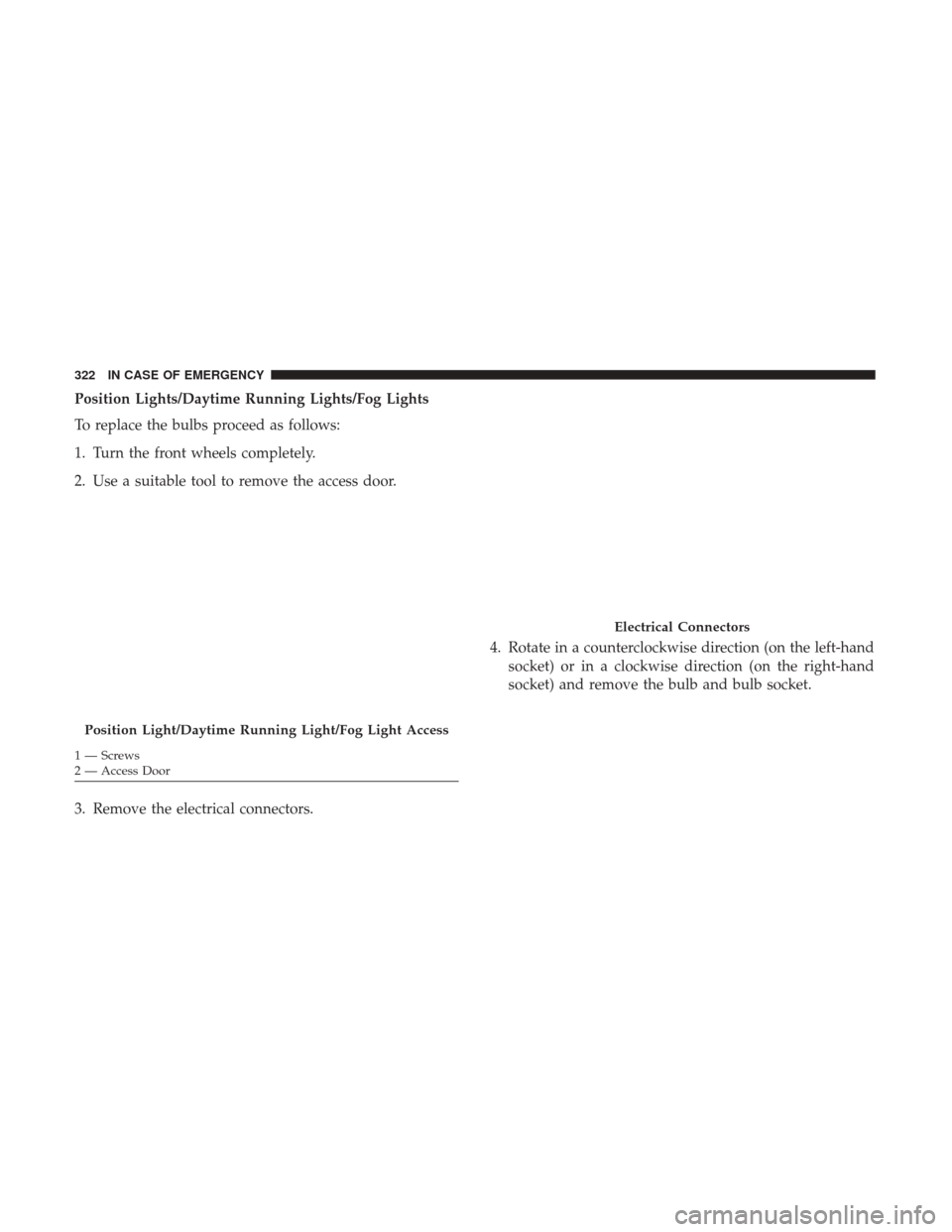
Position Lights/Daytime Running Lights/Fog Lights
To replace the bulbs proceed as follows:
1. Turn the front wheels completely.
2. Use a suitable tool to remove the access door.
3. Remove the electrical connectors.4. Rotate in a counterclockwise direction (on the left-hand
socket) or in a clockwise direction (on the right-hand
socket) and remove the bulb and bulb socket.
Position Light/Daytime Running Light/Fog Light Access
1 — Screws
2 — Access Door
Electrical Connectors
322 IN CASE OF EMERGENCY
Page 325 of 516
5. To replace the bulb gently push bulb and rotate coun-terclockwise. 6. Insert the new bulb by pushing on it and turning it
clockwise. Make sure the bulb is correctly locked in
place.
7. Install the bulb and sockets and rotate them clockwise (right side) and clockwise (left side), making sure that it
is properly locked.
8. Reconnect the electrical connectors.
Position Light/Daytime Running Light Assembly
1 — DRL Bulb Socket
2 — Turn Signal Bulb Socket
Bulb and Socket Assembly
1 — Bulb
2 — Rotate Bulb
7
IN CASE OF EMERGENCY 323
Page 326 of 516
9. Reinstall the access door.
Front Fog Lights
To replace the bulbs proceed as follows:
1. Turn the front wheels completely.
2. Use a suitable tool to remove the access door.
3. By pushing the electrical connector tab remove theelectrical connector. 4. Rotate the bulb counterclockwise, and then replace the
bulb.
5. Insert the new bulb in the socket, making sure the bulb is locked into place.
6. Reconnect the electrical connector.
7. Reinstall the access door.
Position Light/Daytime Running Light/Fog Light Access
1 — Screws
2 — Access Door
Fog Light Assembly
1 — Bulb Socket
2 — Electrical Connector
3 — Bulb
324 IN CASE OF EMERGENCY
Page 328 of 516
3. Remove the electrical connector by pushing the tab thendisconnect the electrical connector. 4. Rotate counterclockwise to release the bulb socket from
the lamp assembly, and remove it.
Electrical ConnectorBulb Socket
326 IN CASE OF EMERGENCY
Page 329 of 516
5. Remove the bulb from the socket.
6. Insert the new bulb in the socket.
7. Reinstall the bulb and socket into the lamp assembly byturning it clockwise, making sure it is locked into place.
8. Reconnect the electrical connector.
9. Reinstall the lamp assembly on the car, making sure it is locked into place. Side Indicators on External Rear View Mirrors – (If
Equipped)
CAUTION!
The procedure is described as a guideline. For the
replacement of the lamp it is recommended that you
contact your authorized dealer.
To replace the bulb proceed as follows:
1. Remove the mirror cap on the outside rear view mirror.
Bulb
Mirror Cap
7
IN CASE OF EMERGENCY 327