Page 214 of 582
3-45
Convenient features of your vehicle
3
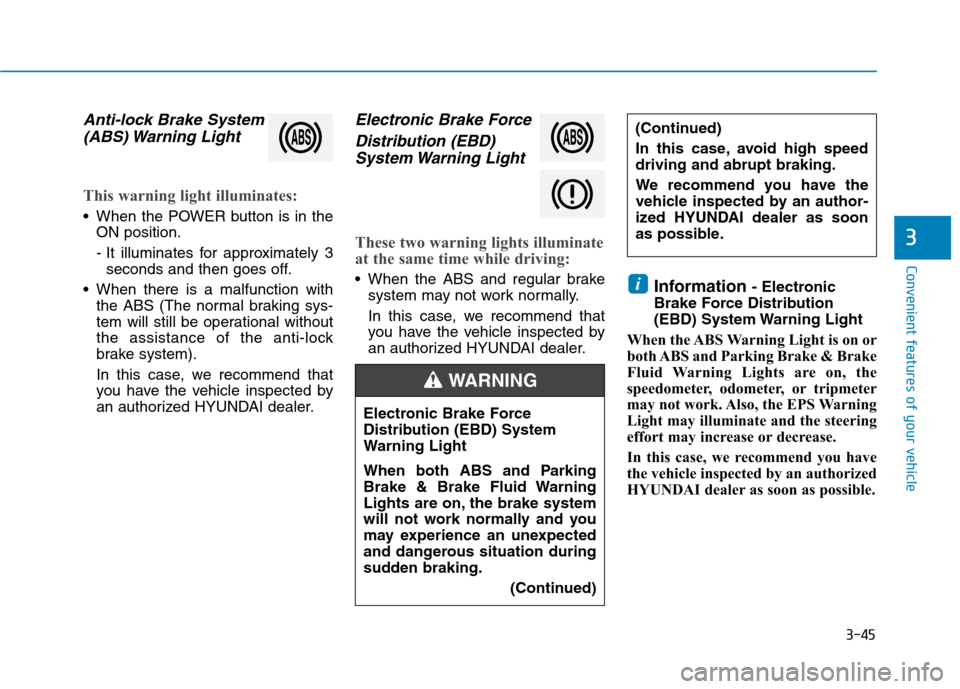
Anti-lock Brake System(ABS) Warning Light
This warning light illuminates:
When the POWER button is in the ON position.
- It illuminates for approximately 3seconds and then goes off.
When there is a malfunction with the ABS (The normal braking sys-
tem will still be operational without
the assistance of the anti-lock
brake system).
In this case, we recommend that
you have the vehicle inspected by
an authorized HYUNDAI dealer.
Electronic Brake Force
Distribution (EBD)System Warning Light
These two warning lights illuminate
at the same time while driving:
When the ABS and regular brake system may not work normally.
In this case, we recommend that
you have the vehicle inspected by
an authorized HYUNDAI dealer. Information
- Electronic
Brake Force Distribution
(EBD) System Warning Light
When the ABS Warning Light is on or
both ABS and Parking Brake & Brake
Fluid Warning Lights are on, the
speedometer, odometer, or tripmeter
may not work. Also, the EPS Warning
Light may illuminate and the steering
effort may increase or decrease.
In this case, we recommend you have
the vehicle inspected by an authorized
HYUNDAI dealer as soon as possible.i
(Continued)
In this case, avoid high speed driving and abrupt braking.
We recommend you have the
vehicle inspected by an author-
ized HYUNDAI dealer as soon
as possible.
Electronic Brake Force
Distribution (EBD) System
Warning Light
When both ABS and Parking
Brake & Brake Fluid Warning
Lights are on, the brake system
will not work normally and you
may experience an unexpected
and dangerous situation during
sudden braking. (Continued)
WARNING
Page 216 of 582
3-47
Convenient features of your vehicle
3
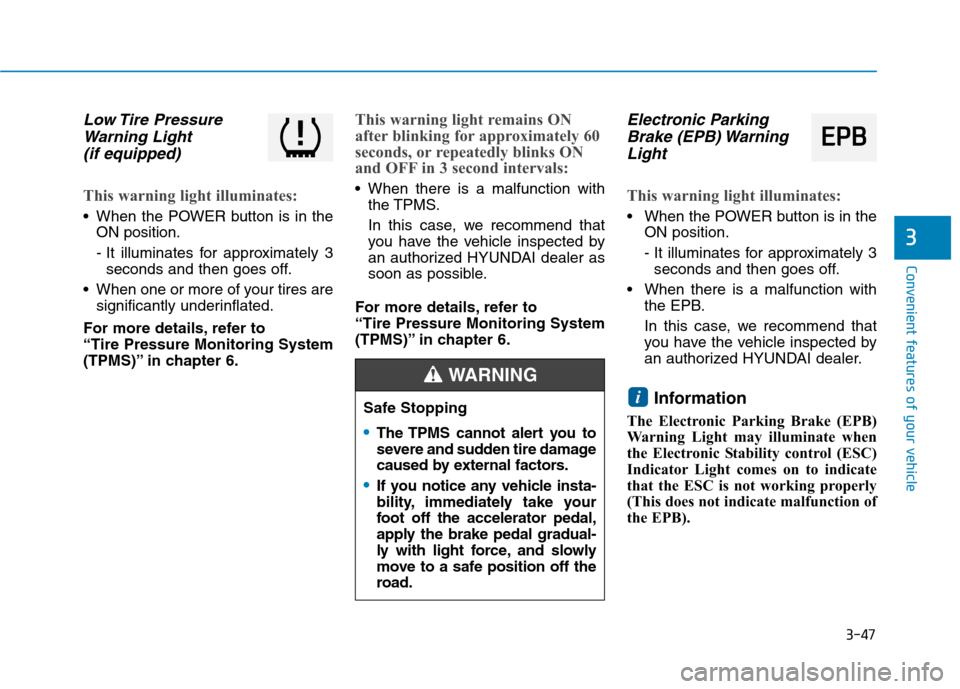
Low Tire PressureWarning Light
(if equipped)
This warning light illuminates:
When the POWER button is in the ON position.
- It illuminates for approximately 3seconds and then goes off.
When one or more of your tires are significantly underinflated.
For more details, refer to “Tire Pressure Monitoring System
(TPMS)” in chapter 6.
This warning light remains ON
after blinking for approximately 60
seconds, or repeatedly blinks ON
and OFF in 3 second intervals:
When there is a malfunction with the TPMS.
In this case, we recommend that
you have the vehicle inspected by
an authorized HYUNDAI dealer as
soon as possible.
For more details, refer to “Tire Pressure Monitoring System
(TPMS)” in chapter 6.
Electronic Parking Brake (EPB) Warning
Light
This warning light illuminates:
When the POWER button is in the ON position.
- It illuminates for approximately 3seconds and then goes off.
When there is a malfunction with the EPB.
In this case, we recommend that
you have the vehicle inspected by
an authorized HYUNDAI dealer.
Information
The Electronic Parking Brake (EPB)
Warning Light may illuminate when
the Electronic Stability control (ESC)
Indicator Light comes on to indicate
that the ESC is not working properly
(This does not indicate malfunction of
the EPB).
iSafe Stopping
The TPMS cannot alert you to
severe and sudden tire damage
caused by external factors.
If you notice any vehicle insta-
bility, immediately take your
foot off the accelerator pedal,
apply the brake pedal gradual-
ly with light force, and slowly
move to a safe position off the
road.
WARNING
EE PP BB
Page 217 of 582
![Hyundai Ioniq Electric 2017 Owners Manual 3-48
Convenient features of your vehicle
AUTO HOLD IndicatorLight
This indicator light illuminates:
[White] When you activate the auto hold system by pressing the AUTO
HOLD switch.
[Green] When yo](/manual-img/35/14909/w960_14909-216.png "Hyundai Ioniq Electric 2017 Owners Manual 3-48
Convenient features of your vehicle
AUTO HOLD IndicatorLight
This indicator light illuminates:
[White] When you activate the auto hold system by pressing the AUTO
HOLD switch.
[Green] When yo")
3-48
Convenient features of your vehicle
AUTO HOLD IndicatorLight
This indicator light illuminates:
[White] When you activate the auto hold system by pressing the AUTO
HOLD switch.
[Green] When you stop the vehicle completely by depressing the
brake pedal with the auto hold sys-
tem activated.
[Yellow] When there is a malfunc- tion with the auto hold system.
In this case, we recommend that
you have the vehicle inspected by
an authorized HYUNDAI dealer.
For more details, refer to “Auto
Hold” in chapter 5.
Electronic Stability Control (ESC) Indicator
Light
This indicator light illuminates:
When the POWER button is in the ON position.
- It illuminates for approximately 3seconds and then goes off.
When there is a malfunction with the ESC system.
In this case, we recommend that
you have the vehicle inspected by
an authorized HYUNDAI dealer.
This indicator light blinks:
While the ESC is operating.
For more details, refer to “Electronic
Stability Control (ESC)” in chapter5.
Electronic Stability
Control (ESC) OFF
Indicator Light
This indicator light illuminates:
When the POWER button is in the ON position.
- It illuminates for approximately 3 seconds and then goes off.
When you deactivate the ESC sys- tem by pressing the ESC OFF but- ton.
For more details, refer to
“Electronic Stability Control (ESC)”
in chapter 5.
Page 222 of 582
3-53
Convenient features of your vehicle
3
Press POWER button whileturning wheel
This warning message is displayed if
the steering wheel does not unlock
normally when the POWER button ispressed.
You should press the POWER button
while turning the steering wheel rightand left.
Check Steering Wheel LockSystem
This warning message is displayed if
the steering wheel does not lock nor-
mally while the POWER buttonchanges to the OFF position.
Press brake pedal to start vehicle
This warning message is displayed if
the POWER button changes to the
ACC position twice by pressing the
button repeatedly without depressing
the brake pedal.
You can start the vehicle by depress-
ing the brake pedal.
Key not in vehicle
This warning message is displayed if
the smart key is not in the vehicle
when you press the POWER button.
When attempting to start the vehicle,
always have the smart key with you.
Key not detected
This warning message is displayed if
the smart key is not detected when
you press the POWER button.
Press POWER button again
This message is displayed if you
were unable to start the vehicle when
the POWER button was pressed.
If this occurs, attempt to start the
vehicle by pressing the POWER but-ton again.
If the warning message appears
each time you press the POWER
button, we recommend you to have
your vehicle inspected by an author-
ized HYUNDAI dealer.
Page 223 of 582
3-54
Convenient features of your vehicle
Press POWER button with key
This warning message is displayed if
you press the POWER button while
the warning message “Key not
detected” is displayed.
At this time, the immobilizer indicator
light blinks.
Check BRAKE SWITCH fuse
This warning message is displayed if
the brake switch fuse is disconnected.
You need to replace the fuse with a
new one before starting the vehicle.
If that is not possible, you can start the
vehicle by pressing the POWER but-
ton for 10 seconds in the ACC posi-tion.
Shift to P to start vehicle
This warning message is displayed if
you try to start the vehicle without
shifting to the P (Park) position.
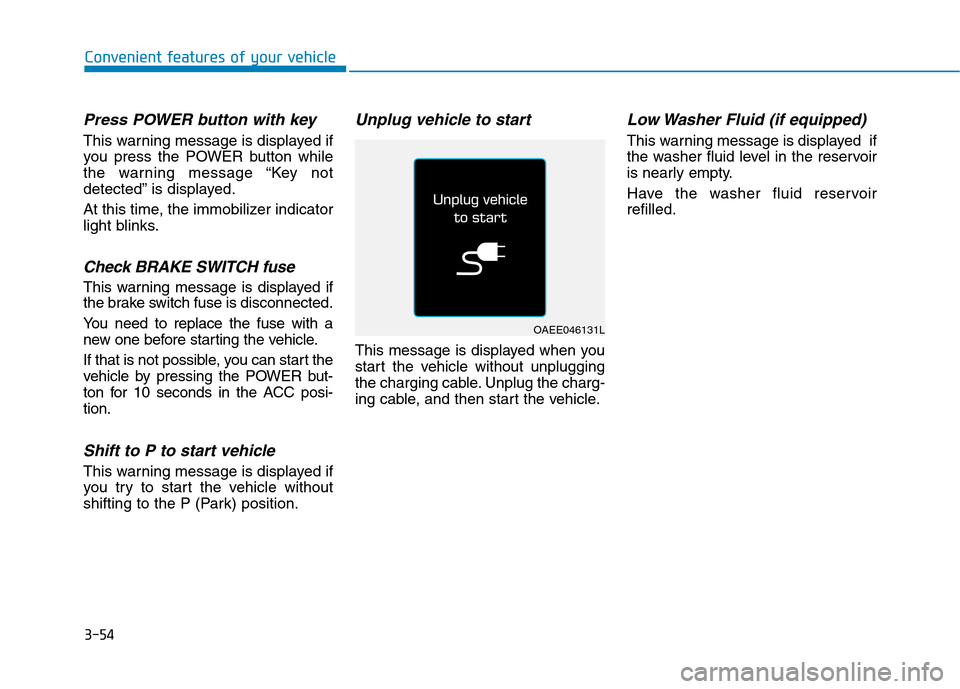
Unplug vehicle to start
This message is displayed when you
start the vehicle without unplugging
the charging cable. Unplug the charg-
ing cable, and then start the vehicle.
Low Washer Fluid (if equipped)
This warning message is displayed if
the washer fluid level in the reservoir
is nearly empty.
Have the washer fluid reservoir refilled.
OAEE046131L
Page 229 of 582
3-60
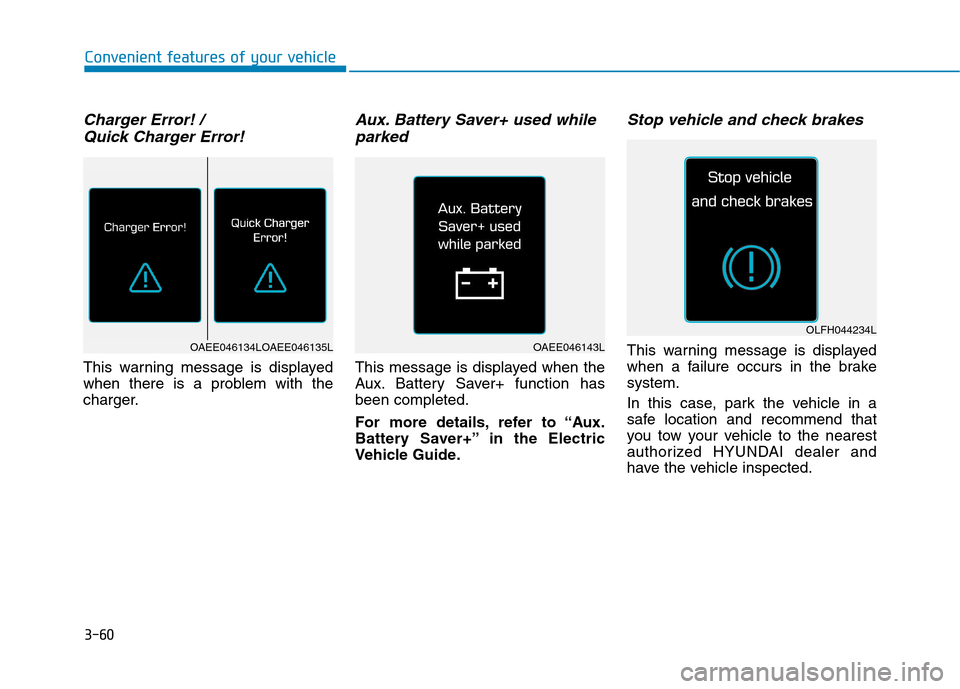
Charger Error! / Quick Charger Error!
This warning message is displayed
when there is a problem with the
charger.
Aux. Battery Saver+ used whileparked
This message is displayed when the
Aux. Battery Saver+ function hasbeen completed.
For more details, refer to “Aux.
Battery Saver+” in the Electric
Vehicle Guide.
Stop vehicle and check brakes
This warning message is displayed
when a failure occurs in the brakesystem.
In this case, park the vehicle in a
safe location and recommend that
you tow your vehicle to the nearest
authorized HYUNDAI dealer and
have the vehicle inspected.
Convenient features of your vehicle
OAEE046143L
OLFH044234L
OAEE046134LOAEE046135L
Page 230 of 582
3-61
Convenient features of your vehicle
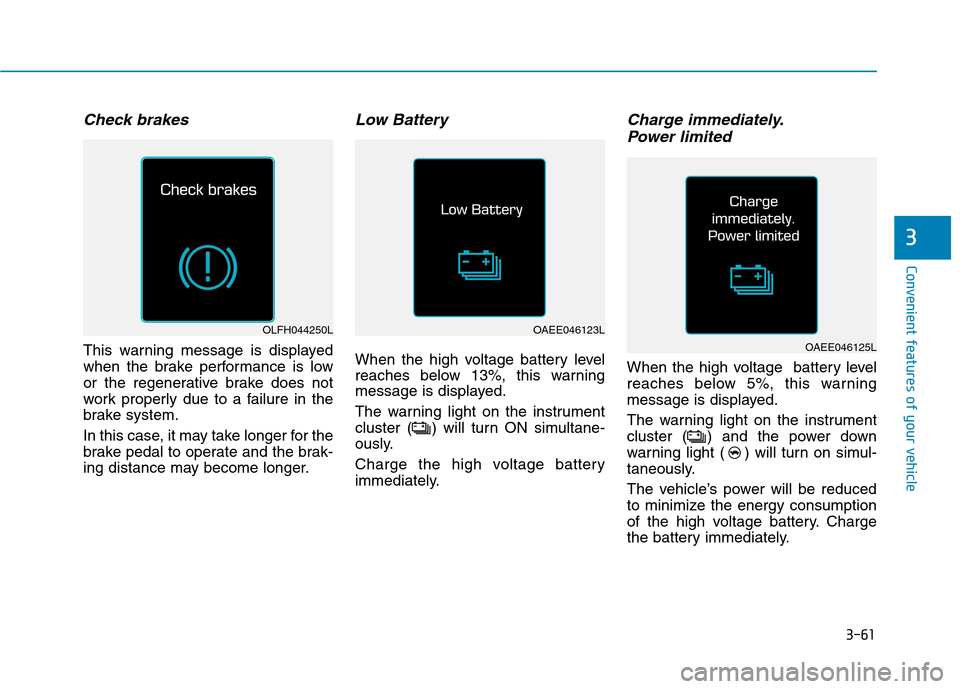
Check brakes
This warning message is displayed
when the brake performance is low
or the regenerative brake does not
work properly due to a failure in the
brake system.
In this case, it may take longer for the
brake pedal to operate and the brak-
ing distance may become longer.
Low Battery
When the high voltage battery level
reaches below 13%, this warning
message is displayed.
The warning light on the instrument
cluster ( ) will turn ON simultane-
ously.
Charge the high voltage battery
immediately.
Charge immediately.Power limited
When the high voltage battery level
reaches below 5%, this warning
message is displayed.
The warning light on the instrument
cluster ( ) and the power down
warning light ( ) will turn on simul-
taneously.
The vehicle’s power will be reduced
to minimize the energy consumption
of the high voltage battery. Charge
the battery immediately.
3
OLFH044250LOAEE046123L
OAEE046125L
Page 236 of 582
3-67
Convenient features of your vehicle
3
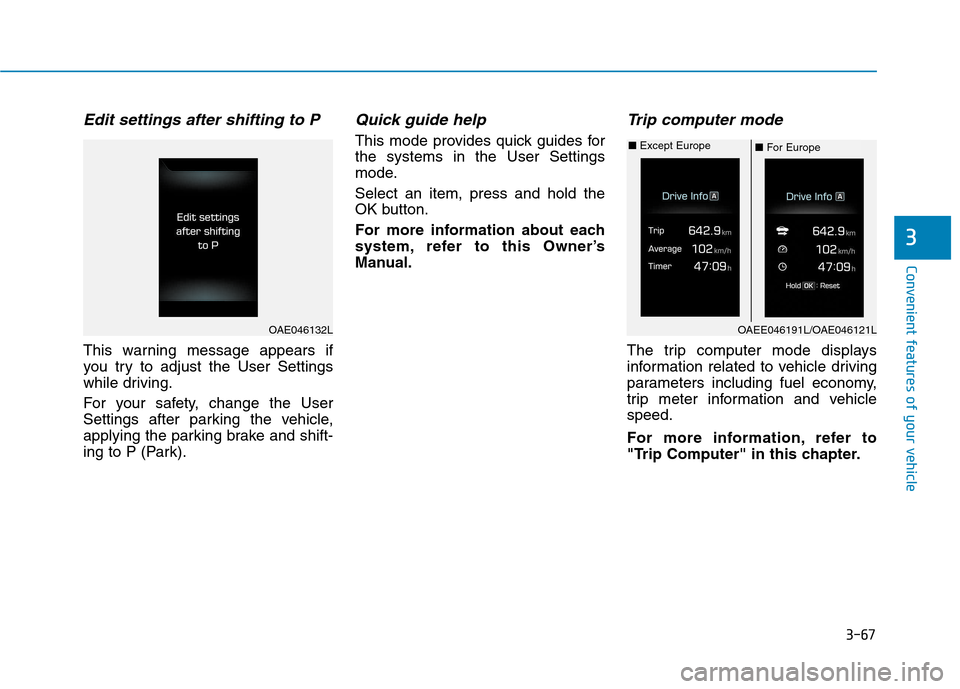
Edit settings after shifting to P
This warning message appears if
you try to adjust the User Settings
while driving.
For your safety, change the User
Settings after parking the vehicle,
applying the parking brake and shift-
ing to P (Park).
Quick guide help
This mode provides quick guides forthe systems in the User Settings
mode. Select an item, press and hold the
OK button.
For more information about each
system, refer to this Owner’s
Manual.
Trip computer mode
The trip computer mode displays
information related to vehicle driving
parameters including fuel economy,
trip meter information and vehiclespeed.
For more information, refer to
"Trip Computer" in this chapter.
OAE046132LOAEE046191L/OAE046121L
■For Europe
■
Except Europe