2017 FORD SUPER DUTY set clock
[x] Cancel search: set clockPage 442 of 636
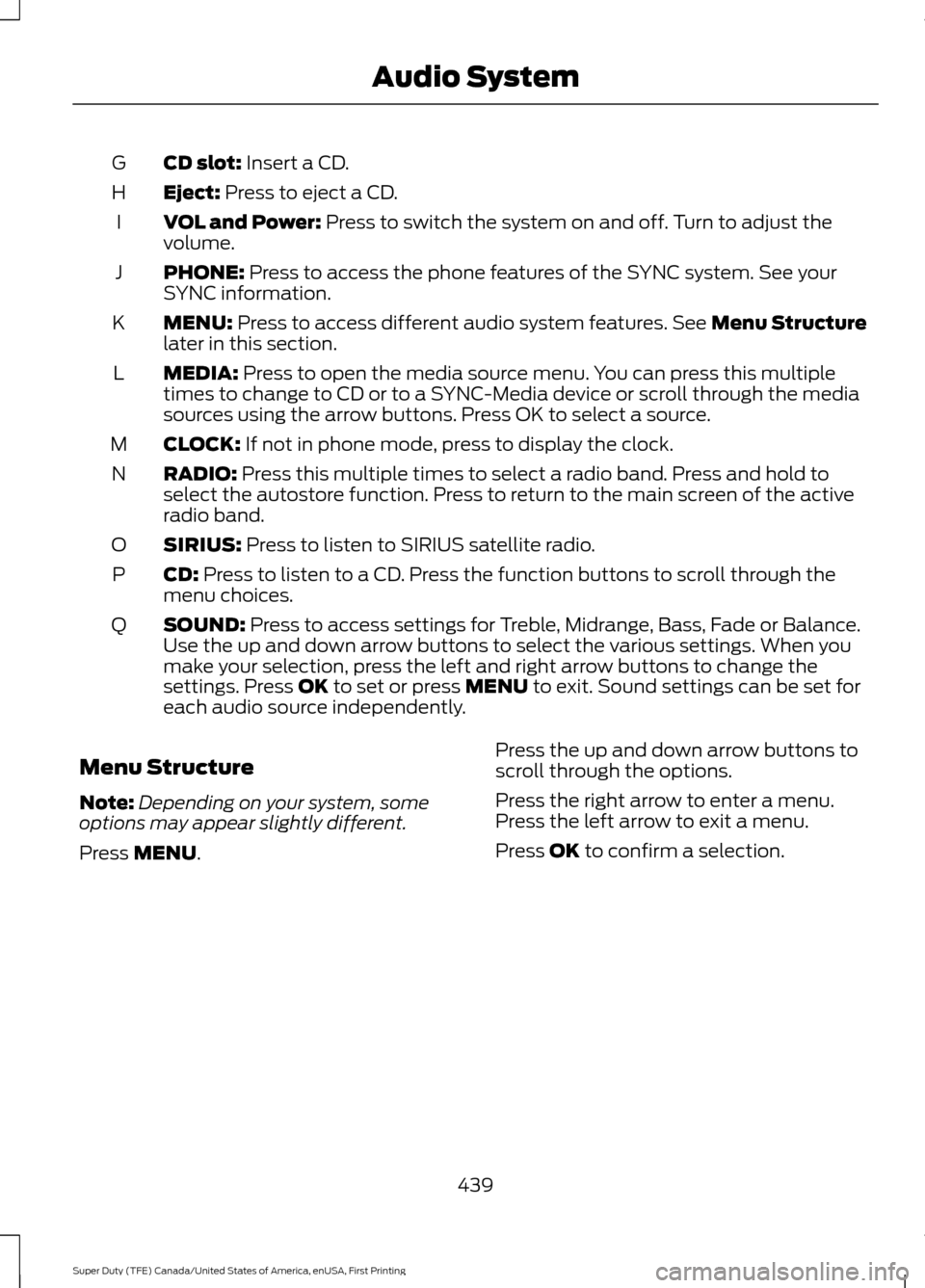
CD slot: Insert a CD.
G
Eject:
Press to eject a CD.
H
VOL and Power:
Press to switch the system on and off. Turn to adjust the
volume.
I
PHONE:
Press to access the phone features of the SYNC system. See your
SYNC information.
J
MENU:
Press to access different audio system features. See Menu Structure
later in this section.
K
MEDIA:
Press to open the media source menu. You can press this multiple
times to change to CD or to a SYNC-Media device or scroll through the media
sources using the arrow buttons. Press OK to select a source.
L
CLOCK:
If not in phone mode, press to display the clock.
M
RADIO:
Press this multiple times to select a radio band. Press and hold to
select the autostore function. Press to return to the main screen of the active
radio band.
N
SIRIUS:
Press to listen to SIRIUS satellite radio.
O
CD:
Press to listen to a CD. Press the function buttons to scroll through the
menu choices.
P
SOUND:
Press to access settings for Treble, Midrange, Bass, Fade or Balance.
Use the up and down arrow buttons to select the various settings. When you
make your selection, press the left and right arrow buttons to change the
settings. Press
OK to set or press MENU to exit. Sound settings can be set for
each audio source independently.
Q
Menu Structure
Note: Depending on your system, some
options may appear slightly different.
Press
MENU. Press the up and down arrow buttons to
scroll through the options.
Press the right arrow to enter a menu.
Press the left arrow to exit a menu.
Press OK to confirm a selection.
439
Super Duty (TFE) Canada/United States of America, enUSA, First Printing Audio System
Page 443 of 636
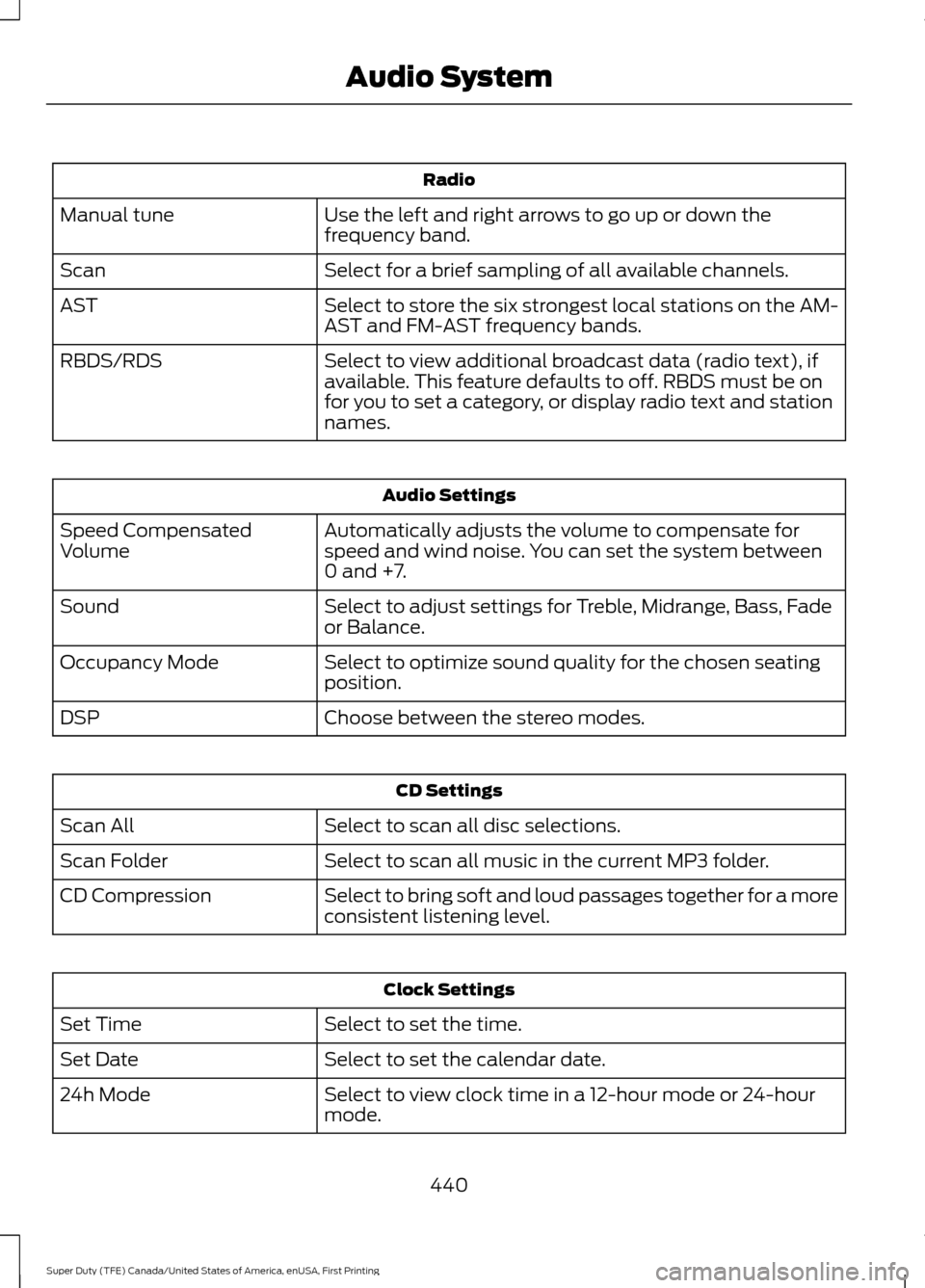
Radio
Use the left and right arrows to go up or down the
frequency band.
Manual tune
Select for a brief sampling of all available channels.
Scan
Select to store the six strongest local stations on the AM-
AST and FM-AST frequency bands.
AST
Select to view additional broadcast data (radio text), if
available. This feature defaults to off. RBDS must be on
for you to set a category, or display radio text and station
names.
RBDS/RDS Audio Settings
Automatically adjusts the volume to compensate for
speed and wind noise. You can set the system between
0 and +7.
Speed Compensated
Volume
Select to adjust settings for Treble, Midrange, Bass, Fade
or Balance.
Sound
Select to optimize sound quality for the chosen seating
position.
Occupancy Mode
Choose between the stereo modes.
DSP CD Settings
Select to scan all disc selections.
Scan All
Select to scan all music in the current MP3 folder.
Scan Folder
Select to bring soft and loud passages together for a more
consistent listening level.
CD Compression Clock Settings
Select to set the time.
Set Time
Select to set the calendar date.
Set Date
Select to view clock time in a 12-hour mode or 24-hour
mode.
24h Mode
440
Super Duty (TFE) Canada/United States of America, enUSA, First Printing Audio System
Page 491 of 636
Action and Description
Menu Item
Item
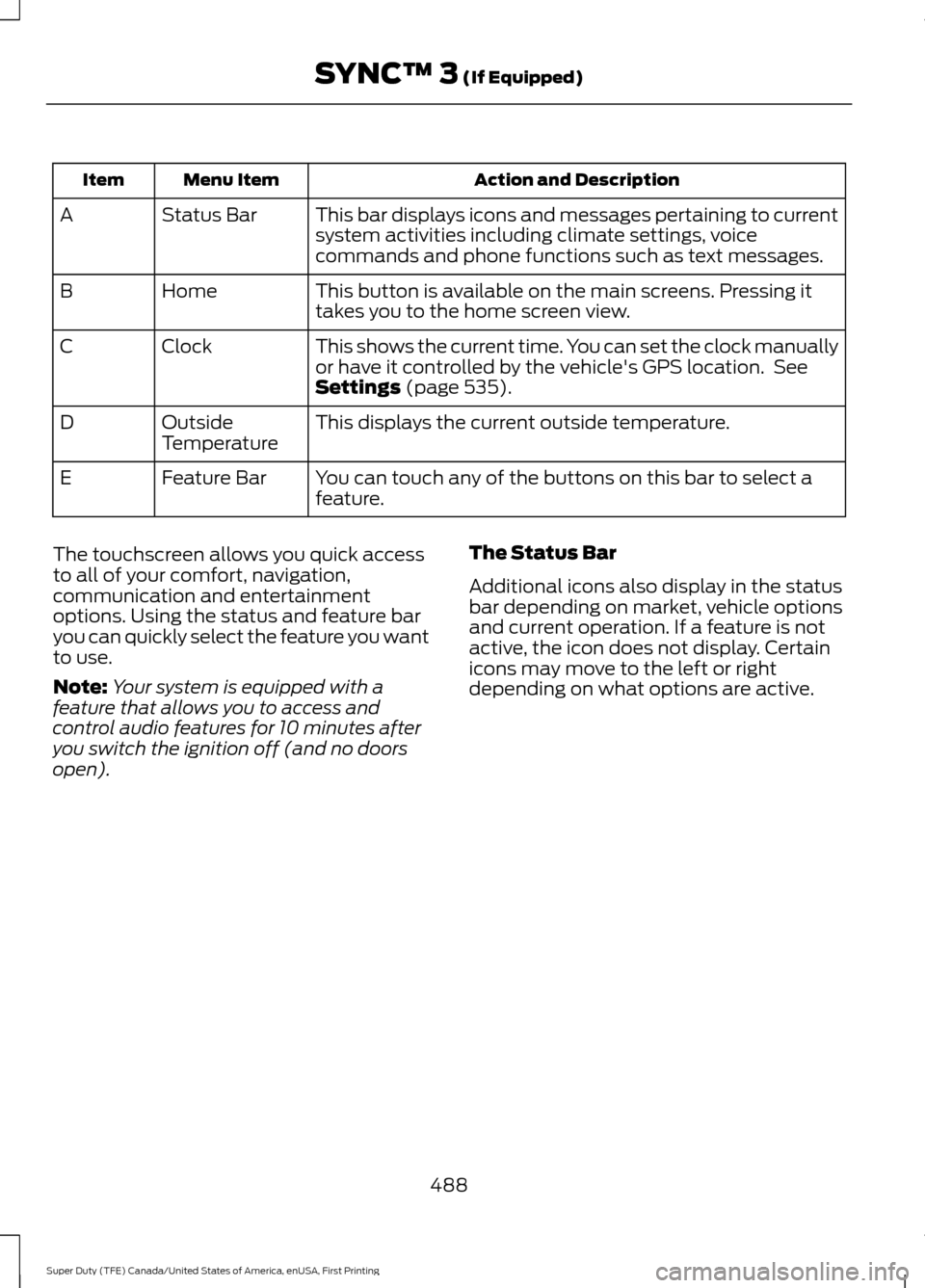
This bar displays icons and messages pertaining to current
system activities including climate settings, voice
commands and phone functions such as text messages.
Status Bar
A
This button is available on the main screens. Pressing it
takes you to the home screen view.
Home
B
This shows the current time. You can set the clock manually
or have it controlled by the vehicle's GPS location. See
Settings (page 535).
Clock
C
This displays the current outside temperature.
Outside
Temperature
D
You can touch any of the buttons on this bar to select a
feature.
Feature Bar
E
The touchscreen allows you quick access
to all of your comfort, navigation,
communication and entertainment
options. Using the status and feature bar
you can quickly select the feature you want
to use.
Note: Your system is equipped with a
feature that allows you to access and
control audio features for 10 minutes after
you switch the ignition off (and no doors
open). The Status Bar
Additional icons also display in the status
bar depending on market, vehicle options
and current operation. If a feature is not
active, the icon does not display. Certain
icons may move to the left or right
depending on what options are active.
488
Super Duty (TFE) Canada/United States of America, enUSA, First Printing SYNC™ 3
(If Equipped)
Page 520 of 636
Note: The heated steering wheel may remain on after remote starting the
vehicle, based on your remote start settings. The heated steering wheel may
also turn on when you start your vehicle, if it was on when you switched your
vehicle off.
Note:
For steering wheels with wood trim, the heating feature will not heat the
wheel between the 10 and 2 o'clock positions.
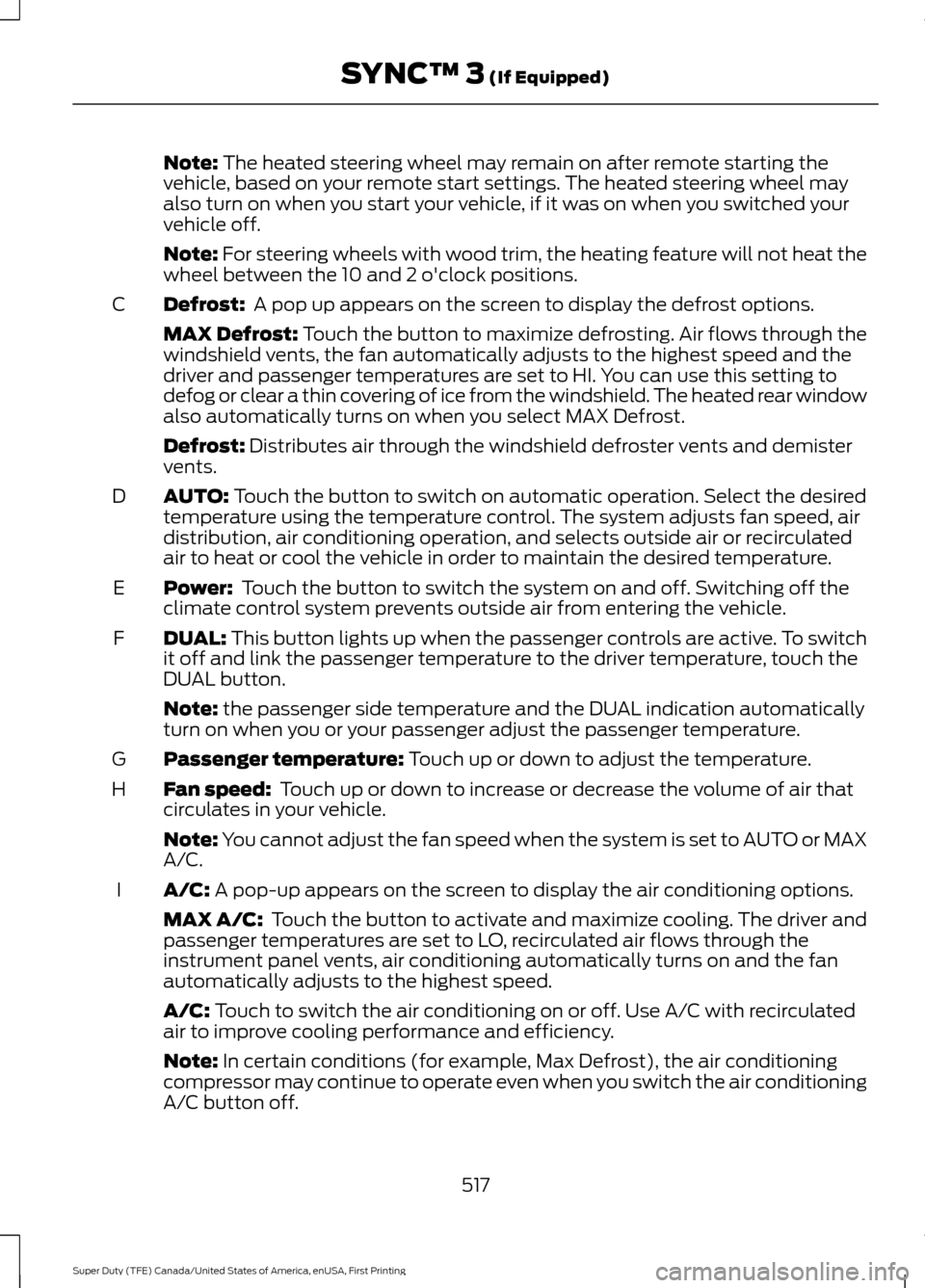
Defrost:
A pop up appears on the screen to display the defrost options.
C
MAX Defrost: Touch the button to maximize defrosting. Air flows through the
windshield vents, the fan automatically adjusts to the highest speed and the
driver and passenger temperatures are set to HI. You can use this setting to
defog or clear a thin covering of ice from the windshield. The heated rear window
also automatically turns on when you select MAX Defrost.
Defrost:
Distributes air through the windshield defroster vents and demister
vents.
AUTO:
Touch the button to switch on automatic operation. Select the desired
temperature using the temperature control. The system adjusts fan speed, air
distribution, air conditioning operation, and selects outside air or recirculated
air to heat or cool the vehicle in order to maintain the desired temperature.
D
Power:
Touch the button to switch the system on and off. Switching off the
climate control system prevents outside air from entering the vehicle.
E
DUAL:
This button lights up when the passenger controls are active. To switch
it off and link the passenger temperature to the driver temperature, touch the
DUAL button.
F
Note:
the passenger side temperature and the DUAL indication automatically
turn on when you or your passenger adjust the passenger temperature.
Passenger temperature:
Touch up or down to adjust the temperature.
G
Fan speed:
Touch up or down to increase or decrease the volume of air that
circulates in your vehicle.
H
Note:
You cannot adjust the fan speed when the system is set to AUTO or MAX
A/C.
A/C:
A pop-up appears on the screen to display the air conditioning options.
I
MAX A/C: Touch the button to activate and maximize cooling. The driver and
passenger temperatures are set to LO, recirculated air flows through the
instrument panel vents, air conditioning automatically turns on and the fan
automatically adjusts to the highest speed.
A/C:
Touch to switch the air conditioning on or off. Use A/C with recirculated
air to improve cooling performance and efficiency.
Note:
In certain conditions (for example, Max Defrost), the air conditioning
compressor may continue to operate even when you switch the air conditioning
A/C button off.
517
Super Duty (TFE) Canada/United States of America, enUSA, First Printing SYNC™ 3
(If Equipped)
Page 540 of 636
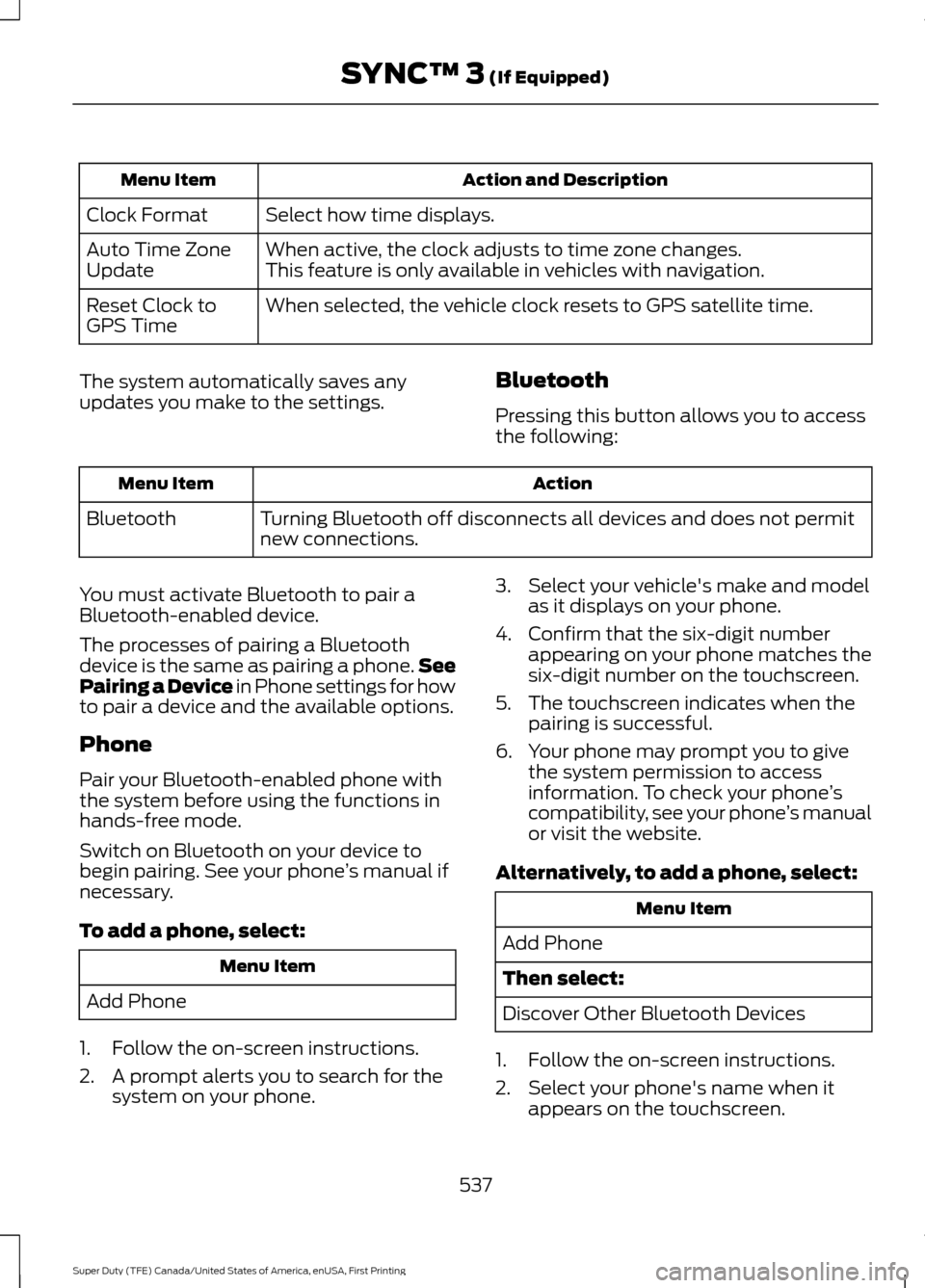
Action and Description
Menu Item
Select how time displays.
Clock Format
When active, the clock adjusts to time zone changes.
Auto Time Zone
Update This feature is only available in vehicles with navigation.
When selected, the vehicle clock resets to GPS satellite time.
Reset Clock to
GPS Time
The system automatically saves any
updates you make to the settings. Bluetooth
Pressing this button allows you to access
the following: Action
Menu Item
Turning Bluetooth off disconnects all devices and does not permit
new connections.
Bluetooth
You must activate Bluetooth to pair a
Bluetooth-enabled device.
The processes of pairing a Bluetooth
device is the same as pairing a phone. See
Pairing a Device in Phone settings for how
to pair a device and the available options.
Phone
Pair your Bluetooth-enabled phone with
the system before using the functions in
hands-free mode.
Switch on Bluetooth on your device to
begin pairing. See your phone ’s manual if
necessary.
To add a phone, select: Menu Item
Add Phone
1. Follow the on-screen instructions.
2. A prompt alerts you to search for the system on your phone. 3. Select your vehicle's make and model
as it displays on your phone.
4. Confirm that the six-digit number appearing on your phone matches the
six-digit number on the touchscreen.
5. The touchscreen indicates when the pairing is successful.
6. Your phone may prompt you to give the system permission to access
information. To check your phone ’s
compatibility, see your phone ’s manual
or visit the website.
Alternatively, to add a phone, select: Menu Item
Add Phone
Then select:
Discover Other Bluetooth Devices
1. Follow the on-screen instructions.
2. Select your phone's name when it appears on the touchscreen.
537
Super Duty (TFE) Canada/United States of America, enUSA, First Printing SYNC™ 3 (If Equipped)
Page 632 of 636
Refueling - Gasoline....................................192
Fuel Filler Cap...................................................... 193
Remote Control..............................................54 Car Finder................................................................ 59
Integrated Keyhead Transmitter....................54
Intelligent Access Key......................................... 55
Memory Feature................................................... 58
Remote Start......................................................... 59
Replacing the Battery......................................... 56
Sounding the Panic Alarm................................ 59
Remote Start...................................................151 Automatic Settings............................................. 151
Removing the Tailgate.................................70
Repairing Minor Paint Damage..............366
Replacement Parts Recommendation........................................12
Collision Repairs.................................................... 12
Scheduled Maintenance and Mechanical Repairs.................................................................. 12
Warranty on Replacement Parts..................... 13
Replacing a Lost Key or Remote Control............................................................60
Reporting Safety Defects (Canada Only).............................................................308
Reporting Safety Defects (U.S. Only).............................................................308
Roadside Assistance
..................................295
Vehicles Sold in Canada: Getting Roadside
Assistance....................................................... 295
Vehicles Sold in Canada: Roadside Assistance Program Coverage................296
Vehicles Sold in Canada: Using Roadside Assistance....................................................... 296
Vehicles Sold in the United States: Getting Roadside Assistance................................... 295
Vehicles Sold in the United States: Using Roadside Assistance................................... 295
Roadside Emergencies
..............................295
Running-In See: Breaking-In................................................ 290
Running Out of Fuel....................................188
S
Safety Canopy ™
..............................................51
Safety Precautions......................................183 Satellite Radio..............................................445
Satellite Radio Electronic Serial Number
(ESN)................................................................ 446
Satellite Radio Reception Factors..............446
SIRIUS® Satellite Radio Service.................446
Troubleshooting................................................. 447
Scheduled Maintenance Record
...........585
Scheduled Maintenance...........................567
Seatbelt Extension........................................43
Seatbelt Height Adjustment.....................40
Seatbelt Reminder.........................................41 Belt-Minder™......................................................... 41
Seatbelts...........................................................35 Principle of Operation......................................... 35
Seatbelt Warning Lamp and Indicator Chime..............................................................40
Conditions of operation...................................... 41
Seats..................................................................152
Security...............................................................74
Selective Catalytic Reduction System - Diesel.............................................................188
Contaminated Diesel Exhaust Fluid or Inoperative Selective Catalytic Reduction
System............................................................... 192
Diesel Exhaust Fluid Guidelines and Information....................................................... 191
Diesel Exhaust Fluid Level.............................. 188
Diesel Exhaust Fluid Warning Messages and Vehicle Operations.............................. 190
Filling the Diesel Exhaust Fluid Tank..........188
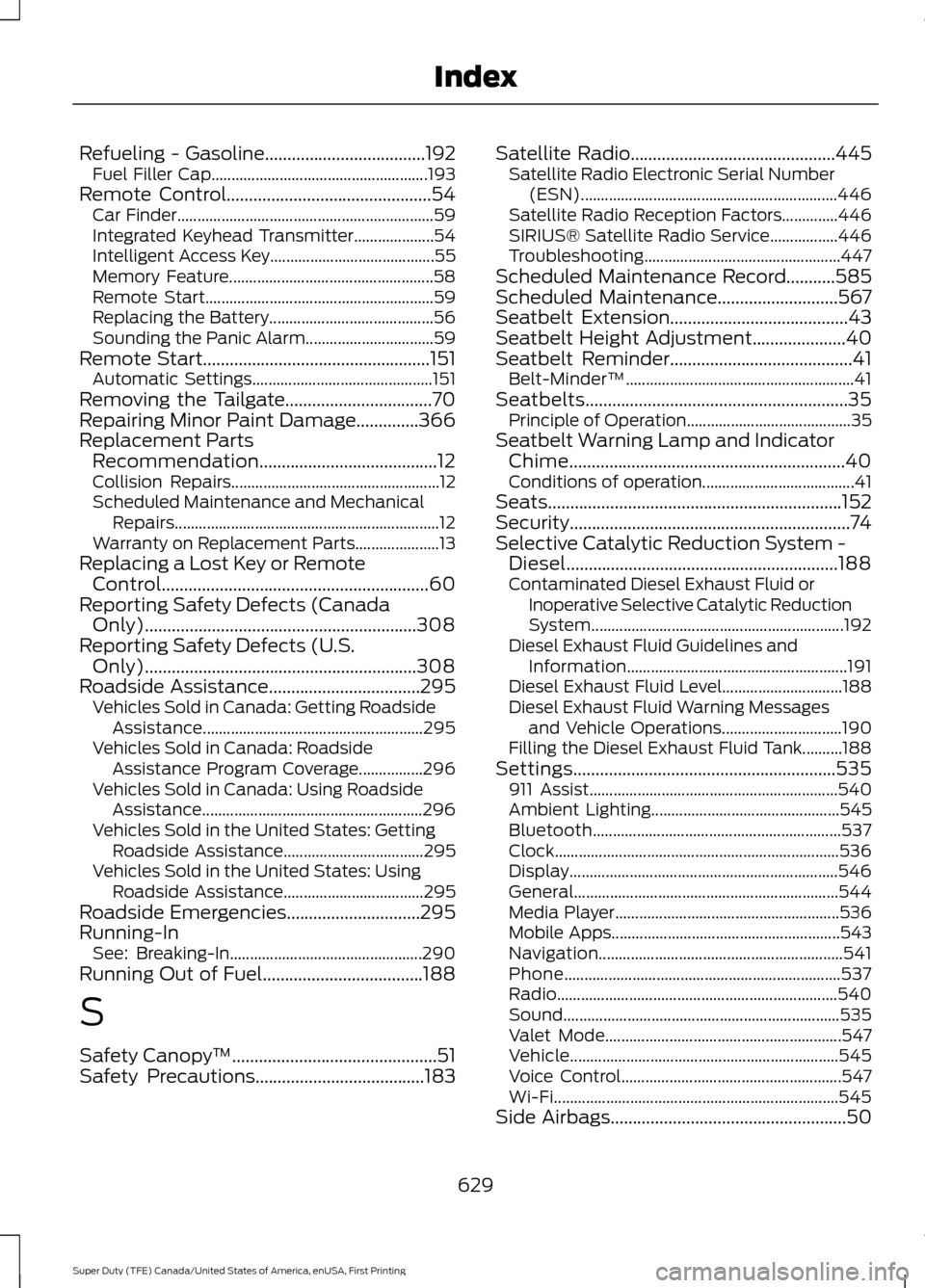
Settings...........................................................535 911 Assist.............................................................. 540
Ambient Lighting............................................... 545
Bluetooth.............................................................. 537
Clock....................................................................... 536
Display................................................................... 546
General.................................................................. 544
Media Player........................................................ 536
Mobile Apps......................................................... 543
Navigation............................................................. 541
Phone..................................................................... 537
Radio...................................................................... 540
Sound..................................................................... 535
Valet Mode........................................................... 547
Vehicle................................................................... 545
Voice Control....................................................... 547
Wi-Fi....................................................................... 545
Side Airbags
.....................................................50
629
Super Duty (TFE) Canada/United States of America, enUSA, First Printing Index