2017 FORD FOCUS ELECTRIC parking brake
[x] Cancel search: parking brakePage 5 of 367
Information Display Control.......................63
Wipers and Washers
Windshield Wipers........................................64
Windshield Washers
.....................................64
Rear Window Wiper and Washers...........65
Lighting
General Information.....................................66
Lighting Control..............................................66
Autolamps........................................................67
Instrument Lighting Dimmer.....................68
Headlamp Exit Delay....................................68
Daytime Running Lamps
............................68
Direction Indicators
.......................................69
Interior Lamps.................................................69
Ambient Lighting
............................................70
Windows and Mirrors
Power Windows
...............................................71
Exterior Mirrors
.................................................72
Interior Mirror
....................................................73
Sun Visors
..........................................................74
Instrument Cluster
Gauges................................................................75
Warning Lamps and Indicators..................77
Audible Warnings and Indicators
.............79
Information Displays
General Information
.....................................80
Information Messages
..................................87
Climate Control
Automatic Climate Control
........................94
Hints on Controlling the Interior Climate..........................................................95
Heated Windows and Mirrors...................96
Cabin Air Filter
.................................................97 Remote Start...................................................97
Seats
Sitting in the Correct Position...................98
Head Restraints
..............................................98
Manual Seats
................................................100
Power Seats...................................................100
Rear Seats
........................................................101
Heated Seats
.................................................103
Auxiliary Power Points
Auxiliary Power Points
...............................104
Storage Compartments
Center Console
..............................................105
Overhead Console
.......................................105
Starting and Stopping the Electric Motor
Starting the Electric Motor.......................106
Switching Off the Electric Motor
............107
High Voltage Battery
General Information
....................................109
Charging the High Voltage Battery........109
High Voltage Battery Cut-Off Switch............................................................115
Transmission
Automatic Transmission
.............................116
Brakes
General Information
.....................................118
Hints on Driving With Anti-Lock Brakes............................................................119
Parking Brake
..................................................119
Hill Start Assist
...............................................119
Traction Control
Principle of Operation..................................121
2
Focus Electric (CDH) Battery Electric Vehicle (BEV), Canada/United States of America, HM5J 19A321 DA enUSA, Edition date: 201608, First Printing Table of Contents
Page 6 of 367
Using Traction Control.................................121
Stability Control
Principle of Operation.................................122
Using Stability Control................................123
Parking Aids
Principle of Operation.................................124
Rear Parking Aid
............................................124
Rear View Camera
........................................125
Cruise Control
Principle of Operation.................................129
Using Cruise Control
....................................129
Driving Aids
Steering.............................................................131
Load Carrying
Rear Under Floor Storage..........................132
Load Limit........................................................132
Towing
Towing a Trailer.............................................138
Transporting the Vehicle............................138
Towing the Vehicle on Four Wheels......138
Driving Hints
Breaking-In.....................................................140
Cold Weather Precautions.......................140
Driving Through Water
...............................140
Floor Mats
.......................................................140
Roadside Emergencies
Roadside Assistance...................................142
Hazard Flashers
............................................143
Jump Starting the Vehicle.........................143
Collision, Damage or Fire Event..............145
Post-Crash Alert System...........................146 Customer Assistance
Getting the Services You Need................147
In California (U.S. Only).............................148
The Better Business Bureau (BBB) Auto
Line Program (U.S. Only)......................149
Utilizing the Mediation/Arbitration Program (Canada Only)
........................150
Getting Assistance Outside the U.S. and Canada.........................................................150
Ordering Additional Owner's Literature......................................................151
Reporting Safety Defects (U.S. Only)..............................................................152
Reporting Safety Defects (Canada Only)..............................................................152
Fuses
Fuse Specification Chart...........................154
Changing a Fuse
...........................................164
Maintenance
General Information
....................................166
Opening and Closing the Hood...............167
Under Hood Overview
................................168
Coolant Check
...............................................168
Brake Fluid Check.........................................170
Washer Fluid Check.......................................171
Changing the 12V Battery............................171
Checking the Wiper Blades.......................172
Changing the Front Wiper Blades...........173
Changing the Rear Wiper Blades............174
Adjusting the Headlamps..........................174
Removing a Headlamp...............................175
Changing a Bulb............................................176
Bulb Specification Chart
............................178
Vehicle Care
General Information....................................180
Cleaning Products.......................................180
Cleaning the Exterior
....................................181
Waxing..............................................................182
3
Focus Electric (CDH) Battery Electric Vehicle (BEV), Canada/United States of America, HM5J 19A321 DA enUSA, Edition date: 201608, First Printing Table of Contents
Page 10 of 367
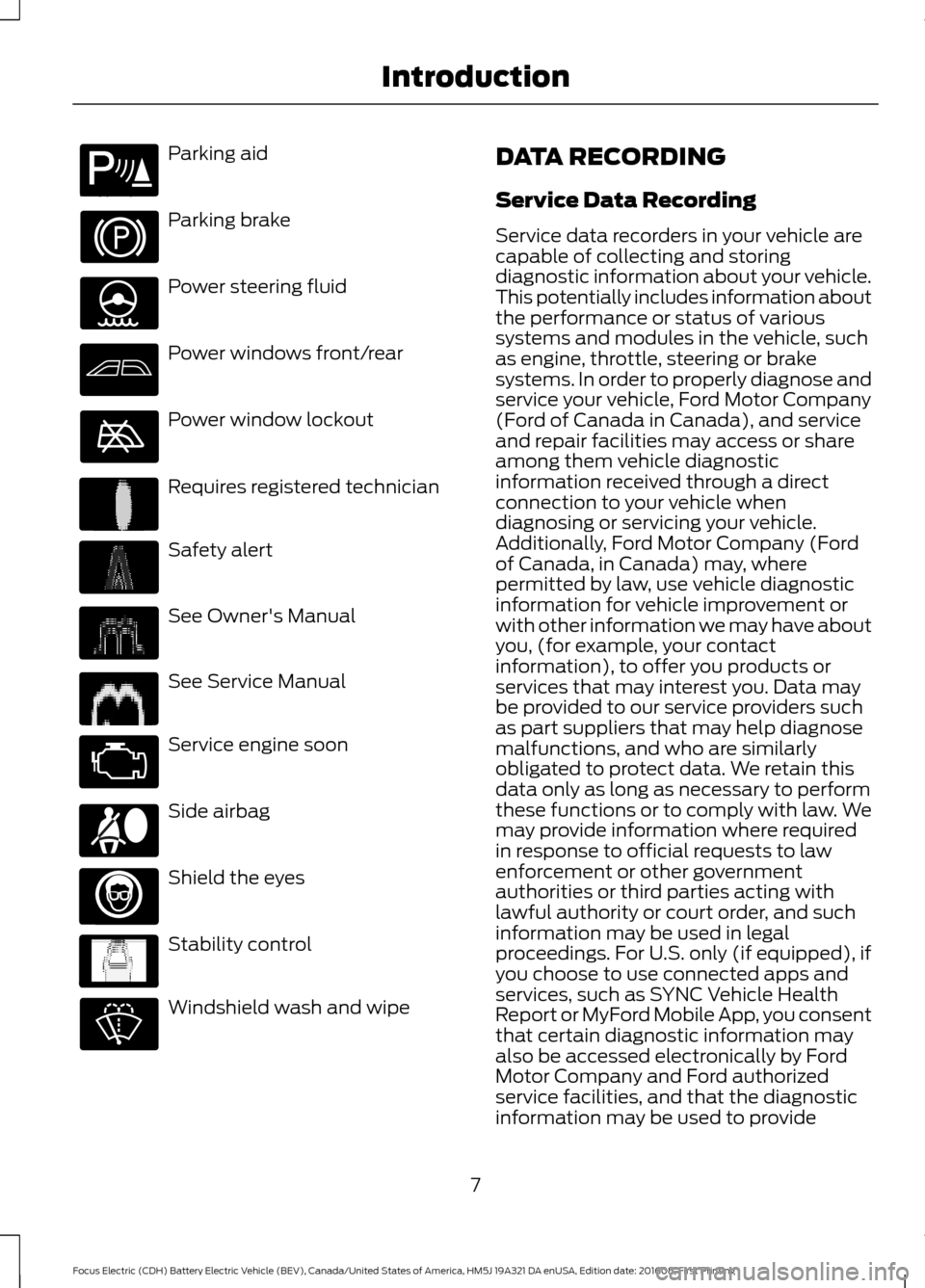
Parking aid
Parking brake
Power steering fluid
Power windows front/rear
Power window lockout
Requires registered technician
Safety alert
See Owner's Manual
See Service Manual
Service engine soon
Side airbag
Shield the eyes
Stability control
Windshield wash and wipe DATA RECORDING
Service Data Recording
Service data recorders in your vehicle are
capable of collecting and storing
diagnostic information about your vehicle.
This potentially includes information about
the performance or status of various
systems and modules in the vehicle, such
as engine, throttle, steering or brake
systems. In order to properly diagnose and
service your vehicle, Ford Motor Company
(Ford of Canada in Canada), and service
and repair facilities may access or share
among them vehicle diagnostic
information received through a direct
connection to your vehicle when
diagnosing or servicing your vehicle.
Additionally, Ford Motor Company (Ford
of Canada, in Canada) may, where
permitted by law, use vehicle diagnostic
information for vehicle improvement or
with other information we may have about
you, (for example, your contact
information), to offer you products or
services that may interest you. Data may
be provided to our service providers such
as part suppliers that may help diagnose
malfunctions, and who are similarly
obligated to protect data. We retain this
data only as long as necessary to perform
these functions or to comply with law. We
may provide information where required
in response to official requests to law
enforcement or other government
authorities or third parties acting with
lawful authority or court order, and such
information may be used in legal
proceedings. For U.S. only (if equipped), if
you choose to use connected apps and
services, such as SYNC Vehicle Health
Report or MyFord Mobile App, you consent
that certain diagnostic information may
also be accessed electronically by Ford
Motor Company and Ford authorized
service facilities, and that the diagnostic
information may be used to provide
7
Focus Electric (CDH) Battery Electric Vehicle (BEV), Canada/United States of America, HM5J 19A321 DA enUSA, Edition date: 201608, First Printing IntroductionE139213 E231159 E231158 E167012 E138639
Page 35 of 367
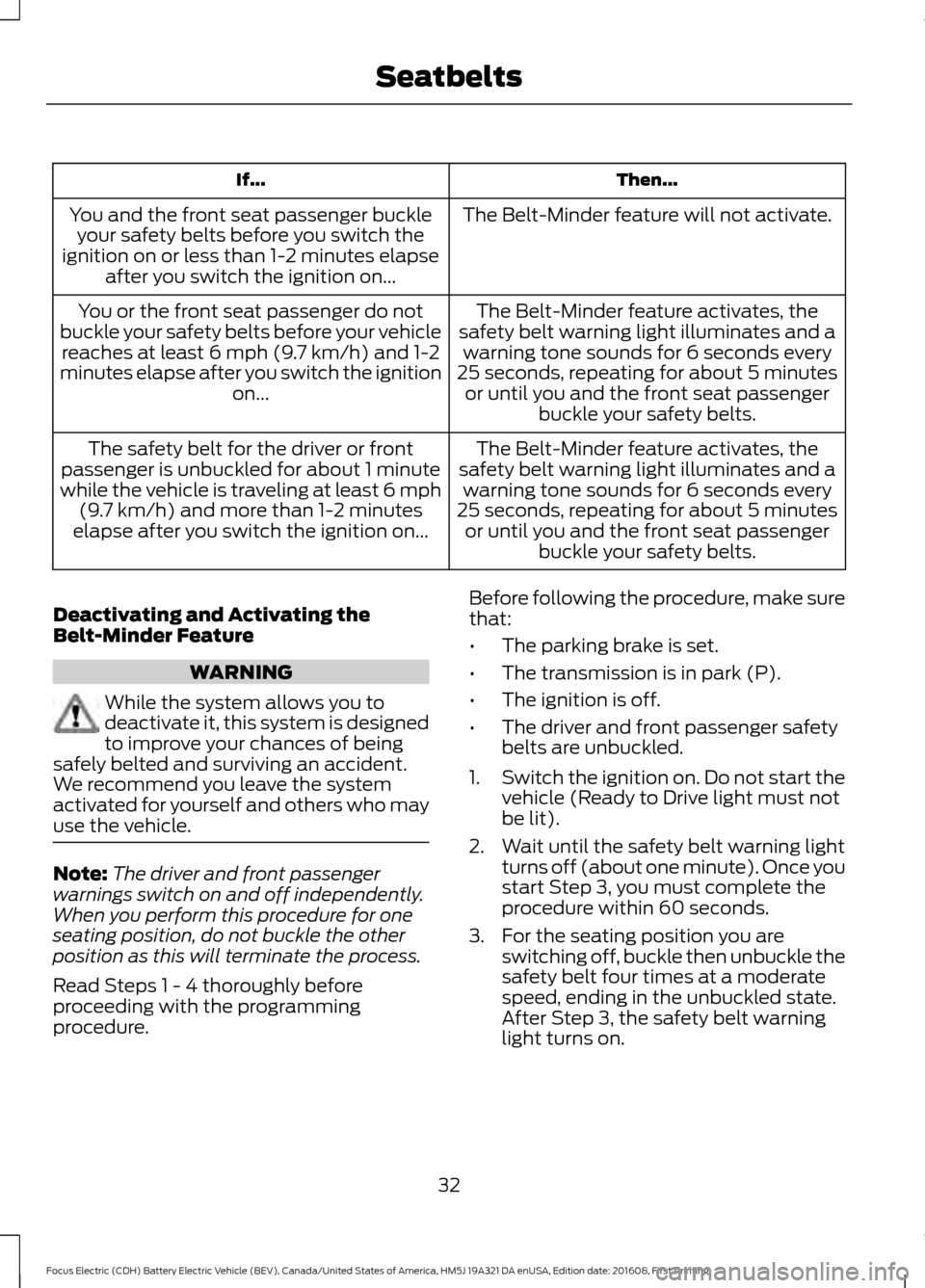
Then...
If...
The Belt-Minder feature will not activate.
You and the front seat passenger buckle
your safety belts before you switch the
ignition on or less than 1-2 minutes elapse after you switch the ignition on...
The Belt-Minder feature activates, the
safety belt warning light illuminates and a warning tone sounds for 6 seconds every
25 seconds, repeating for about 5 minutes or until you and the front seat passenger buckle your safety belts.
You or the front seat passenger do not
buckle your safety belts before your vehicle reaches at least 6 mph (9.7 km/h) and 1-2
minutes elapse after you switch the ignition on...
The Belt-Minder feature activates, the
safety belt warning light illuminates and a warning tone sounds for 6 seconds every
25 seconds, repeating for about 5 minutes or until you and the front seat passenger buckle your safety belts.
The safety belt for the driver or front
passenger is unbuckled for about 1 minute
while the vehicle is traveling at least 6 mph (9.7 km/h)
and more than 1-2 minutes
elapse after you switch the ignition on...
Deactivating and Activating the
Belt-Minder Feature WARNING
While the system allows you to
deactivate it, this system is designed
to improve your chances of being
safely belted and surviving an accident.
We recommend you leave the system
activated for yourself and others who may
use the vehicle. Note:
The driver and front passenger
warnings switch on and off independently.
When you perform this procedure for one
seating position, do not buckle the other
position as this will terminate the process.
Read Steps 1 - 4 thoroughly before
proceeding with the programming
procedure. Before following the procedure, make sure
that:
•
The parking brake is set.
• The transmission is in park (P).
• The ignition is off.
• The driver and front passenger safety
belts are unbuckled.
1. Switch the ignition on. Do not start the
vehicle (Ready to Drive light must not
be lit).
2. Wait until the safety belt warning light turns off (about one minute). Once you
start Step 3, you must complete the
procedure within 60 seconds.
3. For the seating position you are switching off, buckle then unbuckle the
safety belt four times at a moderate
speed, ending in the unbuckled state.
After Step 3, the safety belt warning
light turns on.
32
Focus Electric (CDH) Battery Electric Vehicle (BEV), Canada/United States of America, HM5J 19A321 DA enUSA, Edition date: 201608, First Printing Seatbelts
Page 49 of 367
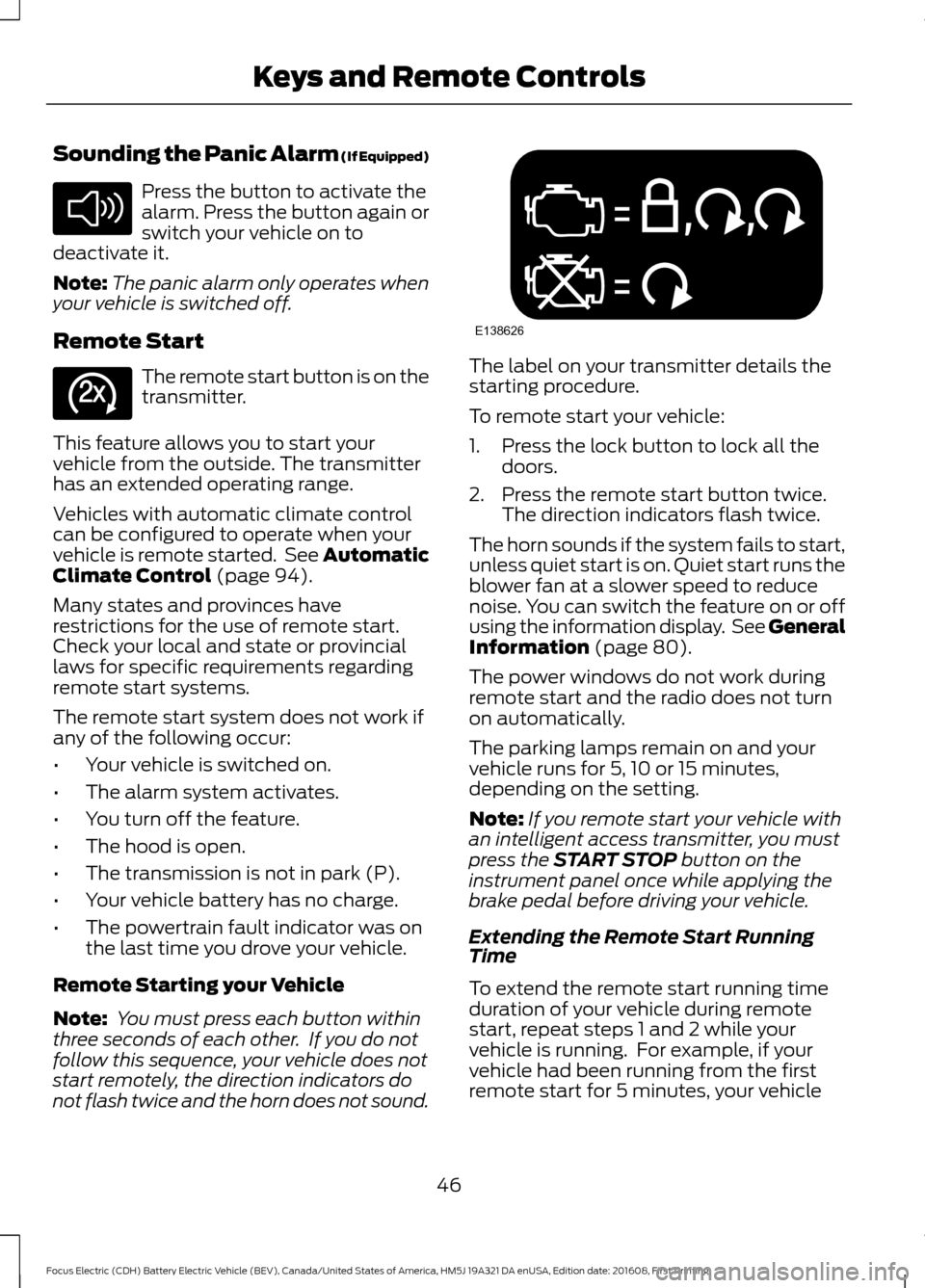
Sounding the Panic Alarm (If Equipped)
Press the button to activate the
alarm. Press the button again or
switch your vehicle on to
deactivate it.
Note: The panic alarm only operates when
your vehicle is switched off.
Remote Start The remote start button is on the
transmitter.
This feature allows you to start your
vehicle from the outside. The transmitter
has an extended operating range.
Vehicles with automatic climate control
can be configured to operate when your
vehicle is remote started. See Automatic
Climate Control (page 94).
Many states and provinces have
restrictions for the use of remote start.
Check your local and state or provincial
laws for specific requirements regarding
remote start systems.
The remote start system does not work if
any of the following occur:
• Your vehicle is switched on.
• The alarm system activates.
• You turn off the feature.
• The hood is open.
• The transmission is not in park (P).
• Your vehicle battery has no charge.
• The powertrain fault indicator was on
the last time you drove your vehicle.
Remote Starting your Vehicle
Note: You must press each button within
three seconds of each other. If you do not
follow this sequence, your vehicle does not
start remotely, the direction indicators do
not flash twice and the horn does not sound. The label on your transmitter details the
starting procedure.
To remote start your vehicle:
1. Press the lock button to lock all the
doors.
2. Press the remote start button twice. The direction indicators flash twice.
The horn sounds if the system fails to start,
unless quiet start is on. Quiet start runs the
blower fan at a slower speed to reduce
noise. You can switch the feature on or off
using the information display. See
General
Information (page 80).
The power windows do not work during
remote start and the radio does not turn
on automatically.
The parking lamps remain on and your
vehicle runs for 5, 10 or 15 minutes,
depending on the setting.
Note: If you remote start your vehicle with
an intelligent access transmitter, you must
press the
START STOP button on the
instrument panel once while applying the
brake pedal before driving your vehicle.
Extending the Remote Start Running
Time
To extend the remote start running time
duration of your vehicle during remote
start, repeat steps 1 and 2 while your
vehicle is running. For example, if your
vehicle had been running from the first
remote start for 5 minutes, your vehicle
46
Focus Electric (CDH) Battery Electric Vehicle (BEV), Canada/United States of America, HM5J 19A321 DA enUSA, Edition date: 201608, First Printing Keys and Remote ControlsE138624 E138625 E138626
Page 71 of 367
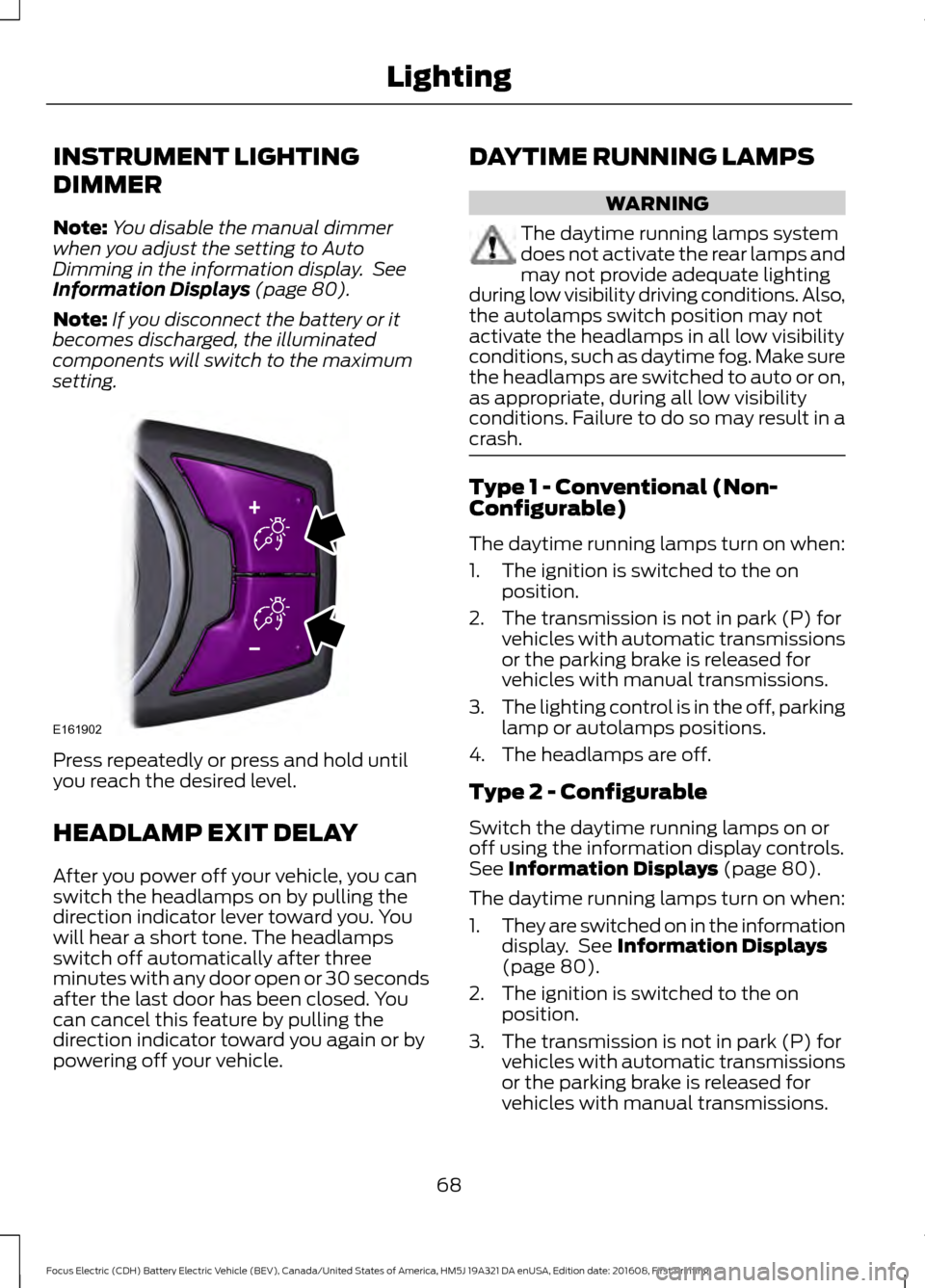
INSTRUMENT LIGHTING
DIMMER
Note:
You disable the manual dimmer
when you adjust the setting to Auto
Dimming in the information display. See
Information Displays (page 80).
Note: If you disconnect the battery or it
becomes discharged, the illuminated
components will switch to the maximum
setting. Press repeatedly or press and hold until
you reach the desired level.
HEADLAMP EXIT DELAY
After you power off your vehicle, you can
switch the headlamps on by pulling the
direction indicator lever toward you. You
will hear a short tone. The headlamps
switch off automatically after three
minutes with any door open or 30 seconds
after the last door has been closed. You
can cancel this feature by pulling the
direction indicator toward you again or by
powering off your vehicle. DAYTIME RUNNING LAMPS WARNING
The daytime running lamps system
does not activate the rear lamps and
may not provide adequate lighting
during low visibility driving conditions. Also,
the autolamps switch position may not
activate the headlamps in all low visibility
conditions, such as daytime fog. Make sure
the headlamps are switched to auto or on,
as appropriate, during all low visibility
conditions. Failure to do so may result in a
crash. Type 1 - Conventional (Non-
Configurable)
The daytime running lamps turn on when:
1. The ignition is switched to the on
position.
2. The transmission is not in park (P) for vehicles with automatic transmissions
or the parking brake is released for
vehicles with manual transmissions.
3. The lighting control is in the off, parking
lamp or autolamps positions.
4. The headlamps are off.
Type 2 - Configurable
Switch the daytime running lamps on or
off using the information display controls.
See
Information Displays (page 80).
The daytime running lamps turn on when:
1. They are switched on in the information
display. See
Information Displays
(page 80).
2. The ignition is switched to the on position.
3. The transmission is not in park (P) for vehicles with automatic transmissions
or the parking brake is released for
vehicles with manual transmissions.
68
Focus Electric (CDH) Battery Electric Vehicle (BEV), Canada/United States of America, HM5J 19A321 DA enUSA, Edition date: 201608, First Printing LightingE161902
Page 80 of 367
Charging Status Screen
When you enter or switch off the vehicle,
on your right information display you have
the opportunity to view charging status,
charge start and end times as well as the
charging mode. You can also switch your
charging mode between Value Charge and
Charge Now. See Electric Vehicle
Information in your SYNC information.
WARNING LAMPS AND
INDICATORS
The following warning lamps and
indicators alert you to a vehicle condition
that may become serious. Some lamps
illuminate when you start your vehicle to
make sure they work. If any lamps remain
on after starting your vehicle, refer to the
respective system warning lamp for further
information.
Note:
Some warning indicators appear in
the information display and operate the
same as a warning lamp but do not
illuminate when you start your vehicle.
Airbag Warning Lamp If it does not illuminate when you
switch the ignition on, continues
to flash or remains on when the
electric motor is running, this indicates a
malfunction. Have your vehicle checked
as soon as possible.
Anti-Lock Brake System Warning
Lamp If it illuminates when you are
driving, this indicates a
malfunction. Your vehicle
continues to have normal braking without
the anti-lock brake system function. Have
your vehicle checked as soon as possible. Brake System Warning Lamp WARNING
Driving your vehicle with the warning
lamp on is dangerous. A significant
decrease in braking performance
may occur. It may take you longer to stop
your vehicle. Have your vehicle checked as
soon as possible. Driving extended
distances with the parking brake engaged
can cause brake failure and the risk of
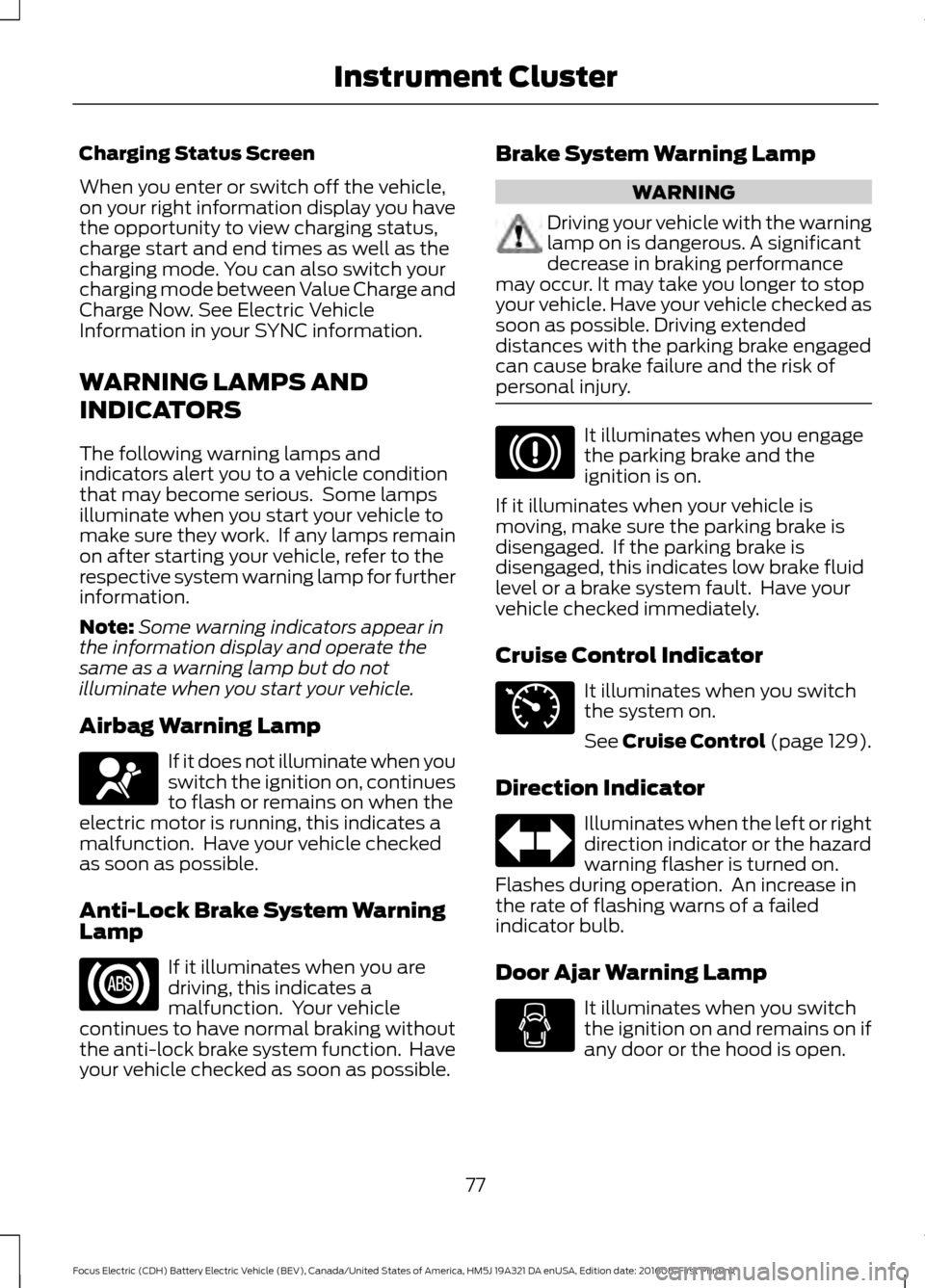
personal injury. It illuminates when you engage
the parking brake and the
ignition is on.
If it illuminates when your vehicle is
moving, make sure the parking brake is
disengaged. If the parking brake is
disengaged, this indicates low brake fluid
level or a brake system fault. Have your
vehicle checked immediately.
Cruise Control Indicator It illuminates when you switch
the system on.
See Cruise Control (page 129).
Direction Indicator Illuminates when the left or right
direction indicator or the hazard
warning flasher is turned on.
Flashes during operation. An increase in
the rate of flashing warns of a failed
indicator bulb.
Door Ajar Warning Lamp It illuminates when you switch
the ignition on and remains on if
any door or the hood is open.
77
Focus Electric (CDH) Battery Electric Vehicle (BEV), Canada/United States of America, HM5J 19A321 DA enUSA, Edition date: 201608, First Printing Instrument ClusterE67017 E71340
Page 82 of 367
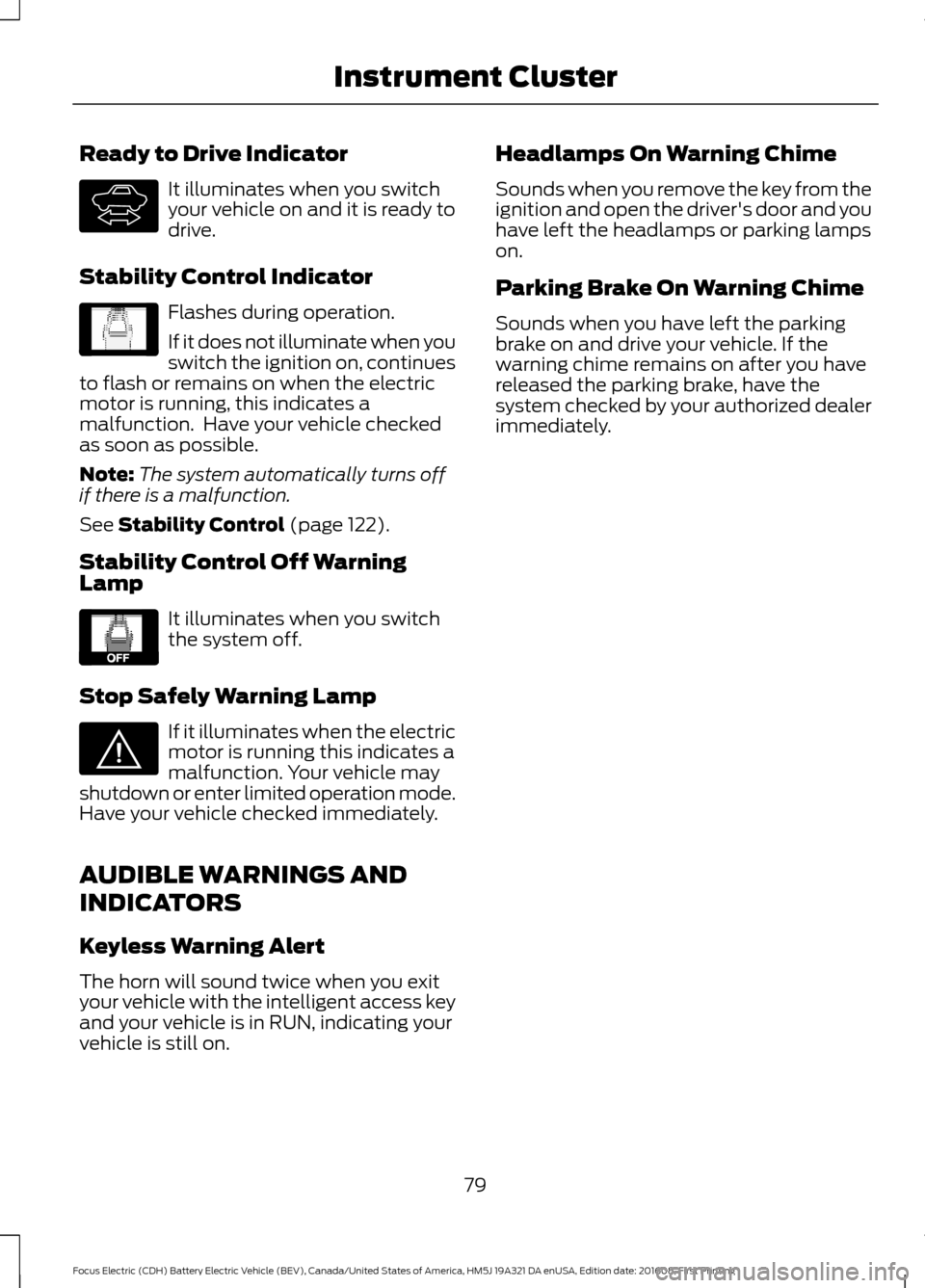
Ready to Drive Indicator
It illuminates when you switch
your vehicle on and it is ready to
drive.
Stability Control Indicator Flashes during operation.
If it does not illuminate when you
switch the ignition on, continues
to flash or remains on when the electric
motor is running, this indicates a
malfunction. Have your vehicle checked
as soon as possible.
Note: The system automatically turns off
if there is a malfunction.
See Stability Control (page 122).
Stability Control Off Warning
Lamp It illuminates when you switch
the system off.
Stop Safely Warning Lamp If it illuminates when the electric
motor is running this indicates a
malfunction. Your vehicle may
shutdown or enter limited operation mode.
Have your vehicle checked immediately.
AUDIBLE WARNINGS AND
INDICATORS
Keyless Warning Alert
The horn will sound twice when you exit
your vehicle with the intelligent access key
and your vehicle is in RUN, indicating your
vehicle is still on. Headlamps On Warning Chime
Sounds when you remove the key from the
ignition and open the driver's door and you
have left the headlamps or parking lamps
on.
Parking Brake On Warning Chime
Sounds when you have left the parking
brake on and drive your vehicle. If the
warning chime remains on after you have
released the parking brake, have the
system checked by your authorized dealer
immediately.
79
Focus Electric (CDH) Battery Electric Vehicle (BEV), Canada/United States of America, HM5J 19A321 DA enUSA, Edition date: 201608, First Printing Instrument ClusterE144692 E138639 E130458 E144693