2017 FORD FLEX instrument panel
[x] Cancel search: instrument panelPage 72 of 496
Closing the Liftgate
WARNING
Keep clear of the liftgate when
activating the rear switch.
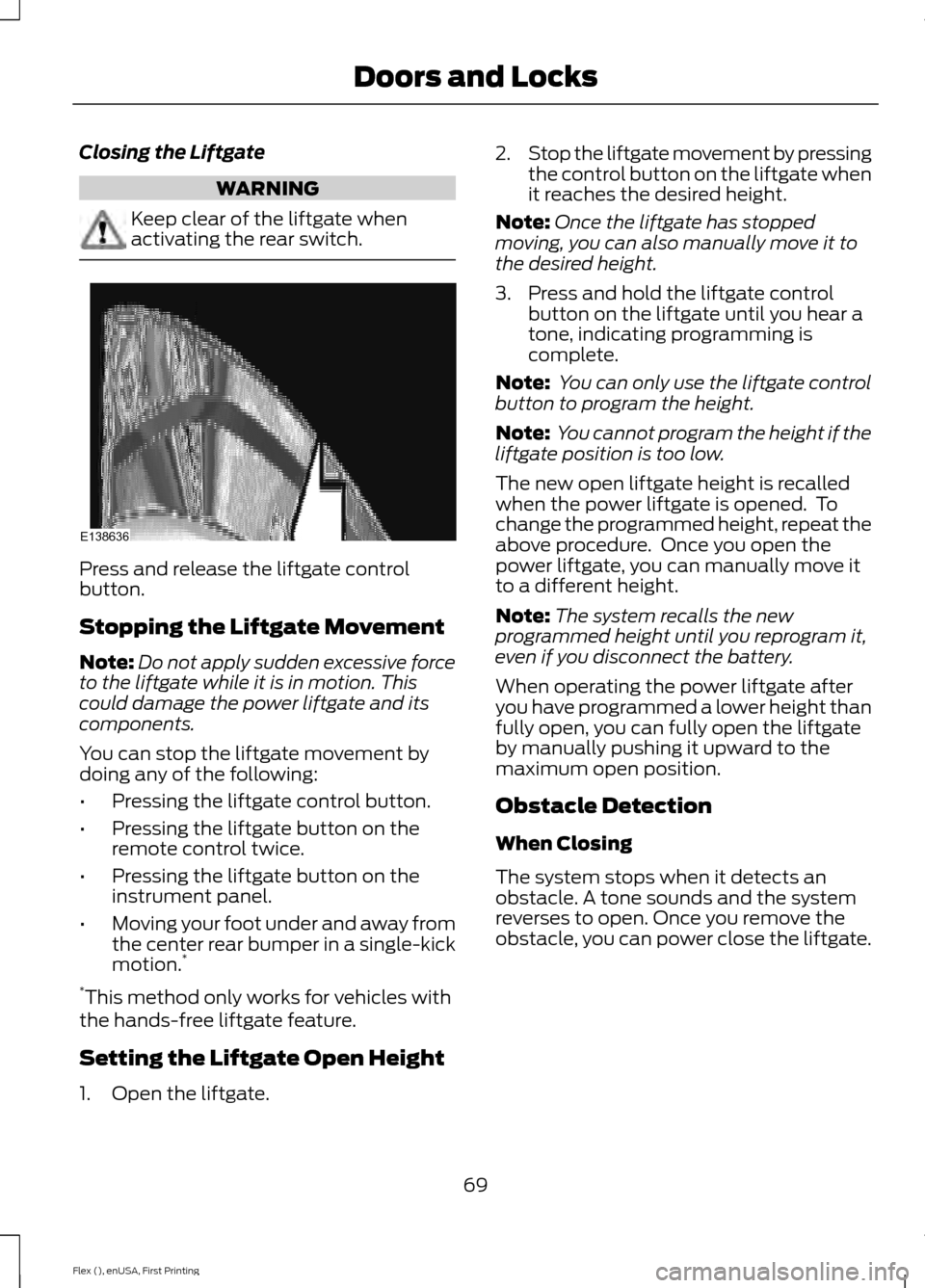
Press and release the liftgate control
button.
Stopping the Liftgate Movement
Note:
Do not apply sudden excessive force
to the liftgate while it is in motion. This
could damage the power liftgate and its
components.
You can stop the liftgate movement by
doing any of the following:
• Pressing the liftgate control button.
• Pressing the liftgate button on the
remote control twice.
• Pressing the liftgate button on the
instrument panel.
• Moving your foot under and away from
the center rear bumper in a single-kick
motion. *
* This method only works for vehicles with
the hands-free liftgate feature.
Setting the Liftgate Open Height
1. Open the liftgate. 2.
Stop the liftgate movement by pressing
the control button on the liftgate when
it reaches the desired height.
Note: Once the liftgate has stopped
moving, you can also manually move it to
the desired height.
3. Press and hold the liftgate control button on the liftgate until you hear a
tone, indicating programming is
complete.
Note: You can only use the liftgate control
button to program the height.
Note: You cannot program the height if the
liftgate position is too low.
The new open liftgate height is recalled
when the power liftgate is opened. To
change the programmed height, repeat the
above procedure. Once you open the
power liftgate, you can manually move it
to a different height.
Note: The system recalls the new
programmed height until you reprogram it,
even if you disconnect the battery.
When operating the power liftgate after
you have programmed a lower height than
fully open, you can fully open the liftgate
by manually pushing it upward to the
maximum open position.
Obstacle Detection
When Closing
The system stops when it detects an
obstacle. A tone sounds and the system
reverses to open. Once you remove the
obstacle, you can power close the liftgate.
69
Flex (), enUSA, First Printing Doors and LocksE138636
Page 85 of 496

GENERAL INFORMATION
Condensation in Lamp Assemblies
Exterior lamps have vents to
accommodate normal changes in air
pressure.
Condensation can be a natural by-product
of this design. When moist air enters the
lamp assembly through the vents, there is
a possibility that condensation can occur
when the temperature is cold. When
normal condensation occurs, a fine mist
can form on the interior of the lens. The
fine mist eventually clears and exits
through the vents during normal operation.
Clearing time may take as long as 48 hours
under dry weather conditions.
Examples of acceptable condensation are:
•
The presence of a fine mist (no streaks,
drip marks or large droplets).
• A fine mist covers less than 50% of the
lens.
Examples of unacceptable condensation
are:
• A water puddle inside the lamp.
• Streaks, drip marks or large droplets
present on the interior of the lens.
If you see any unacceptable condensation,
have your vehicle checked by an authorized
dealer. LIGHTING CONTROL
Off.A
Parking lamps, instrument panel
lamps, license plate lamps and
tail lamps.
B
Headlamps.
C
High Beams Push the lever away from you to switch
the high beam on.
82
Flex (), enUSA, First Printing LightingE156651
ABC E167827
Page 87 of 496

The headlamps will not turn on by wiper
activation:
•
During a single wipe.
• When the wipers are on to clear washer
fluid during a wash condition.
Note: If you switch autolamps and
autowipers on, the headlamps will
automatically turn on when the windshield
wipers continuously operate.
INSTRUMENT LIGHTING
DIMMER Use to adjust the brightness of the
instrument panel and all applicable lit
components in the vehicle during
headlamp and parking lamp operation.
•
Tap the top or bottom of the control
to brighten/dim all interior lit
components incrementally, or
• Press and hold at the first position the
top or bottom of the control until the
desired lighting level is reached.
• Press and hold the top of the control
to the full on position to activate the
“dome on ” feature. This will turn on the
interior courtesy lights. The lights will
remain on until the bottom of the
control is pressed. HEADLAMP EXIT DELAY
You can set the delay time to keep the
headlamps on for up to three minutes after
you switch off the ignition.
Follow the steps below to change the
delay time (Steps 1 to 6 must be
completed within 10 seconds):
1. Switch the ignition off.
2. Select the autolamp position on the
lighting control.
3. Turn the lighting control to the off position.
4. Switch the ignition on.
5. Switch the ignition off.
6. Select the autolamp position on the lighting control. The headlamps and
parking lamps will turn on.
7. Turn the lighting control to the off position when the required delay time
has been reached. The headlamps and
parking lamps will turn off.
You can set the headlamp exit delay to
one of the following settings:
• Off
• 10 seconds
• 20 seconds
• 120 seconds
Note: You can adjust the time delay using
the display controls in the instrument
cluster. See Information Displays (page
99).
84
Flex (), enUSA, First Printing LightingE163270
Page 119 of 496

MANUAL CLIMATE CONTROL
Power: Press to switch the system on and off. When the system is off, it
prevents outside air from entering the vehicle.
A
Air distribution control: Adjust to turn airflow from the windshield, instrument
panel, or footwell vents on or off. You can distribute air through the following
combinations: windshield, windshield/floor, panel, panel/floor, and floor.
B
A/C:
Press to switch the air conditioning on or off. Air conditioning cools your
vehicle using outside air. To improve the time to reach a comfortable
temperature in hot weather, drive with the windows open until you feel cold air
through the air vents.
C
Note: In certain conditions (for example, maximum defrost), the air conditioning
compressor may continue to operate even though the air conditioning is
switched off.
Recirculated air:
Press to switch between outside air and recirculated air. The
air currently in the passenger compartment recirculates. This can reduce the
time needed to cool the interior and reduce unwanted odors from entering your
vehicle.
D
Note:
Recirculated air may also turn on and off automatically in instrument
panel or instrument panel and floor airflow modes during hot weather to improve
cooling efficiency.
MAX A/C:
Adjust for maximum cooling. Recirculated air flows through the
instrument panel vents, air conditioning automatically turns on and the fan
automatically adjusts to the highest speed.
E
116
Flex (), enUSA, First Printing Climate ControlE210700
Page 120 of 496

Temperature control: Controls the temperature of the air circulated in your
vehicle.
F
Rear fan speed control:
Adjust the volume of air circulated to the rear of the
passenger compartment.
G
Rear passenger temperature control:
Adjust the temperature to the rear of
the passenger compartment.
H
Rear climate control lock:
When illuminated, you can only operate the rear
passenger settings through the front controls.
I
Rear passenger power:
Press to switch the system on and off.
J
Fan speed control:
Adjust the volume of air circulated in the vehicle.
K
Heated rear window:
Press to switch the heated rear window on and off.
L
Defrost: Select to distribute air through the windshield air vents. Air distribution
to the instrument panel and footwell vents turns off. You can also use this
setting to defrost and clear the windshield of a thin covering of ice.
M
AUTOMATIC CLIMATE
CONTROL
Note: You can switch temperature units
between Fahrenheit and Celsius. See your
SYNC information. 117
Flex (), enUSA, First Printing Climate ControlE244350
Page 121 of 496

Defrost: Select to distribute air through the windshield air vents and de-mister.
Air distribution to the instrument panel and footwell vents turns off. You can
also use this setting to defrost and clear the windshield of a thin covering of
ice.
A
Heated rear window: Press to switch the heated rear window on and off. See
Heated Windows and Mirrors
(page 123).
B
AUTO:
Press to switch on automatic operation. Adjust to select the desired
temperature. Fan speed, air distribution, air conditioning operation, and outside
or recirculated air are automatically adjusted to heat or cool the vehicle to
maintain the desired temperature. You can also switch off dual zone mode by
pressing and holding for more than two seconds.
C
Power:
Press to switch the system on and off. When the system is off, it
prevents outside air from entering the vehicle.
D
A/C:
Press to switch the air conditioning on or off. Air conditioning cools your
vehicle using outside air. Use A/C with recirculated air to improve performance
and efficiency.
E
Note: In certain conditions (for example, maximum defrost), the air conditioning
compressor may continue to operate even though the air conditioning is
switched off.
MAX A/C:
Press for maximum cooling. The driver and passenger settings set
to LO, recirculated air flows through the instrument panel vents, air conditioning
automatically turns on and the fan automatically adjusts to the highest speed.
F
Recirculated air:
Press to switch between outside air and recirculated air. The
air currently in the passenger compartment recirculates. This may reduce the
time needed to cool the interior (when used with A/C) and reduce unwanted
odors from entering your vehicle.
G
Note:
Recirculated air may turn on and off automatically (or prevent you from
switching on) in all modes except MAX A/C to reduce the risk of fogging or to
improve cooling efficiency.
DUAL:
Adjust the temperature setting on the passenger side.
H
Fan speed control:
Adjusts the volume of air circulated in the vehicle.
I
TEMP:
Adjust the temperature setting on the driver side. This control also
adjusts the passenger side temperature when you switch off dual zone mode.
J
118
Flex (), enUSA, First Printing Climate Control
Page 122 of 496

AUTOMATIC CLIMATE
CONTROL - VEHICLES WITH:
PREMIUM AM/FM/CD
Note:
You can switch temperature units
between Fahrenheit and Celsius. See your
SYNC information. MY TEMP: Adjust the temperature setting on the driver side. This control also
adjusts the passenger side temperature when you switch off dual zone mode.
A
Power and Fan Speed Control: Press to switch the system on and off. When
the system is off, it prevents outside air from entering the vehicle. Adjust the
volume of air circulated in the vehicle.
B
DUAL:
Adjust the temperature setting on the passenger side.
C
Recirculated air:
Press to switch between outside air and recirculated air. The
air currently in the passenger compartment recirculates. This can reduce the
time needed to cool the interior and reduce unwanted odors from entering your
vehicle.
D
Note:
Recirculated air may also turn on and off automatically in instrument
panel or instrument panel and floor airflow modes during hot weather to improve
cooling efficiency.
MAX A/C:
Adjust for maximum cooling. Recirculated air flows through the
instrument panel vents, air conditioning automatically turns on and the fan
automatically adjusts to the highest speed.
E
A/C:
Press to switch the air conditioning on or off. Air conditioning cools your
vehicle using outside air. To improve the time to reach a comfortable
temperature in hot weather, drive with the windows open until you feel cold air
through the air vents.
F
119
Flex (), enUSA, First Printing Climate ControlE210701
Page 123 of 496

Note: In certain conditions (for example, maximum defrost), the air conditioning
compressor may continue to operate even though the air conditioning is
switched off.
AUTO: Press to switch on automatic operation. Adjust to select the desired
temperature. Fan speed, air distribution, air conditioning operation, and outside
or recirculated air are automatically adjusted to heat or cool the vehicle to
maintain the desired temperature. You can also switch off dual zone mode by
pressing and holding for more than two seconds.
G
Heated rear window: Press to switch the heated rear window on and off. See
Heated Windows and Mirrors
(page 123).
H
Defrost: Select to distribute air through the windshield air vents. Air distribution
to the instrument panel and footwell vents turns off. You can also use this
setting to defrost and clear the windshield of a thin covering of ice.
I
HINTS ON CONTROLLING THE
INTERIOR CLIMATE
General Hints WARNING
Prolonged use of recirculated air may
cause the windows to fog up. If the
windows fog up, follow the settings
for demisting the windshield. Note:
You may feel a small amount of air
from the footwell air vents regardless of the
air distribution setting.
Note: To reduce humidity build-up inside
your vehicle, do not drive with the system
switched off or with recirculated air always
switched on.
Note: Do not place objects under the front
seats as this may interfere with the airflow
to the rear seats.
Note: Remove any snow, ice or leaves from
the air intake area at the base of the
windshield. Note:
To improve the time to reach a
comfortable temperature in hot weather,
drive with the windows open until you feel
cold air through the air vents.
Manual Climate Control
Note: To reduce fogging of the windshield
during humid weather, adjust the air
distribution control to the windshield air
vents position.
Automatic Climate Control
Note: Adjusting the settings when your
vehicle interior is extremely hot or cold is
not necessary. The system automatically
adjusts to heat or cool the interior to your
selected temperature as quickly as possible.
For the system to function efficiently, the
instrument panel and side air vents should
be fully open.
Note: If you select
AUTO during cold
outside temperatures, the system directs
airflow to the windshield and side window
vents. In addition, the fan may run at a
slower speed until the engine warms up.
120
Flex (), enUSA, First Printing Climate Control