2017 FORD EXPEDITION EL center console
[x] Cancel search: center consolePage 357 of 500
Accessing and Viewing USB Media
(browse | search | show) all (playlist |playlists)
(browse | search | show) all (song | songs| title | titles | file | files | track | tracks)
(browse | search | show) album ___
(browse | search | show) artist ___
(browse | search | show) genre ___
(browse | search | show) playlist ___
USB 2 (If Equipped)
Your vehicle may come equipped with anadditional USB port. If so, USB 1 is locatedat the front of the vehicle at the bottom ofthe instrument panel. USB 2 is locatedinside the storage compartment of thevehicle's center console.
You can plug in an additional USB deviceinto the second USB port.
You can access both USB devices by usingvoice commands.
To access a USB device press the voicebutton and when prompted say:
Voice command
USB 1
USB 2
Note:SYNC only supports one connectediOS (Apple) devices at a time (whicheverone you plug in first). When you connect asecond iOS device, the systems charges it,but does not support playback from it.
Bluetooth Devices and SystemSettings
You can access these menus using theaudio display. See Using SYNC™ WithYour Phone (page 328).
Voice Commands for AudioSources
Your voice system allows you to changeaudio sources with a simple voicecommand.
Press the voice button and whenprompted say:
Voice Command
(music | audio | entertainment) [system]
Below are a few examples of voicecommands you can use.
[tune [to]] AM
[tune [to]] AM1
[tune [to]] AM (autostore | AST |autoset)
[tune [to]] AM 2
Bluetooth (audio | stereo)
(disc | CD [player]) play
[tune [to]] FM
[tune [to]] FM1
[tune [to]] FM (autostore | AST |autoset)
[tune [to]] FM 2
Radio
*tune [to] SAT
354
Expedition (TB7) Canada/United States of America, enUSA, Edition date: 03/2016, First Printing
SYNC™ (If Equipped)E142599
Page 398 of 500
FunctionButton
Composers
This button allows you to choose a specificletter to view within the category you arebrowsing.
A-Z Jump
If available, this allows you to browse thefolders and files on your USB device.Explore Device
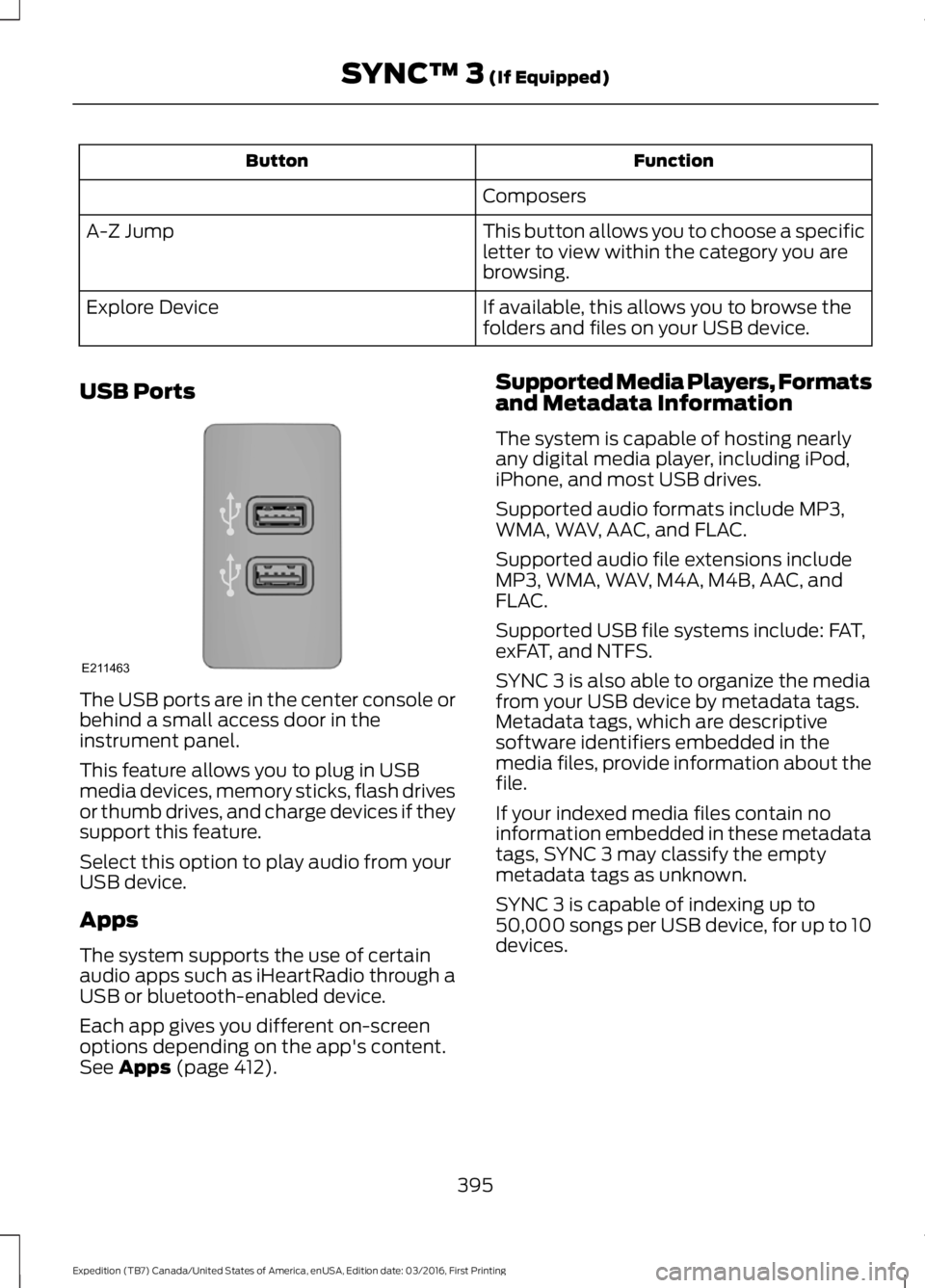
USB Ports
The USB ports are in the center console orbehind a small access door in theinstrument panel.
This feature allows you to plug in USBmedia devices, memory sticks, flash drivesor thumb drives, and charge devices if theysupport this feature.
Select this option to play audio from yourUSB device.
Apps
The system supports the use of certainaudio apps such as iHeartRadio through aUSB or bluetooth-enabled device.
Each app gives you different on-screenoptions depending on the app's content.See Apps (page 412).
Supported Media Players, Formatsand Metadata Information
The system is capable of hosting nearlyany digital media player, including iPod,iPhone, and most USB drives.
Supported audio formats include MP3,WMA, WAV, AAC, and FLAC.
Supported audio file extensions includeMP3, WMA, WAV, M4A, M4B, AAC, andFLAC.
Supported USB file systems include: FAT,exFAT, and NTFS.
SYNC 3 is also able to organize the mediafrom your USB device by metadata tags.Metadata tags, which are descriptivesoftware identifiers embedded in themedia files, provide information about thefile.
If your indexed media files contain noinformation embedded in these metadatatags, SYNC 3 may classify the emptymetadata tags as unknown.
SYNC 3 is capable of indexing up to50,000 songs per USB device, for up to 10devices.
395
Expedition (TB7) Canada/United States of America, enUSA, Edition date: 03/2016, First Printing
SYNC™ 3 (If Equipped)E211463
Page 491 of 500

Blind Spot Information System..............189False Alerts...........................................................192Switching the System Off and On...............193System Errors.......................................................192System Limitations............................................192Using the System...............................................189Bonnet LockSee: Opening and Closing the Hood..........243Booster Seats..................................................24Types of Booster Seats......................................25Brake Fluid Check........................................252Brakes................................................................173General Information...........................................173Breaking-In......................................................218Bulb Specification Chart..........................260
C
California Proposition 65..............................11Capacities and Specifications...............308Specifications.....................................................309Car WashSee: Cleaning the Exterior..............................265Center Console..............................................143Changing a Bulb...........................................257Central High-mounted Brake LampBulb...................................................................260Fog Lamp Bulb...................................................259Front Direction Indicator Bulb.......................258Headlamp Bulb..................................................258LED Central High-mounted Brake LampBulb...................................................................260LED Direction Indicator and Side MarkerBulbs..................................................................259LED Headlamp Bulb.........................................258LED Rear Lamp, Brake Lamp, Rear DirectionIndicator and Reverse LampBulbs.................................................................260License Plate Lamp Bulb...............................260Rear Lamp, Brake Lamp, Rear DirectionIndicator and Reverse LampBulbs..................................................................259Side Direction Indicator Bulb........................260Side Marker Bulb...............................................258Changing a Fuse............................................241Fuses.......................................................................241
Changing a Road Wheel............................297Dissimilar Spare Wheel and Tire AssemblyInformation......................................................297Location of the Spare Tire and Tools.........298Tire Change Procedure....................................299Changing the 12V Battery.........................253Battery Management System.......................254Changing the Engine Air Filter.................262Changing the Wiper Blades.....................255Checking MyKey System Status..............50Checking the Wiper Blades......................255Childminder Mirror..........................................81Child Restraint and SeatbeltMaintenance.................................................35Child Restraint Positioning.........................26Child Safety.......................................................16General Information.............................................16Child Safety Locks..........................................27Cleaning Leather Seats.............................268With King Ranch Edition.................................269Without King Ranch Edition..........................268Cleaning Products.......................................264Cleaning the Alloy Wheels.......................270Cleaning the Engine...................................266Cleaning the Exterior..................................265Exterior Chrome Parts......................................265Exterior Plastic Parts........................................265Stripes or Graphics............................................265Underbody...........................................................266Under Hood.........................................................266Cleaning the Instrument Panel andInstrument Cluster Lens........................268Cleaning the Interior....................................267Cleaning the Windows and WiperBlades............................................................267Clearing All MyKeys.......................................49Climate............................................................396Climate Control..............................................112Climate Controlled Seats..........................134Cooled Seats........................................................134Coolant CheckSee: Engine Coolant Check............................247Crash Sensors and Airbag Indicator.......40Creating a MyKey...........................................48Programming/Changing ConfigurableSettings...............................................................48Cruise Control.................................................69Principle of Operation.......................................187
488
Expedition (TB7) Canada/United States of America, enUSA, Edition date: 03/2016, First Printing
Index
Page 495 of 500
Illuminated Entry..................................................54Illuminated Exit.....................................................54Power Door Locks................................................52Remote Control.....................................................52Smart Unlocks for Integrated KeyheadTransmitter........................................................53Smart Unlocks for Intelligent AccessKeys......................................................................53Lug NutsSee: Changing a Road Wheel........................297
M
Maintenance..................................................243General Information.........................................243Manual Climate Control..............................112Manual Climate Control - Vehicles With:Electronic Manual TemperatureControl (EMTC)...........................................113Manual Liftgate...............................................54Closing the Liftgate.............................................56Opening the Liftgate...........................................55Opening the Liftgate Window.........................55Manual Seats.................................................123Manual Lumbar ..................................................124Moving the Seat Backward andForward..............................................................123Recline Adjustment............................................123Media Hub......................................................323Memory Function..........................................125Easy Entry and Exit Feature............................126Saving a PreSet Position..................................125Message CenterSee: Information Displays..................................91MirrorsSee: Heated Windows and Mirrors..............120See: Windows and Mirrors................................79Mobile Communications Equipment.......13Moonroof...........................................................82Bounce-Back.........................................................83Opening and Closing the Moonroof..............83Venting the Moonroof........................................83Motorcraft Parts..........................................304MyKey Troubleshooting................................51MyKey™.............................................................47Principle of Operation.........................................47
N
Navigation.....................................................404cityseeker................................................................411Destination Mode.............................................405Map Mode............................................................404Navigation Map Updates..................................411Navigation Menu...............................................409SiriusXM Traffic and Travel Link.....................411Waypoints.............................................................410Normal Scheduled Maintenance..........446Intelligent Oil-Life Monitor............................446Normal Maintenance Intervals.....................447
O
Oil Change Indicator Reset......................246Oil CheckSee: Engine Oil Check......................................245Opening and Closing the Hood..............243Ordering Additional Owner'sLiterature.....................................................230Obtaining a French Owner’s Manual...........231Overhead Console........................................143
P
Parking Aids....................................................182Principle of Operation.......................................182Parking Brake..................................................174Passive Anti-Theft System..........................61SecuriLock®............................................................61PATSSee: Passive Anti-Theft System......................61Pedals.................................................................70Perchlorate.........................................................11Phone..............................................................399During a Phone Call..........................................402Making Calls.........................................................401Pairing Your Cell Phone for the FirstTime..................................................................399Phone Menu.......................................................400Receiving Calls...................................................402Smartphone Connectivity.............................403Text Messaging..................................................403Power Door LocksSee: Locking and Unlocking.............................52
492
Expedition (TB7) Canada/United States of America, enUSA, Edition date: 03/2016, First Printing
Index