Page 221 of 828

With KeySense in use there will be multiple associated
messages shown in the following table:
SettingCluster Display Message
None – With vehicle igni- tion ON “KeySense in use. Max vehicle speed
set to xx MPH/or km/h”
Max Vehicle Speed
•“Max speed reached. KeySense in
use” supported by a chime
• “Approaching max speed xx
MPH/km” supported by a chime
Start Up Fuel
Alert message “Range to empty xxx miles or km”
Early Low
Fuel Alert
Message “Fuel Low”
ParkSense “Feature cannot be disabled. Key- Sense in use”
Setting Cluster Display Message
Blind Spot “Feature cannot be disabled. Key- Sense in use”
Forward Col- lision Warn- ing “Feature cannot be disabled. Key-
Sense in use”
EVIC/DID Display Menu Items
NOTE:The EVIC/DID menu items display in the center
of the instrument cluster. Menu items may vary depend-
ing on your vehicle features.
Speedometer
Push and release the UPorDOWNarrow button
until the Speedometer Menu displays in the EVIC/
DID. Push and release the OKbutton to toggle be-
tween MPH and km/h. 4
GETTING TO KNOW YOUR INSTRUMENT PANEL 219
Page 228 of 828

the instrument cluster, with a number matching the set
speed, with a pop up message to inform the driver
that the speed warning has been set to the desired
speed. Each time the set speed is exceeded, an audible
chime will sound for up to 10 seconds, or until the
speed is no longer exceeded. The telltale in the instru-
ment cluster will also change from white to yellow,
and a pop up warning message will pop up on the 7”
DID screen.
NOTE:Speed Warning is unavailable while KeySense is
in use.
Battery Saver On/Battery Saver Mode Message —
Electrical Load Reduction Actions — If Equipped
This vehicle is equipped with an Intelligent Battery
Sensor (IBS) to perform additional monitoring of the
electrical system and status of the vehicle battery.
In cases when the IBS detects charging system failure, or
the vehicle battery conditions are deteriorating, electrical load reduction actions will take place to extend the
driving time and distance of the vehicle. This is done by
reducing power to or turning off non-essential electrical
loads.
Load reduction is only active when the engine is running.
It will display a message if there is a risk of battery
depletion to the point where the vehicle may stall due to
lack of electrical supply, or will not restart after the
current drive cycle.
When load reduction is activated, the message “Battery
Saver On” or “Battery Saver Mode” will appear in the
Electronic Vehicle Information Center (EVIC) or Driver
Information Display (DID).
These messages indicate the vehicle battery has a low
state of charge and continues to lose electrical charge at a
rate that the charging system cannot sustain.
226 GETTING TO KNOW YOUR INSTRUMENT PANEL
Page 240 of 828

Electronic Throttle Control (ETC) Warning Light
Red TelltaleLight What It Means
Electronic Throttle Control (ETC) Warning Light
This light informs you of a problem with the Electronic Throttle Control (ETC) system. If a
problem is detected while the engine is running, the light will either stay on or flash de-
pending on the nature of the problem. Cycle the ignition key when the vehicle is safely and
completely stopped and the transmission is placed in the PARK position. The light should
turn off. If the light remains on with the engine running, your vehicle will usually be driv-
able; however, see an authorized dealer for service as soon as possible.
If the light continues to flash when the engine is running, immediate service is required and
you may experience reduced performance, an elevated/rough idle, or engine stall and your
vehicle may require towing. The light will come on when the ignition is first turned to ON/
RUN and remain on briefly as a bulb check. If the light does not come on during starting,
have the system checked by an authorized dealer.
238 GETTING TO KNOW YOUR INSTRUMENT PANEL
Page 252 of 828

Engine Check/Malfunction Indicator Light (MIL)
Yellow TelltaleLight What It Means
Engine Check/Malfunction Indicator Light (MIL)
The Engine Check/Malfunction Indicator Light (MIL) is a part of an Onboard Diagnostic
System called OBD II that monitors engine and automatic transmission control systems. The
light will illuminate when the ignition is in the ON position before engine start. If the bulb
does not come on when turning the key from OFF to ON/RUN, have the condition checked
promptly.
Certain conditions, such as a loose or missing gas cap, poor quality fuel, etc., may illuminate
the light after engine start. The vehicle should be serviced if the light stays on through sev-
eral typical driving styles. In most situations, the vehicle will drive normally and will not
require towing.
When the engine is running, the MIL may flash to alert serious conditions that could lead to
immediate loss of power or severe catalytic converter damage. The vehicle should be ser-
viced as soon as possible if this occurs.
250 GETTING TO KNOW YOUR INSTRUMENT PANEL
Page 257 of 828
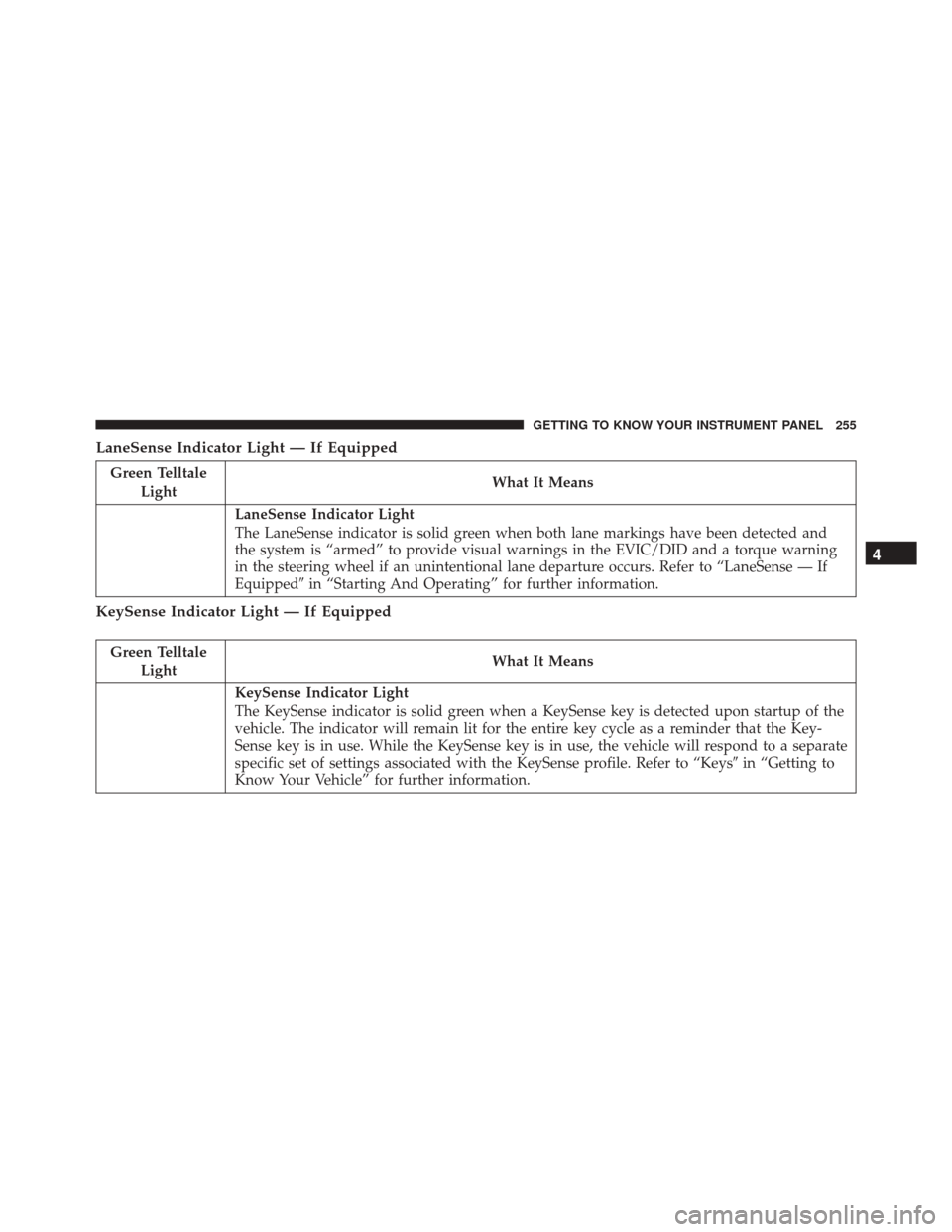
LaneSense Indicator Light — If Equipped
Green TelltaleLight What It Means
LaneSense Indicator Light
The LaneSense indicator is solid green when both lane markings have been detected and
the system is “armed” to provide visual warnings in the EVIC/DID and a torque warning
in the steering wheel if an unintentional lane departure occurs. Refer to “LaneSense — If
Equipped�
in “Starting And Operating” for further information.
KeySense Indicator Light — If Equipped
Green Telltale
Light What It Means
KeySense Indicator Light
The KeySense indicator is solid green when a KeySense key is detected upon startup of the
vehicle. The indicator will remain lit for the entire key cycle as a reminder that the Key-
Sense key is in use. While the KeySense key is in use, the vehicle will respond to a separate
specific set of settings associated with the KeySense profile. Refer to “Keys
�in “Getting to
Know Your Vehicle” for further information.
4
GETTING TO KNOW YOUR INSTRUMENT PANEL 255
Page 290 of 828

present. Whenever an audible alert is requested, the radio
is also muted. Turn/hazard signal status is ignored; the
RCP state always requests the chime.
Blind Spot Alert Off
When the BSM system is turned off there will be no
visual or audible alerts from either the BSM or RCP
systems.
NOTE:
•The BSM system will store the current operating mode
when the vehicle is shut off. Each time the vehicle is
started the previously stored mode will be recalled and
used.
• The BSM system can work in conjunction with the
Keysense function of the vehicle if equipped. Refer to
“Keysense Features� in “Getting To Know Your Ve-
hicle” for further information.General Information
This vehicle has systems that operate on radio frequency
that comply with Part 15 of the Federal Communications
Commission (FCC) rules and with Industry Canada
Standards RSS- GEN/210/220/310.
Operation is subject to the following two conditions:
1. The device may not cause harmful interference.
2. The device must accept any interference received, including interference that may cause undesired op-
eration of the device.
Changes or modifications to any of these systems by
other than an authorized service facility could void
authorization to use this equipment.
288 SAFETY
Page 292 of 828
When the system determines a collision with the vehicle
in front of you is no longer probable, the warning
message will be deactivated.NOTE:
•
The minimum speed for FCW activation is 1 mph
(2 km/h).
• The FCW alerts may be triggered on objects other than
vehicles such as guard rails or sign posts based on the
course prediction. This is expected and is a part of
normal FCW activation and functionality.
• It is unsafe to test the FCW system. To prevent such
misuse of the system, after four Active Braking events
within a key cycle, the Active Braking portion of FCW
will be deactivated until the next key cycle.
• The FCW system is intended for on-road use only. If
the vehicle is taken off-road, the FCW system should
be deactivated to prevent unnecessary warnings to the
surroundings.
FCW Message
290 SAFETY
Page 293 of 828

WARNING!
Forward Collision Warning (FCW) is not intended to
avoid a collision on its own, nor can FCW detect
every type of potential collision. The driver has the
responsibility to avoid a collision by controlling the
vehicle via braking and steering. Failure to follow
this warning could lead to serious injury or death.
Turning FCW ON Or OFF
The forward collision menu setting is located in the
Uconnect settings.
NOTE:The default status of FCW is “On,” this allows the
system to warn you of a possible collision with the
vehicle in front of you.
Changing the FCW status to “Off” deactivates the sys-
tem, so no warning or active braking will be available in
case of a possible collision Changing the status of the system is only possible with
the vehicle at a complete stop.
NOTE:
•
The FCW system state is kept in memory from one key
cycle to the next. If the system is turned OFF, it will
remain off when the vehicle is restarted.
• FCW can work in conjunction with the Keysense
function of the vehicle if equipped. Refer to “Keysense
Features� in “Getting To Know Your Vehicle” for
further information
Changing FCW And Active Braking Status
The FCW Sensitivity And Active Braking Settings are
programmable through the Uconnect System. Refer to
“Uconnect Settings” in “Multimedia” for further infor-
mation.
5
SAFETY 291