Page 171 of 828

Stow n’ VAC Integrated Vacuum — If Equipped
Your vehicle may be equipped with an integrated
vacuum system. The system can clean up dry spills and
debris within the vehicle.
1. Make sure the vehicle is in Park (P) and the ignition isset to Run/Accessory mode.
NOTE: •The vacuum system will run for 10 minutes off
battery power. At 10 minutes, the vacuum will shut
down and a low battery indication light will come on
one minute before shutdown.
• When the vehicle engine is running, the vacuum will
be capable of continuous operation.
WARNING!
Carbon monoxide (CO) in exhaust gases is deadly.
Follow the precautions below to prevent carbon
monoxide poisoning:
• Do not inhale exhaust gases. They contain carbon
monoxide, a colorless and odorless gas, which can
kill. Never run the engine in a closed area, such as
a garage, and never sit in a parked vehicle with the
engine running for an extended period. If the
vehicle is stopped in an open area with the engine
running for more than a short period, adjust the
ventilation system to force fresh, outside air into
the vehicle.
• Guard against carbon monoxide with proper main-
tenance. Have the exhaust system inspected every
time the vehicle is raised. Have any abnormal
conditions repaired promptly. Until repaired, drive
with all side windows fully open.
3
GETTING TO KNOW YOUR VEHICLE 169
Page 172 of 828
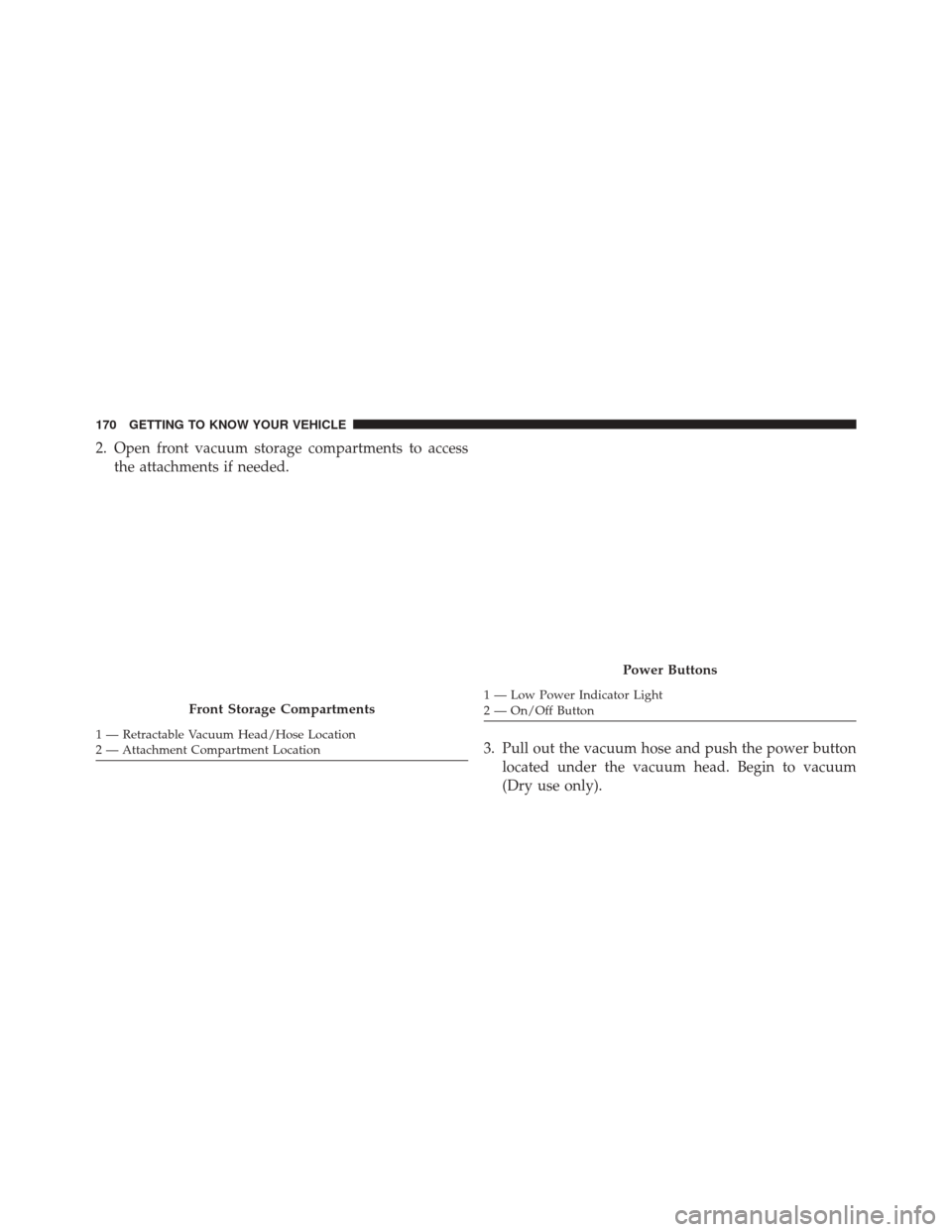
2. Open front vacuum storage compartments to accessthe attachments if needed.
3. Pull out the vacuum hose and push the power buttonlocated under the vacuum head. Begin to vacuum
(Dry use only).
Front Storage Compartments
1 — Retractable Vacuum Head/Hose Location
2 — Attachment Compartment Location
Power Buttons
1 — Low Power Indicator Light
2 — On/Off Button
170 GETTING TO KNOW YOUR VEHICLE
Page 174 of 828
To Remove And Empty The Debris Bin
To access and remove the debris bin, open the lower
access panel by pulling outward on the finger grip area of
the door. For debris bin removal, twist the (color) release
knob counterclockwise and pull the bin towards you.
Remove the filter and dump the debris in the proper
collection bin. Lightly tap the filter on the collection bin
to remove any collected debris from the filter pleats.
Reverse the procedure to reinstall.
NOTE:The filter must be properly installed in the debris
bin before installing the debris bin in the vehicle.
Vacuum Troubleshooting
•If an object(s) become lodged in the hose, first try fully
extending the hose in a straight line while the vacuum
motor is on. If this does not work, then remove the
hose and try to shake it out.
Debris Bin Release Knob
172 GETTING TO KNOW YOUR VEHICLE
Page 175 of 828
•If the filter is clogged, follow the emptying debris bin
procedure and lightly tap the filter on the collection
bin to remove any collected debris from the filter
pleats.
• If filter is in need of replacement, please see your
authorized dealer for a replacement filter.
Precautions While Using Vacuum System
Dry Vac Only The Vacuum System is meant for dry
vacuuming only. Do Not use to pick
up spilled fluids, which can damage
the Vacuum System. Flammable / Explosive Liquids And Vapors
Do not vacuum any flammable liquid
spills or around explosive vapors.
3
GETTING TO KNOW YOUR VEHICLE 173
Page 177 of 828
WARNING!(Continued)
vehicle is stopped in an open area with the engine
running for more than a short period, adjust the
ventilation system to force fresh, outside air into
the vehicle.
• Guard against carbon monoxide with proper main-
tenance. Have the exhaust system inspected every
time the vehicle is raised. Have any abnormal
conditions repaired promptly. Until repaired, drive
with all side windows fully open.
WARNING!
Do not pick up anything that is burning or smoking,
such as cigarettes, matches, or hot ashes. Vehicle
damage, personal injury, or death may result from
vacuuming up burning or smoking material.
GARAGE DOOR OPENER — IF EQUIPPED
HomeLink replaces up to three hand-held transmitters
that operate devices such as garage door openers, motor-
ized gates, lighting or home security systems. The
HomeLink unit is powered by your vehicles 12 Volt
battery.
The HomeLink buttons, located on the driver ’s sunvisor,
designate the three different HomeLink channels. The
HomeLink indicator is located above the center button.
3
GETTING TO KNOW YOUR VEHICLE 175
Page 180 of 828

2.Place the hand-held transmitter 1 to 3 inches (3 to 8 cm)
away from the HomeLink button you wish to program
while keeping the HomeLink indicator light in view.
3. Push and hold the HomeLink button you want toprogram while you push and hold the hand-held
transmitter button.
4. Continue to hold both buttons and observe the indi- cator light. The HomeLink indicator will flash slowly
and then rapidly after HomeLink has received the
frequency signal from the hand-held transmitter. Re-
lease both buttons after the indicator light changes
from slow to rapid.
5. At the garage door opener motor (in the garage), locate the “LEARN” or “TRAINING” button. This can
usually be found where the hanging antenna wire is
attached to the garage door opener/device motor.
Firmly push and release the “LEARN” or “TRAIN-
ING” button. On some garage door openers/devices there may be a light that blinks when the garage door
opener/device is in the LEARN/TRAIN mode.
NOTE: You have 30 seconds in which to initiate the next
step after the LEARN button has been pushed.
6. Return to the vehicle and push the programmed HomeLink button twice (holding the button for two
seconds each time). If the garage door opener/device
activates, programming is complete.
NOTE: If the garage door opener/device does not acti-
vate, push the button a third time (for two seconds) to
complete the training.
To program the remaining two HomeLink buttons, repeat
each step for each remaining button. DO NOT erase the
channels.
178 GETTING TO KNOW YOUR VEHICLE
Page 181 of 828
Reprogramming A Single HomeLink Button (Rolling
Code)
To reprogram a channel that has been previously trained,
follow these steps:
1. Cycle the ignition to the ON/RUN position.
2. Push and hold the desired HomeLink button until theindicator light begins to flash after 20 seconds. Do not
release the button.
3. Without releasing the button proceed with “Program- ming A Rolling Code” step 2 and follow all remaining
steps.�
Programming A Non-Rolling Code
For programming Garage Door Openers manufactured
before 1995.
1. Place the ignition in the ON/RUN position. 2. Place the hand-held transmitter 1 to 3 inches (3 to 8
cm) away from the HomeLink button you wish to
program while keeping the HomeLink indicator light
in view.
3. Push and hold the Homelink button you want to program while you push and hold the hand-held
transmitter button.
4. Continue to hold both buttons and observe the indi- cator light. The Homelink indicator will flash slowly
and then rapidly after HomeLink has received the
frequency signal from the hand-held transmitter. Re-
lease both buttons after the indicator light changes
from slow to rapid.
5. Push and hold the programmed HomeLink button and observe the indicator light.
• If the indicator light stays on constantly, program-
ming is complete and the garage door/device should
activate when the HomeLink button is pushed.
3
GETTING TO KNOW YOUR VEHICLE 179
Page 182 of 828

•To program the two remaining HomeLink buttons,
repeat each step for each remaining button. DO NOT
erase the channels.
Reprogramming A Single HomeLink Button (Non-
Rolling Code)
To reprogram a channel that has been previously trained,
follow these steps:
1. Cycle the ignition to the ON/RUN position.
2. Push and hold the desired HomeLink button until the indicator light begins to flash after 20 seconds. Do not
release the button.
3. Without releasing the button proceed with “Program- ming A Non-Rolling Code” step 2 and follow all
remaining steps.�Canadian/Gate Operator Programming
For programming transmitters in Canada/United States
that require the transmitter signals to “time-out” after
several seconds of transmission.
Canadian radio frequency laws require transmitter sig-
nals to time-out (or quit) after several seconds of trans-
mission – which may not be long enough for HomeLink
to pick up the signal during programming. Similar to this
Canadian law, some U.S. gate operators are designed to
time-out in the same manner.
It may be helpful to unplug the device during the cycling
process to prevent possible overheating of the garage
door or gate motor.
1. Cycle the ignition to the ON/RUN position.
180 GETTING TO KNOW YOUR VEHICLE