Page 120 of 828
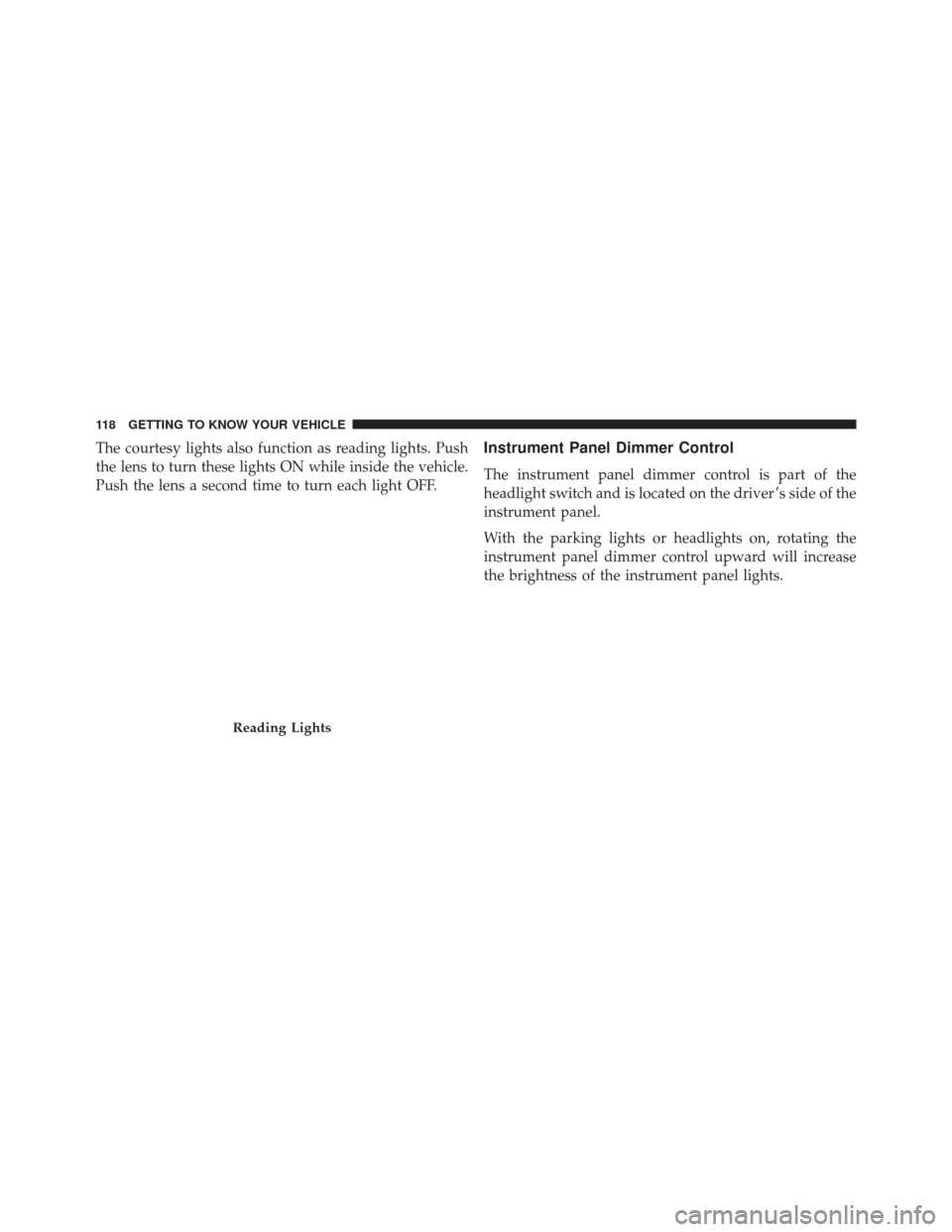
The courtesy lights also function as reading lights. Push
the lens to turn these lights ON while inside the vehicle.
Push the lens a second time to turn each light OFF.Instrument Panel Dimmer Control
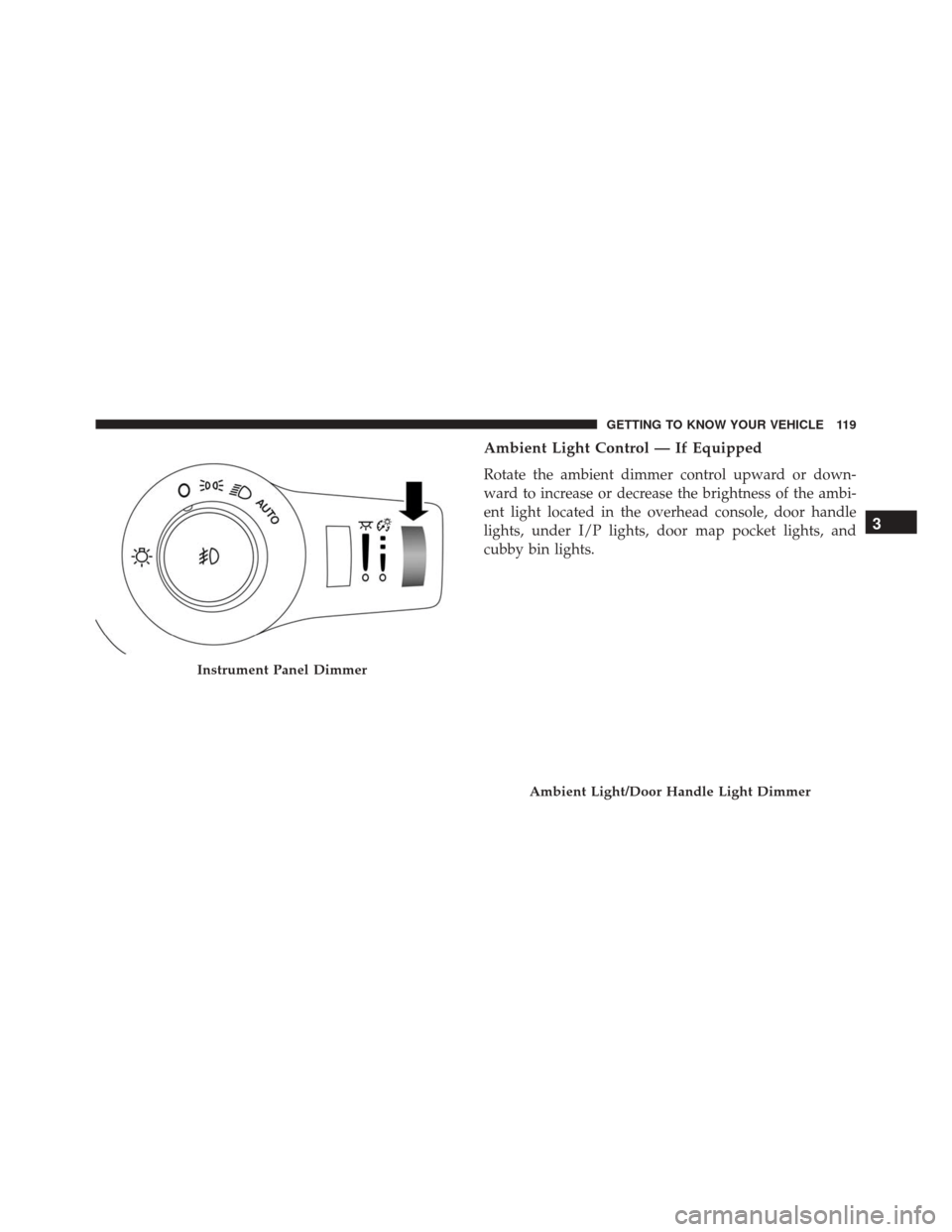
The instrument panel dimmer control is part of the
headlight switch and is located on the driver ’s side of the
instrument panel.
With the parking lights or headlights on, rotating the
instrument panel dimmer control upward will increase
the brightness of the instrument panel lights.
Reading Lights
118 GETTING TO KNOW YOUR VEHICLE
Page 121 of 828
Ambient Light Control — If Equipped
Rotate the ambient dimmer control upward or down-
ward to increase or decrease the brightness of the ambi-
ent light located in the overhead console, door handle
lights, under I/P lights, door map pocket lights, and
cubby bin lights.
Instrument Panel Dimmer
Ambient Light/Door Handle Light Dimmer
3
GETTING TO KNOW YOUR VEHICLE 119
Page 122 of 828
Interior Lighting Off
Rotate the right (instrument panel) dimmer control to the
off position (extreme bottom). The interior lights will
remain off when the doors or liftgate are open.
Parade Mode (Daytime Brightness Feature)
Rotate the instrument panel dimmer control upward to
the first detent. This feature brightens all text displays
such as the odometer, EVIC/DID, and radio when the
position lights or headlights are on.
WINDSHIELD WIPER AND WASHERS
The wipers and washers are operated by a switch within
the wiper lever. Rotate the end of the wiper lever to select
the desired wiper speed.NOTE:
Always remove any buildup of snow that pre-
vents the windshield wiper blades from returning to the
off position. If the windshield wiper switch is turned off
and the blades cannot return to the off position, damage
to the wiper motor may occur.Washer And Wiper Controls
120 GETTING TO KNOW YOUR VEHICLE
Page 130 of 828

automatic mode to switch to manual operation. The
speeds can be selected using either the blower control
knob on the faceplate or the buttons on the touchscreen
as follows:
Blower Control Knob On The Faceplate
The blower speed increases as you turn the blower
control knob clockwise from the lowest blower setting.
The blower speed decreases as you turn the blower
control knob counterclockwise.
Button On The Touchscreen
Use the small blower icon to reduce the blower setting
and the large blower icon to increase the blower setting.
Blower can also be selected by pressing the blower bar
area between the icons.
9. Mode Control
Push this button to change the system between Modes
(Panel, Bi-Level, Floor, Mix, Defrost).•
Panel
Air comes from the outlets in the instrument
panel. Each of these outlets can be individu-
ally adjusted to direct the flow of air. The air
vanes of the center outlets and outboard outlets can
be moved up and down or side to side to regulate
airflow direction. There is a shut off wheel located
below the air vanes to shut off or adjust the amount
of airflow from these outlets.
• Bi-Level
Air comes from the instrument panel outlets
and floor outlets. A slight amount of air is
directed through the defrost and side window
demister outlets.
NOTE: BI-LEVEL mode is designed under comfort con-
ditions to provide cooler air out of the panel outlets and
warmer air from the floor outlets.
128 GETTING TO KNOW YOUR VEHICLE
Page 140 of 828
•Bi-Level Mode
Air comes from the instrument panel outlets
and floor outlets. A slight amount of air is
directed through the defrost and side window demis-
ter outlets.
NOTE: BI-LEVEL mode is designed under comfort con-
ditions to provide cooler air out of the panel outlets and
warmer air from the floor outlets.
•Floor Mode
Air comes from the floor outlets. A slight
amount of air is directed through the defrost
and side window demister outlets.
• Mix Mode
Air is directed through the floor, defrost, and
side window demister outlets. This setting
works best in cold or snowy conditions that require extra heat to the windshield. This setting is
good for maintaining comfort while reducing mois-
ture on the windshield.
13. Climate Control OFF Button
Press and release this button to turn the Climate Control
ON/OFF.
14. Driver Temperature Control Down Button
Provides the driver with independent temperature con-
trol. Push the button on the faceplate for cooler tempera-
ture settings or on the touchscreen, press and slide the
temperature bar button towards the blue arrow for cooler
temperature settings.
NOTE: In Sync mode, this button will also automatically
adjust the passenger, and rear temperature setting at the
same time.
138 GETTING TO KNOW YOUR VEHICLE
Page 153 of 828
Auto Up Feature With Anti-Pinch Protection — If
Equipped
The front driver and front passenger controls may be
equipped with an Auto Up feature. Lift the window
control fully upward to the second detent, release, and
the window will go up automatically.
To stop the window from going all the way up during the
Auto Up operation, push down on the control briefly.
To close the window part way, lift the window control to
the first detent and release when you want the window to
stop.
NOTE:
•If the window runs into any obstacle during auto-
closure, it will reverse direction and then go back
down. Remove the obstacle and use the window
control again to close the window. •
Any impact due to rough road conditions may trigger
the auto reverse function unexpectedly during auto-
closure. If this happens, pull the control lightly to the
first detent and hold to close window manually.
NOTE: There is no anti-pinch protection when the win-
dow is almost closed. To avoid personal injury be sure to
clear your arms, hands, fingers and all objects from the
window path before closing.
Auto Up Reset — If Equipped
To reactivate the Auto Up feature, perform the following
steps after vehicle power is restored:
1. Pull the window control up to close the window completely and continue to hold the control up for an
additional two seconds after the window is closed.
3
GETTING TO KNOW YOUR VEHICLE 151
Page 168 of 828

below the liftgate door handle. Do not move your foot
sideways or in a sweeping motion or the sensors may not
detect the motion.
Vehicles Equipped With A Trailer Tow Package
If your vehicle is equipped with the Trailer Tow Pack-
age, the hands-free activation zone(s) for the Power
Liftgate will be located on the left and right side of the
receiver. Use the same gentile straight kicking motion
under either activation zone to open/close the Hands-
Free Liftgate.
NOTE:To open or close the Hands-Free Liftgate requires
a valid Passive Entry RKE Key Fob within 3 ft (1 m) of the
door handle. If a valid Passive Entry RKE Key Fob is not
within 3 ft (1 m), the liftgate will not respond to any
kicks. The Hands-Free Liftgate feature may be turned on or
off in Uconnect Settings. Refer to “Uconnect Settings”
in “Multimedia” for further information. The Hands-
Free Liftgate feature should be turned off during Jack-
ing, Tire Changing, and Service.
NOTE:
• The liftgate will not power open or close if the gear
selector is in gear or the vehicle speed is above 0 MPH
(0 km/h).
• If anything obstructs the power liftgate while it is
closing or opening, the liftgate will automatically
reverse to the closed or open position, provided it
meets sufficient resistance.
• There are pinch sensors attached to the side of the
liftgate opening. Light pressure anywhere along these
strips will cause the liftgate to return to the open
position.
166 GETTING TO KNOW YOUR VEHICLE
Page 170 of 828
WARNING!
During power operation, personal injury or cargo
damage may occur. Ensure the liftgate travel path is
clear. Make sure the liftgate is closed and latched
before driving away.
Cargo Area Features
Cargo Area Storage
When the third row seats are not in the stowed position,
there is a large area for cargo storage.NOTE:With all rear seats stowed or removed,4x8foot
sheets of building material will fit on the vehicle floor
with the liftgate closed. The front seats must be moved
slightly forward of the rearmost position.
Rear Cargo Area
168 GETTING TO KNOW YOUR VEHICLE