Page 412 of 828

•If the ACC sensor detects a vehicle ahead, ACC will
apply limited braking or accelerate (not to exceed the
original set speed) automatically to maintain a preset
following distance, while matching the speed of the
vehicle ahead.
The Cruise Control system has two control modes:
• Adaptive Cruise Control mode for maintaining an
appropriate distance between vehicles.
• Normal (fixed speed) electronic speed control mode
for cruising at a constant preset speed. For additional
information, refer to “Normal (Fixed Speed) Cruise
Control Mode” in this section.
NOTE: Normal (fixed speed) electronic speed control
will not react to preceding vehicles. Always be aware of
the mode selected. You can change the mode by using the Cruise Control
buttons. The two control modes function differently.
Always confirm which mode is selected.
WARNING!
•
Adaptive Cruise Control (ACC) is a convenience
system. It is not a substitute for active driving
involvement. It is always the driver ’s responsibil-
ity to be attentive of road, traffic, and weather
conditions, vehicle speed, distance to the vehicle
ahead; and, most importantly, brake operation to
ensure safe operation of the vehicle under all road
conditions. Your complete attention is always re-
quired while driving to maintain safe control of
your vehicle. Failure to follow these warnings can
result in a collision and death or serious personal
injury.
(Continued)
410 STARTING AND OPERATING
Page 413 of 828

WARNING!(Continued)
•The ACC system:
• Does not react to pedestrians, oncoming vehicles,
and stationary objects (e.g., a stopped vehicle in a
traffic jam or a disabled vehicle).
• Cannot take street, traffic, and weather condi-
tions into account, and may be limited upon
adverse sight distance conditions.
• Does not always fully recognize complex driving
conditions, which can result in wrong or missing
distance warnings.
• Will bring the vehicle to a complete stop while
following a target vehicle and hold the vehicle
for approximately 3 minutes in the stop position.
If the target vehicle does not start moving within
3 minutes the parking brake will be activated,
and the ACC system will be cancelled.
(Continued)
WARNING! (Continued)
You should switch off the ACC system:
•When driving in fog, heavy rain, heavy snow, sleet,
heavy traffic, and complex driving situations (i.e.,
in highway construction zones).
• When entering a turn lane or highway off ramp;
when driving on roads that are winding, icy, snow-
covered, slippery, or have steep uphill or downhill
slopes.
• When towing a trailer up or down steep slopes.
• When circumstances do not allow safe driving at a
constant speed.
Adaptive Cruise Control (ACC) Operation
The speed control buttons (located on the right side of the
steering wheel) operates the ACC system.
6
STARTING AND OPERATING 411
Page 414 of 828
NOTE:Any chassis/suspension or tire size modifications
to the vehicle will effect the performance of the Adaptive
Cruise Control and Forward Collision Warning System.
Activating Adaptive Cruise Control (ACC)
You can only engage ACC if the vehicle speed is above
0 mph (0 km/h).
The minimum Set Speed for the ACC system is 20 mph
(32 km/h).
When the system is turned on and in the READY state,
the Electronic Vehicle Information Center (EVIC) or
Driver Information Display (DID) displays “ACC
Ready.”
When the system is OFF, the EVIC/DID displays “Adap-
tive Cruise Control (ACC) Off.”
Adaptive Cruise Control Buttons
1 — NORMAL (FIXED SPEED) CRUISE CONTROL ON/OFF
2 — SET+/ACCEL
3 — RESUME
4 — SET-/DECEL
5 — DISTANCE SETTING — INCREASE
6 — ADAPTIVE CRUISE CONTROL (ACC) ON/OFF
7 — DISTANCE SETTING — DECREASE
8 — CANCEL
412 STARTING AND OPERATING
Page 420 of 828

•If the button is continually pushed, the set speed will
continue to decrease in 5 mph decrements until the
button is released. The decrease in set speed is re-
flected in the EVIC/DID.
Metric Speed (km/h)
• Pushing the SET -button once will result in a 1 km/h
decrease in set speed. Each subsequent tap of the
button results in a decrease of 1 km/h.
• If the button is continually pushed, the set speed will
continue to decrease in 10 km/h decrements until the
button is released. The decrease in set speed is re-
flected in the EVIC/DID.
NOTE:
• When you override and push the SET +button or SET
- buttons, the new Set Speed will be the current speed
of the vehicle. •
When you use the SET -button to decelerate, if the
engine’s braking power does not slow the vehicle
sufficiently to reach the set speed, the brake system
will automatically slow the vehicle.
• The ACC system decelerates the vehicle to a full stop
when following a target vehicle. If an ACC host vehicle
follows a target vehicle to a standstill, after two
seconds the driver will either have to push the RES
(resume) button, or apply the accelerator pedal to
reengage the ACC to the existing Set Speed.
• The ACC system maintains set speed when driving up
hill and down hill. However, a slight speed change on
moderate hills is normal. In addition, downshifting
may occur while climbing uphill or descending down-
hill. This is normal operation and necessary to main-
tain set speed. When driving up hill and down hill, the
ACC system will cancel if the braking temperature
exceeds normal range (overheated).
418 STARTING AND OPERATING
Page 499 of 828

WARNING!
Drivers must be careful when backing up even when
using the ParkView Rear Back Up Camera. Always
check carefully behind your vehicle, and be sure to
check for pedestrians, animals, other vehicles, ob-
structions, or blind spots before backing up. You are
responsible for the safety of your surroundings and
must continue to pay attention while backing up.
Failure to do so can result in serious injury or death.
SURROUND VIEW CAMERA SYSTEM — IF
EQUIPPED
Your vehicle may be equipped with the Surround View
Camera System that allows you to see an on-screen image
of the surroundings and top view of your vehicle when-
ever the gear selector is put into REVERSE or a differentview is selected through the
�on screen soft buttons�. The
top view of the vehicle will show which doors are open.
The image will be displayed on the touchscreen display
along with a caution note; “Check Entire Surroundings”
across the top of the screen. After five seconds this note
will disappear. The Surround View Camera System is
comprised of 4 sequential cameras located in the front
grille, rear liftgate and side mirrors.
NOTE: The Surround View Camera System has pro-
grammable settings that may be selected through the
Uconnect System. Refer to “Uconnect Settings” in “Mul-
timedia” for further information.
When the vehicle is shifted into REVERSE, the rear
camera view & top view is the default view of the system.
When the vehicle is shifted out of REVERSE (with camera
delay turned ON), the camera image will continue to be
displayed for up to 10 seconds after shifting out of
6
STARTING AND OPERATING 497
Page 532 of 828
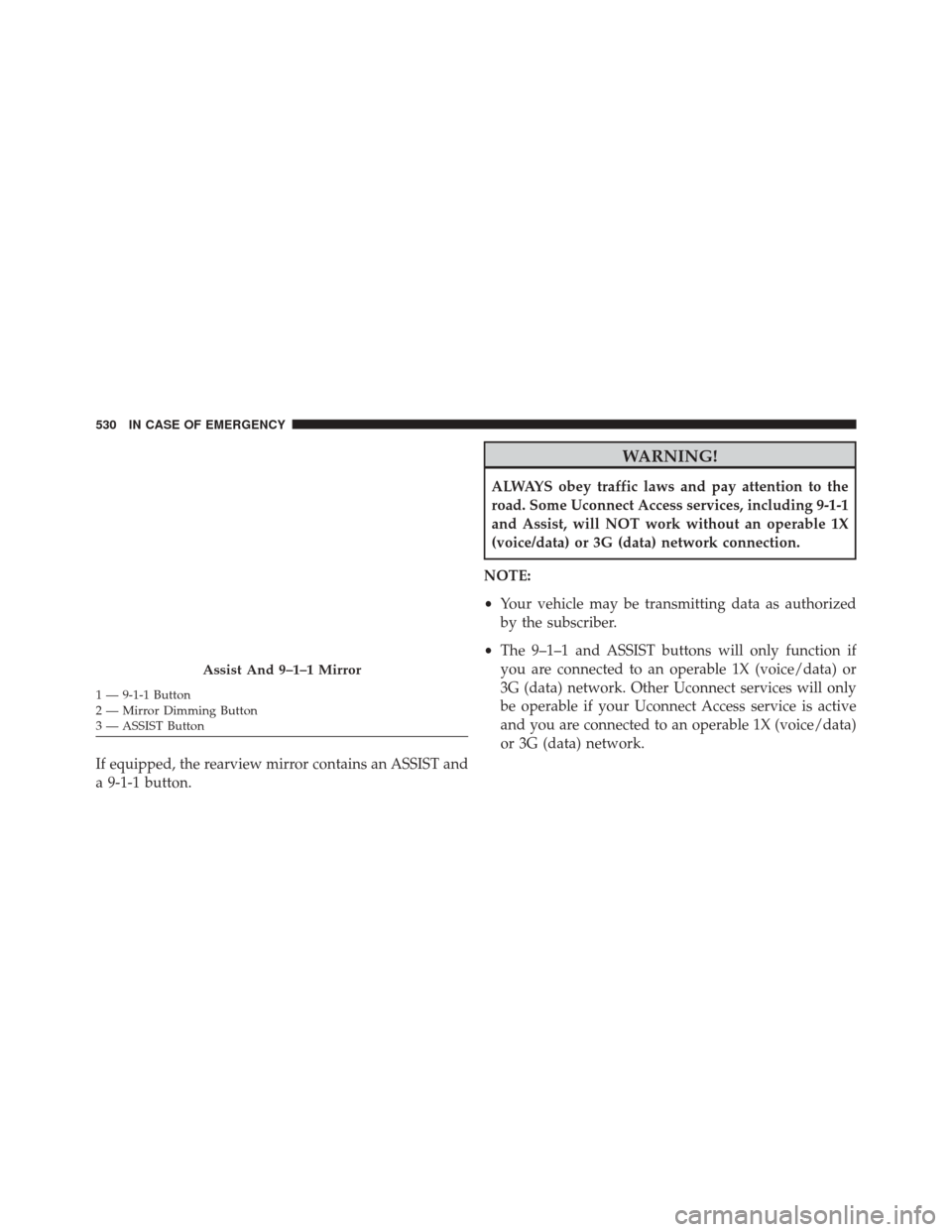
If equipped, the rearview mirror contains an ASSIST and
a 9-1-1 button.
WARNING!
ALWAYS obey traffic laws and pay attention to the
road. Some Uconnect Access services, including 9-1-1
and Assist, will NOT work without an operable 1X
(voice/data) or 3G (data) network connection.
NOTE:
• Your vehicle may be transmitting data as authorized
by the subscriber.
• The 9–1–1 and ASSIST buttons will only function if
you are connected to an operable 1X (voice/data) or
3G (data) network. Other Uconnect services will only
be operable if your Uconnect Access service is active
and you are connected to an operable 1X (voice/data)
or 3G (data) network.
Assist And 9–1–1 Mirror
1 — 9-1-1 Button
2 — Mirror Dimming Button
3 — ASSIST Button 530 IN CASE OF EMERGENCY
Page 533 of 828

ASSIST Call
The ASSIST Button is used to automatically connect you
to any one of the following support centers:
•Roadside Assistance – If you get a flat tire, or need a
tow, just push the ASSIST button and you’ll be con-
nected to someone who can help. Roadside Assistance
will know what vehicle you’re driving and its location.
Additional fees may apply for roadside Assistance.
• Uconnect Access Customer Care – In-vehicle support
for Uconnect Access and Uconnect Access Via Mobile
features.
• Vehicle Customer Care – Total support for all other
vehicle issues. 9-1-1 Call
1. Push the 9-1-1 Call button on the Rearview Mirror.
NOTE:
In case the 9-1-1 Call button is pushed in error,
there will be a 10 second delay before the 9-1-1 Call
system initiates a call to a 9-1-1 operator. To cancel the
9-1-1 Call connection, push the 9-1-1 Call button on the
Rearview Mirror or press the cancellation button on the
Device Screen. Termination of the 9-1-1 Call will turn the
green LED light on the Rearview Mirror off.
2. The LED light located between the Power and 9-1-1 buttons on the Rearview Mirror will turn green once a
connection to a 9-1-1 operator has been made.
7
IN CASE OF EMERGENCY 531
Page 536 of 828

9-1-1 Call System Limitations
Vehicles sold in Canada and MexicoDO NOThave 9-1-1
Call system capabilities.
9-1-1 or other emergency line operators in Canada and
Mexico may not answer or respond to 9-1-1 system calls.
If the 9-1-1 Call system detects a malfunction, any of the
following may occur at the time the malfunction is
detected, and at the beginning of each ignition cycle:
• The Rearview Mirror light located between the ASSIST
and 9-1-1 buttons will continuously be illuminated
red.
• The Device Screen will display the following message
“Vehicle device requires service. Please contact your
dealer.”
• An In-Vehicle Audio message will state “Vehicle de-
vice requires service. Please contact your dealer.”WARNING!
• Ignoring the Rearview Mirror light could mean you
will not have 9-1-1 Call services. If the Rearview
Mirror light is illuminated, have an authorized
dealer service the 9-1-1 Call system immediately.
• The Occupant Restraint Control module turns on
the air bag Warning Light on the instrument panel
if a malfunction in any part of the system is
detected. If the Air Bag Warning Light is illumi-
nated, have an authorized dealer service the Occu-
pant Restraint Control system immediately.
Even if the 9-1-1 Call system is fully functional, factors
beyond FCA US LLC’s control may prevent or stop the
9-1-1 Call system operation. These include, but are not
limited to, the following factors:
• The ignition is in OFF position.
534 IN CASE OF EMERGENCY