Page 761 of 828

1.Power
Press to turn “selected Screen” On/Off.
2. Mute
Mute rear headphones for selected source for the current
ignition cycle. Pressing mute again will unmute rear
headphones.
3. Lock
Press to enable/disable Remote Control functions and
Touchscreen Controls for the selected source.
4. View
Select this button to full screen video if vehicle is not
moving. Button is disabled when not viewing a video
source or when the vehicle is in motion.
To view a Blu-ray disc on the radio select the “View”
button while in the selected screen controls, then select
the Disc source from drop down menu. NOTE:
Viewing a Blu-ray disc on the radio screen is not
available in all states/provinces, and the vehicle must be
stopped, and the gear selector must be in the PARK
position for vehicles with automatic transmission.
Blu-ray Controls – Disc Specific Functions
The four colored buttons (red, green, blue, yellow) are
designed for use with certain Blu-ray disc movie titles to
access particular features or software on the disc. See the
documentation provided with your Blu-ray disc movie to
see if these buttons can be used.
10
MULTIMEDIA 759
Page 768 of 828
NOTE:Uconnect Theater must be turned on before
sound can be heard from the headphones. To conserve
battery life, the headphones will automatically turn off
approximately three minutes after the Uconnect Theater
system is turned off.
Changing the Audio Mode for Headphones
1. Ensure the remote control and the headphones are on the same channel.
2. Push the Home button on the remote control.
3. When the Home menu appears on the touchscreen, use the arrow buttons on the remote control to navi-
gate to the available modes and push the OK button to
select the new mode or use the Gesture Pad at the top
of the remote control.
Replacing The Headphone Batteries
Each set of headphones requires two AAA batteries for
operation.
NOTE: Perchlorate Material — special handling may
apply. Visit dtsc.ca.gov/hazardouswaste/perchlorate
Headphone Channel Selector Button
766 MULTIMEDIA
Page 770 of 828

DAMAGES OF ANY KIND OR NATURE WHATSO-
EVER. Some states and jurisdictions may not allow the
exclusion or limitation of incidental or consequential
damages, so the above limitation may not apply to you.
This warranty gives you specific legal rights. You may
also have other rights, which vary from jurisdiction to
jurisdiction.
What Will Delphi Automotive Do?Delphi Automotive,
at its option, will repair or replace any defective Product.
Delphi Automotive reserves the right to replace any
discontinued Product with a comparable model. THIS
WARRANTY IS THE SOLE WARRANTY FOR THIS
PRODUCT, SETS FORTH YOUR EXCLUSIVE REMEDY
REGARDING DEFECTIVE PRODUCTS, AND IS IN
LIEU OF ALL OTHER WARRANTIES (EXPRESS OR
IMPLIED), INCLUDING ANY WARRANTY FOR MER-
CHANTABILITY OR FITNESS FOR A PARTICULAR
PURPOSE. If you have any questions or comments regarding your
Delphi Automotive wireless headphones, please phone
1-888-293-3332.
You may register your Delphi Automotive wireless head-
phones by phone at 1-888-293-3332.
Disc Menu
When listening to a CD Audio or CD Data disc, pushing
the remote control’s arrow buttons will navigate the
cursor on the rear touchscreen for whichever touchscreen
is selected.
NOTE:
Inserting a disc into the player will “auto play”
the disc if already in the �Disc�source menu on the rear
screens.
768 MULTIMEDIA
Page 775 of 828
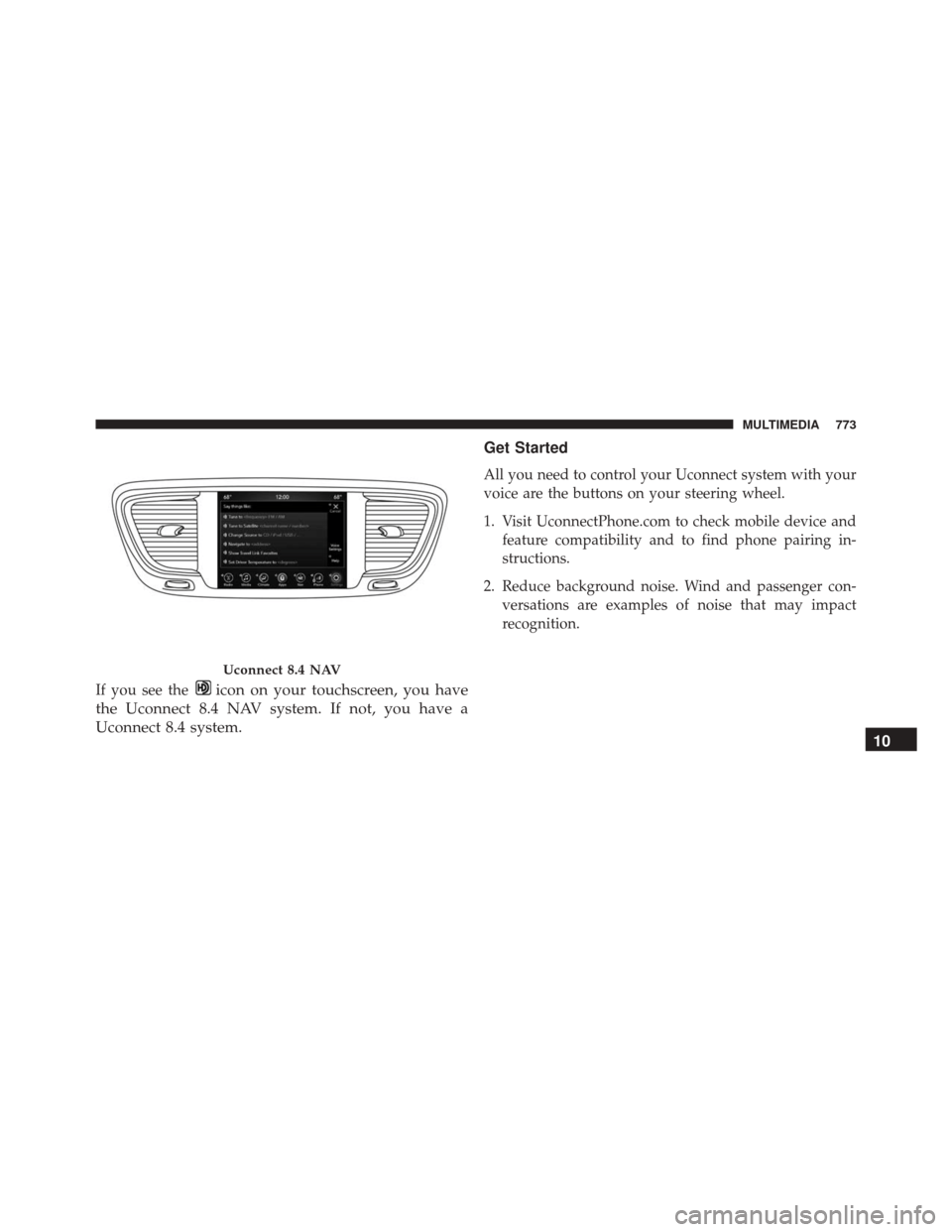
If you see theicon on your touchscreen, you have
the Uconnect 8.4 NAV system. If not, you have a
Uconnect 8.4 system. Get Started
All you need to control your Uconnect system with your
voice are the buttons on your steering wheel.
1. Visit UconnectPhone.com to check mobile device and
feature compatibility and to find phone pairing in-
structions.
2. Reduce background noise. Wind and passenger con- versations are examples of noise that may impact
recognition.
Uconnect 8.4 NAV
10
MULTIMEDIA 773
Page 776 of 828
3. Speak clearly at a normal pace and volume whilefacing straight ahead. The microphone is positioned
on the rearview mirror and aimed at the driver.
4. Each time you give a Voice Command, you must first push either the VR or Phone button, wait until after
the beep, then say your Voice Command.
5. You can interrupt the help message or system prompts by pushing the VR or Phone button and saying a Voice
Command from current category.
Uconnect Voice Command Buttons
1 — Push To Initiate Or To Answer A Phone Call, Send Or Re-
ceive A Text
2 — For All Radios: Push To Begin Radio Or Media functions. For
8.4 Only: Push To Begin Navigation, Apps And Climate Func-
tions.
3 — Push To End Call
774 MULTIMEDIA