Page 219 of 828

•DOWN Arrow Button
Push and release the DOWNarrow button to
scroll downward through the Main Menu
items.
• RIGHT Arrow Button
Push and release the RIGHTarrow button to
access the information screens or submenu
screens of a main menu item.
• BACK/LEFT Arrow Button
Push and release the LEFTarrow button to
access the information screens or submenu
screens of a main menu item.
• OK Button
Push the OKbutton to access/select the information
screens or submenu screens of a Main Menu item. Push and hold the
OKarrow button for one second to reset
displayed/selected features that can be reset.
Oil Change Reset
• Your vehicle is equipped with an engine oil change
indicator system. The “Oil Change Due” message will
flash in the instrument cluster display for approxi-
mately 10 seconds after a single chime has sounded, to
indicate the next scheduled oil change interval. The
engine oil change indicator system is duty cycle based,
which means the engine oil change interval may
fluctuate, dependent upon your personal driving style.
• Unless reset, this message will continue to display
each time the ignition is cycled to the ON/RUN
position. To reset the oil change indicator system (after
performing the scheduled maintenance) refer to the
following procedure.
4
GETTING TO KNOW YOUR INSTRUMENT PANEL 217
Page 220 of 828
•To reset the oil change indicator after performing the
scheduled maintenance, refer to the following proce-
dure.
Keyless Enter-N-Go — Ignition 1. Without pushing the brake pedal, push the ENGINE
START/STOP button and cycle the ignition to the
ON/RUN position (Do not start the engine.)
2. Fully push the accelerator pedal, slowly, three times within 10 seconds.
3. Cycle the ignition to the OFF/LOCK position.
NOTE: If the indicator message illuminates when you
start the vehicle, the oil change indicator system did not
reset. If necessary, repeat this procedure.
KeySense Cluster Messages — If Equipped
When the KeySense key is in use there will be:
•Continuous, dedicated telltale
• Unique Display Splash Screen
Push Button Ignition
218 GETTING TO KNOW YOUR INSTRUMENT PANEL
Page 225 of 828
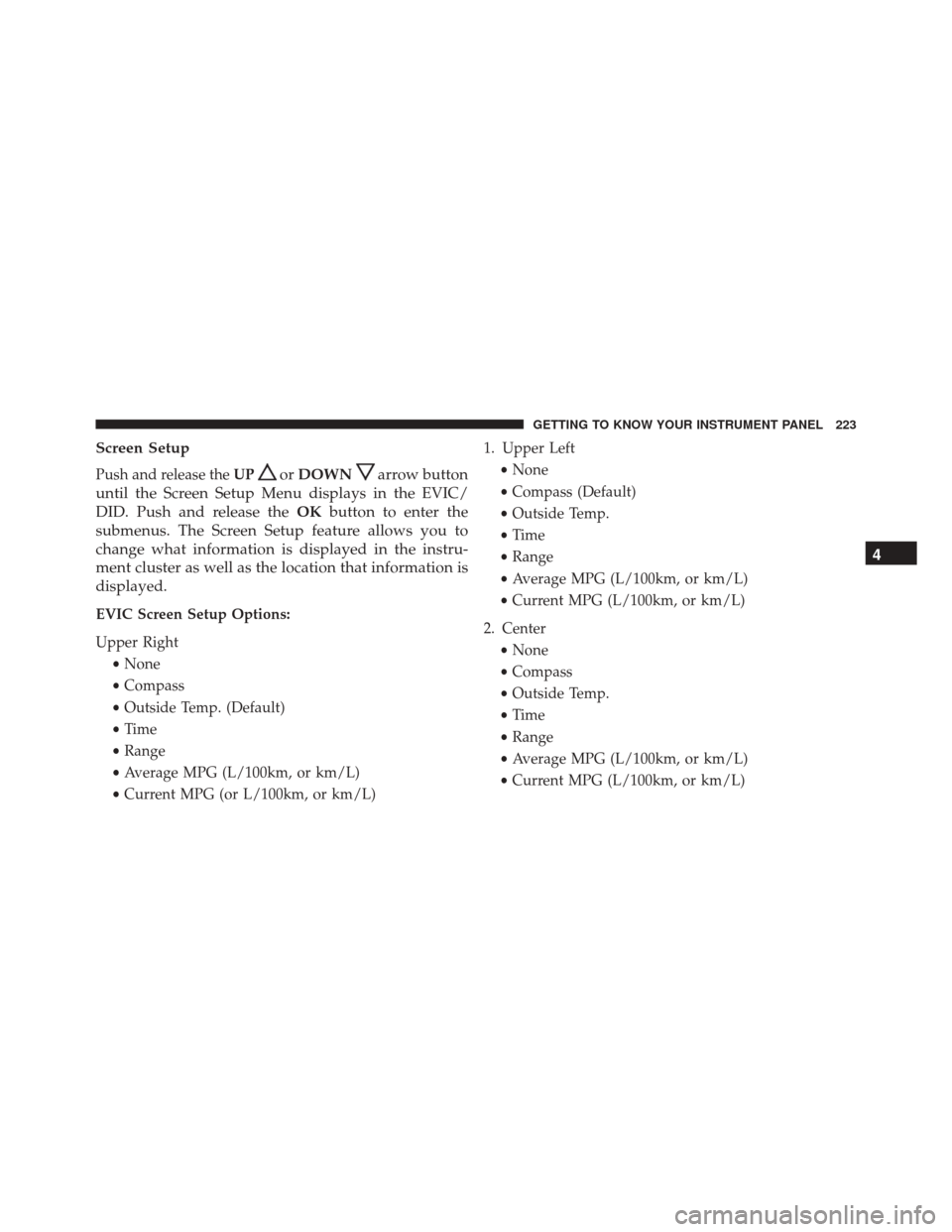
Screen Setup
Push and release theUPorDOWNarrow button
until the Screen Setup Menu displays in the EVIC/
DID. Push and release the OKbutton to enter the
submenus. The Screen Setup feature allows you to
change what information is displayed in the instru-
ment cluster as well as the location that information is
displayed.
EVIC Screen Setup Options:
Upper Right
•None
• Compass
• Outside Temp. (Default)
• Time
• Range
• Average MPG (L/100km, or km/L)
• Current MPG (or L/100km, or km/L) 1. Upper Left
•None
• Compass (Default)
• Outside Temp.
• Time
• Range
• Average MPG (L/100km, or km/L)
• Current MPG (L/100km, or km/L)
2. Center •None
• Compass
• Outside Temp.
• Time
• Range
• Average MPG (L/100km, or km/L)
• Current MPG (L/100km, or km/L)
4
GETTING TO KNOW YOUR INSTRUMENT PANEL 223
Page 228 of 828

the instrument cluster, with a number matching the set
speed, with a pop up message to inform the driver
that the speed warning has been set to the desired
speed. Each time the set speed is exceeded, an audible
chime will sound for up to 10 seconds, or until the
speed is no longer exceeded. The telltale in the instru-
ment cluster will also change from white to yellow,
and a pop up warning message will pop up on the 7”
DID screen.
NOTE:Speed Warning is unavailable while KeySense is
in use.
Battery Saver On/Battery Saver Mode Message —
Electrical Load Reduction Actions — If Equipped
This vehicle is equipped with an Intelligent Battery
Sensor (IBS) to perform additional monitoring of the
electrical system and status of the vehicle battery.
In cases when the IBS detects charging system failure, or
the vehicle battery conditions are deteriorating, electrical load reduction actions will take place to extend the
driving time and distance of the vehicle. This is done by
reducing power to or turning off non-essential electrical
loads.
Load reduction is only active when the engine is running.
It will display a message if there is a risk of battery
depletion to the point where the vehicle may stall due to
lack of electrical supply, or will not restart after the
current drive cycle.
When load reduction is activated, the message “Battery
Saver On” or “Battery Saver Mode” will appear in the
Electronic Vehicle Information Center (EVIC) or Driver
Information Display (DID).
These messages indicate the vehicle battery has a low
state of charge and continues to lose electrical charge at a
rate that the charging system cannot sustain.
226 GETTING TO KNOW YOUR INSTRUMENT PANEL
Page 263 of 828

Speed Warning Light — If Equipped
White WarningLight What It Means
Speed Warning Light
When Speed Warning is turned on the speed warning telltale will illuminate in the instru-
ment cluster, with a number matching the set speed. Each time the set speed is exceeded, an
audible chime will sound for up to 10 seconds, or until the speed is no longer exceeded. The
telltale in the instrument cluster will also change from white to yellow, and a pop up warn-
ing message will pop up on the EVIC/DID screen. Speed Warning can be turned on and off
in the EVIC/DID, for further information refer to “EVIC/DID Display Menu Items” in “Get-
ting To Know Your Instrument Panel”
ONBOARD DIAGNOSTIC SYSTEM — OBD II
Your vehicle is equipped with a sophisticated Onboard
Diagnostic system called OBD II. This system monitors
the performance of the emissions, engine, and automatic
transmission control systems. When these systems are
operating properly, your vehicle will provide excellent performance and fuel economy, as well as engine emis-
sions well within current government regulations.
If any of these systems require service, the OBD II system
will turn on the Malfunction Indicator Light (MIL). It will
also store diagnostic codes and other information to
4
GETTING TO KNOW YOUR INSTRUMENT PANEL 261
Page 279 of 828

WARNING!(Continued)
not be enough brake pressure to hold both the
vehicle and the trailer on a hill when the brake
pedal is released. In order to avoid rolling down an
incline while resuming acceleration, manually ac-
tivate the trailer brake or apply more vehicle brake
pressure prior to releasing the brake pedal.
• HSA is not a parking brake. Always apply the
parking brake fully when leaving your vehicle.
Also, be certain to leave the transmission in PARK.
• Failure to follow these warnings can result in a
collision or serious personal injury.
Disabling And Enabling HSA
This feature can be turned on or turned off. To change the
current setting, proceed as follows: •
If disabling HSA using Uconnect Settings, refer to
“Uconnect Settings” in “Multimedia” for further infor-
mation.
Rainy Brake Support (RBS)
Rainy Brake Support may improve braking performance
in wet conditions. It will periodically apply a small
amount of brake pressure to remove any water buildup
on the front brake rotors. It functions when the wind-
shield wipers are in LO or HI speed. When Rainy Brake
Support is active, there is no notification to the driver and
no driver interaction is required.
Ready Alert Braking (RAB)
Ready Alert Braking may reduce the time required to
reach full braking during emergency braking situations.
It anticipates when an emergency braking situation may
occur by monitoring how fast the throttle is released by
the driver. The EBC will prepare the brake system for a
panic stop.
5
SAFETY 277
Page 290 of 828

present. Whenever an audible alert is requested, the radio
is also muted. Turn/hazard signal status is ignored; the
RCP state always requests the chime.
Blind Spot Alert Off
When the BSM system is turned off there will be no
visual or audible alerts from either the BSM or RCP
systems.
NOTE:
•The BSM system will store the current operating mode
when the vehicle is shut off. Each time the vehicle is
started the previously stored mode will be recalled and
used.
• The BSM system can work in conjunction with the
Keysense function of the vehicle if equipped. Refer to
“Keysense Features� in “Getting To Know Your Ve-
hicle” for further information.General Information
This vehicle has systems that operate on radio frequency
that comply with Part 15 of the Federal Communications
Commission (FCC) rules and with Industry Canada
Standards RSS- GEN/210/220/310.
Operation is subject to the following two conditions:
1. The device may not cause harmful interference.
2. The device must accept any interference received, including interference that may cause undesired op-
eration of the device.
Changes or modifications to any of these systems by
other than an authorized service facility could void
authorization to use this equipment.
288 SAFETY
Page 336 of 828

•At no time should any Supplemental Restraint System
(SRS) component or SRS related component or fastener
be modified or replaced with any part except those
which are approved by FCA US LLC.
WARNING!
Unapproved modifications or service procedures to
the passenger seat assembly, its related components,
seat cover or cushion may inadvertently change the
air bag deployment in case of a frontal collision. This
could result in death or serious injury to the front
passenger if the vehicle is involved in a collision. A
modified vehicle may not comply with required
Federal Motor Vehicle Safety Standards (FMVSS)
and/or Canadian Motor Vehicle Safety Standards
(CMVSS).
Knee Impact Bolsters
The Knee Impact Bolsters help protect the knees of the
driver and front passenger, and position the front occu-
pants for improved interaction with the Advanced Front
Air Bags.
WARNING!
• Do not drill, cut, or tamper with the knee impact
bolsters in any way.
• Do not mount any accessories to the knee impact
bolsters such as alarm lights, stereos, citizen band
radios, etc.
Supplemental Driver And Front Passenger Knee
Air Bags
This vehicle is equipped with a Supplemental Driver
Knee Air Bag mounted in the instrument panel below the
steering column and a Supplemental Passenger Knee Air
334 SAFETY