Page 269 of 539
Turn Signal Indicator Lights
Green TelltaleLight What It Means
Turn Signal Indicator Lights
The instrument cluster directional arrow will flash independently for the LEFT or RIGHT turn
signal as selected, as well as the exterior turn signal lamp(s) (front and rear) as selected when the
multifunction lever is moved down (LEFT) or up (RIGHT).
NOTE:
•A continuous chime will sound if the vehicle is driven more than 1 mile (1.6 km) with either
turn signal on.
•Check for an inoperative outside light bulb if either indicator flashes at a rapid rate.
Electronic Speed Control SET Indicator Light
Green Telltale
Light What It Means
Electronic Speed Control SET Indicator Light
This light will turn on when the electronic speed control is SET. Refer to “Electronic Speed Con-
trol” in “Understanding The Features Of Your Vehicle” for further information.
4
UNDERSTANDING YOUR INSTRUMENT PANEL 267
Page 270 of 539
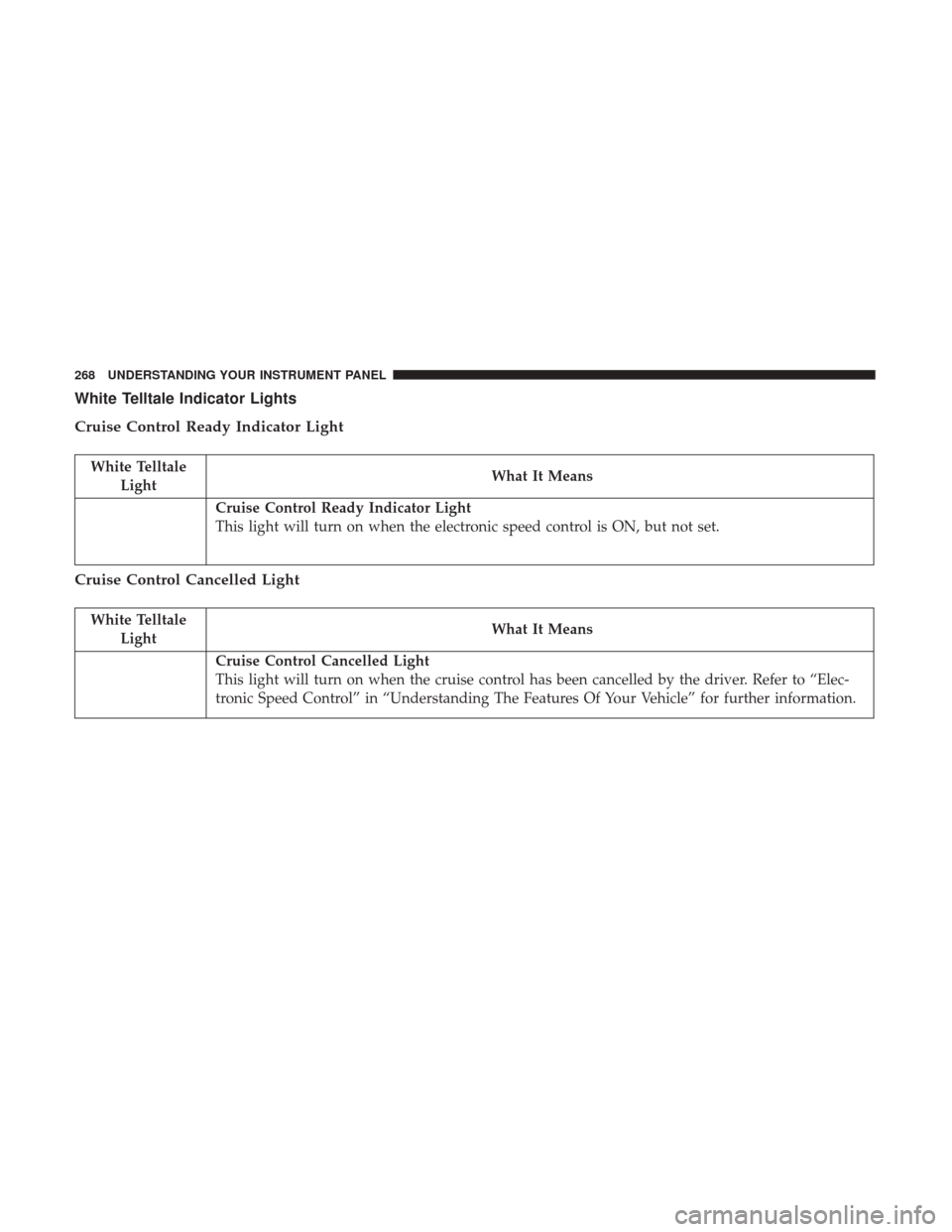
White Telltale Indicator Lights
Cruise Control Ready Indicator Light
White TelltaleLight What It Means
Cruise Control Ready Indicator Light
This light will turn on when the electronic speed control is ON, but not set.
Cruise Control Cancelled Light
White Telltale
Light What It Means
Cruise Control Cancelled Light
This light will turn on when the cruise control has been cancelled by the driver. Refer to “Elec-
tronic Speed Control” in “Understanding The Features Of Your Vehicle” for further information.
268 UNDERSTANDING YOUR INSTRUMENT PANEL
Page 271 of 539
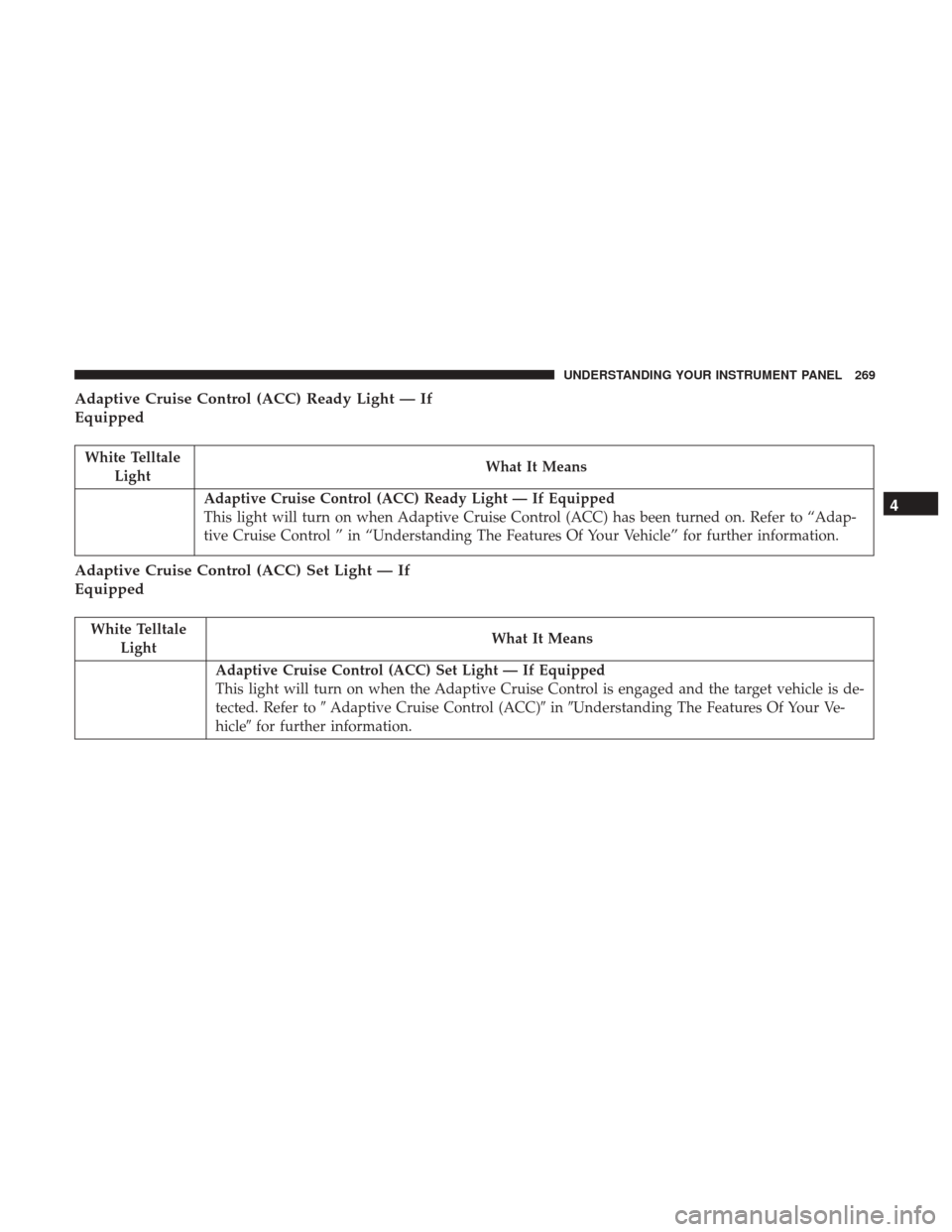
Adaptive Cruise Control (ACC) Ready Light — If
Equipped
White TelltaleLight What It Means
Adaptive Cruise Control (ACC) Ready Light — If Equipped
This light will turn on when Adaptive Cruise Control (ACC) has been turned on. Refer to “Adap-
tive Cruise Control ” in “Understanding The Features Of Your Vehicle” for further information.
Adaptive Cruise Control (ACC) Set Light — If
Equipped
White Telltale
Light What It Means
Adaptive Cruise Control (ACC) Set Light — If Equipped
This light will turn on when the Adaptive Cruise Control is engaged and the target vehicle is de-
tected. Refer to
�Adaptive Cruise Control (ACC)� in�Understanding The Features Of Your Ve-
hicle� for further information.
4
UNDERSTANDING YOUR INSTRUMENT PANEL 269
Page 272 of 539
Adaptive Cruise Control (ACC) Distance Ready
Display Light — If Equipped
White TelltaleLight What It Means
Adaptive Cruise Control (ACC) Distance Setting Display Light — If Equipped
This light will turn on when the Adaptive Cruise Control (ACC) is ready, but not set. Refer to
“Adaptive Cruise Control (ACC)” in “Understanding The Features Of Your Vehicle” for further
information.
Blue Telltale Indicator Lights
High Beam Indicator Light
Blue Telltale
Light What It Means
High Beam Indicator Light
This indicator shows that the high beam headlights are on. Push the multifunction control lever
away from you to switch the headlights to high beam. Pull the lever toward you to switch the
headlights back to low beam. Pull the lever toward you for a temporary high beam on,
�flash to
pass� scenario.
270 UNDERSTANDING YOUR INSTRUMENT PANEL
Page 273 of 539
INSTRUMENT CLUSTER DISPLAY
Your vehicle is equipped with an interactive cluster dis-
play, located in the instrument cluster, which offers useful
information to the driver. With the ignition in the STOP/
OFF position, the opening/closing of a door will activate
the display for viewing, and display the total miles or
kilometers in the odometer.
Instrument Cluster Display Location and Controls
The Instrument Cluster Display features a driver-
interactive display that is located in the center of the
instrument cluster.
Instrument Cluster Display — Base
4
UNDERSTANDING YOUR INSTRUMENT PANEL 271
Page 274 of 539
The Instrument Cluster Display Main Menu items may
consist of the following:
•Speedometer
• Vehicle Info
• Driver Assist
• Fuel Economy Info
• Trip (Trip A/Trip B)
• Audio •
Messages
• Screen Setup
• Settings
The system allows the driver to select information by
pushing the following buttons mounted on the steering
wheel:
• UP Arrow Button
Push and release the UParrow button to scroll
upward through the Main Menu items.
Instrument Cluster Display — Premium
Instrument Cluster Display Control Buttons
272 UNDERSTANDING YOUR INSTRUMENT PANEL
Page 275 of 539

•DOWN Arrow Button
Push and release the DOWNarrow button to
scroll downward through the Main Menu items.
• RIGHT Arrow Button
Push and release the RIGHTarrow button to
access the information screens or submenu
screens of a main menu item.
• BACK/LEFT Arrow Button
Push and release the LEFTarrow button to
return to a main menu item from an information
or submenu screen.
• OK Button
Push the OKbutton to access/select the information
screens or submenu screens of a Main Menu item. Push
and hold the OKarrow button for one second to reset
displayed/selected features that can be reset.Oil Change Reset
Oil Change Due
Your vehicle is equipped with an engine oil change indi-
cator system. The “Oil Change Due” message will display
in the instrument cluster display for five seconds after a
single chime has sounded to indicate the next scheduled oil
change interval. The engine oil change indicator system is
duty cycle based, which means the engine oil change
interval may fluctuate, dependent upon your personal
driving style.
Unless reset, this message will continue to display each
time the ignition is cycled to the ON/RUN position. To
turn off the message temporarily, push and release the OK
button. To reset the oil change indicator system (after
performing the scheduled maintenance), refer to the fol-
lowing procedure.
1. Without pushing the brake pedal, push the ENGINE START/STOP button and cycle the ignition to the ON/
RUN position (do not start the engine).
2. Fully push the accelerator pedal, slowly, three times within 10 seconds.
4
UNDERSTANDING YOUR INSTRUMENT PANEL 273
Page 276 of 539

3. Without pushing the brake pedal, push the ENGINESTART/STOP button once to return the ignition to the
OFF/LOCK position.
The Oil Life can also be reset through the instrument
cluster display.
Secondary Method Of Navigating To The Oil Life Screen
In The Display And Holding OK
1. Without pushing the brake pedal, push the ENGINE START/STOP button and cycle the ignition to the ON/
RUN position (do not start the engine).
2. Push and release the DOWN
arrow button to scroll
downward through the main menu to “Vehicle Info.”
3. Push and release the RIGHTarrow button to access
the “Oil Life” screen.
4. Push and hold the OKbutton to reset the Oil Life.
5. Push and release the UP
arrow button to exit the
screen.
NOTE: If the indicator message illuminates when you
start the vehicle, the oil change indicator system did not
reset. If necessary, repeat this procedure.
Instrument Cluster Display Messages
• Front Seatbelts Unbuckled
• Driver Seatbelt Unbuckled
• Passenger Seatbelt Unbuckled
• Service Airbag System
• Traction Control Off
• Washer Fluid Low
• Oil Pressure Low
• Oil Change Due
• Fuel Low
• Service Antilock Brake System
• Service Electronic Throttle Control
• Service Power Steering
• Cruise Off
• Cruise Ready
• Cruise Set To XXX MPH
• Cruise Set To XXX KM/H
274 UNDERSTANDING YOUR INSTRUMENT PANEL