Page 345 of 620
PRIUS v_OM_OM47B12U_(U)
3455-9. Bluetooth® phone
5
Audio system
■Deleting the contacts in the favorites list
Select “Remove Favorite”.
Select the desired contacts and select “Remove”.
Select “Yes” when the confirmation screen appears.
Check that a confirmation screen is displayed when the opera-
tion is complete.
Deleting contacts in the favorites list in a different way (from the
“Contacts” screen)
Display the phone screen. (P. 323)
Select the “Contacts” tab.
Select at the beginning of the contact list name to be deleted
from the favorites list.
When selected, is changed to , and the data is deleted from the list.
Deleting contacts in the favorites list in a different way (from the
“Contact Details” screen)
Display the phone screen. (P. 323)
Select the “Contacts”, “Call History” tab or the “Favorites” tab and
select the desired contact to delete.
Select “Remove Favorite”.
Select “Yes” when the confirmation screen appears.
Check that a confirmation screen is displayed when the operation is
complete.
1
2
3
4
1
2
3
1
2
3
4
5
Page 347 of 620
PRIUS v_OM_OM47B12U_(U)
3475-9. Bluetooth® phone
5
Audio system
■Displaying the “Messaging Settings” screen in a different way
Display the phone screen. (P. 323)
Select .
Select “Settings”.
Select “Message Settings”.
Display the “Phone/Message Settings” screen. (P. 338)
Select “Phone Display Settings”.
Select the desired item to be set.
Change the incoming call
display.
“Full Screen”: When a call is
received, the hands-free screen
is displayed and can be oper-
ated on the screen.
“Drop-Down”: A message is dis-
played on the upper side of the
screen.
Set display of the contact/
history transfer completion
message on/off.
■To return to the default settings
Select “Default”, and then “Yes”.
Phone Display Settings
1
2
3
4
1
2
3
1
2
Page 349 of 620
PRIUS v_OM_OM47B12U_(U)
3495-9. Bluetooth® phone
5
Audio system
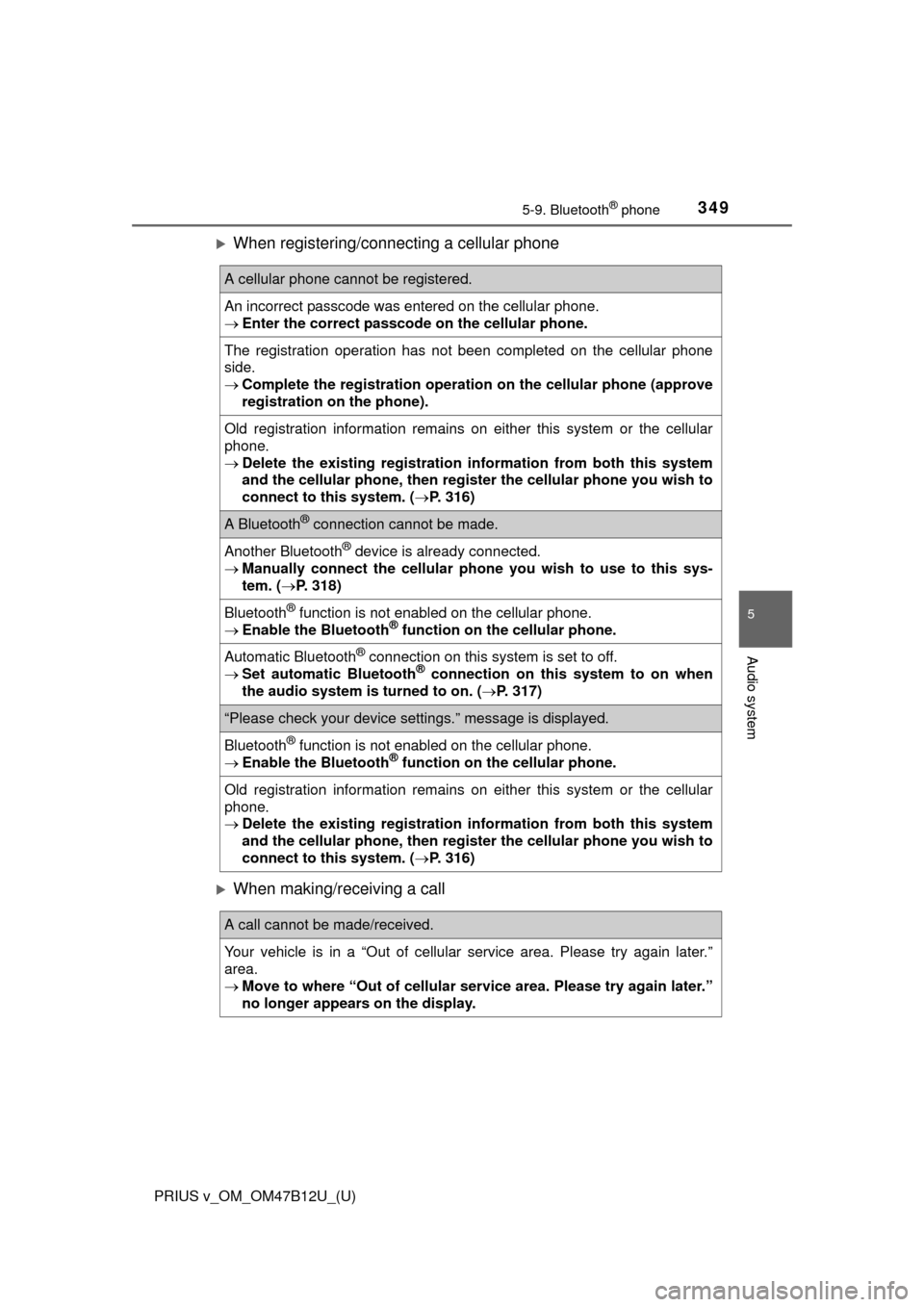
When registering/connecting a cellular phone
When making/receiving a call
A cellular phone cannot be registered.
An incorrect passcode was entered on the cellular phone.
Enter the correct passcode on the cellular phone.
The registration operation has not been completed on the cellular phone
side.
Complete the registration operation on the cellular phone (approve
registration on the phone).
Old registration information remains on either this system or the cellular
phone.
Delete the existing registration information from both this system
and the cellular phone, then register the cellular phone you wish to
connect to this system. (P. 316)
A Bluetooth® connection cannot be made.
Another Bluetooth® device is already connected.
Manually connect the cellular phone you wish to use to this sys-
tem. (P. 318)
Bluetooth® function is not enabled on the cellular phone.
Enable the Bluetooth® function on the cellular phone.
Automatic Bluetooth® connection on this system is set to off.
Set automatic Bluetooth® connection on this system to on when
the audio system is turned to on. (P. 317)
“Please check your device settings.” message is displayed.
Bluetooth® function is not enabled on the cellular phone.
Enable the Bluetooth® function on the cellular phone.
Old registration information remains on either this system or the cellular
phone.
Delete the existing registration information from both this system
and the cellular phone, then register the cellular phone you wish to
connect to this system. (P. 316)
A call cannot be made/received.
Your vehicle is in a “Out of cellular service area. Please try again later.”
area.
Move to where “Out of cellular service area. Please try again later.”
no longer appears on the display.
Page 351 of 620
PRIUS v_OM_OM47B12U_(U)
3515-9. Bluetooth® phone
5
Audio system
In other situations
Even though all conceivable measures have been taken, the symptom sta-
tus does not change.
The cellular phone is not close enough to this system.
Bring the cellular phone closer to this system.
The cellular phone is the most likely cause of the symptom.
Turn the cellular phone off, remove and reinstall the battery pack,
and then restart the cellular phone.
Enable the cellular phone’s Bluetooth
® connection.
Stop the cellular phone’s security software and close all applica-
tions.
Before using an application installed on the cellular phone, care-
fully check its source and how its operation might affect this sys-
tem.
Page 352 of 620
352
PRIUS v_OM_OM47B12U_(U)
5-10. Bluetooth®
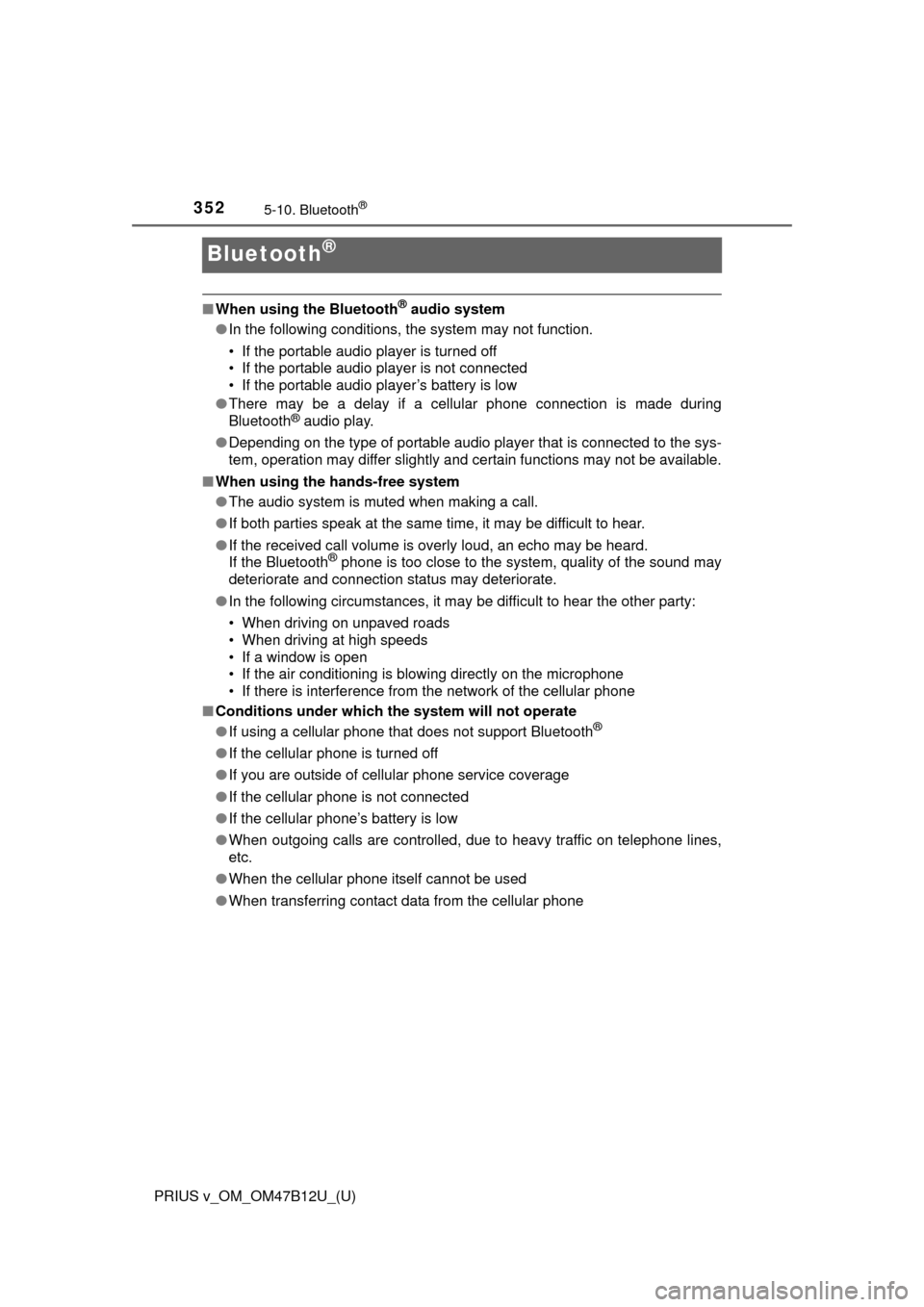
Bluetooth®
■When using the Bluetooth® audio system
●In the following conditions, the system may not function.
• If the portable audio player is turned off
• If the portable audio player is not connected
• If the portable audio player’s battery is low
●There may be a delay if a cellular phone connection is made during
Bluetooth
® audio play.
●Depending on the type of portable audio player that is connected to the sys-
tem, operation may differ slightly and certain functions may not be available.
■When using the hands-free system
●The audio system is muted when making a call.
●If both parties speak at the same time, it may be difficult to hear.
●If the received call volume is overly loud, an echo may be heard.
If the Bluetooth
® phone is too close to the system, quality of the sound may
deteriorate and connection status may deteriorate.
●In the following circumstances, it may be difficult to hear the other party:
• When driving on unpaved roads
• When driving at high speeds
• If a window is open
• If the air conditioning is blowing directly on the microphone
• If there is interference from the network of the cellular phone
■Conditions under which the system will not operate
●If using a cellular phone that does not support Bluetooth
®
●If the cellular phone is turned off
●If you are outside of cellular phone service coverage
●If the cellular phone is not connected
●If the cellular phone’s battery is low
●When outgoing calls are controlled, due to heavy traffic on telephone lines,
etc.
●When the cellular phone itself cannot be used
●When transferring contact data from the cellular phone
Page 353 of 620
PRIUS v_OM_OM47B12U_(U)
3535-10. Bluetooth®
5
Audio system
■Bluetooth® antenna
The antenna is built into the display.
If the Bluetooth
® device is behind the seat or in the glove box or console box,
or is touching or covered by metal objects, the connection status may deterio-
rate.
■Battery charge/signal status
●This display may not correspond exactly with the portable audio player or
cellular phone itself.
●This system does not have a charging function.
●The portable audio player or cellular phone battery will be depleted quickly
when the device is connected to Bluetooth
®.
■When using the Bluetooth
® audio and hands-free system at the same
time
The following problems may occur.
●The Bluetooth
® audio connection may be interrupted.
●Noise may be heard during Bluetooth
® audio playback.
■About the contact in this system
The following data is stored for every registered cellular phone. When
another phone is connecting, you cannot read the registered data.
●Contact data
●Call history
●Favorite
●Message
When removing a Bluetooth
® phone from the system, the above-mentioned
data is also deleted.
■About Bluetooth
®
The Bluetooth® word mark and logos are
registered trademarks owned by Blue-
tooth SIG, Inc. and any use of such marks
by Panasonic Corporation is under
license. Other trademarks and trade
names are those of their respective own-
ers.
Page 354 of 620

3545-10. Bluetooth®
PRIUS v_OM_OM47B12U_(U)■Compatible models
The Bluetooth
® audio system supports portable audio players with the follow-
ing specifications.
●Bluetooth
® specifications:
Ver. 2.0, or higher (Recommended: Ver. 3.0+EDR or higher)
●Profiles:
• A2DP (Advanced Audio Distribution Profile) Ver. 1.0, or higher
(Recommended: Ver. 1.2 or higher)
This is a profile to transmit stereo audio or high quality sound to the audio
system.
• AVRCP (Audio/Video Remote Control Profile) Ver. 1.0 or higher
(Recommended: Ver. 1.4 or higher)
This is a profile to allow remote control the A/V equipment.
However, please note that some functions may be limited depending on the
type of portable audio player connected.
The hands-free system supports cellular phones with the following specifica-
tions.
●Bluetooth
® specification:
Ver. 2.0 or higher (Recommended: Ver. 3.0+EDR or higher)
●Profiles:
• HFP (Hands Free Profile) Ver. 1.0 or higher (Recommended: Ver. 1.6 or
higher)
This is a profile to allow hands-free phone calls using a cellular phone or
head set. It has outgoing and incoming call functions.
• OPP (Object Push Profile) Ver. 1.1 or higher (Recommended: Ver. 1.2)
This is a profile to transfer contact data. When a Bluetooth
® compatible
cellular phone has both PBAP and OPP, OPP cannot be used.
• PBAP (Phone Book Access Profile) Ver. 1.0 or higher (Recommended:
Ver. 1.1)
This is a profile to transfer contact data.
• MAP (Message Access Profile) Ver.1.0 or higher
This is a profile to using phone message.
If the cellular phone does not support HFP, you cannot register it with the
hands-free system. OPP, PBAP or MAP services must be selected individu-
ally.
Page 355 of 620
PRIUS v_OM_OM47B12U_(U)
3555-10. Bluetooth®
5
Audio system
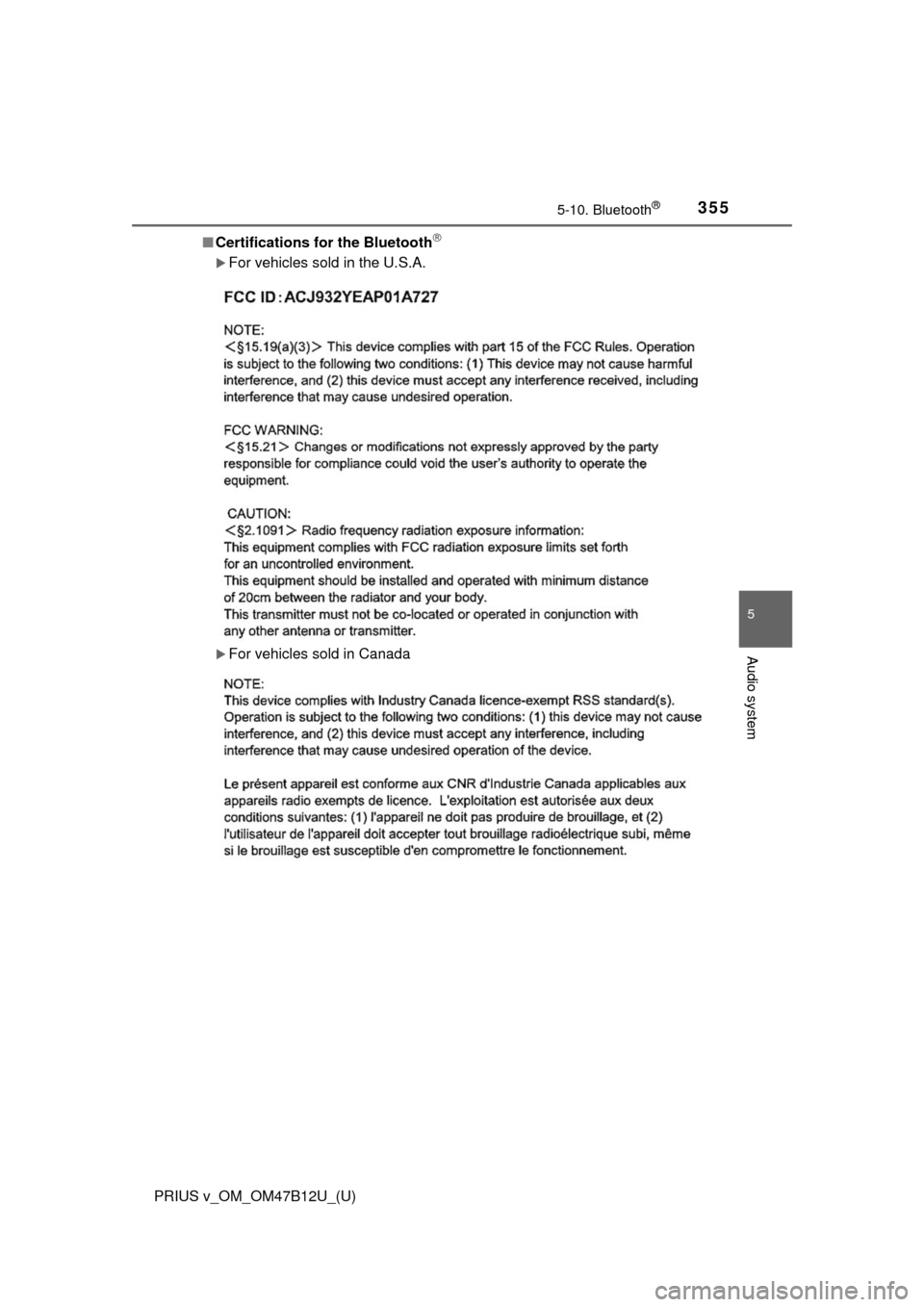
■Certifications for the Bluetooth
For vehicles sold in the U.S.A.
For vehicles sold in Canada