Page 197 of 294
8
197
COROLLA_14CY_Navi_U
4
5
6
7
9
1
2
3
8
2. TYPICAL VOICE GUIDANCE
PROMPTS.................................. 234
3. EDITING ROUTE ......................... 235
ADDING DESTINATIONS ................... 236
REORDERING DESTINATIONS ......... 236
DELETING DESTINATIONS ............... 236
SETTING ROUTE PREFERENCES ............................... 237
SELECTING ROUTE TYPE ................ 237
DETOUR SETTING ............................. 238
STARTING FROM ADJACENT ROAD ............................ 239
1. MEMORY POINTS SETTINGS ................................. 240
SETTING UP HOME ........................... 241
SETTING UP PRESET
DESTINATIONS................................ 242
SETTING UP ADDRESS BOOK ......... 244
SETTING UP AREAS TO AVOID ........ 246
DELETING PREVIOUS DESTINATIONS................................ 248
1. DETAILED NAVIGATION SETTINGS ................................. 249
SCREENS FOR NAVIGATION
SETTINGS ........................................ 249
2. TRAFFIC SETTINGS................... 253
SCREEN FOR TRAFFIC SETTINGS ........................................ 253
AUTO AVOID TRAFFIC ....................... 254
MY TRAFFIC ROUTES ....................... 255
1. GPS (GLOBAL POSITIONING SYSTEM) .................... ............... 259
LIMITATIONS OF
THE NAVIGATION SYSTEM ............ 259
2. MAP DATABASE VERSION AND COVERED AREA ............. 261
MAP INFORMATION ........................... 261
ABOUT THE MAP DATA ..................... 262
4MEMORY POINTS
5SETUP
6TIPS FOR THE NAVIGATION
SYSTEM
NAVIGATION SYSTEM*
*: With navigation function
Page 198 of 294
198
COROLLA_14CY_Navi_U
1. BASIC OPERATION
1. QUICK REFERENCE
MAP SCREEN
To display this screen, press the “APPS” button, then select “Navigation” on the
“Apps” screen.
No.NameFunctionPage
2D North-up, 2D
heading-up or 3D
heading-up sym-
bolIndicates whether the map orientation is set to
north-up or heading-up. The letter(s) beside this
symbol indicate the vehicle’s heading direction
(e.g. N for north). In 3D map, only a heading-up
view is available.
202
Options buttonSelect to display the “Navigation Options” screen.200
“GPS” mark
(Global Position-
ing System)Shows that the vehicle is receiving signals from
the GPS.259
Traffic indicator
Shows that traffic information is received. Select
to start voice guidance for traffic information.
When traffic information is received via HD Radio
broadcast, HD mark is displayed on the right.
210
Scale indicatorThis figure indicates the map scale.201
Page 199 of 294
199
1. BASIC OPERATION
COROLLA_14CY_Navi_U
NAVIGATION SYSTEM
8
Zoom in/out but-
tonSelect to magnify or reduce the map scale. When
either button is selected, the map scale indicator
bar appears at the bottom of the screen.201
Current position
button/voice
guidance buttonSelect to display the current position address.
Select to repeat voice guidance.
234
Destination but-
tonSelect to display the “Destination” screen.213
Speed limit iconIndicates the speed limit on the current road. The
display of the speed limit icon can be set to on/off.206
Route informa-
tion bar
Displays the current street name, or the distance
with the estimated travel time/arrival time to the
destination. The route information bar fills from
left to right as the vehicle progresses on the
route.
229
Route informa-
tion buttonSelect to change the display between the current
street name and the distance with the estimated
travel/arrival time.
230
No.NameFunctionPage
Page 200 of 294
200
1. BASIC OPERATION
COROLLA_14CY_Navi_U
NAVIGATION OPTIONS SCREEN
The navigation options allow you to change map configurations, display/hide POI
icons, and edit the navigation routes. To display the “Navigation Options” screen,
press the “APPS” button, select “Navigation” on the “Apps” screen, and select
“Options” on the map screen.
No.FunctionPage
Select to change the map configuration.203
Select to change the displayed map information such as POI icons,
route trace, speed limit, etc.206
Select to display the map version and coverage area.261
Select to edit the set route.235
Select to pause or resume route guidance.228
Select to display the overview of the entire route.230
Page 201 of 294
201
1. BASIC OPERATION
COROLLA_14CY_Navi_U
NAVIGATION SYSTEM
8
2. MAP SCREEN OPERATION
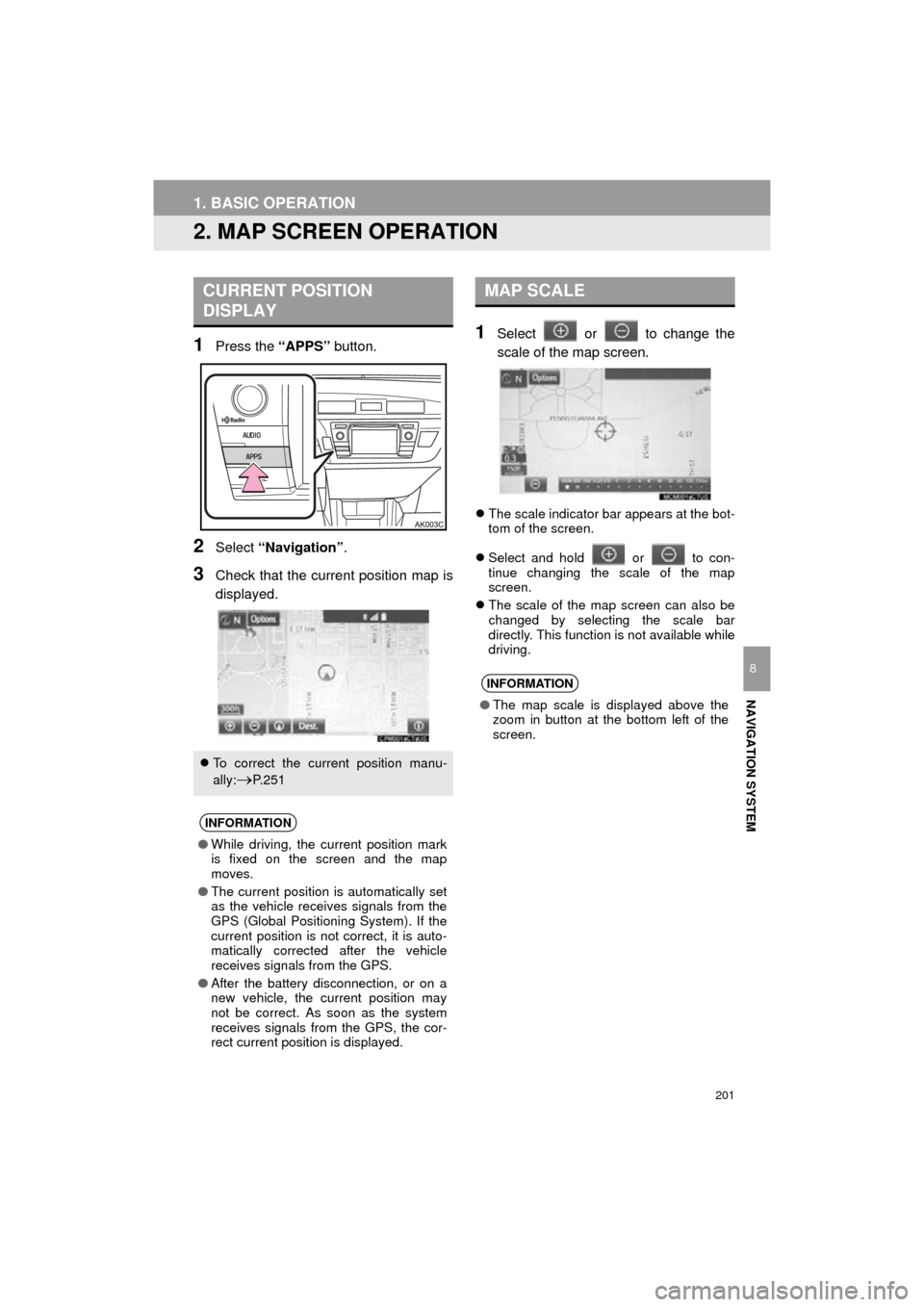
1Press the “APPS” button.
2Select “Navigation” .
3Check that the current position map is
displayed.
1Select or to change the
scale of the map screen.
The scale indicator bar appears at the bot-
tom of the screen.
Select and hold or to con-
tinue changing the scale of the map
screen.
The scale of the map screen can also be
changed by selecting the scale bar
directly. This function is not available while
driving.
CURRENT POSITION
DISPLAY
To correct the current position manu-
ally:
P. 2 5 1
INFORMATION
●While driving, the current position mark
is fixed on the screen and the map
moves.
● The current position is automatically set
as the vehicle receives signals from the
GPS (Global Positioning System). If the
current position is not correct, it is auto-
matically corrected after the vehicle
receives signals from the GPS.
● After the battery disconnection, or on a
new vehicle, the current position may
not be correct. As soon as the system
receives signals from the GPS, the cor-
rect current position is displayed.
MAP SCALE
INFORMATION
● The map scale is displayed above the
zoom in button at the bottom left of the
screen.
Page 202 of 294
202
1. BASIC OPERATION
COROLLA_14CY_Navi_U
1Select , or .
North-up screen
Heading-up screen
3D screen
: North-up symbol
Regardless of the direction of vehicle trav-
el, north is always up.
: Heading-up symbol
The direction of vehicle travel is always up.
: 3D Heading-up symbol
The direction of vehicle travel is always up.
The letter(s) beside this symbol indicate
the vehicle’s heading direction (e.g. N for
north).
ORIENTATION OF THE MAP
The orientation of the map can be
changed between 2D north-up, 2D
heading-up and 3D heading-up by se-
lecting the orientation symbol dis-
played at the top left of the screen.
Page 203 of 294
203
1. BASIC OPERATION
COROLLA_14CY_Navi_U
NAVIGATION SYSTEM
8
1Select “Options” on the map screen.
2Select “Map Mode” .
3Select the desired configuration but-
ton.
Depending on the conditions, certain
screen configuration buttons cannot be
selected.
■MAP ONLY
■DUAL MAP
The map on the left is the main map.
SWITCHING THE MAP MODE
No.FunctionPage
Select to display the single
map screen. 203
Select to display the dual
map screen.203
Select to display the com-
pass mode screen.204
Select to display the turn list
screen.233
Select to display the free-
way exit list screen.231
Select to display the inter-
section guidance screen or
the guidance screen on the
freeway.
232
Select to display the turn-
by-turn arrow screen.233
Page 204 of 294
204
1. BASIC OPERATION
COROLLA_14CY_Navi_U
Editing right map
1Select any point on the right side map.
2Select the desired item.
When set to on, the indicator will illumi-
nate.
■COMPASS
The right side map can be edited.
No.FunctionPage
Select to change the orien-
tation of the map.202
Select to display POI icons.206
Select to show traffic infor-
mation. 210
Select to change the map
scale.201
Information about the destination, cur-
rent position and a compass is dis-
played on the screen.
INFORMATION
● The destination mark is displayed in the
direction of the destination. When driv-
ing, refer to the longitude and latitude
coordinates, and the compass, to make
sure that the vehicle is headed in the
direction of the destination.
● When the vehicle travels out of the cov-
erage area, the guidance screen
changes to the whole compass mode
screen.


