Page 46 of 145
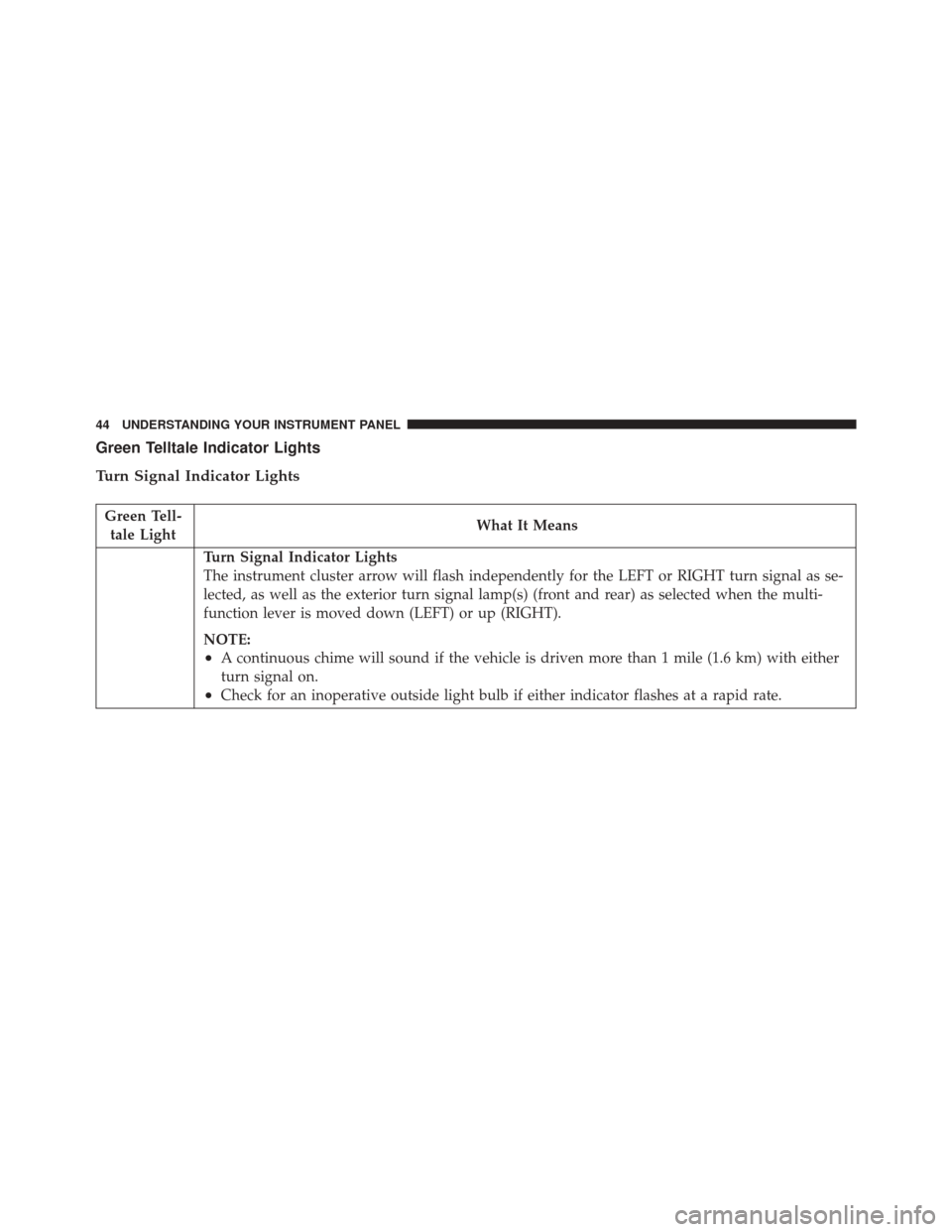
Green Telltale Indicator Lights
Turn Signal Indicator Lights
Green Tell-tale Light What It Means
Turn Signal Indicator Lights
The instrument cluster arrow will flash independently for the LEFT or RIGHT turn signal as se-
lected, as well as the exterior turn signal lamp(s) (front and rear) as selected when the multi-
function lever is moved down (LEFT) or up (RIGHT).
NOTE:
•A continuous chime will sound if the vehicle is driven more than 1 mile (1.6 km) with either
turn signal on.
•Check for an inoperative outside light bulb if either indicator flashes at a rapid rate.
44 UNDERSTANDING YOUR INSTRUMENT PANEL
Page 47 of 145
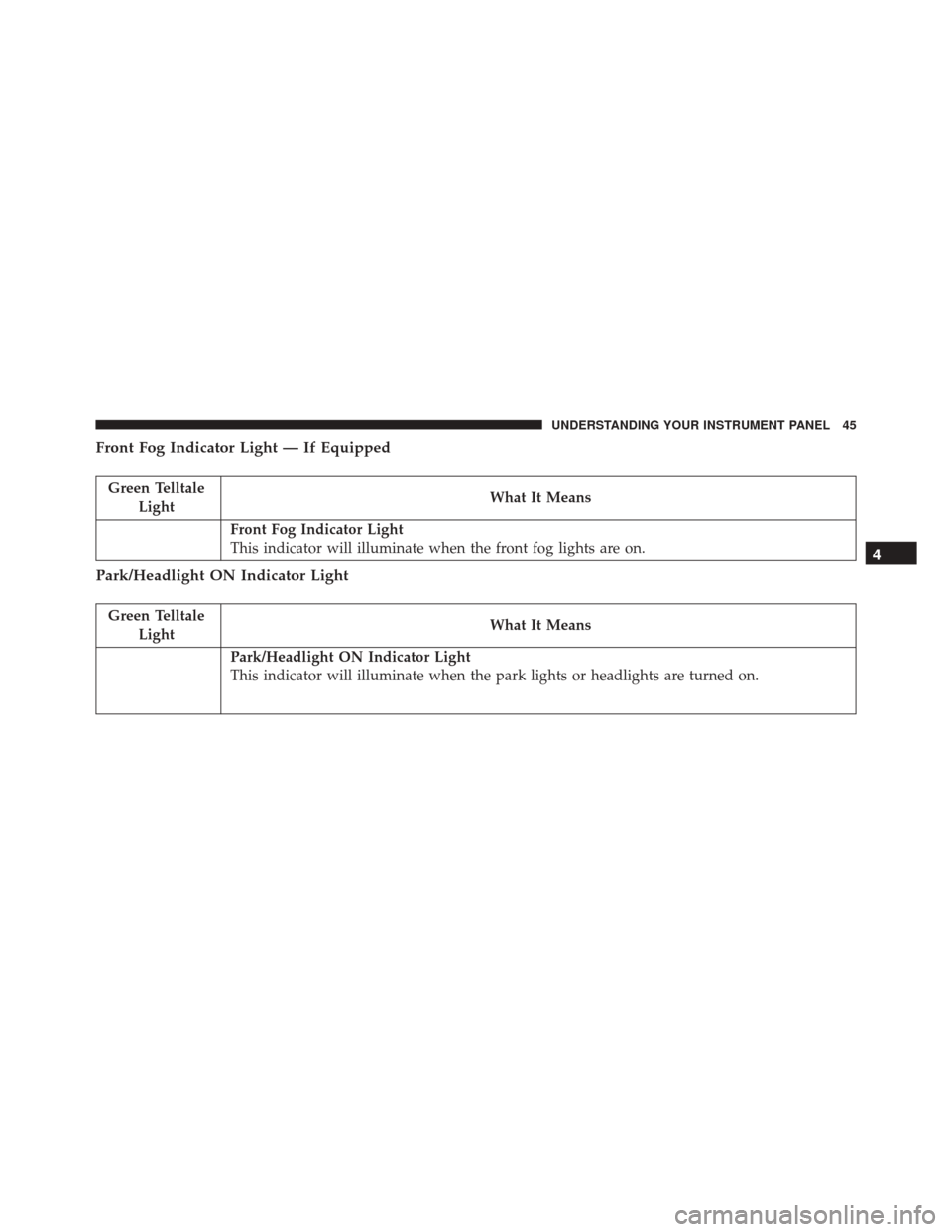
Front Fog Indicator Light — If Equipped
Green TelltaleLight What It Means
Front Fog Indicator Light
This indicator will illuminate when the front fog lights are on.
Park/Headlight ON Indicator Light
Green Telltale
Light What It Means
Park/Headlight ON Indicator Light
This indicator will illuminate when the park lights or headlights are turned on.
4
UNDERSTANDING YOUR INSTRUMENT PANEL 45
Page 48 of 145
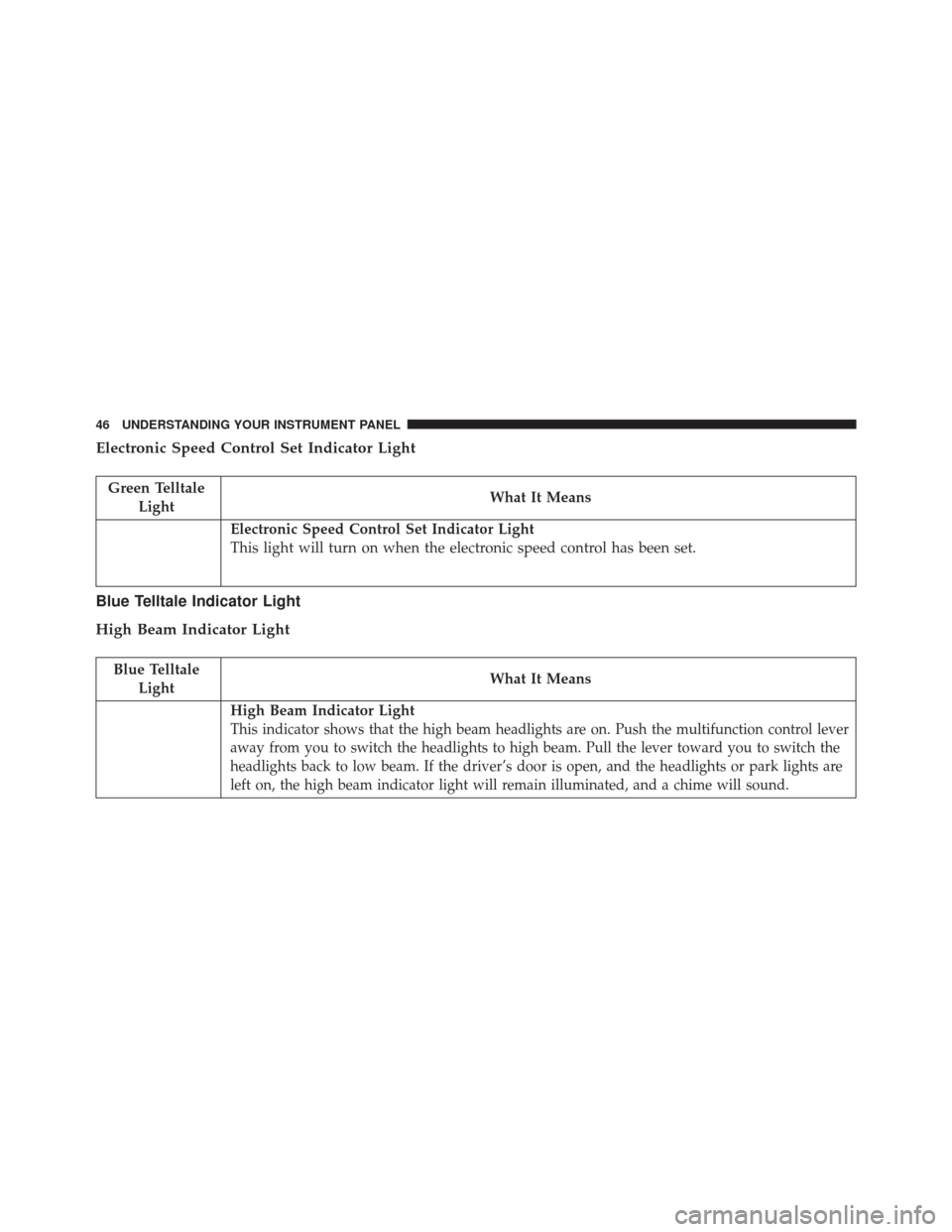
Electronic Speed Control Set Indicator Light
Green TelltaleLight What It Means
Electronic Speed Control Set Indicator Light
This light will turn on when the electronic speed control has been set.
Blue Telltale Indicator Light
High Beam Indicator Light
Blue Telltale
Light What It Means
High Beam Indicator Light
This indicator shows that the high beam headlights are on. Push the multifunction control lever
away from you to switch the headlights to high beam. Pull the lever toward you to switch the
headlights back to low beam. If the driver’s door is open, and the headlights or park lights are
left on, the high beam indicator light will remain illuminated, and a chime will sound.
46 UNDERSTANDING YOUR INSTRUMENT PANEL
Page 49 of 145
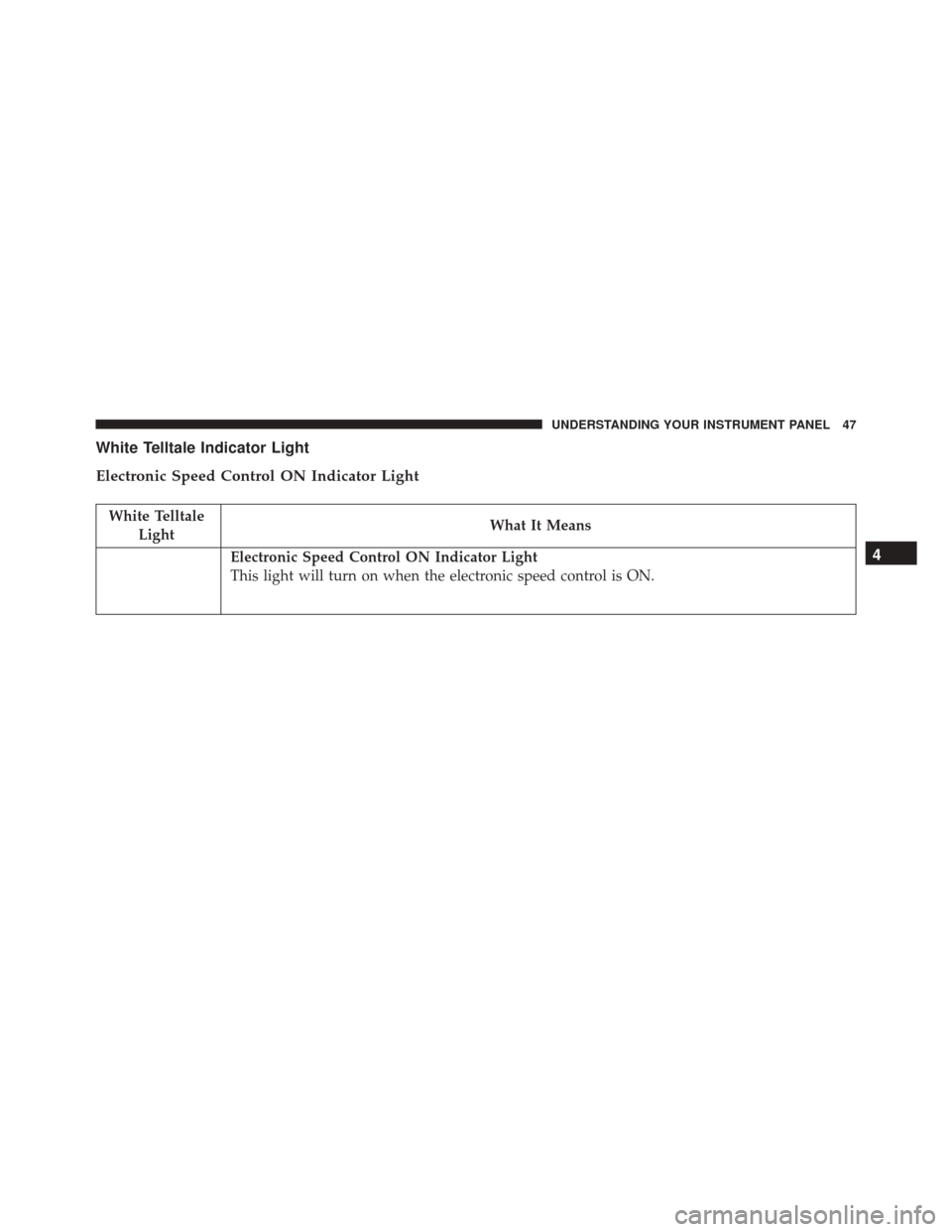
White Telltale Indicator Light
Electronic Speed Control ON Indicator Light
White TelltaleLight What It Means
Electronic Speed Control ON Indicator Light
This light will turn on when the electronic speed control is ON.4
UNDERSTANDING YOUR INSTRUMENT PANEL 47
Page 50 of 145
ELECTRONIC VEHICLE INFORMATION CENTER
(EVIC)
The Electronic Vehicle Information Center (EVIC) fea-
tures a driver-interactive display that is located in the
instrument cluster.The system allows the driver to select information by
pressing the following buttons mounted on the instru-
ment panel to the left of the steering column:
Refer to “Electronic Vehicle Information Center — If
Equipped” in “Understanding Your Instrument Panel” in
the Owner’s Manual for further information.
Electronic Vehicle Information Center (EVIC)
EVIC Control Buttons
48 UNDERSTANDING YOUR INSTRUMENT PANEL
Page 51 of 145

EVIC — Displays
Diesel Particulate Filter (DPF) Messages
•“DPF cleaning: safely keep the vehicle moving” message
on the EVIC + Engine emission filter lamp lighted solid
indicates that the exhaust particulate filter loading is
above the specified range and a regeneration is required.
• Safely Drive at Highway Speeds to Remedy (the
procedure lasts roughly 15 minutes at speed of about
40 mph (60 km/h) and with engine speed above
approximately 2000 rpm).
• When the exaust filter is overloaded, the MIL lamp
will turn on and the “Service engine” message will
display in the EVIC, ETC lamp blinks and the PCM
limits the engine power to limit the likelihood of
permanent damage to the after-treatment system. To
correct this condition, it will be necessary to have your
vehicle serviced by an authorized dealer.
CAUTION!
See your authorized dealer, as damage to the exhaust
system could occur soon with continued operation.
Diesel Exhaust Fluid (DEF) Messages
•First low level warning will be given at around 500 miles,
which is determined by current consumption rate. DEF
Low level lamp icon and display message for refill will be
displayed at dashboard. DEF Low level Lamp will stay on
until a DEF refill is detected (minimum 1 gallon).
• To correct, this condition it will be necessary to fully
refill the DEF tank.
•
If refill is not performed, a second low level warning will
be given about 200 miles are left to empty the DEF Tank.
• Display message of speed limitation with DEF Low
Level lamp will be there on dashboard.
4
UNDERSTANDING YOUR INSTRUMENT PANEL 49
Page 52 of 145
•The driver will be informed about the speed restriction
also when about 150 and 125 miles are left to empty the
DEF Tank.
• When 100 miles are left to empty, the DEF Tank, a
continuous message display with chimes will be there
on dashboard.
•
When count down is over (0 mile left), continuous
message �Speed limited at refuel or next engine start �is
shown on EVIC. In this case, if an engine restart or a
diesel refuel action in engine-on condition is performed,
vehicle’s speed will be limited to 5 mph and continuous
message �Speed limited DEF low �is shown on EVIC.
• The restriction becomes inactive as soon as the DEF
refill event is detected (minimum quantity to be added
is 1 gallon).
Transmission Messages
Refer to “Instrument Cluster Messages” under “Automated
Manual Transmission” in “Starting And Operating” for
detailed information on transmission warning messages.
• Gear unavailable
• Shift not allowed
• Manual unavailable
• Automatic unavailable
• Reduce gear changes
• Press brake and try again
• Transmission temperature high
• Press brake pedal
• Press brake pedal startup delayed
• Shift to neutral
• Tow/Haul ON
• Service transmission
50 UNDERSTANDING YOUR INSTRUMENT PANEL
Page 56 of 145

Normal Starting Procedure
The shift lever must be in the NEUTRAL (N) position,
and the brake pedal must be pressed, to allow engine
cranking. Place the shift lever in NEUTRAL (N) and
apply the brake pedal BEFORE turning the key to the
START/AVV position; otherwise, the engine will not
crank and the key must be cycled OFF, then back on,
before cranking is allowed.
Observe the instrument panel cluster lights when starting
the engine.
NOTE:Normal starting of either a cold or a warm
engine is obtained without pumping or pressing the
accelerator pedal.
1. Press and hold the brake pedal.
2. Place the shift lever into the NEUTRAL (N) position while keeping the brake pedal depressed. 3. Turn the ignition switch to the ON/RUN/MAR posi-
tion and watch the instrument panel cluster lights.
CAUTION!
If the “Generic Warning Light” remains on and a
“Service Fuel Filter” message displays, DO NOT
START engine before you drain the water from the
fuel filter housing to avoid engine damage. Please
see your authorized dealer for draining the fuel
filter/water separator and fuel filter replacement.
4. After the Glow Plug light turns off, turn the ignition switch to the AVV (START) position to start the engine.
Do not press the accelerator during starting.
5. If you wish to stop the cranking of the engine prior to the engine starting, release the ignition key so that it
turns back to the ON/RUN position.
54 STARTING AND OPERATING