2016 NISSAN SENTRA phone
[x] Cancel search: phonePage 24 of 32
22
BLUETOOTH® HANDS-FREE PHONE SYSTEM1
A cellular telephone should not be used while
driving so full attention may be given to
vehicle operation
2.
SYSTEM OPERATING TIPS
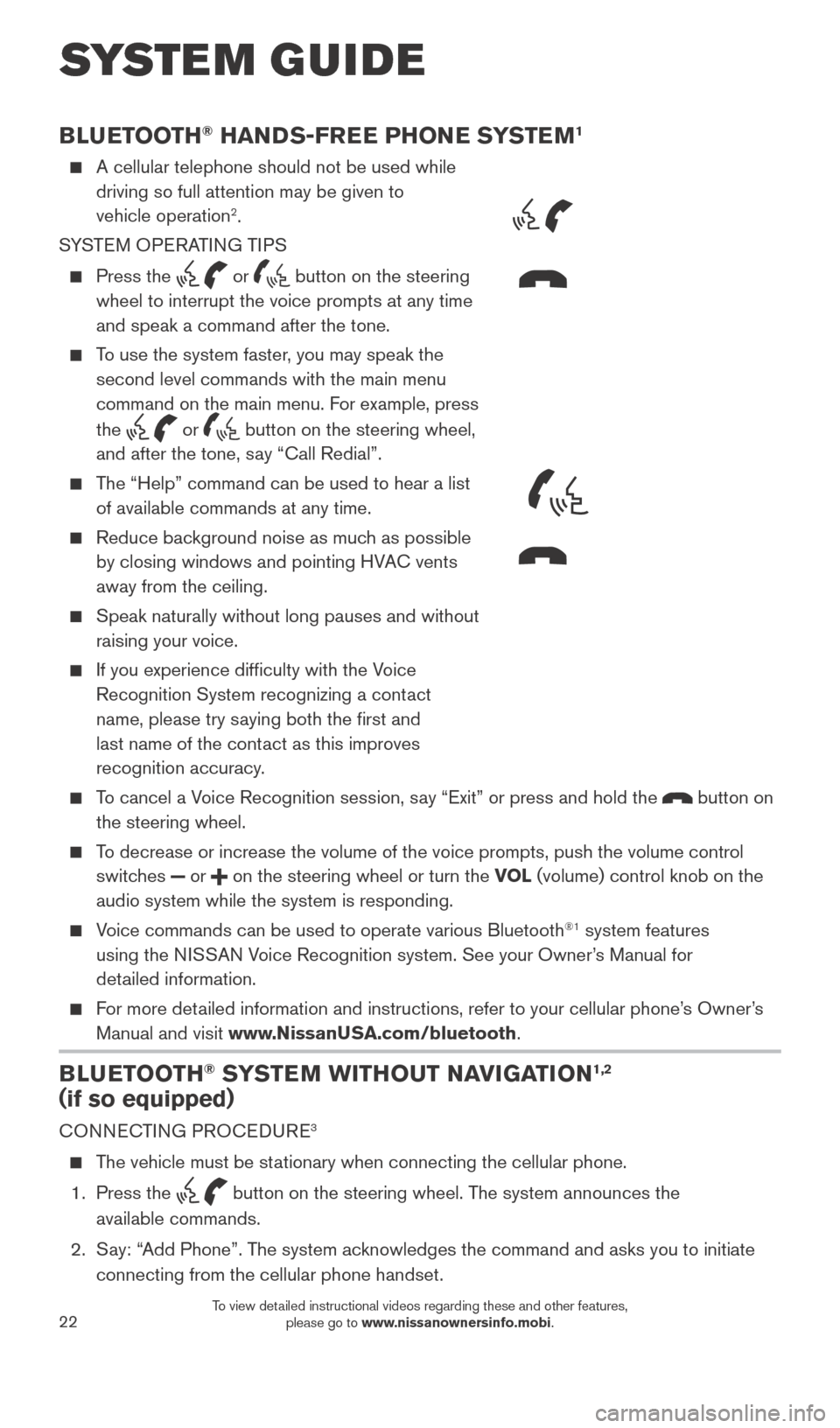
Press the or button on the steering
wheel to interrupt the voice prompts at any time
and speak a command after the tone.
To use the system faster, you may speak the second level commands with the main menu
command on the main menu. For example, press
the
or button on the steering wheel,
and after the tone, say “Call Redial”.
The “Help” command can be used to hear a list of available commands at any time.
Reduce bac kground noise as much as possible
by closing windows and pointing HVAC vents
away from the ceiling.
Speak naturally without long pauses and without
raising your voice.
If you experience difficulty with the V oice
Recognition System recognizing a contact
name, please try saying both the first and
last name of the contact as this improves
recognition accuracy.
To cancel a Voice Recognition session, say “Exit” or press and hold the button on
the steering wheel.
To decrease or increase the volume of the voice prompts, push the volume \
control switches
or on the steering wheel or turn the VOL (volume) control knob on the
audio system while the system is responding.
Voice commands can be used to operate various Bluetooth®1 system features
using the NISSAN Voice Recognition system. See your Owner’s Manual for
detailed information.
For more detailed information and instructions, refer to your cellular phone’s Owner’s Manual and visit www.NissanUSA.com/bluetooth.
BLUETOOTH® SYSTEM WITHOUT NAVIGATION1,2
(if so equipped)
CONNECTING PROCEDURE3
The vehicle must be stationary when connecting the cellular phone.
1.
Press the
button on the steering wheel. The system announces the
available commands.
2.
S
ay: “Add Phone”. The system acknowledges the command and asks you to initiate
connecting from the cellular phone handset.
SYSTEM GUIDE
Type B (if so equipped)
Type A (if so equipped)
MICROPHONES
1938277_16c_Sentra_US_pQRG_050516.indd 225/6/16 10:29 AM
To view detailed instructional videos regarding these and other features, please go to www.nissanownersinfo.mobi.
Page 25 of 32

23
1 Some jurisdictions prohibit the use of cellular telephones while driving\
. 2 Availability of specific features is dependent upon the phone’s Bluetooth® support. Please refer to your phone owner’s
manual for details. Bluetooth® word mark and logos are owned by Bluetooth SIG, Inc., and any use of such marks by
NISSAN is under license. See www.NissanUSA.com/bluetooth for details.
3 Laws in some jurisdictions may restrict the use of “T ext-to-Speech”. Some of the applications and features, such
as social networking and texting, may also be restricted. Check local regulations for any requirements before using
these features.
Compatible smartphone required. Text rates and/or data usage may apply.
To view detailed instructional videos regarding these and other features, please go\
to www.nissanownersinfo.mobi.
For more information, refer to the “Monitor, climate, audio, phone and voice recognition systems (section 4) ” of
your Owner’s Manual.
3. Initiate connecting from the cellular phone:
•
T
he connecting procedure varies according to each cellular phone model.
For detailed connecting instructions and a list of compatible cellular phones, \
please visit www.NissanUSA.com/bluetooth.
• When prompted, confirm that the PIN on the display matches the PIN shown on your
device. If you are requested to manually input a PIN, please enter “1234” from your handset.
PHONEBOOK SETUP
The phonebook stores up to 1,000 entries for each cellular phone paired with the system.
Depending on your cellular phone, the system may automatically download \
your
cellular phone’ s entire phonebook to the vehicle’s Bluetooth®,2 system.
MAKING A CALL FROM THE PHONEBOOK
1.
Press the button on the steering wheel. 2.
After waiting for the tone, s ay “Call”.
3.
After the next tone, speak the name of a phonebook entry
. For example,
“Michael Smith”.
4.
Confirm that the correct name is recognized by s
aying “Dial” after the tone.
MAKING A CALL BY PHONE NUMBER
1.
Press the button on the steering wheel. A tone will sound.
2.
S
ay: “Call”. The system acknowledges the command and announces the next set of
available commands.
3.
S
ay: “Phone Number”. The system acknowledges the command and announces the
next set of available commands.
4.
S
ay the number you wish to call starting with the area code in single digit format.
5.
W
hen you have finished speaking the phone number, the system repeats it back and
announces the available commands.
6.
S
ay: “Dial”. The system acknowledges the command and makes the call.
RECEIVING/ENDING A CALL
When you receive a phone call, a ring tone sounds through the audio syste\
m.
To accept the call, press the button on the steering wheel.
To reject the call, press the button on the steering wheel.
To hang-up the phone at the end of a call or to disconnect while making a\
call, press the button on the steering wheel.
1938277_16c_Sentra_US_pQRG_050516.indd 235/6/16 10:29 AM
To view detailed instructional videos regarding these and other features, please go to www.nissanownersinfo.mobi.
Page 26 of 32
24
BLUETOOTH® SYSTEM WITH NAVIGATION1,2 (if so equipped)
Send predefined or custom text messages3 through your vehicle’s Bluetooth®,2 system.
Receive texts through your vehicle’s Bluetooth®,2 system that can be read to you.
Bluetooth®,2 Streaming Audio allows you to use a compatible Bluetooth®,2 device to
play audio files. Your compatible Bluetooth®,2 device can be connected to the vehicle’s
audio system, allowing audio files to play through the vehicle’s speakers.
CONNECTING PROCEDURE
1.
Press the button on the control panel.
2.
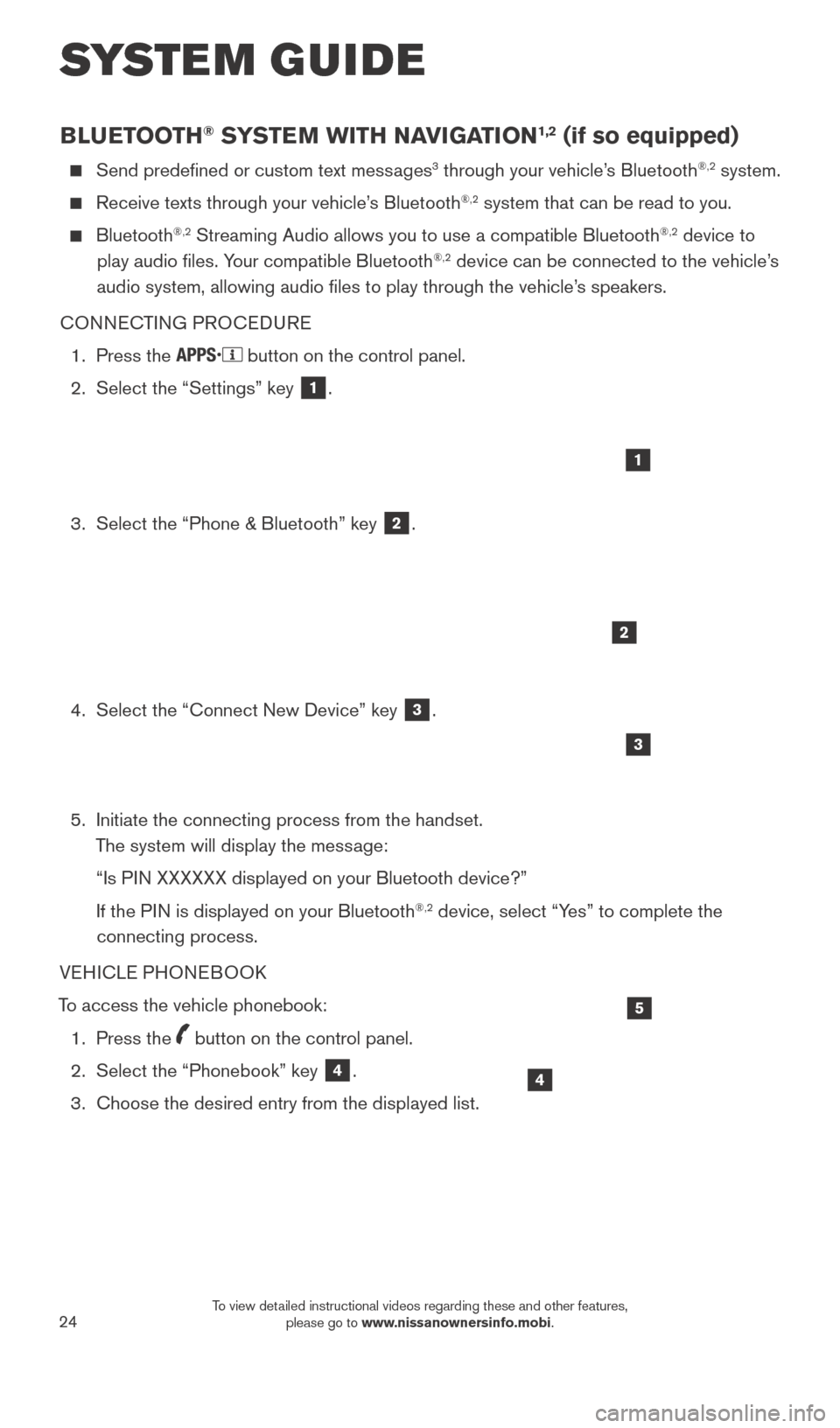
Select the “Settings” key 1.
3.
Select the “Phone & Bluetooth” key 2.
4.
Select the “Connect New Device” key 3.
5.
Initiate the connecting process from the handset.
T
he system will display the message:
“Is P
IN XXXXXX displayed on your Bluetooth device?”
If the P
IN is displayed on your Bluetooth
®,2 device, select “Yes” to complete the
connecting process.
VEHICLE PHONEBOOK
To access the vehicle phonebook:
1.
Press the button on the control panel.
2.
Select the “Phonebook” key 4.
3.
Choose the desired entry from the displayed list.
1
2
3
4
5
SYSTEM GUIDE
1938277_16c_Sentra_US_pQRG_050516.indd 245/6/16 10:30 AM
To view detailed instructional videos regarding these and other features, please go to www.nissanownersinfo.mobi.
Page 27 of 32
25
MAKING A CALL
1.
Press the
button on the control panel. The “Phone” menu 5 will appear on
the display.
2.
Select one of the following options to make a call:
•
“Phonebook”: Select the name from an entry stored in the vehicle p\
honebook.
•
“Call Lists”: Select the name from the incoming, outgoing or misse\
d call history
.
• “Redial”: Dial the last outgoing call from the vehicle.
• : Input the phone number manually using the keypad displayed on the scr\
een.
RECEIVING A CALL
To accept the incoming call, either:
•
Press the button on the steering wheel, or
• Select the icon on the screen.
To reject the incoming call, either:
•
Press the button on the steering wheel, or
• Select the icon on the screen.
To end a phone call, either:
•
Press the button on the steering wheel, or
• Select the icon on the screen.
1 Some jurisdictions prohibit the use of cellular telephones while driving\
. 2 Availability of specific features is dependent upon the phone’s Bluetooth® support. Please refer to your phone owner’s
manual for details. Bluetooth® word mark and logos are owned by Bluetooth SIG, Inc., and any use of such marks by
NISSAN is under license. See www.NissanUSA.com/bluetooth for details.
3 Laws in some jurisdictions may restrict the use of “T ext-to-Speech”. Some of the applications and features, such
as social networking and texting, may also be restricted. Check local regulations for any requirements before using these features.
Compatible smartphone required. Text rates and/or data usage may apply.
To view detailed instructional videos regarding these and other features, please go\
to www.nissanownersinfo.mobi.
For more information, refer to the “Monitor, climate, audio, phone and voice recognition systems (section 4) ” of
your Owner’s Manual.
1938277_16c_Sentra_US_pQRG_050516.indd 255/6/16 10:30 AM
To view detailed instructional videos regarding these and other features, please go to www.nissanownersinfo.mobi.
Page 28 of 32

Your Navigation System can calculate a route from your current location t\
o a preferred destination. The real-time map display and turn-by-turn voice guidanc")
26
NAVIGATION SYSTEM (if so equipped)
Your Navigation System can calculate a route from your current location t\
o a preferred destination. The real-time map display and turn-by-turn voice guidance will lead you
along the route.
The Navigation System will continually update your vehicle’s position. If you have deviated from the original route, it will recalculate the route from you\
r current location.
To help promote safe driving, some functions cannot be operated or have limited operation when the vehicle speed is above 5 mph (8 km/h). The on-screen text and
keys for these restricted functions will be grayed-out or muted and cann\
ot be selected
while driving. These functions will become available again when the vehicle speed
is reduced to 5 mph (8 km/h). Voice commands may be available for some of the
restricted functions. For more information, refer to the “Monitor, climate, audio, phone
and voice recognition systems (section 4)” of your Owner’s Manual.
1 NAV button – Press to access the functions of the Navigation System.
2 MAP button – Press to display the current location map screen.
3 VOL (volume) control knob – Turn right to increase the volume or left to
decrease the volume.
4 key – Select to zoom the map in.
5 key – Select to zoom the map out.
6 button – Press to access SiriusXM Traffic, MyApps, Settings, SiriusXM Travel
Link and Voice Commands.
7 button – Press to change the display brightness between day and night modes.
While the mode is being displayed, the brightness can be adjusted using t\
he TUNE
knob. Press and hold to turn the display off. Press again to turn the di\
splay on.
8 BACK button – Press to return to the previous screen.
9 TUNE knob – Turn to navigate the items in a list. Press to select a menu item.
10 Touch-screen display
11 SD-card location – An SD-card with map data must be inserted here for map
functions to operate.
For more information, refer to your Navigation System Owner’s Manual.
4
3
6
7
5
12
8
9
10
11
SYSTEM GUIDE
1938277_16c_Sentra_US_pQRG_050516.indd 265/6/16 10:30 AM
To view detailed instructional videos regarding these and other features, please go to www.nissanownersinfo.mobi.
Page 32 of 32
To view detailed instructional videos,
go to www.nissanownersinfo.mobi/2016/sentra
or snap this barcode with an appropriate barcode reader.
This Quick Reference Guide is intended to provide an overview of some of the unique features of your new vehicle. Please see
your Owner’s Manual for important safety information and system operation limitations. Features and equipment in your vehicle
may vary depending on model, trim level, options selected, order, date of production, region or availability. Therefore, you may find
information about features or equipment that are not included or installed on your vehicle.
All information, specifications and illustrations in this Quick Reference Guide are those in effect at the time of printing. NISSAN
reserves the right to change specifications, performance, design or component suppliers witho\
ut notice and without obligation.
From time to time, NISSAN may update or revise this Quick Reference Guide to provide owners with the most accurate
information currently available. Please carefully read and retain with this Quick Reference Guide all revision updates sent to you
by NISSAN to ensure you have access to accurate and up-to-date information reg\
arding your vehicle. Current versions of vehicle
Quick Reference Guides, Owner’s Manuals and any updates can also be found in the Owner section of the \
NISSAN website at
https://owners.nissanusa.com/nowners/navigation/manualsGuide. If you have questions concerning any information
in your Owner’s Manual, contact NISSAN Consumer Affairs. See the NISSAN CUSTOMER CARE PROGRAM page in the
Owner’s Manual for contact information.
Helpful Resources
Below is a list of helpful resources that can be used to learn
more about the vehicle’s systems and feature operations.
Vehicle Owner’s Manual
Navigation Owner ’s Manual (if so equipped)
Printed Quick Reference Guide (this document)
www.NissanUSA.com/bluetooth
www.NissanUSA.com/connect
www.youtube.com/user/NissanUSA
Nissan Consumer Affairs: 1-800-647-7261
Electronic Quic k Reference Guide
(Use Quick Response (QR) code or URL below.)
Nissan Quick Guide (available in the iPhone App Store or Android Google Play Store
for download to your smartphone)
Nissan, the Nissan Brand Symbol, Z and
Nissan model names are Nissan trademarks.
©
2016 Nissan North America, Inc.
QR16EA 0B17U2
Printing: May 2016 (11)
1938277_16c_Sentra_US_pQRG_050516.indd 15/6/16 10:26 AM