Page 216 of 540
HOW TO USE THE DISP BUTTON (if
so equipped)
Press the DISP button. This screen displays vari-
ous screen settings and functions that are avail-
able for your vehicle. Adjustments can be made
using the NISSAN controller or the touch-screen
display. When the amber indicator next to an item
is illuminated, the feature is enabled.
While the vehicle is in the (P) Park position, the
following settings may be changed:
MenuResult
Display Toggles the display screen on and off. The amber indicator is illuminated when the display is set to “On”. When the display is set to “Off” and a control
panel, audio or heater and air conditioner button is pressed, the display will resume until that operation is finished. To turn the display back on, press
and hold the
OFF button for approximately 2 seconds or return to the display setting screen and adjust the setting.
Brightness Adjusts the brightness of the screen background.
Contrast Adjusts the contrast of the screen background.
Background Color Toggles the display screen between day and night mode.
While the vehicle is in the (R) Reverse position, the following settings may be changed:
Menu Result
Brightness Adjusts the brightness of the rear view display.
Tint Adjusts the tint of the rear view display.
Color Adjusts the color of the rear view display.
Contrast Adjusts the contrast of the rear view display.
Black Level Adjusts the black level of the rear view display.
NOTE:
Do not adjust any of the display settings while the vehicle is moving. Make sure the parking brake is firmly applied.
Monitor, climate, audio, phone and voice recognition systems4-19
Page 218 of 540
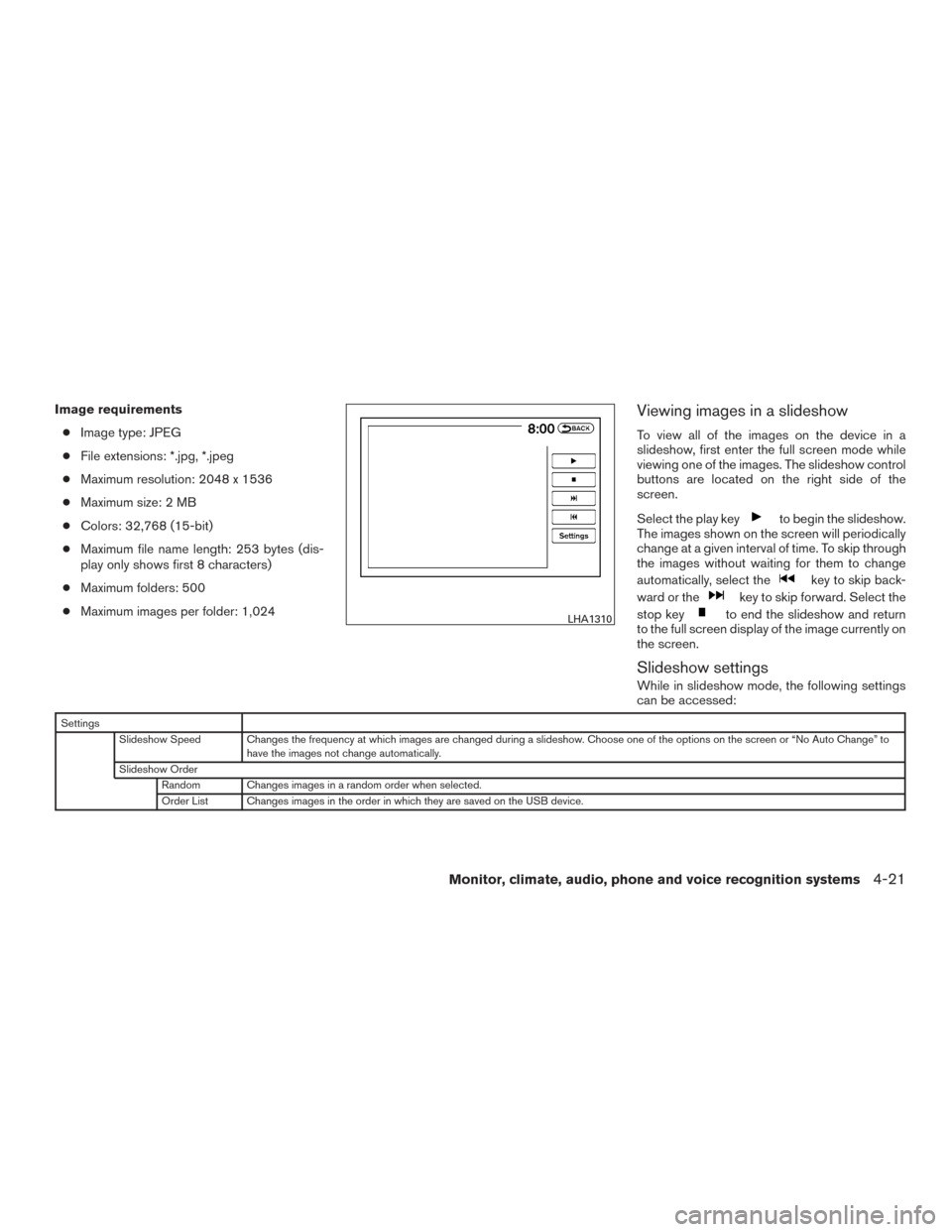
Image requirements● Image type: JPEG
● File extensions: *.jpg, *.jpeg
● Maximum resolution: 2048 x 1536
● Maximum size: 2 MB
● Colors: 32,768 (15-bit)
● Maximum file name length: 253 bytes (dis-
play only shows first 8 characters)
● Maximum folders: 500
● Maximum images per folder: 1,024Viewing images in a slideshow
To view all of the images on the device in a
slideshow, first enter the full screen mode while
viewing one of the images. The slideshow control
buttons are located on the right side of the
screen.
Select the play key
to begin the slideshow.
The images shown on the screen will periodically
change at a given interval of time. To skip through
the images without waiting for them to change
automatically, select the
key to skip back-
ward or the
key to skip forward. Select the
stop key
to end the slideshow and return
to the full screen display of the image currently on
the screen.
Slideshow settings
While in slideshow mode, the following settings
can be accessed:
Settings
Slideshow Speed Changes the frequency at which images are changed during a slideshow. Choose one of the options on the screen or “No Auto Change” to have the images not change automatically.
Slideshow Order Random Changes images in a random order when selected.
Order List Changes images in the order in which they are saved on the USB device.
LHA1310
Monitor, climate, audio, phone and voice recognition systems4-21
Page 224 of 540
ADJUSTING THE SCREEN
To adjust the Display ON/OFF, Brightness, Tint,
Color, Contrast and Black Level of the RearView
Monitor, press the SETTING button with the
RearView Monitor on and select the “Display”
key. Select one of the items and change the value
by touching the “+” or “-” key or by turning the
NISSAN controller.NOTE:
Do not adjust the Brightness, Tint, Color,
Contrast and Black Level of the RearView
Monitor while the vehicle is moving. Make
sure the parking brake is firmly applied.
HOW TO TURN ON AND OFF
PREDICTED COURSE LINES
Models without navigation
To toggle ON and OFF the predicted course lines
while in the P (Park) position:
1. Press the SETTING button. 2. Select the Camera key.
3. Select the Predicted Course Lines key to
turn the feature ON or OFF.
To toggle ON and OFF the predicted course lines
while in the R (Reverse) position: 1. Press the SETTING button.
2. Select the Settings key.
3. Select the Predicted Course Lines key to turn the feature ON or OFF.
Models with navigation
To toggle ON and OFF the predicted course lines
while in the P (Park) position: 1. Press the SETTING button.
2. Touch the Other key.
3. Touch the Camera key.
4. Touch the Predicted Course Lines key to turn the feature ON or OFF.
To toggle ON and OFF the predicted course lines
while in the R (Reverse) position: 1. Press the SETTING button.
2. Touch the Settings key.
3. Touch the Predicted Course Lines key to turn the feature ON or OFF.
Models without navigation
LHA3834
Models with navigation
LHA3833
Monitor, climate, audio, phone and voice recognition systems4-27
Page 239 of 540
When the objects are detected, the indicator
(green) appears and blinks and the tone sounds
intermittently. When the vehicle moves closer to
the object, the color of the indicator turns yellow
and the rate of the blinking and the rate of the
tone increase. When the vehicle is very close to
the object, the indicator stops blinking and turns
red, and the tone sounds continuously.
The intermittent tone will stop after 3 seconds
when an object is detected by only the corner
sonar and the distance does not change.
The tone will stop when the object is no longer
near the vehicle.
In the below cases, the sonar will be turned back
on automatically:● When the shift lever is in the R (Reverse)
position.
● When vehicle speed decreases below ap-
proximately 6 mph (10 km/h).
● When the ignition switch is placed in the
OFF position and turned back to the ON
position again.
● The Camera Aiding Sonar (parking sensor)
can be permanently turned off using the
meter settings. Adjust air flow direction for the center vents
�1,
driver’s and passenger’s side vents
�2, and rear
vents
�3by moving the vent slide and/or vent
assemblies. Open or close the vents using the dial. Move the
dial toward theto open the vents or toward
the
to close them.
LHA2480
VENTS
4-42Monitor, climate, audio, phone and voice recognition systems
Page 269 of 540
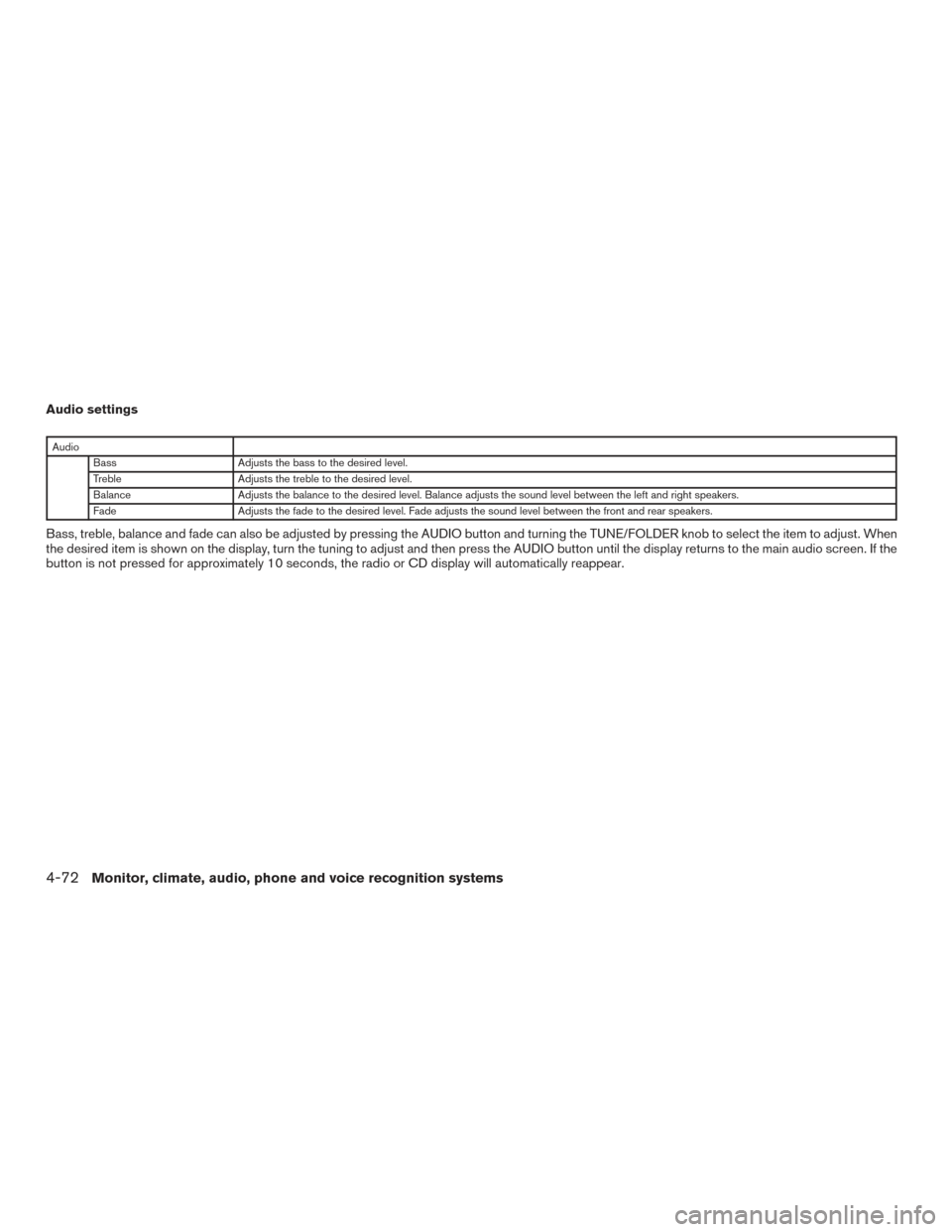
Audio settings
AudioBass Adjusts the bass to the desired level.
Treble Adjusts the treble to the desired level.
Balance Adjusts the balance to the desired level. Balance adjusts the sound level between the left and right speakers.
Fade Adjusts the fade to the desired level. Fade adjusts the sound level between the front and rear speakers.
Bass, treble, balance and fade can also be adjusted by pressing the AUDIO button and turning the TUNE/FOLDER knob to select the item to adjust. When
the desired item is shown on the display, turn the tuning to adjust and then press the AUDIO button until the display returns to the main audio screen. If the
button is not pressed for approximately 10 seconds, the radio or CD display will automatically reappear.
4-72Monitor, climate, audio, phone and voice recognition systems
Page 275 of 540
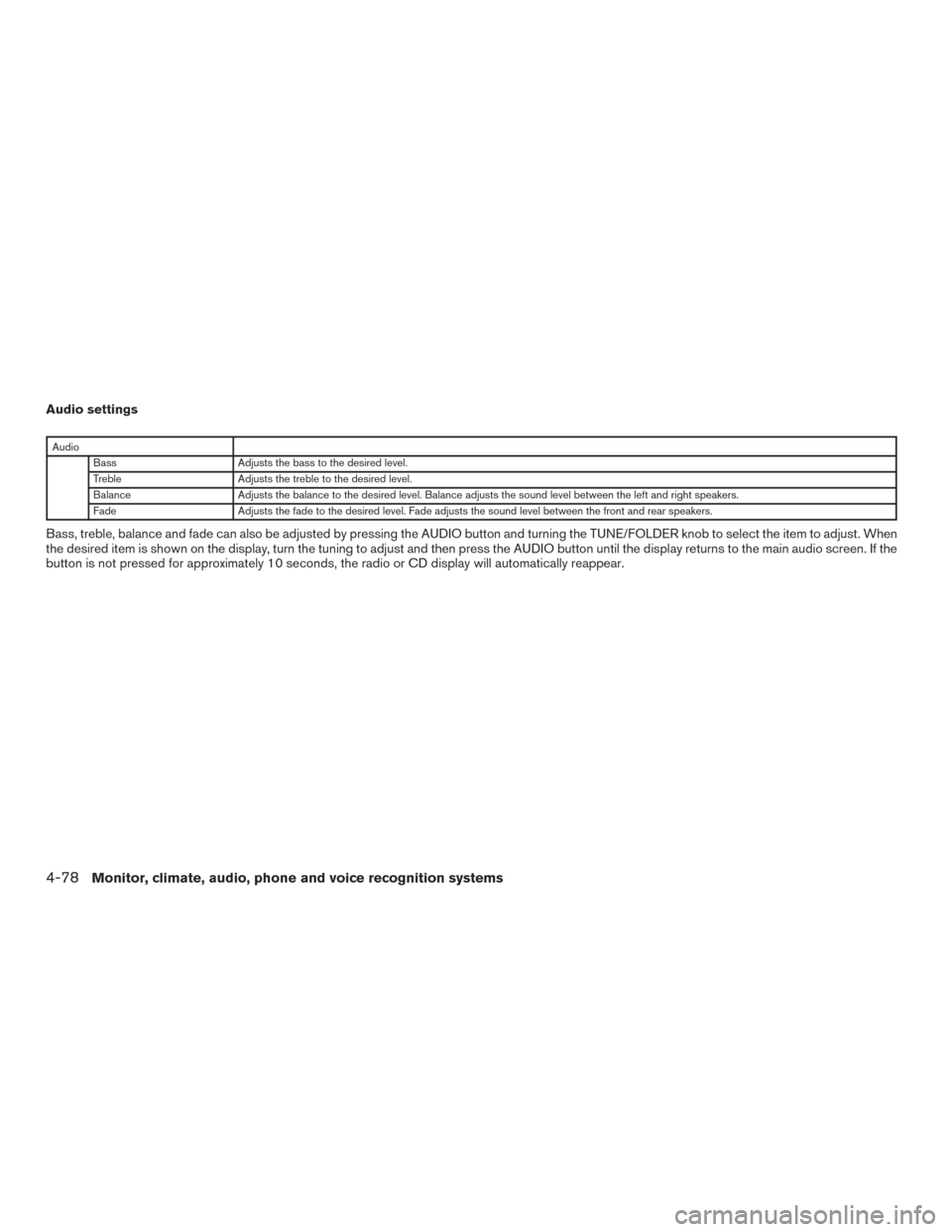
Audio settings
AudioBass Adjusts the bass to the desired level.
Treble Adjusts the treble to the desired level.
Balance Adjusts the balance to the desired level. Balance adjusts the sound level between the left and right speakers.
Fade Adjusts the fade to the desired level. Fade adjusts the sound level between the front and rear speakers.
Bass, treble, balance and fade can also be adjusted by pressing the AUDIO button and turning the TUNE/FOLDER knob to select the item to adjust. When
the desired item is shown on the display, turn the tuning to adjust and then press the AUDIO button until the display returns to the main audio screen. If the
button is not pressed for approximately 10 seconds, the radio or CD display will automatically reappear.
4-78Monitor, climate, audio, phone and voice recognition systems
Page 280 of 540
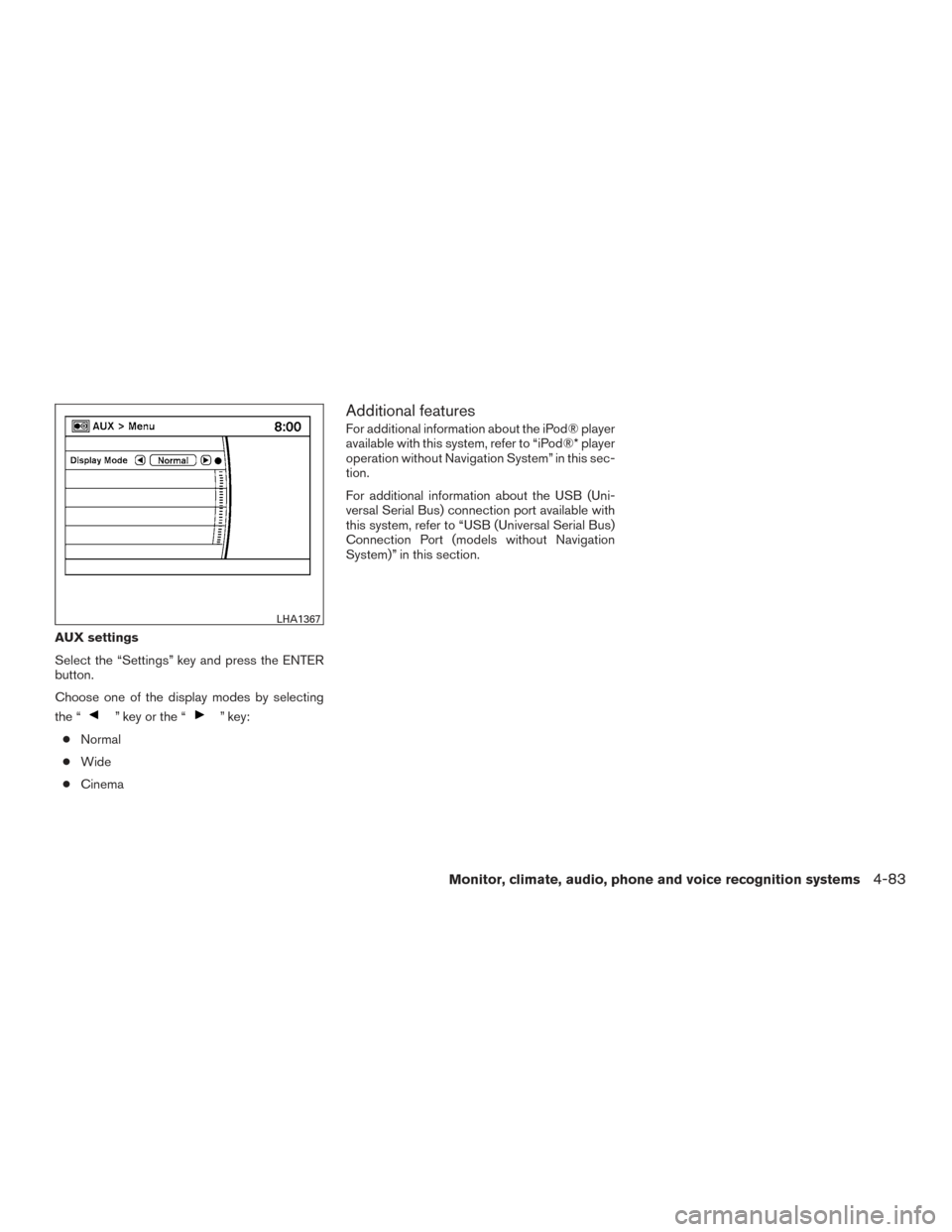
AUX settings
Select the “Settings” key and press the ENTER
button.
Choose one of the display modes by selecting
the “
” key or the “” key:
● Normal
● Wide
● Cinema
Additional features
For additional information about the iPod® player
available with this system, refer to “iPod®* player
operation without Navigation System” in this sec-
tion.
For additional information about the USB (Uni-
versal Serial Bus) connection port available with
this system, refer to “USB (Universal Serial Bus)
Connection Port (models without Navigation
System)” in this section.
LHA1367
Monitor, climate, audio, phone and voice recognition systems4-83
Page 282 of 540
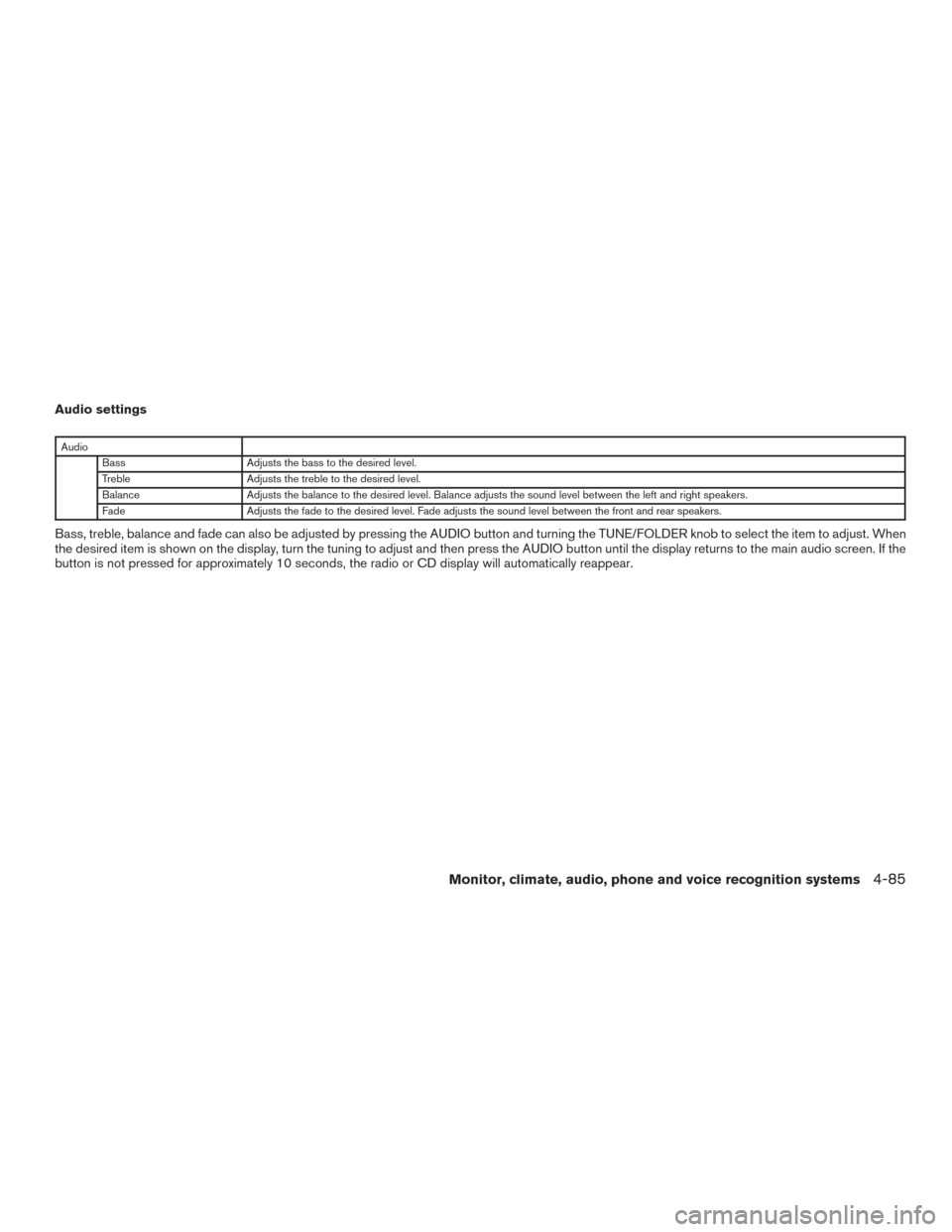
Audio settings
AudioBass Adjusts the bass to the desired level.
Treble Adjusts the treble to the desired level.
Balance Adjusts the balance to the desired level. Balance adjusts the sound level between the left and right speakers.
Fade Adjusts the fade to the desired level. Fade adjusts the sound level between the front and rear speakers.
Bass, treble, balance and fade can also be adjusted by pressing the AUDIO button and turning the TUNE/FOLDER knob to select the item to adjust. When
the desired item is shown on the display, turn the tuning to adjust and then press the AUDIO button until the display returns to the main audio screen. If the
button is not pressed for approximately 10 seconds, the radio or CD display will automatically reappear.
Monitor, climate, audio, phone and voice recognition systems4-85