Page 287 of 540
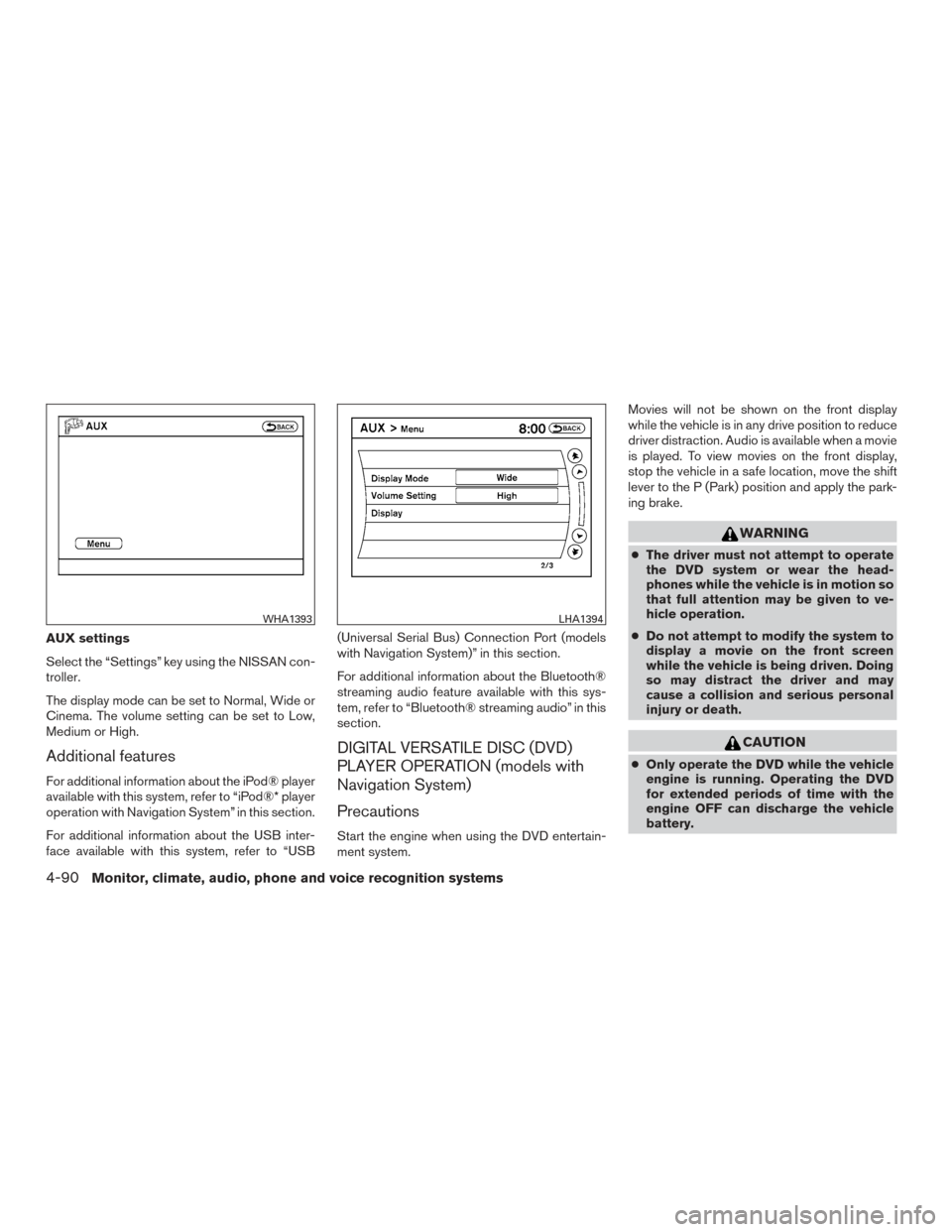
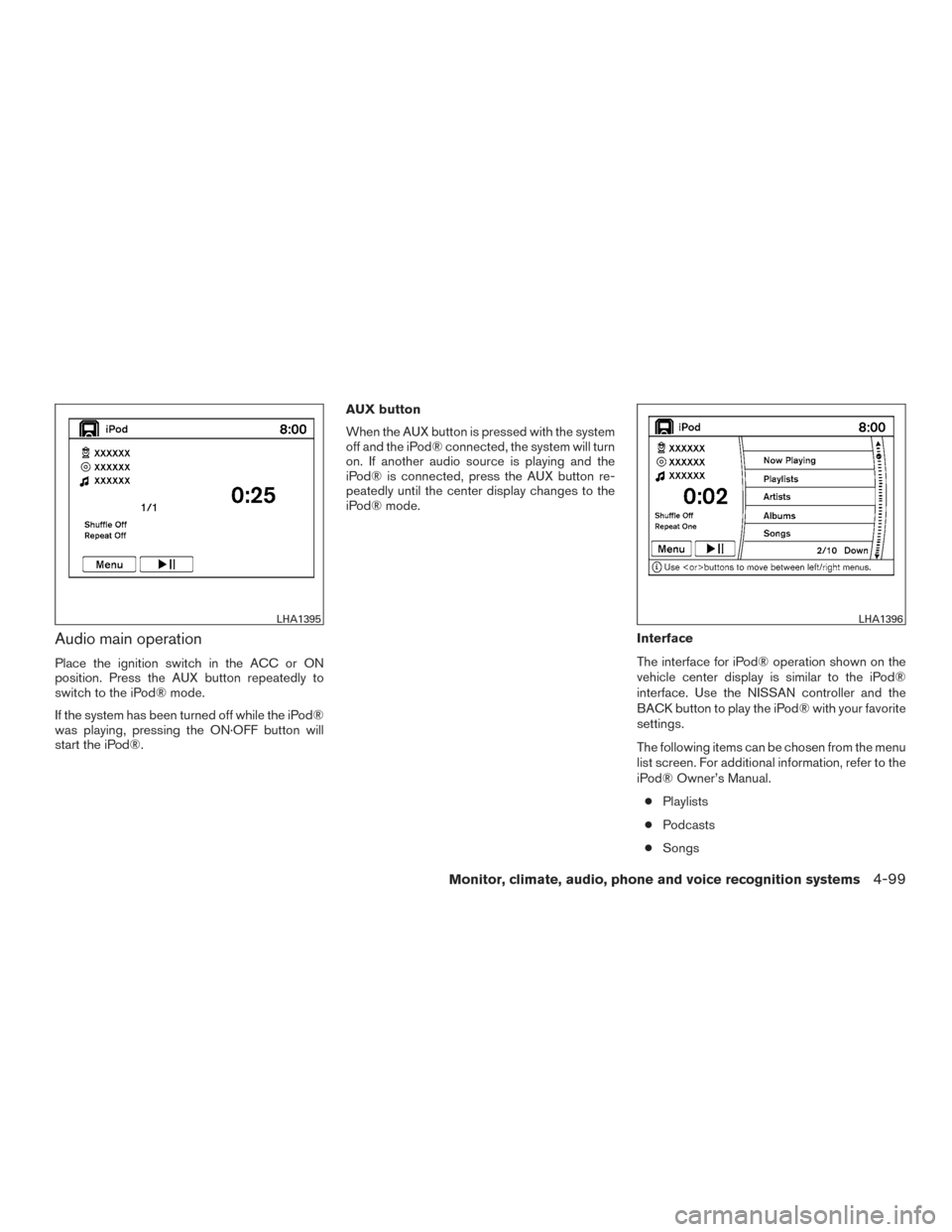
AUX settings
Select the “Settings” key using the NISSAN con-
troller.
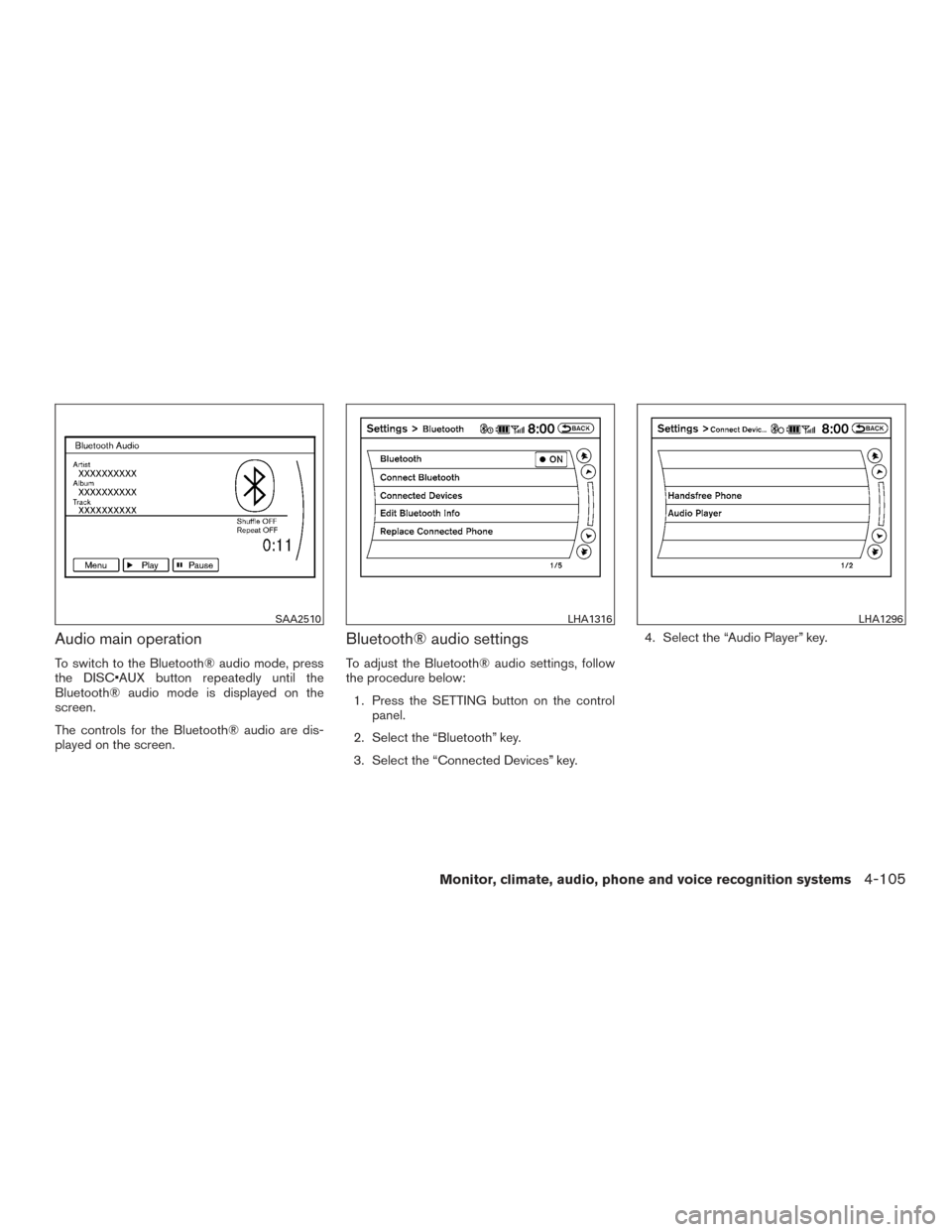
The display mode can be set to Normal, Wide or
Cinema. The volume setting can be set to Low,
Medium or High.
Additional features
For additional information about the iPod® player
available with this system, refer to “iPod®* player
operation with Navigation System” in this section.
For additional information about the USB inter-
face available with this system, refer to “USB(Universal Serial Bus) Connection Port (models
with Navigation System)” in this section.
For additional information about the Bluetooth®
streaming audio feature available with this sys-
tem, refer to “Bluetooth® streaming audio” in this
section.
DIGITAL VERSATILE DISC (DVD)
PLAYER OPERATION (models with
Navigation System)
Precautions
Start the engine when using the DVD entertain-
ment system.Movies will not be shown on the front display
while the vehicle is in any drive position to reduce
driver distraction. Audio is available when a movie
is played. To view movies on the front display,
stop the vehicle in a safe location, move the shift
lever to the P (Park) position and apply the park-
ing brake.
WARNING
●
The driver must not attempt to operate
the DVD system or wear the head-
phones while the vehicle is in motion so
that full attention may be given to ve-
hicle operation.
● Do not attempt to modify the system to
display a movie on the front screen
while the vehicle is being driven. Doing
so may distract the driver and may
cause a collision and serious personal
injury or death.
CAUTION
● Only operate the DVD while the vehicle
engine is running. Operating the DVD
for extended periods of time with the
engine OFF can discharge the vehicle
battery.
WHA1393LHA1394
4-90Monitor, climate, audio, phone and voice recognition systems
Page 288 of 540
●Do not allow the system to get wet.
Excessive moisture such as spilled liq-
uids may cause the system to
malfunction.
● While playing VIDEO-CD media, this
DVD player does not guarantee com-
plete functionality of all VIDEO-CD
formats.
Playing a DVD
DISC·AUX button
Park the vehicle in a safe location for the front
seat occupants to operate the DVD drive while
watching the images.
Press the DISC·AUX button until the DVD mode
is active on the display.
When a DVD is loaded, it will be replayed auto-
matically.
The operation screen will be turned on when the
DISC·AUX button is pressed while a DVD is
playing. The operation screen will turn off auto-
matically after a period of time. To turn it on again,
press the DISC·AUX button.
DVD operation keys
When the DVD is playing without the operation
screen being shown, you may use the touch-
screen to select items from the displayed video. You may also use the NISSAN controller to select
an item from the displayed video. When the op-
eration screen is being shown, use the NISSAN
controller or the touch-screen to select an item
from the displayed menus.
PAUSE
Select the
key to pause the DVD. To re-
sume playing the DVD, use the
key.
PLAY
Select the
key to start playing the DVD or
resume playing the DVD after it has been paused.
STOP
Select the
key to stop playing the DVD.
NEXT/PREVIOUS
CHAPTER
Select the
key to skip the chapter(s) of the
disc forward. Select the
key to skip the
chapter(s) of the disc backward. The chapters
will advance forward or backward the number of
times the respective key is touched or selected
with the NISSAN controller.
CM SKIP
This function is only for DVD-VIDEO and DVD-
VR. Select the
orkey to fast forward
or rewind a set interval of time based on the CM
settings. For additional information, refer to “DVD
settings” in this section.
Top Menu
When the “Top Menu” key is selected while the
DVD is playing, the top menu specific to each
disc will be displayed. For additional information,
refer to the instructions attached to the disc.
DVD settings
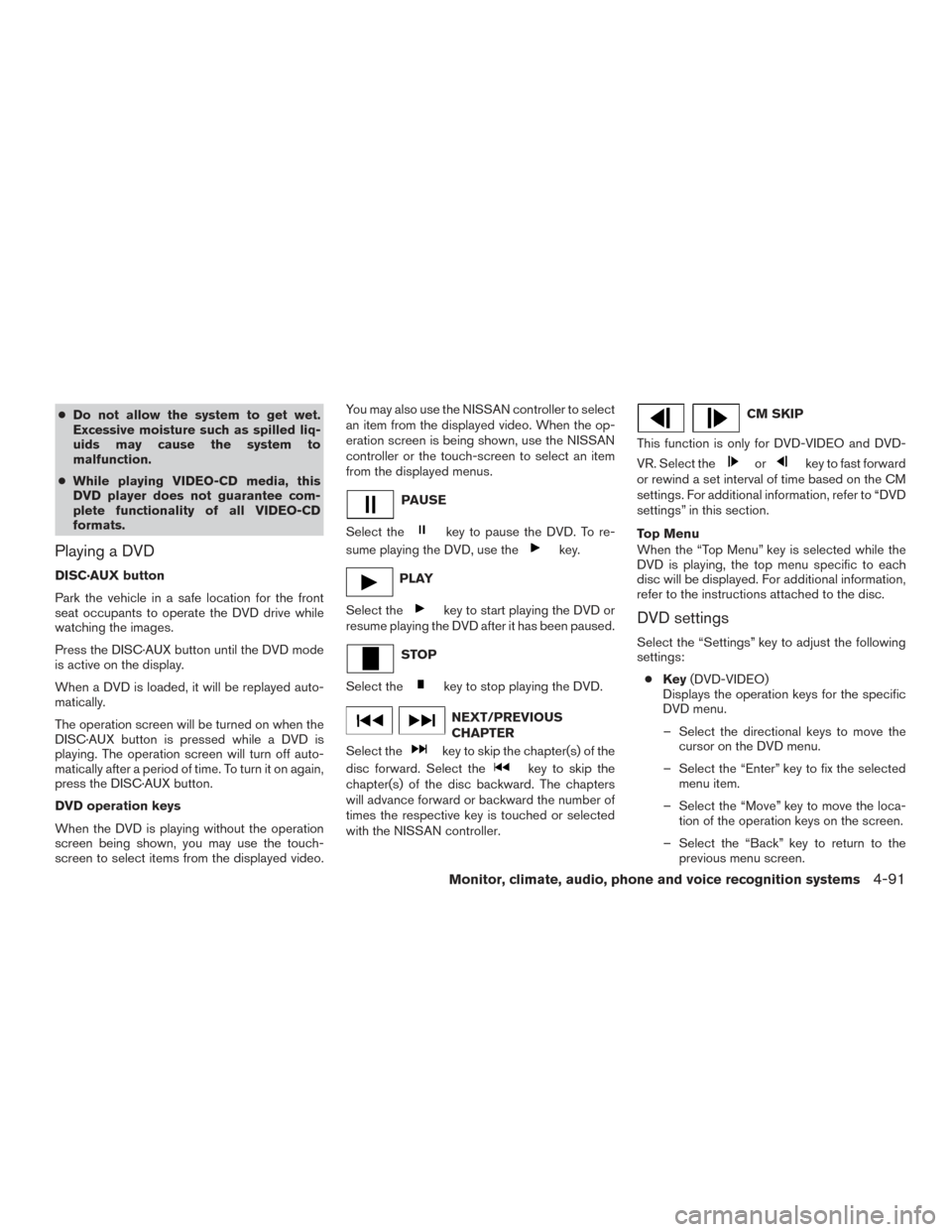
Select the “Settings” key to adjust the following
settings:
● Key (DVD-VIDEO)
Displays the operation keys for the specific
DVD menu.
– Select the directional keys to move the cursor on the DVD menu.
– Select the “Enter” key to fix the selected menu item.
– Select the “Move” key to move the loca- tion of the operation keys on the screen.
– Select the “Back” key to return to the previous menu screen.
Monitor, climate, audio, phone and voice recognition systems4-91
Page 294 of 540
●Previous Chapter/Rewind
Select the
key to skip the chapter(s)
of the disc backward. The chapters will go
back the number of times the key is selected.
Press and hold the key to rewind the chap-
ter.
List
Select the “List” key on the movie file operation
screen to display the file list.
Settings
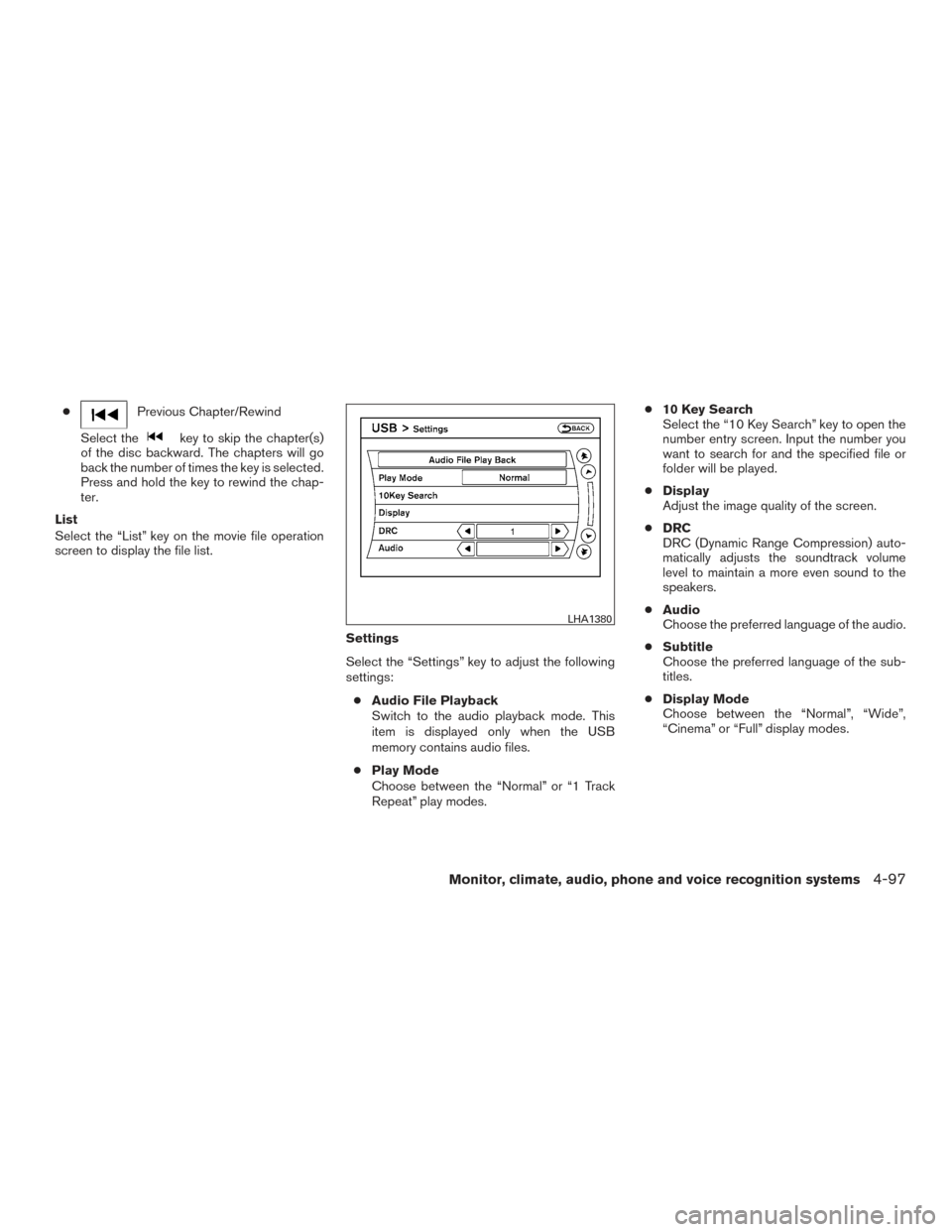
Select the “Settings” key to adjust the following
settings:● Audio File Playback
Switch to the audio playback mode. This
item is displayed only when the USB
memory contains audio files.
● Play Mode
Choose between the “Normal” or “1 Track
Repeat” play modes. ●
10 Key Search
Select the “10 Key Search” key to open the
number entry screen. Input the number you
want to search for and the specified file or
folder will be played.
● Display
Adjust the image quality of the screen.
● DRC
DRC (Dynamic Range Compression) auto-
matically adjusts the soundtrack volume
level to maintain a more even sound to the
speakers.
● Audio
Choose the preferred language of the audio.
● Subtitle
Choose the preferred language of the sub-
titles.
● Display Mode
Choose between the “Normal”, “Wide”,
“Cinema” or “Full” display modes.
LHA1380
Monitor, climate, audio, phone and voice recognition systems4-97
Page 296 of 540
Audio main operation
Place the ignition switch in the ACC or ON
position. Press the AUX button repeatedly to
switch to the iPod® mode.
If the system has been turned off while the iPod®
was playing, pressing the ON·OFF button will
start the iPod®.AUX button
When the AUX button is pressed with the system
off and the iPod® connected, the system will turn
on. If another audio source is playing and the
iPod® is connected, press the AUX button re-
peatedly until the center display changes to the
iPod® mode.
Interface
The interface for iPod® operation shown on the
vehicle center display is similar to the iPod®
interface. Use the NISSAN controller and the
BACK button to play the iPod® with your favorite
settings.
The following items can be chosen from the menu
list screen. For additional information, refer to the
iPod® Owner’s Manual.● Playlists
● Podcasts
● Songs
LHA1395LHA1396
Monitor, climate, audio, phone and voice recognition systems4-99
Page 299 of 540
Interface
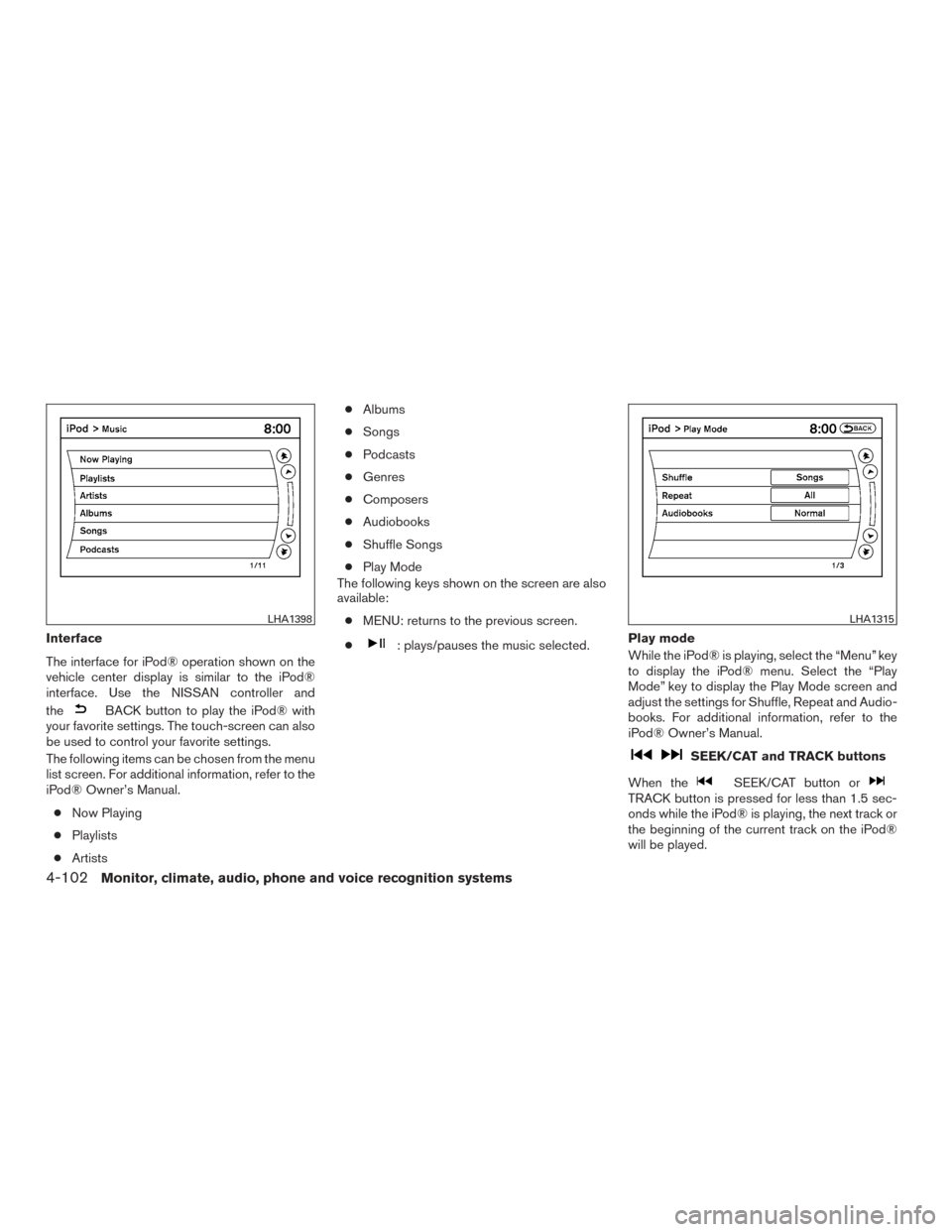
The interface for iPod® operation shown on the
vehicle center display is similar to the iPod®
interface. Use the NISSAN controller and
the
BACK button to play the iPod® with
your favorite settings. The touch-screen can also
be used to control your favorite settings.
The following items can be chosen from the menu
list screen. For additional information, refer to the
iPod® Owner’s Manual.
● Now Playing
● Playlists
● Artists ●
Albums
● Songs
● Podcasts
● Genres
● Composers
● Audiobooks
● Shuffle Songs
● Play Mode
The following keys shown on the screen are also
available:
● MENU: returns to the previous screen.
●
: plays/pauses the music selected. Play mode
While the iPod® is playing, select the “Menu” key
to display the iPod® menu. Select the “Play
Mode” key to display the Play Mode screen and
adjust the settings for Shuffle, Repeat and Audio-
books. For additional information, refer to the
iPod® Owner’s Manual.
SEEK/CAT and TRACK buttons
When the
SEEK/CAT button orTRACK button is pressed for less than 1.5 sec-
onds while the iPod® is playing, the next track or
the beginning of the current track on the iPod®
will be played.
LHA1398LHA1315
4-102Monitor, climate, audio, phone and voice recognition systems
Page 302 of 540
Audio main operation
To switch to the Bluetooth® audio mode, press
the DISC•AUX button repeatedly until the
Bluetooth® audio mode is displayed on the
screen.
The controls for the Bluetooth® audio are dis-
played on the screen.
Bluetooth® audio settings
To adjust the Bluetooth® audio settings, follow
the procedure below:1. Press the SETTING button on the control panel.
2. Select the “Bluetooth” key.
3. Select the “Connected Devices” key. 4. Select the “Audio Player” key.
SAA2510LHA1316LHA1296
Monitor, climate, audio, phone and voice recognition systems4-105
Page 307 of 540
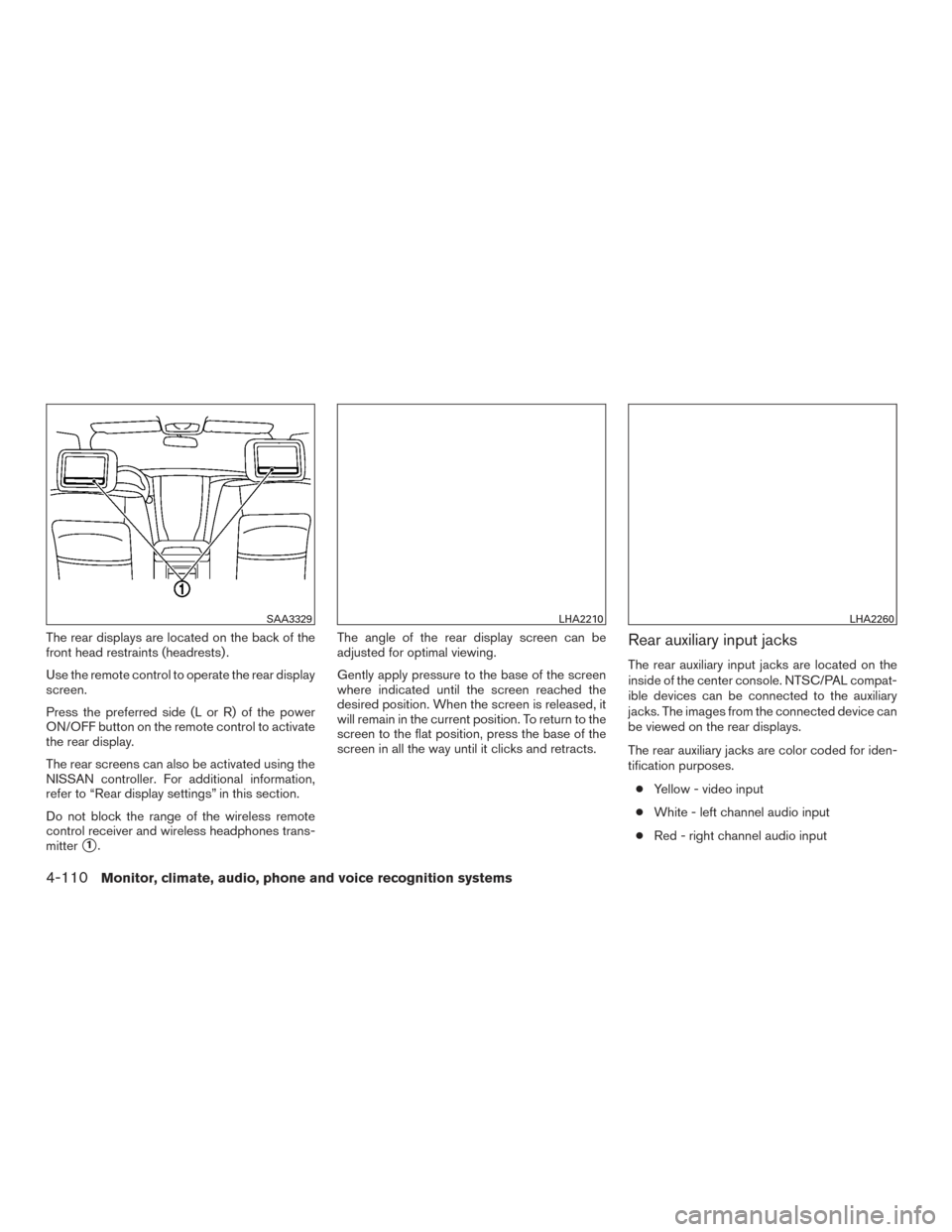
The rear displays are located on the back of the
front head restraints (headrests) .
Use the remote control to operate the rear display
screen.
Press the preferred side (L or R) of the power
ON/OFF button on the remote control to activate
the rear display.
The rear screens can also be activated using the
NISSAN controller. For additional information,
refer to “Rear display settings” in this section.
Do not block the range of the wireless remote
control receiver and wireless headphones trans-
mitter
�1.The angle of the rear display screen can be
adjusted for optimal viewing.
Gently apply pressure to the base of the screen
where indicated until the screen reached the
desired position. When the screen is released, it
will remain in the current position. To return to the
screen to the flat position, press the base of the
screen in all the way until it clicks and retracts.
Rear auxiliary input jacks
The rear auxiliary input jacks are located on the
inside of the center console. NTSC/PAL compat-
ible devices can be connected to the auxiliary
jacks. The images from the connected device can
be viewed on the rear displays.
The rear auxiliary jacks are color coded for iden-
tification purposes.
● Yellow - video input
● White - left channel audio input
● Red - right channel audio input
SAA3329LHA2210LHA2260
4-110Monitor, climate, audio, phone and voice recognition systems
Page 314 of 540
Commercial Skip
This function is only for DVD-VIDEO and DVD-
VR.
Select this key to skip forward or backwards by
the set amount as defined in the DVD settings
menu.
To skip forward or backward, it is also possible to
press the corresponding button on the keypad of
the remote control.
Setting keys
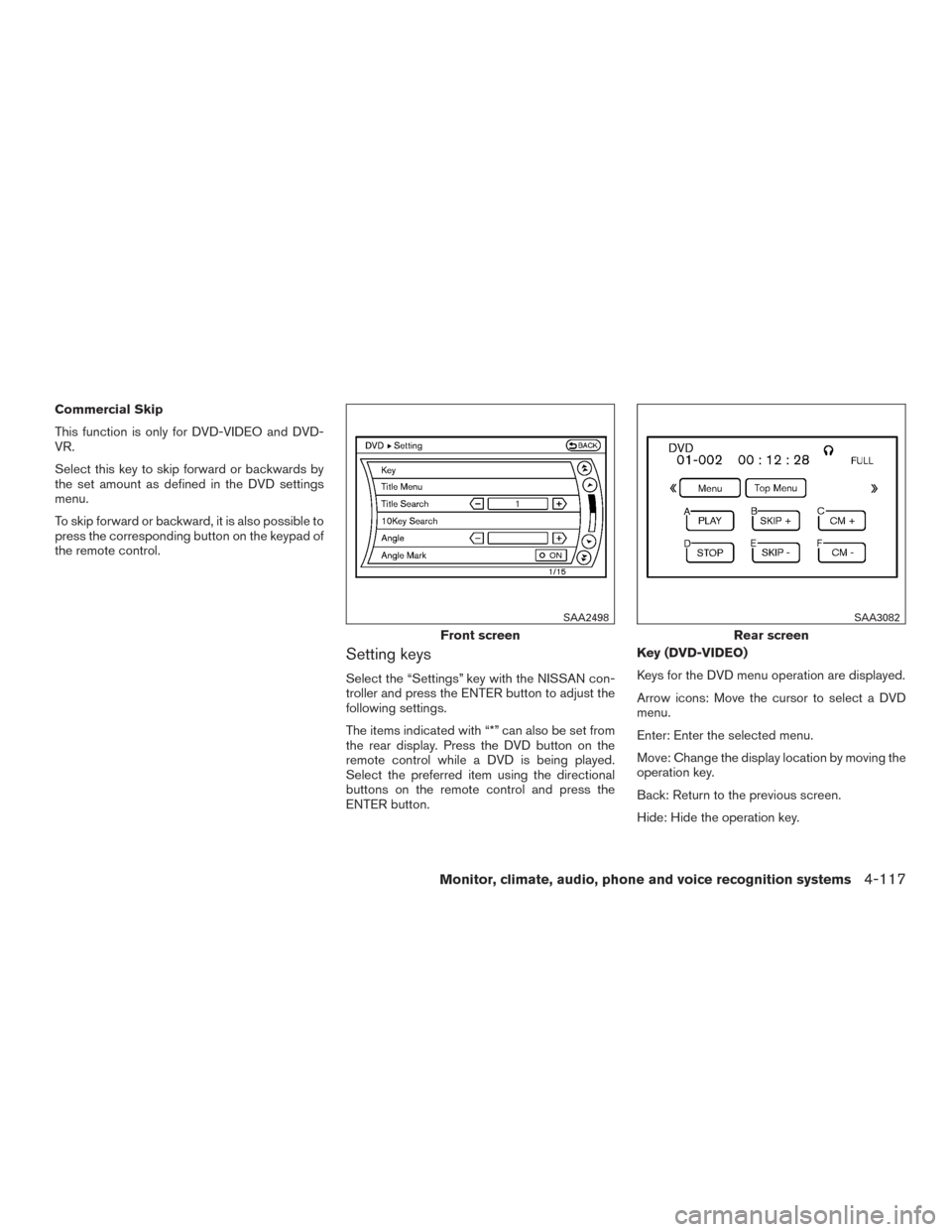
Select the “Settings” key with the NISSAN con-
troller and press the ENTER button to adjust the
following settings.
The items indicated with “*” can also be set from
the rear display. Press the DVD button on the
remote control while a DVD is being played.
Select the preferred item using the directional
buttons on the remote control and press the
ENTER button.Key (DVD-VIDEO)
Keys for the DVD menu operation are displayed.
Arrow icons: Move the cursor to select a DVD
menu.
Enter: Enter the selected menu.
Move: Change the display location by moving the
operation key.
Back: Return to the previous screen.
Hide: Hide the operation key.
Front screen
SAA2498
Rear screen
SAA3082
Monitor, climate, audio, phone and voice recognition systems4-117