Page 79 of 437
The indicator will also flash for up to 5 minutes if
the electrical power to the EVSE is interrupted
during charging. Charging will restart automati-
cally when the electrical power to the EVSE is
restored if the charging connector is connected.
The charge start beep will not sound when
charging restarts.
The indicator will also flash when the following
systems are operating:
• Climate Ctrl. Timer
• Remote climate control (if so equipped)
• Li-ion battery heater (if so equipped)When not charging
None of the lights are illuminated when the Li-ion
battery and 12-volt battery are not charging.
EVSE (ELECTRIC VEHICLE SUPPLY
EQUIPMENT) CONTROL BOX
INDICATOR LIGHT
When a trickle charge is being performed, the
charging status is shown by the indicator light
that is on the EVSE (Electric Vehicle Supply
Equipment) control box.
An indicator light also indicates if there is an
EVSE malfunction.
CH-30Charging
Page 143 of 437
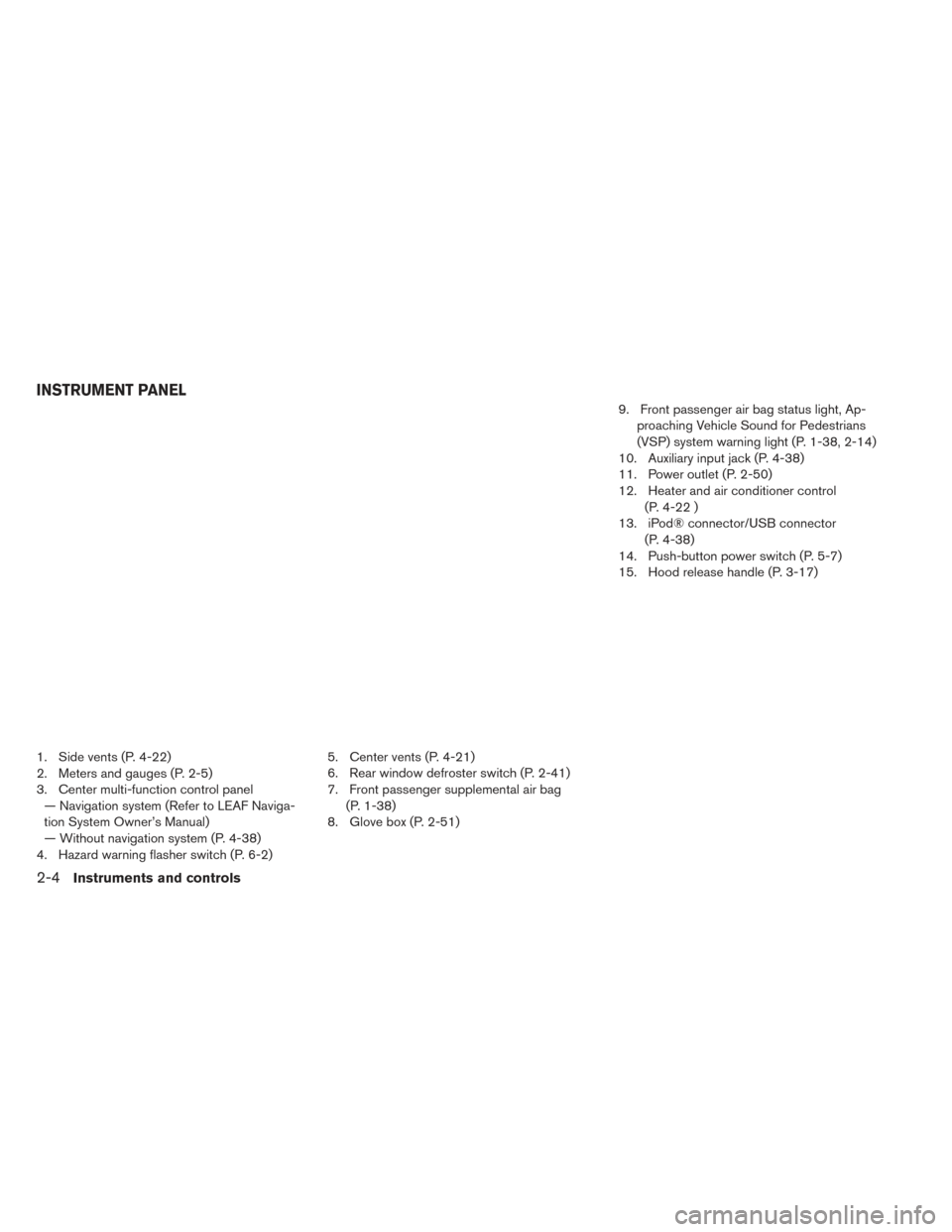
1. Side vents (P. 4-22)
2. Meters and gauges (P. 2-5)
3. Center multi-function control panel— Navigation system (Refer to LEAF Naviga-
tion System Owner’s Manual)
— Without navigation system (P. 4-38)
4. Hazard warning flasher switch (P. 6-2) 5. Center vents (P. 4-21)
6. Rear window defroster switch (P. 2-41)
7. Front passenger supplemental air bag
(P. 1-38)
8. Glove box (P. 2-51) 9. Front passenger air bag status light, Ap-
proaching Vehicle Sound for Pedestrians
(VSP) system warning light (P. 1-38, 2-14)
10. Auxiliary input jack (P. 4-38)
11. Power outlet (P. 2-50)
12. Heater and air conditioner control (P. 4-22 )
13. iPod® connector/USB connector (P. 4-38)
14. Push-button power switch (P. 5-7)
15. Hood release handle (P. 3-17)
INSTRUMENT PANEL
2-4Instruments and controls
Page 147 of 437
The Power meter also indicates if the power
provided to the motor is limited or if regenerative
braking is limited. When power or regenerative
braking is limited, the circles on the display
change from a double circle to a single circle
�2.
Regenerative braking is automatically reduced
when the Li-ion battery is fully charged to prevent
the Li-ion battery from becoming overcharged.
Regenerative braking is also automatically re-
duced when the Li-ion battery temperature is
high/low (indicated by the red/blue zones on the
Li-ion battery temperature gauge) to prevent Li-
ion battery damage.
The more regenerative braking is reduced, the
more double circles change to single circles
If the Li-ion battery charge is low, power provided
to the traction motor is reduced. Motor output is
also limited if the Li-ion battery temperature is
high/low (indicated by the red/blue zones on the
Li-ion battery temperature gauge) or the Li-ion
battery charge level is low.
The more power provided to the traction motor is
reduced, the more double circles change to
single circles.
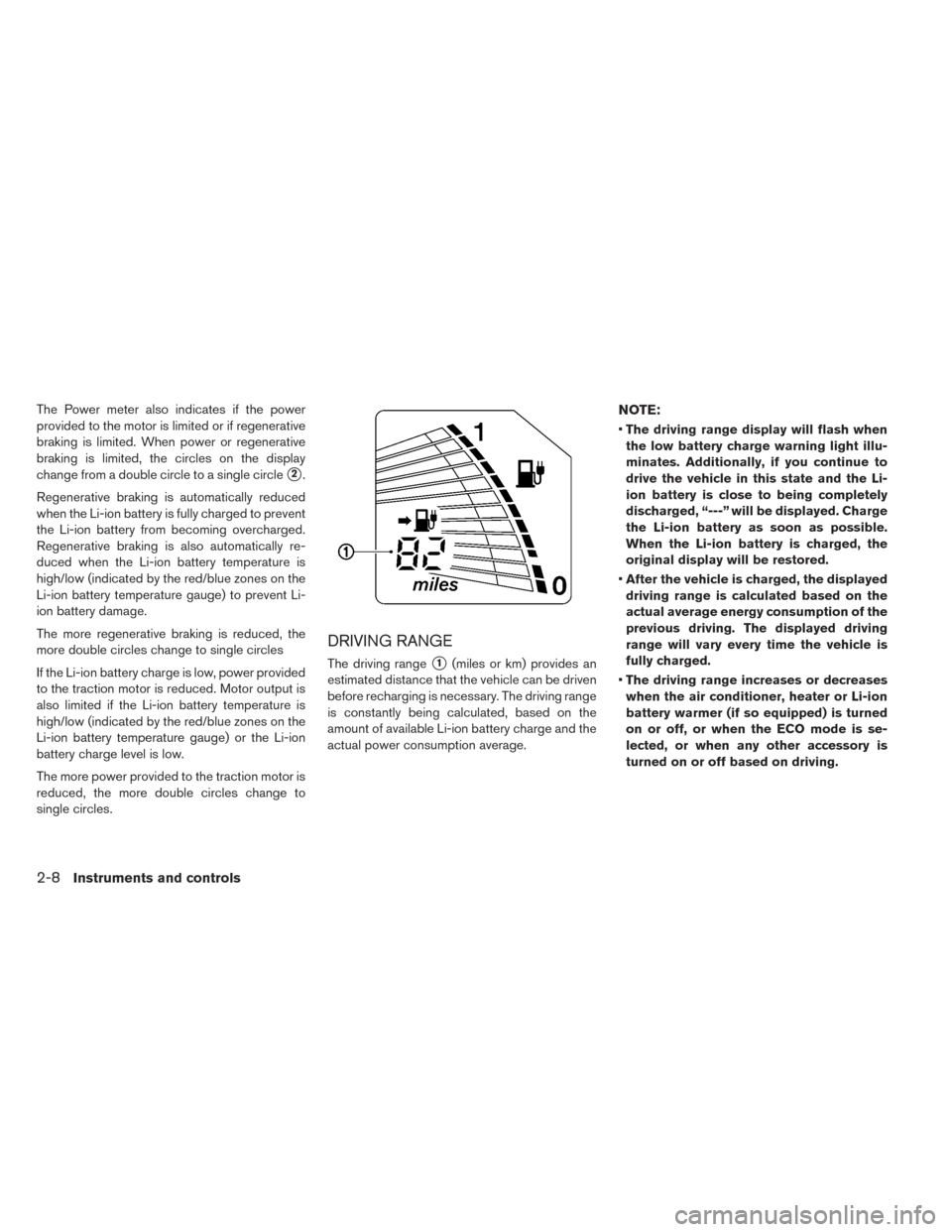
DRIVING RANGE
The driving range�1(miles or km) provides an
estimated distance that the vehicle can be driven
before recharging is necessary. The driving range
is constantly being calculated, based on the
amount of available Li-ion battery charge and the
actual power consumption average.
NOTE:
• The driving range display will flash when
the low battery charge warning light illu-
minates. Additionally, if you continue to
drive the vehicle in this state and the Li-
ion battery is close to being completely
discharged, “---” will be displayed. Charge
the Li-ion battery as soon as possible.
When the Li-ion battery is charged, the
original display will be restored.
• After the vehicle is charged, the displayed
driving range is calculated based on the
actual average energy consumption of the
previous driving. The displayed driving
range will vary every time the vehicle is
fully charged.
• The driving range increases or decreases
when the air conditioner, heater or Li-ion
battery warmer (if so equipped) is turned
on or off, or when the ECO mode is se-
lected, or when any other accessory is
turned on or off based on driving.
2-8Instruments and controls
Page 149 of 437
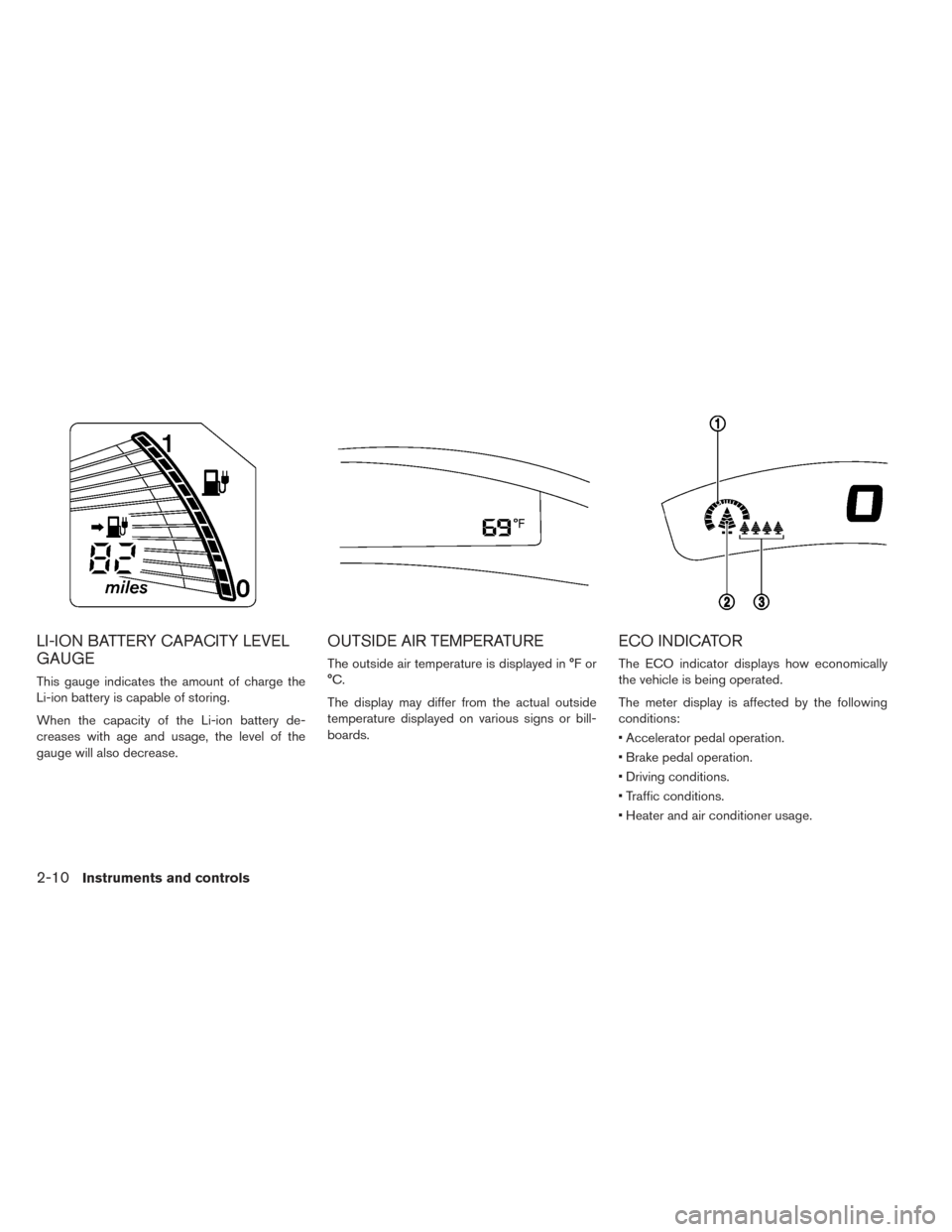
LI-ION BATTERY CAPACITY LEVEL
GAUGE
This gauge indicates the amount of charge the
Li-ion battery is capable of storing.
When the capacity of the Li-ion battery de-
creases with age and usage, the level of the
gauge will also decrease.
OUTSIDE AIR TEMPERATURE
The outside air temperature is displayed in °F or
°C.
The display may differ from the actual outside
temperature displayed on various signs or bill-
boards.
ECO INDICATOR
The ECO indicator displays how economically
the vehicle is being operated.
The meter display is affected by the following
conditions:
• Accelerator pedal operation.
• Brake pedal operation.
• Driving conditions.
• Traffic conditions.
• Heater and air conditioner usage.
2-10Instruments and controls
Page 169 of 437
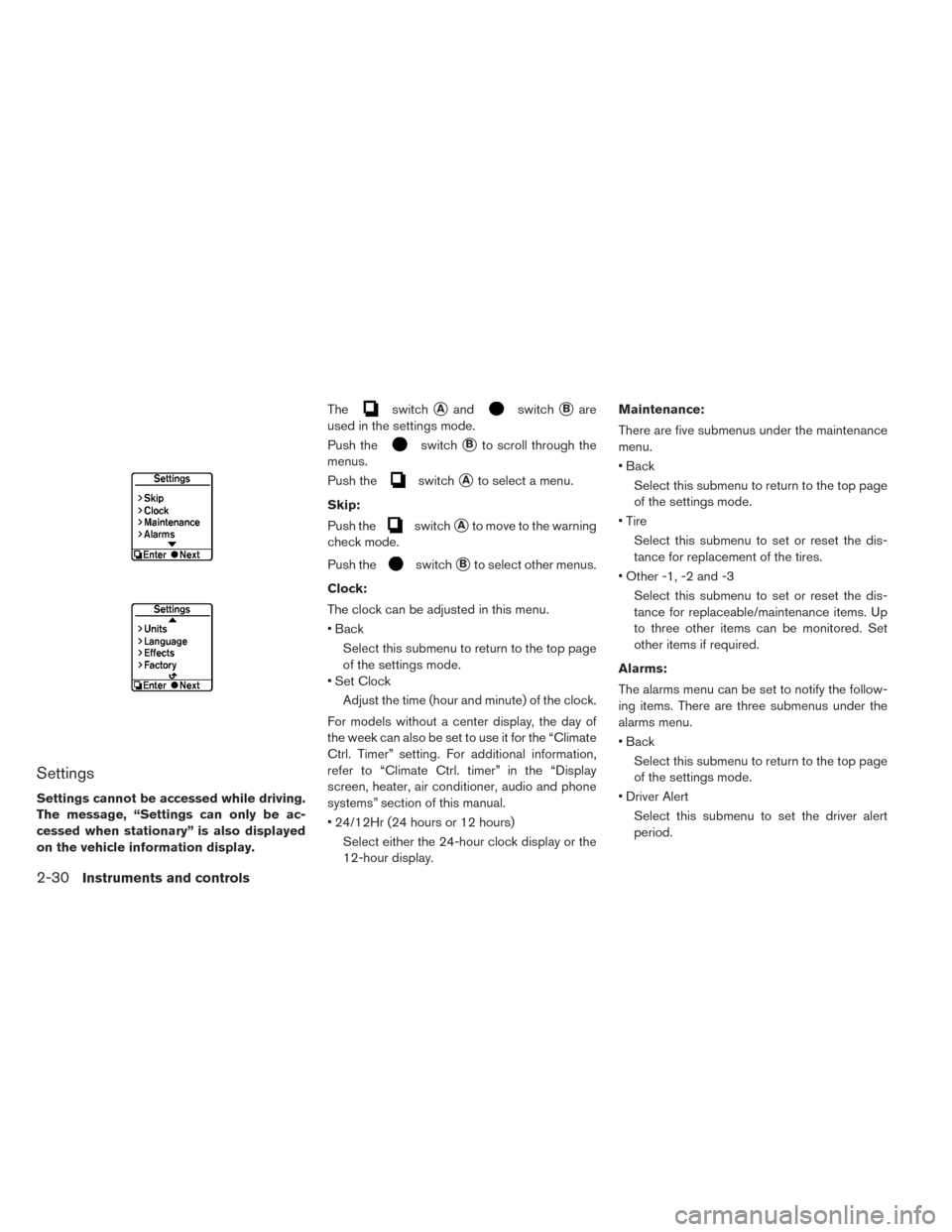
Settings
Settings cannot be accessed while driving.
The message, “Settings can only be ac-
cessed when stationary” is also displayed
on the vehicle information display.The
switch�Aandswitch�Bare
used in the settings mode.
Push the
switch�Bto scroll through the
menus.
Push the
switch�Ato select a menu.
Skip:
Push the
switch�Ato move to the warning
check mode.
Push the
switch�Bto select other menus.
Clock:
The clock can be adjusted in this menu.
• Back Select this submenu to return to the top page
of the settings mode.
• Set Clock
Adjust the time (hour and minute) of the clock.
For models without a center display, the day of
the week can also be set to use it for the “Climate
Ctrl. Timer” setting. For additional information,
refer to “Climate Ctrl. timer” in the “Display
screen, heater, air conditioner, audio and phone
systems” section of this manual.
• 24/12Hr (24 hours or 12 hours) Select either the 24-hour clock display or the
12-hour display. Maintenance:
There are five submenus under the maintenance
menu.
• Back
Select this submenu to return to the top page
of the settings mode.
• Tire Select this submenu to set or reset the dis-
tance for replacement of the tires.
• Other -1, -2 and -3 Select this submenu to set or reset the dis-
tance for replaceable/maintenance items. Up
to three other items can be monitored. Set
other items if required.
Alarms:
The alarms menu can be set to notify the follow-
ing items. There are three submenus under the
alarms menu.
• Back Select this submenu to return to the top page
of the settings mode.
• Driver Alert Select this submenu to set the driver alert
period.
2-30Instruments and controls
Page 185 of 437
If the surface temperature of the steering wheel is
below approximately 68°F (20°C) , the system will
heat the steering wheel and cycle off and on to
maintain a temperature above 68°F (20°C) . The indi-
cator light will remain on as long as the system is on.
Push the switch again to turn the heated steering
wheel system off manually. The indicator light
turns off.
NOTE:
•If the surface temperature of the steering
wheel is above 68°F (20°C) when the
switch is turned on, the system will not
heat the steering wheel. This is not a mal-
function.
• If the outside temperature is low (approxi-
mately 50°F (10°C) or less) and the Climate
Control Timer or Remote Climate Control
are used, the steering wheel heater will
automatically operate in the following
conditions. – When using the Climate Control Timer: Operates from approximately 15 min-
utes before the set departure time until
the set departure time.
– When using Remote Climate Control: Operates 15 minutes after Remote Cli-
mate Control starts. •
The heated steering wheel consumes less
power than the heater and can be used to
either help extend vehicle range by reduc-
ing heater use or to maximize comfort by
supplementing the heater.
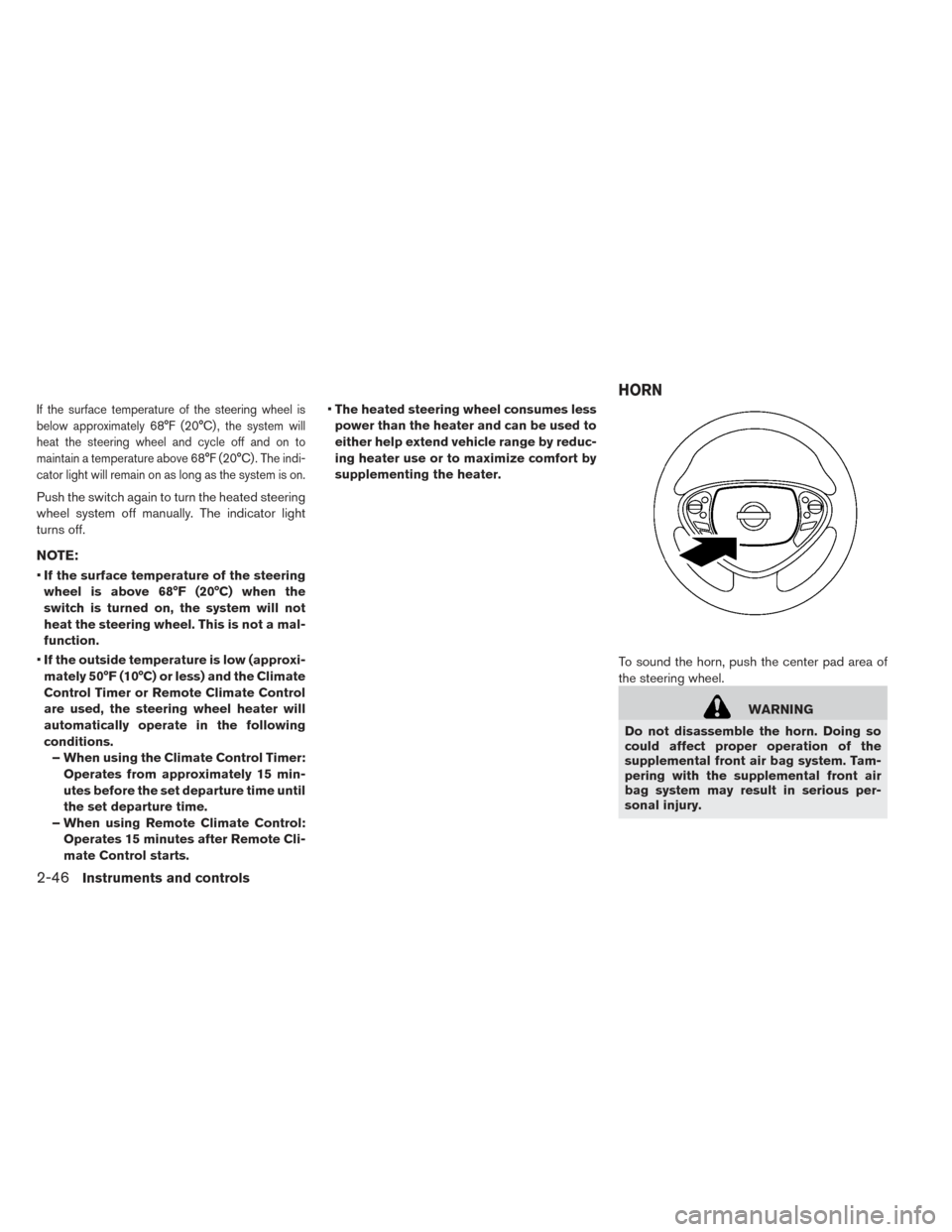
To sound the horn, push the center pad area of
the steering wheel.
WARNING
Do not disassemble the horn. Doing so
could affect proper operation of the
supplemental front air bag system. Tam-
pering with the supplemental front air
bag system may result in serious per-
sonal injury.
HORN
2-46Instruments and controls
Page 186 of 437
To activate the ECO mode, push the ECO switch
�1on the right side of the steering wheel. The
“ECO indicator” on the instrument cluster will
illuminate.
To deactivate the ECO mode, push the ECO
switch
�1again. The “ECO indicator” on the
instrument cluster will go out.
For additional information, refer to “Electric Shift
Control System” in the “Starting and Driving”
section of this manual The front seats and the rear outboard seats (if so
equipped) can be warmed by built-in heaters.
The switches, located on the center console and
at the side of the front passenger seatback, can
be operated independently of each other.
1. Place the power switch in the ON position.
2. Push the LO or HI position of the switch, as
desired, depending on the temperature. The
indicator light in the switch will illuminate.
3. To turn off the heater, return the switch to the level position. Make sure the indicator light
goes off.
Rear (if so equipped)
ECO SWITCH HEATED SEAT SWITCH
Instruments and controls2-47
Page 187 of 437
The heater is controlled by a thermostat, auto-
matically turning the heater on and off. The indi-
cator light will remain on as long as the switch is
on.
When the vehicle’s interior is warmed, or before
you leave the vehicle, be sure to turn the switch
off.
NOTE:
The heated seats consume less power than
the heater and can be used to either help
extend vehicle range by reducing heater
use or to maximize comfort by supplement-
ing the heater.
WARNING
Do not use or allow occupants to use the
seat heater if you or the occupants can-
not monitor elevated seat temperatures
or have an inability to feel pain in those
body parts in contact with the seat. Use of
the seat heater by such people could re-
sult in serious injury.
CAUTION
• Do not use the seat heater for ex- tended periods or when no one is us-
ing the seat.
• Do not put anything on the seat which insulates heat, such as a blanket,
cushion, seat cover, etc. Otherwise, the
seat may become overheated.
• Do not place anything hard or heavy on the seat or pierce it with a pin or similar
object. This may result in damage to
the heater.
• Any liquid spilled on the heated seat should be removed immediately with a
dry cloth.
• When cleaning the seat, never use gasoline, thinner, or any similar mate-
rials.
• If any malfunctions are found or the heated seat does not operate, turn the
switch off and have the system
checked by a NISSAN certified LEAF
dealer. The vehicle should be driven with the Vehicle
Dynamic Control (VDC) system on for most driv-
ing conditions.
If the vehicle is stuck in mud or snow, the VDC
system reduces the traction motor output to re-
duce wheel spin. The traction motor speed will be
reduced even if the accelerator is depressed to
the floor. If maximum traction motor power is
needed to free a stuck vehicle, turn the VDC
system off.
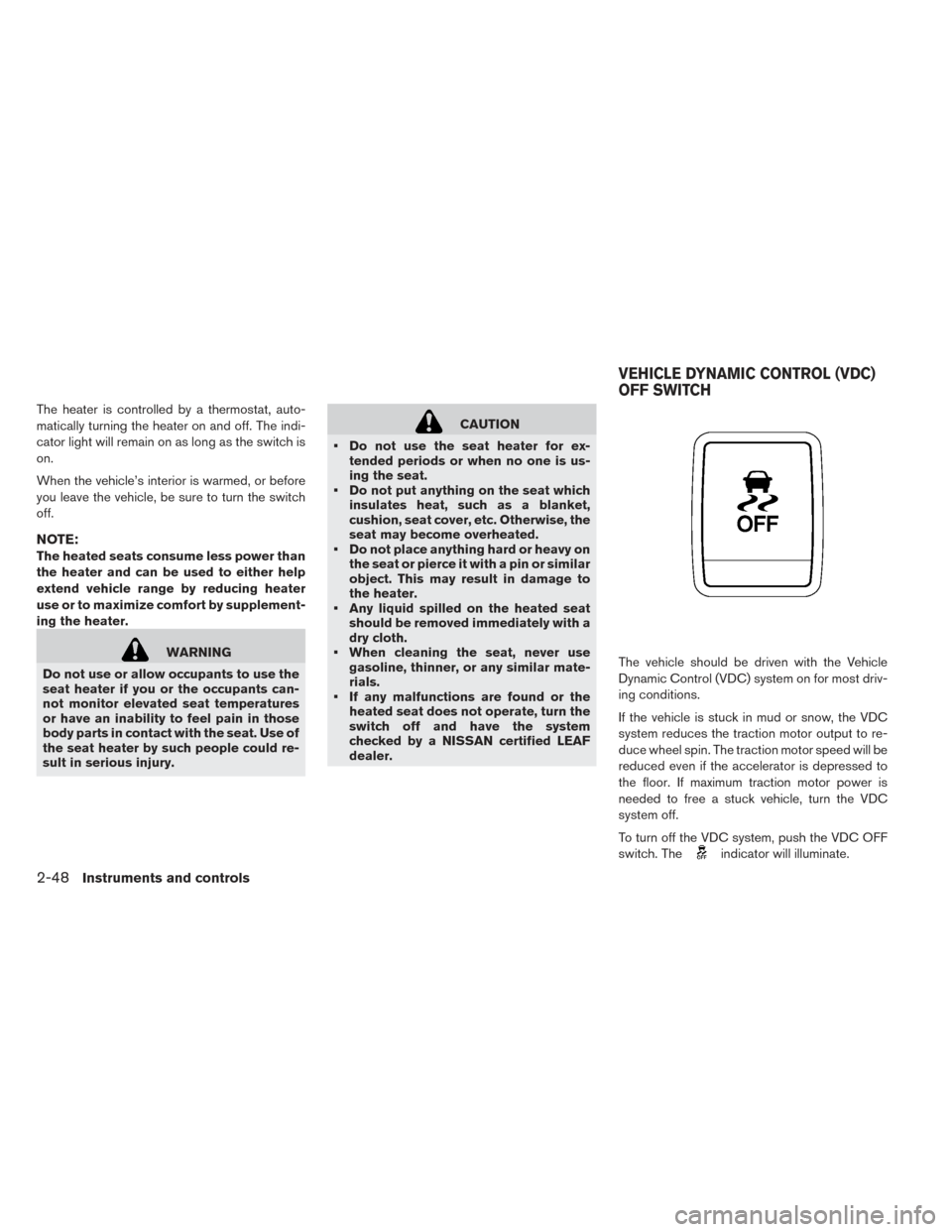
To turn off the VDC system, push the VDC OFF
switch. The
indicator will illuminate.
VEHICLE DYNAMIC CONTROL (VDC)
OFF SWITCH
2-48Instruments and controls