2016 MERCEDES-BENZ GL-Class Nav
[x] Cancel search: NavPage 184 of 246
CRemaining playingtime of th ecurren t
track
DElapse dplaybac ktime for th ecurren t
track
EGraphic time display
FAlbum cover (if available)
Inserting and removing adis c fr om
th esingle CD/DVD dr ive
XTo insert:press theþ buttonon th e
single drive.
If there is adisc already inserted, it will be
ejected.
XInser t adisc into th edisc slot wit hth eprin-
te dside facin gupwards.
The drive closes and th edisc is played .
If th eCD/DV Dis operate din Medi amode,
th ecorrespondin gbasic men uwill be
shown. If th eCD/DV Dis started usin g
another application (e.g. navigation), th e
display will no tchange.
iThe drive may no tbe able to play disc s
wit hcopy protection .
XTo remove:press theþ button.
The drive ejects th edisc .
XRemove th eejecte ddisc from th eslot .
If you do no ttak eth edisc out of th eslot ,it
is draw nin again automatically after ashort
while .
Inserting discs int oth eDVD changer
The DV Dchanger has amagazine wit hsix
trays.
XTo inser tth eCD/DVD int oth emaga-
zin etray :press th eV button.
The magazine men uappears.
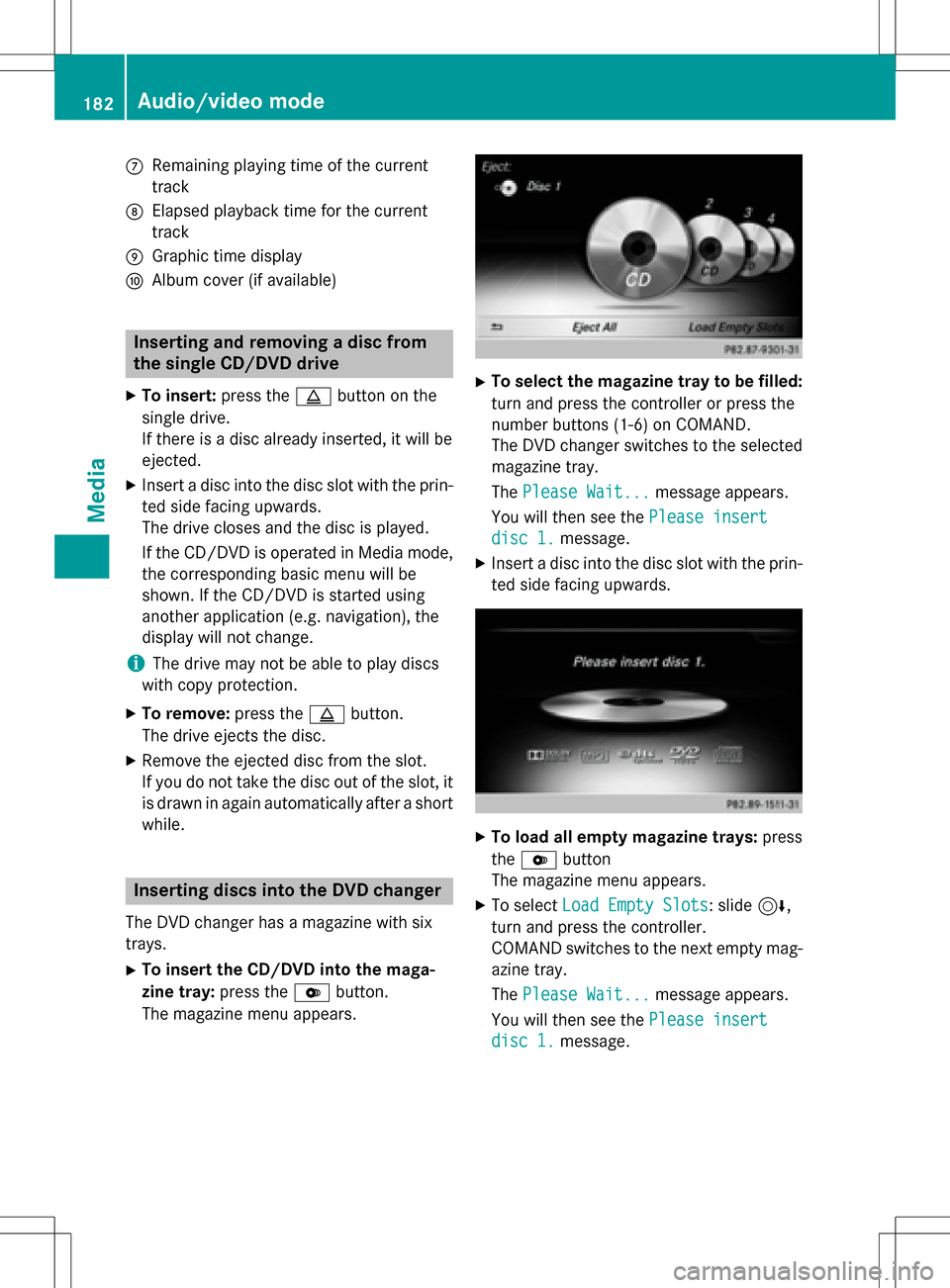
XTo select th emagazine tray to be filled:
tur nand press th econtroller or press th e
number buttons (1-6) on COMAND .
The DV Dchanger switches to th eselected
magazine tray.
The Please Wait.. .
message appears.
You will then see th ePlease insert
dis c1.message .
XInsert adisc into th edisc slot wit hth eprin-
te dside facin gupwards.
XTo load all empt ymagazine trays: press
th eV button
The magazine men uappears.
XTo select LoadEmpty Slots:slid e6,
tur nand press th econtroller .
COMAND switches to th enext empty mag -
azine tray.
The Please Wait.. .
message appears.
You will then see th ePlease insert
dis c1.message .
182Audio/video mode
Media
Page 188 of 246
XIn Media mode, slide6the controller.
The media menu bar is shown.
XTo select Search: turn and press the con-
troller.
The category list is shown.
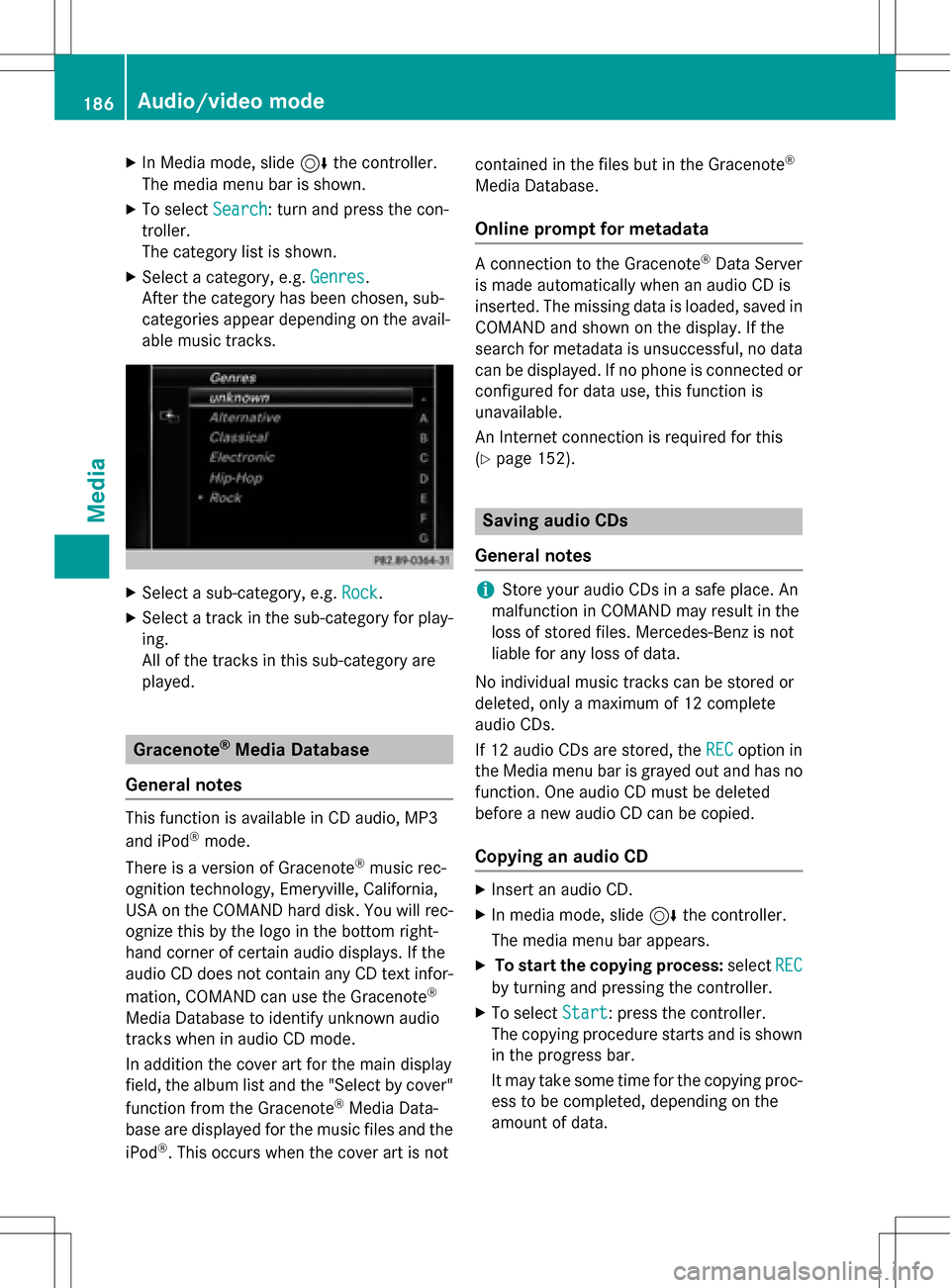
XSelect a category, e.g. Genres.
After the category has been chosen, sub-
categories appear depending on the avail-
able music tracks.
XSelect a sub-category, e.g. Rock.
XSelect a track in the sub-category for play-
ing.
All of the tracks in this sub-category are
played.
Gracenote®Media Database
General notes
This function is available in CD audio, MP3
and iPod®mode.
There is a version of Gracenote
®music rec-
ognition technology, Emeryville, California,
USA on the COMAND hard disk. You will rec-
ognize this by the logo in the bottom right-
hand corner of certain audio displays. If the
audio CD does not contain any CD text infor-
mation, COMAND can use the Gracenote
®
Media Database to identify unknown audio
tracks when in audio CD mode.
In addition the cover art for the main display
field, the album list and the "Select by cover"
function from the Gracenote
®Media Data-
base are displayed for the music files and the
iPod
®. This occurs when the cover art is not contained in the files but in the Gracenote
®
Media Database.
Online prompt for metadata
A connection to the Gracenote®Data Server
is made automatically when an audio CD is
inserted. The missing data is loaded, saved in
COMAND and shown on the display. If the
search for metadata is unsuccessful, no data
can be displayed. If no phone is connected or
configured for data use, this function is
unavailable.
An Internet connection is required for this
(
Ypage 152).
Saving audio CDs
General notes
iStore your audio CDs in a safe place. An
malfunction in COMAND may result in the
loss of stored files. Mercedes-Benz is not
liable for any loss of data.
No individual music tracks can be stored or
deleted, only a maximum of 12 complete
audio CDs.
If 12 audio CDs are stored, the REC
option in
the Media menu bar is grayed out and has no
function. One audio CD must be deleted
before a new audio CD can be copied.
Copying an audio CD
XInsert an audio CD.
XIn media mode, slide 6the controller.
The media menu bar appears.
XTo start the copying process: selectREC
by turning and pressing the controller.
XTo select Start: press the controller.
The copying procedure starts and is shown
in the progress bar.
It may take some time for the copying proc-
ess to be completed, depending on the
amount of data.
186Audio/video mode
Media
Page 203 of 246
DVD'scontro lmenu
Mos tDVDs hav etheir own contro lmenu
whic hcan be operated usin gth econtroller .
Showin gth eDVD' scontro lmen u
XTo selec tMen ufrom th eDV Doverlay menu:
turn and press th econtroller .
The men uof th eDV Doverlay men uis hid-
den and th eDVD' smen uentries (e.g.
scenes, language ,trailers) are displayed .
XTo select amen uentry: slid eand press th e
controller .
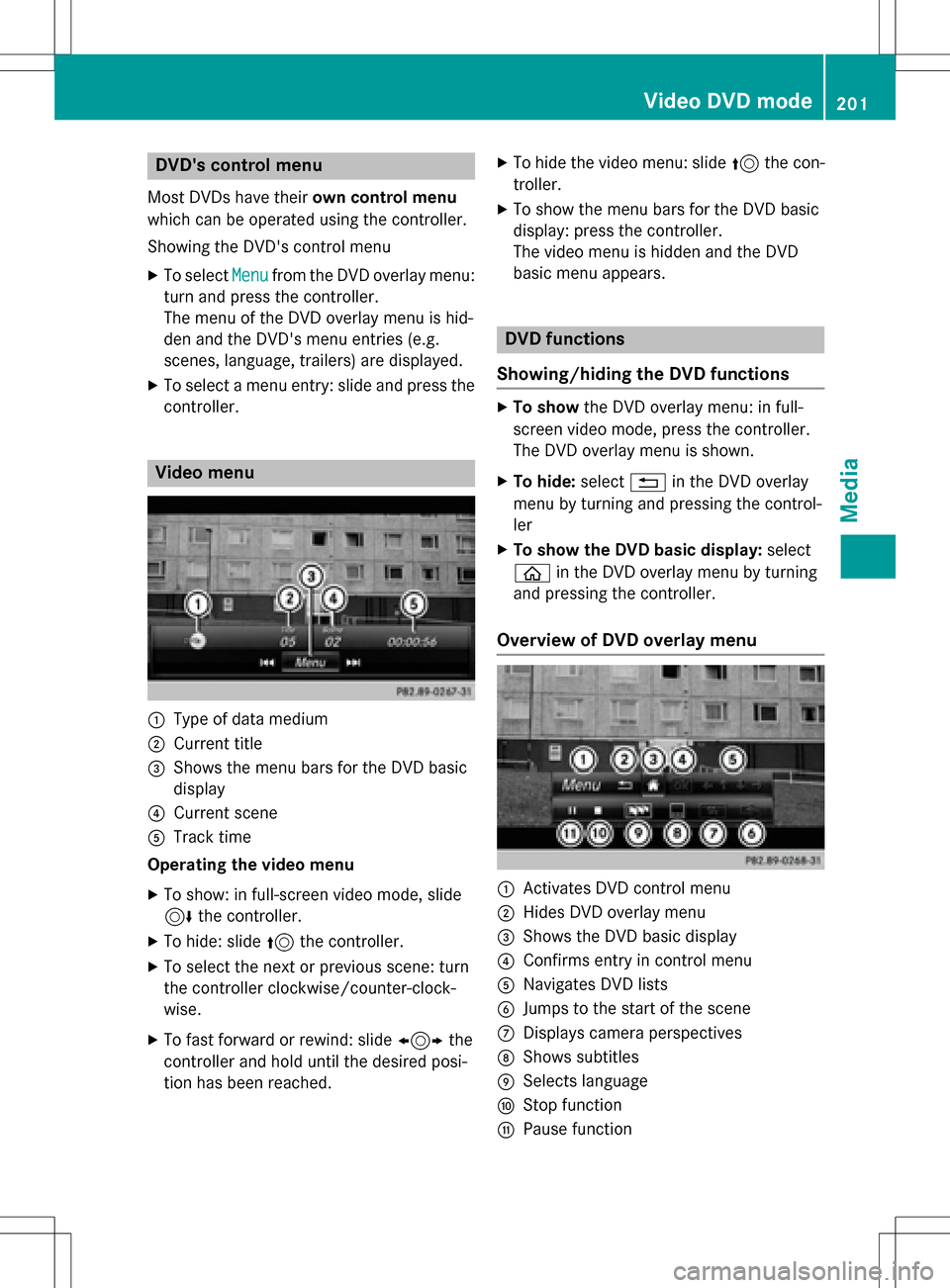
Video menu
:Type of dat amedium
;Curren ttitl e
=Shows th emen ubar sfo rth eDV Dbasi c
display
?Curren tscen e
ATrack time
Operating th evideo menu
XTo show: in full-screen video mode, slid e
6 thecontroller .
XTo hide:slid e5 thecontroller .
XTo selectth enext or previous scene: turn
th econtroller clockwise/counter-clock-
wise .
XTo fas tforwar dor rewind: slid e1 the
controller and hol duntil th edesire dposi-
tion has been reached.
XTo hide th evideo menu: slid e5 thecon-
troller.
XTo sho wthemen ubar sfo rth eDV Dbasi c
display: press th econtroller .
The video men uis hidden and th eDV D
basi cmen uappears .
DVD functions
Showing/hiding th eDVD functions
XTo show theDV Doverlay menu: in full -
scree nvideo mode, press th econtroller .
The DV Doverlay men uis shown .
XTo hide: select% in theDV Doverlay
men uby turnin gand pressing th econtrol-
ler
XTo show th eDVD basic display :selec t
ò in theDV Doverlay men uby turnin g
and pressing th econtroller .
Overview of DVD overlay menu
:Activates DV Dcontro lmen u
;Hides DV Doverlay men u
=Shows theDV Dbasi cdisplay
?Confirms entr yin contro lmen u
ANavigates DV Dlist s
BJump sto th estart of th escen e
CDisplays camera perspective s
DShows subtitles
ESelects language
FStop function
GPausefunction
Video DVD mode20 1
Media
Z
Page 204 of 246
Operating the DVD's own menu with the
DVD overlay menu
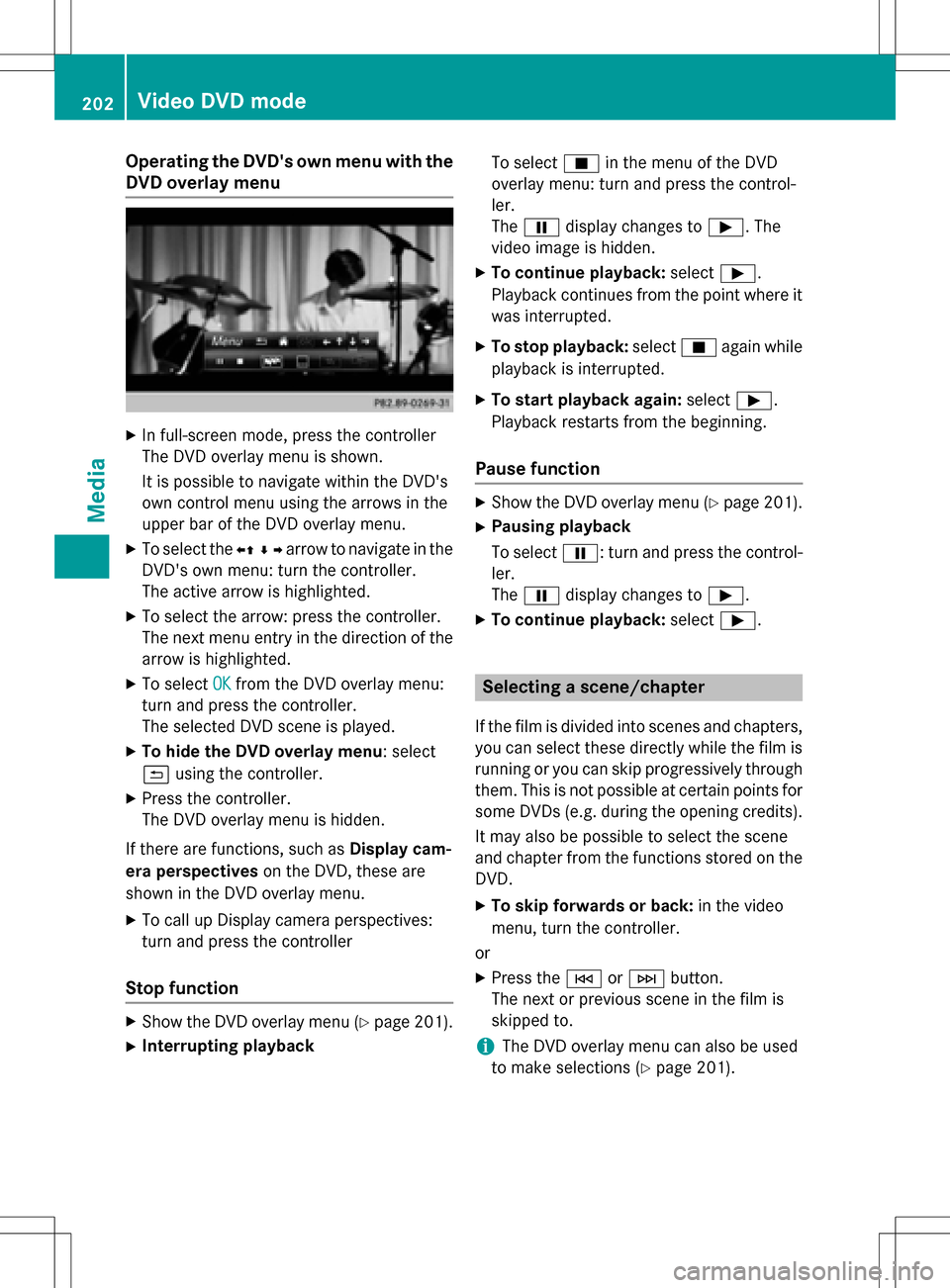
XIn full-screen mode, press the controller
The DVD overlay menu is shown.
It is possible to navigate within the DVD's
own control menu using the arrows in the
upper bar of the DVD overlay menu.
XTo select theXZ¬Yarrow to navigate in the
DVD's own menu: turn the controller.
The active arrow is highlighted.
XTo select the arrow: press the controller.
The next menu entry in the direction of the arrow is highlighted.
XTo select OKfrom the DVD overlay menu:
turn and press the controller.
The selected DVD scene is played.
XTo hide the DVD overlay menu: select
& using the controller.
XPress the controller.
The DVD overlay menu is hidden.
If there are functions, such as Display cam-
era perspectives on the DVD, these are
shown in the DVD overlay menu.
XTo call up Display camera perspectives:
turn and press the controller
Stop function
XShow the DVD overlay menu (Ypage 201).
XInterrupting playback To select
Éin the menu of the DVD
overlay menu: turn and press the control-
ler.
The Ë display changes to Ì. The
video image is hidden.
XTo continue playback: selectÌ.
Playback continues from the point where it was interrupted.
XTo stop playback: selectÉagain while
playback is interrupted.
XTo start playback again: selectÌ.
Playback restarts from the beginning.
Pause function
XShow the DVD overlay menu (Ypage 201).
XPausing playback
To select Ë: turn and press the control-
ler.
The Ë display changes to Ì.
XTo continue playback: selectÌ.
Selecting a scene/chapter
If the film is divided into scenes and chapters,
you can select these directly while the film is
running or you can skip progressively through
them. This is not possible at certain points for
some DVDs (e.g. during the opening credits).
It may also be possible to select the scene
and chapter from the functions stored on the
DVD.
XTo skip forwards or back: in the video
menu, turn the controller.
or
XPress the EorF button.
The next or previous scene in the film is
skipped to.
iThe DVD overlay menu can also be used
to make selections (
Ypage 201).
202Video DVD mode
Media
Page 232 of 246
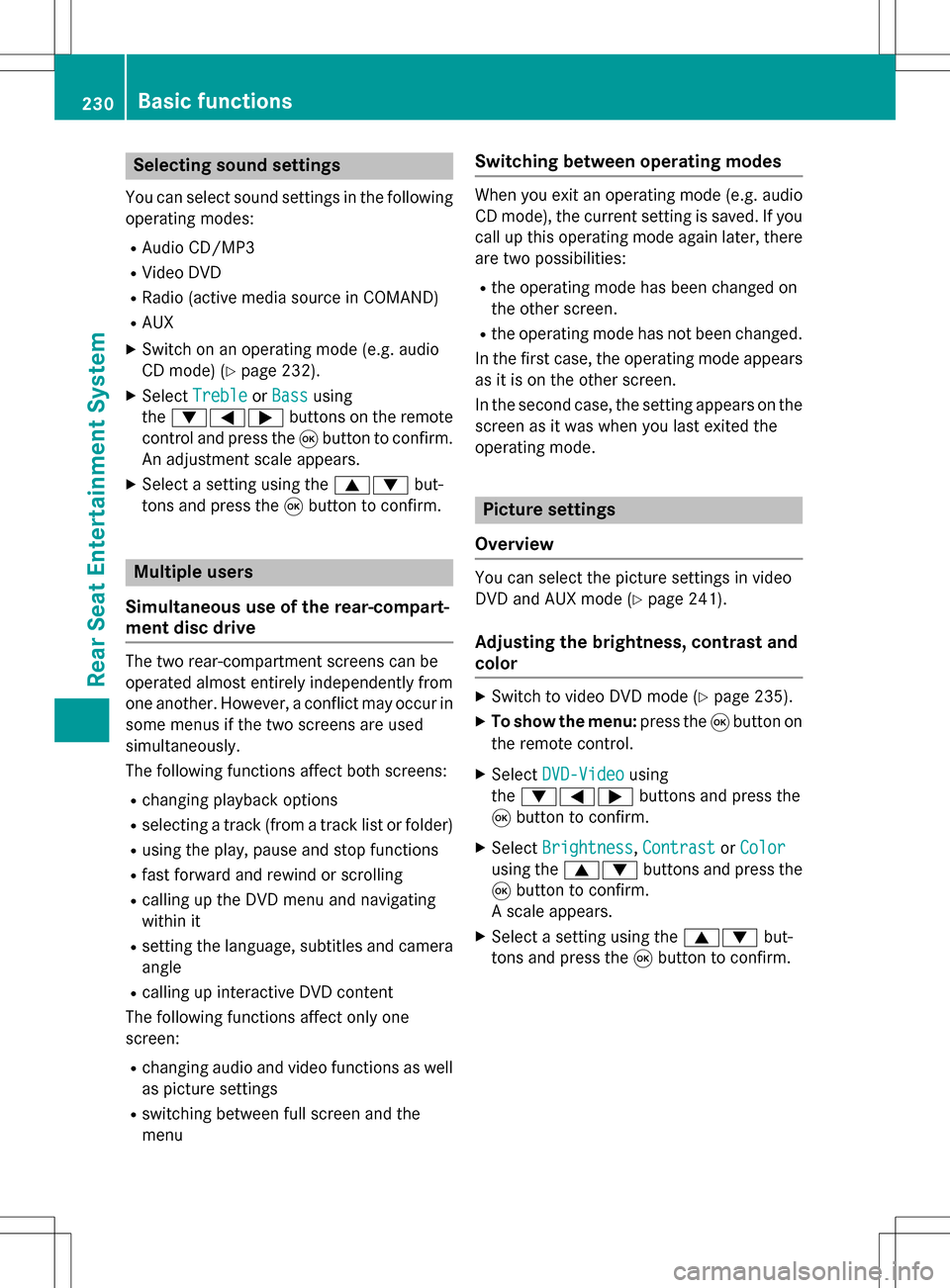
Selecting sound settings
You can select sound settings in the following
operating modes:
RAudio CD/MP3
RVideo DVD
RRadio (active media source in COMAND)
RAUX
XSwitch on an operating mode (e.g. audio
CD mode) (
Ypage 232).
XSelect TrebleorBassusing
the :=; buttons on the remote
control and press the 9button to confirm.
An adjustment scale appears.
XSelect a setting using the 9:but-
tons and press the 9button to confirm.
Multiple users
Simultaneous use of the rear-compart-
ment disc drive
The two rear-compartment screens can be
operated almost entirely independently from
one another. However, a conflict may occur in
some menus if the two screens are used
simultaneously.
The following functions affect both screens:
Rchanging playback options
Rselecting a track (from a track list or folder)
Rusing the play, pause and stop functions
Rfast forward and rewind or scrolling
Rcalling up the DVD menu and navigating
within it
Rsetting the language, subtitles and camera
angle
Rcalling up interactive DVD content
The following functions affect only one
screen:
Rchanging audio and video functions as well
as picture settings
Rswitching between full screen and the
menu
Switching between operating modes
When you exit an operating mode (e.g. audio
CD mode), the current setting is saved. If you
call up this operating mode again later, there
are two possibilities:
Rthe operating mode has been changed on
the other screen.
Rthe operating mode has not been changed.
In the first case, the operating mode appears as it is on the other screen.
In the second case, the setting appears on the
screen as it was when you last exited the
operating mode.
Picture settings
Overview
You can select the picture settings in video
DVD and AUX mode (
Ypage 241).
Adjusting the brightness, contrast and
color
XSwitch to video DVD mode (Ypage 235).
XTo show the menu: press the9button on
the remote control.
XSelect DVD-Videousing
the :=; buttons and press the
9 button to confirm.
XSelect Brightness,Contrastor Color
using the 9: buttons and press the
9 button to confirm.
A scale appears.
XSelect a setting using the 9:but-
tons and press the 9button to confirm.
230Basic functions
Rear Seat Entertainment System
Page 239 of 246
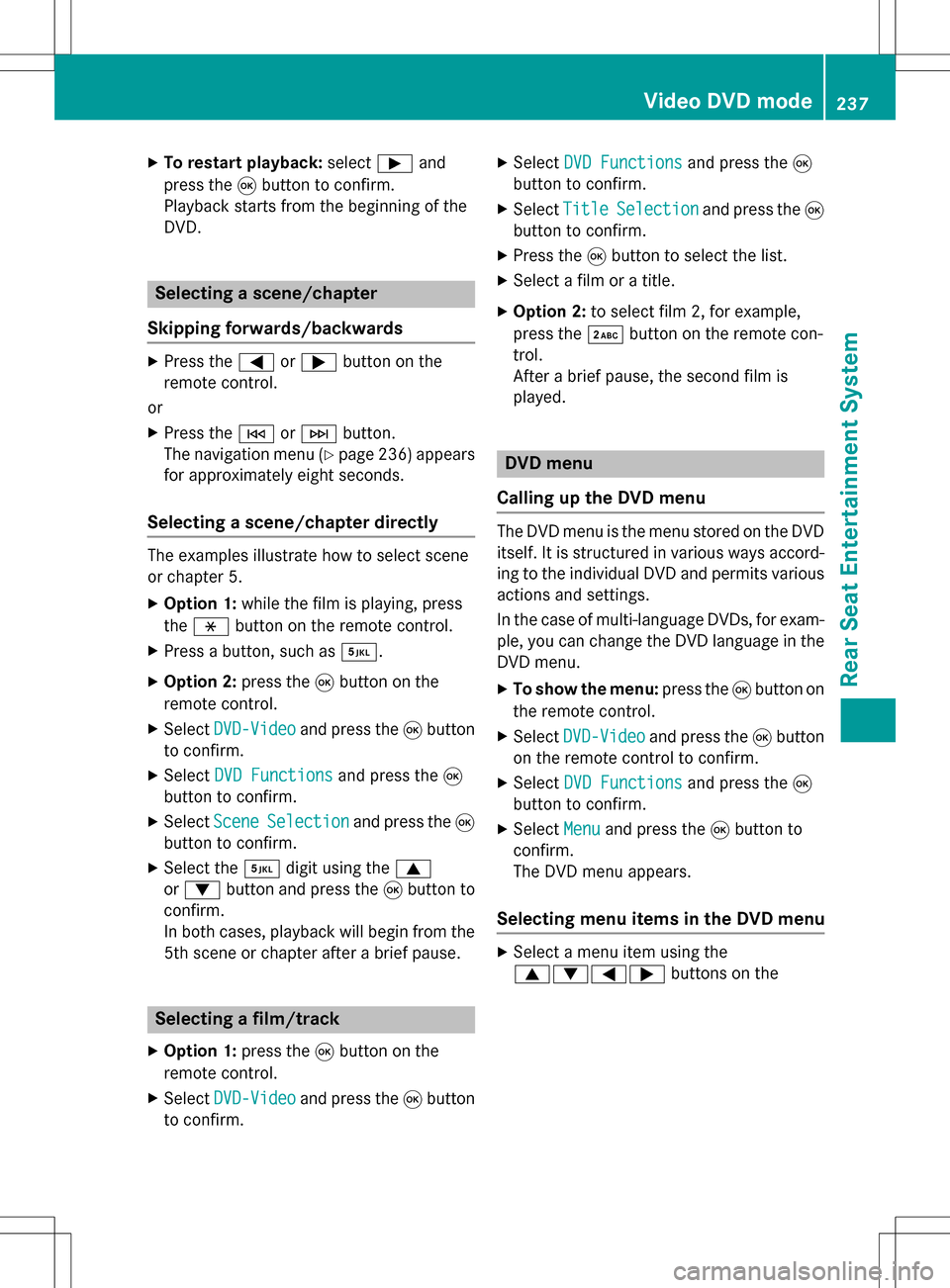
XTo restart playback:selectÌand
press the 9button to confirm.
Playback starts from the beginning of the
DVD.
Selecting a scene/chapter
Skipping forwards/backwards
XPress the =or; button on the
remote control.
or
XPress the EorF button.
The navigation menu (
Ypage 236 )appears
for approximately eight seconds.
Selecting a scene/chapter directly
The examples illustrate how to select scene
or chapter 5.
XOption 1: while the film is playing, press
the h button on the remote control.
XPress a button, such as ¿.
XOption 2:press the9button on the
remote control.
XSelect DVD-Videoand press the 9button
to confirm.
XSelect DVD Functionsand press the 9
button to confirm.
XSelect SceneSelectionand press the 9
button to confirm.
XSelect the ¿digit using the 9
or : button and press the 9button to
confirm.
In both cases, playback will begin from the
5th scene or chapter after a brief pause.
Selecting a film/track
XOption 1: press the9button on the
remote control.
XSelect DVD-Videoand press the 9button
to confirm.
XSelect DVD Functionsand press the 9
button to confirm.
XSelect TitleSelectionand press the 9
button to confirm.
XPress the 9button to select the list.
XSelect a film or a title.
XOption 2: to select film 2, for example,
press the ·button on the remote con-
trol.
After a brief pause, the second film is
played.
DVD menu
Calling up the DVD menu
The DVD menu is the menu stored on the DVD
itself. It is structured in various ways accord-
ing to the individual DVD and permits various
actions and settings.
In the case of multi-language DVDs, for exam-
ple, you can change the DVD language in the
DVD menu.
XTo show the menu: press the9button on
the remote control.
XSelect DVD-Videoand press the 9button
on the remote control to confirm.
XSelect DVD Functionsand press the 9
button to confirm.
XSelect Menuand press the 9button to
confirm.
The DVD menu appears.
Selecting menu items in the DVD menu
XSelect a menu item using the
9:=; buttons on the
Video DVD mode237
Rear Seat Entertainment System
Z