2016 MERCEDES-BENZ C-Class SEDAN air condition
[x] Cancel search: air conditionPage 220 of 398

Switching on Blind Spot Assist
XMake sure that Blind Spot Assist
(Ypage 248) is activated in the on-board
computer.
XTurn the SmartKey to position 2in the ignition
lock.
Warning lamps :in the exterior mirrors light
up red until the engine is started.
Display in the assistance graphic
When Blind Spot Assist is activated, gray radar
waves propagating backwards appear next to
the vehicle in the assistance display in the mul-
tifunction display. Above a speed of 20 mph
(30 km/h), the color of the radar waves in the
assistance display changes to green :. Blind
Spot Assist is then ready for use.
Lane Keeping Assist
General notes
Lane Keeping Assist monitors the area in front of
your vehicle by means of multifunction cam-
era :which is attached behind the top of the
windshield. Active Lane Keeping Assist detects
lane markings on the road and can warn you
before you leave your lane unintentionally. This function is available in the range between
40 mph and 120 mph (60 km/h and 200 km/h).
A warning may be given if a front wheel passes
over a lane marking. It will warn you by means of
intermittent vibration in the steering wheel for
up to 1.5 seconds.
Important safety notes
GWARNING
Lane Keeping Assist may not always clearly
recognize lane markings.
In this case, Lane Keeping Assist may:
Rgive an unnecessary warning
Rnot give a warning
There is a risk of an accident.
Always pay particular attention to the traffic
situation and stay in lane, in particular if
warned by Lane Keeping Assist.
GWARNING
The Lane Keeping Assist warning does not
return the vehicle to the original lane. There is
a risk of an accident.
You should always steer, brake or accelerate
yourself, in particular if warned by Lane Keep-
ing Assist.
If you fail to adapt your driving style, Lane Keep-
ing Assist can neither reduce the risk of an acci-
dent nor override the laws of physics. Lane
Keeping Assist cannot take into account the
road, traffic and weather conditions. Lane Keep- ing Assist is merely an aid. You are responsible
for the distance to the vehicle in front, for vehi-
cle speed, for braking in good time and for stay-
ing in your lane.
The Lane Keeping Assist does not keep the vehi-
cle in the lane.
The system may be impaired or may not function
if:
Rthere is poor visibility, e.g. due to insufficient
illumination of the road, or due to snow, rain,
fog or spray
Rthere is glare, e.g. from oncoming traffic, the
sun or reflections (e.g. when the road surface
is wet)
Rthe windshield is dirty, fogged up, damaged or
covered, for instance by a sticker, in the vicin-
ity of the camera
218Driving systems
Driving and parking
Page 237 of 398

Important safety notes
GWARNING
If you operate information systems and com-
munication equipmen tintegrate din th evehi-
cle while driving ,you will be distracte dfrom
traffic conditions. You could also lose control
of th evehicle. Ther eis aris kof an accident.
Only operate th eequipmen twhen th etraffic
situation permits. If you are no tsur ethat this
is possible ,park th evehicl epayin gattention
to traffic condition sand operate th eequip-
men twhen th evehicl eis stationary.
You must observ eth elegal requirements for th e
country in whic hyou are currentl ydriving when
operating th eon-board computer.
PLUG-IN HYBRID vehicles only :
GWARNING
If th einstrumen tcluste rhas faile dor mal-
functioned, you may no trecognize function
restriction sin systems relevan tto safety. The
operating safet yof your vehicl emay be
impaired .Ther eis aris kof an accident.
Pull ove ras soo nas it is saf eto do so and
consult aqualified specialist workshop.
All vehicles, excep tPLUG-IN HYBRID vehi-
cles:
GWARNIN G
If th einstrumen tcluste rhas faile dor mal-
functioned, you may no trecognize function
restriction sin systems relevan tto safety. The
operating safet yof your vehicl emay be
impaired .Ther eis aris kof an accident.
Drive on carefully. Hav eth evehicl echecke d
at aqualified specialist workshop immedi-
ately.
If th eoperating safet yof your vehicl eis
impaired ,pull ove ras soo nas it is saf eto do so.
Contac t aqualified specialist workshop.
The on-board computer only shows message sor
warning sfrom certain systems in th emultifunc-
tion display. You should therefor emak esur e
your vehicl eis operating safely at all times .Fo
ran overview, see th einstrumen tpanel illus-
tration (
Ypage 36).
Displays and operation
Instrument cluster lighting
The lighting in th einstrumen tcluster, in th edis-
plays and th econtrol sin th evehicl einterior can
be adjusted usin gbrightness control knob :.
XTurn brightness control knob :up or down .
If you tur nth eligh tswitch (Ypage 118) to th e
T, ÃorL position ,th ebrightness
will depend upon th ebrightness of th eambi -
en tlight.
iThe ligh tsensor in th einstrumen tcluste r
automatically control sth ebrightness of th e
multifunction display.
In daylight, th edisplays in th einstrumen t
cluste rare illuminated. Adimming function is
no tpossibl ein daylight.
Speedometer with segments
The speedometer is divided int osegments on
Mercedes-AM Gvehicles or vehicles wit h
DISTRONI CPLUS.
The segments in th espeedometer indicat e
whic hspee drange is available.
RCruis econtrol activated (Ypage 185):
The segments ligh tup from th estore dspee d
to th etype-tested maximum speed.
RDISTRONI CPLU Sactivated (Ypage 186):
On eor two segments in th eset spee drange
ligh tup.
RDISTRONI CPLU Sdetects avehicl ein fron t
that is driving at aslower spee dthan th e
store dspeed:
Displays and operation235
On-board computer and displays
Z
Page 240 of 398

Possible displays in the multifunction dis-
play:
RZGearshift recommendation, when shifting
manually (Ypage 161)
Rj Active Parking Assist (Ypage 202)
RCRUISECruise control (Ypage 185)
RPLUG-IN HYBRID vehicles: READYPLUG-IN
HYBRID operation activated (see the Digital
Operator's Manual)
RPLUG-IN HYBRID vehicles: HYBRIDoperating
mode, additional operating mode displays
(see the Digital Operator's Manual)
RPLUG-IN HYBRID vehicles: èelectric
range (see the Digital Operator's Manual)
R_ Adaptive Highbeam Assist
(Ypage 120)
Rè ECO start/stop function (Ypage 150)
RëHOLD function (Ypage 194)
RaDISTRONIC PLUS Steering Assist and
Stop&Go Pilot (Ypage 192)
Head-up display
General notes
The head-up display projects information from
the navigation system and the driver assistance
system above the dashboard into the driver's
field of vision.
A requirement for the display of the contents is
that the following functions are available in the
vehicle and are switched on:
RCruise control
RDISTRONIC PLUS
RTraffic Sign Assist
RNavigation
The head-up display allows the driver to see all
of the information without having to take his
eyes off the road.
Important safety notes
The head-up display is only an aid and is not a
substitute for attentive driving.
The visibility of the head-up display is influenced by the following conditions:
Rthe driver's seat position
Rthe positioning of the display image
Rthe general ambient light
Rsunglasses with polarization filters
Rwet roads
Rblocking of sunlight by objects on the display
cover
In the event of extreme sunlight, sections of the
display may fade. This can be reversed by
switching the head-up display off and on again.
iVehicles with the head-up display are equip-
ped with a special windshield. Should repairs
be necessary, have the windshield replaced at
a qualified specialist workshop.
Displays and operation
Switching the head-up display on/off
XPress button :.
When the head-up display is switched on, the display appears in the driver's field of vision.
Standard displays in the head-up display
The head-up display shows the following
contents and information:
:Navigation messages
;Current speed
=Cruise control or DISTRONIC PLUS set
speed
?Detected traffic signs
238Displays and operation
On-board computer and displays
Page 263 of 398

Display messagesPossible causes/consequences andMSolutions
The yellow!warning lamp lights up and th ered F (USAonly)
or ! (Canada only) indicator lamp flashes .
It is no tpossibl eto apply th eelectric parking brak emanually.
XShift th etransmission to position P.
XVisitaqualified specialist workshop .
$(USA
only)
J( Canada
only)
Check Brake Fluid
Level
There is no tenough brak eflui din th ebrak efluid reservoir .
In addition ,th e$ (USAonly) or J(Canada only) warning lamp
lights up in th einstrumen tcluste rand awarning tone sounds.
GWARNIN G
The braking effec tmay be impaired.
There is aris kof an accident.
XPull ove rand stop th evehicl esafely as soo nas possible, payin g
attention to roa dand traffic conditions. Do no tcontinu edrivin g
under any circumstances.
XSecur eth evehicl eagainst rollin gaway (Ypage 177).
XConsult aqualified specialist workshop .
XDo notadd brak efluid .This does no tcorrec tth emalfunction .
#
CheckBrakePadWear
The brak epads/linings hav ereached their wear limit.
US Aonly: th e$ red brak esystem warning lamp is lit while th e
engin eis running.
XVisit aqualified specialist workshop .
G
Inoperative
Oneor mor emain features of th embrace system are malfunctioning .
XVisitaqualified specialist workshop .
Collision Preven‐tionAssist Plu sCurrently Unavaila‐ble See Operator' sManual
COLLISION PREVENTION ASSIST PLU Sis temporarily no toperational.
Possibl ecauses are:
Rth eradar sensor system is temporarily inoperative, e.g. due to elec -
tromagneti cradiation emitted by nearby TV or radi ostation sor
other source sof electromagneti cradiation .
Rthesystem is outside th eoperating temperature range.
Rth eon-boar dvoltag eis to olow.
Whe nth ecauses state dabov eno longer apply, th edisplay message
disappears.
COLLISION PREVENTION ASSIST PLU Sis operational again .
If th edisplay message does no tdisappear :
XPull overand stop th evehicl esafely as soo nas possible, payin g
attention to roa dand traffic conditions.
XSecur eth evehicl eagainst rollin gaway (Ypage 177).
XRestart th eengine.
Display messages26 1
On-board computer and displays
Z
Page 264 of 398

Display messagesPossible causes/consequences andMSolutions
Collision Preven‐tionAssist Plu sInoperative
COLLISION PREVENTION ASSIST PLU Sis temporarily inoperative due
to amalfunction .Adaptive Brake Assis tmay also hav efailed.
XVisit aqualified specialist workshop immediately.
PRE-SAFE Inopera‐tiv eSeeOperator' sManual
Importantfunction sof PRE-SAF E®havefailed. Al lother occupant
safet ysystems ,e.g. air bags ,remain available.
XVisit aqualified specialist workshop immediately.
PRE-SAFE FunctionsCurrently Limite dSee Operator'sMan ‐ual
PRE ‑S AF E®PLU Sor PRE‑SAFE®Brake is temporarily inoperative.
Possibl ecauses are:
Rfunction is impaire ddue to heav yrain or snow.
Rth eradar sensor system is temporarily inoperative, e.g. due to elec -
tromagneti cradiation emitted by nearby TV or radi ostation sor
other source sof electromagneti cradiation .
RMercedes-AMG vehicles: ES P®is deactivated
Rthesystem is outside th eoperating temperature range.
Rth eon-boar dvoltag eis to olow.
Whe nth ecauses state dabov eno longer apply, th edisplay message
disappears.
PRE ‑S AF E
®PLU Sand PRE ‑S AF E®Brake are operational again .
If th edisplay message does no tdisappear :
XPull overand stop th evehicl esafely as soo nas possible, payin g
attention to roa dand traffic conditions.
XSecur eth evehicl eagainst rollin gaway (Ypage 177).
XRestart th eengine.
XMercedes-AMG vehicles: switch ES P®on again(Ypage 74).
PRE-SAFE FunctionsLimitedSee Opera‐tor's Manual
PRE ‑S AF E®PLU Sor PRE‑SAFE®Brake is unavailable due to amal-
function .BA SPLU Swit hCross-Traffic Assis tmay also hav efailed.
XVisit aqualified specialist workshop immediately.
262Display messages
On-board computer and displays
Page 265 of 398
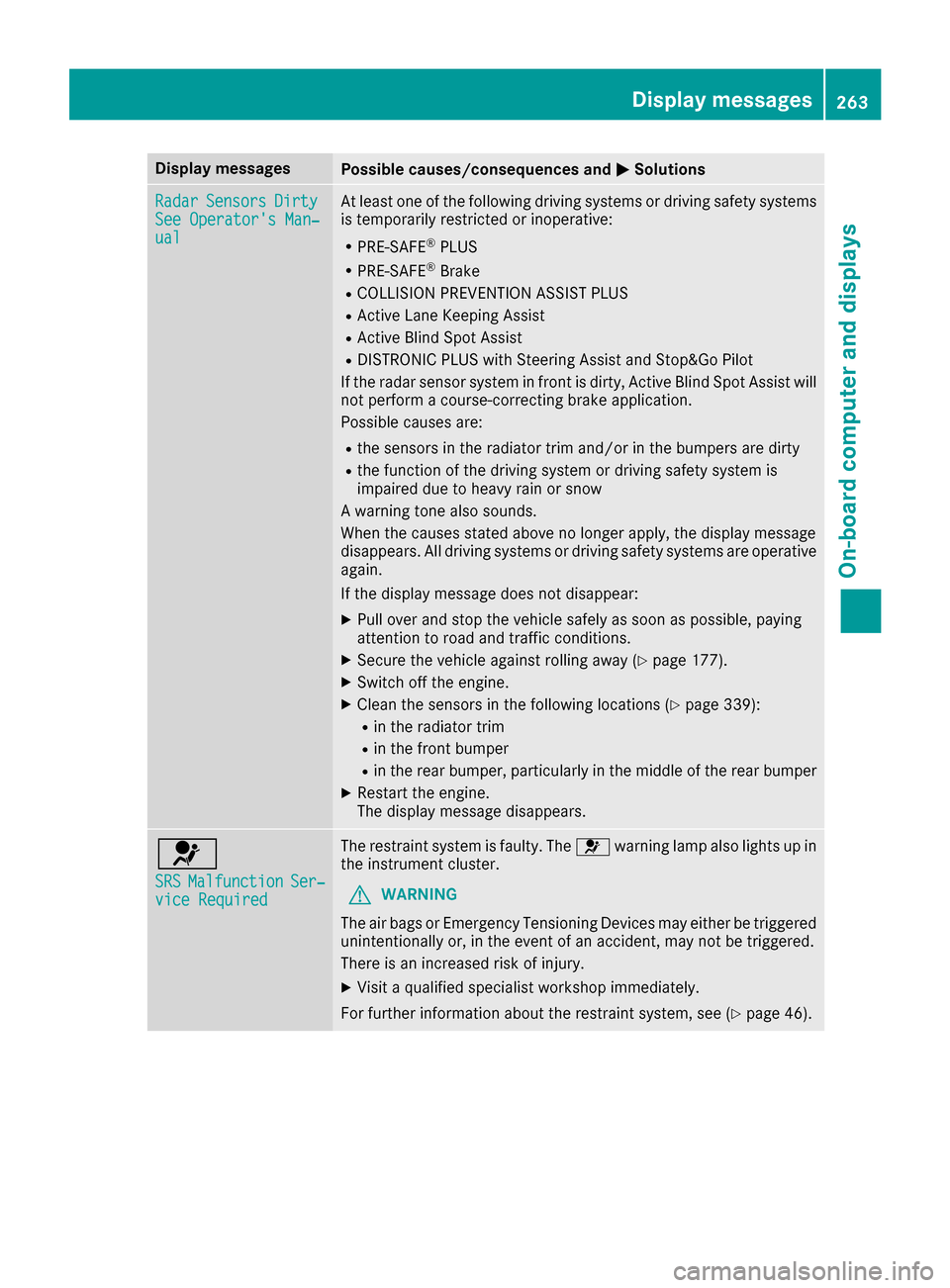
Display messagesPossible causes/consequences andMSolutions
RadarSensorsDirtySee Operator' sMan ‐ual
At least on eof th efollowin gdrivin gsystems or drivin gsafet ysystems
is temporarily restricted or inoperative:
RPRE-SAF E®PLUS
RPRE-SAF E®Brake
RCOLLISION PREVENTION ASSIST PLU S
RActive LaneKeepin gAssis t
RActive Blind Spot Assis t
RDISTRONICPLU Swit hSteering Assis tand Stop&Go Pilo t
If th eradar sensor system in fron tis dirty, Active Blind Spot Assis twill
no tperfor m acourse-correcting brak eapplication .
Possibl ecauses are:
Rth esensor sin th eradiato rtrim and/o rin th ebumpers are dirty
Rth efunction of th edrivin gsystem or drivin gsafet ysystem is
impaire ddue to heav yrain or snow
A warning tone also sounds.
Whe nth ecauses state dabov eno longer apply, th edisplay message
disappears. Al ldrivin gsystems or drivin gsafet ysystems are operative
again .
If th edisplay message does no tdisappear :
XPull overand stop th evehicl esafely as soo nas possible, payin g
attention to roa dand traffic conditions.
XSecur eth evehicl eagainst rollin gaway (Ypage 177).
XSwitchoff th eengine.
XClean th esensor sin th efollowin glocation s (Ypage 339):
Rin theradiato rtrim
Rin th efron tbumper
Rin th erear bumper, particularly in th emiddle of th erear bumper
XRestart th eengine.
The display message disappears.
6
SRSMalfunctionSer ‐viceRequired
The restrain tsystem is faulty. The 6warning lamp also lights up in
th einstrumen tcluster.
GWARNIN G
The air bags or Emergency Tensioning Devices may either be triggered
unintentionally or, in th eevent of an accident, may no tbe triggered .
There is an increased ris kof injury.
XVisit aqualified specialist workshop immediately.
Fo rfurther information about th erestrain tsystem, see (
Ypage 46).
Display messages263
On-board computer and displays
Z
Page 267 of 398

Display messagesPossible causes/consequences andMSolutions
FrontPassengerAir‐bag Disabled SeeOperator' sManual
The front-passenger air bag is deactivated during th ejourney, eve n
though :
Ran adult
or
Raperson of th ecorrespondin gstatur eis on th efront-passenger seat
If additional force sare applie dto th eseat ,th esystem may interpret
th eoccupant's weigh tas lower than it actually is.
GWARNIN G
The front-passenger air bag does no tdeploy during an accident.
There is an increased ris kof injury.
XPull ove rand stop th evehicl esafely as soo nas possible, payin g
attention to roa dand traffic conditions.
XSecur eth evehicl eagainst rollin gaway (Ypage 177).
XSwitchth eignition off .
XHaveth eoccupant get out of th evehicle.
XKee pth eseat unoccupied ,close th efront-passenger door and
switch on th eignition .
XObserveth ePASSENGER AI RBA Gindicator lamp sin th ecenter
console and th emultifunction display and chec kth efollowing:
Seat unoccupied and ignition switched on :
Raself-diagnosis is carrie dout .The PASSENGER AI RBA GOF Fand
PASSENGER AI RBA GON indicator lamp smus tligh tup simulta-
neousl yfor approximately six seconds
Rth ePASSENGER AI RBA GOF Findicator lamp mus tthen ligh tup
and remain lit after th eself -diagnosis .If th eindicator lamp is on ,
OCS (Occupant Classification System) has disabled th efront-
passenger fron tair bag (
Ypage 54 )
Rthedisplay message sFront Passenger Airbag Enable dSee Operator'sManualor Front Passenger Airbag Dis ‐abled See Operator'sManualmus tno tappear in th emulti-
function display
XWait for aperiod of at least 60 seconds until th enecessar ysystem
checks hav ebeen completed.
XMak esur ethat th edisplay message sdo no tappear in th emulti-
function display.
If these condition sare fulfilled ,th efront-passenger seat can be occu-
pied again .Whether th ePASSENGER AI RBA GOF For ON indicator
lamp remain slit or goe sout depend son how OCS classifies th eoccu-
pant.
If th econdition sare no tfulfilled ,th esystem is no toperating correctly.
XVisit aqualified specialist workshop immediately.
Fo rfurther information about th eOccupant Classification System, see
(
Ypage 54).
Display messages26 5
On-board computer and displays
Z
Page 268 of 398

Display messagesPossible causes/consequences andMSolutions
FrontPassengerAir‐bag Enable dSeeOperator' sManual
The front-passenger air bag is enabled during th ejourney, eve n
though :
Rachild, asmall adult or an objec tweighing less than th esystem' s
weigh tthreshold is locate don th efront-passenger seat
or
Rth efront-passenger seat is unoccupied
The system may detec tobjects or force sapplyin gadditional weigh ton
th eseat .
GWARNIN G
The air bag may deploy unintentionally.
There is an increased ris kof injury.
XPull ove rand stop th evehicl esafely as soo nas possible, payin g
attention to roa dand traffic conditions.
XSecur eth evehicl eagainst rollin gaway (Ypage 177).
XSwitchth eignition off .
XOpenth efront-passenger door .
XRemove thechild and th echild restrain tsystem from th efront-
passenger seat .
XMakesur ethat there are no objects on th eseat addin gto th e
weight.
The system may otherwise detec tth eadditional weigh tand inter-
pre tth eseat occupant's weigh tas greate rthan it actually is.
XKee pth eseat unoccupied ,close th efront-passenger door and
switch on th eignition .
XObserveth ePASSENGER AI RBA Gindicator lamp sin th ecenter
console and th emultifunction display and chec kth efollowing:
Seat unoccupied and ignition switche
d on
:
Raself-diagnosis is carrie dout .The PASSENGER AI RBA GOF Fand
PASSENGER AI RBA GON indicator lamp smus tligh tup simulta-
neousl yfor approximately six seconds
Rth ePASSENGER AI RBA GOF Findicator lamp mus tthen ligh tup
and remain lit after th eself-diagnosis .If th eindicator lamp is on ,
OCS has disabled th efront-passenger fron tair bag (
Ypage 54)
Rthedisplay message sFront Passenger Airbag Enable dSee Operator'sManualor Front Passenger Airbag Dis ‐abled See Operator'sManualmus tno tappear in th emulti-
function display
XWait for aperiod of at least 60 seconds until th enecessar ysystem
checks hav ebeen completed.
XMak esur ethat th edisplay message sdo no tappear in th emulti-
function display.
If these condition sare fulfilled ,th efront-passenger seat can be occu-
pied again .Whether th ePASSENGER AI RBA GOF For ON indicator
lamp remain slit or goe sout depend son how OCS classifies th eoccu-
pant.
If th econdition sare no tfulfilled ,th esystem is no toperating correctly.
266Display messages
On-board computer and displays