2016 KIA Optima Hybrid heating
[x] Cancel search: heatingPage 29 of 466

311
Safety features of your vehicle
Seat warmer (if equipped)
The seat warmers are provided to
warm the front seats during cold
weather. With the ignition switch in
the ON position, push either of the
switches to warm the driver's seat or
the front passenger's seat.
During mild weather or under condi-
tions where the operation of the seat
warmer is not needed, keep the
switches in the OFF position.
With the seat warmer switch in the
ON position, the heating system in
the seat turns off or on automatically
depending on the seat temperature. Each time you push the button, the
temperature setting of the seat is
changed as follows :
When pressing the switch for more than 1.5 seconds with the seat
warmer operating, the seat warmer
will turn OFF.
The seat warmer defaults to the OFF position whenever the engine
start/stop button is turned on.
✽ ✽ NOTICE
Be careful not to spill liquid such as
water or beverages on the seat. If you
spill some liquid, wipe the seat with a
dry towel. Before using the seat
warmer, dry the seat completely.
OTF034014
CAUTION - Seat damage
When cleaning the seats, do
not use an organic solventsuch as paint thinner, ben-zene, alcohol and gasoline.Doing so may damage the sur-face of the heater or seats.
To prevent overheating the seat warmer, do not place any-thing on the seats that insu-lates against heat, such asblankets, cushions or seatcovers while the seat warmeris in operation.
Do not place heavy or sharp objects on seats equippedwith seat warmers. Damage tothe seat warming componentscould occur.
OFF → HIGH ( ) → LOW ( )
→
Page 31 of 466
313
Safety features of your vehicle
When the air vent does not operate,
restart the vehicle. If there is no
change, have your vehicle inspected
by an authorized Kia dealer.
Seatback pocket
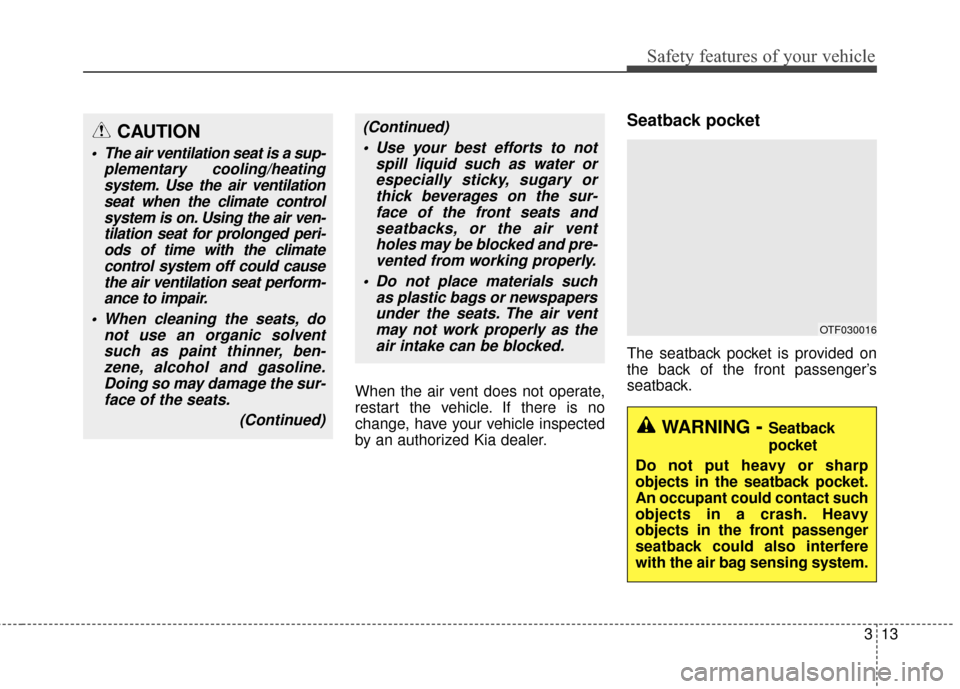
The seatback pocket is provided on
the back of the front passenger’s
seatback.
(Continued) Use your best efforts to not spill liquid such as water orespecially sticky, sugary orthick beverages on the sur-face of the front seats andseatbacks, or the air ventholes may be blocked and pre-vented from working properly.
Do not place materials such as plastic bags or newspapersunder the seats. The air ventmay not work properly as theair intake can be blocked.CAUTION
The air ventilation seat is a sup- plementary cooling/heatingsystem. Use the air ventilationseat when the climate controlsystem is on. Using the air ven-tilation seat for prolonged peri-ods of time with the climatecontrol system off could causethe air ventilation seat perform-ance to impair.
When cleaning the seats, do not use an organic solventsuch as paint thinner, ben-zene, alcohol and gasoline.Doing so may damage the sur-face of the seats.
(Continued)
OTF030016
WARNING- Seatback
pocket
Do not put heavy or sharp
objects in the seatback pocket.
An occupant could contact such
objects in a crash. Heavy
objects in the front passenger
seatback could also interfere
with the air bag sensing system.
Page 33 of 466

315
Safety features of your vehicle
Removal and reinstallation
To remove the headrest, raise it as
far as it can go then press the
release button (1) while pulling the
headrest upward (2).
To reinstall the headrest, put the
headrest poles (3) into the holes
while pressing the release button (1).
Then adjust it to the appropriate
height and ensure that it locks in
position.
Seat warmer (if equipped)
The seat warmer is provided to warm
the rear seats during cold weather.
With the ignition switch in the ON
position, push either of the switches to
warm the seat.
During mild weather or under condi-
tions where the operation of the seat
warmer is not needed, keep the
switches in the OFF position. Each time you press the button,
the temperature setting of the seat
will change as follows :
The seat warmer defaults to the OFF position whenever the ignition
switch is turned on.
✽ ✽ NOTICE
With the seat warmer switch in the
ON position, the heating system in
the seat turns off or on automatically
depending on the seat temperature.
OTF030018
OTF034025
OFF → HIGH( ) → LOW( )
→
Page 114 of 466

439
Features of your vehicle
Heated steering wheel
(if equipped)
With the ENGINE START/STOP but-
ton in the ON position, pressing the
heated steering wheel button warms
the steering wheel. The indicator on
the button will illuminate.
To turn the heated steering wheel off,
press the button once again. The
indicator on the button will turn off.
It will turn off automatically approxi-
mately 30 minutes after the heated
steering wheel is turned on.If you turn on the ignition again after
turning off your engine in half an
hour (after operating heater button),
the heating system will be main-
tained in its 'on' condition.
CAUTION
Do not install any grip to oper-
ate the steering wheel. Thiscauses damage to the heatedsteering wheel system.
When cleaning the heated steering wheel, do not use anorganic solvent such as paintthinner, benzene, alcohol andgasoline. Doing so may dam-age the surface of the steeringwheel.
If the surface of the steering wheel is damaged by a sharpobject, damage to the heatedsteering wheel componentscould occur.
OTFH044038N
WARNING
If the steering wheel becomes
too warm, turn the system off.
The heated steering wheel may
cause burns even at low tem-
peratures, especially if used for
long periods of time.
Page 122 of 466
447
Features of your vehicle
Gauges
Speedometer
The speedometer indicates the for-
ward speed of the vehicle.
The speedometer is calibrated in
miles per hour and/or kilometers per
hour.
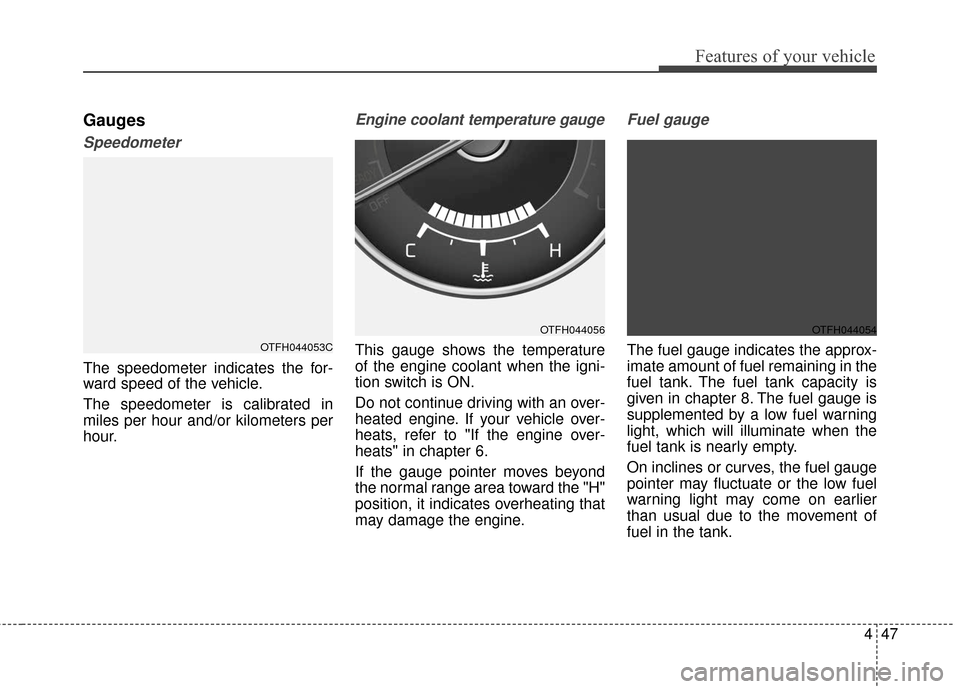
Engine coolant temperature gauge
This gauge shows the temperature
of the engine coolant when the igni-
tion switch is ON.
Do not continue driving with an over-
heated engine. If your vehicle over-
heats, refer to "If the engine over-
heats" in chapter 6.
If the gauge pointer moves beyond
the normal range area toward the "H"
position, it indicates overheating that
may damage the engine.
Fuel gauge
The fuel gauge indicates the approx-
imate amount of fuel remaining in the
fuel tank. The fuel tank capacity is
given in chapter 8. The fuel gauge is
supplemented by a low fuel warning
light, which will illuminate when the
fuel tank is nearly empty.
On inclines or curves, the fuel gauge
pointer may fluctuate or the low fuel
warning light may come on earlier
than usual due to the movement of
fuel in the tank.OTFH044053C
OTFH044056OTFH044054
Page 150 of 466

475
Features of your vehicle
Charging SystemWarning Light
This warning light illuminates:
Once you set the ignition switch or Engine Start/Stop Button to the ON
position.
- It remains on until the engine isstarted.
When there is a malfunction with either the alternator or electrical
charging system.
If there is a malfunction with either
the alternator or electrical charging
system:
1. Drive carefully to the nearest safe location and stop your vehicle.
2. Turn the engine off and check the alternator drive belt for looseness
or breakage.
If the belt is adjusted properly,
there may be a problem in the
electrical charging system.
In this case, have your vehicle
inspected by an authorized Kia
dealer as soon as possible.
Engine Coolant Temperature WarningLight (if equipped)
This warning light illuminates:
When the engine coolant tempera- ture is above 120°C (248°F). This
means that the engine is overheat-
ed and may be damaged.
If your vehicle is overheated, refer
to "Overheating" in chapter 6.
Engine Oil Pressure
Warning Light
This warning light illuminates:
Once you set the ignition switch or Engine Start/Stop Button to the ON
position.
- It remains on until the engine isstarted.
When the engine oil pressure is low.
If the engine oil pressure is low:
1. Drive carefully to the nearest safe location and stop your vehicle.
2. Turn the engine off and check the engine oil level (For more details,
refer to "Engine Oil" in section 7). If
the level is low, add oil as required.
If the warning light remains on
after adding oil or if oil is not avail-
able, have your vehicle inspected
by an authorized Kia dealer as
soon as possible.
CAUTION- Engine Overheating
Do not drive the vehicle whenthe Engine Coolant TemperatureWarning Light is illuminated orthe engine is overheated.Continuing to drive the vehiclewhile it is overheated may dam-age the engine.
Page 176 of 466
4101
Features of your vehicle
Automatic heating and air con-
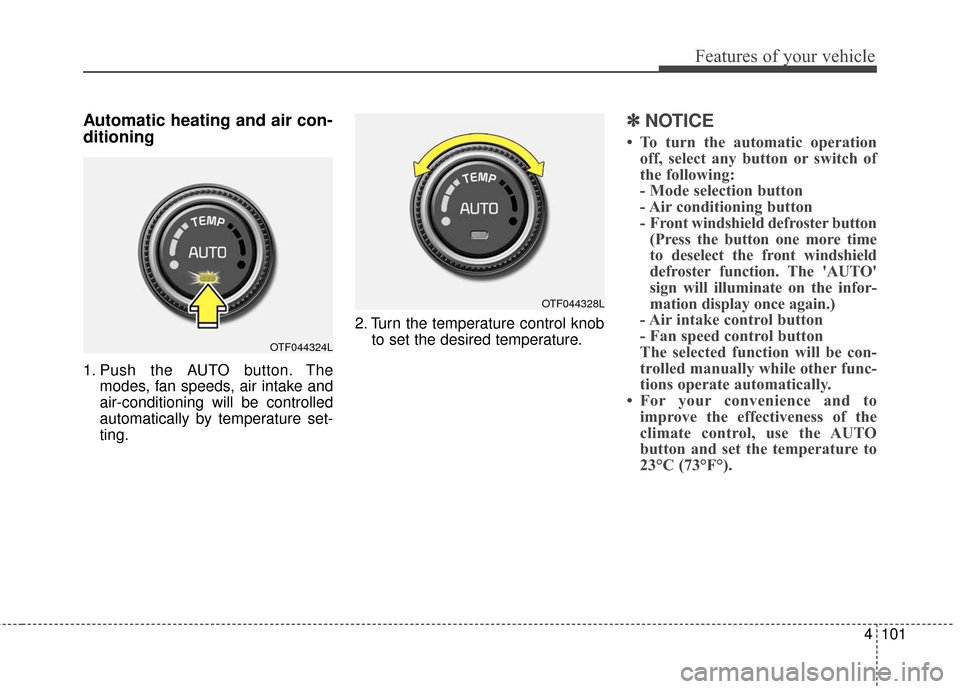
ditioning
1. Push the AUTO button. Themodes, fan speeds, air intake and
air-conditioning will be controlled
automatically by temperature set-
ting. 2. Turn the temperature control knob
to set the desired temperature.
✽ ✽NOTICE
• To turn the automatic operation
off, select any button or switch of
the following:
- Mode selection button
- Air conditioning button
- Front windshield defroster button(Press the button one more time
to deselect the front windshield
defroster function. The 'AUTO'
sign will illuminate on the infor-
mation display once again.)
- Air intake control button
- Fan speed control button
The selected function will be con-
trolled manually while other func-
tions operate automatically.
• For your convenience and to improve the effectiveness of the
climate control, use the AUTO
button and set the temperature to
23°C (73°F°).
OTF044324L
OTF044328L
Page 177 of 466
Features of your vehicle
102
4
✽
✽
NOTICE
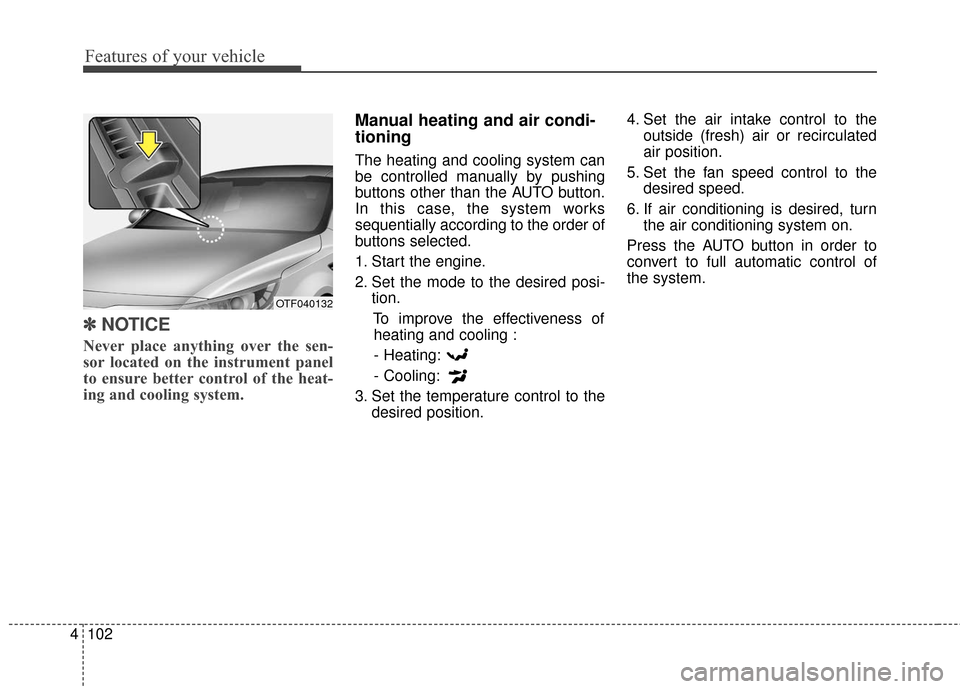
Never place anything over the sen-
sor located on the instrument panel
to ensure better control of the heat-
ing and cooling system.
Manual heating and air condi-
tioning
The heating and cooling system can
be controlled manually by pushing
buttons other than the AUTO button.
In this case, the system works
sequentially according to the order of
buttons selected.
1. Start the engine.
2. Set the mode to the desired posi-
tion.
To improve the effectiveness ofheating and cooling :
- Heating:
- Cooling:
3. Set the temperature control to the desired position. 4. Set the air intake control to the
outside (fresh) air or recirculated
air position.
5. Set the fan speed control to the desired speed.
6. If air conditioning is desired, turn the air conditioning system on.
Press the AUTO button in order to
convert to full automatic control of
the system.
OTF040132