Page 638 of 688

•Sound Horn With Remote Lock
When this feature is selected, the horn will sound when
the door locks are activated. To make your selection,
press the “Sound Horn With Remote Lock” button on the
touchscreen, then choose “On” or “Off.” The button will
highlight indicating that the setting has been selected.
•Sound Horn With Start — If Equipped
When this feature is selected, the horn will sound when
the Remote Start is activated. To make your selection,
press the “Sound Horn With Remote Start” button on the
touchscreen, then choose “On” or “Off.” The button will
highlight indicating that the setting has been selected.
•Remote Door Unlock
This feature will allow you to program your remote door
locks to open “All” or only the “Driver” with the first
push of the Remote Keyless Entry (RKE) transmitter or
grabbing the Passive Entry door handle. To make yourselection, press the “Remote Door Unlock” button on the
touchscreen and choose from “All” or “Driver.”
NOTE:If “Driver Door” is selected, the (RKE) transmitter
will have to be pushed two times in order to unlock all
doors.
•Passive Entry
This feature allows you to lock and unlock the vehicles
door(s) without having to press the Remote Keyless
Entry (RKE) transmitter lock or unlock buttons. To make
your selection, press the “Passive Entry” button on the
touchscreen, then choose “On” or “Off.” The button will
highlight indicating that the setting has been selected.
•Memory Linked To Key Fob — If Equipped
This feature provides automatic driver seat positioning to
enhance driver mobility when entering and exiting the
vehicle. To make your selection, press the “Memory
Linked To Key Fob” button on the touchscreen and select
from “On” or “Off.”
636 MULTIMEDIA
Page 639 of 688

NOTE:The seat will return to the memorized seat
location (if Recall Memory with Remote Key Unlock is set
to ON) when the Remote Keyless Entry (RKE) transmitter
is used to unlock the door.
Engine Off Options
After pressing the “Engine Off Options” button on the
touchscreen the following settings will be available:
•Radio Off Delay
When this feature is selected, the radio will stay on for a
preset time after the ignition key is turned to STOP/OFF.
To change the Radio Off Delay status, press the “0 MIN”
or “20 MIN” button on the touchscreen to select your
desired time interval.•Headlight Off Delay — If Equipped
When this feature is selected, the driver can choose to
have the headlights remain on for 0, 30, 60, or 90 seconds
when exiting the vehicle. To change the Headlight Off
Delay status press the “+” or “–” button on the touch-
screen to select your desired time interval.
•Engine Off Power Delay — If Equipped
When this feature is selected, the power window
switches, radio, Uconnect phone system (if equipped),
DVD video system (if equipped), power sunroof (if
equipped), and power outlets will remain active for up to
10 minutes after the ignition is cycled to OFF. Opening
either front door will cancel this feature. To change the
Engine Off Power Delay status press the “0 seconds,” “45
seconds,” “5 minutes” or “10 minutes” button on the
touchscreen.
11
MULTIMEDIA 637
Page 642 of 688

Write down the SIRIUS ID numbers for your receiver. To
reactivate your service, either call the number listed on
the screen or visit the provider online.
NOTE:SiriusXM Travel Link is a separate subscription
and is available for U.S. residents only.
Restore Settings Defaults
After pressing the “Restore Settings Defaults” button on
the touchscreen the following settings will be available:
•Restore Settings
When this feature is selected it will reset Display, Clock,
Audio, and Radio Settings to their default. Once in the
desired mode, press and release the preferred setting and
make your selection.
Clear Personal Data
After pressing the “Clear Personal Data Settings” button
on the touchscreen the following settings will be avail-
able:
•Clear Personal Data
When this feature is selected it will remove personal data
including Bluetooth devices and presets. To Clear Per-
sonal Data press the “Yes” or “No” button on the
touchscreen.
UCONNECT RADIOS
For detailed information about your Uconnect 3.0, 5.0 or
6.5AN radio, refer to your Uconnect Supplement Manual.
640 MULTIMEDIA
Page 659 of 688

Uconnect Access* (6.5A/6.5AN)
WARNING!
Some Uconnect Access services, including 9-1-1 and
assist will NOT work without an operable 1X (voice/
data) or 3G (data) network connection.
NOTE:Your vehicle may be transmitting data as autho-
rized by the subscriber.
An included trial and/or subscription is required to take
advantage of the Uconnect Access services in the next
section of this guide. To register with Uconnect Access,
push the MORE button below the 6.5-inch touchscreen to
get started. Detailed registration instructions can be
found on the next page.
*Uconnect Access is available only on equipped vehicles
purchased within the continental United States, Alaska
and Hawaii. Services can only be used where coverage is
available; see coverage map for details.
9-1-1 Call
Security Alarm Notification
Remote Door Lock/Unlock
Stolen Vehicle Assistance
Remote Vehicle Start**
Remote Horn and Lights
Yelp Search
Voice Texting
Roadside Assistance Call
Wi-Fi Hotspot***
**If vehicle is equipped.
***Extra charges apply.
11
MULTIMEDIA 657
Page 661 of 688
Mobile App (6.5AN)
You’re only a few steps away from using remote com-
mands and playing your favorite music in your vehicle.To link your internet radio accounts:
1. Download the Uconnect Access App from the App
Store or Google Play.
2. Open the app and tap Create Account.
3. Enter your email address and click Next.
4. Once your email address is verified, enter a password
and full name to create an account.
NOTE:Once you download the App to your compatible
mobile device, you will also be able to start your vehicle
and lock/unlock its doors from virtually anywhere. For
further information please visit DriveUconnect.com.
Voice Texting (6.5AN)
1. To send a message, push the Phone button. After
the beep, say the following command:“Send mes-
sageto John Smith.”Mobile App
11
MULTIMEDIA 659
Page 668 of 688

About Your Brakes........................239
ABS (Anti-Lock Brake System)................241
Adding Engine Coolant (Antifreeze)............549
Adding Fuel.............................405
Adding Washer Fluid......................545
Additives, Fuel...........................403
AirBag ................................274
Advance Front Air Bag................274, 276
Air Bag Operation.......................277
Air Bag Warning Light...................287
Driver Knee Air Bag.....................279
Event Data Recorder (EDR)................290
FrontAirBag ..........................274
If A Deployment Occurs..................284
Knee Impact Bolsters.....................278
Maintaining Your Air Bag System............289
Redundant Air Bag Warning Light...........289
Side Air Bags..........................279
Transporting Pets.......................312Air Bag Deployment.......................274
Air Bag Light.....................187, 287, 314
Air Bag Maintenance.......................289
Air Cleaner, Engine (Engine Air Cleaner Filter). . . .539
Air Conditioner Maintenance..........122, 135, 540
Air Conditioning......................119,132
Air Conditioning Controls...................119
Air Conditioning Filter.....................541
Air Conditioning Refrigerant..............540, 541
Air Conditioning System.................119,540
Air Pressure, Tires.........................580
Air Recirculation......................122, 131
Alarm
Arm The System........................52
Alarm (Security Alarm)..................51, 190
Alarm System (Security Alarm)................51
Alterations/Modifications, Vehicle...............7
Antifreeze (Engine Coolant)...............548, 600
Disposal
..............................551
666 INDEX
Page 669 of 688
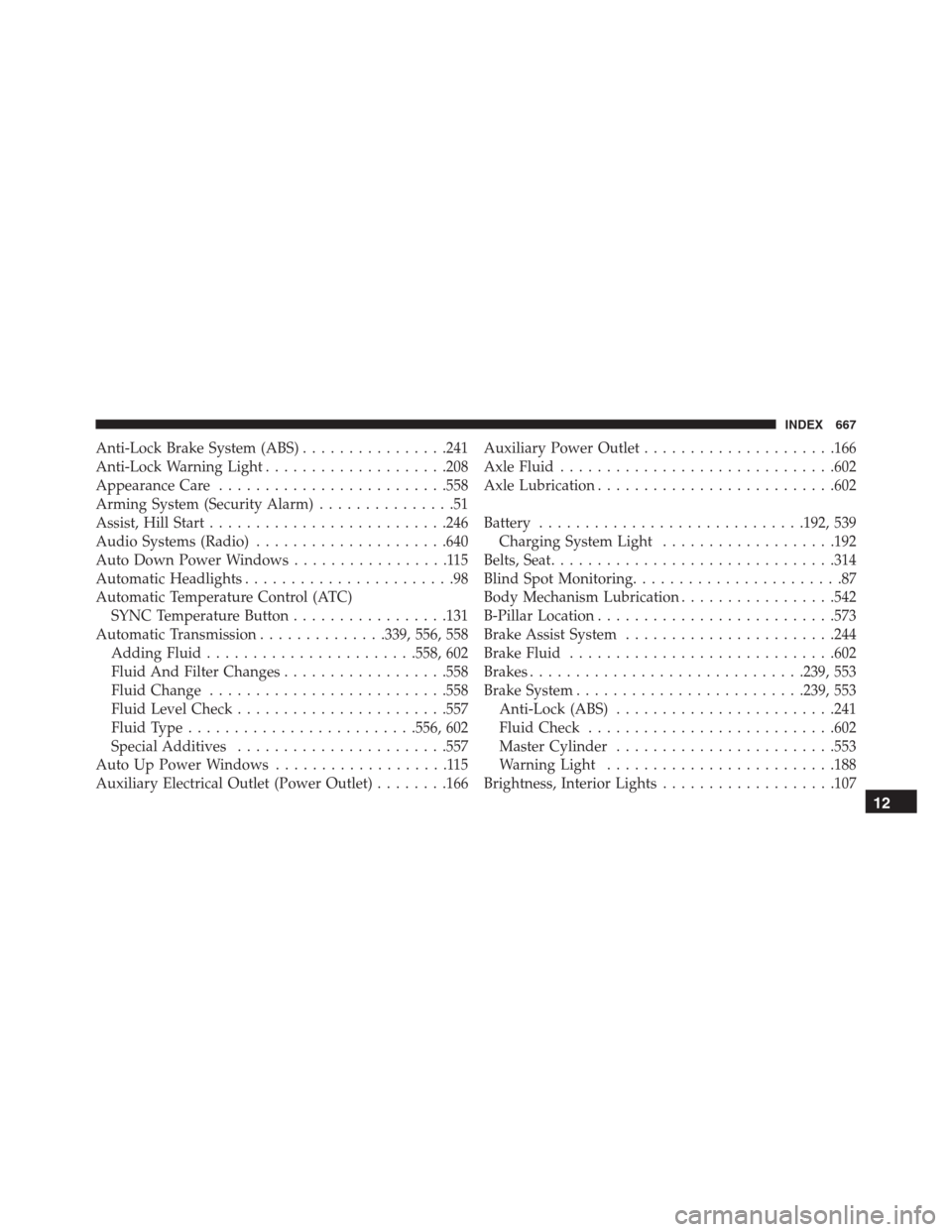
Anti-Lock Brake System (ABS)................241
Anti-Lock Warning Light....................208
Appearance Care.........................558
Arming System (Security Alarm)...............51
Assist, Hill Start..........................246
Audio Systems (Radio).....................640
Auto Down Power Windows.................115
Automatic Headlights.......................98
Automatic Temperature Control (ATC)
SYNC Temperature Button.................131
Automatic Transmission..............339, 556, 558
Adding Fluid.......................558, 602
Fluid And Filter Changes..................558
Fluid Change..........................558
Fluid Level Check.......................557
Fluid Type.........................556, 602
Special Additives.......................557
Auto Up Power Windows...................115
Auxiliary Electrical Outlet (Power Outlet)........166Auxiliary Power Outlet.....................166
Axle Fluid..............................602
Axle Lubrication..........................602
Battery.............................192, 539
Charging System Light...................192
Belts, Seat...............................314
Blind Spot Monitoring.......................87
Body Mechanism Lubrication.................542
B-Pillar Location..........................573
Brake Assist System.......................244
Brake Fluid.............................602
Brakes..............................239, 553
Brake System.........................239, 553
Anti-Lock (ABS)........................241
Fluid Check...........................602
Master Cylinder........................553
Warning Light.........................188
Brightness, Interior Lights...................107
12
INDEX 667
Page 670 of 688

Bulbs, Light.............................316
Camera, Rear............................386
Capacities, Fluid..........................600
Caps, Filler
Oil (Engine)...........................537
Carbon Monoxide Warning...............313, 405
Car Washes.............................559
Certification Label.........................409
Changing A Flat Tire....................483, 565
Chart, Tire Sizing.........................568
Check Engine Light (Malfunction Indicator Light) . .522
Checking Your Vehicle For Safety..............312
Checks, Safety...........................312
Child Restraint...........................291
Child Restraints
Booster Seats..........................296
Child Restraints........................291
Child Seat Installation....................309How To Stow An Unused ALR Seat Belt.......305
Infants And Child Restraints...............294
Install A LATCH-Compatible Child Restraint. . . .304
Installing Child Restraints Using The Vehicle
Seat Belt..............................306
LATCH Positions.......................299
Locating The LATCH Anchorages............302
Lower Anchors And Tethers For Children......298
Older Children And Child Restraints.........294
Seating Positions........................297
Child Safety Locks.........................65
Clean Air Gasoline........................401
Cleaning
Wheels...............................560
Windshield Wiper Blades..................542
Climate Control..........................117
Automatic..................123, 127, 128, 134
Manual..............................117
Clutch.................................553
668 INDEX
