Page 425 of 745
NOTE:BI-LEVEL mode is designed under comfort con-
ditions to provide cooler air out of the panel outlets and
warmer air from the floor outlets.
• Floor Mode
Air comes from the floor outlets. A slight
amount of air is directed through the defrost
and side window demister outlets.
• Mix Mode
Air comes from the floor, defrost and side
window demist outlets. This mode works best
in cold or snowy conditions.
12. Climate Control OFF Button
Press and release this button to turn the Climate Control
ON/OFF. 13. Driver Temperature Control Down Button
Provides the driver with independent temperature con-
trol. Push the button on the faceplate for cooler tempera-
ture settings or on the touchscreen, press and slide the
temperature bar towards the blue arrow button on the
touchscreen for cooler temperature settings.
NOTE:
In Sync mode, this button will also automatically
adjust the passenger temperature setting at the same time.
14. Driver Temperature Control Up Button
Provides the driver with independent temperature con-
trol. Push the button on the faceplate for warmer tem-
perature settings or on the touchscreen, press and slide
the temperature bar towards the red arrow button on the
touchscreen for warmer temperature settings.
NOTE:
In Sync mode, this button will also automatically
adjust the passenger temperature setting at the same time.
4
UNDERSTANDING YOUR INSTRUMENT PANEL 423
Page 437 of 745
Media
Uconnect offers connections via USB, SD, Bluetooth and
auxiliary ports (If Equipped). Voice operation is only
available for connected USB and iPod devices. (Remote
CD player optional and not available on all vehicles.)
Push the VR button
. After the beep, say one of the
following commands and follow the prompts to
switch your media source or choose an artist.
• Change source to Bluetooth
• Change source to iPod
• Change source to USB
• Play artist Beethoven; Play album Greatest Hits; Play
song Moonlight Sonata; Play genreClassical TIP:
Press the “browse” button on the touchscreen to see
all of the music on your iPod or USB device. Your Voice
Command must match exactlyhow the artist, album,
song and genre information is displayed.
Uconnect 8.4A/8.4AN Media
4
UNDERSTANDING YOUR INSTRUMENT PANEL 435
Page 443 of 745
NOTE:Uconnect Access is available only on equipped
vehicles purchased within the continental United States,
Alaska and Hawaii. Services can only be used where
coverage is available; see coverage map for details.
9-1-1 Call
Security Alarm Notification
Remote Door Lock/Unlock
Stolen Vehicle Assistance
Remote Vehicle Start**
Remote Horn and Lights
Yelp Search
Voice Texting
Roadside Assistance Call
WiFi Hotspot***
**If vehicle is equipped.
***Extra charges apply.
Vehicle Health Alert
Your vehicle will send you an email alert if it senses a
problem under the hood with one of your vehicles key
systems. For further information go to the Mopar Owner
Connect website moparownerconnect.com.
4
UNDERSTANDING YOUR INSTRUMENT PANEL 441
Page 455 of 745
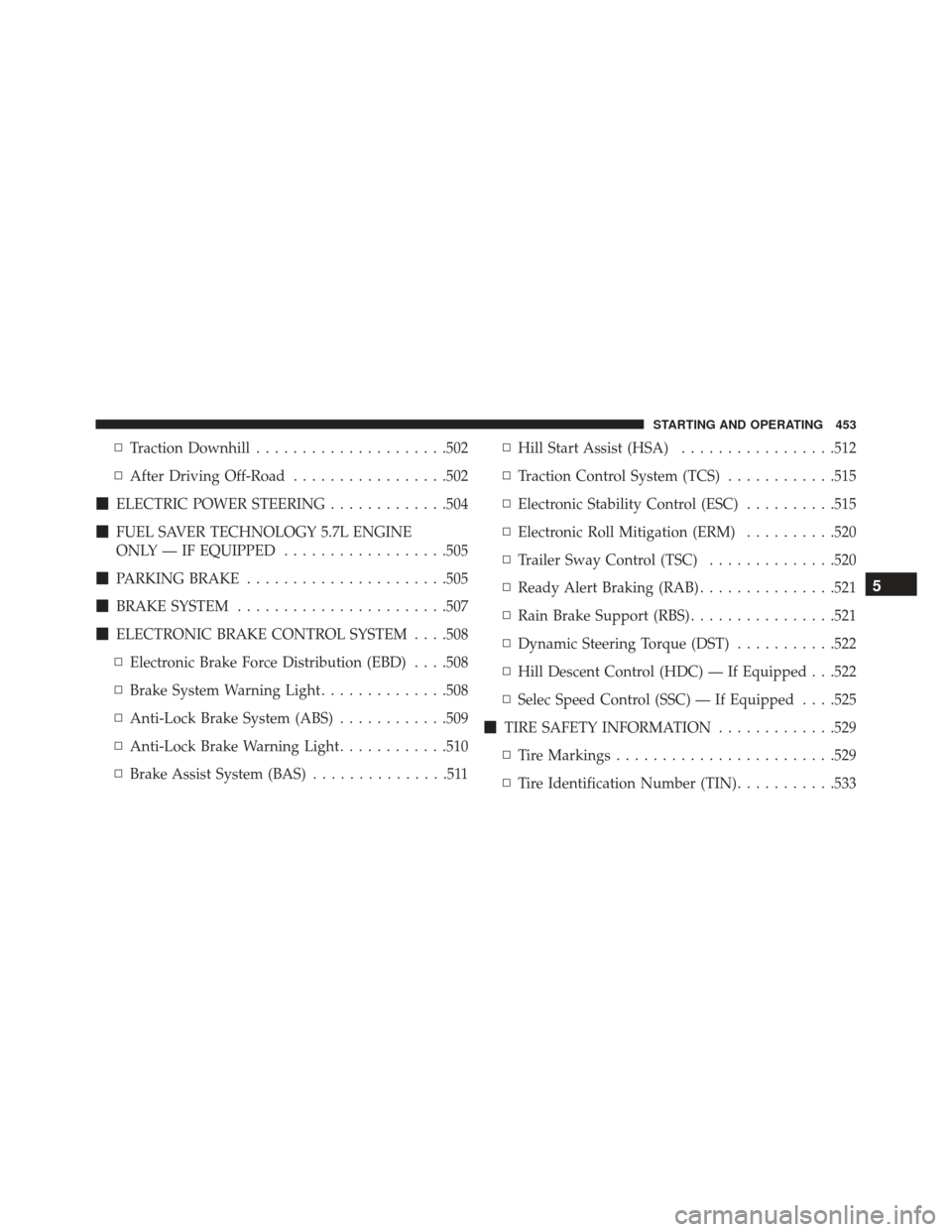
▫Traction Downhill .....................502
▫ After Driving Off-Road .................502
� ELECTRIC POWER STEERING .............504
� FUEL SAVER TECHNOLOGY 5.7L ENGINE
ONLY — IF EQUIPPED ..................505
� PARKING BRAKE ..................... .505
� BRAKE SYSTEM ...................... .507
� ELECTRONIC BRAKE CONTROL SYSTEM . . . .508
▫ Electronic Brake Force Distribution (EBD) . . . .508
▫ Brake System Warning Light ..............508
▫ Anti-Lock Brake System (ABS) ............509
▫ Anti-Lock Brake Warning Light ............510
▫ Brake Assist System (BAS) ...............511 ▫
Hill Start Assist (HSA) .................512
▫ Traction Control System (TCS) ............515
▫ Electronic Stability Control (ESC) ..........515
▫ Electronic Roll Mitigation (ERM) ..........520
▫ Trailer Sway Control (TSC) ..............520
▫ Ready Alert Braking (RAB) ...............521
▫ Rain Brake Support (RBS) ................521
▫ Dynamic Steering Torque (DST) ...........522
▫ Hill Descent Control (HDC) — If Equipped . . .522
▫ Selec Speed Control (SSC) — If Equipped . . . .525
� TIRE SAFETY INFORMATION .............529
▫ Tire Markings ....................... .529
▫ Tire Identification Number (TIN) ...........533
5
STARTING AND OPERATING 453
Page 466 of 745

To Manually Turn Off The Stop/Start System
1. Push the STOP/START OFF switch (located on theswitch bank). The light on the switch will illuminate.
2. The “STOP/START OFF” message will appear in Driver Information Display (DID). Refer to “Driver Information Display (DID)” in “Understanding Your
Instrument Panel” for further information.
3. At the next vehicle stop (after turning off the STOP/ START system), the engine will not be stopped.
4. The STOP/START system will reset itself back to an ON condition every time the ignition is turned off and
back on.
To Manually Turn On The Stop/Start System
Push the STOP/START OFF switch (located on the
switch bank). The light on the switch will turn off.
System Malfunction
If there is a malfunction in the STOP/START system, the
system will not shut down the engine. A “SERVICE
STOP/START SYSTEM” message will appear in the
Driver Information Display (DID). Refer to “Driver In-
formation Display (DID)“ in “Understanding Your In-
strument Panel” for further information.STOP/START Off Switch
464 STARTING AND OPERATING
Page 470 of 745
Fuel Economy (ECO) Mode
The Fuel Economy (ECO) mode can improve the vehicle’s
overall fuel economy during normal driving conditions.
Push the “ECO” switch in the center stack of the instru-
ment panel to activate or disable ECO mode. An amber
light on the switch indicates when ECO mode is disabled.
When the Fuel Economy (ECO) Mode is engaged, the
vehicle control systems will change the following:
•The transmission will upshift sooner and downshift
later.
• The overall driving performance will be more conser-
vative.
• Vehicles with Quadra-Lift air suspension will operate
in �Aero� mode over a broader speed range. Refer to
�Quadra-Lift� in�Starting And Operating� for further
information.
• Some ECO mode functions may be temporarily inhib-
ited based on temperature and other factors.
Fuel Economy Mode Switch
468 STARTING AND OPERATING
Page 477 of 745
![JEEP GRAND CHEROKEE 2016 WK2 / 4.G Owners Manual During extremely cold temperatures (-22°F [-30°C] or
below), transmission operation may be modified depend-
ing on engine and transmission temperature as well as
vehicle speed. Normal operation will](/manual-img/16/7112/w960_7112-476.png "JEEP GRAND CHEROKEE 2016 WK2 / 4.G Owners Manual During extremely cold temperatures (-22°F [-30°C] or
below), transmission operation may be modified depend-
ing on engine and transmission temperature as well as
vehicle speed. Normal operation will")
During extremely cold temperatures (-22°F [-30°C] or
below), transmission operation may be modified depend-
ing on engine and transmission temperature as well as
vehicle speed. Normal operation will resume once the
transmission temperature has risen to a suitable level.
MANUAL (M)
The MANUAL (M, +/-) position (beside the DRIVE
position) enables full manual control of transmission
shifting (also known as AutoStick mode; refer to
“AutoStick” in this section for further information). Tog-
gling the gear selector forward (-) or rearward (+) while
in the MANUAL (AutoStick) position will manually
select the transmission gear, and will display the current
gear in the instrument cluster.
Transmission Limp Home Mode
Transmission function is monitored electronically for
abnormal conditions. If a condition is detected that couldresult in transmission damage, Transmission Limp Home
Mode is activated. In this mode, the transmission may
operate only in certain gears, or may not shift at all.
Vehicle performance may be severely degraded and the
engine may stall. In some situations, the transmission
may not re-engage if the engine is turned off and
restarted. The Malfunction Indicator Light (MIL) may be
illuminated. A message in the instrument cluster will
inform the driver of the more serious conditions, and
indicate what actions may be necessary.
In the event of a momentary problem, the transmission
can be reset to regain all forward gears by performing the
following steps:
NOTE:
In cases where the instrument cluster message
indicates the transmission may not re-engage after en-
gine shutdown, perform this procedure only in a desired
location (preferably, at your authorized dealer).
5
STARTING AND OPERATING 475
Page 484 of 745
The “4WD LOW” indicator light in the instrument cluster
will begin to flash and remain on solid when the shift is
complete.NOTE:
If shift conditions/interlocks are not met, or a
transfer case motor temperature protection condition
exists, a “For 4x4 Low Slow Below 3 mph (5 km/h) Put
Trans in “N” Press 4 Low” message will flash from the
Driver Information Display (DID). Refer to “Driver In-
formation Display (DID)” in “Understanding Your In-
strument Panel” for further information.
4WD LOW To 4WD HI
With the vehicle at speeds of 0 to 3 mph (0 to 5 km/h), the
ignition switch in the ON position or the engine running,
shift the transmission into NEUTRAL, and push the
“4WD LOW” button once on the transfer case switch. The
“4WD LOW” indicator light in the instrument cluster
will flash and go out when the shift is complete.
Transfer Case Switch
482 STARTING AND OPERATING