Page 547 of 587
•Headlight Off Delay — If Equipped
When this feature is selected, the driver can choose to
have the headlights remain on for 0, 30, 60, or 90 seconds
when exiting the vehicle. To change the Headlight Off
Delay status press the “+” or “–” button on the touch-
screen to select your desired time interval.
Audio
After pressing the “Audio” button on the touchscreen the
following settings will be available:
• Balance/Fade
When in this display you may adjust the Balance and
Fade settings. Press and drag the speaker icon, use the
arrows to adjust, or tap the speaker icon to readjust to the
center. •
Equalizer
When in this display you may adjust the Bass, Mid and
Treble settings. Adjust the settings with the “+” and “–”
buttons on the touchscreen or by selecting any point on
the scale between the “+” and “–” buttons on the
touchscreen.
NOTE: Bass/Mid/Treble allow you to simply slide your
finger up or down to change the setting as well as press
directly on the desired setting.
• Speed Adjusted Volume
This feature increases or decreases volume relative to
vehicle speed. To change the Speed Adjusted Volume
press the “Off,” “1,” “2” or ”3” button on the touchscreen.
• Surround Sound — If Equipped
This feature provides simulated surround sound mode.
To make your selection, press the “Surround Sound”
button on the touchscreen, select On or Off.
11
MULTIMEDIA 545
Page 548 of 587
•AUX Volume Offset — If Equipped
This feature provides the ability to tune the audio level
for portable devices connected through the AUX input.
To make your selection, press the “AUX Volume Offset”
button on the touchscreen, select any point on the scale
between the “+” and “–” buttons on the touchscreen.
• Auto-On Radio
The Radio automatically turns on when vehicle is in run
or will recall whether it was on or off at last ignition off.
To make your selection, press the “Loudness” button on
the touchscreen, select “On,” “Off” or “Recall Last”.
Phone/Bluetooth
After pressing the “Phone/Bluetooth” button on the
touchscreen the following settings will be available:
• Paired Phones
This feature shows which mobile phones are paired to the
Phone/Bluetooth system. •
Paired Audio Sources
This feature shows which audio devices are paired to the
Phone/Bluetooth system.
SiriusXM Setup — If Equipped
After pressing the “SiriusXM Setup” button on the touch-
screen, the following settings will be available:
• Channel Skip
SiriusXM can be programmed to designate a group of
channels that are the most desirable to listen to or to
exclude undesirable channels while scanning. To make
your selection, press the “Channel Skip” button on the
touchscreen, select the channels you would like to skip.
• Subscription Information
New vehicle purchasers or lessees will receive a free
limited time subscription to SiriusXM Satellite Radio
with your radio. Following the expiration of the free
546 MULTIMEDIA
Page 549 of 587
services, it will be necessary to access the information on
the Subscription Information screen to re-subscribe.
Press the “Subscription Info” button on the touchscreen
to access the Subscription Information screen.
Write down the SIRIUS ID numbers for your receiver. To
reactivate your service, either call the number listed on
the screen or visit the provider online.
NOTE:SiriusXM Travel Link is a separate subscription
and is available for U.S. residents only.
Restore Settings Defaults
After pressing the “Restore Settings Defaults” button on
the touchscreen the following settings will be available: •
Restore Settings
When this feature is selected it will reset Display, Clock,
Audio, and Radio Settings to their default. Once in the
desired mode, press and release the preferred setting and
make your selection.
Clear Personal Data
After pressing the “Clear Personal Data Settings” button
on the touchscreen the following settings will be avail-
able:
• Clear Personal Data
When this feature is selected it will remove personal data
including Bluetooth devices and presets. To Clear Per-
sonal Data press the “Yes” or “No” button on the
touchscreen.
11
MULTIMEDIA 547
Page 551 of 587
Refer to the Uconnect Radio Supplement for external
USB support capability.
Center Console USB Port
Located in the center console is a second USB port.
NOTE:Depending on vehicle configuration, the USB
port may be charge only, or media file capable.
STEERING WHEEL AUDIO CONTROLS
The remote sound system controls are located at the rear
of the steering wheel. Reach behind the wheel to access
the switches.
Center Console USB (Charge Only) Port — If Equipped
11
MULTIMEDIA 549
Page 571 of 587
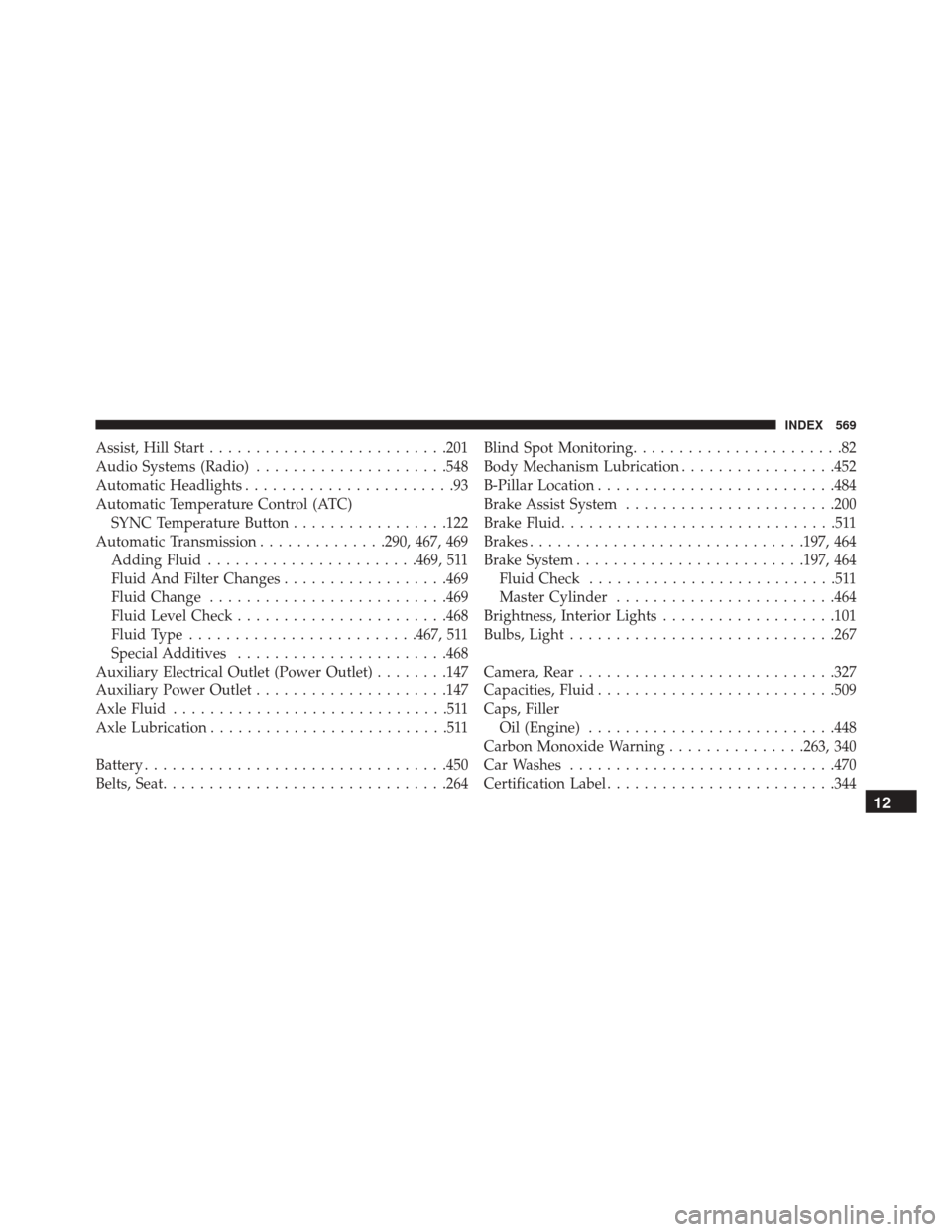
Assist, Hill Start......................... .201
Audio Systems (Radio) .....................548
Automatic Headlights .......................93
Automatic Temperature Control (ATC) SYNC Temperature Button .................122
Automatic Transmission ..............290, 467, 469
Adding Fluid ...................... .469, 511
Fluid And Filter Changes ..................469
Fluid Change ......................... .469
Fluid Level Check ...................... .468
Fluid Type ........................ .467, 511
Special Additives ...................... .468
Auxiliary Electrical Outlet (Power Outlet) ........147
Auxiliary Power Outlet .....................147
Axle Fluid ..............................511
Axle Lubrication ..........................511
Battery ................................ .450
Belts, Seat .............................. .264Blind Spot Monitoring
.......................82
Body Mechanism Lubrication .................452
B-Pillar Location ......................... .484
Brake Assist System ...................... .200
Brake Fluid ..............................511
Brakes ............................. .197, 464
Brake System ........................ .197, 464
Fluid Check ...........................511
Master Cylinder ....................... .464
Brightness, Interior Lights ...................101
Bulbs, Light ............................ .267
Camera, Rear ........................... .327
Capacities, Fluid ......................... .509
Caps, Filler Oil (Engine) .......................... .448
Carbon Monoxide Warning ...............263, 340
Car Washes ............................ .470
Certification Label ........................ .344
12
INDEX 569
Page 582 of 587
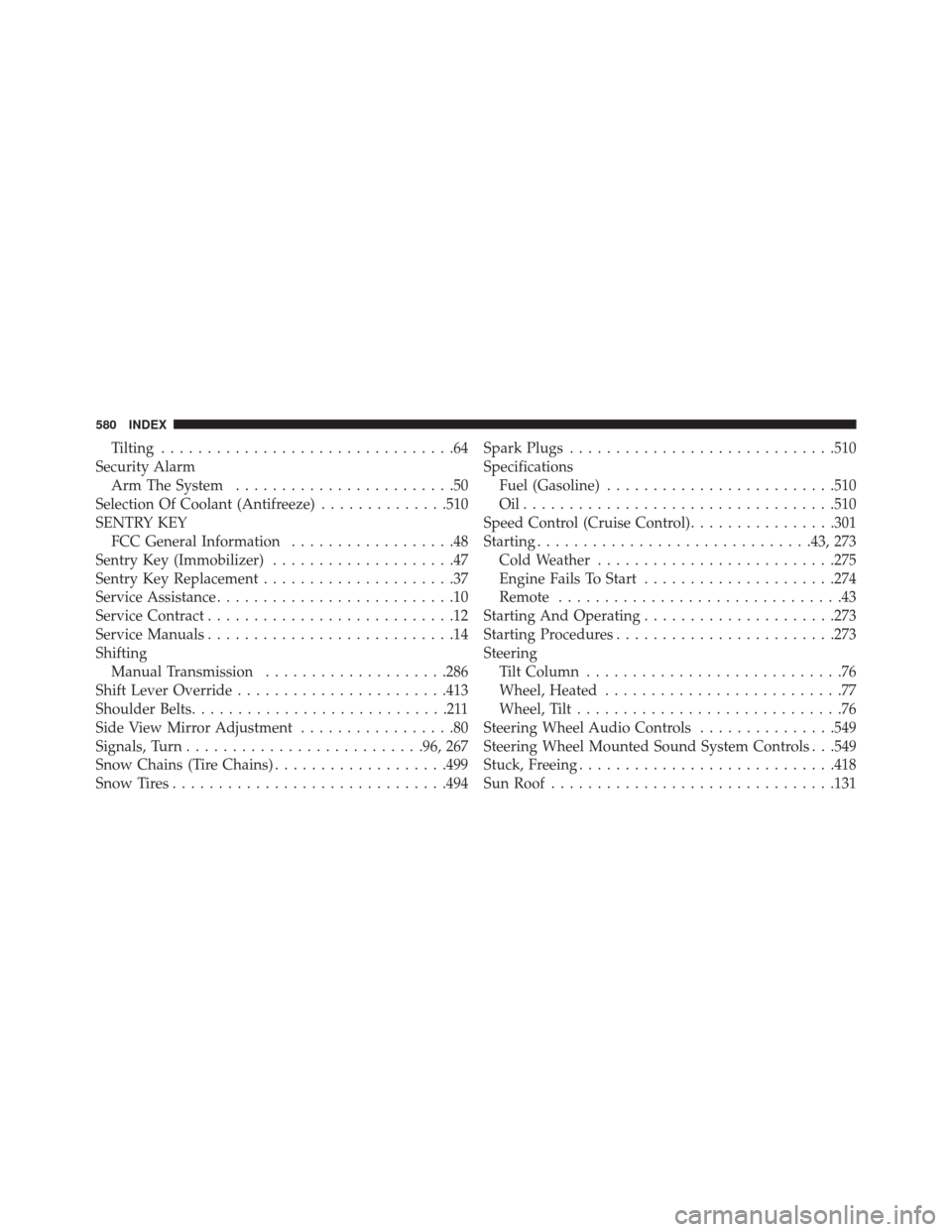
Tilting................................64
Security Alarm Arm The System ........................50
Selection Of Coolant (Antifreeze) ..............510
SENTRY KEY FCC General Information ..................48
Sentry Key (Immobilizer) ....................47
Sentry Key Replacement .....................37
Service Assistance ..........................10
Service Contract ...........................12
Service Manuals ...........................14
Shifting Manual Transmission ....................286
Shift Lever Override ...................... .413
Shoulder Belts ............................211
Side View Mirror Adjustment .................80
Signals, Turn ......................... .96, 267
Snow Chains (Tire Chains) ...................499
Snow Tires ............................. .494Spark Plugs
............................ .510
Specifications Fuel (Gasoline) ........................ .510
Oil................................. .510
Speed Control (Cruise Control) ................301
Starting ............................. .43, 273
Cold Weather ......................... .275
Engine Fails To Start .....................274
Remote ...............................43
Starting And Operating .....................273
Starting Procedures ....................... .273
Steering Tilt Column ............................76
Wheel, Heated ..........................77
Wheel, Tilt .............................76
Steering Wheel Audio Controls ...............549
Steering Wheel Mounted Sound System Controls . . .549
Stuck, Freeing ........................... .418
Sun Roof .............................. .131
580 INDEX
Page:
< prev 1-8 9-16 17-24