Page 182 of 634
Remove your foot from the accelerator pedal. If you do
not, the vehicle may continue to accelerate beyond the set
speed. If this occurs:
•The message “DRIVER OVERRIDE” will display in
the DID.
• The system will not be controlling the distance be-
tween your vehicle and the vehicle ahead. The vehicle
speed will only be determined by the position of the
accelerator pedal.
To Cancel
The following conditions cancel the system:
• The brake pedal is applied.
• The CANCEL button is pushed.
• An Anti-Lock Brake System (ABS) event occurs.
• The gear selector is removed from the Drive position. •
The Electronic Stability Control/Traction Control Sys-
tem (ESC/TCS) activates.
• The vehicle parking brake is applied.
• Driver seatbelt is unbuckled at low speeds.
• Driver door is opened at low speeds.
• The driver switches ESC to full-off mode.
NOTE: If your vehicle stays at standstill for longer than
two seconds, then the system will cancel and the brake
force will be ramped-out. The driver will have to apply
the brakes to keep the vehicle at a standstill.
To Turn Off
The system will turn off and erase the set speed in
memory if:
• The Normal (Fixed Speed) Electronic Speed Control
ON/OFF button is pushed.
180 UNDERSTANDING THE FEATURES OF YOUR VEHICLE
Page 202 of 634
Metric Speed (km/h)
•Pushing the SET -button once will result in a 1 km/h
decrease in set speed. Each subsequent tap of the
button results in a decrease of 1 km/h.
• If the button is continually pushed, the set speed will
continue to decrease in 10 km/h decrements until the
button is released. The decrease in set speed is re-
flected in the DID display.
To Cancel
The following conditions will cancel the Normal (Fixed
Speed) Electronic Speed Control without clearing the
memory:
• The brake pedal is applied.
• The CANCEL button is pushed.
• The Electronic Stability Control/Traction Control Sys-
tem (ESC/TCS) activates. •
The vehicle parking brake is applied.
• The braking temperature exceeds normal range (over-
heated).
• The gear selector is removed from the Drive position.
To Resume Speed
To resume a previously set speed, push the RES button
and release. Resume can be used at any speed above
20 mph (32 km/h).
To Turn Off
The system will turn off and erase the set speed in
memory if:
•The Normal (Fixed Speed) Electronic Speed Control
ON/OFF button is pushed.
• The ignition is turned off.
200 UNDERSTANDING THE FEATURES OF YOUR VEHICLE
Page 213 of 634

•The system will not apply torque to the steering wheel
whenever a safety system engages. (anti-lock brakes,
traction control system, electronic stability control,
forward collision warning, etc.)
PARKSENSE REAR PARK ASSIST — IF
EQUIPPED
The ParkSense Rear Park Assist system provides visual
and audible indications of the distance between the rear
fascia and a detected obstacle when backing up, e.g.
during a parking maneuver. Refer to “ParkSense System
Usage Precautions” in this section for limitations of this
system and recommendations.
ParkSense will retain the last system state (enabled or
disabled) from the last ignition cycle when the ignition is
changed to the ON/RUN position.
ParkSense can be active only when the gear selector is in
REVERSE. If ParkSense is enabled at this gear selector position, the system will remain active until the vehicle
speed is increased to approximately 7 mph (11 km/h) or
above. The system will become active again if the vehicle
speed is decreased to speeds less than approximately
6 mph (9 km/h).
ParkSense Sensors
The four ParkSense sensors, located in the rear fascia/
bumper, monitor the area behind the vehicle that is
within the sensors’ field of view. The sensors can detect
obstacles from approximately 12 inches (30 cm) up to 79
inches (200 cm) from the rear fascia/bumper in the
horizontal direction, depending on the location, type and
orientation of the obstacle.
ParkSense Warning Display
The ParkSense Warning screen will only be displayed if
Sound and Display is selected from the Uconnect System.
Refer to
�Uconnect Settings” in “Understanding Your
Instrument Panel” for further information.
3
UNDERSTANDING THE FEATURES OF YOUR VEHICLE 211
Page 349 of 634
•OFF
Press the “OFF” button on the touchscreen to disable
steering wheel paddle shifters. Traction
•
Track
Press the “Track” button on the touchscreen to modify
traction control to optimize track performance with the
least stability control.
Traction
4
UNDERSTANDING YOUR INSTRUMENT PANEL 347
Page 350 of 634
•Sport
Press the “Sport” button on the touchscreen to turn off
traction control and reduce stability control.
• Street
Press the “Street” button on the touchscreen to provide
full traction control and full stability control. Suspension
•
Track
Press the “Track” button on the touchscreen to provide
the firmest possible suspension stiffness with the highest
amount of comfort trade-off.
Suspension
348 UNDERSTANDING YOUR INSTRUMENT PANEL
Page 357 of 634
not set, so you are free to select any 4 digit numeric
combination that will be easy to remember.
While in Valet Mode the following vehicle configurations
are set and locked to prevent unauthorized modification:
•Engine limited to the lowest power output state.
• Transmission locks out access to first gear and up-
shifts earlier than normal.
• Traction, Steering, and Suspension are set to their
STREET settings.
• Steering wheel paddle shifters are disabled.
• The Drive Mode interface is not available. Pressing the
SRT button on the touchscreen will display the unlock
keypad.
• The ESC Off button is disabled.
• The Launch Control button is disabled. To exit Valet Mode you must enter the same 4 digit PIN
that was used to enter the mode. The unlock keypad can
be accessed by either pushing the SRT button on the
faceplate, or pressing the “Valet Mode Active – Press
Here to Exit” button on the touchscreen.
Valet Mode Deactivation
4
UNDERSTANDING YOUR INSTRUMENT PANEL 355
Page 398 of 634
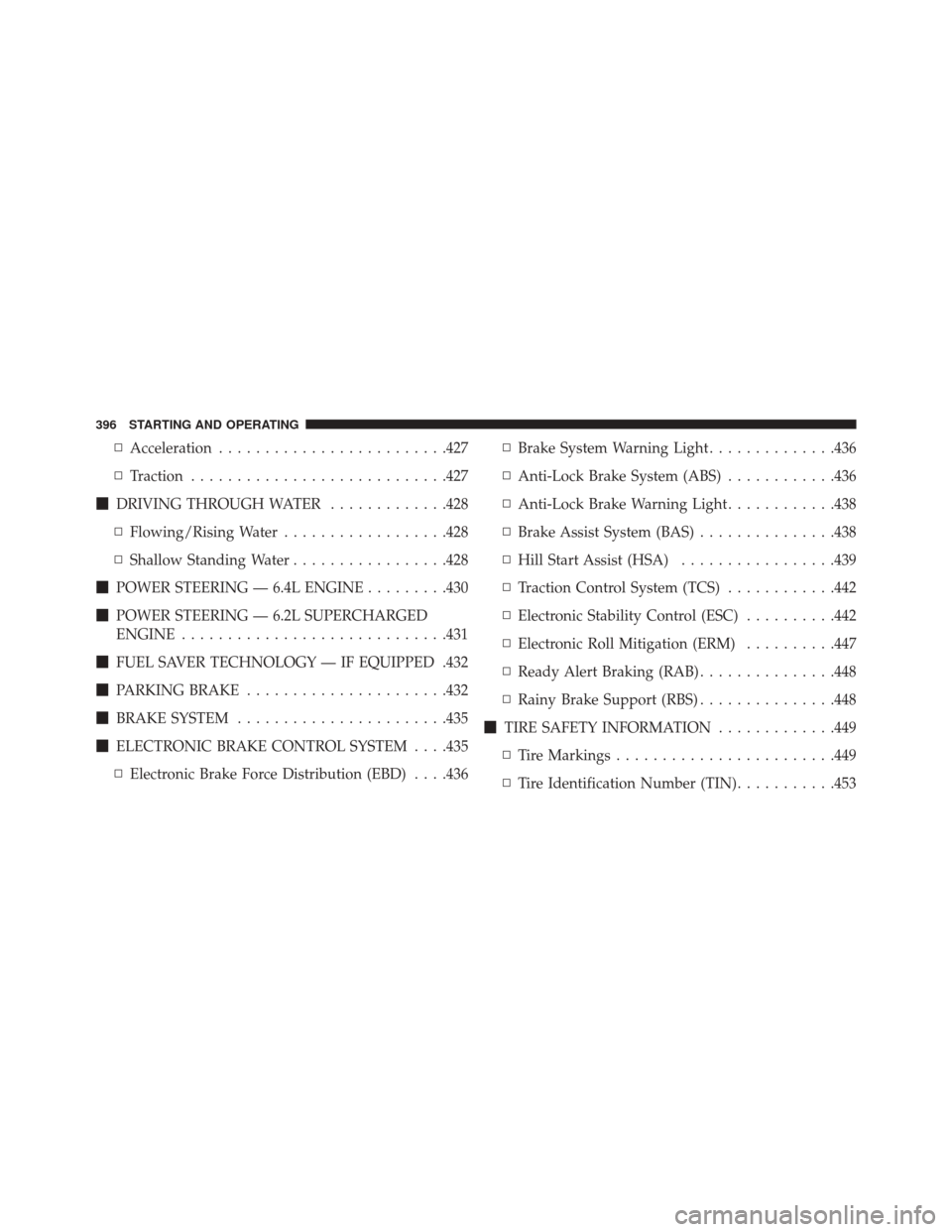
▫Acceleration ........................ .427
▫ Traction ........................... .427
� DRIVING THROUGH WATER .............428
▫ Flowing/Rising Water ..................428
▫ Shallow Standing Water .................428
� POWER STEERING — 6.4L ENGINE .........430
� POWER STEERING — 6.2L SUPERCHARGED
ENGINE ............................ .431
� FUEL SAVER TECHNOLOGY — IF EQUIPPED .432
� PARKING BRAKE ..................... .432
� BRAKE SYSTEM ...................... .435
� ELECTRONIC BRAKE CONTROL SYSTEM . . . .435
▫ Electronic Brake Force Distribution (EBD) . . . .436 ▫
Brake System Warning Light ..............436
▫ Anti-Lock Brake System (ABS) ............436
▫ Anti-Lock Brake Warning Light ............438
▫ Brake Assist System (BAS) ...............438
▫ Hill Start Assist (HSA) .................439
▫ Traction Control System (TCS) ............442
▫ Electronic Stability Control (ESC) ..........442
▫ Electronic Roll Mitigation (ERM) ..........447
▫ Ready Alert Braking (RAB) ...............448
▫ Rainy Brake Support (RBS) ...............448
� TIRE SAFETY INFORMATION .............449
▫ Tire Markings ....................... .449
▫ Tire Identification Number (TIN) ...........453
396 STARTING AND OPERATING
Page 421 of 634
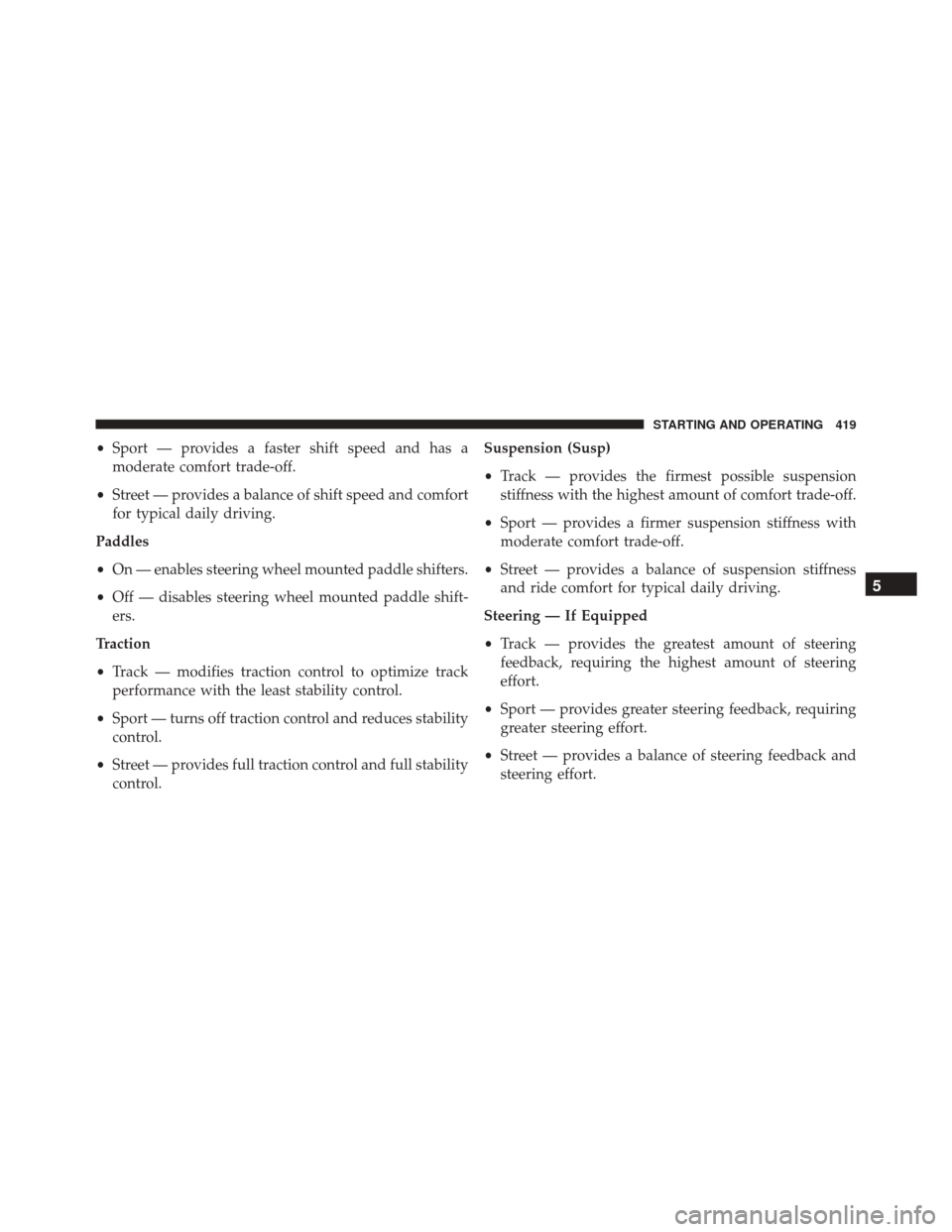
•Sport — provides a faster shift speed and has a
moderate comfort trade-off.
• Street — provides a balance of shift speed and comfort
for typical daily driving.
Paddles
• On — enables steering wheel mounted paddle shifters.
• Off — disables steering wheel mounted paddle shift-
ers.
Traction
• Track — modifies traction control to optimize track
performance with the least stability control.
• Sport — turns off traction control and reduces stability
control.
• Street — provides full traction control and full stability
control. Suspension (Susp)
•
Track — provides the firmest possible suspension
stiffness with the highest amount of comfort trade-off.
• Sport — provides a firmer suspension stiffness with
moderate comfort trade-off.
• Street — provides a balance of suspension stiffness
and ride comfort for typical daily driving.
Steering — If Equipped
• Track — provides the greatest amount of steering
feedback, requiring the highest amount of steering
effort.
• Sport — provides greater steering feedback, requiring
greater steering effort.
• Street — provides a balance of steering feedback and
steering effort.
5
STARTING AND OPERATING 419