Page 258 of 634
CAUTION!(Continued)
remains on the “260” and you hear continuous
chimes, turn the engine off immediately and call an
authorized dealer for service.
WARNING!
A hot engine cooling system is dangerous. You or
others could be badly burned by steam or boiling
coolant. You may want to call an authorized dealer
for service if your vehicle overheats. If you decide to
look under the hood yourself, see “Maintaining Your
Vehicle”. Follow the warnings under the Cooling
System Pressure Cap paragraph.
WARNING AND INDICATOR LIGHTS
IMPORTANT: The warning / indicator lights switch on
in the instrument panel together with a dedicated mes-
sage and/or acoustic signal when applicable. These
indications are indicative and precautionary and as such
must not be considered as exhaustive and/or alternative
to the information contained in the Owner Manual,
which you are advised to read carefully in all cases.
Always refer to the information in this chapter in the
event of a failure indication.
All active telltales will display first if applicable. The
system check menu may appear different based upon
equipment options and current vehicle status. Some
telltales are optional and may not appear.
256 UNDERSTANDING YOUR INSTRUMENT PANEL
Page 259 of 634
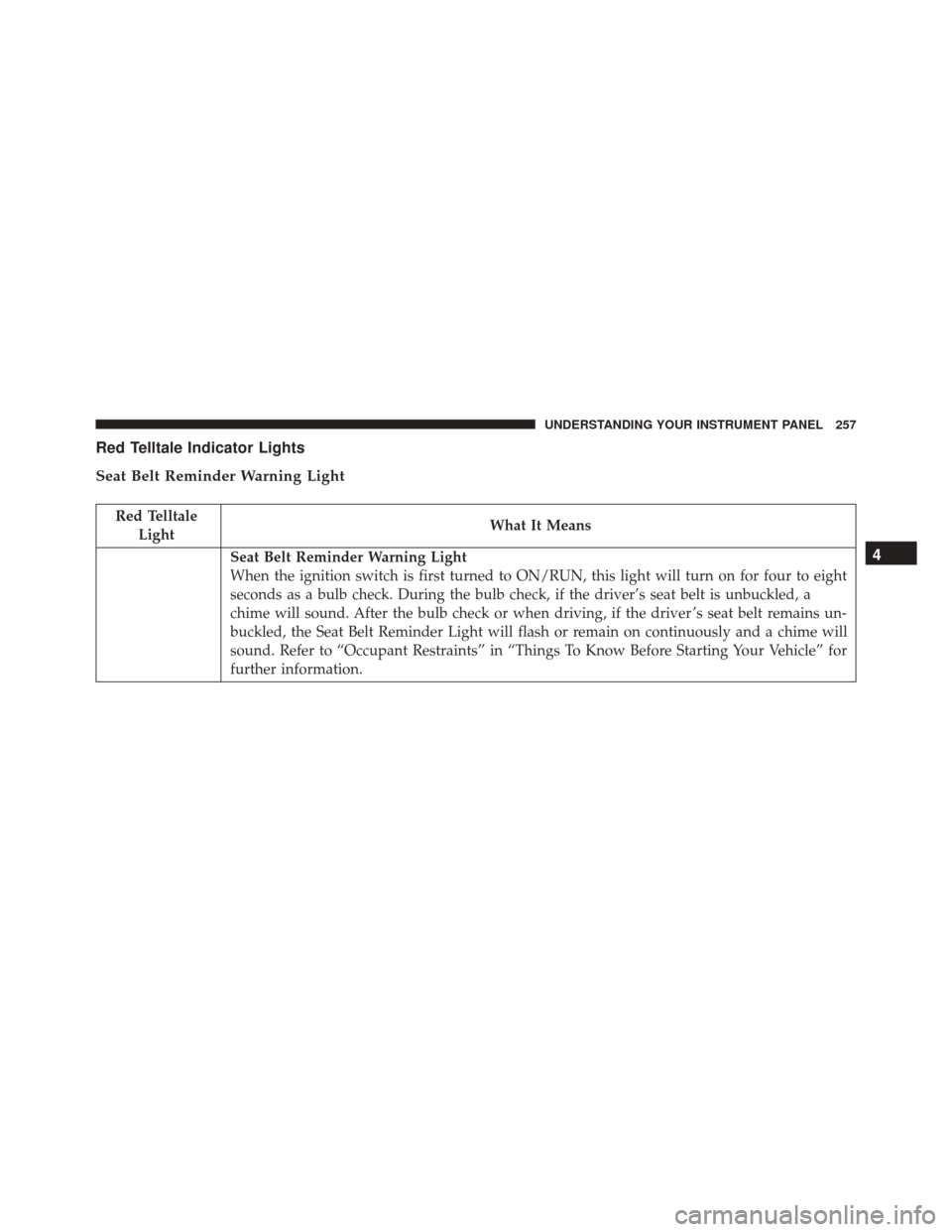
Red Telltale Indicator Lights
Seat Belt Reminder Warning Light
Red TelltaleLight What It Means
Seat Belt Reminder Warning Light
When the ignition switch is first turned to ON/RUN, this light will turn on for four to eight
seconds as a bulb check. During the bulb check, if the driver’s seat belt is unbuckled, a
chime will sound. After the bulb check or when driving, if the driver ’s seat belt remains un-
buckled, the Seat Belt Reminder Light will flash or remain on continuously and a chime will
sound. Refer to “Occupant Restraints” in “Things To Know Before Starting Your Vehicle” for
further information.4
UNDERSTANDING YOUR INSTRUMENT PANEL 257
Page 271 of 634
Yellow Telltale Indicator Lights
Engine Check/Malfunction Indicator Light (MIL)
Yellow TelltaleLight What It Means
Engine Check/Malfunction Indicator Light (MIL)
The Engine Check/Malfunction Indicator Light (MIL) is a part of an Onboard Diagnostic
System called OBD II that monitors engine and automatic transmission control systems. The
light will illuminate when the ignition is in the ON position before engine start. If the bulb
does not come on when turning the key from OFF to ON/RUN, have the condition checked
promptly.
Certain conditions, such as a loose or missing gas cap, poor quality fuel, etc., may illuminate
the light after engine start. The vehicle should be serviced if the light stays on through sev-
eral typical driving styles. In most situations, the vehicle will drive normally and will not
require towing.
When the engine is running, the MIL may flash to alert serious conditions that could lead to
immediate loss of power or severe catalytic converter damage. The vehicle should be ser-
viced as soon as possible if this occurs.4
UNDERSTANDING YOUR INSTRUMENT PANEL 269
Page 283 of 634
Green Telltale Indicator Lights
Park/Headlight ON Indicator Light
Green TelltaleLight What It Means
Park/Headlight ON Indicator Light
This indicator will illuminate when the park lights or headlights are turned on.
Front Fog Indicator Light — If Equipped
Green Telltale
Light What It Means
Front Fog Indicator Light — If Equipped
This indicator will illuminate when the front fog lights are on.
4
UNDERSTANDING YOUR INSTRUMENT PANEL 281
Page 284 of 634
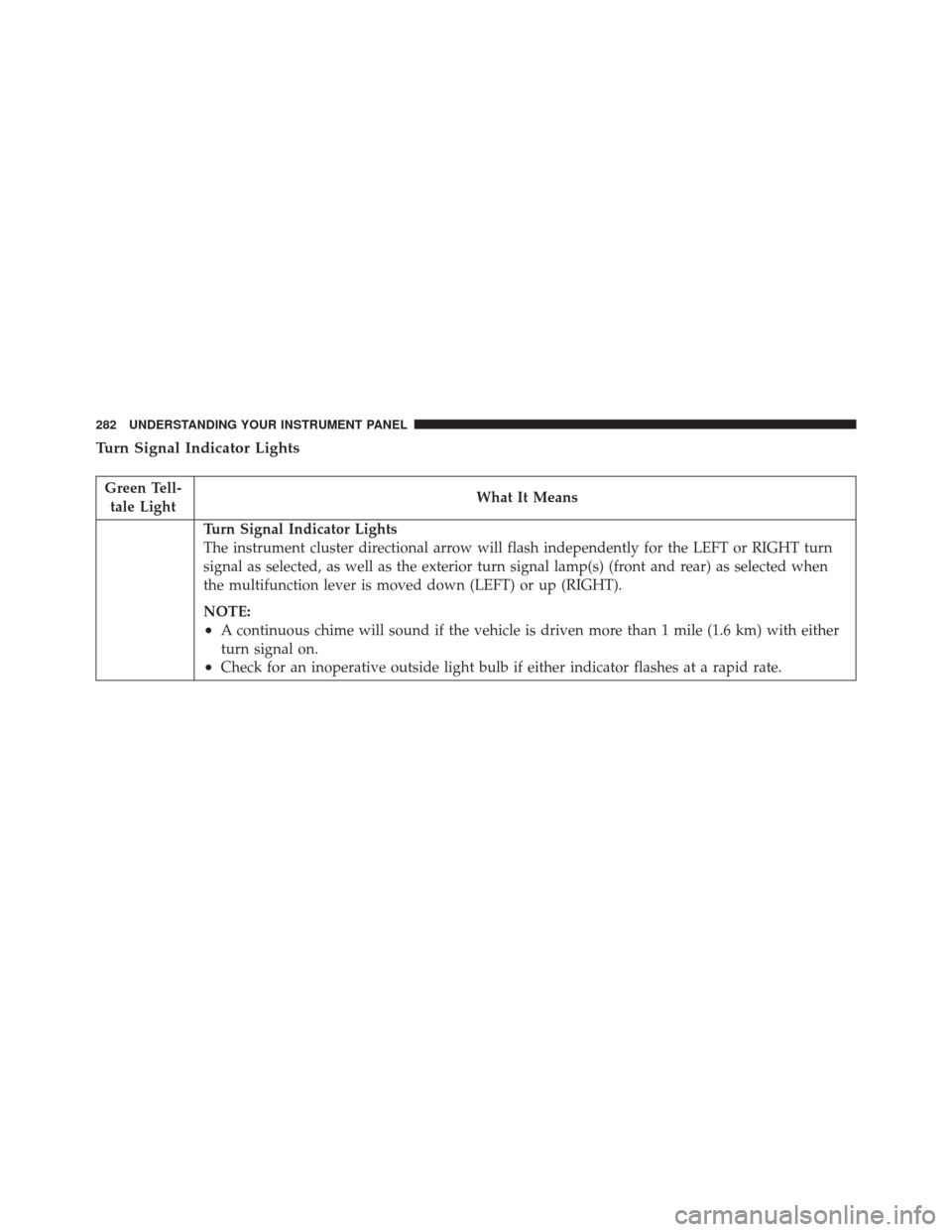
Turn Signal Indicator Lights
Green Tell-tale Light What It Means
Turn Signal Indicator Lights
The instrument cluster directional arrow will flash independently for the LEFT or RIGHT turn
signal as selected, as well as the exterior turn signal lamp(s) (front and rear) as selected when
the multifunction lever is moved down (LEFT) or up (RIGHT).
NOTE:
•A continuous chime will sound if the vehicle is driven more than 1 mile (1.6 km) with either
turn signal on.
•Check for an inoperative outside light bulb if either indicator flashes at a rapid rate.
282 UNDERSTANDING YOUR INSTRUMENT PANEL
Page 286 of 634
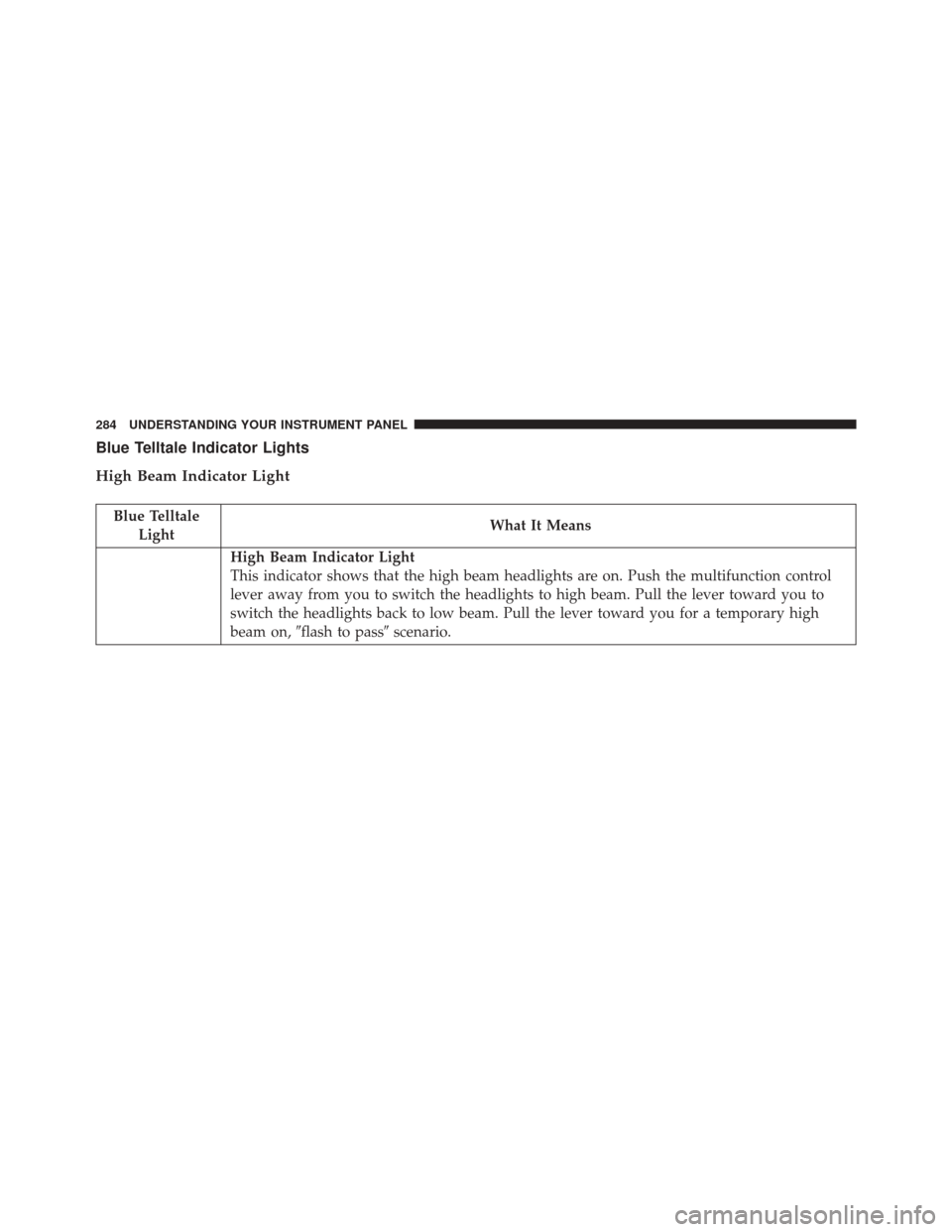
Blue Telltale Indicator Lights
High Beam Indicator Light
Blue TelltaleLight What It Means
High Beam Indicator Light
This indicator shows that the high beam headlights are on. Push the multifunction control
lever away from you to switch the headlights to high beam. Pull the lever toward you to
switch the headlights back to low beam. Pull the lever toward you for a temporary high
beam on,
�flash to pass� scenario.
284 UNDERSTANDING YOUR INSTRUMENT PANEL
Page 287 of 634
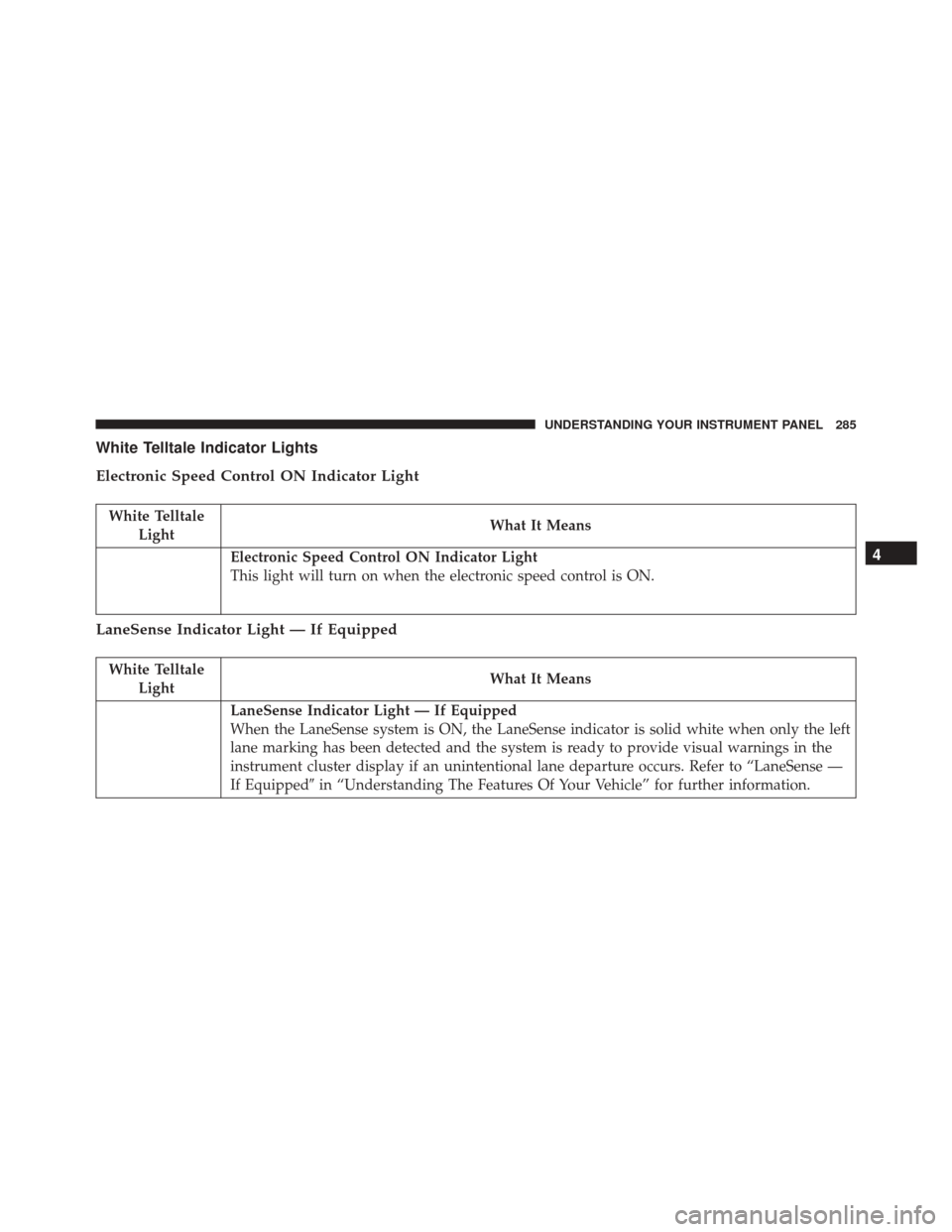
White Telltale Indicator Lights
Electronic Speed Control ON Indicator Light
White TelltaleLight What It Means
Electronic Speed Control ON Indicator Light
This light will turn on when the electronic speed control is ON.
LaneSense Indicator Light — If Equipped
White Telltale
Light What It Means
LaneSense Indicator Light — If Equipped
When the LaneSense system is ON, the LaneSense indicator is solid white when only the left
lane marking has been detected and the system is ready to provide visual warnings in the
instrument cluster display if an unintentional lane departure occurs. Refer to “LaneSense —
If Equipped�
in “Understanding The Features Of Your Vehicle” for further information.
4
UNDERSTANDING YOUR INSTRUMENT PANEL 285
Page 309 of 634
Buttons On The Faceplate
Buttons on the faceplate are located below the Uconnect
system in the center of the instrument panel. In addition,
there is a Scroll/Enter control knob located on the right
side. Turn the control knob to scroll through menus and
change settings (i.e., 30, 60, 90), push the center of the
control knob one or more times to select or change a
setting (i.e., ON, OFF).
Your Uconnect system may also have a Screen Off and
Back buttons on the faceplate.
Push the Screen Off button on the faceplate to turn off the
Uconnect screen. Push the Screen Off button on the
faceplate a second time to turn the screen on.
Push the Back button on the faceplate to exit out of a
Menu or certain option on the Uconnect system.
Buttons On The Touchscreen
Buttons on the touchscreen are accessible on the
Uconnect touchscreen.
Customer Programmable Features — Uconnect
8.4 Settings
Press the “Apps” button, then press the “Settings”
button on the touchscreen to display the menu setting
screen. In this mode the Uconnect system allows you
to access programmable features that may be
equipped such as Display, Units, Voice, Clock, Safety
& Driving Assistance, Lights, Doors & Locks, Auto-On
Comfort, Engine Off Options, Audio, Phone/
Bluetooth, SiriusXM Setup, Restore Settings, Clear
Personal Data and System Information.
NOTE:
• Only one touchscreen area may be selected at a time.
4
UNDERSTANDING YOUR INSTRUMENT PANEL 307