Page 109 of 634
▫Turn Signals ........................ .157
▫ Lane Change Assist ...................157
▫ High/Low Beam Switch ................158
▫ Flash-To-Pass ....................... .158
▫ Front Map/Reading Lights — If Equipped . . .158
▫ Courtesy Lights ...................... .159
▫ Ambient Light — If Equipped ............160
▫ Interior Lights ...................... .160
� WINDSHIELD WIPERS AND WASHERS ......162
▫ Intermittent Wiper System ...............163
▫ Wiper Operation ..................... .163
▫ Windshield Washers ...................164
▫ Heated Windshield Washer Nozzles ........164▫
Mist Feature ........................ .165
▫ Headlights On With Wipers (Available With
Automatic Headlights Only) .............165
▫ Rain Sensing Wipers — If Equipped ........165
� POWER TILT/TELESCOPING STEERING
COLUMN — IF EQUIPPED ...............167
� HEATED STEERING WHEEL — IF EQUIPPED .168
� ELECTRONIC SPEED CONTROL —
IF EQUIPPED ........................ .170
▫ To Activate ......................... .171
▫ To Set A Desired Speed .................171
▫ To Deactivate ....................... .172
▫ To Resume Speed .....................172
▫ To Vary The Speed Setting ...............172
3
UNDERSTANDING THE FEATURES OF YOUR VEHICLE 107
Page 149 of 634
![DODGE CHARGER SRT 2016 7.G Owners Manual 2. Adjust all memory profile settings to desired prefer-ences (i.e., seat, side mirror, adjustable pedals [if
equipped], power tilt and telescopic steering column
[if equipped], and radio station pres](/manual-img/12/5584/w960_5584-148.png "DODGE CHARGER SRT 2016 7.G Owners Manual 2. Adjust all memory profile settings to desired prefer-ences (i.e., seat, side mirror, adjustable pedals [if
equipped], power tilt and telescopic steering column
[if equipped], and radio station pres")
2. Adjust all memory profile settings to desired prefer-ences (i.e., seat, side mirror, adjustable pedals [if
equipped], power tilt and telescopic steering column
[if equipped], and radio station presets).
3. Push and release the SET (S) button on the memory switch.
4. Within five seconds, push and release the MEMORY button 1 or 2. The Drivers Information Display (DID)
will display which memory position has been set.
NOTE:
• Memory profiles can be set without the vehicle in
PARK, but the vehicle must be in PARK to recall a
memory profile.
• To set a memory profile to your RKE transmitter, refer
to “Linking And Unlinking The Remote Keyless Entry
Transmitter To Memory” in this section.Linking And Unlinking The Remote Keyless Entry
Transmitter To Memory
Your RKE transmitters can be programmed to recall one
of two pre-programmed memory profiles by pushing the
UNLOCK button on the RKE transmitter.
NOTE: Before programming your RKE transmitters you
must select the “Memory To FOB” or “Personal Settings
Linked To Fob” feature through the Uconnect system
screen. Refer to “Uconnect Settings” in “Understanding
Your Instrument Panel” for further information.
To program your RKE transmitters, perform the follow-
ing:
1. Place the vehicles ignition to the OFF position.
2. Select desired memory profile (1) or (2). The system will recall any stored settings for this profile. Wait for
the system to complete the memory recall before
continuing to Step 3.
3
UNDERSTANDING THE FEATURES OF YOUR VEHICLE 147
Page 158 of 634
Fog Lights — If Equipped
The front fog light switch is built into the headlight
switch.To activate the front fog lights, turn on the parking
lights or the low beam headlights and push the headlight switch. To turn off the front fog lights, either
push the headlight switch a second time or turn off the
headlight switch.
An indicator light in the instrument cluster illuminates
when the fog lights are turned on.
NOTE:
The fog lights will operate with the low beam
headlights or parking lights on. However, selecting the
high beam headlights will turn off the fog lights.
Multifunction Lever
The multifunction lever controls the operation of the turn
signals, headlight beam selection and passing lights. The
multifunction lever is located on the left side of the
steering column.
Fog Light Switch
156 UNDERSTANDING THE FEATURES OF YOUR VEHICLE
Page 164 of 634
Dome Light Position
Rotate the left dimmer control completely upward to the
second detent to turn on the interior lights. The interior
lights will remain on when the dimmer control is in this
position.
Interior Light Defeat (OFF)
Rotate the left dimmer control to the extreme bottom
“OFF” position. The interior lights will remain off when
the doors are open.
Parade Mode (Daytime Brightness Feature)
Rotate the instrument panel dimmer control upward to
the first detent. This feature brightens all text displays
such as the odometer, Driver Information Display (DID),
and radio when the position lights or headlights are on.
WINDSHIELD WIPERS AND WASHERS
The multifunction lever operates the windshield wipers
and washer when the ignition is placed in the ON/RUN
or ACC position. The multifunction lever is located on
the left side of the steering column.
Windshield Wiper/Washer Control
162 UNDERSTANDING THE FEATURES OF YOUR VEHICLE
Page 166 of 634
Windshield Washers
To use the washer, push the multifunction lever inward
(toward the steering column) and hold it for as long as
washer spray is desired.
If you activate the washer while the windshield wiper
control is in the delay range, the wipers will operate for
two wipe cycles after releasing the lever and then resume
the intermittent interval previously selected.
If you activate the washer while the windshield wiper is
turned off, the wipers will operate for three wipe cycles
and then turn off.
WARNING!
Sudden loss of visibility through the windshield
could lead to a collision. You might not see other
vehicles or other obstacles. To avoid sudden icing of
(Continued)
WARNING!(Continued)
the windshield during freezing weather, warm the
windshield with the defroster before and during
windshield washer use.
Heated Windshield Washer Nozzles
This feature utilizes a heating element to thaw out any ice
buildup that could occur at the outlets or within the
windshield washer nozzles. To activate, push the rear
window defroster button. When the rear window de-
froster times out, the heating element will also shut off. If
required, to reactivate the heated nozzles push the rear
window defroster button as needed.
164 UNDERSTANDING THE FEATURES OF YOUR VEHICLE
Page 169 of 634
NOTE:Rain Sensing can be turned on and off using the
Uconnect System, refer to “Uconnect Settings” in “Un-
derstanding Your Instrument Panel” for further informa-
tion.
POWER TILT/TELESCOPING STEERING COLUMN
— IF EQUIPPED
This feature allows you to tilt the steering column
upward or downward. It also allows you to lengthen or
shorten the steering column. The power tilt/telescoping
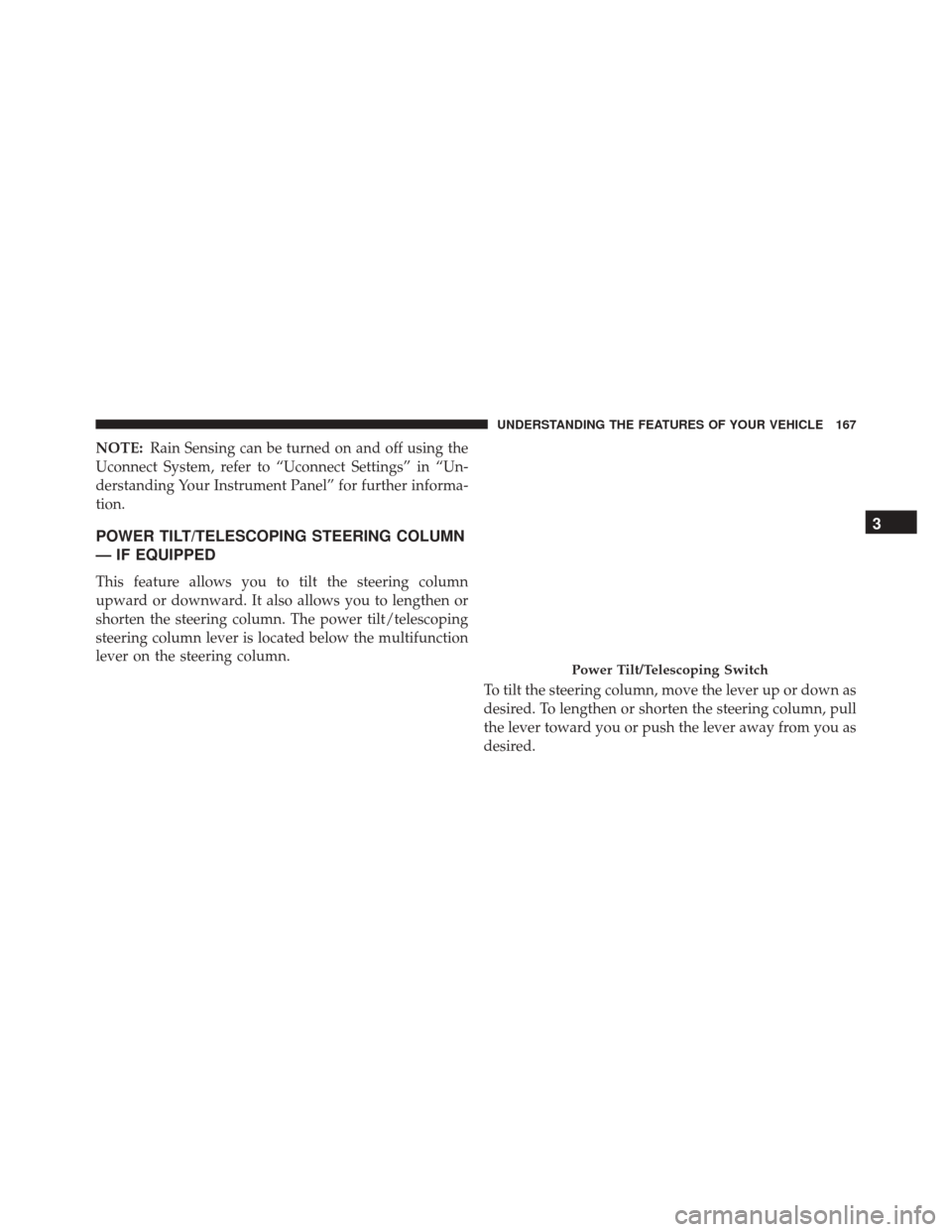
steering column lever is located below the multifunction
lever on the steering column.
To tilt the steering column, move the lever up or down as
desired. To lengthen or shorten the steering column, pull
the lever toward you or push the lever away from you as
desired.
Power Tilt/Telescoping Switch
3
UNDERSTANDING THE FEATURES OF YOUR VEHICLE 167
Page 170 of 634

NOTE:For vehicles equipped with Driver Memory Seat,
you can use your Remote Keyless Entry (RKE) transmit-
ter or the memory switch on the driver’s door trim panel
to return the tilt/telescopic steering column to pre-
programmed positions. Refer to “Driver Memory Seat”
in this section.
WARNING!
Do not adjust the steering column while driving.
Adjusting the steering column while driving or driv-
ing with the steering column unlocked, could cause
the driver to lose control of the vehicle. Failure to
follow this warning may result in serious injury or
death.
HEATED STEERING WHEEL — IF EQUIPPED
The steering wheel contains a heating element that helps
warm your hands in cold weather. The heated steering
wheel has only one temperature setting. Once the heated
steering wheel has been turned on it can operate for up to
100 minutes before automatically shutting off. The heated
steering wheel can shut off early or may not turn on
when the steering wheel is already warm.
The heated steering wheel control button is located within
the Uconnect system. You can gain access to the control
button through the climate screen or the controls screen.
• Press the heated steering wheel buttononce to
turn the heating element ON.
• Press the heated steering wheel buttona second
time to turn the heating element OFF.
NOTE: The engine must be running for the heated
steering wheel to operate.
168 UNDERSTANDING THE FEATURES OF YOUR VEHICLE
Page 171 of 634
Vehicles Equipped With Remote Start
On models that are equipped with remote start, the
heated steering wheel can be programmed to come on
during a remote start through the Uconnect system. Refer
to “Uconnect Settings” in “Understanding Your Instru-
ment Panel” for further information.WARNING!
•Persons who are unable to feel pain to the skin
because of advanced age, chronic illness, diabetes,
spinal cord injury, medication, alcohol use, exhaus-
tion, or other physical conditions must exercise
care when using the steering wheel heater. It may
cause burns even at low temperatures, especially if
used for long periods.
• Do not place anything on the steering wheel that
insulates against heat, such as a blanket or steering
wheel covers of any type and material. This may
cause the steering wheel heater to overheat.
3
UNDERSTANDING THE FEATURES OF YOUR VEHICLE 169