Page 261 of 612
2615-6. Using Bluetooth® devices
5
Audio system
COROLLA_TMMMS_TMMC_U (OM12F00U)
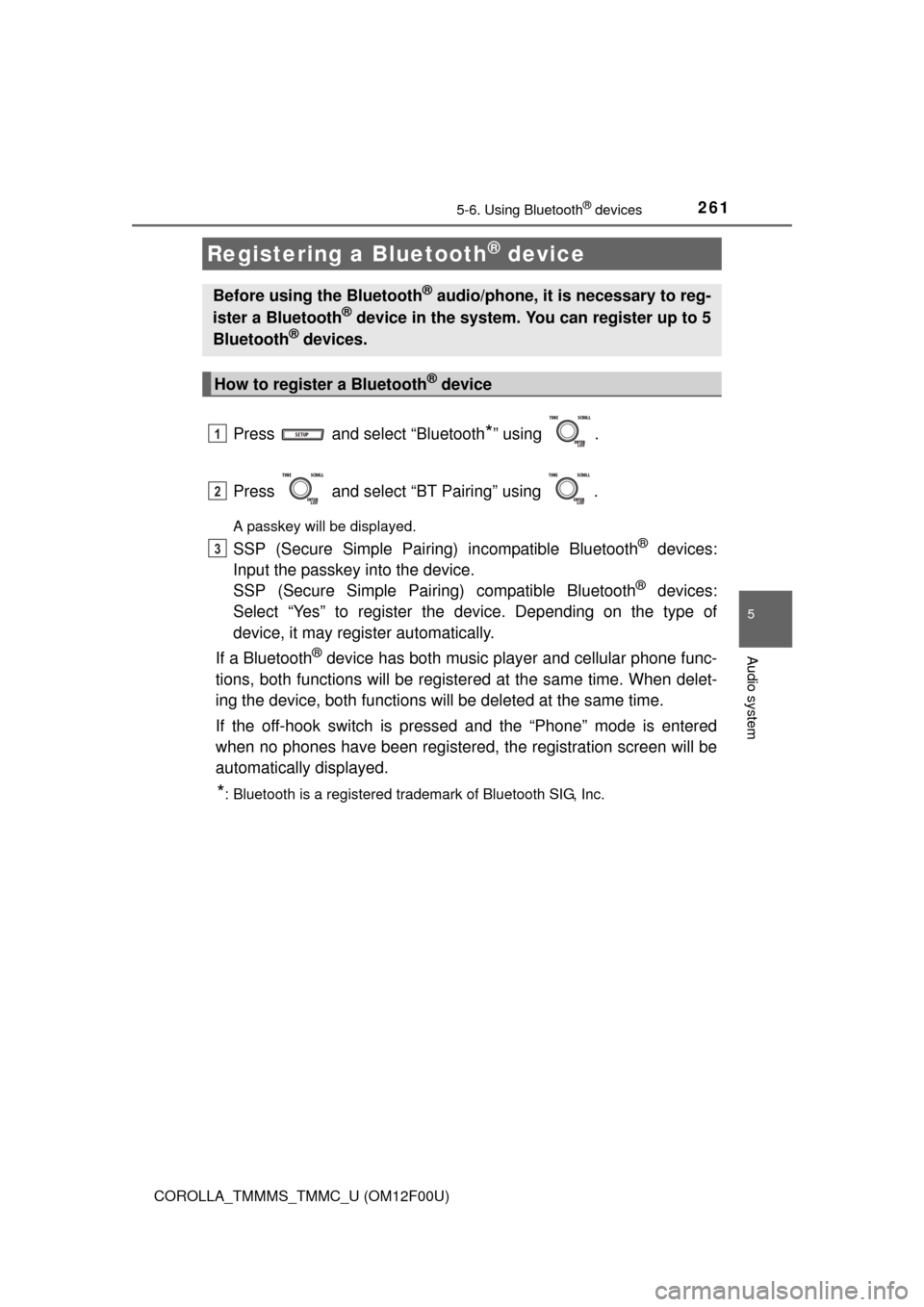
Press and select “Bluetooth*” using .
Press and select “BT Pairing” using .
A passkey will be displayed.
SSP (Secure Simple Pairing) incompatible Bluetooth® devices:
Input the passkey into the device.
SSP (Secure Simple Pairin g) compatible Bluetooth
® devices:
Select “Yes” to register the device. Depending on the type of
device, it may register automatically.
If a Bluetooth
® device has both music player and cellular phone func-
tions, both functions will be register ed at the same time. When delet-
ing the device, both functions will be deleted at the same time.
If the off-hook switch is pressed and the “Phone” mode is entered
when no phones have been registered, the registration screen will be
automatically displayed.
*: Bluetooth is a registered trademark of Bluetooth SIG, Inc.
Registering a Bluetooth® device
Before using the Bluetooth® audio/phone, it is necessary to reg-
ister a Bluetooth® device in the system. You can register up to 5
Bluetooth® devices.
How to register a Bluetooth® device
1
2
3
Page 262 of 612
262
COROLLA_TMMMS_TMMC_U (OM12F00U)
5-7. “SET UP” menu
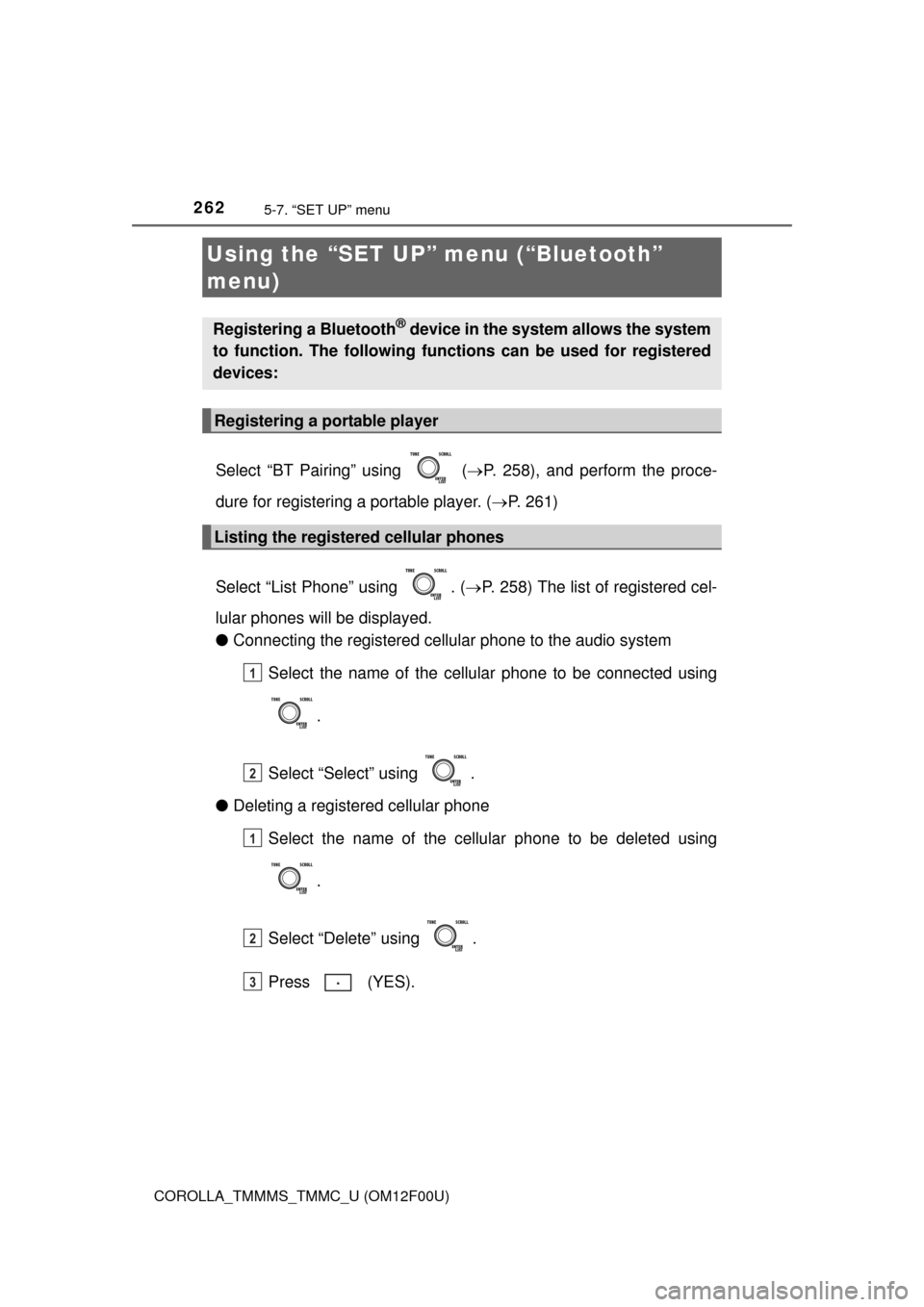
Select “BT Pairing” using ( P. 258), and perform the proce-
dure for registering a portable player. ( P. 261)
Select “List Phone” using . ( P. 258) The list of registered cel-
lular phones will be displayed.
● Connecting the registered cellular phone to the audio system
Select the name of the cellular phone to be connected using
.
Select “Select” using .
● Deleting a registered cellular phone
Select the name of the cellular phone to be deleted using
.
Select “Delete” using .
Press (YES).
Using the “SET UP” menu (“Bluetooth”
menu)
Registering a Bluetooth® device in the system allows the system
to function. The following functi ons can be used for registered
devices:
Registering a portable player
Listing the registered cellular phones
1
2
1
2
3
Page 263 of 612
2635-7. “SET UP” menu
5
Audio system
COROLLA_TMMMS_TMMC_U (OM12F00U)
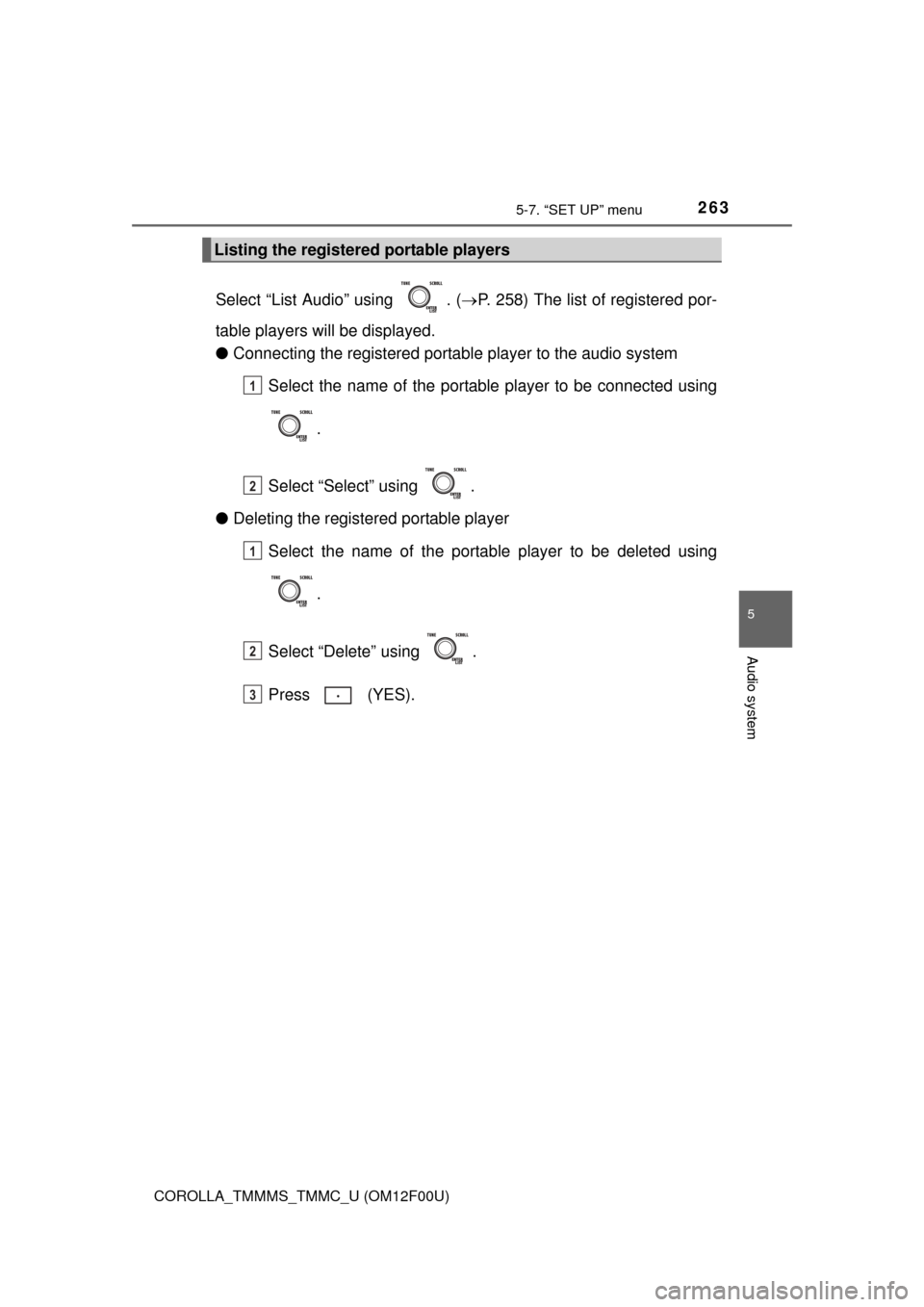
Select “List Audio” using . (P. 258) The list of registered por-
table players will be displayed.
● Connecting the registered portab le player to the audio system
Select the name of the portable player to be connected using
.
Select “Select” using .
● Deleting the registered portable player
Select the name of the portable player to be deleted using
.
Select “Delete” using .
Press (YES).
Listing the registered portable players
1
2
1
2
3
Page 265 of 612
2655-7. “SET UP” menu
5
Audio system
COROLLA_TMMMS_TMMC_U (OM12F00U)
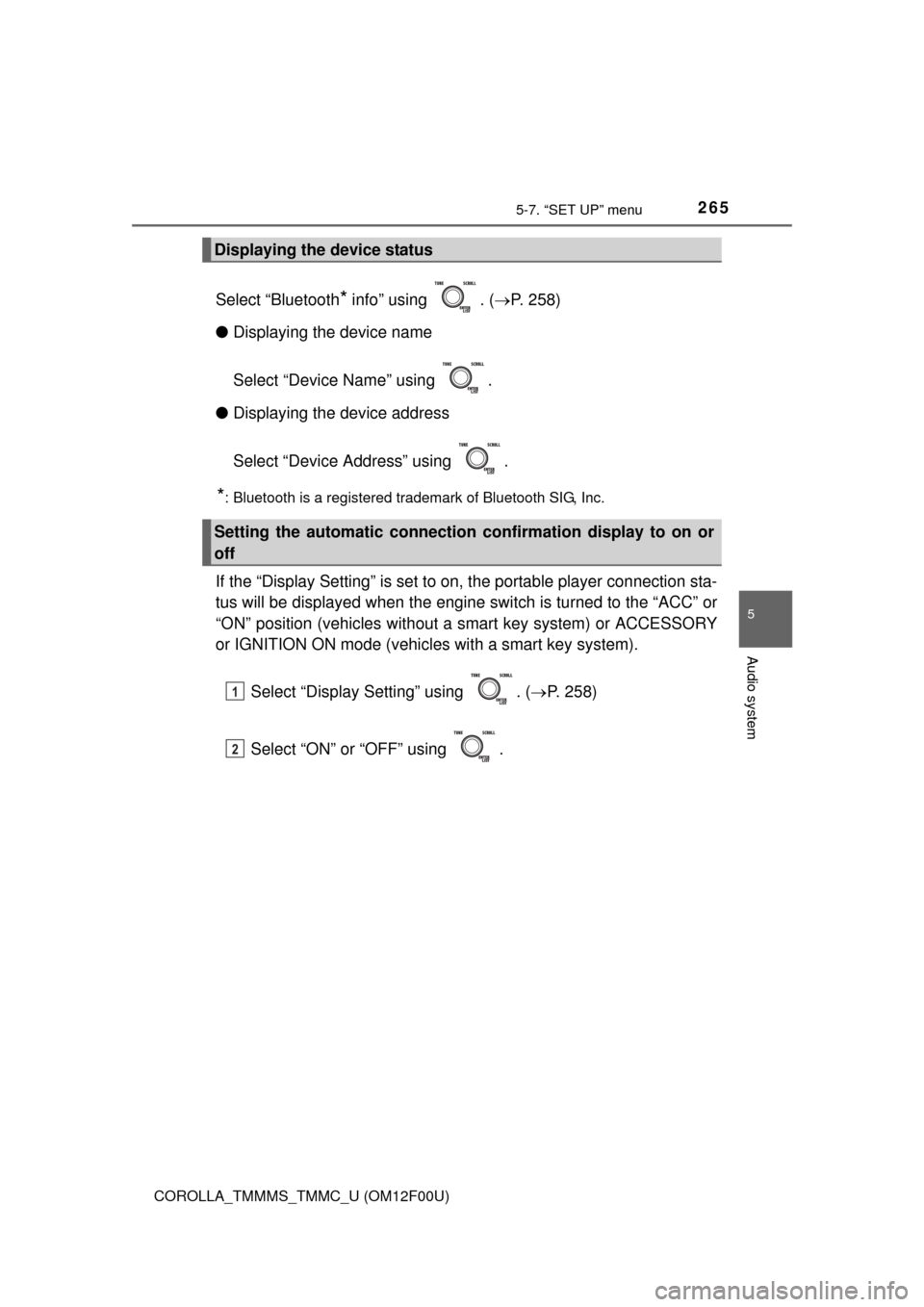
Select “Bluetooth* info” using . (P. 258)
● Displaying the device name
Select “Device Name” using .
● Displaying the device address
Select “Device Address” using .
*: Bluetooth is a registered trademark of Bluetooth SIG, Inc.
If the “Display Setting” is set to on, the portable player connection sta-
tus will be displayed when the engine sw itch is turned to the “ACC” or
“ON” position (vehicles without a smart key system) or ACCESSORY
or IGNITION ON mode (vehicl es with a smart key system).
Select “Display Setting” using . ( P. 258)
Select “ON” or “OFF” using .
Displaying the device status
Setting the automatic connection confirmation display to on or
off
1
2
Page 267 of 612
2675-7. “SET UP” menu
5
Audio system
COROLLA_TMMMS_TMMC_U (OM12F00U)
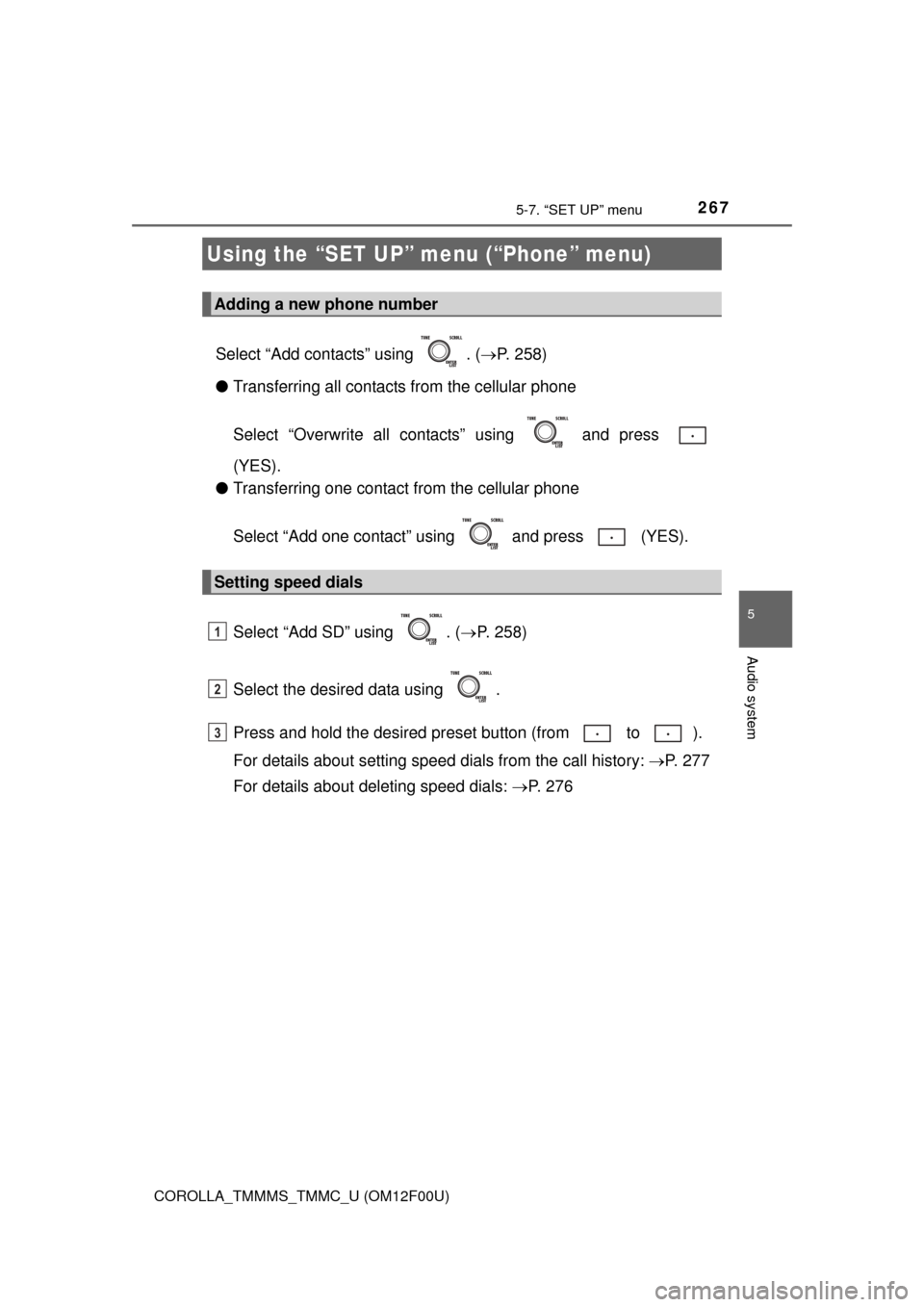
Select “Add contacts” using . (P. 258)
● Transferring all contacts from the cellular phone
Select “Overwrite all contacts” using and press
(YES).
● Transferring one contact from the cellular phone
Select “Add one contact” using and press (YES).
Select “Add SD” using . ( P. 258)
Select the desired data using .
Press and hold the desired pr eset button (from to ).
For details about setting speed dials from the call history: P. 277
For details about deleting speed dials: P. 2 7 6
Using the “SET UP” menu (“Phone” menu)
Adding a new phone number
Setting speed dials
1
2
3
Page 269 of 612
2695-7. “SET UP” menu
5
Audio system
COROLLA_TMMMS_TMMC_U (OM12F00U)
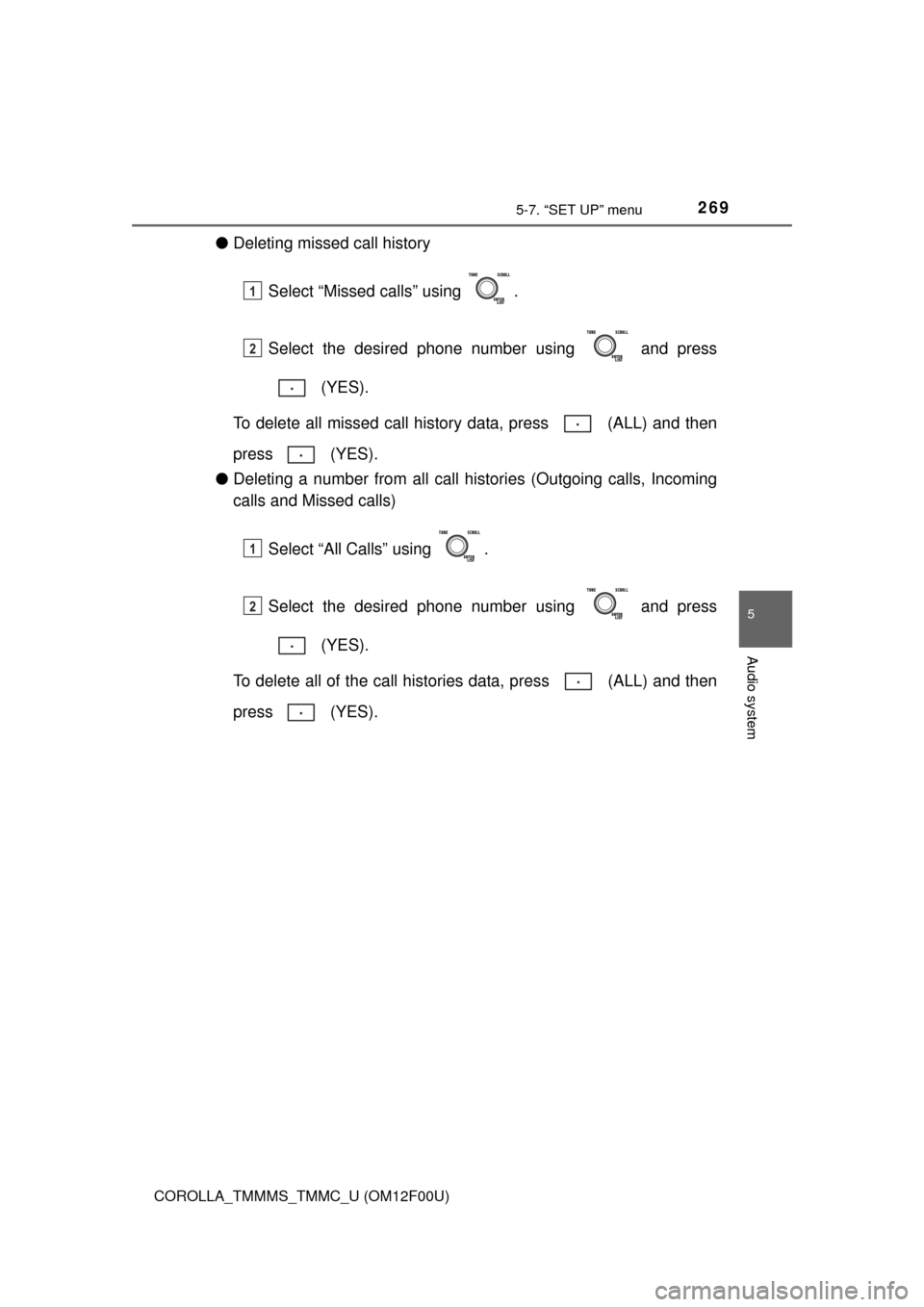
●Deleting missed call history
Select “Missed calls” using .
Select the desired phone number using and press (YES).
To delete all missed call history data, press (ALL) and then
press (YES).
● Deleting a number from all call histories (Outgoing calls, Incoming
calls and Missed calls)
Select “All Calls” using .
Select the desired phone number using and press (YES).
To delete all of the call histories data, press (ALL) and then
press (YES).
1
2
1
2
Page 271 of 612
2715-7. “SET UP” menu
5
Audio system
COROLLA_TMMMS_TMMC_U (OM12F00U)
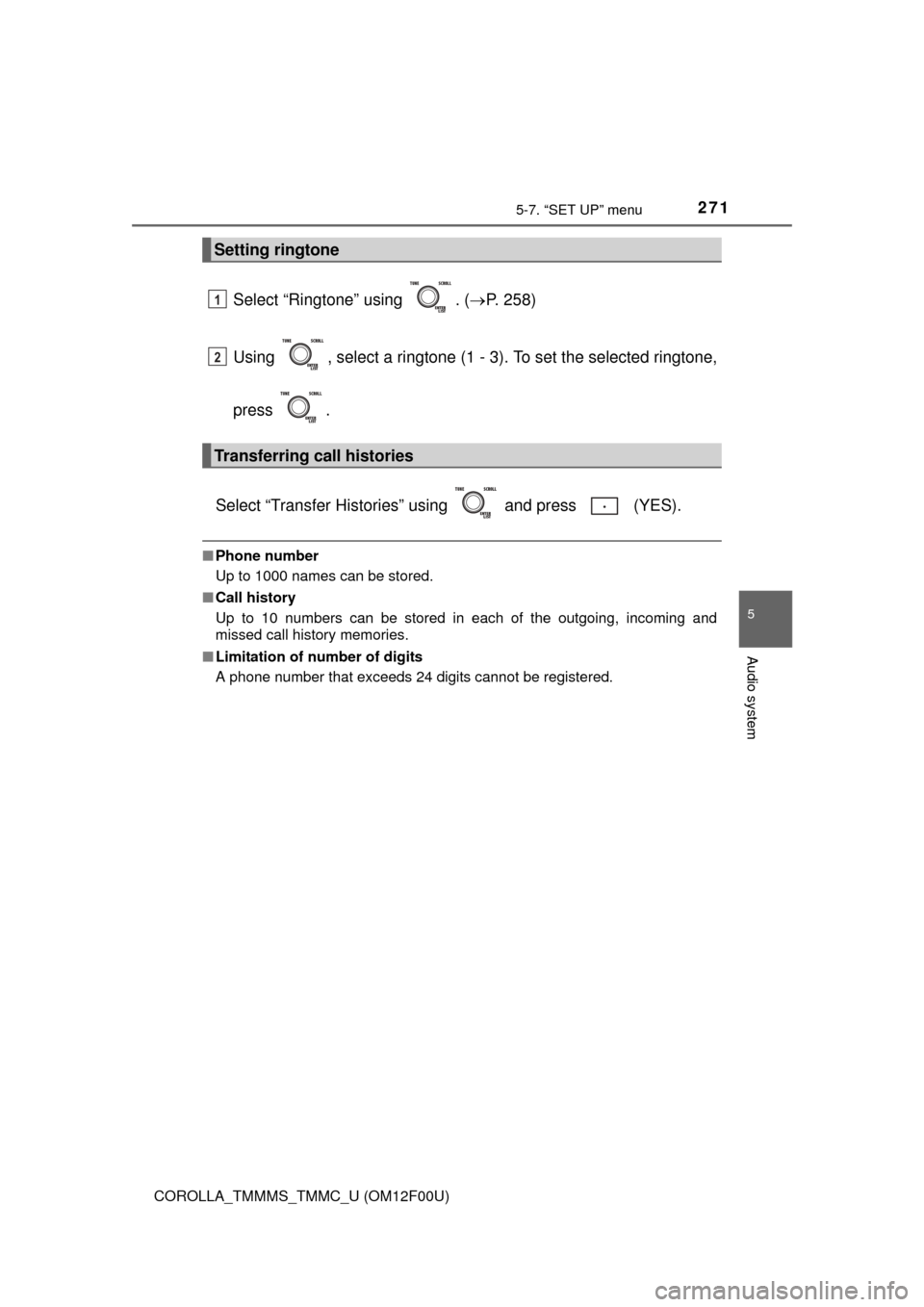
Select “Ringtone” using . (P. 258)
Using , select a ringtone (1 - 3). To set the selected ringtone,
press .
Select “Transfer Histories” using and press (YES).
■ Phone number
Up to 1000 names can be stored.
■ Call history
Up to 10 numbers can be stored in each of the outgoing, incoming and
missed call history memories.
■ Limitation of number of digits
A phone number that exceeds 24 digits cannot be registered.
Setting ringtone
Transferring call histories
1
2
Page 272 of 612
272
COROLLA_TMMMS_TMMC_U (OM12F00U)
5-8. Bluetooth® Audio
Operating a Bluetooth® enabled portable
player
Power
Vo l u m e
Select an album, fast-forward
or reverse
Repeat play
Random playback
Selecting an item Displays text message
Playback
Playback/pause
Search playback
Select a track1
2
3
4
5
6
7
8
9
10
11