Page 161 of 347
NOTE:The highest available transmission gear is dis-
played in the lower right corner of the EVIC whenever
the Electronic Range Select (ERS) feature is active. Use
the +/- selector on the shift lever or steering wheel to
activate ERS. Refer to “Automatic Transmission” in
“Starting And Operating” for further information.
23. Vehicle Security Light — If Equipped
This light will flash at a fast rate for approxi-
mately 15 seconds, when the vehicle security
alarm is arming, and then will flash slowly
until the vehicle is disarmed.
24. Brake Warning Light
This light monitors various brake functions,
including brake fluid level and parking brake
application. If the brake light turns on it may
indicate that the parking brake is applied, that
the brake fluid level is low, or that there is a problem with
the Anti-lock Brake System reservoir. If the light remains on when the parking brake has been
disengaged, and the fluid level is at the full mark on the
master cylinder reservoir, it indicates a possible brake
hydraulic system malfunction or that a problem with the
Brake Booster has been detected by the Anti-Lock Brake
System (ABS)/Electronic Stability Control (ESC) system.
In this case, the light will remain on until the condition
has been corrected. If the problem is related to the brake
booster, the ABS pump will run when applying the brake
and a brake pedal pulsation may be felt during each stop.
The dual brake system provides a reserve braking capac-
ity in the event of a failure to a portion of the hydraulic
system. A leak in either half of the dual brake system is
indicated by the Brake Warning Light, which will turn on
when the brake fluid level in the master cylinder has
dropped below a specified level.
The light will remain on until the cause is corrected.
3
UNDERSTANDING YOUR INSTRUMENT PANEL 159
Page 174 of 347
17. Front Fog Light Indicator — If EquippedThis indicator will illuminate when the front
fog lights are on.
18. Driver Information Display (DID)
The Driver Information Display (DID) features an inter-
active display that is located in the instrument cluster.
For further information, refer to “Driver Information
Display (DID)” in this section.
19. Transmission Gear Position Indicator
The Transmission Gear Position Indicator is self-
contained within the instrument cluster. It displays the
gear range of the automatic transmission. NOTE:
The highest available transmission gear is dis-
played in the lower right corner of the DID whenever the
Electronic Range Select (ERS) feature is active. Use the
+/- selector on the shift lever or steering wheel to activate
ERS. Refer to “Automatic Transmission” in “Starting And
Operating” for further information.
20. Driver Information Display (DID) Menu
Driver Information Display (DID) features an interactive
display of the main menu’s that is located in the instru-
ment cluster. For further information, refer to “Driver
Information Display (DID)” in this section.
21. Electronic Stability Control (ESC) OFF Indicator
Light — If Equipped
This light indicates that the Electronic Stability
Control (ESC) is in Partial Off or Full Off mode.
172 UNDERSTANDING YOUR INSTRUMENT PANEL
Page 179 of 347
•Trans Temperature
Displays the actual transmission sump temperature.
• Coolant Temp
Displays the actual coolant temperature.
• Tire Pressure Monitor System
Displays the actual tire pressure.
• Engine Hours
Displays the actual engine hours.
Gauge Summary (Coolant Temp, Trans Temp, Oil Temp,
Oil Pressure) •UP Arrow Button
Push and release the UParrow button to scroll
upward through the main menu and sub-
menus (Fuel Economy, Trip A, Trip B, Audio,
Stored Messages, Screen Set Up).
EVIC Controls
3
UNDERSTANDING YOUR INSTRUMENT PANEL 177
Page 191 of 347
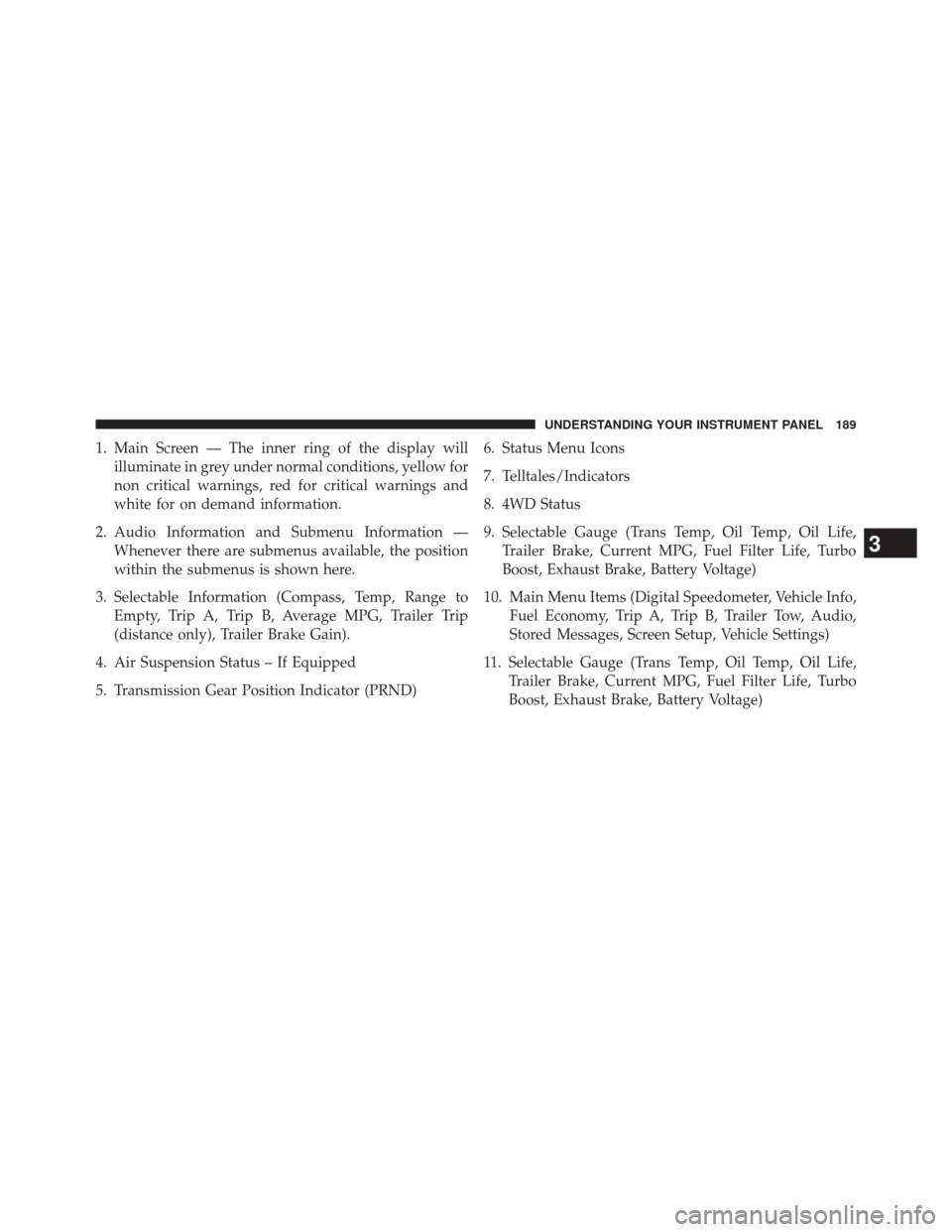
1. Main Screen — The inner ring of the display willilluminate in grey under normal conditions, yellow for
non critical warnings, red for critical warnings and
white for on demand information.
2. Audio Information and Submenu Information — Whenever there are submenus available, the position
within the submenus is shown here.
3. Selectable Information (Compass, Temp, Range to Empty, Trip A, Trip B, Average MPG, Trailer Trip
(distance only), Trailer Brake Gain).
4. Air Suspension Status – If Equipped
5. Transmission Gear Position Indicator (PRND) 6. Status Menu Icons
7. Telltales/Indicators
8. 4WD Status
9. Selectable Gauge (Trans Temp, Oil Temp, Oil Life,
Trailer Brake, Current MPG, Fuel Filter Life, Turbo
Boost, Exhaust Brake, Battery Voltage)
10. Main Menu Items (Digital Speedometer, Vehicle Info, Fuel Economy, Trip A, Trip B, Trailer Tow, Audio,
Stored Messages, Screen Setup, Vehicle Settings)
11. Selectable Gauge (Trans Temp, Oil Temp, Oil Life, Trailer Brake, Current MPG, Fuel Filter Life, Turbo
Boost, Exhaust Brake, Battery Voltage)
3
UNDERSTANDING YOUR INSTRUMENT PANEL 189
Page 205 of 347
STARTING AND OPERATING
CONTENTS
�STARTING PROCEDURES ................206
▫ Manual Transmission — If Equipped .......207
▫ Automatic Transmission — If Equipped .....207
▫ Keyless Enter-N-Go™ — If Equipped .......207
▫ Extreme Cold Weather ..................211
▫ Normal Starting Procedure — Engine Manifold
Air Temperature Above 66° F (19° C) ........212
▫ Starting Procedure — Engine Manifold Air
Temperature 0°F To 66°F (–18°C to 19°C) .....213
▫ Starting Procedure — Engine Manifold Air
Temperature Below 0°F (-18°C) ............215▫
Starting Fluids ....................... .217
� NORMAL OPERATION — DIESEL ENGINE . . .218
▫ Cold Weather Precautions ................219
▫ Engine Idling ....................... .221
▫ Stopping The Engine ...................223
▫ Idle Shutdown ....................... .224
▫ Programmable Maximum Vehicle Speed
(Chassis Cab Only) ....................224
▫ Operating Precautions ..................225
4
Page 206 of 347
▫Cooling System Tips — Automatic
Transmission ........................ .225
� ENGINE BLOCK HEATER — IF EQUIPPED . . .227
▫ Block Heater Usage ....................227
� DIESEL EXHAUST BRAKE
(ENGINE BRAKING) ....................227
� AUTOMATIC TRANSMISSION — IF
EQUIPPED .......................... .230
▫ Key Ignition Park Interlock ...............232
▫ Brake/Transmission Shift Interlock System . . .232
▫ Six-Speed Automatic Transmission — If
Equipped .......................... .232
� MANUAL TRANSMISSION — IF EQUIPPED . .244
▫ Shifting ............................ .244▫
Downshifting ....................... .246
▫ Reverse Shifting ..................... .247
� AUXILIARY SWITCHES — IF EQUIPPED .....248
� POWER TAKE OFF OPERATION — IF
EQUIPPED (CHASSIS CAB ONLY) ..........248
▫ Stationary Mode ..................... .249
▫ Mobile Mode ........................ .250
� ENGINE RUNAWAY ....................251
� FUEL REQUIREMENTS ..................252
▫ Fuel Specifications ....................253
▫ Bio-Diesel Fuel Requirements .............254
� ADDING FUEL — 2500/3500 DIESEL
MODELS ........................... .257
� ADDING FUEL — CHASSIS CAB MODELS . . .260
204 STARTING AND OPERATING
Page 208 of 347

STARTING PROCEDURES
Before starting your vehicle, adjust your seat, adjust both
inside and outside mirrors, and fasten your seat belts.
The starter should not be operated for more than 15-
second intervals. Waiting a few minutes between such
intervals will protect the starter from overheating.
WARNING!
•Do not leave children or animals inside parked
vehicles in hot weather. Interior heat build up may
cause serious injury or death.
• When leaving the vehicle, always make sure the
ignition is in the OFF position, remove the key fob
from the vehicle, and lock the vehicle.
(Continued)
WARNING! (Continued)
•Never leave children alone in a vehicle, or with
access to an unlocked vehicle. Allowing children to
be in a vehicle unattended is dangerous for a
number of reasons. A child or others could be
seriously or fatally injured. Children should be
warned not to touch the parking brake, brake pedal
or the transmission gear selector. Do not leave the
key fob in or near the vehicle (or in a location
accessible to children), and do not leave the igni-
tion (of a vehicle equipped with Keyless Enter-N-
Go™) in the ACC or ON/RUN mode. A child could
operate power windows, other controls, or move
the vehicle.
206 STARTING AND OPERATING
Page 209 of 347
Manual Transmission — If Equipped
Apply the parking brake, place the shift lever in NEU-
TRAL and press the clutch pedal to the floor before
starting the vehicle. This vehicle is equipped with a
clutch interlocking ignition system. It will not start unless
the clutch is fully pressed.
Automatic Transmission — If Equipped
Start the engine with the transmission in the NEUTRAL
or PARK position. Apply the brake before shifting to any
driving range.
Tip Start Feature
Do notpress the accelerator. Turn the ignition switch
briefly to the START position and release it. The starter
motor will continue to run but will automatically disen-
gage when the engine is running.
Keyless Enter-N-Go™ — If Equipped
This feature allows the driver to oper-
ate the ignition switch with the push
of a button, as long as the Remote
Start/Keyless Enter-N-Go™ Key Fob
is in the passenger compartment.
Normal Starting
Using The ENGINE START/STOP Button
1. The transmission must be in PARK or NEUTRAL.
2. Press and hold the brake pedal while pressing the ENGINE START/STOP button once.
3. The system takes over and attempts to start the vehicle. If the vehicle fails to start, the starter will
disengage automatically after 10 seconds.
4
STARTING AND OPERATING 207