Page 163 of 341
161
208_en_Chap07_ Amenagements_ed01-2015
Fittings
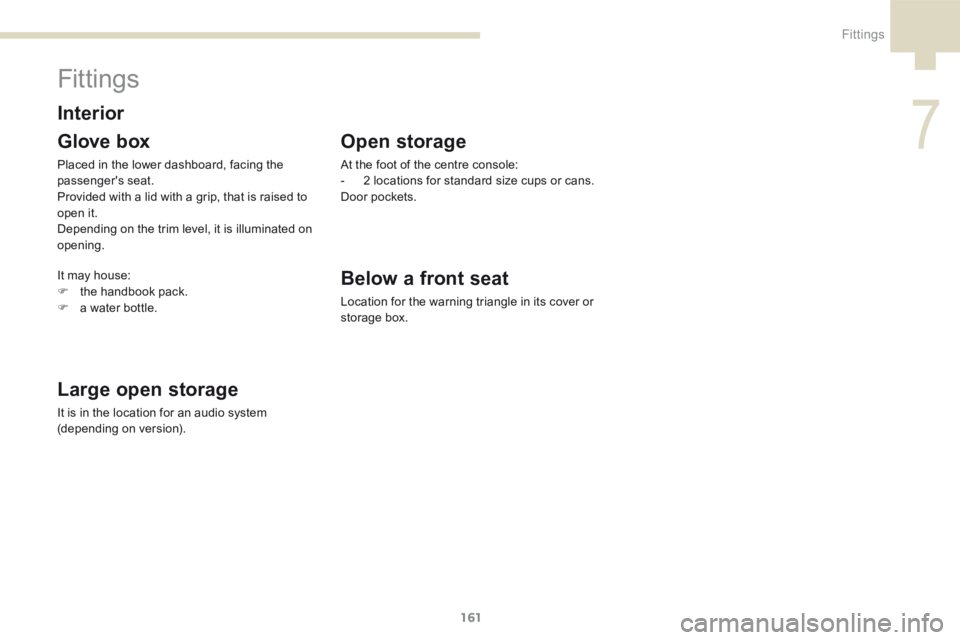
Glove box
Placed in the lower dashboard, facing the
passenger's seat.
Provided with a lid with a grip, that is raised to
open it.
Depending on the trim level, it is illuminated on
opening.
Large open storage
It is in the location for an audio system
(depending on version).
InteriorBelow a front seat
Location for the warning triangle in its cover or
storage box.
Open storage
At the foot of the centre console:
- 2 locations for standard size cups or cans.
Door pockets.
It may house:
F the handbook pack.
F a water bottle.
7
Fittings
Page 172 of 341
170
208_en_Chap07_ Amenagements_ed01-2015
Installation of radio
communication
transmitters
Before installing any after-market radio
communication transmitter, you can
contact a PEUGEOT dealer for the
specification of transmitters which can
be fitted (frequency, maximum power,
aerial position, specific installation
requirements), in line with the Vehicle
Electromagnetic Compatibility
Directive (2004/104/EC). Depending on the legislation in force in
the country, certain safety equipment
may be compulsory: high visibility
safety vests, warning triangles,
breathalyzers, spare bulbs, spare fuses,
fire extinguisher, first aid kit, mud flaps
at the rear of the vehicle.
By visiting a PEUGEOT dealer, you can also
obtain products for cleaning and maintenance
(exterior and interior) - including ecological
products in the "TECHNATURE*" range,
topping up products (screenwash...), touch-up
pens and paint aerosols for the exact colour of
your vehicle, refills (cartridge for the temporary
puncture repair kit...), ...
"Multimedia":
audio systems, portable satellite navigation
systems, semi-integral support for portable
satellite navigation system, hands-free kit, CD
changer, speakers, DVD player (depending on
version), connection kit for MP3 or CD player,
USB Box, Wi-Fi on-board...
* The "TECHNATURE" range comprises
products for the care and maintenance of
your vehicle, recommended and approved by
P E U G E O T.
Fittings
Page 197 of 341
195
208_en_Chap08_Informations-pratiques_ed01-2015
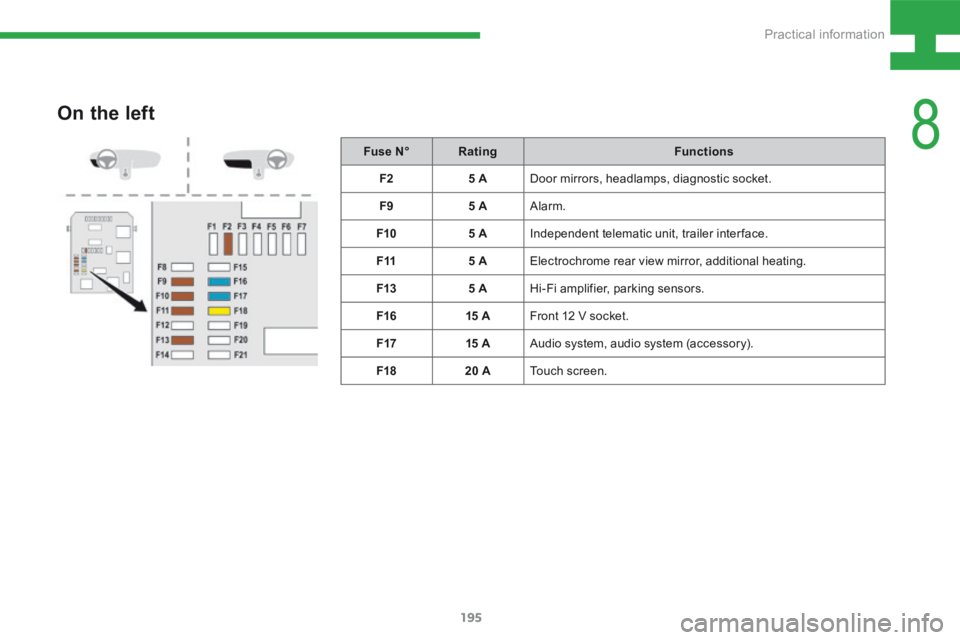
On the left
Fuse N°Rating Functions
F2 5 ADoor mirrors, headlamps, diagnostic socket.
F9 5 AAlarm.
F10 5 AIndependent telematic unit, trailer interface.
F11 5 AElectrochrome rear view mirror, additional heating.
F13 5 AHi-Fi amplifier, parking sensors.
F16 15 AFront 12 V socket.
F17 15 AAudio system, audio system (accessory).
F18 20 ATouch screen.
8
Practical information
Page 222 of 341
220
208_en_Chap9a_BTA_ed01-2015
Emergency call
PEUGEOT Connect SOS
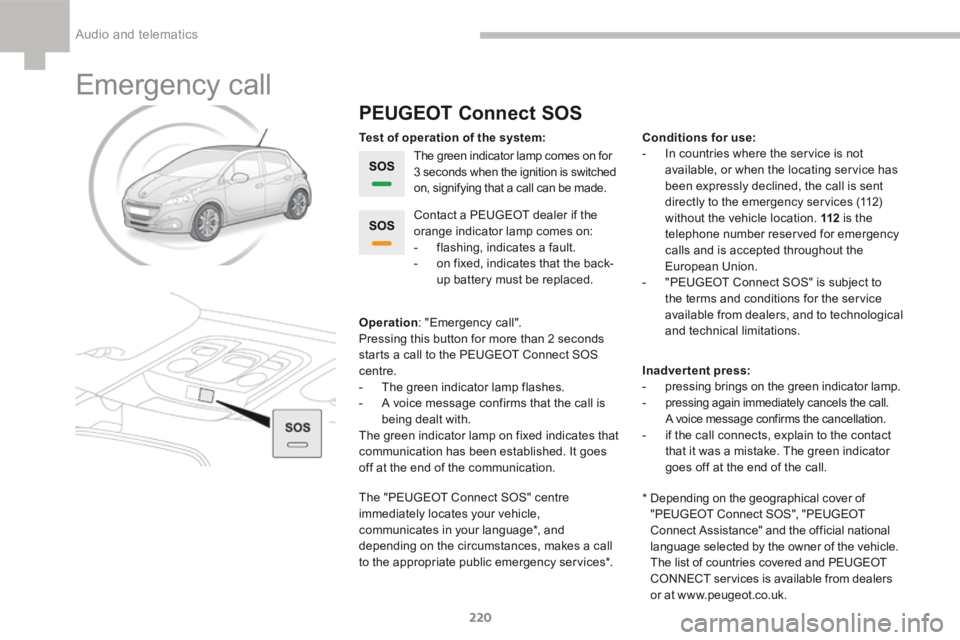
The green indicator lamp comes on for
3 seconds when the ignition is switched
on, signifying that a call can be made.
Operation : "Emergency call".
Pressing this button for more than 2 seconds
starts a call to the P EUGEOT Connect SOS
centre.
- The green indicator lamp flashes.
- A voice message confirms that the call is
being dealt with.
The green indicator lamp on fixed indicates that
communication has been established. It goes
off at the end of the communication. Contact a P
EUGEOT dealer if the
orange indicator lamp comes on:
- flashing, indicates a fault.
- on fixed, indicates that the back-
up battery must be replaced.
The " PEUGEOT Connect SOS" centre
immediately locates your vehicle,
communicates in your language*, and
depending on the circumstances, makes a call
to the appropriate public emergency services*. Test of operation of the system: Conditions for use:
- In countries where the service is not
available, or when the locating service has
been expressly declined, the call is sent
directly to the emergency services (112)
without the vehicle location. 112 is the
telephone number reserved for emergency
calls and is accepted throughout the
European Union.
- " PEUGEOT Connect SOS" is subject to
the terms and conditions for the service
available from dealers, and to technological
and technical limitations.
Inadvertent press:
- pressing brings on the green indicator lamp.
-
pressing again immediately cancels the call.
A voice message confirms the cancellation.
- if the call connects, explain to the contact
that it was a mistake. The green indicator
goes off at the end of the call.
* Depending on the geographical cover of
"PEUGEOT Connect SOS", "PEUGEOT
Connect Assistance" and the official national
language selected by the owner of the vehicle.
The list of countries covered and PEUGEOT
CONNECT services is available from dealers
or at www.peugeot.co.uk.
Audio and telematics
Page 223 of 341
221
208_en_Chap9a_BTA_ed01-2015
PEUGEOT Connect Assistance
If an impact is detected by the airbag
control unit, and independently of
the deployment of any airbags, an
emergency call is made automatically.
If you purchased your vehicle outside
the PEUGEOT dealer network, we
invite you to have a dealer check the
configuration of these services and, if
desired, modified to suit your wishes.
In a multi-lingual country, configuration
is possible in the official national
language of your choice.
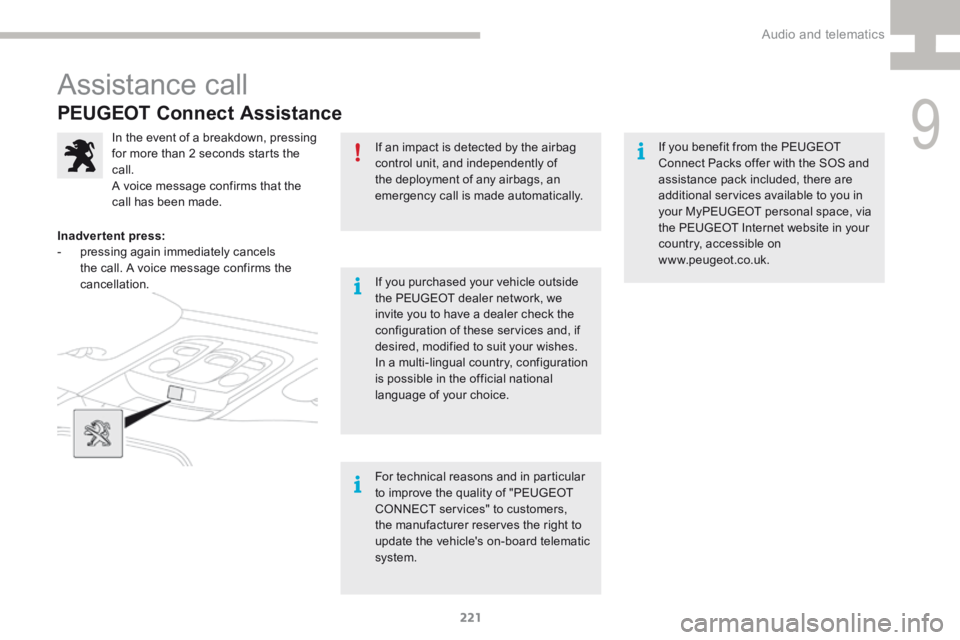
In the event of a breakdown, pressing
for more than 2 seconds starts the
call.
A voice message confirms that the
call has been made.
Inadvertent press:
- pressing again immediately cancels
the call. A voice message confirms the
cancellation.
For technical reasons and in particular
to improve the quality of "PEUGEOT
CONNECT services" to customers,
the manufacturer reserves the right to
update the vehicle's on-board telematic
system.If you benefit from the P
EUGEOT
Connect Packs offer with the SOS and
assistance pack included, there are
additional services available to you in
your My PEUGEOT personal space, via
the PEUGEOT Internet website in your
country, accessible on
www.peugeot.co.uk.
Assistance call
9
Audio and telematics
Page 225 of 341
223
208_en_Chap9b_SMEGplus_ed01-2015
7-inch touch screen
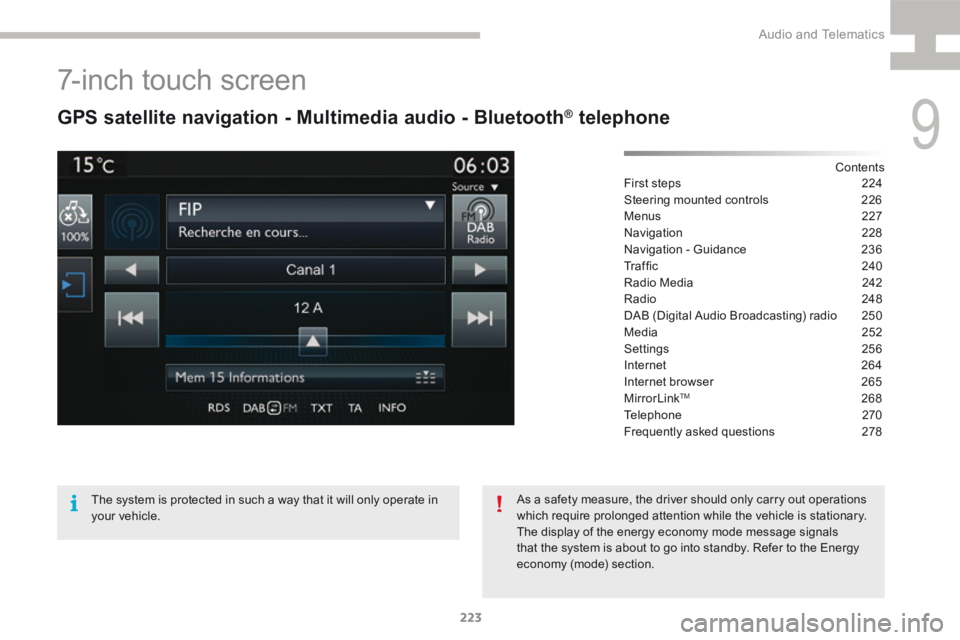
GPS satellite navigation - Multimedia audio - Bluetooth® telephone
Contents
First steps 224
Steering mounted controls 226
Menus 227
Navigation 228
Navigation - Guidance 236
Tr a f fi c 2 4 0
Radio Media 242
Radio 248
DAB (Digital Audio Broadcasting) radio 250
Media 252
Settings 256
Internet 264
Internet browser 265
MirrorLink
TM 268
Telephone 270
Frequently asked questions 278
The system is protected in such a way that it will only operate in
your vehicle. As a safety measure, the driver should only carry out operations
which require prolonged attention while the vehicle is stationary.
The display of the energy economy mode message signals
that the system is about to go into standby. Refer to the Energy
economy (mode) section.
9
Audio and Telematics
Page 226 of 341
224
208_en_Chap9b_SMEGplus_ed01-2015
First steps
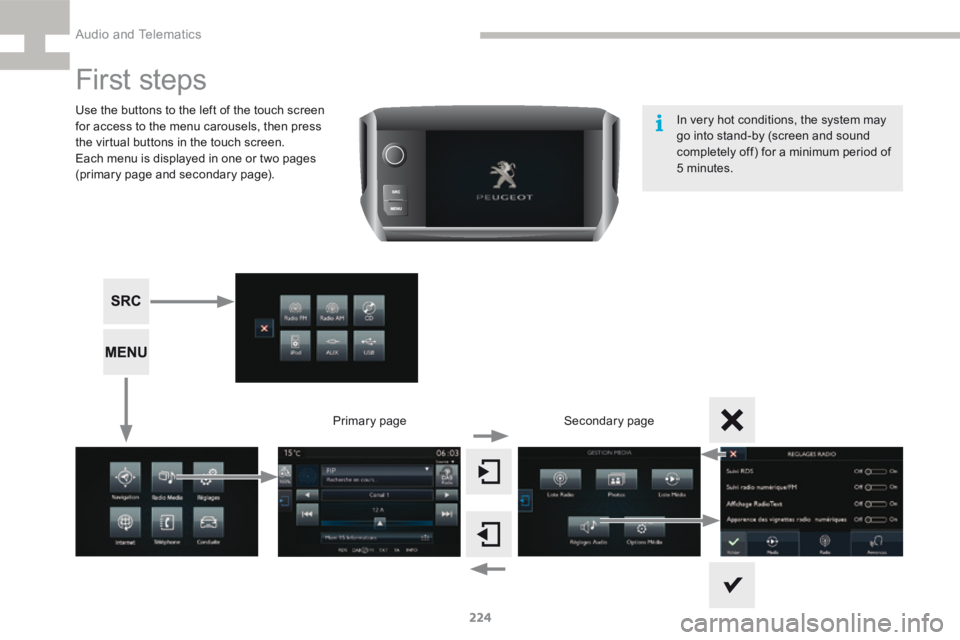
Use the buttons to the left of the touch screen
for access to the menu carousels, then press
the virtual buttons in the touch screen.
Each menu is displayed in one or two pages
(primary page and secondary page).Secondary page
Primary page In very hot conditions, the system may
go into stand-by (screen and sound
completely off) for a minimum period of
5 minutes.
Audio and Telematics
Page 227 of 341
225
208_en_Chap9b_SMEGplus_ed01-2015
Volume adjustment (each source is
independent, including traffic announcements
(TA) and navigation instructions).Press on Menu
to display the menu
carrousel.
Press on SRC to display the audio
sources carrousel.
With the engine running, press to
mute the sound.
With the ignition off, press to switch
the system on.
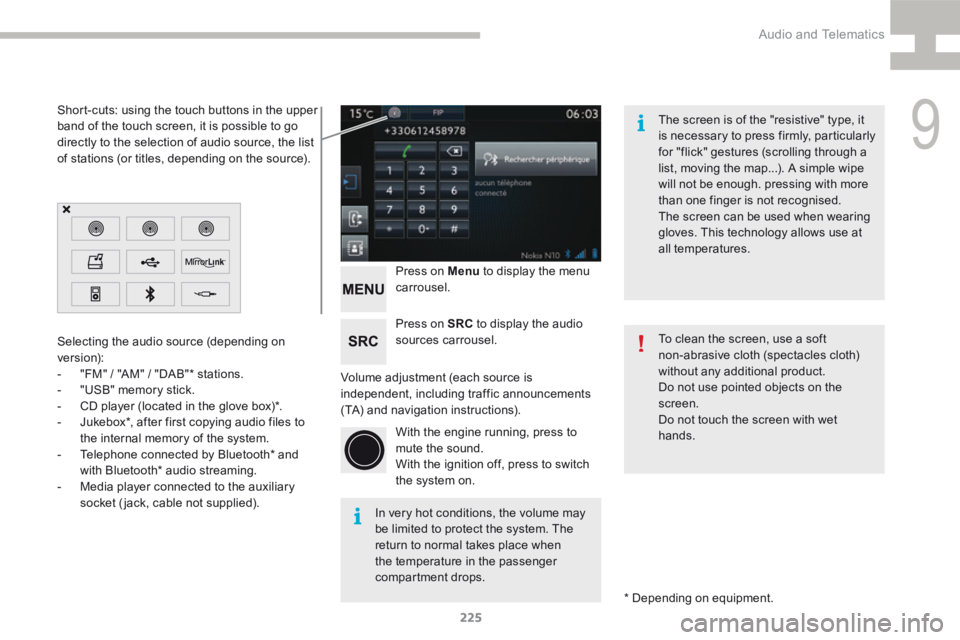
Selecting the audio source (depending on
version):
-
"FM" / "AM" / "DAB"* stations.
- "USB" memory stick.
- CD player (located in the glove box)*.
- Jukebox*, after first copying audio files to
the internal memory of the system.
- Telephone connected by Bluetooth* and
with Bluetooth* audio streaming.
- Media player connected to the auxiliary
socket (jack, cable not supplied).
* Depending on equipment.
Short-cuts: using the touch buttons in the upper
band of the touch screen, it is possible to go
directly to the selection of audio source, the list
of stations (or titles, depending on the source).
The screen is of the "resistive" type, it
is necessary to press firmly, particularly
for "flick" gestures (scrolling through a
list, moving the map...). A simple wipe
will not be enough. pressing with more
than one finger is not recognised.
The screen can be used when wearing
gloves. This technology allows use at
all temperatures.
In very hot conditions, the volume may
be limited to protect the system. The
return to normal takes place when
the temperature in the passenger
compartment drops. To clean the screen, use a soft
non-abrasive cloth (spectacles cloth)
without any additional product.
Do not use pointed objects on the
screen.
Do not touch the screen with wet
hands.
9
Audio and Telematics