Page 184 of 412
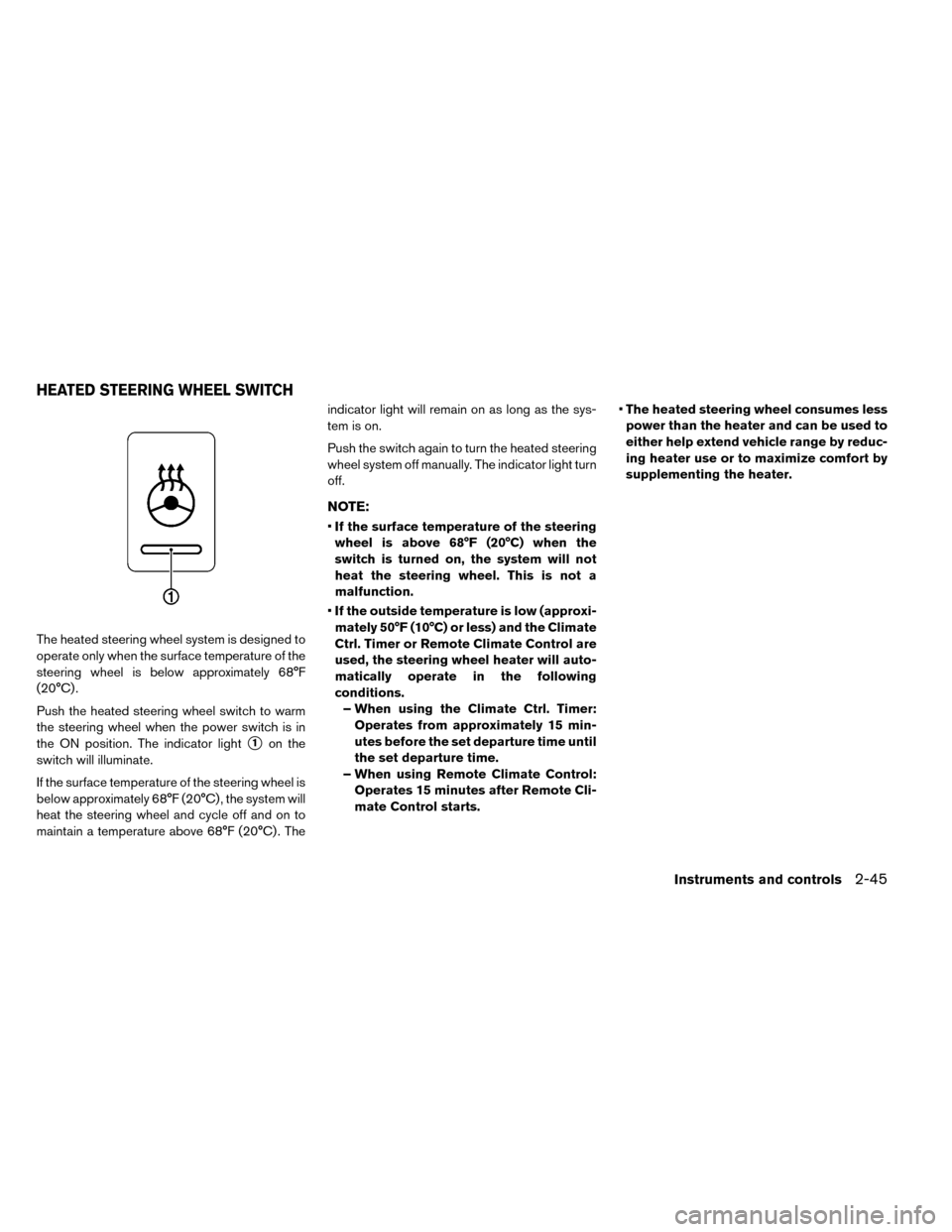
The heated steering wheel system is designed to
operate only when the surface temperature of the
steering wheel is below approximately 68°F
(20°C) .
Push the heated steering wheel switch to warm
the steering wheel when the power switch is in
the ON position. The indicator light
�1on the
switch will illuminate.
If the surface temperature of the steering wheel is
below approximately 68°F (20°C) , the system will
heat the steering wheel and cycle off and on to
maintain a temperature above 68°F (20°C) . The indicator light will remain on as long as the sys-
tem is on.
Push the switch again to turn the heated steering
wheel system off manually. The indicator light turn
off.
NOTE:
•
If the surface temperature of the steering
wheel is above 68°F (20°C) when the
switch is turned on, the system will not
heat the steering wheel. This is not a
malfunction.
• If the outside temperature is low (approxi-
mately 50°F (10°C) or less) and the Climate
Ctrl. Timer or Remote Climate Control are
used, the steering wheel heater will auto-
matically operate in the following
conditions.
– When using the Climate Ctrl. Timer: Operates from approximately 15 min-
utes before the set departure time until
the set departure time.
– When using Remote Climate Control: Operates 15 minutes after Remote Cli-
mate Control starts. •
The heated steering wheel consumes less
power than the heater and can be used to
either help extend vehicle range by reduc-
ing heater use or to maximize comfort by
supplementing the heater.
HEATED STEERING WHEEL SWITCH
Instruments and controls2-45
Page 185 of 412
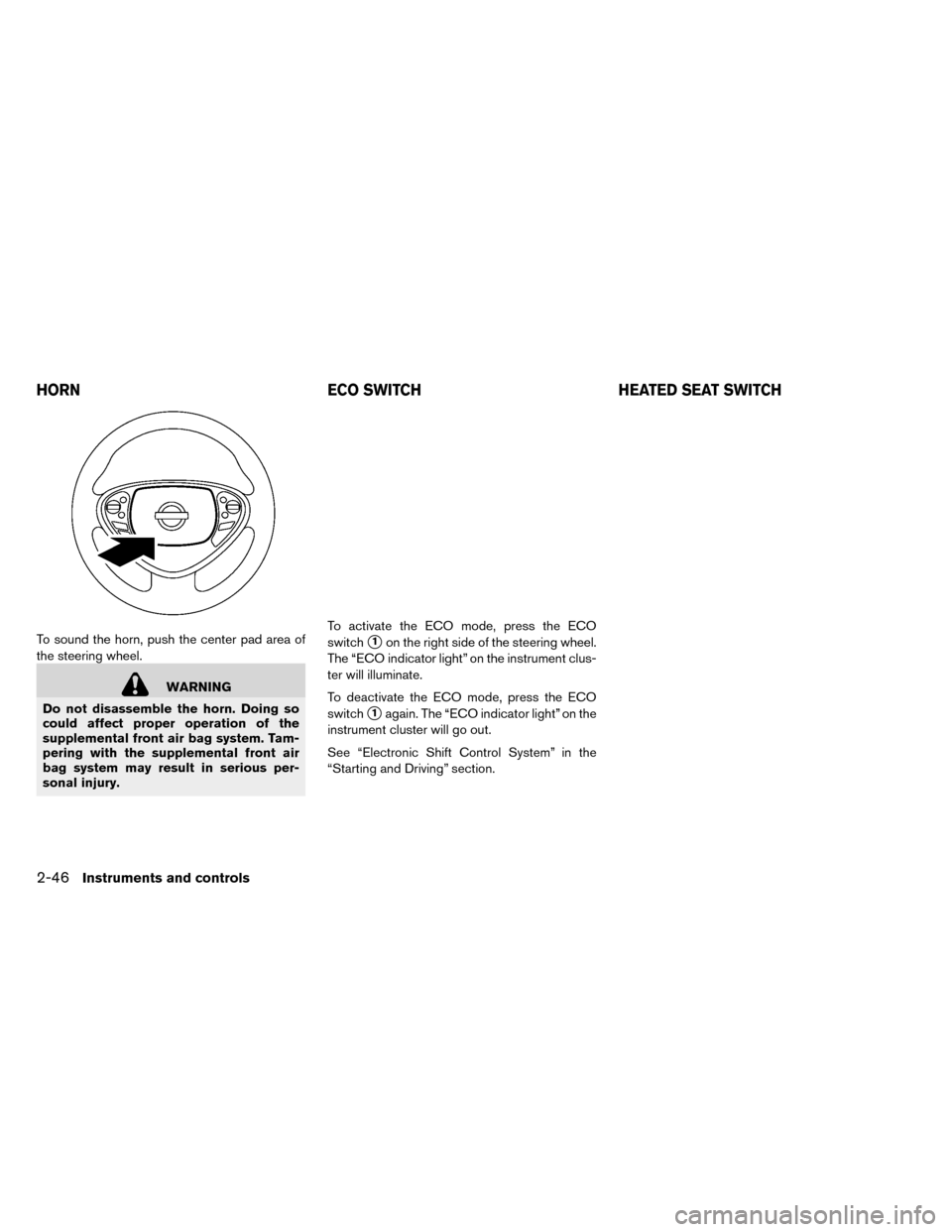
To sound the horn, push the center pad area of
the steering wheel.
WARNING
Do not disassemble the horn. Doing so
could affect proper operation of the
supplemental front air bag system. Tam-
pering with the supplemental front air
bag system may result in serious per-
sonal injury. To activate the ECO mode, press the ECO
switch
�1on the right side of the steering wheel.
The “ECO indicator light” on the instrument clus-
ter will illuminate.
To deactivate the ECO mode, press the ECO
switch
�1again. The “ECO indicator light” on the
instrument cluster will go out.
See “Electronic Shift Control System” in the
“Starting and Driving” section.
HORN ECO SWITCHHEATED SEAT SWITCH
2-46Instruments and controls
Page 186 of 412
The front seats and the rear outboard seats can
be warmed by built-in heaters. The switches lo-
cated on the center console and at the side of the
front passenger seatback can be operated inde-
pendently of each other.
1. Place the power switch in the ON position.
2. Push the LO or HI position of the switch, asdesired, depending on the temperature. The
indicator light in the switch will illuminate.
3. To turn off the heater, return the switch to the level position. Make sure the indicator light
goes off. The heater is controlled by a thermostat, auto-
matically turning the heater on and off. The indi-
cator light will remain on as long as the switch is
on.
When the vehicle’s interior is warmed, or before
you leave the vehicle, be sure to turn the switch
off.
NOTE:
The heated seats consumes less power
than the heater and can be used to either
help extend vehicle range by reducing
heater use or to maximize comfort by
supplementing the heater.
WARNING
Do not use or allow occupants to use the
seat heater if you or the occupants can-
not monitor elevated seat temperatures
or have an inability to feel pain in those
body parts in contact with the seat. Use of
the seat heater by such people could re-
sult in serious injury.
CAUTION
• Do not use the seat heater for ex- tended periods or when no one is us-
ing the seat.
• Do not put anything on the seat which insulates heat, such as a blanket,
cushion, seat cover, etc. Otherwise, the
seat may become overheated.
• Do not place anything hard or heavy on the seat or pierce it with a pin or similar
object. This may result in damage to
the heater.
• Any liquid spilled on the heated seat should be removed immediately with a
dry cloth.
• When cleaning the seat, never use gasoline, thinner, or any similar mate-
rials.
• If any abnormalities are found or the heated seat does not operate, turn the
switch off and have the system
checked by a NISSAN certified LEAF
dealer.
Rear
Instruments and controls2-47
Page 189 of 412
• Use the power outlet with the powerswitch is in the ON or READY to drive
position to avoid discharging the 12-
volt battery.
• Avoid using the power outlet when the air conditioner, headlights or rear win-
dow defroster are on.
• This power outlet is not designed for use with a cigarette lighter unit.
• Push the plug in as far as it will go. If good contact is not made, the plug may
overheat or the internal temperature
fuse may open.
• Before inserting or disconnecting a plug, make sure that the electrical ac-
cessory being used is turned OFF.
• When not in use, be sure to close the cap. Do not allow water to contact the
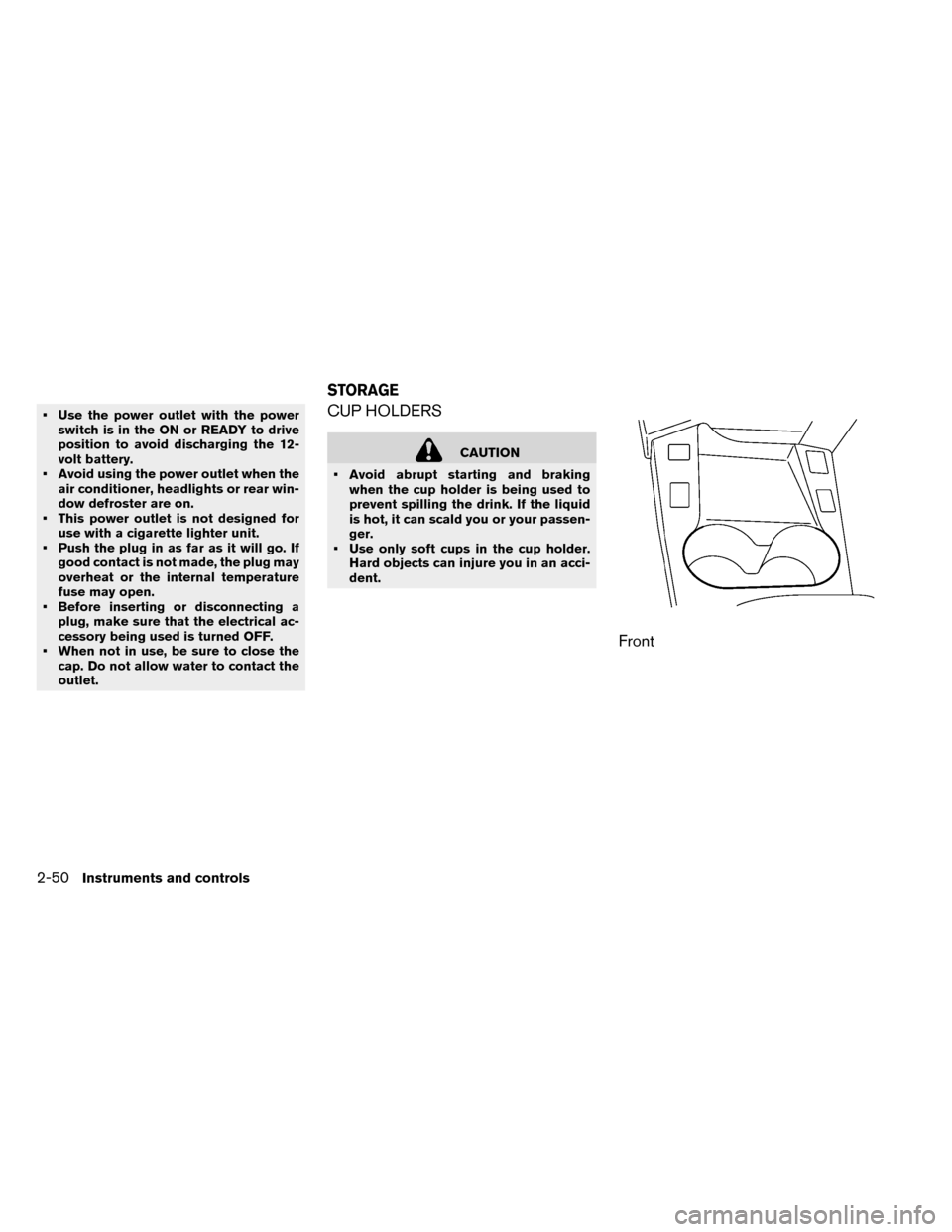
outlet.CUP HOLDERS
CAUTION
• Avoid abrupt starting and braking when the cup holder is being used to
prevent spilling the drink. If the liquid
is hot, it can scald you or your passen-
ger.
• Use only soft cups in the cup holder. Hard objects can injure you in an acci-
dent.
Front
STORAGE
2-50Instruments and controls
Page 191 of 412
CAUTION
• Do not use for anything other than sunglasses.
• Do not leave sunglasses in the sun- glasses holder while parking in direct
sunlight. The heat may damage the
sunglasses.
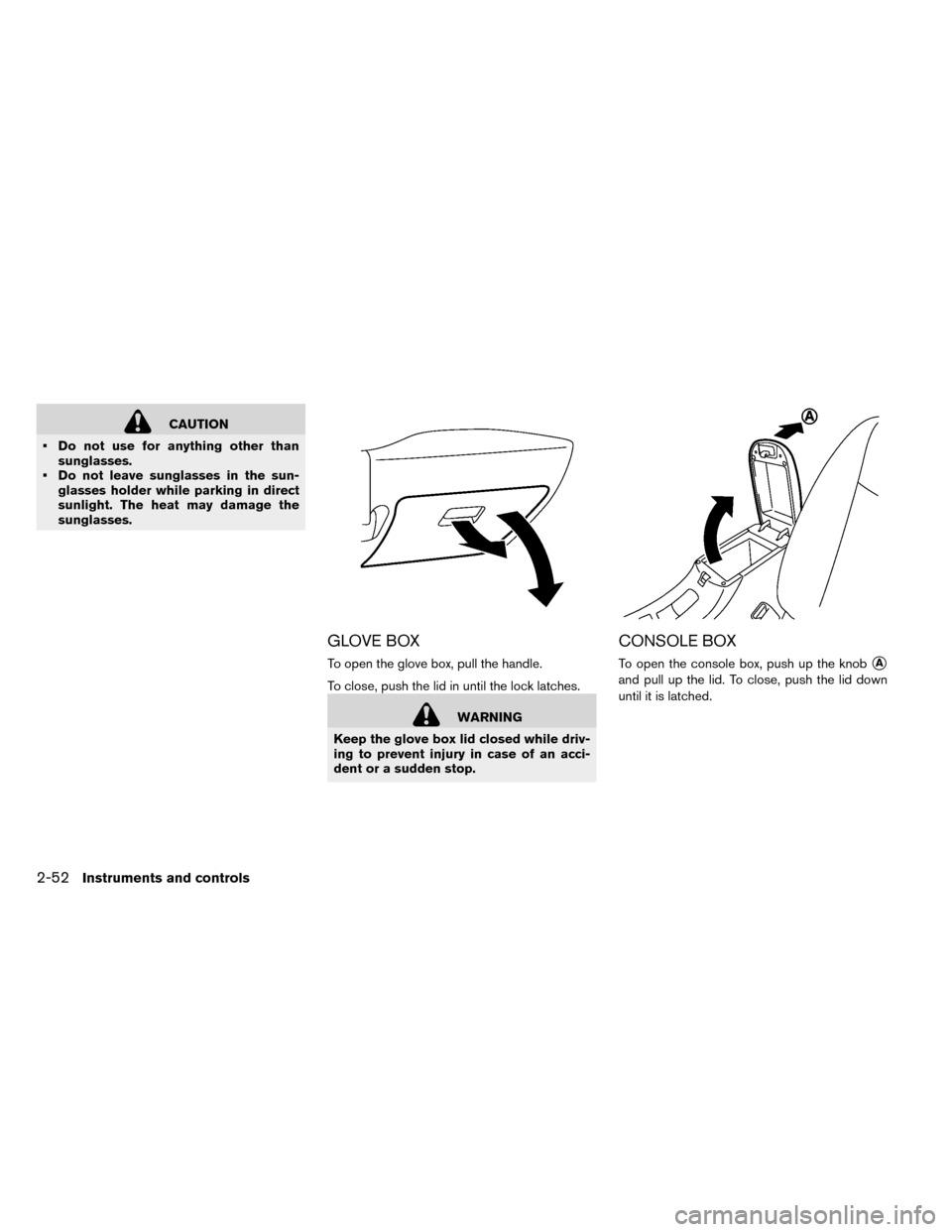
GLOVE BOX
To open the glove box, pull the handle.
To close, push the lid in until the lock latches.
WARNING
Keep the glove box lid closed while driv-
ing to prevent injury in case of an acci-
dent or a sudden stop.
CONSOLE BOX
To open the console box, push up the knob�A
and pull up the lid. To close, push the lid down
until it is latched.
2-52Instruments and controls
Page 195 of 412
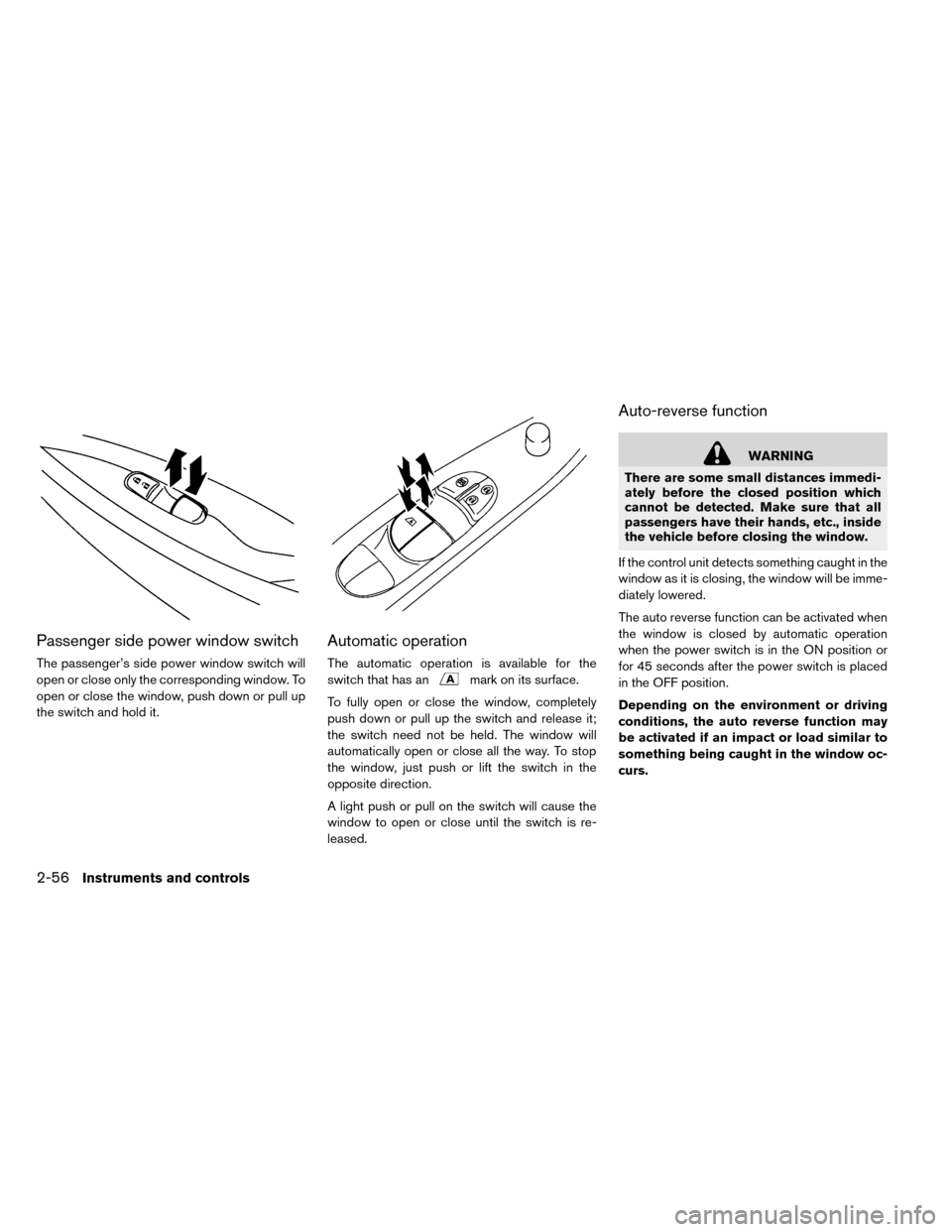
Passenger side power window switch
The passenger’s side power window switch will
open or close only the corresponding window. To
open or close the window, push down or pull up
the switch and hold it.
Automatic operation
The automatic operation is available for the
switch that has an
mark on its surface.
To fully open or close the window, completely
push down or pull up the switch and release it;
the switch need not be held. The window will
automatically open or close all the way. To stop
the window, just push or lift the switch in the
opposite direction.
A light push or pull on the switch will cause the
window to open or close until the switch is re-
leased.
Auto-reverse function
WARNING
There are some small distances immedi-
ately before the closed position which
cannot be detected. Make sure that all
passengers have their hands, etc., inside
the vehicle before closing the window.
If the control unit detects something caught in the
window as it is closing, the window will be imme-
diately lowered.
The auto reverse function can be activated when
the window is closed by automatic operation
when the power switch is in the ON position or
for 45 seconds after the power switch is placed
in the OFF position.
Depending on the environment or driving
conditions, the auto reverse function may
be activated if an impact or load similar to
something being caught in the window oc-
curs.
2-56Instruments and controls
Page 196 of 412
If the windows do not close
automatically
If the power window automatic function (closing
only) does not operate properly, perform the fol-
lowing procedure to initialize the power window
system.
1. Place the power switch in the ON position.
2. Close the door.
3. Open the window completely by operatingthe power window switch.
4. Pull the power window switch and hold it to close the window, and then hold the switch
more than 3 seconds after the window is
closed completely.
5. Release the power window switch. Operate the window by the automatic function to con-
firm the initialization is complete.
If the power window automatic function does not
operate properly after performing the procedure
above, have your vehicle checked by a NISSAN
certified LEAF dealer.
CAUTION
Do not use for extended periods of time
with the power switch in the OFF posi-
tion. This could result in a discharged
12-volt battery.
MAP LIGHTS
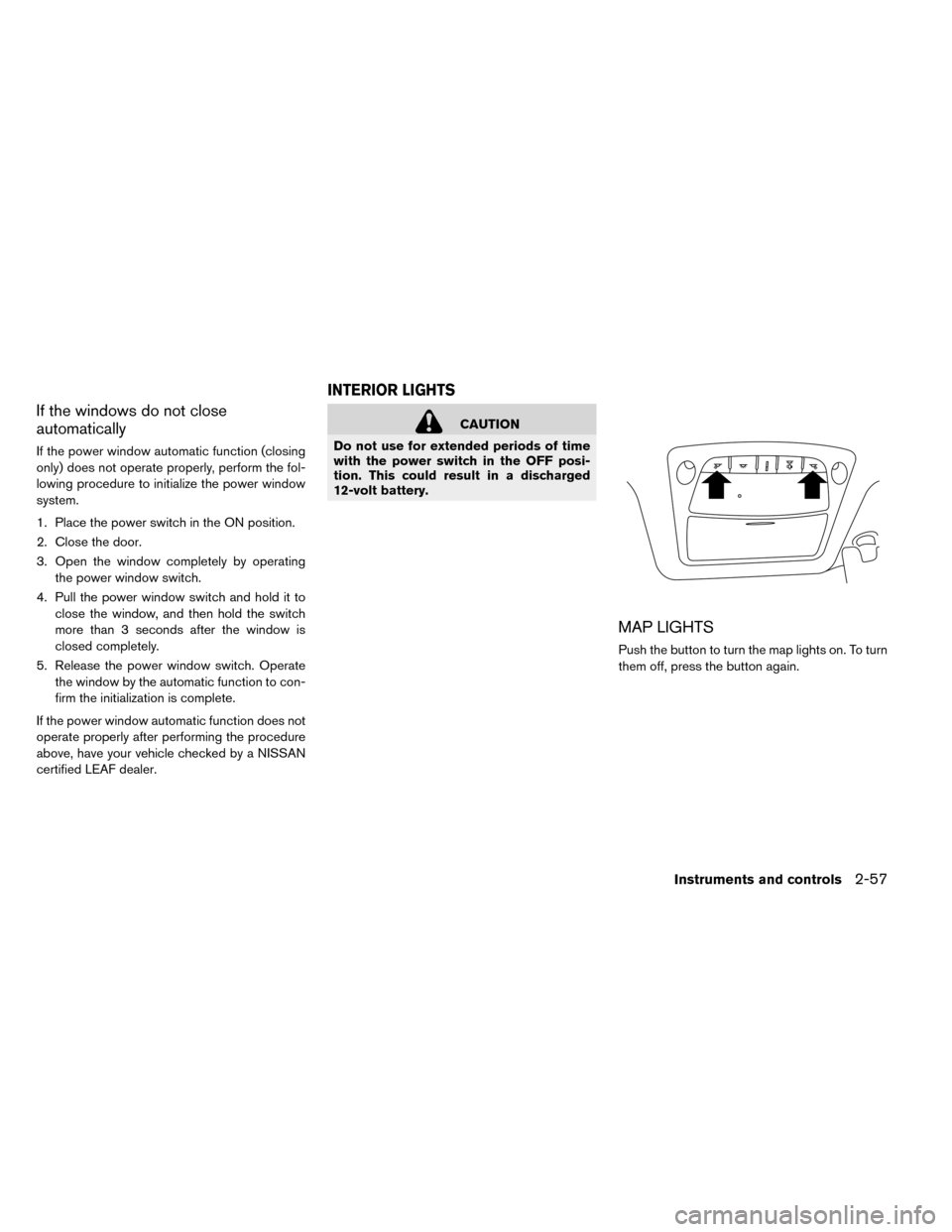
Push the button to turn the map lights on. To turn
them off, press the button again.
INTERIOR LIGHTS
Instruments and controls2-57
Page 197 of 412
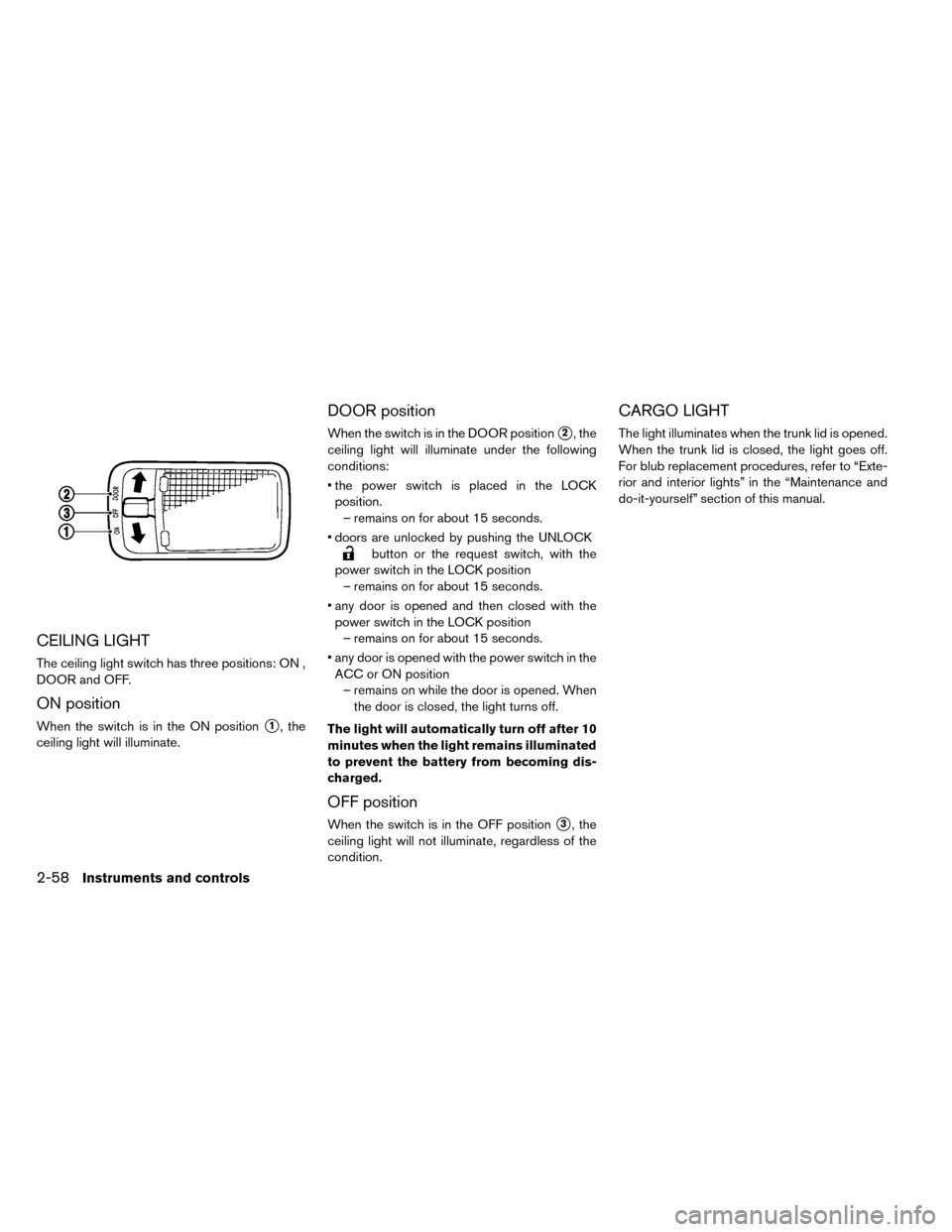
CEILING LIGHT
The ceiling light switch has three positions: ON ,
DOOR and OFF.
ON position
When the switch is in the ON position�1, the
ceiling light will illuminate.
DOOR position
When the switch is in the DOOR position�2, the
ceiling light will illuminate under the following
conditions:
• the power switch is placed in the LOCK position. – remains on for about 15 seconds.
• doors are unlocked by pushing the UNLOCK
button or the request switch, with the
power switch in the LOCK position – remains on for about 15 seconds.
• any door is opened and then closed with the power switch in the LOCK position – remains on for about 15 seconds.
• any door is opened with the power switch in the ACC or ON position – remains on while the door is opened. When the door is closed, the light turns off.
The light will automatically turn off after 10
minutes when the light remains illuminated
to prevent the battery from becoming dis-
charged.
OFF position
When the switch is in the OFF position�3, the
ceiling light will not illuminate, regardless of the
condition.
CARGO LIGHT
The light illuminates when the trunk lid is opened.
When the trunk lid is closed, the light goes off.
For blub replacement procedures, refer to “Exte-
rior and interior lights” in the “Maintenance and
do-it-yourself” section of this manual.
2-58Instruments and controls