Page 117 of 510
●Alerts
● Clock
Rotate the INFO button
�2to highlight the de-
sired menu option within the selected mode.
Press the INFO button
�1to enter the high-
lighted menu.
The icons at the bottom of the display screen
show the options available:
ENTER — Press the INFO button to select
a highlighted option.
NEXT — Rotate the INFO button to high-
light an option.
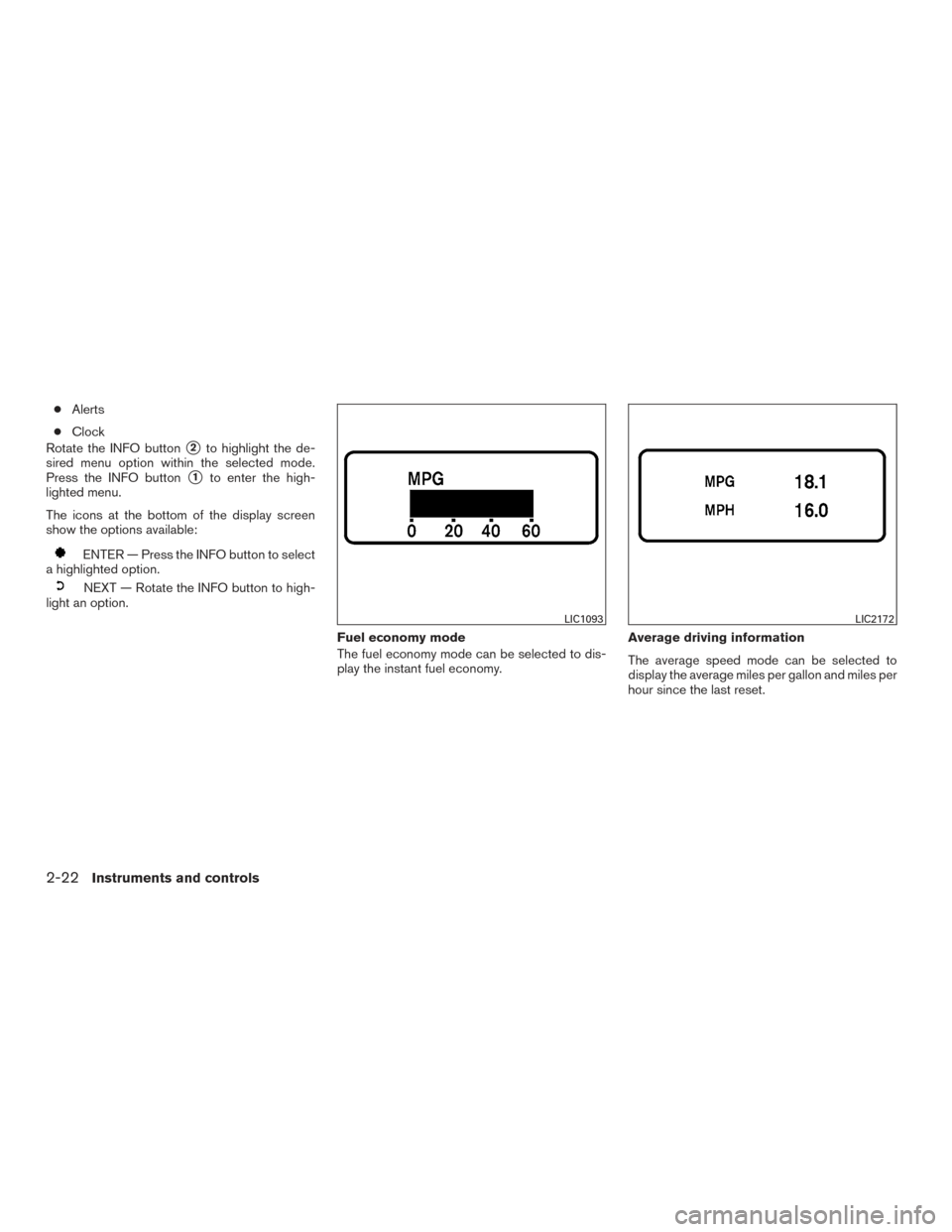
Fuel economy mode
The fuel economy mode can be selected to dis-
play the instant fuel economy.Average driving information
The average speed mode can be selected to
display the average miles per gallon and miles per
hour since the last reset.
LIC1093LIC2172
2-22Instruments and controls
Page 119 of 510
Settings mode
The settings mode allows you to set reminders
and preferences for alerts, maintenance intervals,
language, and units.
In the settings mode screen, rotate the INFO
button to move to:● Alert
● Maintenance
● Display
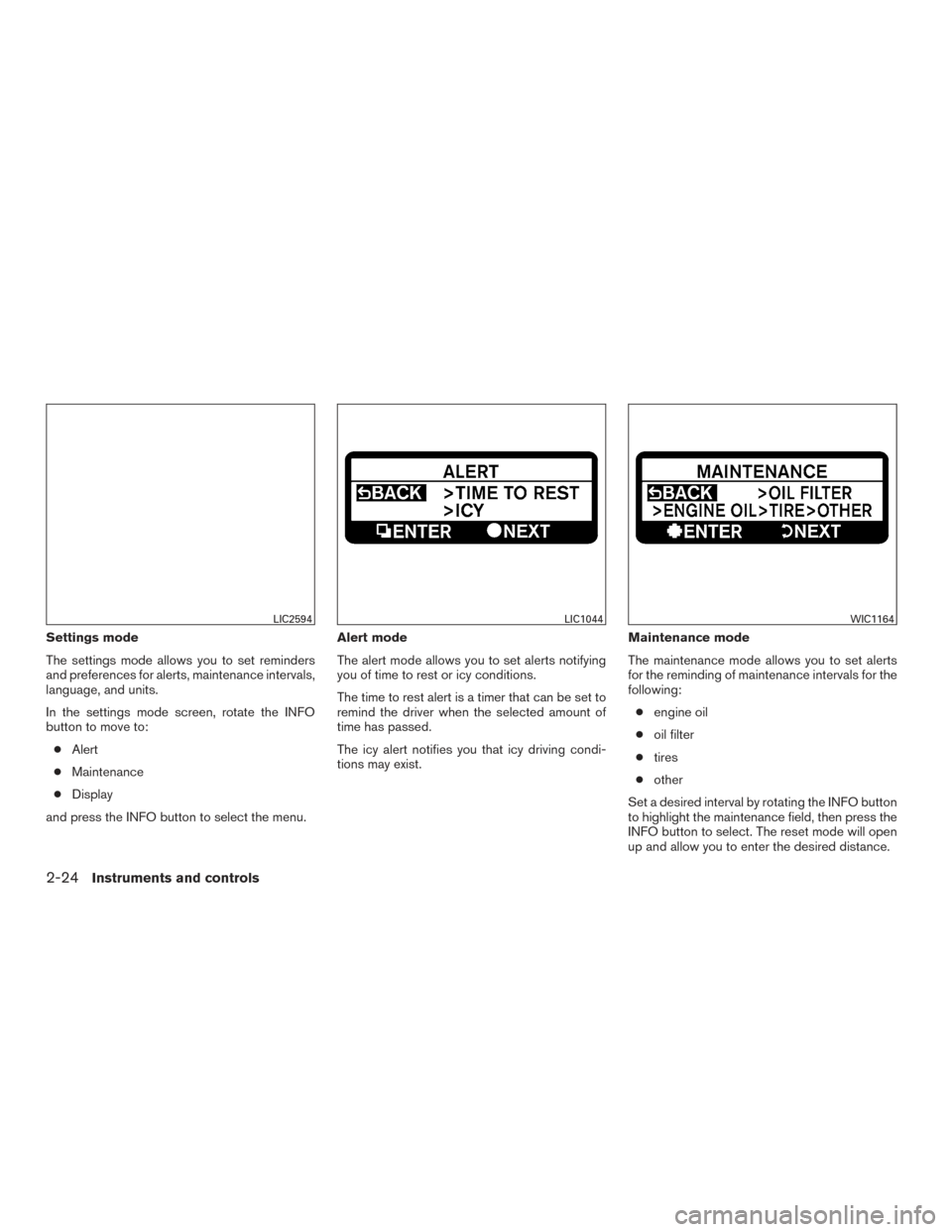
and press the INFO button to select the menu. Alert mode
The alert mode allows you to set alerts notifying
you of time to rest or icy conditions.
The time to rest alert is a timer that can be set to
remind the driver when the selected amount of
time has passed.
The icy alert notifies you that icy driving condi-
tions may exist.
Maintenance mode
The maintenance mode allows you to set alerts
for the reminding of maintenance intervals for the
following:
● engine oil
● oil filter
● tires
● other
Set a desired interval by rotating the INFO button
to highlight the maintenance field, then press the
INFO button to select. The reset mode will open
up and allow you to enter the desired distance.
LIC2594LIC1044WIC1164
2-24Instruments and controls
Page 120 of 510
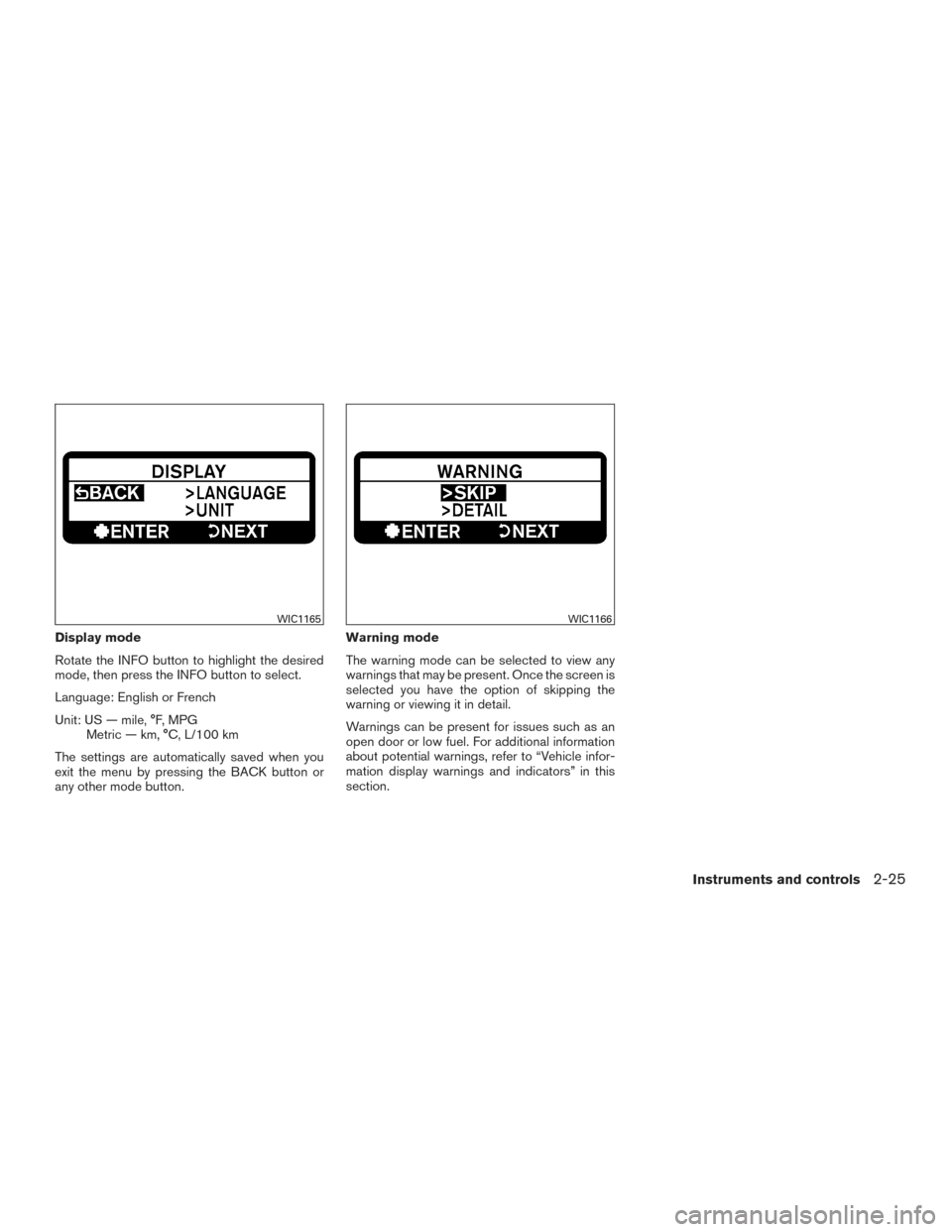
Display mode
Rotate the INFO button to highlight the desired
mode, then press the INFO button to select.
Language: English or French
Unit: US — mile, °F, MPGMetric — km, °C, L/100 km
The settings are automatically saved when you
exit the menu by pressing the BACK button or
any other mode button. Warning mode
The warning mode can be selected to view any
warnings that may be present. Once the screen is
selected you have the option of skipping the
warning or viewing it in detail.
Warnings can be present for issues such as an
open door or low fuel. For additional information
about potential warnings, refer to “Vehicle infor-
mation display warnings and indicators” in this
section.
WIC1165WIC1166
Instruments and controls2-25
Page 121 of 510
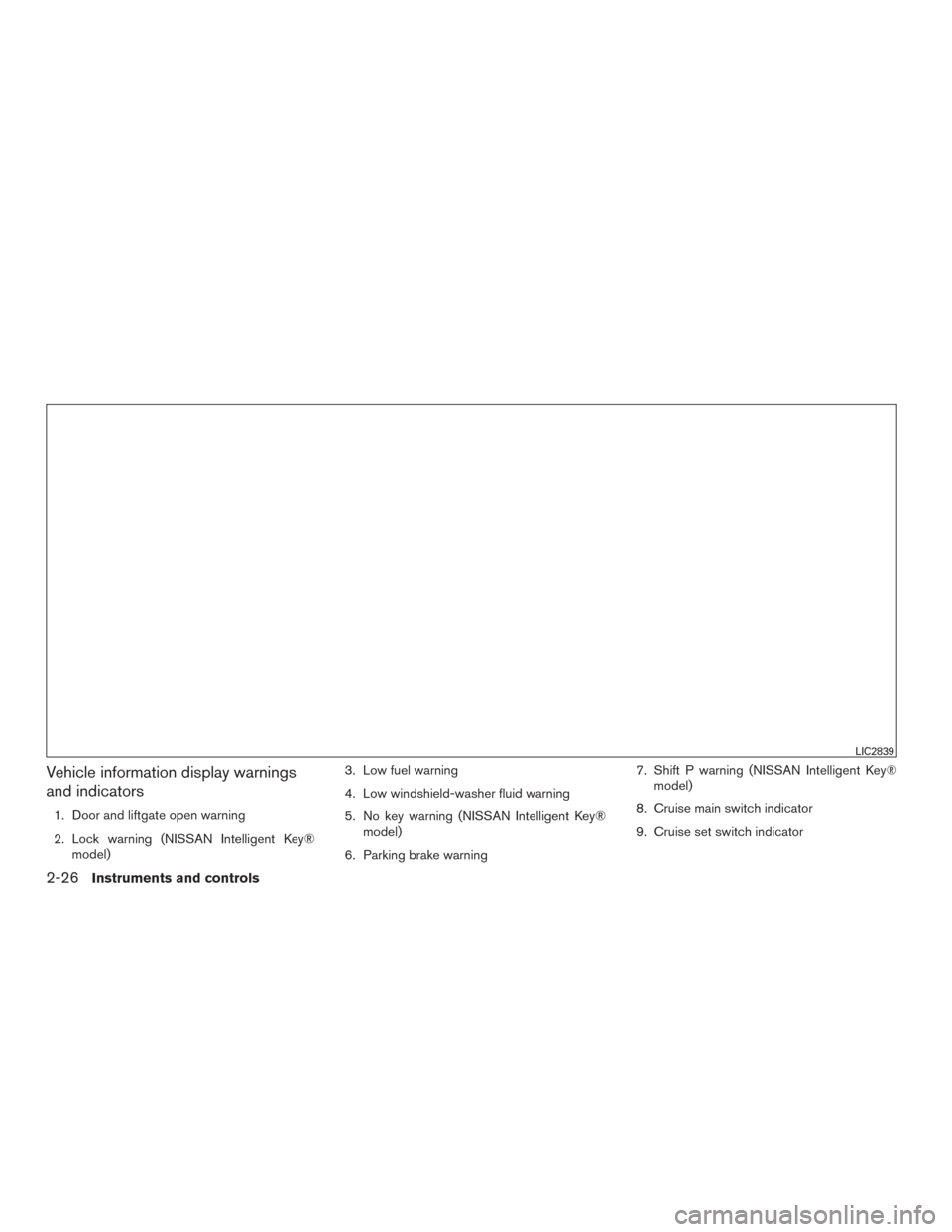
Vehicle information display warnings
and indicators
1. Door and liftgate open warning
2. Lock warning (NISSAN Intelligent Key®model) 3. Low fuel warning
4. Low windshield-washer fluid warning
5. No key warning (NISSAN Intelligent Key®
model)
6. Parking brake warning 7. Shift P warning (NISSAN Intelligent Key®
model)
8. Cruise main switch indicator
9. Cruise set switch indicator
LIC2839
2-26Instruments and controls
Page 123 of 510
Cruise main switch indicator
This indicator illuminates when the cruise control
main switch is pushed. The indicator turns off
when the main switch is pushed again. When the
cruise main switch indicator illuminates, the
cruise control system is operational.
Cruise set switch indicator light
The light comes on while the vehicle speed is
controlled by the cruise control system. If the light
blinks while the engine is running, it may indicate
the cruise control system is not functioning prop-
erly. Have the system checked by a NISSAN
dealer.
NISSAN Intelligent Key® battery dis-
charge indicator (NISSAN Intelligent Key®
model)
This indicator illuminates when the Intelligent Key
battery is running out of power.
If this indicator illuminates, replace the battery
with a new one. For additional information, refer
to “Battery replacement” in the “Maintenance and
do-it-yourself” section of this manual.
Transfer 4LO position indicator (
model)
This indicator illuminates when the 4WD shift
switch is set in the 4LO position with the ignition
switch placed in the ON position.If the 4WD shift switch is set in the 4LO position
and the indicator blinks, stop the vehicle, drive
slowly forward and the indicator will turn on.
When you shift between 4H and 4LO, stop the
vehicle, move the shift lever to the N (Neutral)
position, then depress and turn the 4WD shift
switch to 4LO or 4H.
The transfer case may be damaged if you shift the
switch while driving.
You cannot move the transfer 4WD shift switch
between 4H and 4LO unless you have first
stopped the vehicle and moved the shift lever to
N (Neutral) . Make sure the transfer 4LO position
indicator illuminates when you shift the 4WD shift
switch to 4LO.
The indicator may blink while shifting from
one drive mode to the other.
4WD shift indicator (
model)
While the engine is running, the 4WD shift indi-
cator will illuminate the position selected by the
4WD shift switch.
The 4WD shift indicator may blink while
shifting from one drive mode to the other.
Automatic transmission position indicator
When the ignition switch is placed in the ON
position, this indicator shows the shift lever posi- tion. For additional information, refer to “Driving
the vehicle” in the “Starting and driving” section
of this manual.
Loose fuel cap warning
This warning appears when the fuel-filler cap is
not tightened correctly after the vehicle is refu-
eled. For additional information, refer to “Fuel-
filler cap” in the “Pre-driving checks and adjust-
ments” section of this manual.
Check tire pressure warning
This warning appears when the low tire pressure
warning light in the meter illuminates and low tire
pressure is detected. If this warning appears,
stop the vehicle and adjust the tire pressure to
the recommended COLD tire pressure shown on
the Tire and Loading Information label. For addi-
tional information, refer to “Low tire pressure
warning light” in this section and “Tire Pressure
Monitoring System (TPMS)” in the “Starting and
driving” section.
Outside temperature indicator
This displays the temperature reading outside the
vehicle at the present time.
2-28Instruments and controls
Page 129 of 510
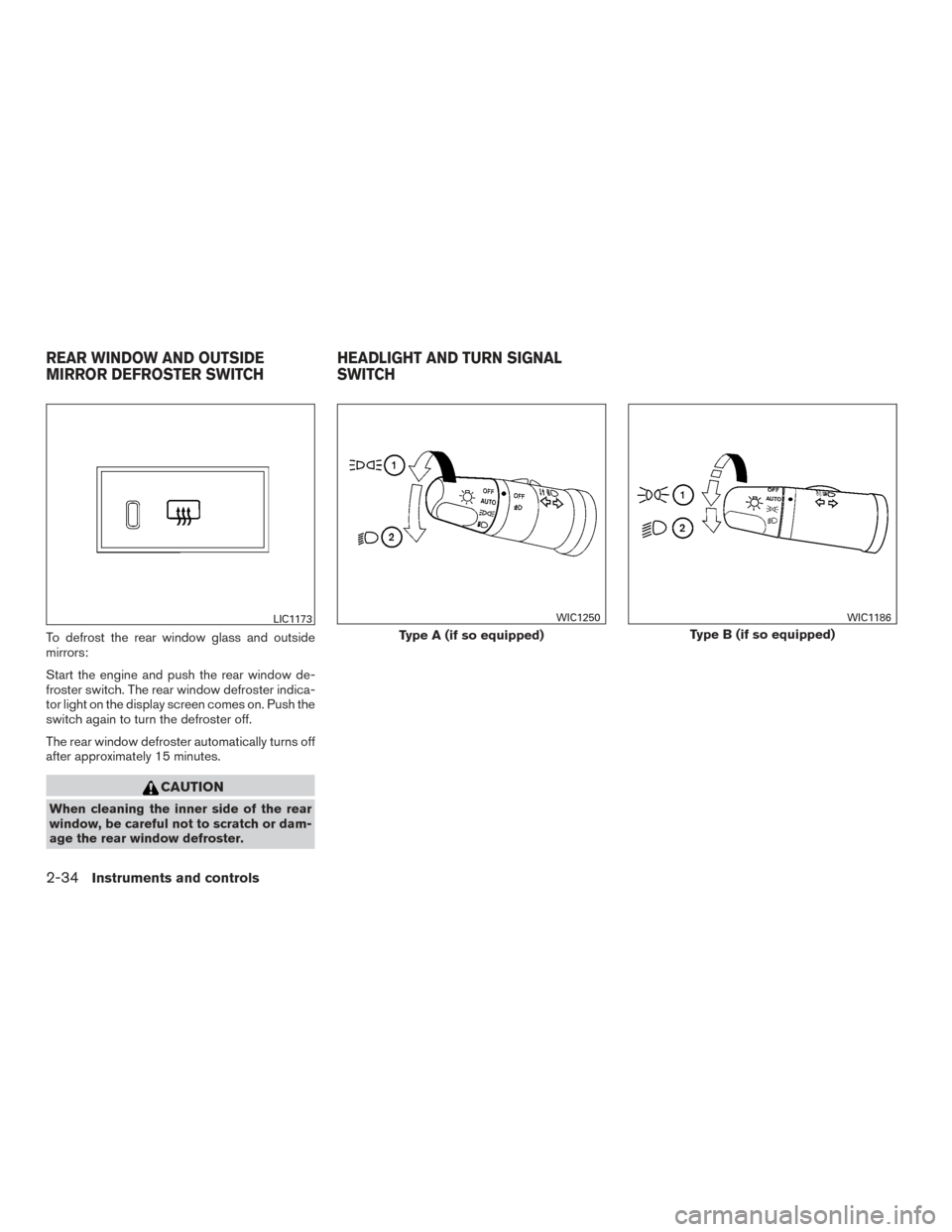
To defrost the rear window glass and outside
mirrors:
Start the engine and push the rear window de-
froster switch. The rear window defroster indica-
tor light on the display screen comes on. Push the
switch again to turn the defroster off.
The rear window defroster automatically turns off
after approximately 15 minutes.
CAUTION
When cleaning the inner side of the rear
window, be careful not to scratch or dam-
age the rear window defroster.
LIC1173
Type A (if so equipped)
WIC1250
Type B (if so equipped)
WIC1186
REAR WINDOW AND OUTSIDE
MIRROR DEFROSTER SWITCHHEADLIGHT AND TURN SIGNAL
SWITCH
2-34Instruments and controls
Page 174 of 510
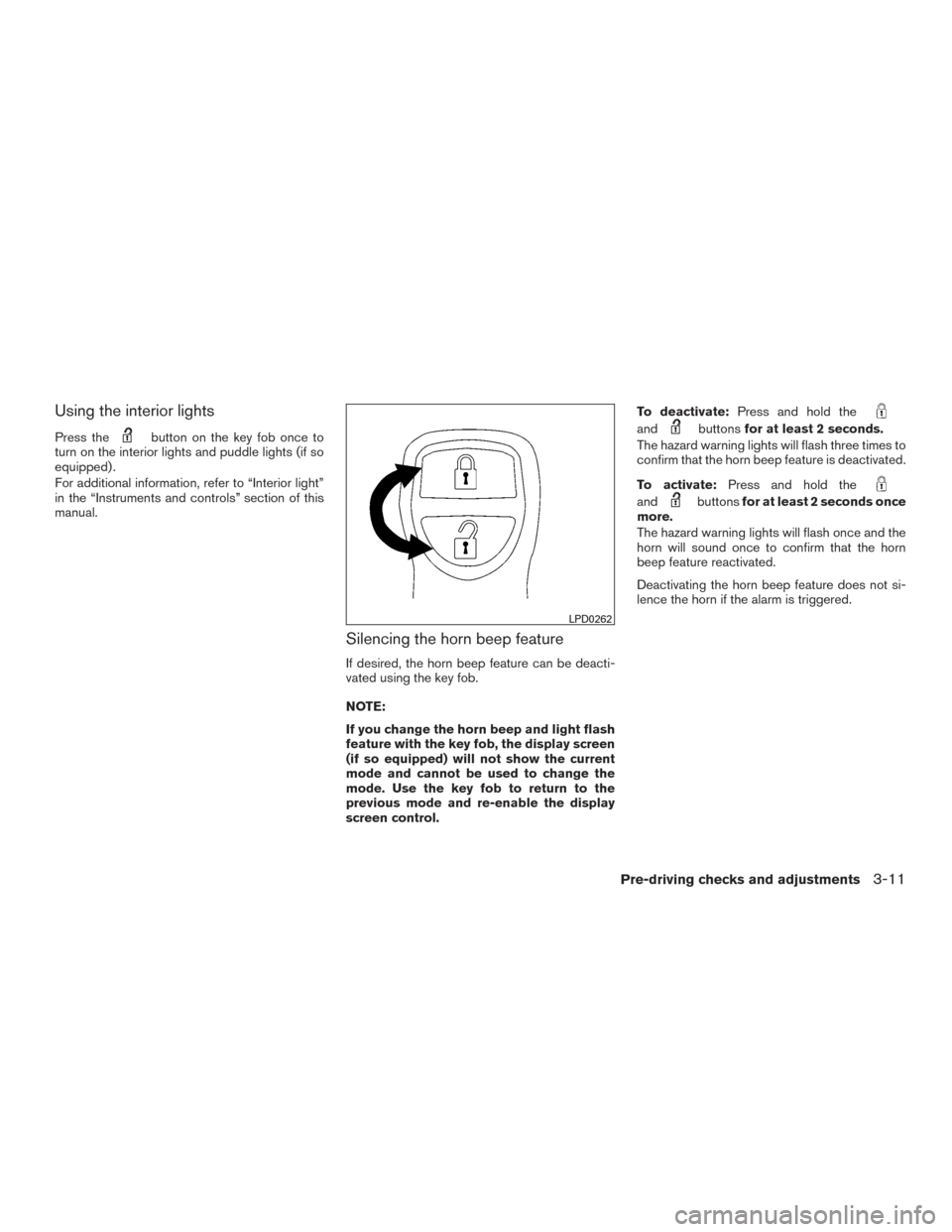
Using the interior lights
Press thebutton on the key fob once to
turn on the interior lights and puddle lights (if so
equipped) .
For additional information, refer to “Interior light”
in the “Instruments and controls” section of this
manual.
Silencing the horn beep feature
If desired, the horn beep feature can be deacti-
vated using the key fob.
NOTE:
If you change the horn beep and light flash
feature with the key fob, the display screen
(if so equipped) will not show the current
mode and cannot be used to change the
mode. Use the key fob to return to the
previous mode and re-enable the display
screen control. To deactivate:
Press and hold the
andbuttonsfor at least 2 seconds.
The hazard warning lights will flash three times to
confirm that the horn beep feature is deactivated.
To activate: Press and hold the
andbuttonsfor at least 2 seconds once
more.
The hazard warning lights will flash once and the
horn will sound once to confirm that the horn
beep feature reactivated.
Deactivating the horn beep feature does not si-
lence the horn if the alarm is triggered.
LPD0262
Pre-driving checks and adjustments3-11
Page 184 of 510
NOTE:
If you change the horn beep and light flash
feature with the Intelligent Key, the display
screen (if so equipped) will not show the
current mode and cannot be used to
change the mode. Use the Intelligent Key to
return to the previous mode and re-enable
the display screen control.
To deactivate:Press and hold the
andbuttonsfor at least two seconds.
The hazard warning lights will flash three times to
confirm that the horn beep feature deactivated.
To activate: Press and hold the
andbuttonsfor at least two seconds
once more. The hazard warning lights will flash once and the
horn will sound once to confirm that the horn
beep feature is reactivated.
Deactivating the horn beep feature does not si-
lence the horn if the alarm is triggered.
WARNING SIGNALS
To help prevent the vehicle from moving unex-
pectedly by erroneous operation of the Intelligent
Key or to help prevent the vehicle from being
stolen, a chime or buzzer sounds from inside and
outside the vehicle and a warning is displayed in
the instrument panel.
When a chime or beep sounds or a warning is
displayed, be sure to check the vehicle and the
Intelligent Key.
For additional information, refer to the “Trouble-
shooting guide” in this section and “Vehicle infor-
mation display” in the “Instruments and controls”
section of this manual.
Pre-driving checks and adjustments3-21