2015 NISSAN ARMADA navigation
[x] Cancel search: navigationPage 3 of 510
For descriptions specified for 4-wheel drive
models, amark is placed at the begin-
ning of the applicable sections/items.
As with other vehicles with features for
off-road use, failure to operate 4-wheel
drive models correctly may result in loss of
control or a collision. For additional infor-
mation, refer to “Driving safety precau-
tions” in the “Starting and driving” section
of this manual.
ON-PAVEMENT AND OFF-ROAD DRIV-
ING
This vehicle will handle and maneuver
differently from an ordinary passenger
car because it has a higher center of
gravity for off-road use. As with other
vehicles with features of this type, fail-
ure to operate this vehicle correctly may
result in loss of control or an accident.
For additional information, refer to “On-
pavement and off-road driving
precautions”, “Avoiding collision and
rollover” and “Driving safety precau-
tions” in the “Starting and driving” sec-
tion of this manual.
MODIFICATION OF YOUR VEHICLE
This vehicle should not be modified.
Modification could affect its
performance, safety or durability and may
even violate governmental regulations. In
addition, damage or performance prob-
lems resulting from modifications may
not be covered under NISSAN warranties. This manual includes information for all features
and equipment available on this model. Features
and equipment in your vehicle may vary depend-
ing on model, trim level, options selected, order,
date of production, region or availability. There-
fore, you may find information about features or
equipment that are not included or installed on
your vehicle.
All information, specifications and illustrations in
this manual are those in effect at the time of
printing. NISSAN reserves the right to change
specifications, performance, design or compo-
nent suppliers without notice and without obliga-
tion. From time to time, NISSAN may update or
revise this manual to provide Owners with the
most accurate information currently available.
Please carefully read and retain with this manual
all revision updates sent to you by NISSAN to
ensure you have access to accurate and up-to-
date information regarding your vehicle. Current
versions of vehicle Owner’s Manuals and any
updates can also be found in the Owner section
of the NISSAN website at
https://owners.nissanusa.com/nowners/
navigation/manualsGuide. If you have ques-
tions concerning any information in your Owner’s
Manual, contact NISSAN Consumer Affairs. See
the NISSAN CUSTOMER CARE PROGRAM
page in this Owner’s Manual for contact informa-
tion.
WHEN READING THE MANUAL
Page 15 of 510
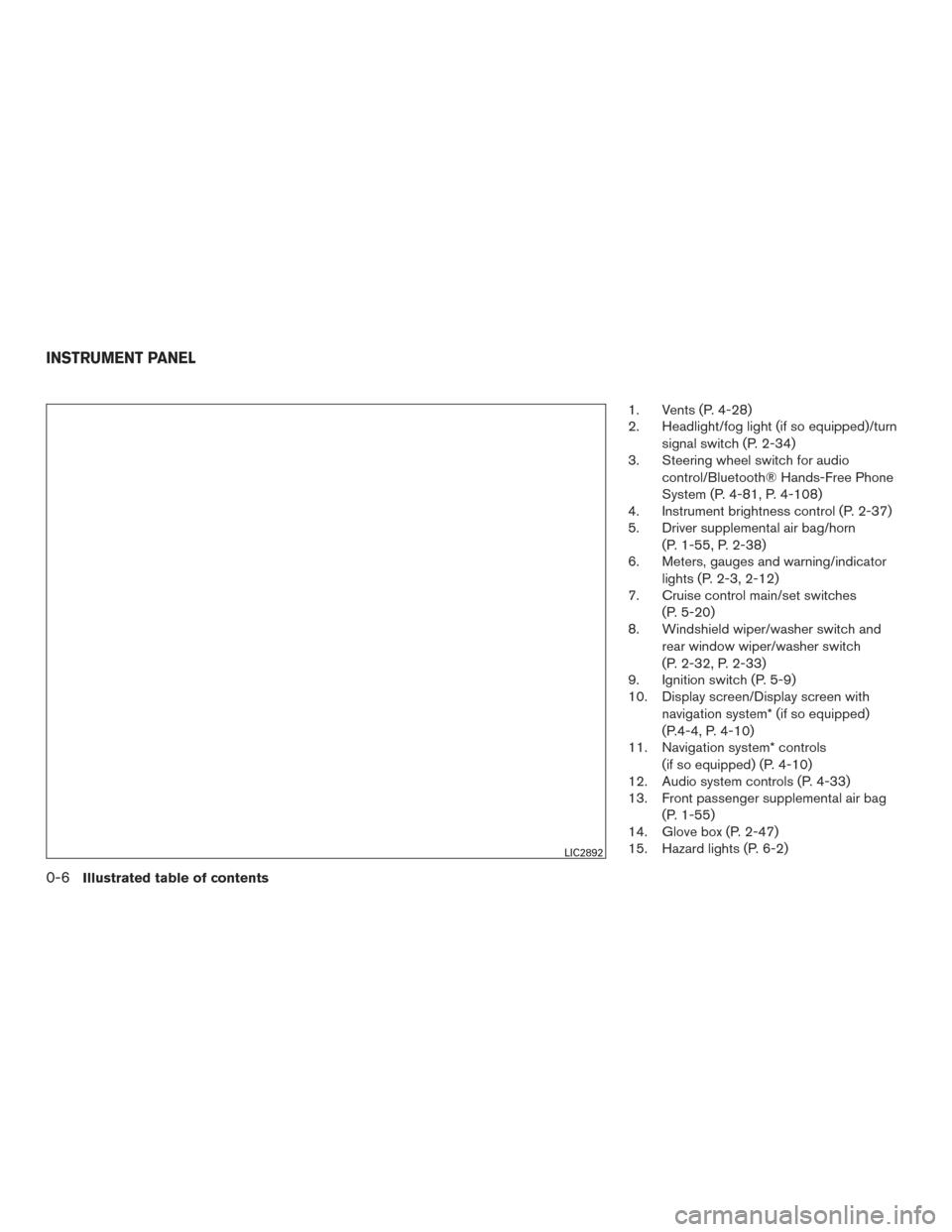
1. Vents (P. 4-28)
2. Headlight/fog light (if so equipped)/turnsignal switch (P. 2-34)
3. Steering wheel switch for audio
control/Bluetooth® Hands-Free Phone
System (P. 4-81, P. 4-108)
4. Instrument brightness control (P. 2-37)
5. Driver supplemental air bag/horn
(P. 1-55, P. 2-38)
6. Meters, gauges and warning/indicator
lights (P. 2-3, 2-12)
7. Cruise control main/set switches
(P. 5-20)
8. Windshield wiper/washer switch and
rear window wiper/washer switch
(P. 2-32, P. 2-33)
9. Ignition switch (P. 5-9)
10. Display screen/Display screen with
navigation system* (if so equipped)
(P.4-4, P. 4-10)
11. Navigation system* controls
(if so equipped) (P. 4-10)
12. Audio system controls (P. 4-33)
13. Front passenger supplemental air bag
(P. 1-55)
14. Glove box (P. 2-47)
15. Hazard lights (P. 6-2)
LIC2892
INSTRUMENT PANEL
0-6Illustrated table of contents
Page 16 of 510
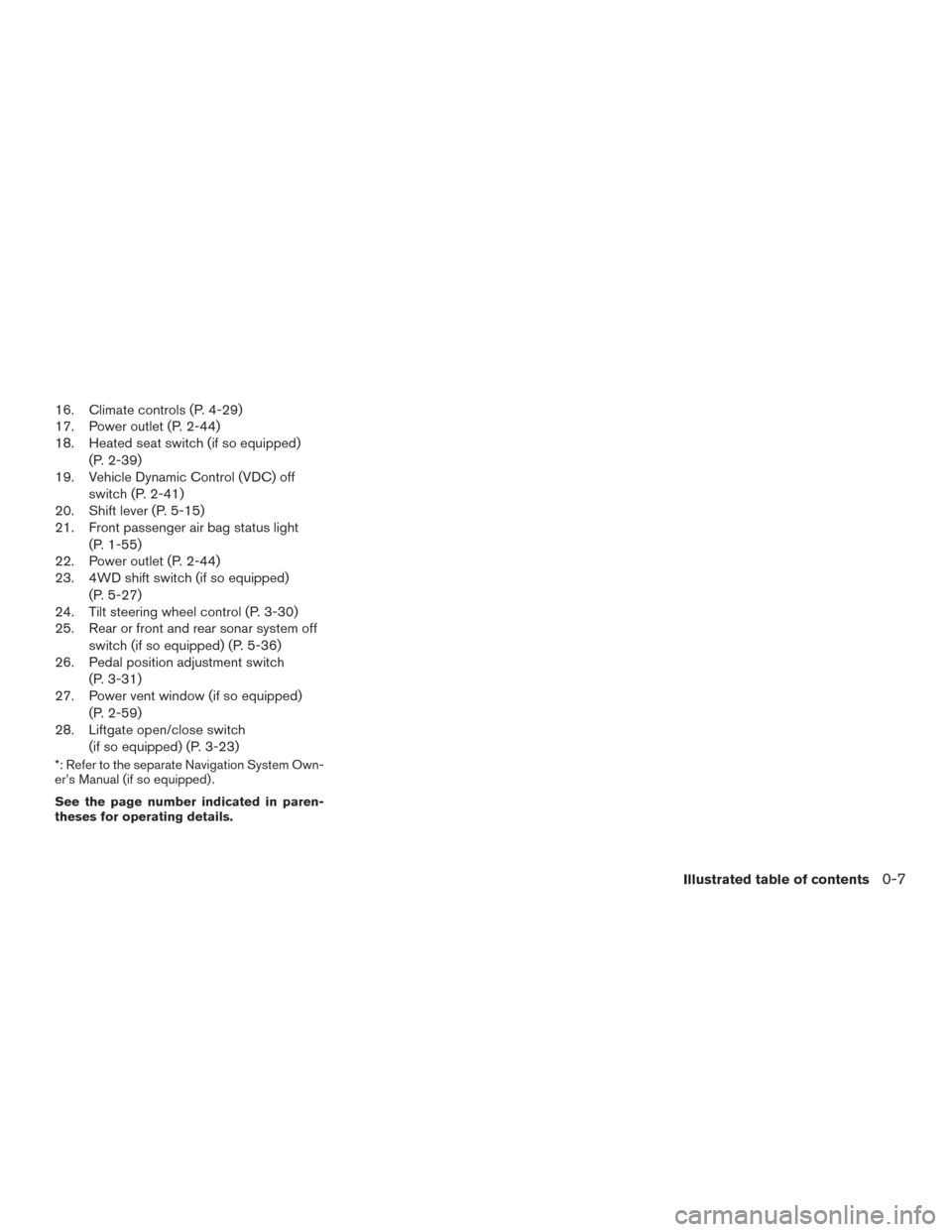
16. Climate controls (P. 4-29)
17. Power outlet (P. 2-44)
18. Heated seat switch (if so equipped)(P. 2-39)
19. Vehicle Dynamic Control (VDC) off
switch (P. 2-41)
20. Shift lever (P. 5-15)
21. Front passenger air bag status light
(P. 1-55)
22. Power outlet (P. 2-44)
23. 4WD shift switch (if so equipped)
(P. 5-27)
24. Tilt steering wheel control (P. 3-30)
25. Rear or front and rear sonar system off
switch (if so equipped) (P. 5-36)
26. Pedal position adjustment switch
(P. 3-31)
27. Power vent window (if so equipped)
(P. 2-59)
28. Liftgate open/close switch
(if so equipped) (P. 3-23)
*: Refer to the separate Navigation System Own-
er’s Manual (if so equipped) .
See the page number indicated in paren-
theses for operating details.
Illustrated table of contents0-7
Page 97 of 510
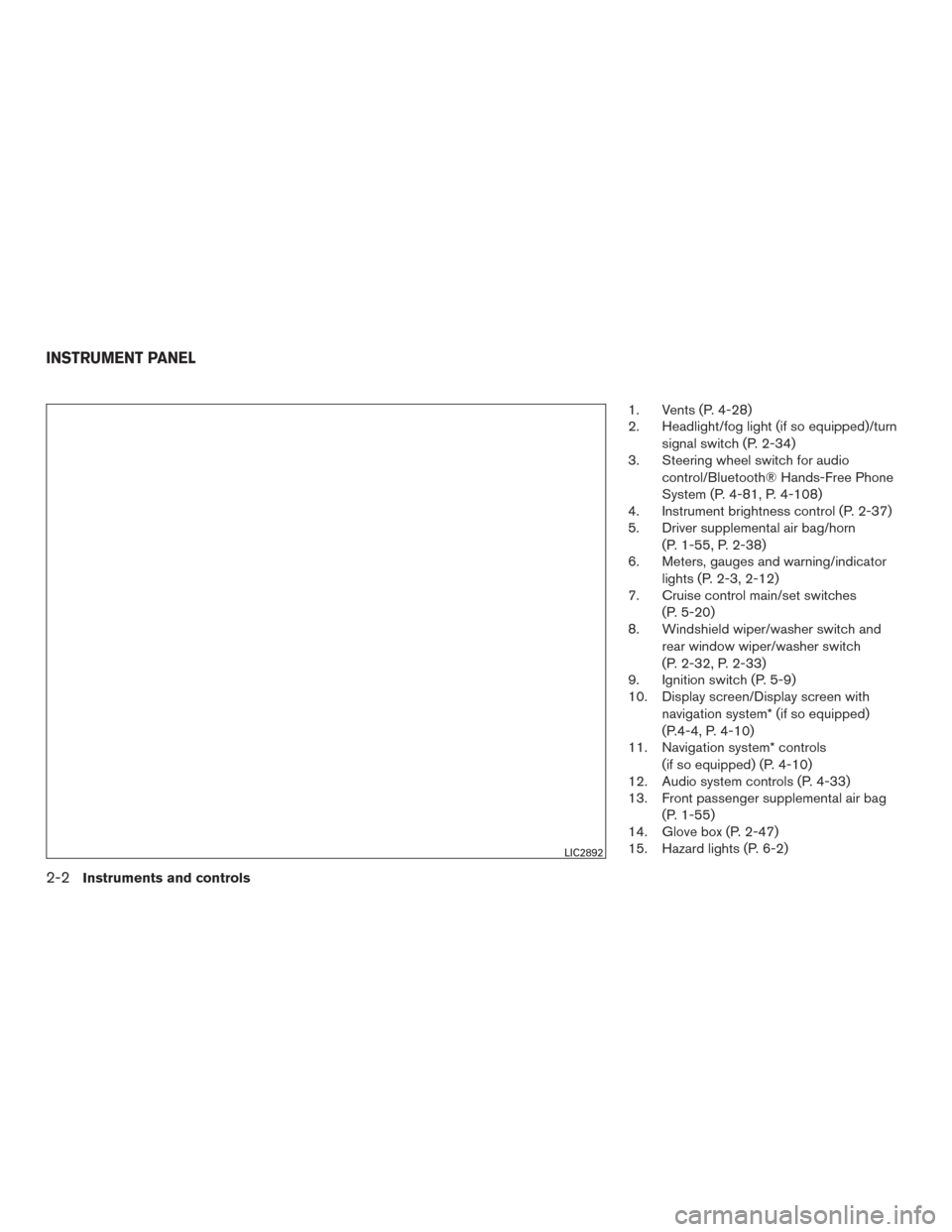
1. Vents (P. 4-28)
2. Headlight/fog light (if so equipped)/turnsignal switch (P. 2-34)
3. Steering wheel switch for audio
control/Bluetooth® Hands-Free Phone
System (P. 4-81, P. 4-108)
4. Instrument brightness control (P. 2-37)
5. Driver supplemental air bag/horn
(P. 1-55, P. 2-38)
6. Meters, gauges and warning/indicator
lights (P. 2-3, 2-12)
7. Cruise control main/set switches
(P. 5-20)
8. Windshield wiper/washer switch and
rear window wiper/washer switch
(P. 2-32, P. 2-33)
9. Ignition switch (P. 5-9)
10. Display screen/Display screen with
navigation system* (if so equipped)
(P.4-4, P. 4-10)
11. Navigation system* controls
(if so equipped) (P. 4-10)
12. Audio system controls (P. 4-33)
13. Front passenger supplemental air bag
(P. 1-55)
14. Glove box (P. 2-47)
15. Hazard lights (P. 6-2)
LIC2892
INSTRUMENT PANEL
2-2Instruments and controls
Page 98 of 510
16. Climate controls (P. 4-29)
17. Power outlet (P. 2-44)
18. Heated seat switch (if so equipped)(P. 2-39)
19. Vehicle Dynamic Control (VDC) off
switch (P. 2-41)
20. Shift lever (P. 5-15)
21. Front passenger air bag status light
(P. 1-55)
22. Power outlet (P. 2-44)
23. 4WD shift switch (if so equipped)
(P. 5-27)
24. Tilt steering wheel control (P. 3-30)
25. Rear or front and rear sonar system off
switch (if so equipped) (P. 5-36)
26. Pedal position adjustment switch
(P. 3-31)
27. Power vent window (if so equipped)
(P. 2-59)
28. Liftgate open/close switch
(if so equipped) (P. 3-23)
*: Refer to the separate Navigation System Own-
er’s Manual (if so equipped) .
See the page number indicated in paren-
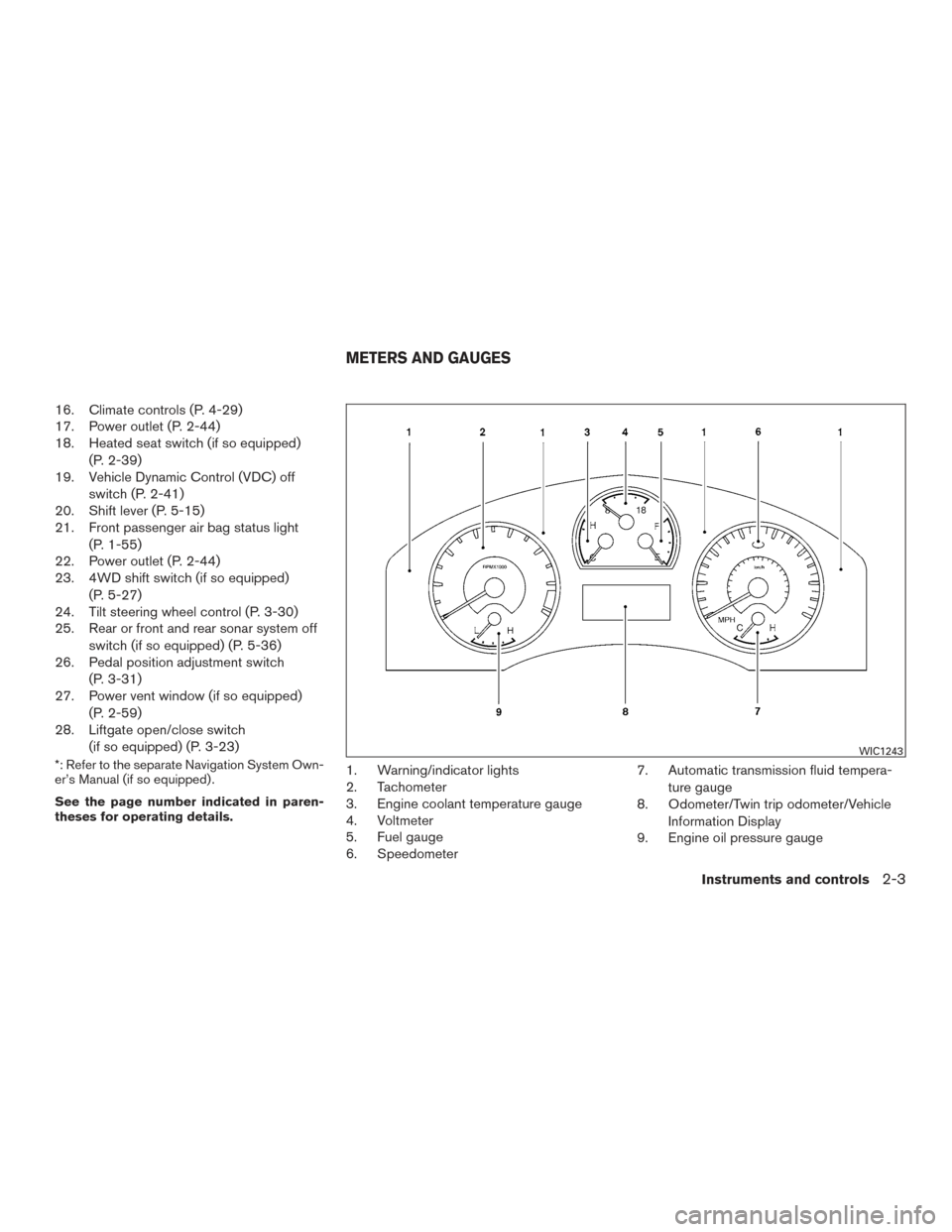
theses for operating details.1. Warning/indicator lights
2. Tachometer
3. Engine coolant temperature gauge
4. Voltmeter
5. Fuel gauge
6. Speedometer 7. Automatic transmission fluid tempera-
ture gauge
8. Odometer/Twin trip odometer/Vehicle
Information Display
9. Engine oil pressure gauge
WIC1243
METERS AND GAUGES
Instruments and controls2-3
Page 99 of 510
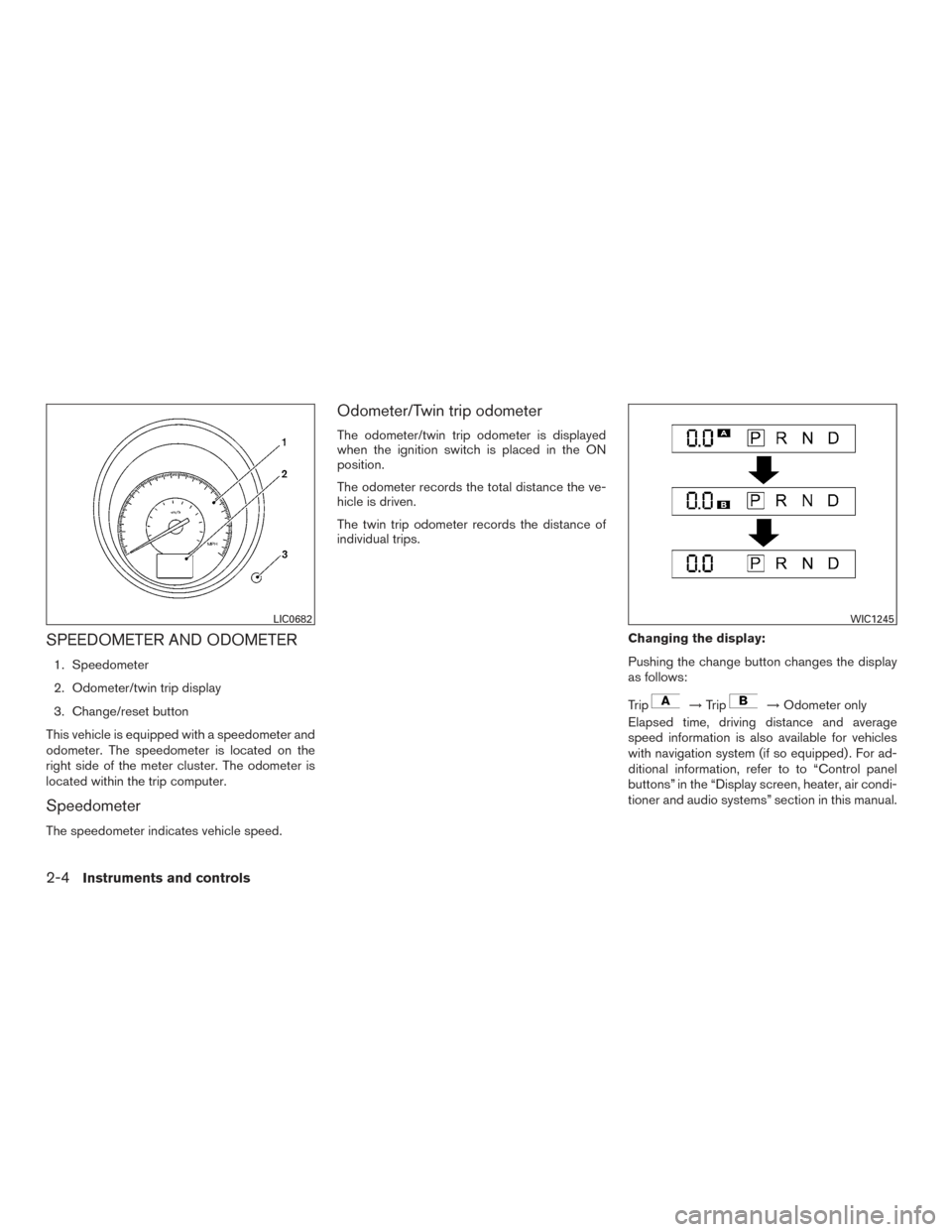
SPEEDOMETER AND ODOMETER
1. Speedometer
2. Odometer/twin trip display
3. Change/reset button
This vehicle is equipped with a speedometer and
odometer. The speedometer is located on the
right side of the meter cluster. The odometer is
located within the trip computer.
Speedometer
The speedometer indicates vehicle speed.
Odometer/Twin trip odometer
The odometer/twin trip odometer is displayed
when the ignition switch is placed in the ON
position.
The odometer records the total distance the ve-
hicle is driven.
The twin trip odometer records the distance of
individual trips.
Changing the display:
Pushing the change button changes the display
as follows:
Trip
→Trip→Odometer only
Elapsed time, driving distance and average
speed information is also available for vehicles
with navigation system (if so equipped) . For ad-
ditional information, refer to to “Control panel
buttons” in the “Display screen, heater, air condi-
tioner and audio systems” section in this manual.
LIC0682WIC1245
2-4Instruments and controls
Page 170 of 510
5. The ignition switch must be placed in theOFF and ON position again between each
setting change.
When the automatic door unlock system is deac-
tivated, the doors do not unlock when the ignition
switch is placed in the OFF position (models with
Intelligent Key system) or when the key is re-
moved from the ignition switch (models without
Intelligent Key system) . To unlock the door manu-
ally, use the inside lock knob or the power door
lock switch (driver’s or front passenger’s side) .
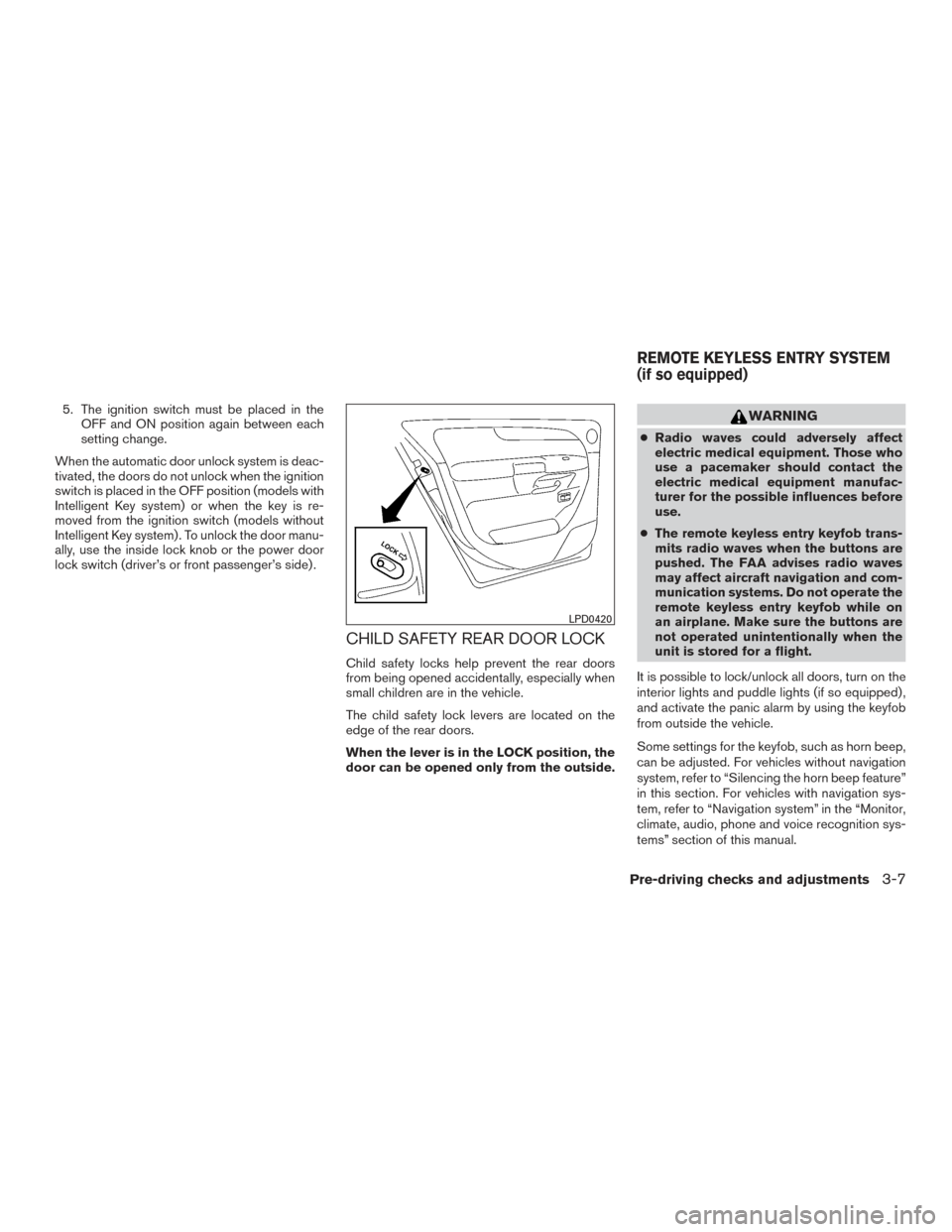
CHILD SAFETY REAR DOOR LOCK
Child safety locks help prevent the rear doors
from being opened accidentally, especially when
small children are in the vehicle.
The child safety lock levers are located on the
edge of the rear doors.
When the lever is in the LOCK position, the
door can be opened only from the outside.
WARNING
● Radio waves could adversely affect
electric medical equipment. Those who
use a pacemaker should contact the
electric medical equipment manufac-
turer for the possible influences before
use.
● The remote keyless entry keyfob trans-
mits radio waves when the buttons are
pushed. The FAA advises radio waves
may affect aircraft navigation and com-
munication systems. Do not operate the
remote keyless entry keyfob while on
an airplane. Make sure the buttons are
not operated unintentionally when the
unit is stored for a flight.
It is possible to lock/unlock all doors, turn on the
interior lights and puddle lights (if so equipped) ,
and activate the panic alarm by using the keyfob
from outside the vehicle.
Some settings for the keyfob, such as horn beep,
can be adjusted. For vehicles without navigation
system, refer to “Silencing the horn beep feature”
in this section. For vehicles with navigation sys-
tem, refer to “Navigation system” in the “Monitor,
climate, audio, phone and voice recognition sys-
tems” section of this manual.
LPD0420
REMOTE KEYLESS ENTRY SYSTEM
(if so equipped)
Pre-driving checks and adjustments3-7
Page 172 of 510
●When thebutton is pressed with all
doors locked, the hazard warning lights flash
twice and the horn beeps once as a re-
minder that the doors are already locked.
● If a door is open and you press the
button, the doors will lock but the horn will
not beep and the hazard warning lights will
not flash.
The horn may or may not beep. For vehicles
without navigation system, refer to “Silencing the
horn beep feature” in this section. For vehicles
with navigation system, refer to “Navigation sys-
tem” in the “Monitor, climate, audio, phone and
voice recognition system” section of this manual.
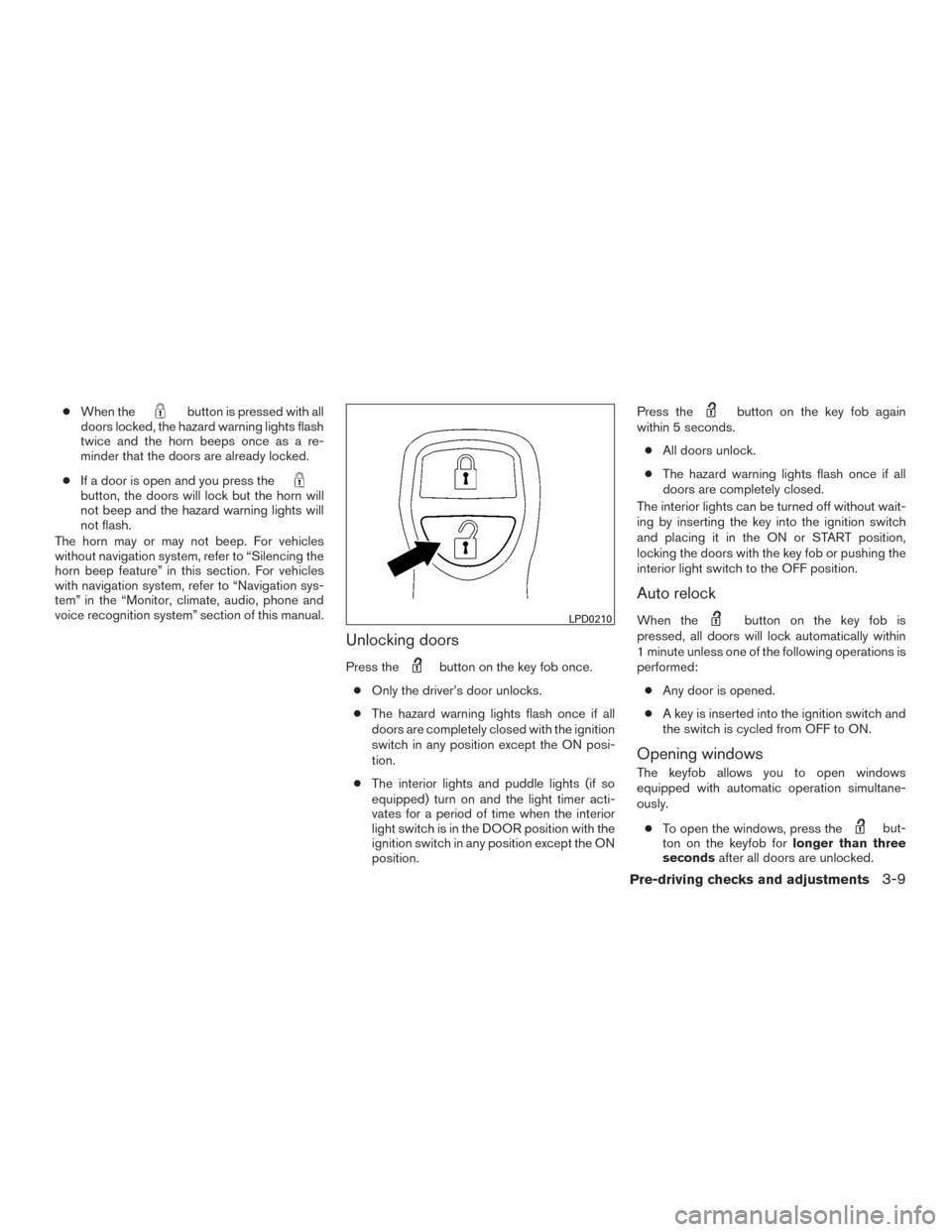
Unlocking doors
Press thebutton on the key fob once.
● Only the driver’s door unlocks.
● The hazard warning lights flash once if all
doors are completely closed with the ignition
switch in any position except the ON posi-
tion.
● The interior lights and puddle lights (if so
equipped) turn on and the light timer acti-
vates for a period of time when the interior
light switch is in the DOOR position with the
ignition switch in any position except the ON
position. Press the
button on the key fob again
within 5 seconds.
● All doors unlock.
● The hazard warning lights flash once if all
doors are completely closed.
The interior lights can be turned off without wait-
ing by inserting the key into the ignition switch
and placing it in the ON or START position,
locking the doors with the key fob or pushing the
interior light switch to the OFF position.
Auto relock
When thebutton on the key fob is
pressed, all doors will lock automatically within
1 minute unless one of the following operations is
performed:
● Any door is opened.
● A key is inserted into the ignition switch and
the switch is cycled from OFF to ON.
Opening windows
The keyfob allows you to open windows
equipped with automatic operation simultane-
ously.
● To open the windows, press the
but-
ton on the keyfob for longer than three
seconds after all doors are unlocked.
LPD0210
Pre-driving checks and adjustments3-9