2015 MERCEDES-BENZ S-COUPE automatic transmission
[x] Cancel search: automatic transmissionPage 7 of 286
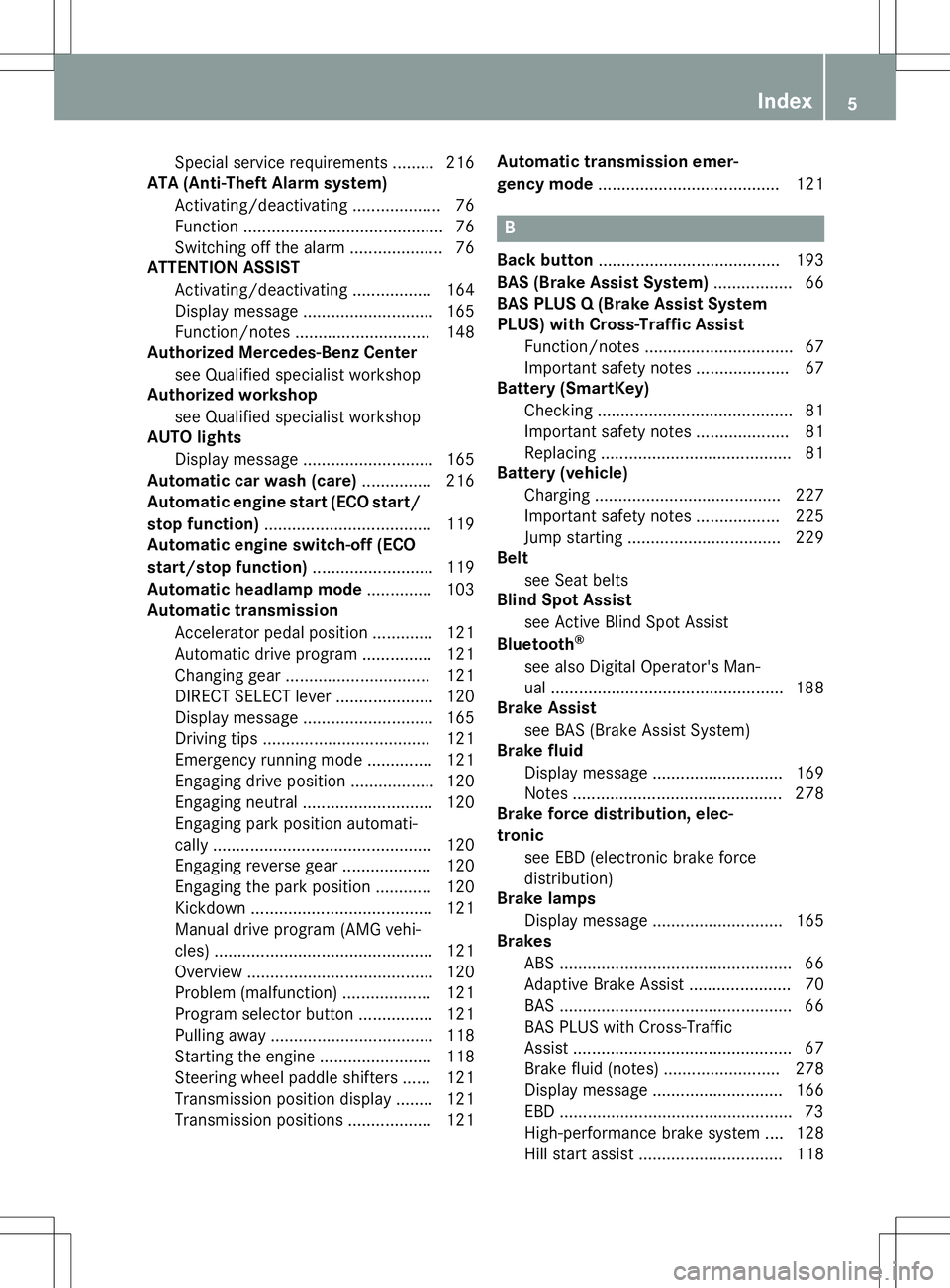
Special service requirements ......... 216
ATA (Anti-Theft Alarm system)
Activating/deactivating ................... 76
Function ........................................... 76
Switching off the alarm .................... 76
ATTENTION ASSIST
Activating/deactivating ................. 164
Display message ............................ 165
Function/note s............................. 148
Authorized Mercedes-Benz Center
see Qualified specialist workshop
Authorized workshop
see Qualified specialist workshop
AUTO lights
Display message ............................ 165
Automatic car wash (care) ............... 216
Automatic engine start (ECO start/
stop function) .................................... 119
Automatic engine switch-off (ECO
start/stop function) .......................... 119
Automatic headlamp mode .............. 103
Automatic transmission
Accelerator pedal position ............. 121
Automatic drive program ............... 121
Changing gear ............................... 121
DIRECT SELECT lever ..................... 120
Display message ............................ 165
Driving tips .................................... 121
Emergency running mode .............. 121
Engaging drive position .................. 120
Engaging neutral ............................ 120
Engaging park position automati-
cally ............................................... 120
Engaging reverse gear ................... 120
Engaging the park position ............ 120
Kickdown ....................................... 121
Manual drive program (AMG vehi-
cles) ............................................... 121
Overview ........................................ 120
Problem (malfunction) ................... 121
Program selector button ................ 121
Pulling away ................................... 118
Starting the engine ........................ 118
Steering wheel paddle shifters ...... 121
Transmission position display ........ 121
Transmission positions .................. 121 Automatic transmission emer-
gency mode
....................................... 121
B
Back button ....................................... 193
BAS (Brake Assist System) ................. 66
BAS PLUS Q (Brake Assist System
PLUS) with Cross-Traffic Assist
Function/note s................................ 67
Important safety notes .................... 67
Battery (SmartKey)
Checking .......................................... 81
Important safety notes .................... 81
Replacing ......................................... 81
Battery (vehicle)
Charging ........................................ 227
Important safety notes .................. 225
Jump starting ................................. 229
Belt
see Seat belts
Blind Spot Assist
see Active Blind Spot Assist
Bluetooth ®
see also Digital Operator's Man-
ual .................................................. 188
Brake Assist
see BAS (Brake Assist System)
Brake fluid
Display message ............................ 169
Notes ............................................. 278
Brake force distribution, elec-
tronic
see EBD (electronic brake force
distribution)
Brake lamps
Display message ............................ 165
Brakes
ABS .................................................. 66
Adaptive Brake Assist ...................... 70
BAS .................................................. 66
BAS PLUS with Cross-Traffic
Assist ............................................... 67
Brake fluid (notes) ......................... 278
Display message ............................ 166
EBD .................................................. 73
High-performance brake system .... 128
Hill start assis t............................... 118
Index5
Page 9 of 286
Setting the airflow ......................... 111
Setting the climate mode............... 111
Setting the temperature ................ 111
Switching air-recirculation modeon/of f............................................ 111
Switching on/of f........................... 111
Switching residual heat on/off ...... 111
Switching the rear window
defroster on/of f............................ 111
Switching the synchronization
function on and off ........................ 111
Climate control system
Automatic engine start .................. 119
Automatic engine switch-off .......... 119
Deactivating/activating ................. 119
Important safety notes .................. 119
Introduction ................................... 119
Cockpit
Overview .......................................... 32
see Instrument cluster
COLLISION PREVENTION ASSIST
PLUS
Activating/deactivating ................. 164
Operation/note s.............................. 68
COMAND
Controller ...................................... 192
Display ........................................... 192
Combination switch .......................... 103
Connecting a USB device
see also Digital Operator's Man-
ual .................................................. 188
Consumption statistics (on-board
computer) .......................................... 164
Coolant (engine)
Checking the level ......................... 214
Display message ............................ 174
Filling capacity ............................... 279
Important safety notes .................. 279
Temperature gaug e........................ 160
Warning lamp ................................. 183
Coolbox .............................................. 198
Cooling
see Climate control
Copyright ............................................. 30
Cornering light function
Display message ............................ 165
Function/note s............................. 103 Crash-responsive emergency light-
ing ....................................................... 105
Crosswind Assist (vehicles with
MAGIC BODY CONTROL) ................... 140
Crosswind Assist (vehicles with-
out MAGIC BODY CONTROL) ............... 72
Cruise control
Activation conditions ..................... 130
Cruise control lever ....................... 130
Deactivating ................................... 130
Display message ............................ 165
Driving system ............................... 129
Function/note s............................. 129
Important safety notes .................. 129
Selecting ........................................ 130
Setting a speed .............................. 130
Storing and maintaining current
speed ............................................. 130
Cup holder
Important safety notes .................. 198
Rear compartment ......................... 198
Customer Assistance Center
(CAC) ..................................................... 28
Customer Relations Department ....... 28
D
Data
see Technical data
Daytime running lamps
Display message ............................ 165
Function/note s............................. 103
Switching on/off (on-board com-
puter) ............................................. 164
Declarations of conformity ................. 27
Diagnostics connection ...................... 27
Digital Operator's Manual
Help ................................................. 21
Introduction ..................................... 21
Digital speedometer ......................... 164
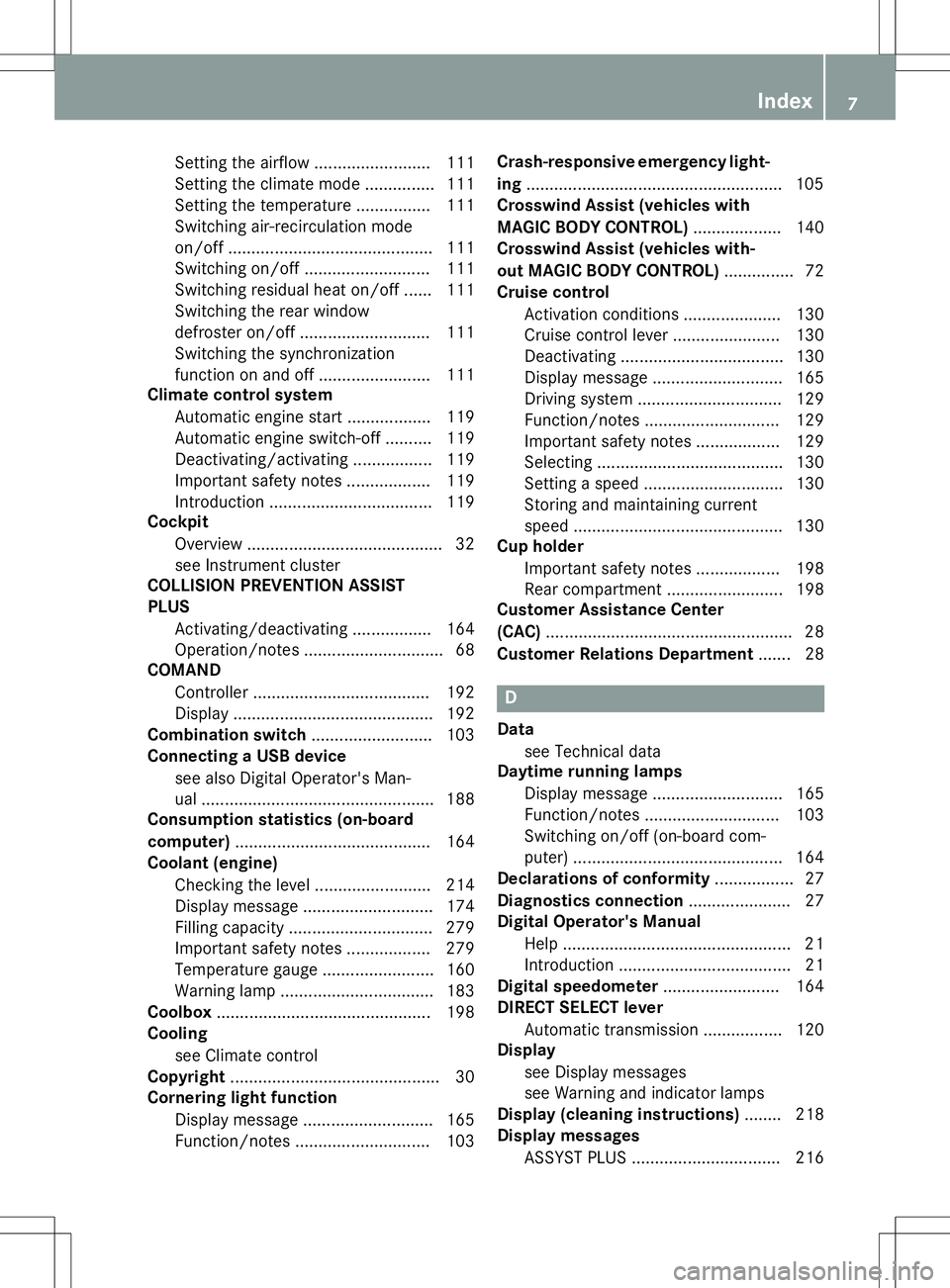
DIRECT SELECT lever
Automatic transmission ................. 120
Display
see Display messages
see Warning and indicator lamps
Display (cleaning instructions) ........ 218
Display messages
ASSYST PLUS ................................ 216
Index7
Page 10 of 286
Calling up (on-board computer) .....165
Engine ............................................ 174
General notes ................................ 165
Hiding (on-board computer) ........... 165
Introduction ................................... 165
KEYLESS-GO .................................. 165
Lights ............................................. 165
Safety systems .............................. 166
SmartKey ....................................... 165
Tires ............................................... 175
Vehicle .......................................... .176
Distance recorder .............................164
see Odometer
see Trip odometer
Distance warning (warning lamp) .... 184
Distance warning function
Activating/deactivating ................. 164
Function/notes ................................ 69
DISTRONIC PLUS
Activating ....................................... 132
Activation conditions ..................... 132
Cruise control lever ....................... 132
Deactivating ................................... 134
Display message ............................ 165
Displays in the multifunction dis-
play ................................................ 134
Driving tips ................................... .135
Function/notes ............................ .130
Important safety notes .................. 131
Setting the specified minimum
distance ......................................... 134
Door control panel
Overview .......................................... 39
Doors
Automatic locking (switch) .............. .82
Central locking/unlocking
(SmartKey) ...................................... .79
Display message ............................ 165
Emergency locking ........................... 83
Emergency unlocking ....................... 83
Important safety note s.................... 82
Opening (from inside) ...................... 82
Power closing .................................. 82
Drinking and driving ......................... 127
Drive program
Automatic ...................................... 121
Manual (AMG vehicles) .................. 121 Driver's door
see Doors
Driving abroad
Mercedes-Benz Service ................. 216
Symmetrical low beam .................. 102
Driving Assistance package ............. 152
Driving safety systems
ABS (Anti-lock Braking System) ....... 66
ADAPTIVE BRAK E............................. 73
Adaptive Brake Assist ...................... 70
BAS (Brake Assist System) .............. 66
BAS PLUS with Cross-Traffic
Assist ............................................... 67
COLLISION PREVENTION ASSIST
PLUS ................................................ 68
Distance warning function ............... 69
EBD (electronic brake force distri-
bution) ............................................. 73 ESP ®
(Electronic Stability Pro-
gram) ............................................... 71
ETS/4ETS (Electronic Traction
System) ........................................... 71
Important safety information ........... 65
Overview .......................................... 65
PRE-SAFE ®
Brake ............................. 73
STEER CONTROL ............................. 75
Driving systems
360°camera .................................. 146
Active Blind Spot Assist ................. 153
Active Body Control ABC ............... 140
Active Lane Keeping Assist ............ 155
Active Parking Assist ..................... 143
AIRMATIC ...................................... 140
ATTENTION ASSIST ........................ 148
Cruise control ................................ 129
DISTRONIC PLUS ........................... 130
DISTRONIC PLUS with Steering
Assist and Stop&Go Pilot ............... 136
Driving Assistance packag e........... 152
HOLD function ............................... 138
Night View Assist Plus ................... 150
PARKTRONIC ................................. 142
Rear view camera .......................... 144
Driving tips
AMG ceramic brakes ..................... 128
Automatic transmission ................. 121
Brakes ........................................... 128
8Index
Page 16 of 286
Displaying a service message ........ 216
DISTRONIC PLUS ........................... 134
Factory settings submenu .............164
Head-up displa y............................. 162
Important safety notes .................. 160
Lighting submenu .......................... 164
Media menu ................................... 164
Menu overview .............................. 164
Message memory .......................... 165
Navigation menu ............................ 164
Operation ....................................... 161
Radio menu ................................... 164
Service menu ................................. 164
Standard display ............................ 164
Video DVD operation ..................... 164
Operating safety
Declaration of conformity ................ 27
Important safety notes .................... 26
Operating system
see On-board computer
Operation
Digital Operator's Manua l................ 21
Operator's Manual
Overview .......................................... 24
Vehicle equipment ........................... 24
Outside temperature display ........... 160
Overhead control panel ...................... 38
P
Paint code number............................ 274
Paintwork (cleaning instructions) ... 217
Panic alarm .......................................... 42
Panorama roof ..................................... 91
Parcel net hooks ............................... 197
Parking
Important safety notes .................. 125
Parking brake ................................ 126
Position of exterior mirror, front-
passenger side ................................. 99
Rear view camera .......................... 144
see PARKTRONIC
Parking aid
Active Parking Assist ..................... 143
see Exterior mirrors
see PARKTRONIC
Parking assistance
see PARKTRONIC Parking brake
Display message ............................ 165
Electric parking brake .................... 126
Parking lamps
Switching on/of f........................... 103
PARKTRONIC
Deactivating/activating ................. 143
Driving system ............................... 142
Function/note s............................. 142
Important safety notes .................. 142
Problem (malfunction) ................... 143
Range of the sensors ..................... 142
Warning display ............................. 143
PASSENGER AIR BAG
Indicator lamps ................................ 43
PASSENGER AIR BAG indicatorlamp
Problem (malfunction) ................... 172
Pets in the vehicle ............................... 65
Phone book
see also Digital Operator's Man-
ual .................................................. 188
Plastic trim (cleaning instruc-
tions) .................................................. 218
Power locks ......................................... 82
Power washers .................................. 217
Power windows
see Side windows
PRE-SAFE ®
(anticipatory occupant
protection)
Operation ......................................... 59
PRE-SAFE ®
Brake
Activating/deactivating ................. 164
Function/note s................................ 73
Important safety notes .................... 73
Warning lamp ................................. 184
PRE-SAFE ®
PLUS (anticipatory
occupant protection PLUS)
Operation ......................................... 59
Program selector button .................. 121
Protection against theft
ATA (Anti-Theft Alarm system )......... 76
Immobilizer ...................................... 75
Protection of the environment
General notes .................................. 23
Pulling away
Automatic transmission ................. 118
14Index
Page 21 of 286
Tire tread ....................................... 241
Tire tread (definition) ..................... 261
Total load limit (definition)............. 261
Traction ......................................... 254
Traction (definition) ....................... 261
Tread wear ..................................... 254
Uniform Tire Quality Grading
Standards ...................................... 254
Uniform Tire Quality Grading
Standards (definition) .................... 259
Wear indicator (definition) ............. 261
Wheel and tire combination ........... 268
Wheel rim (definition) .................... 259
see Flat tire
Top Tether ............................................ 63
Tow-starting
Emergency engine starting ............ 234
Important safety notes .................. 232
Towing away
Important safety guidelines ........... 232
Installing the towing eye ................ 233
Notes for 4MATIC vehicles ............ 234
Removing the towing eye ............... 233
With both axles on the ground ....... 233
With the rear axle raised ................ 234
Towing eye ......................................... 220
Traffic reports
see also Digital Operator's Man-
ual .................................................. 188
Traffic Sign Assist
Activating/deactivating the warn-ing function .................................... 164
Display message ............................ 165
Transfer case ..................................... 122
Transmission
see Automatic transmission
Transporting the vehicle .................. 234
Trim pieces (cleaning instruc-
tions) .................................................. 218
Trip computer (on-board com-puter) .................................................. 164
Trip odometer
Calling up ....................................... 164
Trunk
Emergency release .......................... 88
Important safety notes .................... 84
Locking separately ........................... 88 Opening/closing (automatically
from inside) ...................................... 87
Opening/closing (automatically
from outside) ................................... 85
Opening/closing (from outside,
HANDS-FREE ACCESS) .................... 86
Power closing .................................. 82
Trunk lid
Display message ............................ 165
Obstacle recognition ........................ 84
Opening dimensions ...................... 281
Opening/closing .............................. 84
Trunk load (maximum) ...................... 281
Turn signals
Display message ............................ 165
Switching on/of f........................... 103
TV
see Separate operating instructions
Two-way radio
Windshield (infrared reflective) ...... 198
Type identification plate
see Vehicle identification plate
U
Unlocking Emergency unlocking ....................... 83
From inside the vehicle (central
unlocking button) ............................. 82
V
Vanity mirror (in the sun visor) ........ 199
Vehicle
Correct use ...................................... 28
Data acquisition ............................... 29
Display message ............................ 176
Equipment ....................................... 24
Limited Warranty ............................. 28
Loading .......................................... 249
Locking (in an emergency) ............... 83
Locking (SmartKey) .......................... 79
Lowering ........................................ 266
Maintenance .................................... 25
Operating safety .............................. 26
Parking for a long period ................ 126
Pulling away ................................... 118
Raising ........................................... 263
Reporting problems ......................... 28
Index19
Page 63 of 286
GWARNING
If you leave children unsupervised in the vehi-cle, they could set it in motion by, for example:
R release the parking brake.
R shift the automatic transmission out of the
parking position P.
R start the engine.
In addition, they may operate vehicle equip-
ment and become trapped. There is a risk of
an accident and injury.
When leaving the vehicle, always take the
SmartKey with you and lock the vehicle. Never
leave children unsupervised in the vehicle.
GWARNING
If persons, particularly children are subjected to prolonged exposure to extreme heat or
cold, there is a risk of injury, possibly even
fatal. Never leave children unattended in the
vehicle.
GWARNING
If the child restraint system is subjected to
direct sunlight, parts may get very hot. Chil-
dren may burn themselves on these parts,
particularly on the metal parts of the child
restraint system. There is a risk of injury.
If you leave the vehicle, taking the child with
you, always ensure that the child restraint
system is not exposed to direct sunlight. Pro-tect it with a blanket, for example. If the child
restraint system has been exposed to direct
sunlight, let it cool down before securing the
child in it. Never leave children unattended inthe vehicle.
Always ensure that all vehicle occupants have
their seat belts fastened correctly and are sit- ting properly. Particular attention must be
paid to children.
Observe the safety notes on the seat belt ( Y page 44) and the notes on correct use of
seat belts ( Ypage 45).
A booster seat may be necessary to achieve
proper seat belt positioning for children over 41 lbs (18 kg) or until they reach a height
where a lap/shoulder belt can be fastened
properly without a booster seat.
Special seat belt retractor
GWARNING
If the seat belt is released while driving, the
child restraint system will no longer be
secured properly. The special seat belt retrac-
tor is disabled and the inertia real draws in a
portion of the seat belt. The seat belt cannot
be immediately refastened. There is an
increased risk of injury, possibly even fatal.
Stop the vehicle immediately, paying atten-
tion to road and traffic conditions. Reactivate
the special seat belt retractor and secure the
child restraint system properly.
All seat belts except the driver's seat belt are equipped with a special seat belt retractor.
When activated, the special seat belt retrac-
tor ensures that the seat belt will not slackenonce the child restraint system has been
secured.
Installing a child restraint system:
X Always comply with the child restraint sys-
tem manufacturer's installation instruc- tions.
X Pull the front seat belt smoothly out of the
seat-belt extender and the rear seat belt
out of the belt outlet.
X Engage the seat belt tongue in the belt
buckle.
Activating the special seat belt retractor: X Pull the seat belt out fully and let the inertia
reel retract it again.
While the seat belt is retracting, you should hear a ratcheting sound. The special seat
belt retractor is activated.
X Push the child seat restraint system down
so that the seat belt is tight and does not
loosen.
Children in the vehicle61
Safety
Z
Page 73 of 286
The brakes will work normally again if:
R you release the brake pedal.
R there is no longer any danger of a collision.
R no obstacle is detected in front of your vehicle.
Adaptive Brake Assist is then deactivated.
If adaptive Brake Assist demands particularly
high braking force, preventative passenger
protection measures (PRE-SAFE ®
) are activa-
ted simultaneously.
Up to a speed of approximately 155 mph
(250 km/ h), adaptive Brake Assist is capable
of reacting to moving objects that have
already been detected as such at least once
over the period of observation.
Up to a speed of approximately 44 mph
(70 km/h), adaptive Brake Assist reacts to
stationary obstacles.
ESP®(Electronic Stability Program)
General notes
iObserve the "Important safety notes" sec-
tion ( Ypage 65).
ESP ®
monitors driving stability and traction,
i.e. power transmission between the tires and
the road surface.
If ESP ®
detects that the vehicle is deviating
from the direction desired by the driver, one
or more wheels are braked to stabilize the
vehicle. The engine output is also modified to keep the vehicle on the desired course within
physical limits. ESP ®
assists the driver when
pulling away on wet or slippery roads. ESP ®
can also stabilize the vehicle during braking.
ETS/4ETS (Electronic Traction System)
iObserve the "Important safety notes" sec-
tion ( Ypage 65).
ETS traction control is part of ESP ®
. On vehi-
cles with 4MATIC, 4ETS is part of ESP ®
.
Traction control brakes the drive wheels indi-
vidually if they spin. This enables you to pull away and accelerate on slippery surfaces, for
example if the road surface is slippery on one side. In addition, more drive torque is trans-
ferred to the wheel or wheels with traction.
Traction control remains active, even if you
deactivate ESP ®
.
Important safety notes
GWARNING
If ESP ®
is malfunctioning, ESP ®
is unable to
stabilize the vehicle. Additionally, further driv- ing safety systems are deactivated. This
increases the risk of skidding and an accident.
Drive on carefully. Have ESP ®
checked at a
qualified specialist workshop.
Vehicles without 4MATIC: observe the notes
on ESP ®
(Y page 234) when towing the vehi-
cle with a raised rear axle.
ESP ®
is only deactivated if the åwarning
lamp is lit continuously.
If the ÷ warning lamp lights up continu-
ously, ESP ®
is not available due to a malfunc-
tion.
Observe the information on warning lamps ( Y page 181) and display messages which
may be shown in the instrument cluster( Y page 166).
Only use wheels with the recommended tire
sizes. Only then will ESP ®
function properly.
Characteristics of ESP®
General information
If the ÷ ESP warning lamp goes out before
beginning the journey, ESP ®
is automatically
active.
If ESP ®
intervenes, the ÷ESP®
warning
lamp flashes in the instrument cluster.
Driving safety systems71
Safety
Z
Page 80 of 286
Useful information
iThis Operator's Manual describes all
models and all standard and optional equip- ment of your vehicle available at the time of
publication of the Operator's Manual.
Country-specific differences are possible.
Please note that your vehicle may not be
equipped with all features described. This
also applies to safety-related systems and
functions.
iRead the information on qualified special-
ist workshops ( Ypage 27).
SmartKey
Important safety notes
GWARNING
If children are left unsupervised in the vehicle,
they could:
R open the doors, thus endangering other
people or road users.
R get out and disrupt traffic.
R operate the vehicle's equipment.
Additionally, children could set the vehicle in
motion if, for example, they:
R release the parking brake.
R shifting the automatic transmission out of
park position P
R Start the engine.
There is a risk of an accident and injury.
When leaving the vehicle, always take the
SmartKey with you and lock the vehicle. Never
leave children or animals unattended in the
vehicle. Always keep the SmartKey out of
reach of children.
GWARNING
If you attach heavy or large objects to the
SmartKey, the SmartKey could be uninten-
tionally turned in the ignition lock. This could
cause the engine to be switched off. There is a risk of an accident.
Do not attach any heavy or large objects to the SmartKey. Remove any bulky key rings before
inserting the SmartKey into the ignition lock.
!Keep the SmartKey away from strong
magnetic fields. Otherwise, the remote
control function could be affected.
Strong magnetic fields can occur in the
vicinity of powerful electrical installations.
Do not keep the SmartKey: R with electronic devices, e.g. a mobile
phone or another SmartKey
R with metallic objects, e.g. coins or metalfoil
R inside metallic objects, e.g. a metal case
This can affect the functionality of the
SmartKey.
Vehicles with KEYLESS-GO start function: do not keep the SmartKey on the parcel shelf or in the trunk. Otherwise, the SmartKey maynot be detected, e.g. when starting the engine
using the Start/Stop button.
A check which periodically establishes a radio
connection between the vehicle and the
SmartKey determines whether a valid Smart- Key is in the vehicle. This occurs, for example:
R when starting the engine
R whilst driving
R when using HANDS-FREE ACCESS
R when the external door handles are
touched
R during convenience closing
78SmartKey
Opening and closing