Page 543 of 886
5433-4. Using the audio system
3
Interior features Switching the display
Press . Each time the button is pressed, the display changes in the following order:
Elapsed time Album title Tr a c k t i t l e Artist name■
Bluetooth ®
audio system functions
Depending on the portable player that is connected to the system, certain functions
may not be available.■
Display
P. 4 9 7■
Error messages
“Memory Error”: This indicates a problem in the system.
Page 544 of 886

5443-4. Using the audio system
Setting up a Bluetooth ®
enabled portable playerRegistering a portable player in the Bluetooth ®
audio system allows the
system to function. The following functions can be used for registered por-
table players:
■ Functions and operation procedures
Pattern A
To enter the menu for each function , follow the steps below using a
voice command or :
● Registering a portable player
1. “Setup” 2. “Bluetooth Audio Setup (BT•A Setup)”
3. “Pair Audio Player (Pair Audio)”
● Selecting a portable player to be used
1. “Setup” 2. “Bluetooth Audio Setup (BT•A Setup)”
3. “Connect Audio Player (Connect)”
● Changing the registered name of a portable player
1. “Setup” 2. “Bluetooth Audio Setup (BT•A Setup)”
3. “Change Name”
● Listing the registered portable players
1. “Setup” 2. “Bluetooth Audio Setup (BT•A Setup)”
3. “List Audio Players (List Audios)”
● Changing the passkey
1. “Setup” 2. “Bluetooth Audio Setup (BT•A Setup)”
3. “Set Passkey”
● Deleting a registered portable player
1. “Setup” 2. “Bluetooth Audio Setup (BT•A Setup)”
3. “Delete Audio Player (Delete Audio)”
Page 545 of 886
5453-4. Using the audio system
3
Interior features Pattern B
Press to select “BT•A MENU”.
Press the talk switch or select “BT•A Setup” using .
Select one of the following functions using a voice command
or .
● Registering a portable player
“Pair Audio Player (Pair Audio)”
● Selecting a portable player to be used
“Connect Audio Player (Connect)”
● Changing the registered name of a portable player
“Change Name”
● Listing the registered portable players
“List Audio Players (List Audios)”
● Changing the passkey
“Set Passkey”
● Deleting a registered portable player
“Delete Audio Player (Delete Audio)”STEP 1
STEP 2
STEP 3
Page 546 of 886
5463-4. Using the audio system
Registering a portable player
Select “Pair Audio Player (Pair Audio)” using a voice command or ,
and perform the procedure for registering a portable player. ( P. 5 3 7 )
Selecting a portable player to be used
Select “Connect Audio Player (Connect)” using a voice com-
mand or .
Pattern A
Select the portable player to be used by either of the following
methods, and select “Confirm” by using a voice command or
:
a. Press the talk switch and say the name of the desired portable
player.
b. Press the talk switch and sa y “List Audio Players”. When the
name of the desired portable pl ayer is read aloud, press the
talk switch.
Pattern B
Select the portable player to be used using .STEP 1
STEP 2
STEP 2
Page 547 of 886
5473-4. Using the audio system
3
Interior features Pattern A
Press the talk switch and say “From Car” or “From Audio player”,
and select “Confirm” by using a voice command or .
Pattern B
Select “From Car” or “From Audio”, using . If “From Car” is selected, the portable player will be automatically con-
nected whenever the “ENGINE START STOP” switch is in either
ACCESSORY or IGNITION ON mode.
Changing the registered name of a portable player
Select “Change Name” using a voice command or .
Pattern A
Select the name of the portable player to be changed by either of
the following methods, and sele ct “Confirm” using a voice com-
mand or :
a. Press the talk switch and say the name of the desired portable
player.
b. Press the talk switch and sa y “List Audio Players”. When the
name of the desired portable pl ayer is read aloud, press the
talk switch.STEP 3
STEP 3
STEP 1
STEP 2
Page 548 of 886
5483-4. Using the audio system
Pattern B
Select the desired portable player name to be changed using
.
Press the talk switch or select “Record Name” using , and
say the new name.
Select “Confirm” using a voice command or .
Listing the registered portable players
Select “List Audio Players (List Audios)” using a voice command or
. The list of registered portable players will be read aloud.
When listing is complete, the sy stem returns to “BT•A Setup”.
Pressing the talk switch while the name of a portable player is being read
aloud selects the portable player, and the following functions will become
available:
● Selecting a portable player: “Connect Audio Player (Connect)”
● Changing a registered name: “Change Name”
● Deleting a portable player: “Delete Audio Player (Delete Audio)” STEP 2
STEP 3
STEP 4
Page 550 of 886
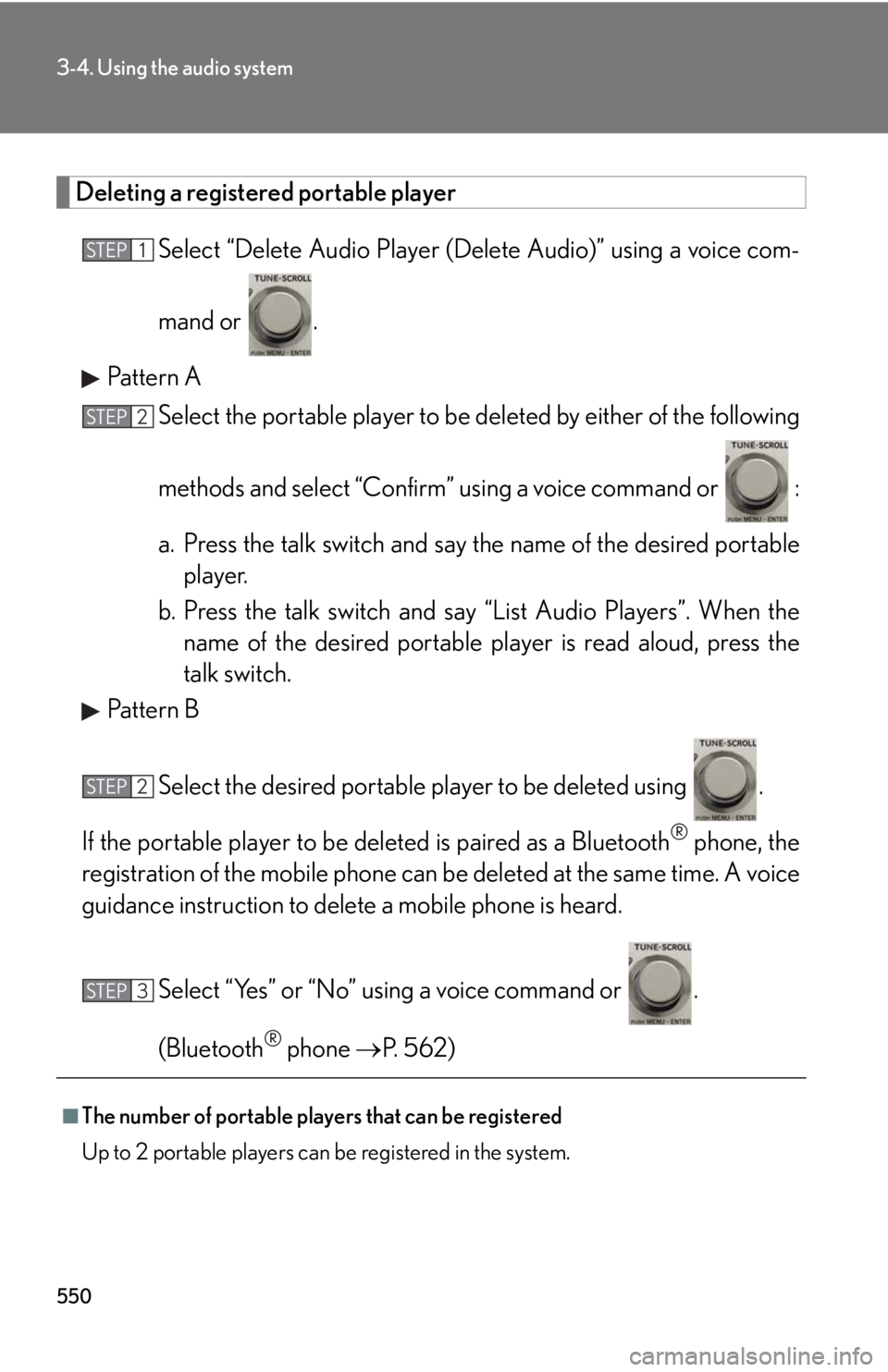
5503-4. Using the audio system
Deleting a registered portable player
Select “Delete Audio Player (D elete Audio)” using a voice com-
mand or .
Pattern A
Select the portable player to be deleted by either of the following
methods and select “Confirm” u sing a voice command or :
a. Press the talk switch and say the name of the desired portable
player.
b. Press the talk switch and sa y “List Audio Players”. When the
name of the desired portable pl ayer is read aloud, press the
talk switch.
Pattern B
Select the desired portable player to be deleted using .
If the portable player to be deleted is pa ired as a Bluetooth ®
phone, the
registration of the mobile phone can be deleted at the same time. A voice
guidance instruction to delete a mobile phone is heard.
Select “Yes” or “No” using a voice command or .
(Bluetooth ®
phone P. 562)
■
The number of portable players that can be registered
Up to 2 portable players can be registered in the system. STEP 1
STEP 2
STEP 2
STEP 3
Page 555 of 886
5553-4. Using the audio system
3
Interior features CAUTION■
Caution while driving
Do not connect portable audio device or operate the controls.
NOTICE■
If the armrest cannot be fully closed
Depending on the size and shape of the portable audio device that is connected to
the system, the armrest may not close fully. In this case, do not forcibly close the
armrest as this may damage the portable audio device or the terminal, etc.■
To prevent damage to portable audio device ●
Do not leave portable audio device in the vehicle. The temperature inside the
vehicle may become high, resulting in damage to the player.●
Do not push down on or apply unnece ssary pressure to the portable audio
device while it is connected as this may damage the portable audio device or its
terminal. ●
Do not insert foreign objects into the port as this may damage the portable audio
device or its terminal.