Page 586 of 886
5863-4. Using the audio system
Input the PIN by either of the following methods and select “Con-
firm” using a voice command or :
a. Press the talk switch and say the registered PIN.
b. Input a new PIN using .
Setting voice guidance volume
Select “Guidance Vol” using .
Change the voice guidance volume.
To decrease the volume: Turn counterclockwise.
To increase the volume: Turn clockwise.
Displaying the Bluetooth ®
device address and name
Select “Device Name” using .
Turn to display the Bluetooth ®
device address and name.
Select “Go Back” using to return to “System Setup”.STEP 2
STEP 1
STEP 2
STEP 1
STEP 2
STEP 3
Page 590 of 886
5903-4. Using the audio system
Inputting a phone number using :
STEP2-1 Select “Manual Input” using .
STEP2-2 Input a phone number using , and press
again.
Input the phone number 1 digit at a time.
Selecting a phone number from the outgoing or incoming call history:
STEP2-1 Select “Call History” using a voice command or .
STEP2-2 Select “Outgoing” or “Incoming” using a voice com-
mand or .
STEP2-3 Select the data to be reg istered by either of the follow-
ing methods:
a. Say “Previous” or “Go back ” until the desired data is
displayed, and select “Confirm” using a voice com-
mand.
b. Select the desired data using .
Page 611 of 886
6113-7. Other interior features
3
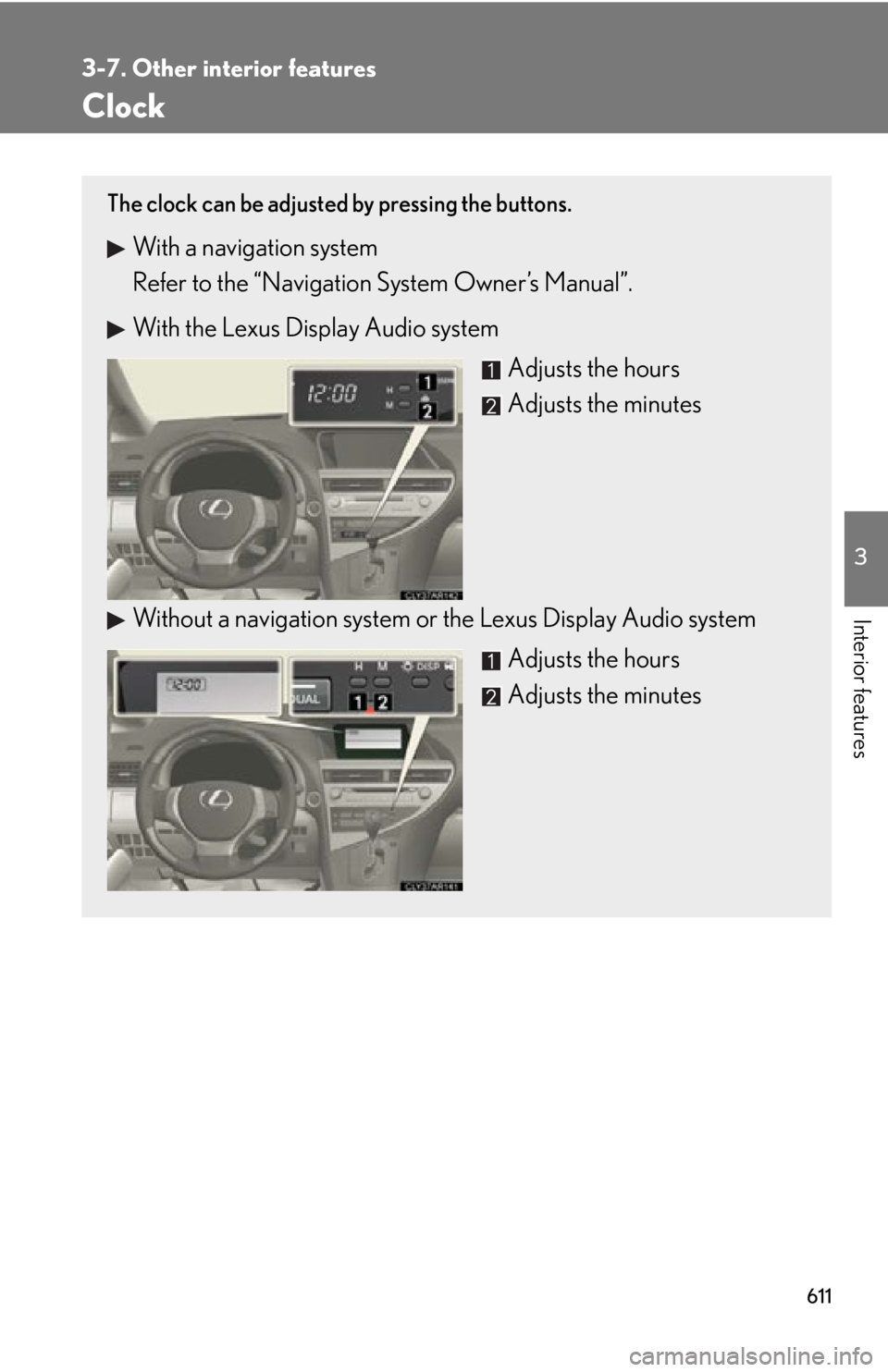
Interior features Clock The clock can be adjusted by pressing the buttons.
With a navigation system
Refer to the “Navigation System Owner’s Manual”.
With the Lexus Display Audio system
Adjusts the hours
Adjusts the minutes
Without a navigation system or the Lexus Display Audio system
Adjusts the hours
Adjusts the minutes
Page 612 of 886
6123-7. Other interior features
■
The clock is displayed when
The clock is displayed when the “ENGINE START STOP” switch is in ACCES-
SORY or IGNITION ON mode.■
When the battery is disconnected
The time display will automatically be set to 1:00.
Page 613 of 886
6133-7. Other interior features
3
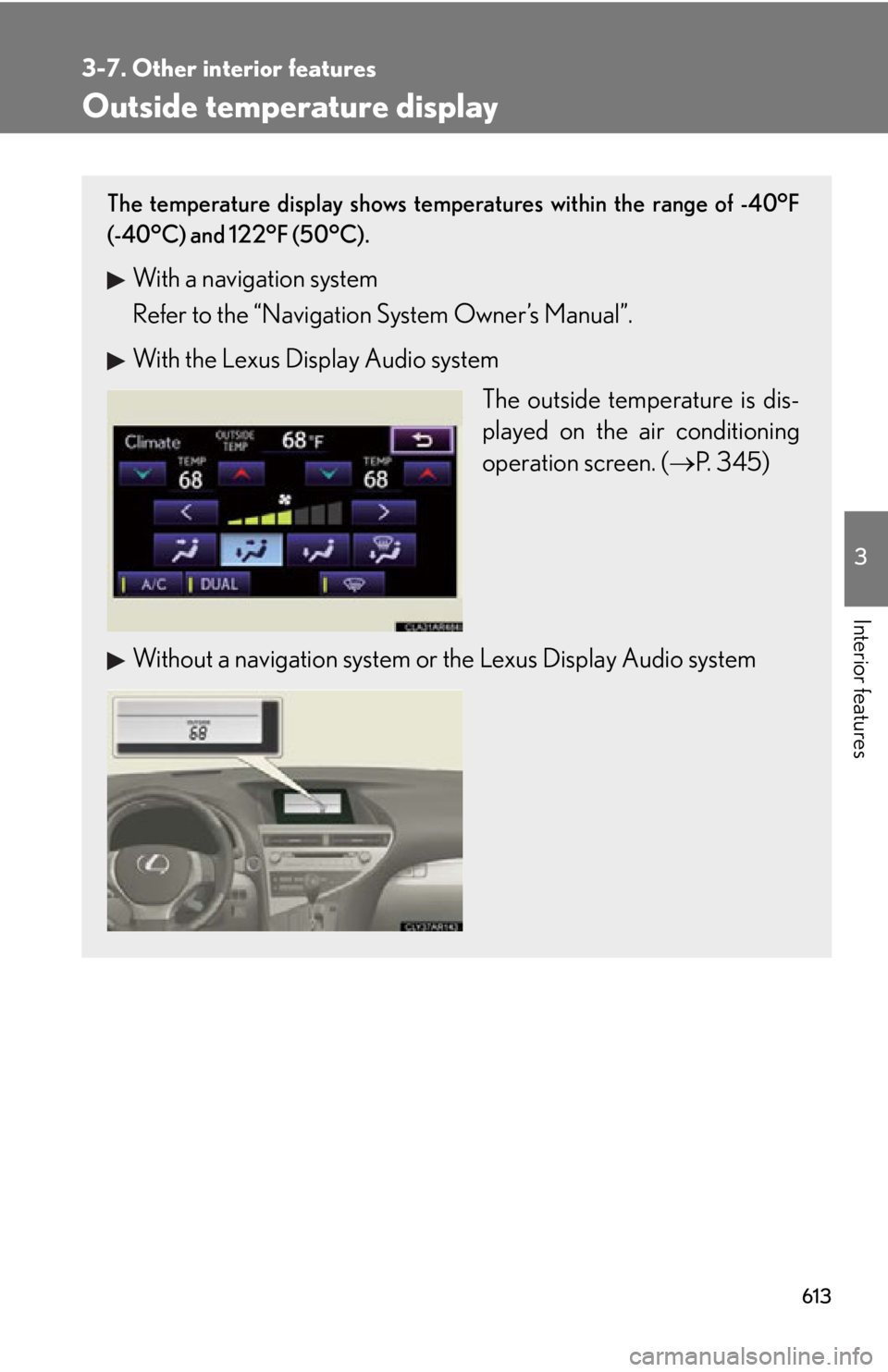
Interior features Outside temperature display The temperature display shows temperatures within the range of -40°F
(-40°C) and 122°F (50°C).
With a navigation system
Refer to the “Navigation System Owner’s Manual”.
With the Lexus Display Audio system
The outside temperature is dis-
played on the air conditioning
operation screen. ( P. 345)
Without a navigation system or the Lexus Display Audio system
Page 614 of 886
6143-7. Other interior features
■
If the temperature does not appear (without the Lexus Display Audio system)
The system may be malfunctioning. Take your vehicle to your Lexus dealer.■
When “- -” or “E” is displayed (with the Lexus Display Audio system)
The system may be malfunctioning. Take your vehicle to your Lexus dealer.■
Display
In the following situations, the correct outside temperature may not be displayed, or
the display may take longer than normal to change: ●
When the vehicle is stopped, or moving at low speeds (less than 16 mph [25
km/h])●
When the outside temperature has changed suddenly (at the entrance/exit of a
garage, tunnel, etc.)
Page 615 of 886
6153-7. Other interior features
3
Interior features Multi-display light control
■
Instrument panel linked brightness control
When the headlight switch is turned on, the brightness of the multi-display will be
reduced in accordance with the brig htness of the instrument panel. ( P. 1 9 2 )
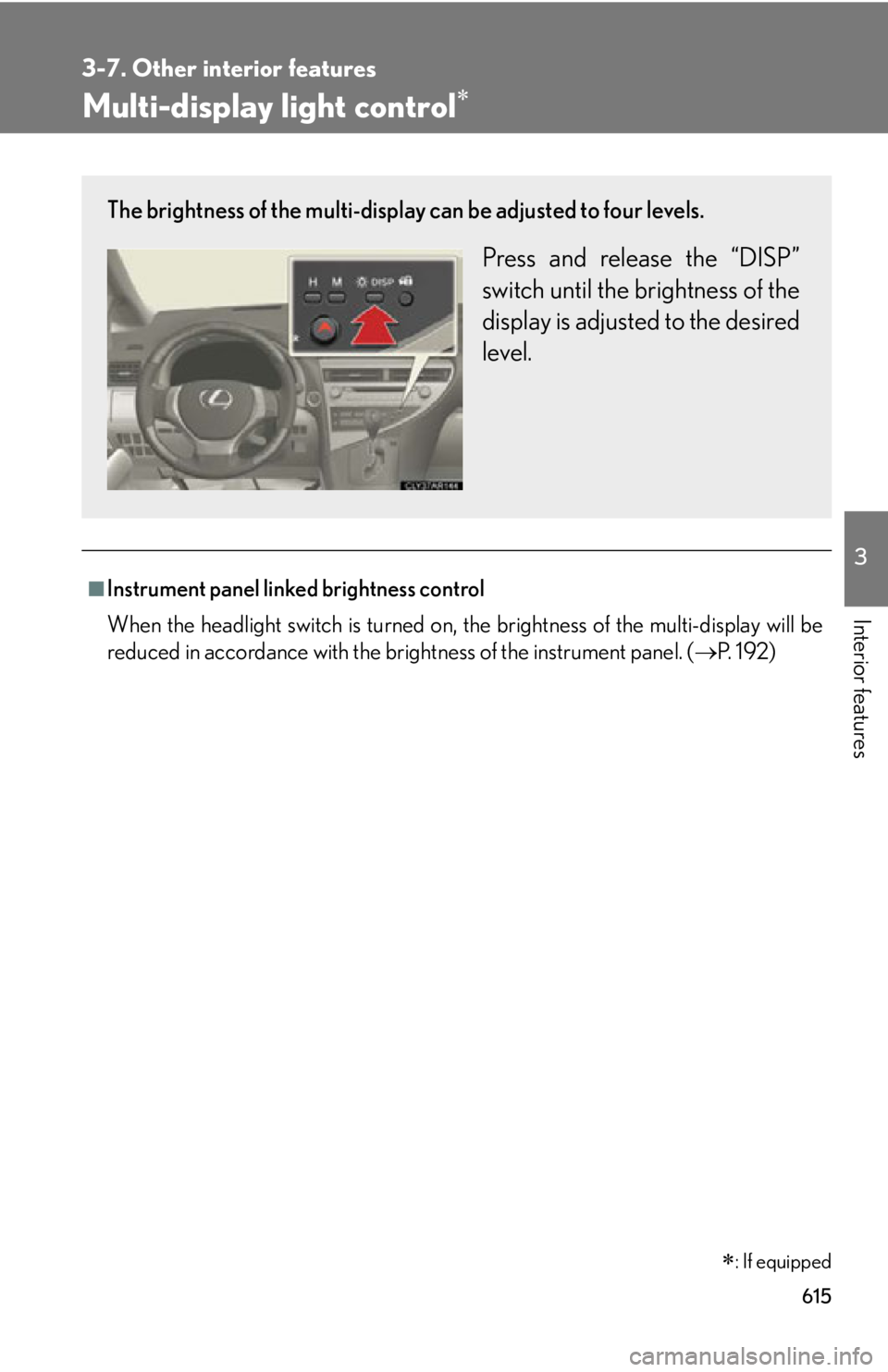
: If equippedThe brightness of the multi-display can be adjusted to four levels.
Press and release the “DISP”
switch until the brightness of the
display is adjusted to the desired
level.
Page 638 of 886
6383-7. Other interior features
Compass
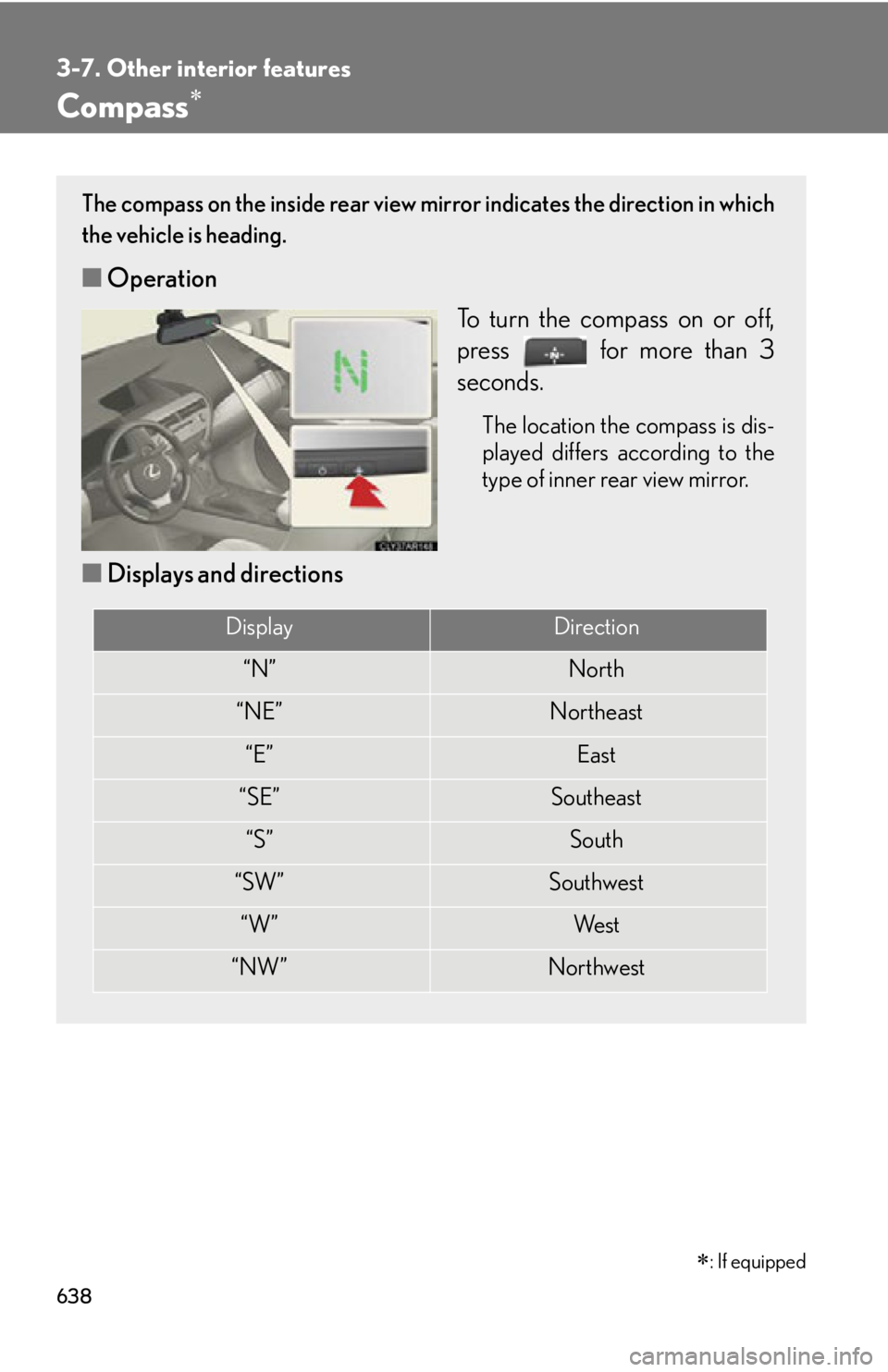
: If equippedThe compass on the inside rear view mi rror indicates the direction in which
the vehicle is heading.
■ Operation
To turn the compass on or off,
press for more than 3
seconds. The location the compass is dis-
played differs according to the
type of inner rear view mirror.
■ Displays and directions Display Direction
“N” North
“NE” Northeast
“E” East
“SE” Southeast
“S” South
“SW” Southwest
“W” We s t
“NW” Northwest