Page 362 of 772
Trip Info
Push and release the UP or DOWN arrow button until
the Trip Menu item is highlighted in the EVIC (Toggle left
or right to select Trip A or Trip B). The Trip information
will display the following:
•Distance
•Average Fuel Economy
•Elapsed Time
Hold the OK button to reset feature information.
Audio
Push and release the UP or DOWN arrow button until
the Audio Menu item is highlighted in the EVIC.
Stored Messages
Screen Setup
Push and release the UP or DOWN arrow
button until the Screen Setup Menu item is
highlighted in the EVIC. Push and release the OK button
to enter the sub-menus and follow the prompts on the
screen as needed. The Screen Setup feature allows you to
change what information is displayed in the instrument
cluster as well as the location that information is dis-
played.
360 UNDERSTANDING YOUR INSTRUMENT PANEL
Page 365 of 772

•When LaneSense system is armed, the lane lines
change to white and the LaneSense indicator
changes to green.
•When LaneSense system senses a lane cross situa-
tion, the approaching lane line and the LaneSense
indicator change from white to yellow.
For further information, refer to “LaneSense— If
Equipped” in “Understanding The Features Of Your
Vehicle”.
2. DID Selectable Display Area
This area displays selectable information (Compass,
Temp, Range to Empty, Trip, Average MPG or L/100 km).
3. Electronic Park Brake Failure
This telltale indicates that there is an Electronic
Park Brake Fault. Please see your authorized
dealer for assistance.
4. Brake Warning Light
This light monitors various brake functions,
including brake fluid level and parking brake
application. If the brake light turns on it may
indicate that the parking brake is applied, that
the brake fluid level is low, or that there is a problem with
the anti-lock brake system reservoir.
If the light remains on when the parking brake has been
disengaged, and the fluid level is at the full mark on the
master cylinder reservoir, it indicates a possible brake
hydraulic system malfunction or that a problem with the
Brake Booster has been detected by the Anti-Lock Brake
System (ABS)/Electronic Stability Control (ESC) system.
In this case, the light will remain on until the condition
has been corrected. If the problem is related to the brake
booster, the ABS pump will run when applying the brake
and a brake pedal pulsation may be felt during each stop.
4
UNDERSTANDING YOUR INSTRUMENT PANEL 363
Page 366 of 772

The dual brake system provides a reserve braking capac-
ity in the event of a failure to a portion of the hydraulic
system. A leak in either half of the dual brake system is
indicated by the Brake Warning Light, which will turn on
when the brake fluid level in the master cylinder has
dropped below a specified level.
The light will remain on until the cause is corrected.
NOTE:The light may flash momentarily during sharp
cornering maneuvers, which change fluid level condi-
tions. The vehicle should have service performed, and
the brake fluid level checked.
If brake failure is indicated, immediate repair is necessary.
WARNING!
Driving a vehicle with the red brake light on is
dangerous. Part of the brake system may have failed.
(Continued)
WARNING!(Continued)
It will take longer to stop the vehicle. You could have
a collision. Have the vehicle checked immediately.
Vehicles equipped with the Anti-Lock Brake System
(ABS), are also equipped with Electronic Brake Force
Distribution (EBD). In the event of an EBD failure, the
Brake Warning Light will turn on along with the ABS
Light. Immediate repair to the ABS system is required.
Operation of the Brake Warning Light can be checked by
turning the ignition switch from the OFF position to the
ON/RUN position. The light should illuminate for ap-
proximately two seconds. The light should then turn off
unless the parking brake is applied or a brake fault is
detected. If the light does not illuminate, have the light
inspected by an authorized dealer.
364 UNDERSTANDING YOUR INSTRUMENT PANEL
Page 367 of 772

The light also will turn on when the parking brake is
applied with the ignition switch in the ON/RUN posi-
tion.
NOTE:This light shows only that the parking brake is
applied. It does not show the degree of brake application.
5. Driver Information Display (DID)
The DID display area will normally display the main
menu or the screens of a selected feature of the main
menu. The DID display area also displays “pop up”
messages that consist of approximately 60 possible warn-
ing or information messages. These pop up messages fall
into several categories:
•Five Second Stored Messages
When the appropriate conditions occur, this type of
message takes control of the main display area for
five seconds and then returns to the previous screen.
Most of the messages of this type are then stored (as
long as the condition that activated it remains active)
and can be reviewed from the “Messages” main
menu item. As long as there is a stored message, an
“i” will be displayed in the middle of the DID’s top
line. Examples of this message type are “Right Front
Turn Signal Lamp Out” and “Low Tire Pressure”.
•Unstored Messages
This message type is displayed indefinitely or until
the condition that activated the message is cleared.
Examples of this message type are “Turn Signal On”
(if a turn signal is left on) and “Lights On” (if driver
leaves the vehicle).
•Unstored Messages Until RUN
These messages deal primarily with the Remote Start
feature. This message type is displayed until the
ignition is in the RUN state. Examples of this message
type are “Remote Start Aborted - Door Ajar” and
“Press Brake Pedal and Push Button to Start”.
4
UNDERSTANDING YOUR INSTRUMENT PANEL 365
Page 369 of 772

•Selec Speed Control Indicator — If Equipped
The symbol illuminates and is active only
in 4WD Low range when either the HDC
switch on the instrument panel is selected
or ROCK mode for Selec-Terrain is selected.
If the T-case is not in 4WD Low range, the following
message is displayed “Selec-Speed Unavailable”.
•Electronic Speed Control ON
This light will turn on when the electronic
speed control is ON. For further informa-
tion, refer to “Electronic Speed Control” in
“Understanding The Features Of Your
Vehicle”.
•Electronic Speed Control SET
This light will turn on when the electronic
speed control is SET. For further information,
refer to “Electronic Speed Control” in “Un-
derstanding The Features Of Your Vehicle”.
•Adaptive Cruise Control (ACC) Distance Setting
Display
This will display the distance setting for the
ACC system. For further information, refer to
“Adaptive Cruise Control (ACC)” in “Under-
standing The Features Of Your Vehicle”.
10. Shift Lever Status (PRNDL)
The shift lever status “P,R,N,D,L,9,8,7,6,5,4,3,2,1” are dis-
played indicating the shift lever position. Refer to “Start-
ing And Operating”.
11. Instructional Area
This area will display text to the visual warnings (i.e.,
“Push Brake To Start”).
4
UNDERSTANDING YOUR INSTRUMENT PANEL 367
Page 370 of 772

12. Amber Reconfigurable Telltale Display
•Transmission Temperature Warning Light
This light indicates that there is excessive
transmission fluid temperature that might
occur with severe usage such as trailer
towing. It may also occur when operating
the vehicle in a high torque converter slip condition,
such as 4-wheel-drive operation (e.g., snow plowing,
off- road operation). If this light comes on, stop the
vehicle and run the engine at idle or faster, with the
transmission in NEUTRAL until the light goes off.
CAUTION!
Continuous driving with the Transmission Tempera-
ture Warning Light illuminated will eventually cause
severe transmission damage or transmission failure.
WARNING!
If you continue operating the vehicle when the
Transmission Temperature Warning Light is illumi-
nated you could cause the fluid to boil over, come in
contact with hot engine or exhaust components and
cause a fire.
•Low Fuel Telltale
When the fuel level reaches approximately 3.0
gal (11.0 L) this light will turn on, and remain
on until fuel is added.
•Rear Axle Lock Indicator — If Equipped
This light indicates when the rear axle lock
has been activated.
368 UNDERSTANDING YOUR INSTRUMENT PANEL
Page 371 of 772

•Low Coolant Level Indicator
This telltale will turn on to indicate the
vehicle coolant level is low.
•Windshield Washer Fluid Low Indicator
This telltale will turn on to indicate the
windshield washer fluid is low.
•4WD LOW Indicator Light — If Equipped
This light alerts the driver that the vehicle is in the
four-wheel drive LOW mode. The front and rear
driveshafts are mechanically locked together forcing
the front and rear wheels to rotate at the same speed.
Low range provides a greater gear reduction ratio to
provide increased torque at the wheels.
For further information on four-wheel drive opera-
tion and proper use, refer to “Four-Wheel Drive
Operation — If Equipped” in “Starting And
Operating”.
•SERV 4WD Indicator Light — If Equipped
This light alerts the driver that the 4WD is in need of
service. If this light is illuminated, see your autho-
rized dealer as soon as possible.
•Adaptive Cruise Control (ACC) Malfunction
This light will turn on when a ACC is not
operating and needs service. For further
information, refer to “Adaptive Cruise
Control (ACC)” in “Understanding The
Features Of Your Vehicle”.
•LaneSense Service — If Equipped
This telltale will turn on to indicate that the
Lane Sense Departure has detected a
failure.
4
UNDERSTANDING YOUR INSTRUMENT PANEL 369
Page 373 of 772
allowed to exceed the upper limits of the normal
operating range.
CAUTION!
Driving with a hot engine cooling system could
damage your vehicle. If the temperature gauge reads
“H” pull over and stop the vehicle. Idle the vehicle
with the air conditioner turned off until the pointer
drops back into the normal range. If the pointer
remains on the “H” and you hear continuous chimes,
turn the engine off immediately and call an autho-
rized dealer for service.
WARNING!
A hot engine cooling system is dangerous. You or
others could be badly burned by steam or boiling
(Continued)
WARNING!(Continued)
coolant. You may want to call an authorized dealer
for service if your vehicle overheats. If you decide to
look under the hood yourself, see “Maintaining Your
Vehicle”. Follow the warnings under the Cooling
System Pressure Cap paragraph.
14. Red Reconfigurable Telltale Display
•Engine Temperature Warning Light
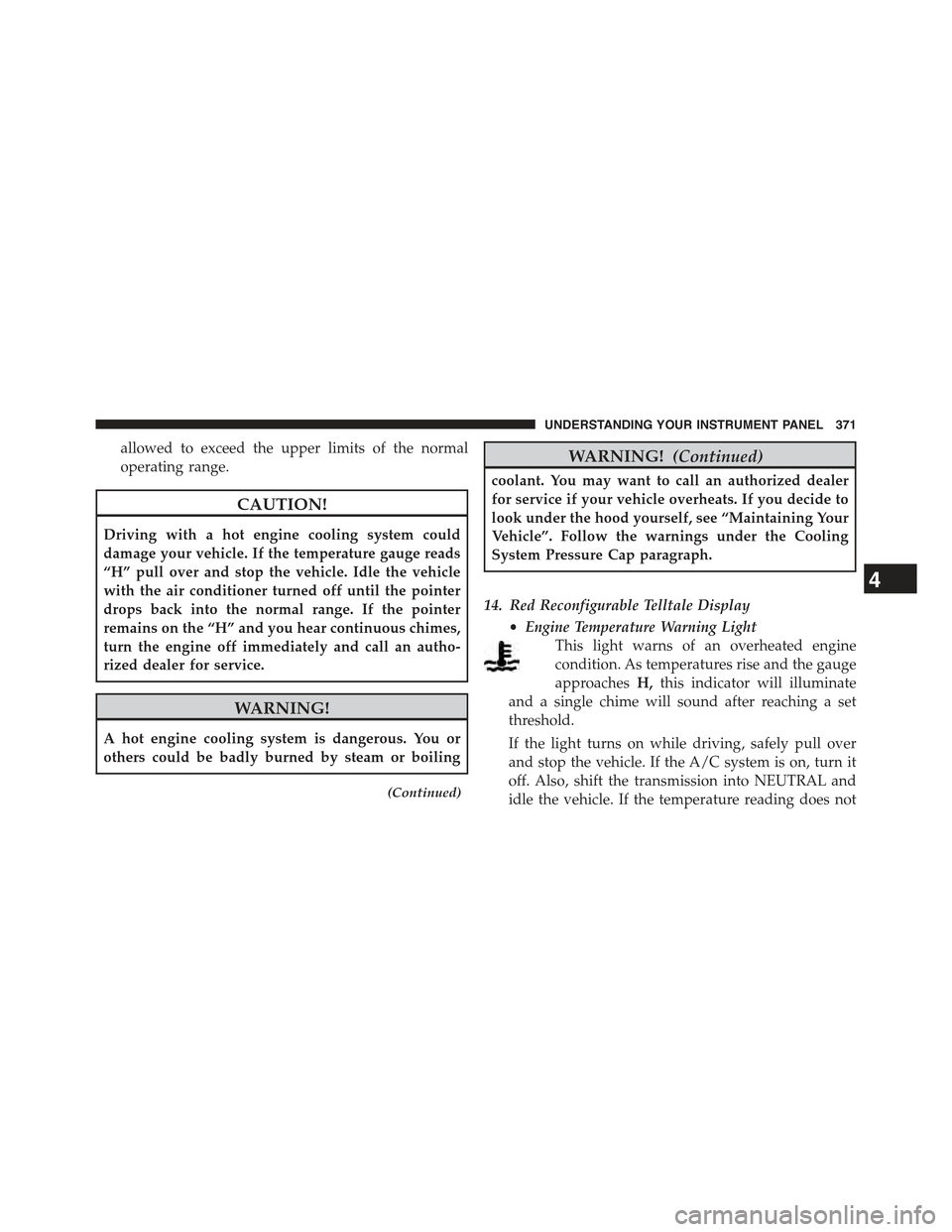
This light warns of an overheated engine
condition. As temperatures rise and the gauge
approachesH,this indicator will illuminate
and a single chime will sound after reaching a set
threshold.
If the light turns on while driving, safely pull over
and stop the vehicle. If the A/C system is on, turn it
off. Also, shift the transmission into NEUTRAL and
idle the vehicle. If the temperature reading does not
4
UNDERSTANDING YOUR INSTRUMENT PANEL 371
