Page 261 of 453
uuBluetooth ® HandsFreeLink ®u HFL Menus
260
Features
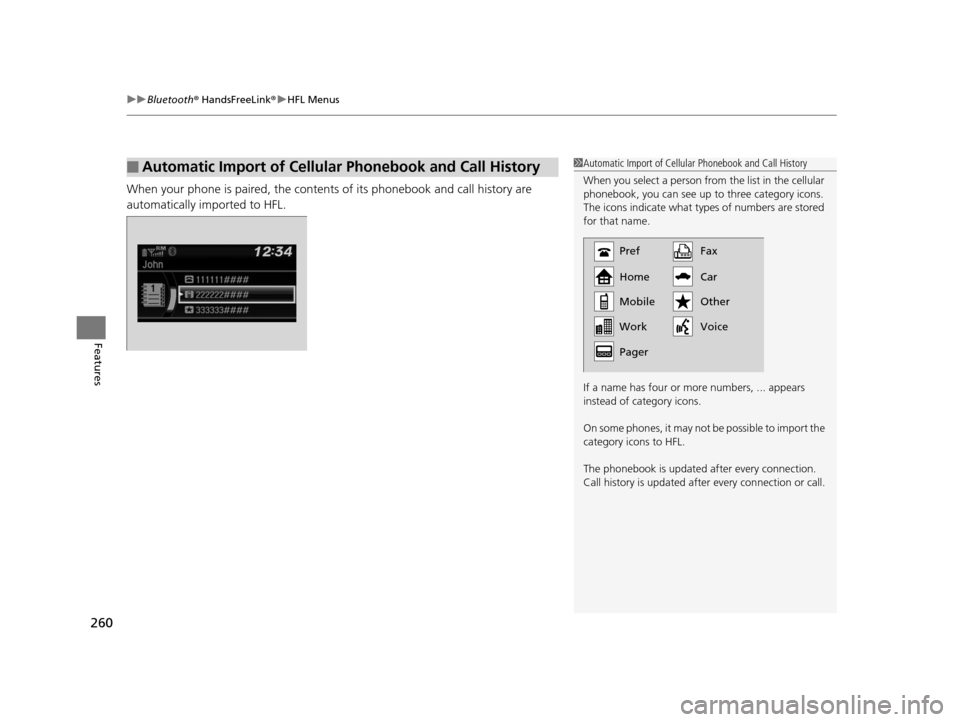
When your phone is paired, the contents of its phonebook and call history are
automatically imported to HFL.
■Automatic Import of Cellular Phonebook and Call History1Automatic Import of Cellular Phonebook and Call History
When you select a person from the list in the cellular
phonebook, you can see up to three category icons.
The icons indicate what types of numbers are stored
for that name.
If a name has four or more numbers, ... appears
instead of category icons.
On some phones, it may not be possible to import the
category icons to HFL.
The phonebook is updated af ter every connection.
Call history is updated after every connection or call.
Pref
Home
Mobile
Pager WorkFax
Car
Voice Other
15 US FIT-31T5A6000.book 260 ページ 2014年3月6日 木曜日 午後7時5分
Page 286 of 453
Continued285
uuBluetooth ® HandsFreeLink ®u HFL Menus
Features
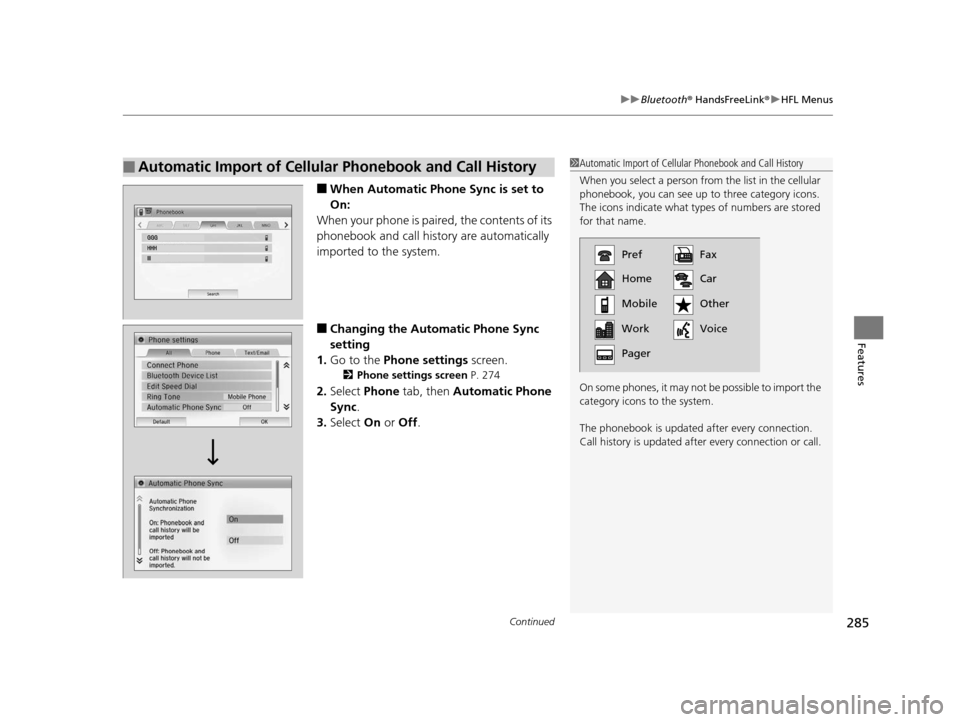
■When Automatic Phone Sync is set to
On:
When your phone is paired, the contents of its
phonebook and call history are automatically
imported to the system.
■Changing the Automatic Phone Sync
setting
1. Go to the Phone settings screen.
2Phone settings screen P. 274
2.Select Phone tab, then Automatic Phone
Sync .
3. Select On or Off .
■Automatic Import of Cellular Phonebook and Call History1Automatic Import of Cellular Phonebook and Call History
When you select a person from the list in the cellular
phonebook, you can see up to three category icons.
The icons indicate what types of numbers are stored
for that name.
On some phones, it may not be possible to import the
category icons to the system.
The phonebook is updated af ter every connection.
Call history is updated after every connection or call.
Pref
Home
Mobile
Work
PagerFax
Car
Other
Voice
15 US FIT-31T5A6000.book 285 ページ 2014年3月6日 木曜日 午後7時5分
Page 299 of 453
uuBluetooth ® HandsFreeLink ®u HFL Menus
298
Features
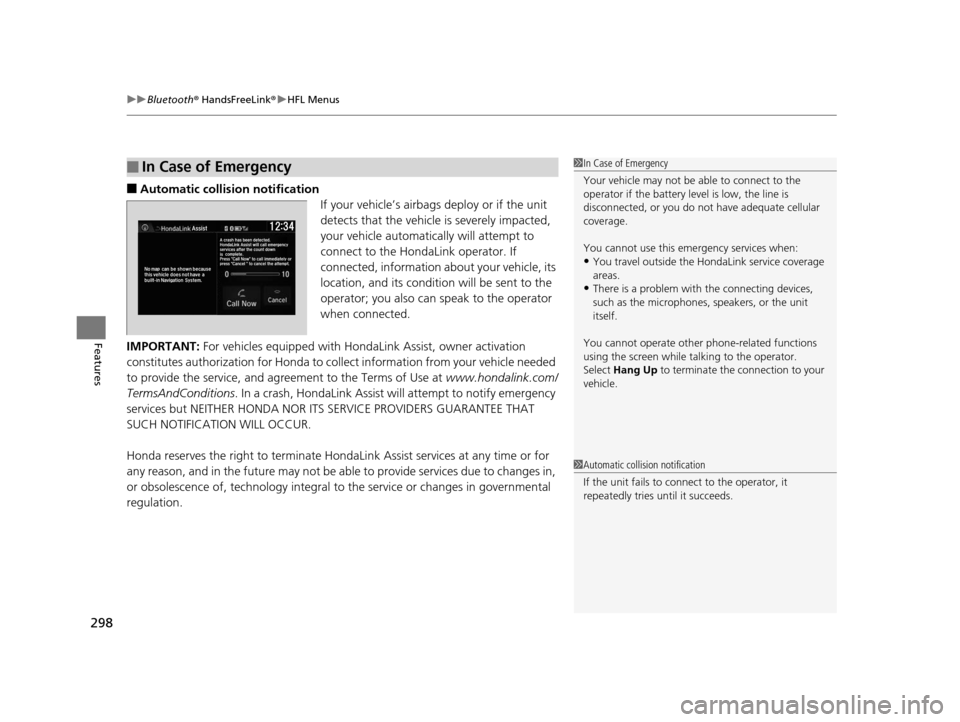
■Automatic collisi on notification
If your vehicle’s airbags deploy or if the unit
detects that the vehicle is severely impacted,
your vehicle automatically will attempt to
connect to the HondaLink operator. If
connected, information about your vehicle, its
location, and its condition will be sent to the
operator; you also can speak to the operator
when connected.
IMPORTANT: For vehicles equipped with Ho ndaLink Assist, owner activation
constitutes authorization for Honda to collect information from your vehicle needed
to provide the service, and agr eement to the Terms of Use at www.hondalink.com/
TermsAndConditions . In a crash, HondaLink Assist w ill attempt to notify emergency
services but NEITHER HONDA NOR ITS SERVICE PROVIDERS GUARANTEE THAT
SUCH NOTIFICATION WILL OCCUR.
Honda reserves the right to terminate HondaLink Assist services at any time or for
any reason, and in the future may not be ab le to provide services due to changes in,
or obsolescence of, technology integral to the service or changes in governmental
regulation.
■In Case of Emergency1 In Case of Emergency
Your vehicle may not be able to connect to the
operator if the battery level is low, the line is
disconnected, or you do not have adequate cellular
coverage.
You cannot use this emergency services when:
•You travel outside the H ondaLink service coverage
areas.
•There is a problem with the connecting devices,
such as the microphones, speakers, or the unit
itself.
You cannot operate othe r phone-related functions
using the screen while talking to the operator.
Select Hang Up to terminate the connection to your
vehicle.
1 Automatic collision notification
If the unit fails to connect to the operator, it
repeatedly tries until it succeeds.
15 US FIT-31T5A6000.book 298 ページ 2014年3月6日 木曜日 午後7時5分
Page 444 of 453
443
uuCustomer Service Information u
Information
Requirements to access Pandora®
• Latest version of the Pandora application
installed on your mobile device. (Visit the
Apple iTunes ® store or Google Play
Marketplace to download the latest
version.)
• Registered Pandora account (you can
create a free account at
www.pandora.com
www.pandora.com/ > or on your
smartphone)
• Connection to the in ternet via WiFi or
cellular data network.
• Android devices must be connected to
the vehicle via Bluetooth, iPhone® devices
may be connected via Bluetooth or USB.
■Disclaimer of Pandora ®*Limitations
•Access to Pandora requires an active
internet connection
• Ability to access Pandora through this
system is subject to change without
notice
• Certain functionality of Pandora service is
not available when accessing the service
through this system including, but not
limited to, creating new stations, deleting
stations, emailing current stations,
buying songs, viewing additional text
information, logging in to Pandora, and
adjusting Cell Network Audio Quality.
Pandora internet radio is a music service
not affiliated with HONDA. More
information is available at http://
www.pandora.com
www.pandora.com/ >. Pandora, the
Pandora logo, and the Pandora trade
dress are trademarks or registered
trademarks of Pandora Media, Inc., used
with permission.
• Mobile access requires a smartphone
with an active data plan. Standard data
rates may apply.
• Pandora is only avai lable in the United
States.
* Not available on all models
15 US FIT-31T5A6000.book 443 ページ 2014年3月6日 木曜日 午後7時5分