2015 FORD SUPER DUTY display
[x] Cancel search: displayPage 117 of 470
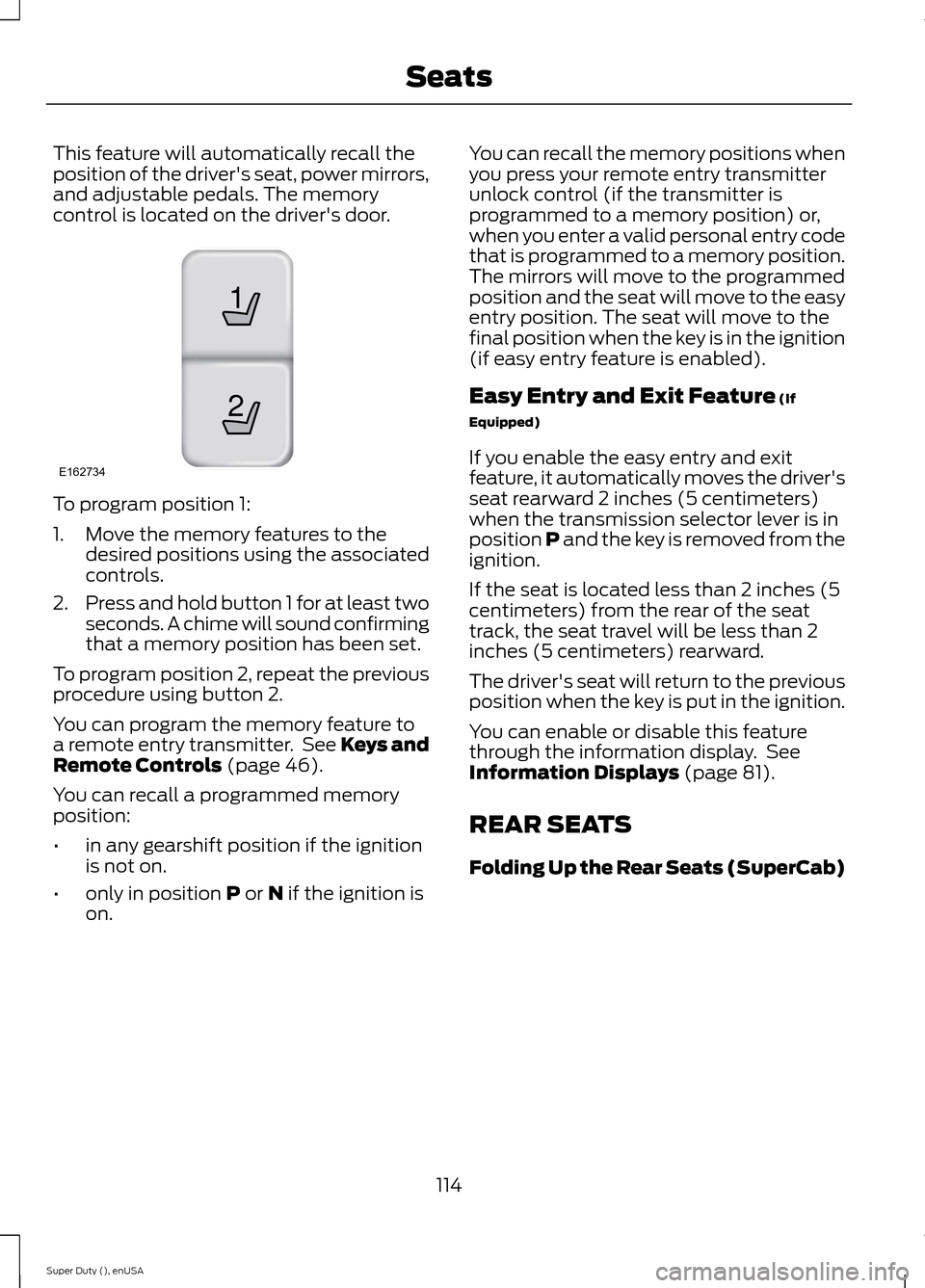
This feature will automatically recall theposition of the driver's seat, power mirrors,and adjustable pedals. The memorycontrol is located on the driver's door.
To program position 1:
1.Move the memory features to thedesired positions using the associatedcontrols.
2.Press and hold button 1 for at least twoseconds. A chime will sound confirmingthat a memory position has been set.
To program position 2, repeat the previousprocedure using button 2.
You can program the memory feature toa remote entry transmitter. See Keys andRemote Controls (page 46).
You can recall a programmed memoryposition:
•in any gearshift position if the ignitionis not on.
•only in position P or N if the ignition ison.
You can recall the memory positions whenyou press your remote entry transmitterunlock control (if the transmitter isprogrammed to a memory position) or,when you enter a valid personal entry codethat is programmed to a memory position.The mirrors will move to the programmedposition and the seat will move to the easyentry position. The seat will move to thefinal position when the key is in the ignition(if easy entry feature is enabled).
Easy Entry and Exit Feature (If
Equipped)
If you enable the easy entry and exitfeature, it automatically moves the driver'sseat rearward 2 inches (5 centimeters)when the transmission selector lever is inposition P and the key is removed from theignition.
If the seat is located less than 2 inches (5centimeters) from the rear of the seattrack, the seat travel will be less than 2inches (5 centimeters) rearward.
The driver's seat will return to the previousposition when the key is put in the ignition.
You can enable or disable this featurethrough the information display. SeeInformation Displays (page 81).
REAR SEATS
Folding Up the Rear Seats (SuperCab)
114Super Duty (), enUSASeats21E162734
Page 130 of 470
4.Press and hold both the programmedGenie button on the hand-heldtransmitter and the button you wantto program. The indicator light on thevisor will flash rapidly when theprogramming is successful.
Note:The Genie transmitter will transmitfor up to 30 seconds. If HomeLink does notprogram within 30 seconds you will need topress the Genie transmitter again. If theGenie transmitter indicator light displaysgreen and red, release the button until theindicator light turns off before pressing thebutton again.
Once you have programmed HomeLinksuccessfully, you must change the Genietransmitter out of program mode. To dothis:
1.Press and hold the previouslyprogrammed Genie button on thehand-held transmitter for 10 seconds.The indicator light will change from redto red and green.
2.Press the same button twice to confirmthe change. If done correctly theindicator light will turn green.
Programming HomeLink to the GenieIntellicode Garage Door Opener Motor
Note:You may need a ladder to access thegarage door opener motor.
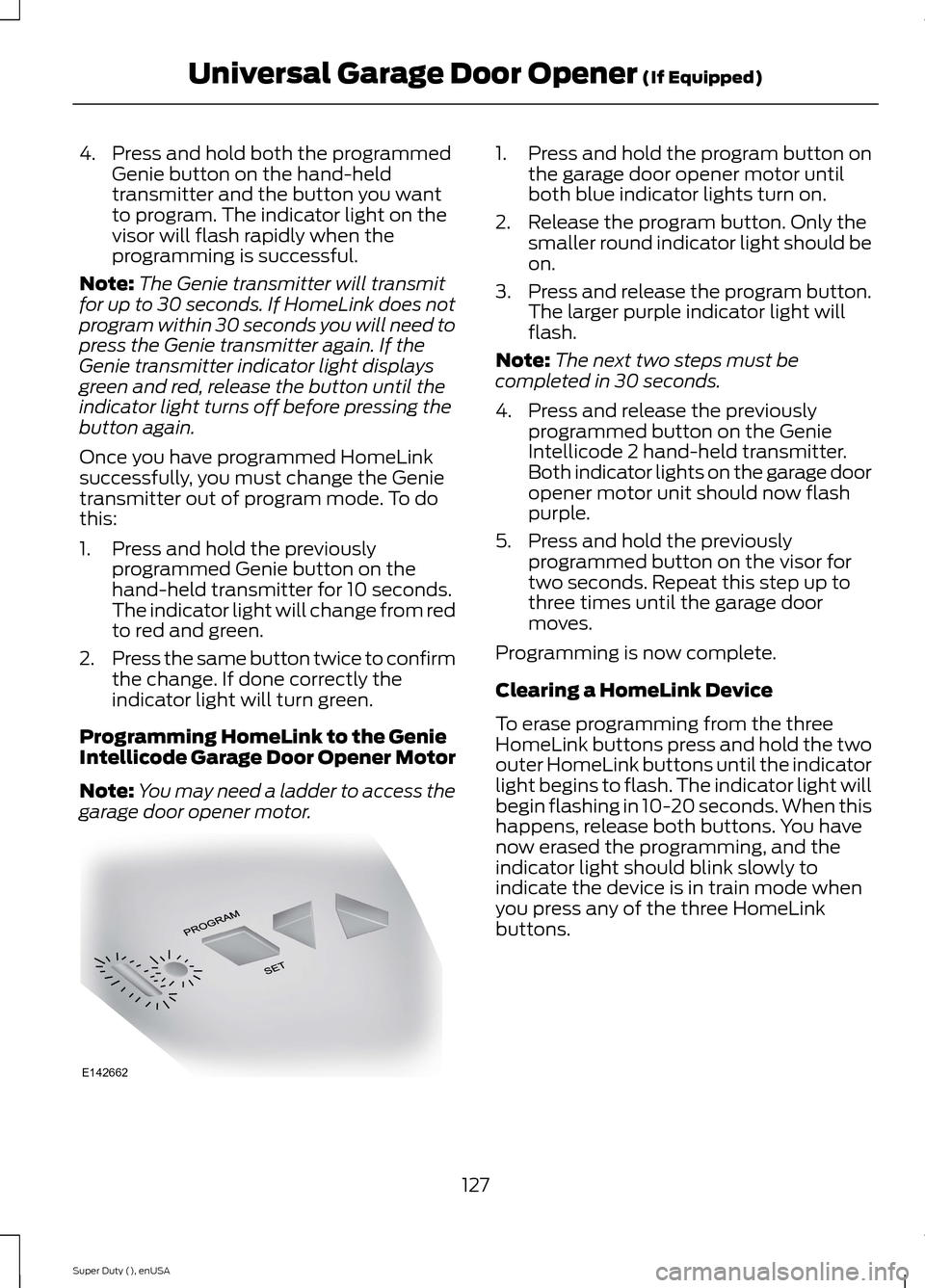
1.Press and hold the program button onthe garage door opener motor untilboth blue indicator lights turn on.
2.Release the program button. Only thesmaller round indicator light should beon.
3.Press and release the program button.The larger purple indicator light willflash.
Note:The next two steps must becompleted in 30 seconds.
4.Press and release the previouslyprogrammed button on the GenieIntellicode 2 hand-held transmitter.Both indicator lights on the garage dooropener motor unit should now flashpurple.
5.Press and hold the previouslyprogrammed button on the visor fortwo seconds. Repeat this step up tothree times until the garage doormoves.
Programming is now complete.
Clearing a HomeLink Device
To erase programming from the threeHomeLink buttons press and hold the twoouter HomeLink buttons until the indicatorlight begins to flash. The indicator light willbegin flashing in 10-20 seconds. When thishappens, release both buttons. You havenow erased the programming, and theindicator light should blink slowly toindicate the device is in train mode whenyou press any of the three HomeLinkbuttons.
127Super Duty (), enUSAUniversal Garage Door Opener (If Equipped)E142662
Page 150 of 470
M (Manual) without Overdrive
With the gearshift lever in M (Manual), thedriver can change gears up or down asdesired. This is called SelectShiftAutomatic™ transmission (SST) mode.By moving the gearshift lever from driveposition D (Overdrive) to M (Manual) younow have control of selecting the gear youdesire using buttons on the shift lever.
To return to normal D (Overdrive) position,move the shift lever back from M to D.
The transmission will operate in gears onethrough six.
2 (Second)
Use 2 (Second) to start-up on slipperyroads or to provide additional enginebraking on downgrades.
1 (First)
•Provides maximum engine braking
•Allows upshifts by moving gearshiftlever
•The transmission will not downshiftinto 1 (First) at high speeds; it willdownshift to a lower gear and thenshift into 1 (First) when the vehiclereaches slower speeds.
Forced downshifts
•Allowed in D (Overdrive) with thetow/haul feature on or off
•Press the accelerator to the floor
•Allows transmission to select anappropriate gear
Understanding your SelectShiftAutomatic® transmission (If Equipped)
Your vehicle is equipped with a SelectShiftAutomatic transmission gearshift lever.SelectShift Automatic transmission givesyou the ability to change gears up or down(without a clutch) as desired.
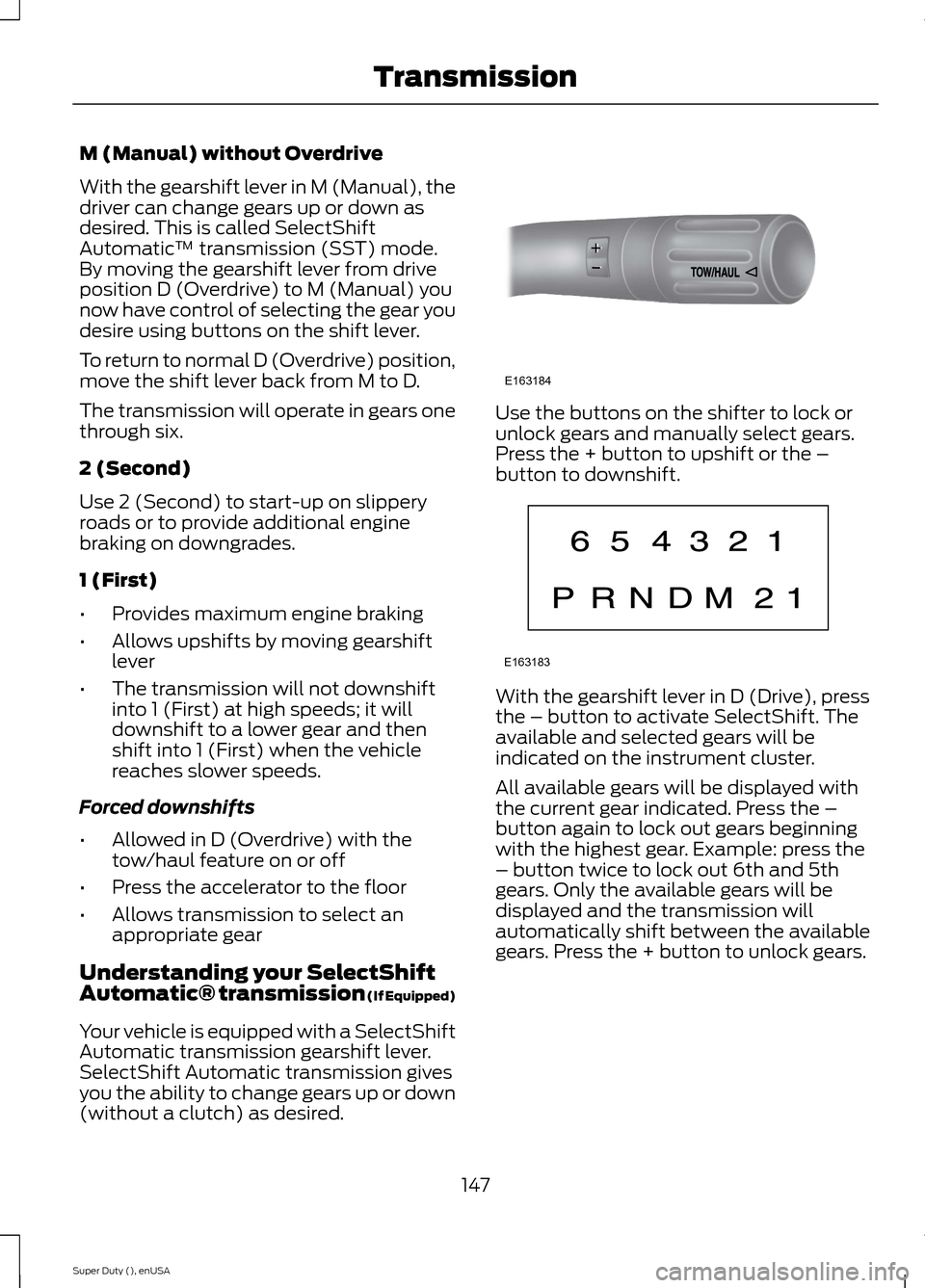
Use the buttons on the shifter to lock orunlock gears and manually select gears.Press the + button to upshift or the –button to downshift.
With the gearshift lever in D (Drive), pressthe – button to activate SelectShift. Theavailable and selected gears will beindicated on the instrument cluster.
All available gears will be displayed withthe current gear indicated. Press the –button again to lock out gears beginningwith the highest gear. Example: press the– button twice to lock out 6th and 5thgears. Only the available gears will bedisplayed and the transmission willautomatically shift between the availablegears. Press the + button to unlock gears.
147Super Duty (), enUSATransmissionE163184 E163183
Page 151 of 470
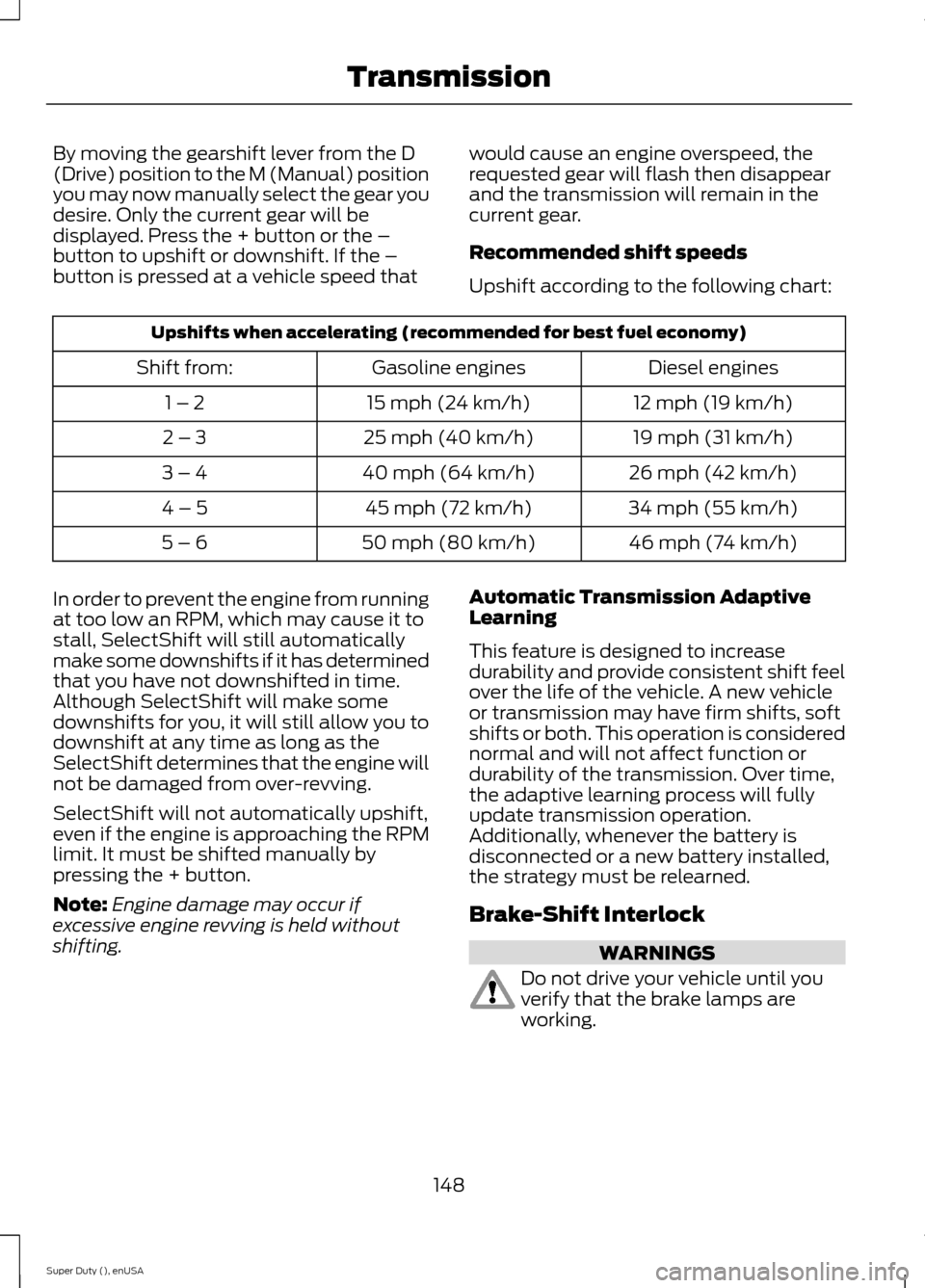
By moving the gearshift lever from the D(Drive) position to the M (Manual) positionyou may now manually select the gear youdesire. Only the current gear will bedisplayed. Press the + button or the –button to upshift or downshift. If the –button is pressed at a vehicle speed that
would cause an engine overspeed, therequested gear will flash then disappearand the transmission will remain in thecurrent gear.
Recommended shift speeds
Upshift according to the following chart:
Upshifts when accelerating (recommended for best fuel economy)
Diesel enginesGasoline enginesShift from:
12 mph (19 km/h)15 mph (24 km/h)1 – 2
19 mph (31 km/h)25 mph (40 km/h)2 – 3
26 mph (42 km/h)40 mph (64 km/h)3 – 4
34 mph (55 km/h)45 mph (72 km/h)4 – 5
46 mph (74 km/h)50 mph (80 km/h)5 – 6
In order to prevent the engine from runningat too low an RPM, which may cause it tostall, SelectShift will still automaticallymake some downshifts if it has determinedthat you have not downshifted in time.Although SelectShift will make somedownshifts for you, it will still allow you todownshift at any time as long as theSelectShift determines that the engine willnot be damaged from over-revving.
SelectShift will not automatically upshift,even if the engine is approaching the RPMlimit. It must be shifted manually bypressing the + button.
Note:Engine damage may occur ifexcessive engine revving is held withoutshifting.
Automatic Transmission AdaptiveLearning
This feature is designed to increasedurability and provide consistent shift feelover the life of the vehicle. A new vehicleor transmission may have firm shifts, softshifts or both. This operation is considerednormal and will not affect function ordurability of the transmission. Over time,the adaptive learning process will fullyupdate transmission operation.Additionally, whenever the battery isdisconnected or a new battery installed,the strategy must be relearned.
Brake-Shift Interlock
WARNINGS
Do not drive your vehicle until youverify that the brake lamps areworking.
148Super Duty (), enUSATransmission
Page 155 of 470
•provides 4x4 High engagement anddisengagement while the vehicle ismoving.
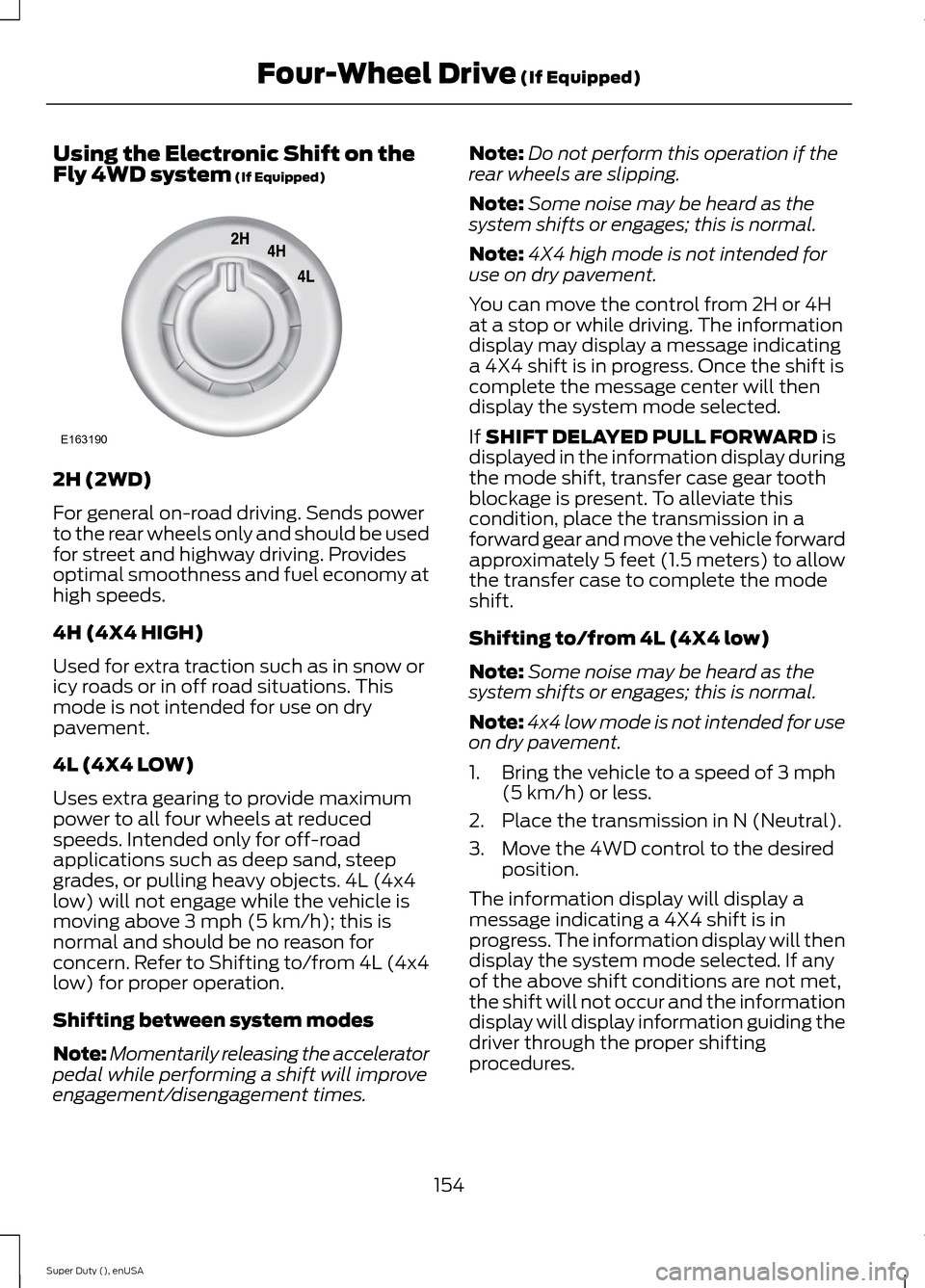
•is operated by a rotary control locatedon the instrument panel that allowsyou select 4x2, 4x4 High or 4x4 Lowoperation.
•uses auto-manual hub locks that canbe engaged and disengagedautomatically based on the 4x4 modeselected.
•will increase fuel economy when usedin the recommended AUTO lock mode.
4WD Indicator Lights
Note:When a 4X4 system fault is present,the system will typically remain in whichever4X4 mode was selected prior to the faultcondition occurring. It will not default to 4X2in all circumstances. When this warning isdisplayed, have your vehicle serviced by anauthorized dealer.
4X2
Momentarily illuminates when2H is selected.
4X4 HIGH
Continuously illuminates when4H is selected.
4X4 LOW
Continuously illuminates when4L is selected.
CHECK 4X4
Displays when a 4X4 fault ispresent.
Using a Manual Shift On Stop(MSOS) 4wd system (If Equipped)
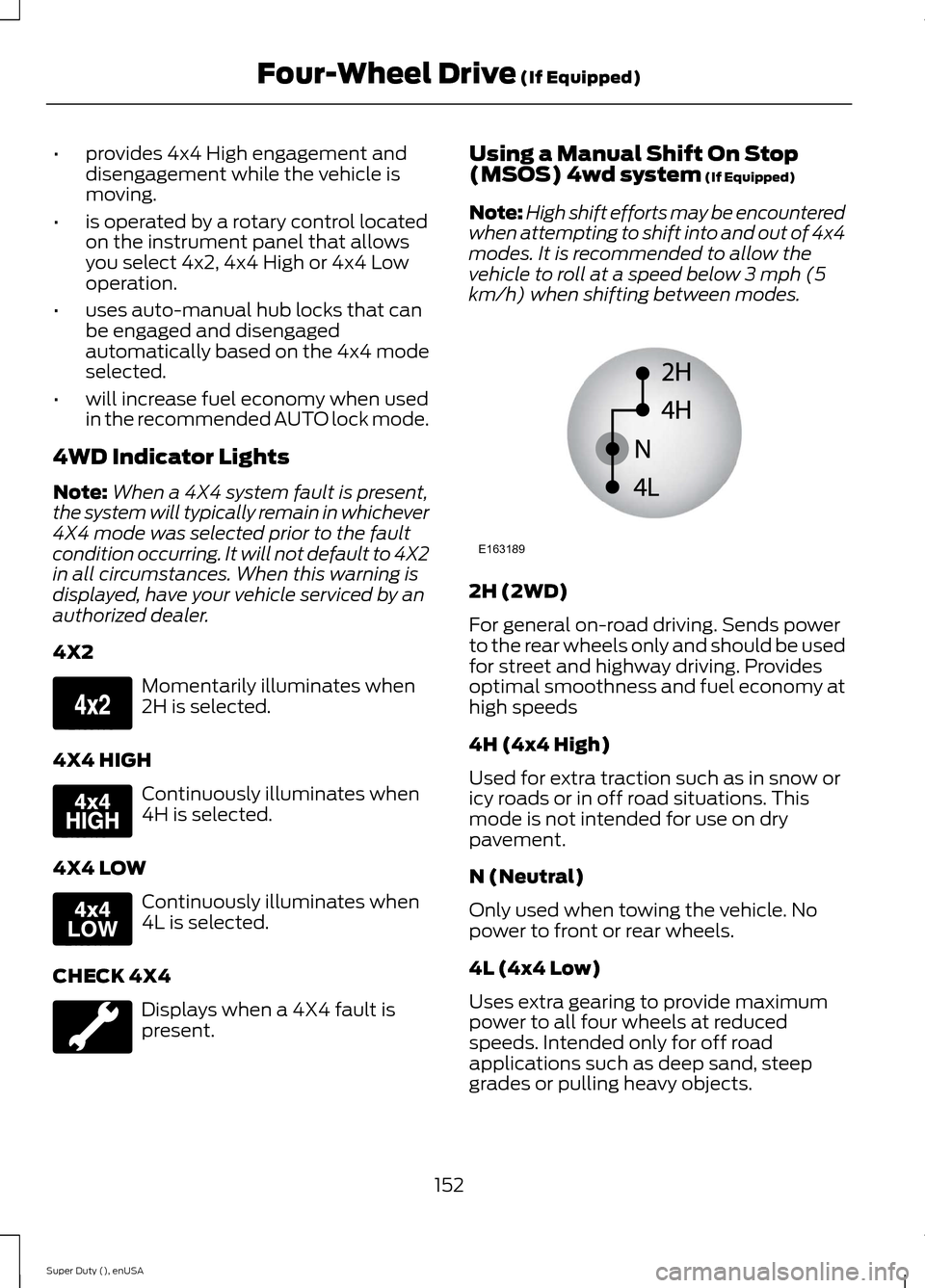
Note:High shift efforts may be encounteredwhen attempting to shift into and out of 4x4modes. It is recommended to allow thevehicle to roll at a speed below 3 mph (5km/h) when shifting between modes.
2H (2WD)
For general on-road driving. Sends powerto the rear wheels only and should be usedfor street and highway driving. Providesoptimal smoothness and fuel economy athigh speeds
4H (4x4 High)
Used for extra traction such as in snow oricy roads or in off road situations. Thismode is not intended for use on drypavement.
N (Neutral)
Only used when towing the vehicle. Nopower to front or rear wheels.
4L (4x4 Low)
Uses extra gearing to provide maximumpower to all four wheels at reducedspeeds. Intended only for off roadapplications such as deep sand, steepgrades or pulling heavy objects.
152Super Duty (), enUSAFour-Wheel Drive (If Equipped)E163173 E163175 E163174 E163189
Page 157 of 470
Using the Electronic Shift on theFly 4WD system (If Equipped)
2H (2WD)
For general on-road driving. Sends powerto the rear wheels only and should be usedfor street and highway driving. Providesoptimal smoothness and fuel economy athigh speeds.
4H (4X4 HIGH)
Used for extra traction such as in snow oricy roads or in off road situations. Thismode is not intended for use on drypavement.
4L (4X4 LOW)
Uses extra gearing to provide maximumpower to all four wheels at reducedspeeds. Intended only for off-roadapplications such as deep sand, steepgrades, or pulling heavy objects. 4L (4x4low) will not engage while the vehicle ismoving above 3 mph (5 km/h); this isnormal and should be no reason forconcern. Refer to Shifting to/from 4L (4x4low) for proper operation.
Shifting between system modes
Note:Momentarily releasing the acceleratorpedal while performing a shift will improveengagement/disengagement times.
Note:Do not perform this operation if therear wheels are slipping.
Note:Some noise may be heard as thesystem shifts or engages; this is normal.
Note:4X4 high mode is not intended foruse on dry pavement.
You can move the control from 2H or 4Hat a stop or while driving. The informationdisplay may display a message indicatinga 4X4 shift is in progress. Once the shift iscomplete the message center will thendisplay the system mode selected.
If SHIFT DELAYED PULL FORWARD isdisplayed in the information display duringthe mode shift, transfer case gear toothblockage is present. To alleviate thiscondition, place the transmission in aforward gear and move the vehicle forwardapproximately 5 feet (1.5 meters) to allowthe transfer case to complete the modeshift.
Shifting to/from 4L (4X4 low)
Note:Some noise may be heard as thesystem shifts or engages; this is normal.
Note:4x4 low mode is not intended for useon dry pavement.
1.Bring the vehicle to a speed of 3 mph(5 km/h) or less.
2.Place the transmission in N (Neutral).
3.Move the 4WD control to the desiredposition.
The information display will display amessage indicating a 4X4 shift is inprogress. The information display will thendisplay the system mode selected. If anyof the above shift conditions are not met,the shift will not occur and the informationdisplay will display information guiding thedriver through the proper shiftingprocedures.
154Super Duty (), enUSAFour-Wheel Drive (If Equipped)E163190
Page 158 of 470
If SHIFT DELAYED PULL FORWARD isdisplayed in the information display,transfer case gear tooth blockage ispresent. To alleviate this condition, placethe transmission in a forward gear, movethe vehicle forward approximately 5 feet(1.5 meters), and shift the transmissionback to neutral to allow the transfer caseto complete the range shift.
How Your Vehicle Differs FromOther Vehicles
WARNING
Vehicles with a higher center ofgravity such as utility and four-wheeldrive vehicles handle differently thanvehicles with a lower center of gravity.Utility and four-wheel drive vehicles arenot designed for cornering at speeds ashigh as passenger cars any more thanlow-slung sports cars are designed toperform satisfactorily under off-roadconditions. Avoid sharp turns, excessivespeed and abrupt maneuvers in thesevehicles. Failure to drive cautiously couldresult in an increased risk of loss of vehiclecontrol, vehicle rollover, personal injury anddeath.
Truck and utility vehicles can differ fromsome other vehicles. Your vehicle may behigher to allow it to travel over roughterrain without getting hung up ordamaging underbody components.
The differences that make your vehicle soversatile also make it handle differentlythan an ordinary passenger car.
Maintain steering wheel control at alltimes, especially in rough terrain. Sincesudden changes in terrain can result inabrupt steering wheel motion, make sureyou grip the steering wheel from theoutside. Do not grip the spokes.
Drive cautiously to avoid vehicle damagefrom concealed objects such as rocks andstumps.
You should either know the terrain orexamine maps of the area before driving.Map out your route before driving in thearea. To maintain steering and brakingcontrol of your vehicle, you must have allfour wheels on the ground and they mustbe rolling, not sliding or spinning.
Driving Off-Road With Truck andUtility Vehicles
Note:On some models, the initial shift fromtwo-wheel drive to four-wheel drive whilethe vehicle is moving can cause somemomentary clunk and ratcheting sounds.This is the front drivetrain coming up tospeed and the automatic locking hubsengaging and is not cause for concern.
Note:Your vehicle may be equipped witha front air dam that can become damaged(due to reduced ground clearance) whentaking your vehicle off-road. This air damcan be taken off by removing two bolts.
Four-wheel drive vehicles are speciallyequipped for driving on sand, snow, mudand rough terrain and have operatingcharacteristics that are somewhatdifferent from conventional vehicles, bothon and off the road.
Power is supplied to all four wheelsthrough a transfer case. On Four-wheeldrive vehicles, the transfer case allows youto select 4WD when necessary.Information on transfer case operation andshifting procedures can be found in thischapter. Information on transfer casemaintenance can be found in theMaintenance chapter. You should becomethoroughly familiar with this informationbefore you operate your vehicle.
155Super Duty (), enUSAFour-Wheel Drive (If Equipped)
Page 164 of 470
For 2WD vehicles and vehiclesequipped with a manual shift 4WDsystem
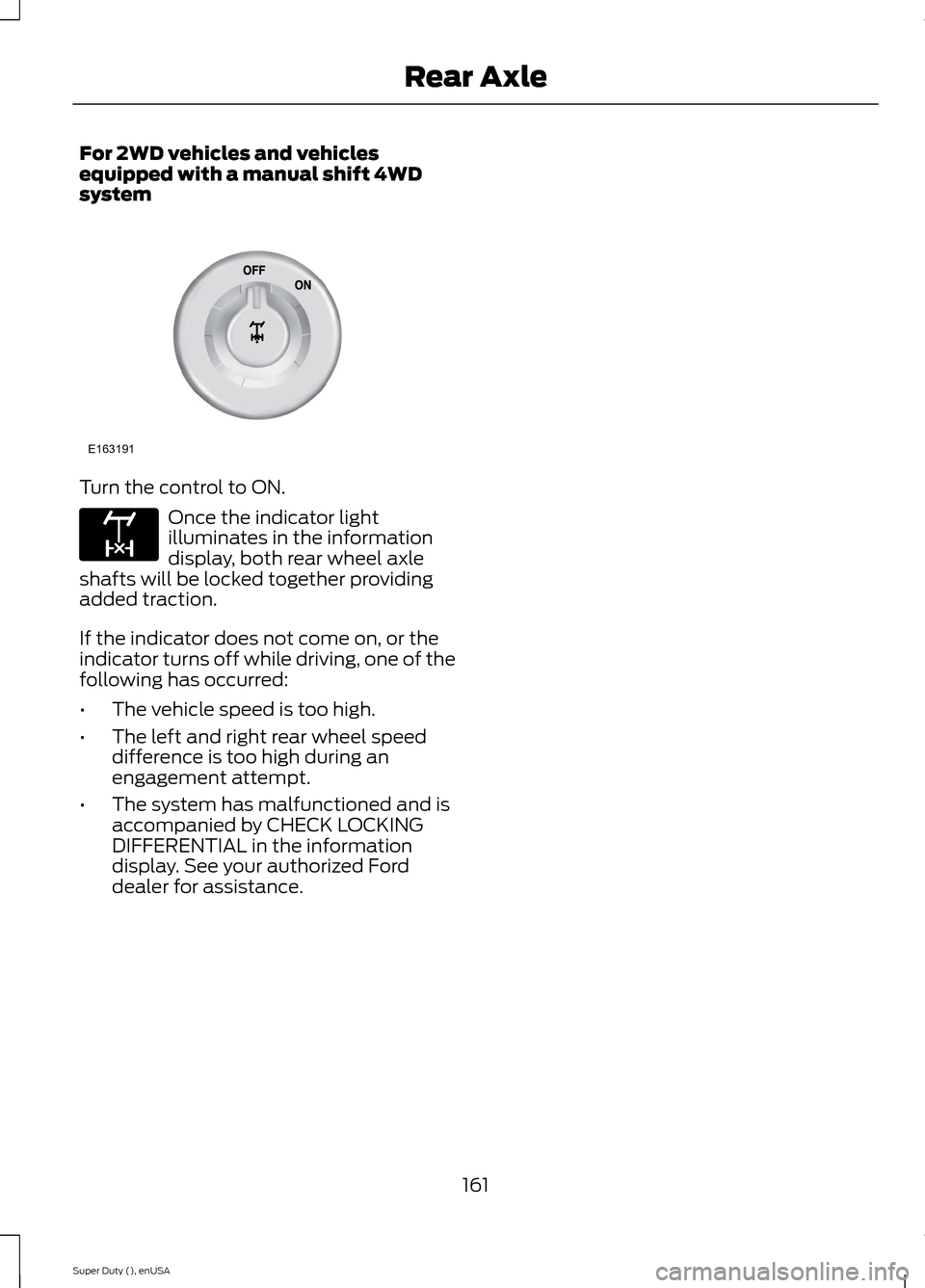
Turn the control to ON.
Once the indicator lightilluminates in the informationdisplay, both rear wheel axleshafts will be locked together providingadded traction.
If the indicator does not come on, or theindicator turns off while driving, one of thefollowing has occurred:
•The vehicle speed is too high.
•The left and right rear wheel speeddifference is too high during anengagement attempt.
•The system has malfunctioned and isaccompanied by CHECK LOCKINGDIFFERENTIAL in the informationdisplay. See your authorized Forddealer for assistance.
161Super Duty (), enUSARear AxleE163191 E163170