Page 11 of 367
THINGS TO KNOW BEFORE STARTING YOUR VEHICLE
CONTENTS
!IMPORTANT VEHICLE INFORMATION.......12
▫High Voltage Battery....................12
!500e ELECTRIC VEHICLE FEATURES.........14
▫Audible Pedestrian Warning System.........15
▫Single-Speed Transmission................15
▫Auto Park............................15
▫E-Park..............................15
▫Climate Control (HVAC System)............16
▫Electric Air Conditioning Compressor........16
▫Electric Power Steering..................16
▫Smartphone Features....................17
!ELECTRIC SYSTEM OPERATION............20
▫Level 1 Charging (120V — Requires
NEMA 5–15 Outlet).....................20
▫Level 2 Charging (240V — Requires A 40 Amp
Circuit Breaker Or Greater)...............20
▫Charge Times.........................21
▫Vehicle Charge Cord....................22
▫EVSE Operation And Status Information......23
▫Charging The High Voltage Battery..........26
2
Page 18 of 367

E-Park is activated when the driver pushes the PARK
button. An electric motor activates the parking pawl and
locks the single-speed transmission when the vehicle is
placed into PARK. This will prevent any unwanted
movement of the vehicle.
NOTE:The engagement of the E-Park can be heard when
there is no noise in the interior of the vehicle, this is a
normal condition.
Climate Control (HVAC System)
Your 500e is equipped with an Automatic Temperature
Control (ATC) HVAC system. This HVAC system utilizes
a humidity sensor, cabin sensor, and ambient tempera-
ture sensor to choose operation mode and control cabin
comfort. These components allow the controller to oper-
ate the HVAC system in a very efficient manner to
maximize driving range.
Your 500e also uses an electric air heater to provide heat
to the cabin.
Electric Air Conditioning Compressor
Your 500e uses an electric air conditioning compressor.
The air conditioning compressor is powered by the high
voltage battery system and is used to cool the vehicle
occupants and the high voltage battery while the vehicle
is being driven or when it is being charged.
The high voltage battery may require cooling to keep the
vehicle running. The air conditioning compressor will
activate without any input from the occupant.
NOTE:The AC system helps cool the high voltage
battery. If the air conditioning system should require
service see your authorized dealer as soon as possible.
Electric Power Steering
Your vehicle is equipped with an Electric Power Steering
(EPS) system. The power steering system requires no
maintenance and operates without the use of power
steering fluid.
16 THINGS TO KNOW BEFORE STARTING YOUR VEHICLE
Page 19 of 367
Smartphone Features
With the “FIAT Access” smartphone app, you can moni-
tor the state of charge of the high voltage battery or
initiate charging from your phone. You can also turn on
your car ’s climate control system remotely. The smart-
phone app provides the following features:
•Monitor battery charge level
•Display available driving distance
•Check charging status
•Remotely activate vehicle climate control system
•Unlock and lock doors
•Assist with locating your vehicle
•Locate charging stations
•Send a point-of-interest to your vehicle
•Schedule a charge
•View energy consumed
•Notifications for charging and preconditioning events
2
THINGS TO KNOW BEFORE STARTING YOUR VEHICLE 17
Page 32 of 367
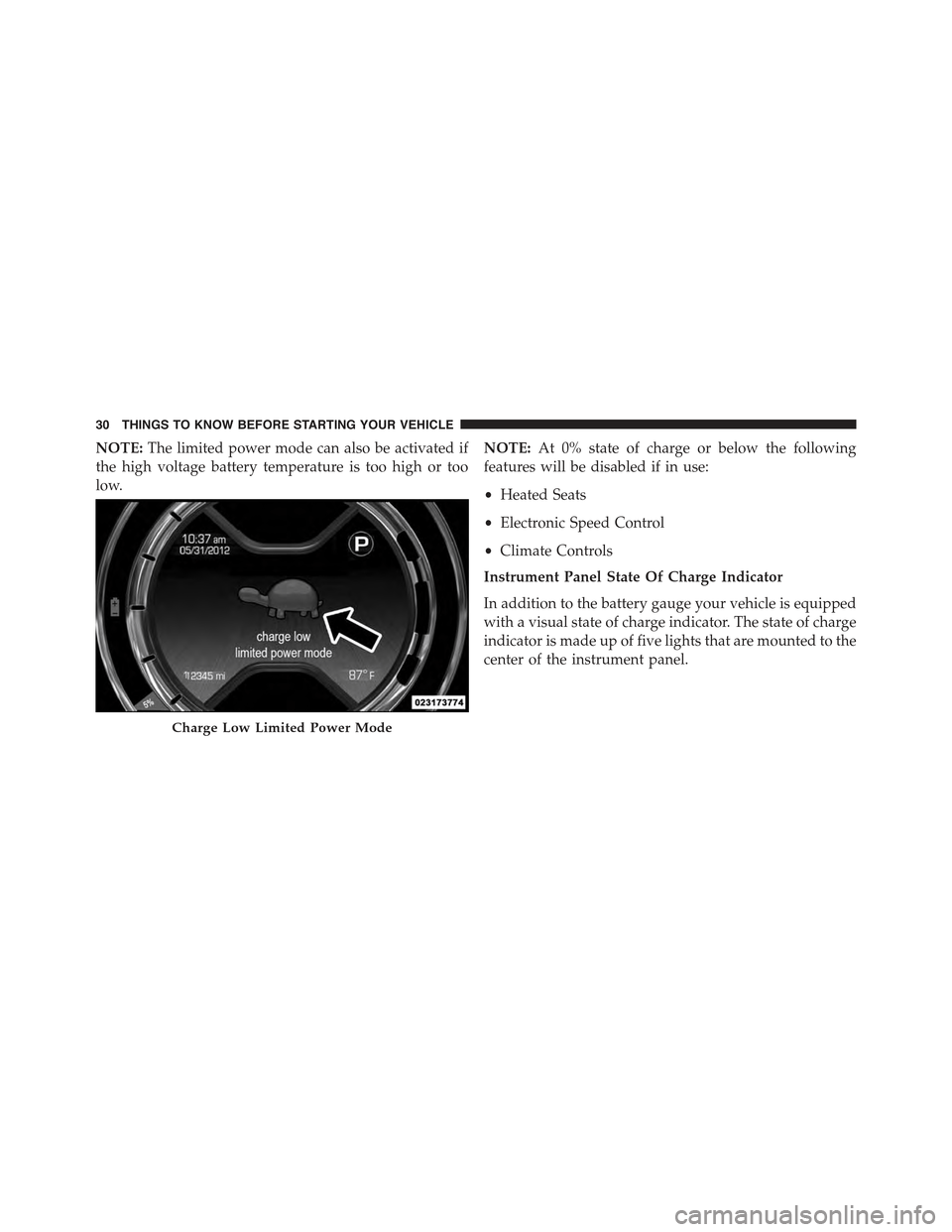
NOTE:The limited power mode can also be activated if
the high voltage battery temperature is too high or too
low.
NOTE:At 0% state of charge or below the following
features will be disabled if in use:
•Heated Seats
•Electronic Speed Control
•Climate Controls
Instrument Panel State Of Charge Indicator
In addition to the battery gauge your vehicle is equipped
with a visual state of charge indicator. The state of charge
indicator is made up of five lights that are mounted to the
center of the instrument panel.
Charge Low Limited Power Mode
30 THINGS TO KNOW BEFORE STARTING YOUR VEHICLE
Page 45 of 367

Auto Door Locks
When enabled, the door locks will lock automatically
when the vehicles speed exceeds 15 mph (24 km/h).
To change the setting proceed as follows:
1. Briefly push theMENUbutton to enter theMENU
screen.
2. Push the UPor DOWNbutton to highlight
“Auto Door Locks”. Push the MENU button, use
the UPor DOWNbuttons to turn setting ON
or OFF
3. Briefly push theMENUbutton to go back to the menu
screen, or push and hold theMENUbutton (approxi-
mately one second) to go back to the main screen
without storing the settings.
NOTE:Use the Automatic Door Locks feature in accor-
dance with local laws.
Refer to “Electronic Vehicle Information Center (EVIC)”
in “Understanding Your Instrument Panel” in your
owner manual on your DVD for further information.
POWER WINDOWS
Power Window Switches
There are single window controls located on the shifter
bezel, below the climate controls, which operate the
driver and passenger door windows. The window con-
trols will operate when the ignition switch is in the
ON/RUN position.
2
THINGS TO KNOW BEFORE STARTING YOUR VEHICLE 43
Page 156 of 367
▫Troubleshooting.......................198
!iPod®/USB/MEDIA PLAYER CONTROL — IF
EQUIPPED...........................199
!STEERING WHEEL AUDIO CONTROLS......200
▫Radio Operation......................201
▫CD Player Operation...................201
▫Operating Instructions — Hands-Free Phone
(If Equipped).........................201
!CD/DVD DISC MAINTENANCE...........201
!RADIO OPERATION AND MOBILE PHONES . .202
!CLIMATE CONTROLS...................202
▫Automatic Temperature Control (ATC)......202
▫Operating Tips.......................208
154 UNDERSTANDING YOUR INSTRUMENT PANEL
Page 158 of 367
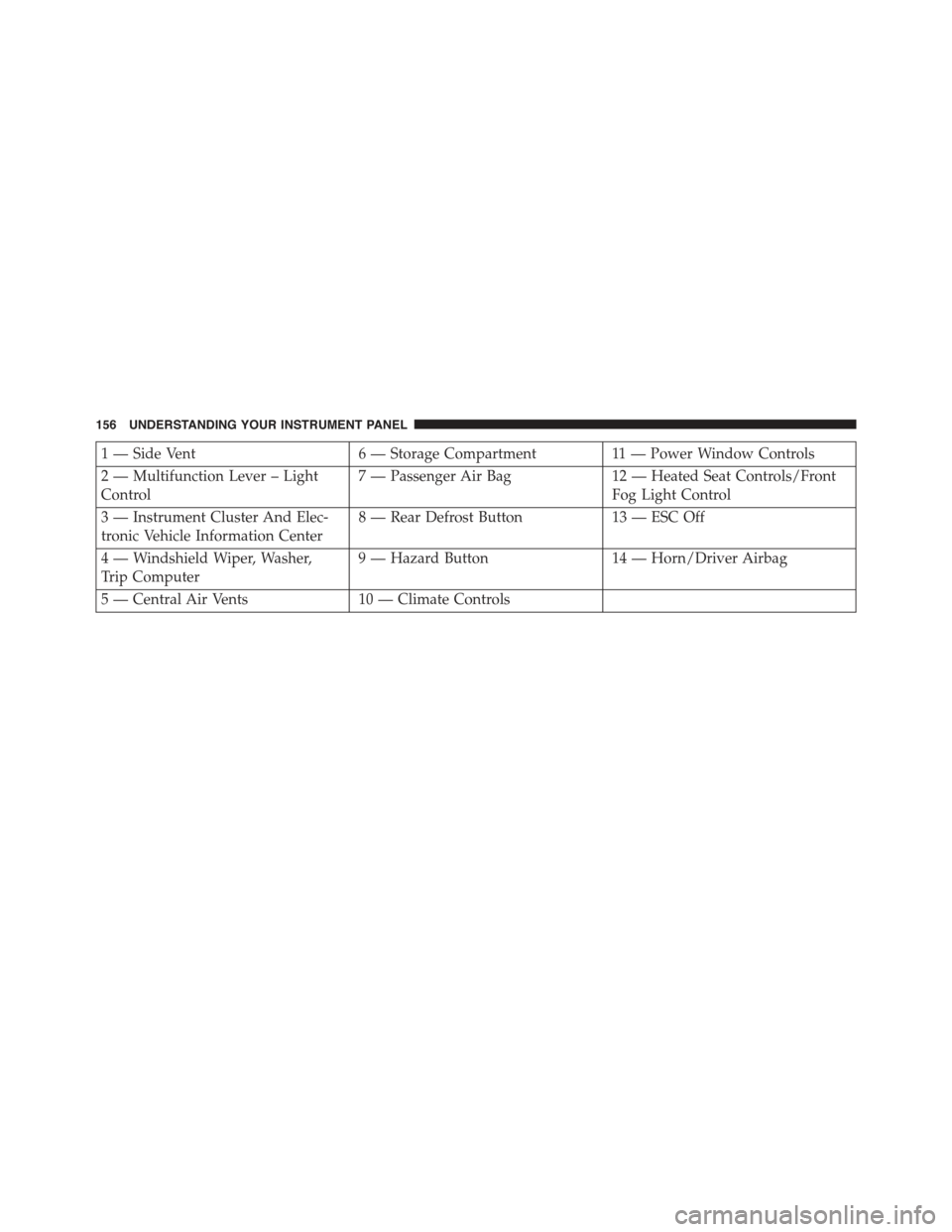
1 — Side Vent6 — Storage Compartment11 — Power Window Controls
2 — Multifunction Lever – Light
Control
7 — Passenger Air Bag12 — Heated Seat Controls/Front
Fog Light Control
3 — Instrument Cluster And Elec-
tronic Vehicle Information Center
8 — Rear Defrost Button13 — ESC Off
4 — Windshield Wiper, Washer,
Trip Computer
9 — Hazard Button14 — Horn/Driver Airbag
5 — Central Air Vents10 — Climate Controls
156 UNDERSTANDING YOUR INSTRUMENT PANEL
Page 204 of 367
5. Store the disc in its case after playing.
6. Do not expose the disc to direct sunlight.
7. Do not store the disc where temperatures may become
too high.
NOTE:If you experience difficulty in playing a particular
disc, it may be damaged (e.g., scratched, reflective coat-
ing removed, a hair, moisture or dew on the disc)
oversized, or have protection encoding. Try a known
good disc before considering disc player service.
RADIO OPERATION AND MOBILE PHONES
Under certain conditions, the mobile phone being on in
your vehicle can cause erratic or noisy performance from
your radio. This condition may be lessened or eliminated
by relocating the mobile phone antenna. This condition is
not harmful to the radio. If your radio performance does
not satisfactorily “clear” by the repositioning of the an-
tenna, it is recommended that the radio volume be turned
down or off during mobile phone operation.
CLIMATE CONTROLS
The air conditioning and heating system is designed to
make you comfortable in all types of weather.
Automatic Temperature Control (ATC)
•The Automatic Temperature Control (ATC) allows the
occupant to select a comfort settings.
•The system provides set-and-forget operation for op-
timum comfort and convenience.
•The system can be controlled manually, if desired.
The ATC system automatically maintains the interior
comfort level desired by the occupant.
202 UNDERSTANDING YOUR INSTRUMENT PANEL